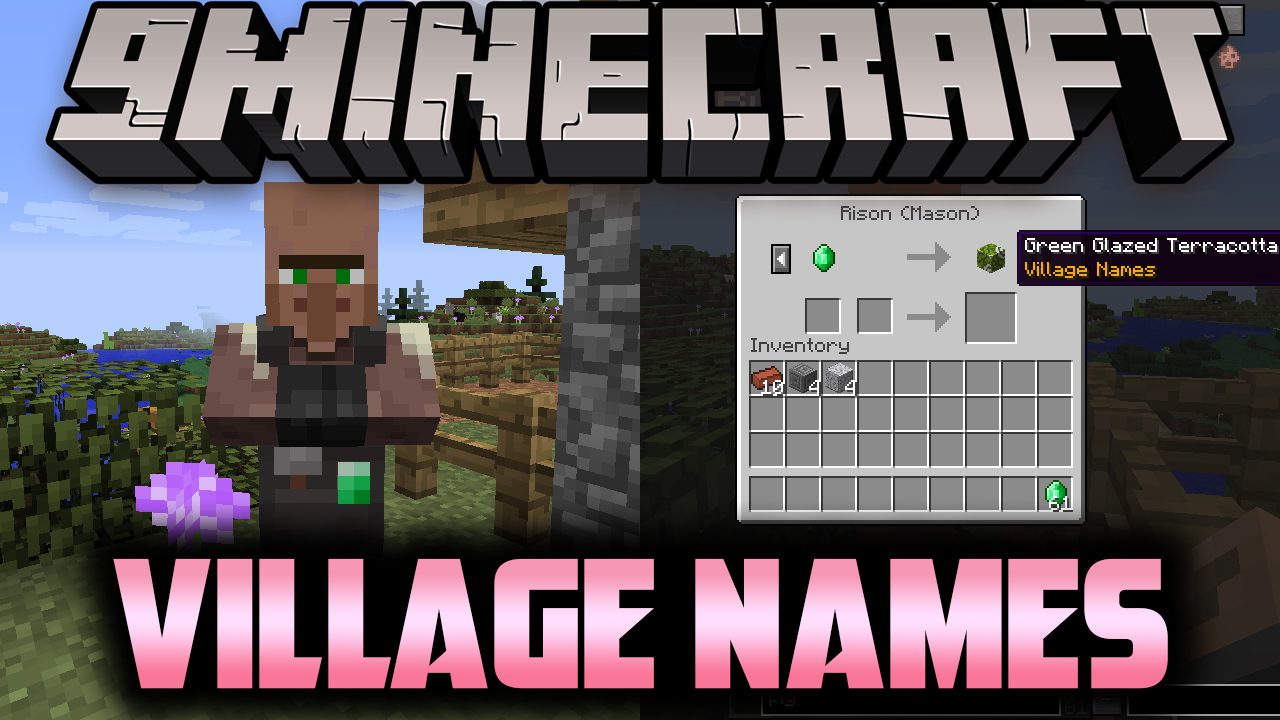
AstroTibs's Village Names Mod (1.12.2, 1.7.10) – Generate Names for Villages
Minecraft Java mod. Downloads from the MC Java Mods app on Android.
AstroTibs's Village Names Mod backports modern village structures and villager designs, and generates names for villages and villagers, and other entities…
⬇ DownloadAstroTibs’s Village Names Mod backports modern village structures and villager designs, and generates names for villages and villagers, and other entities and structures. In addition, you’ll be able to use a book on a villager, which will display information about the village: its name, location, and population.
Features:
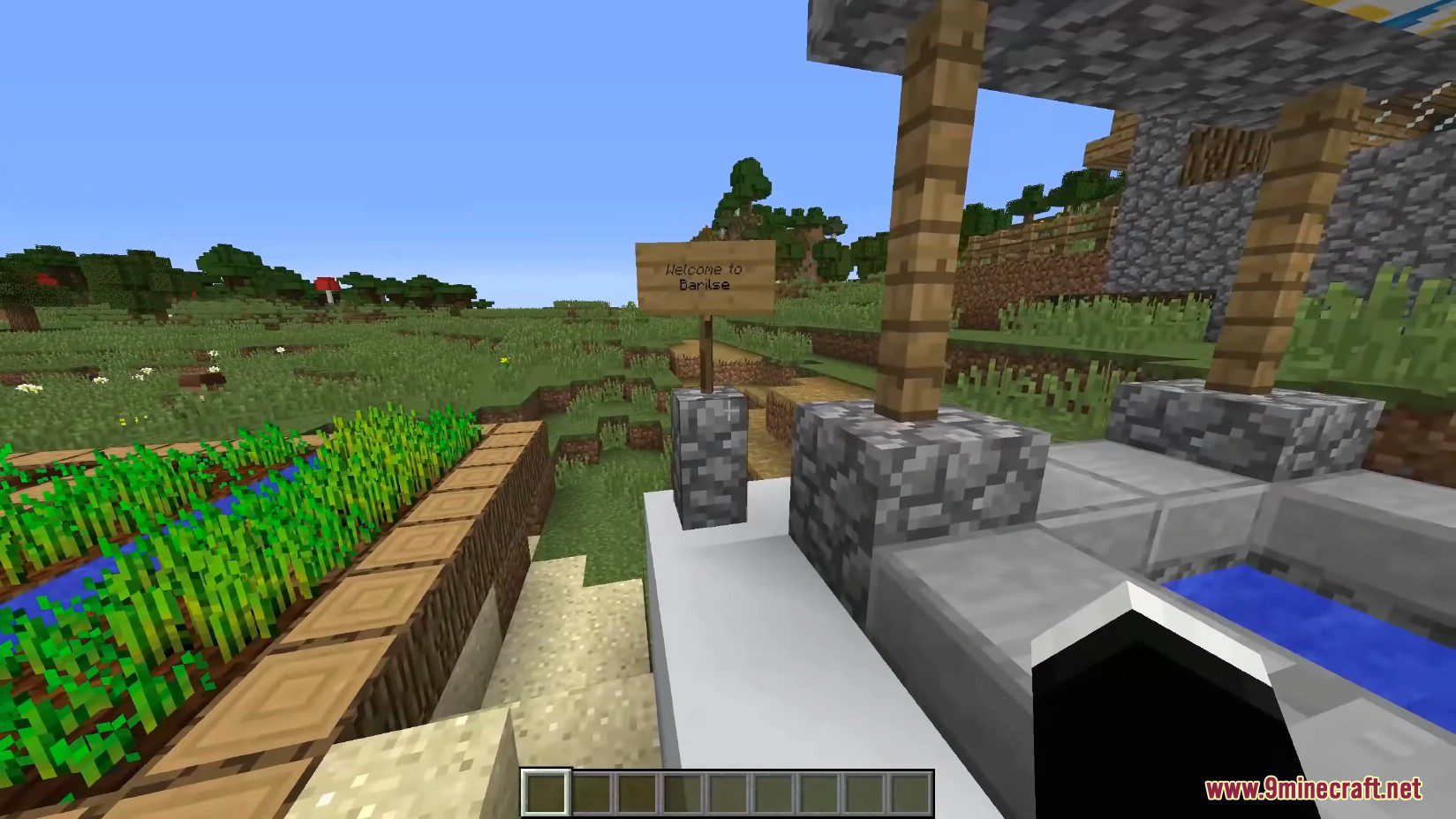
- Whenever a new village is created, it generates a sign right next to the well. This is an option in the config file to create a barrier, preventing villagers or players from getting stuck in it.
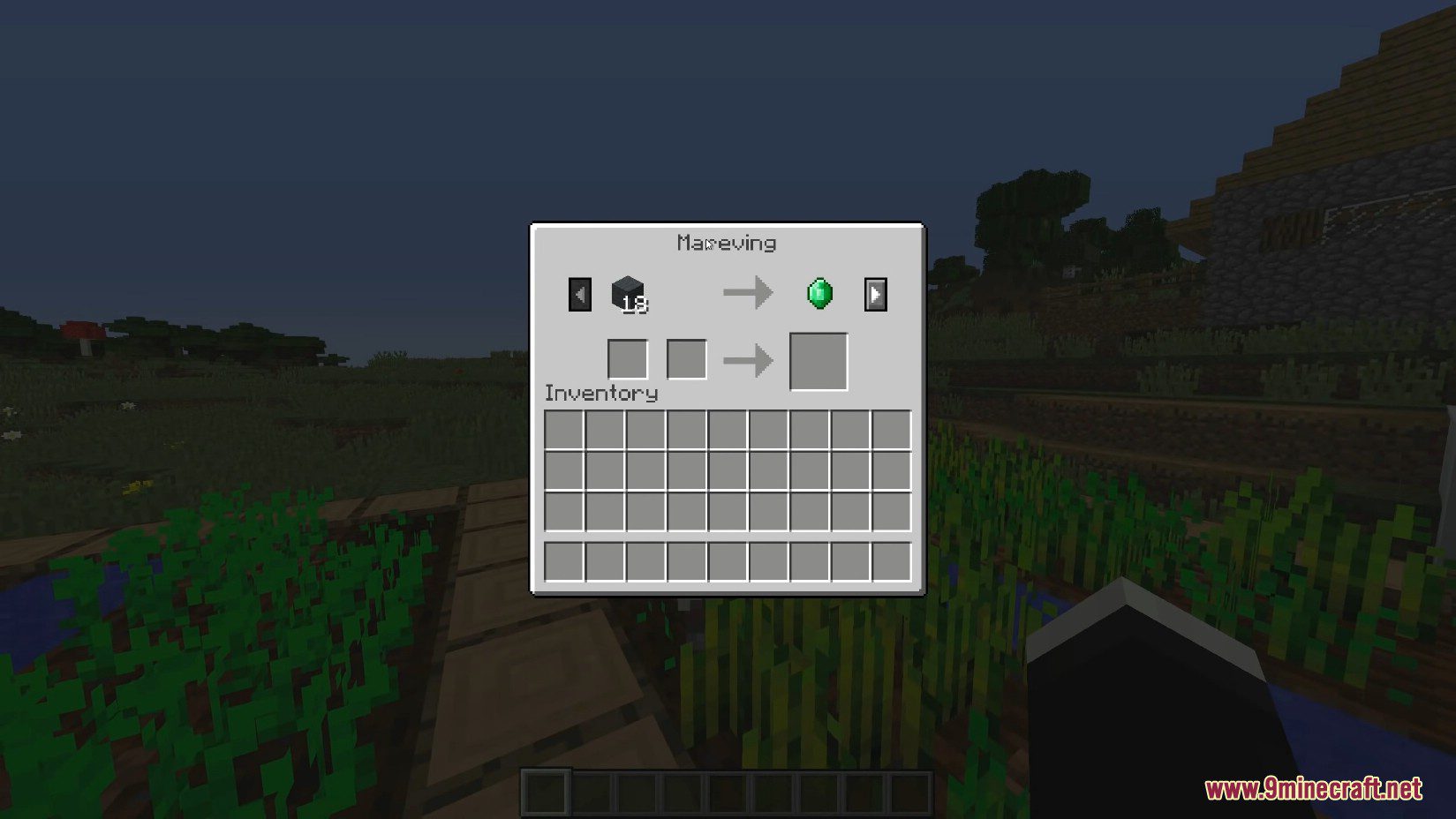
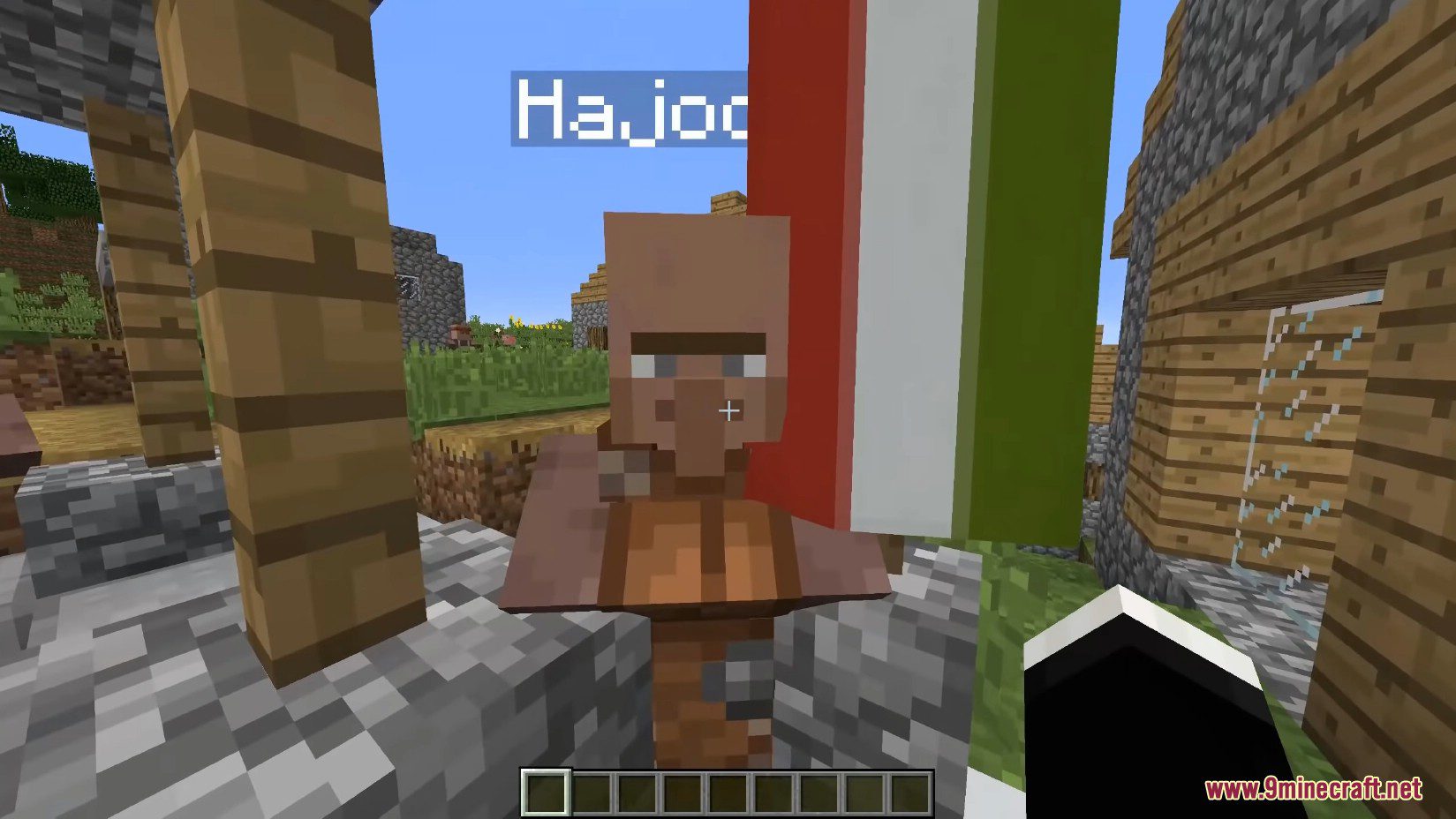
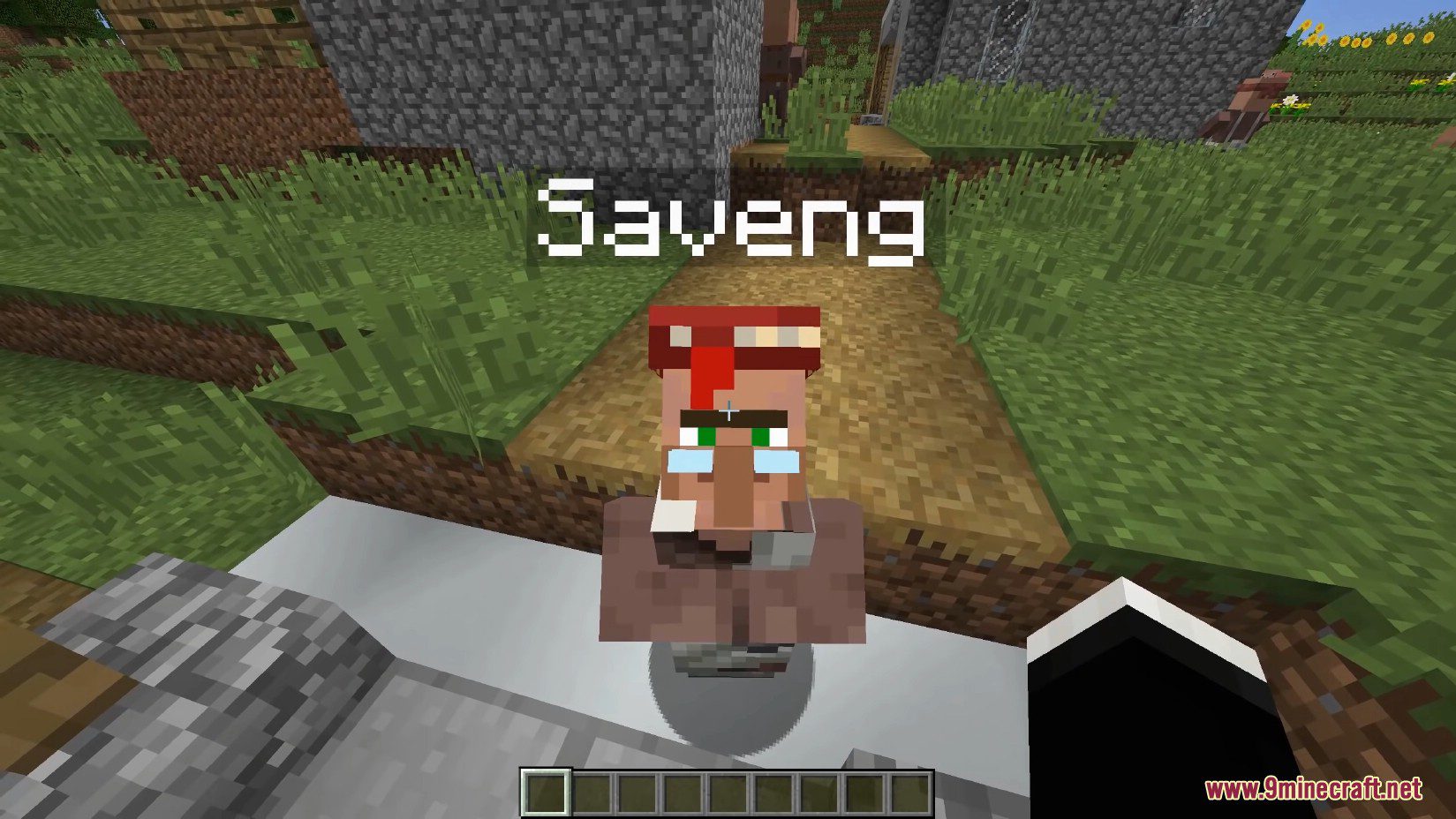
- In addition to protecting villagers from danger, this sign also displays a randomly generated name for the village. Whenever you interact with a villager, for example, by opening a trading GUI, they will reveal that name to you.
- The village name signs can sometimes be damaged or accidentally not generated randomly. That’s why you need to install the Village Names Mod after creating a new village. In some cases, you might think these villages have no names, but in reality, that’s not the case. When you right-click on a villager, this action will record the village’s name and display it on the sign.
- The mod still works even if the village already has a sign. However, according to the Village Book, there will be 4 villagers whose names we cannot find. This mod also provides players with various crafting recipes for decorative blocks to use in their newly created villages.
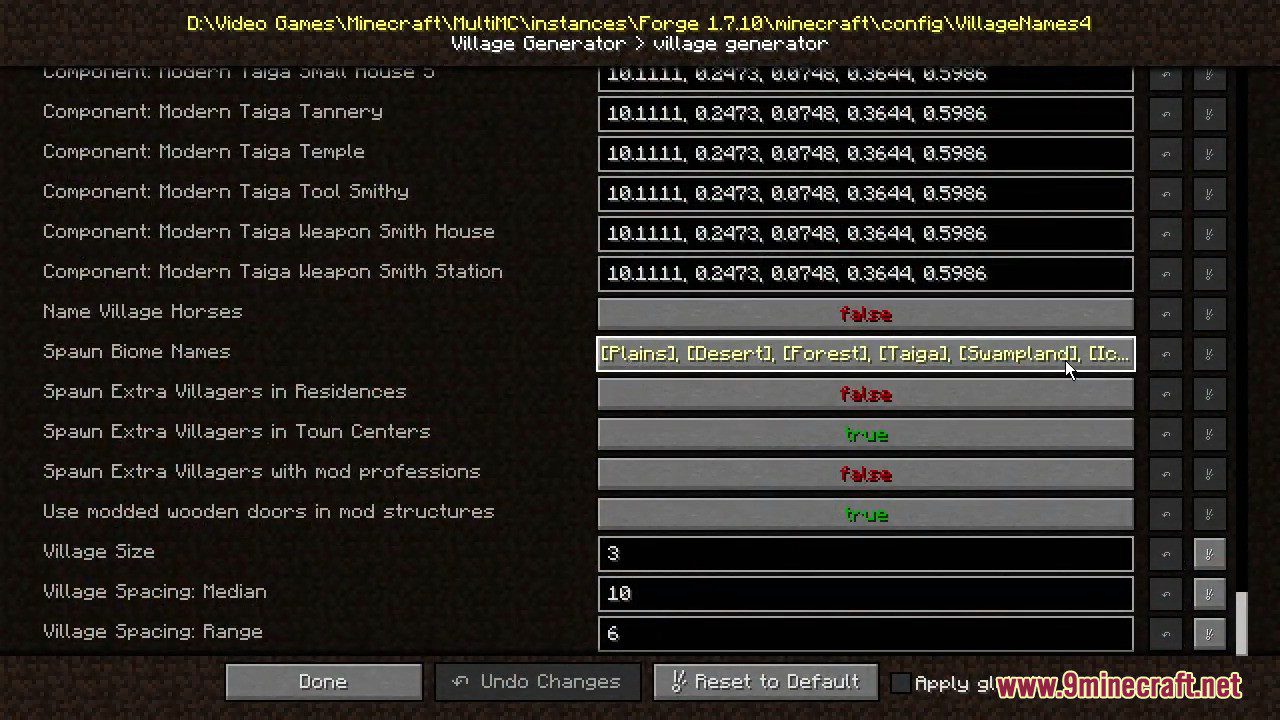
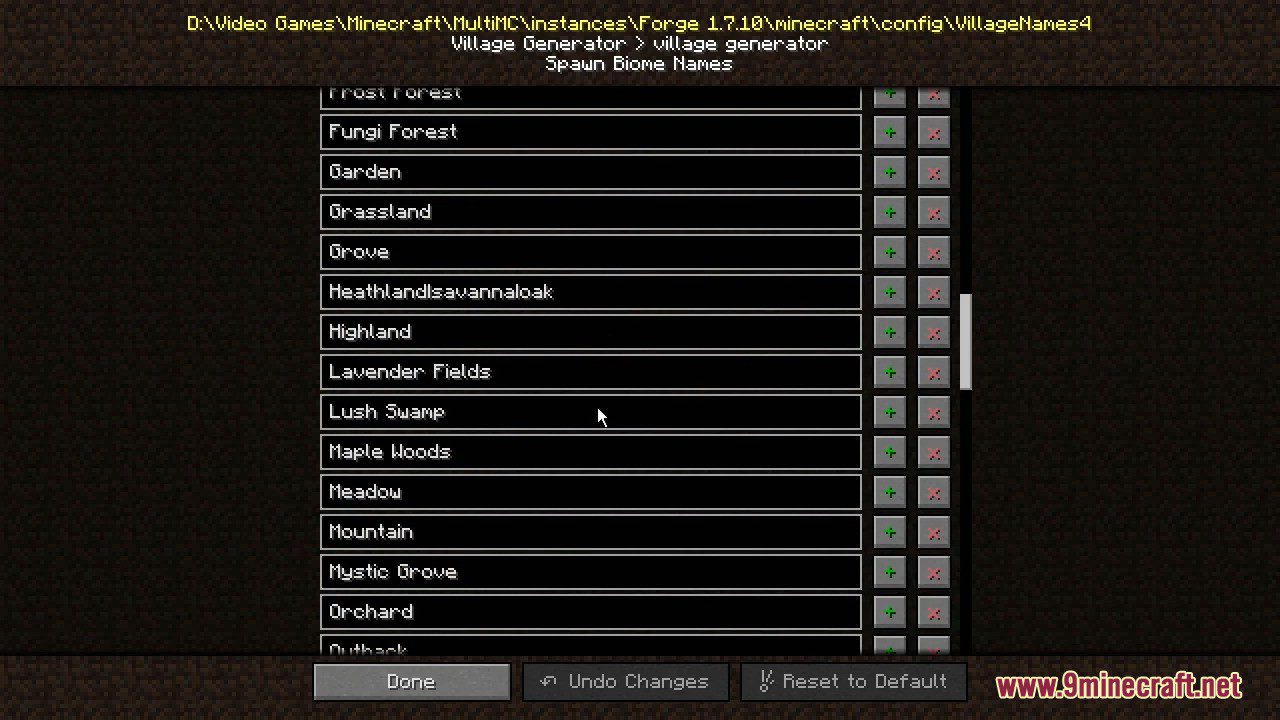
Screenshots:
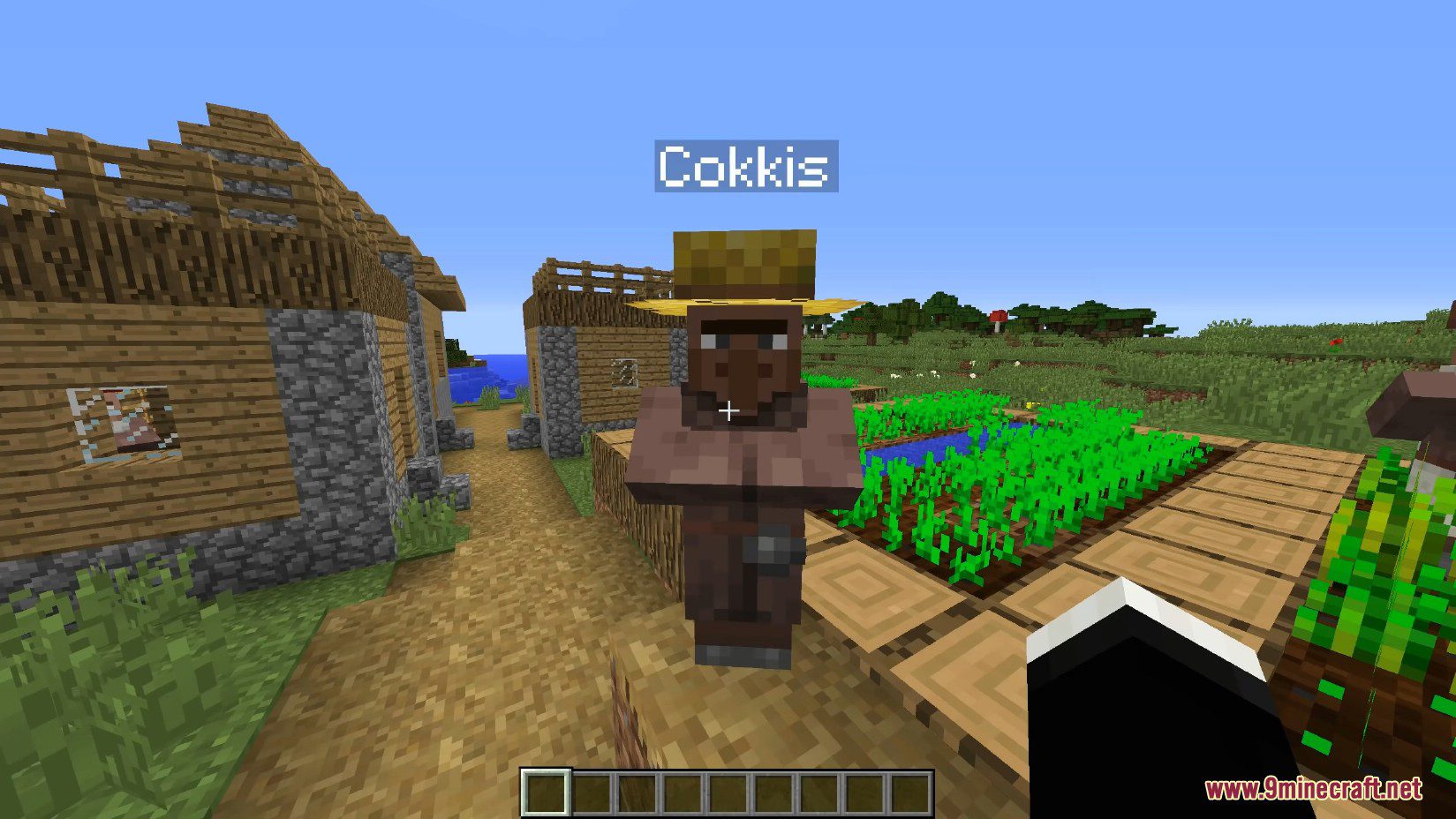
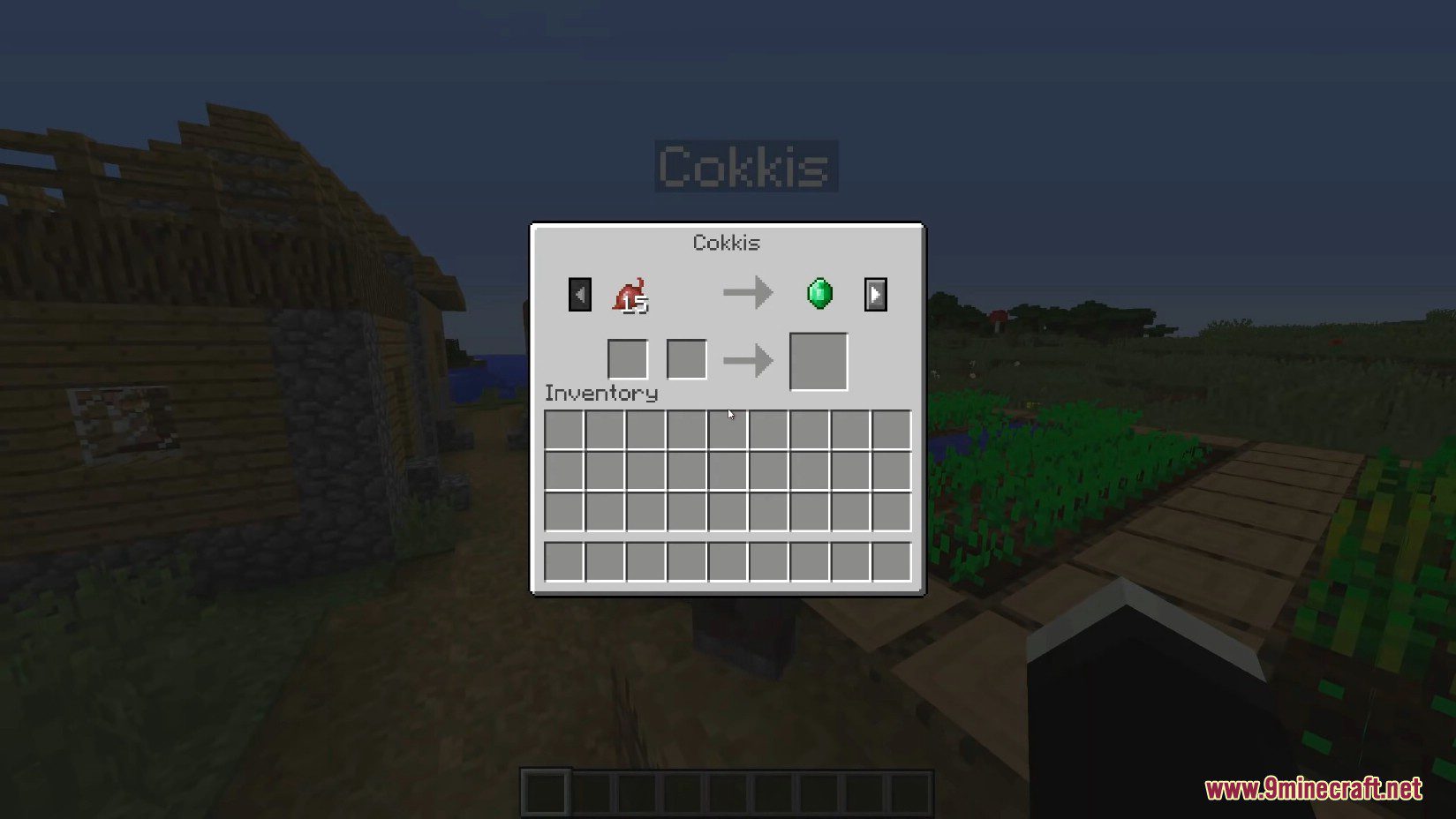
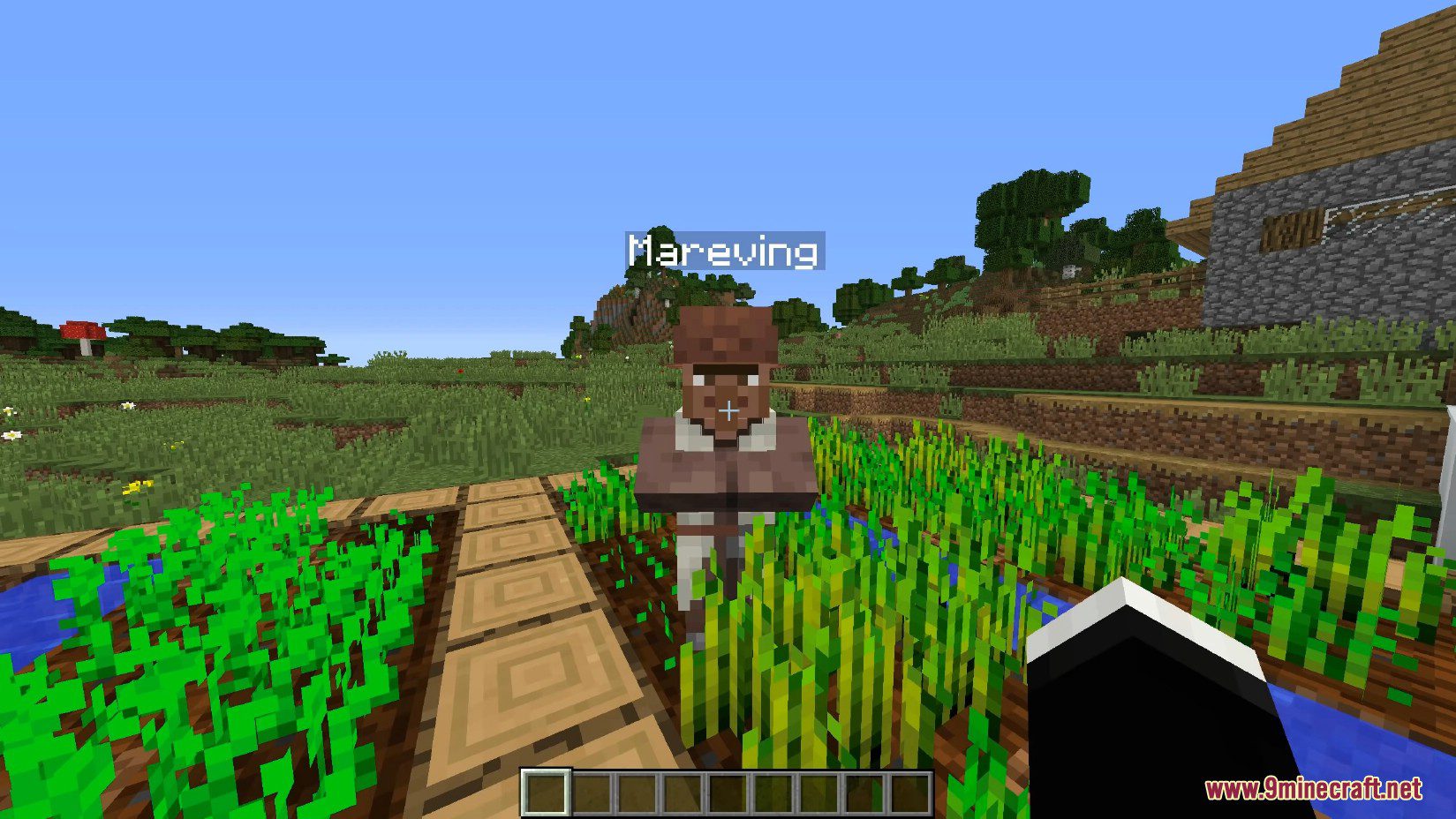
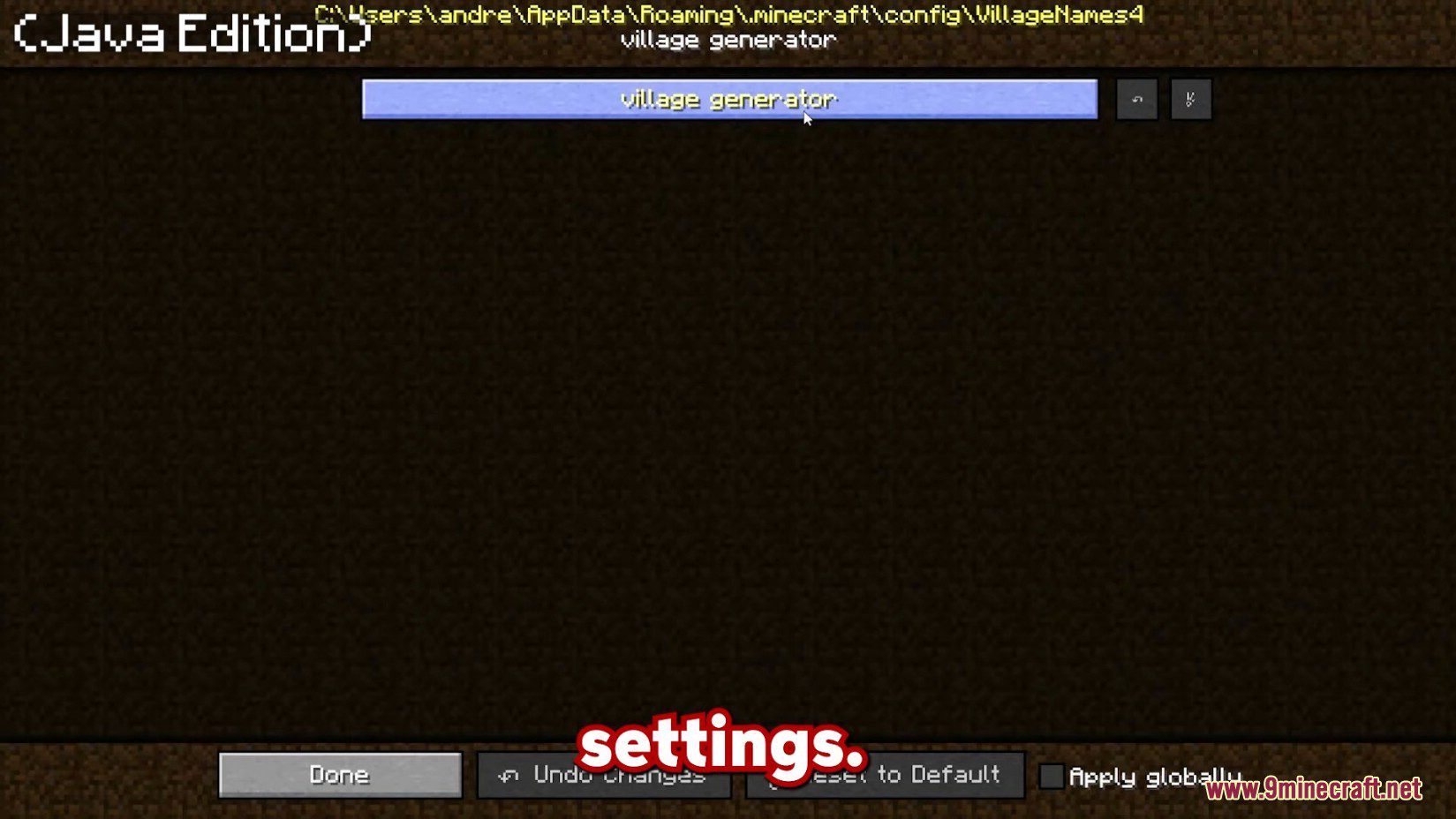
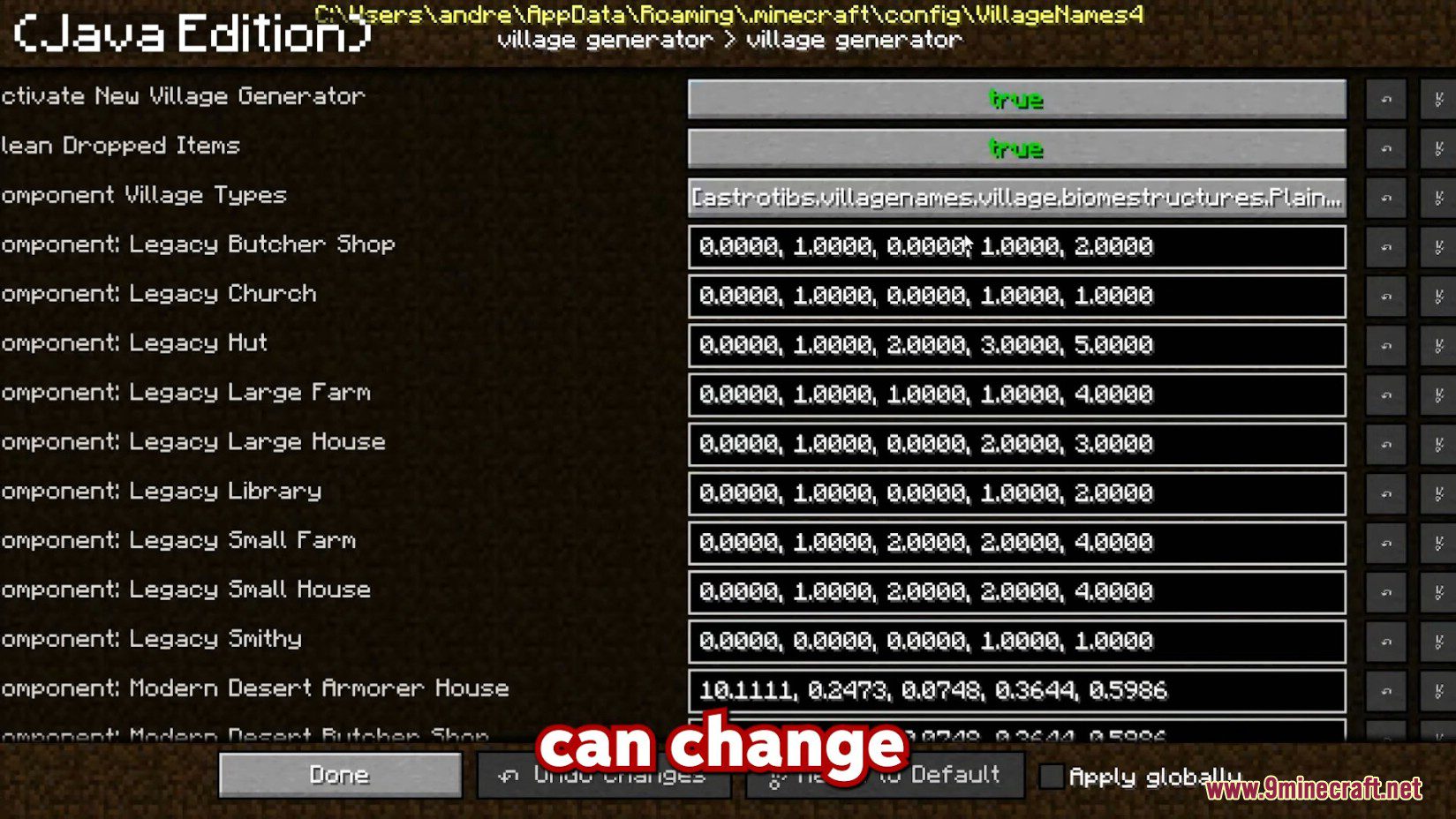
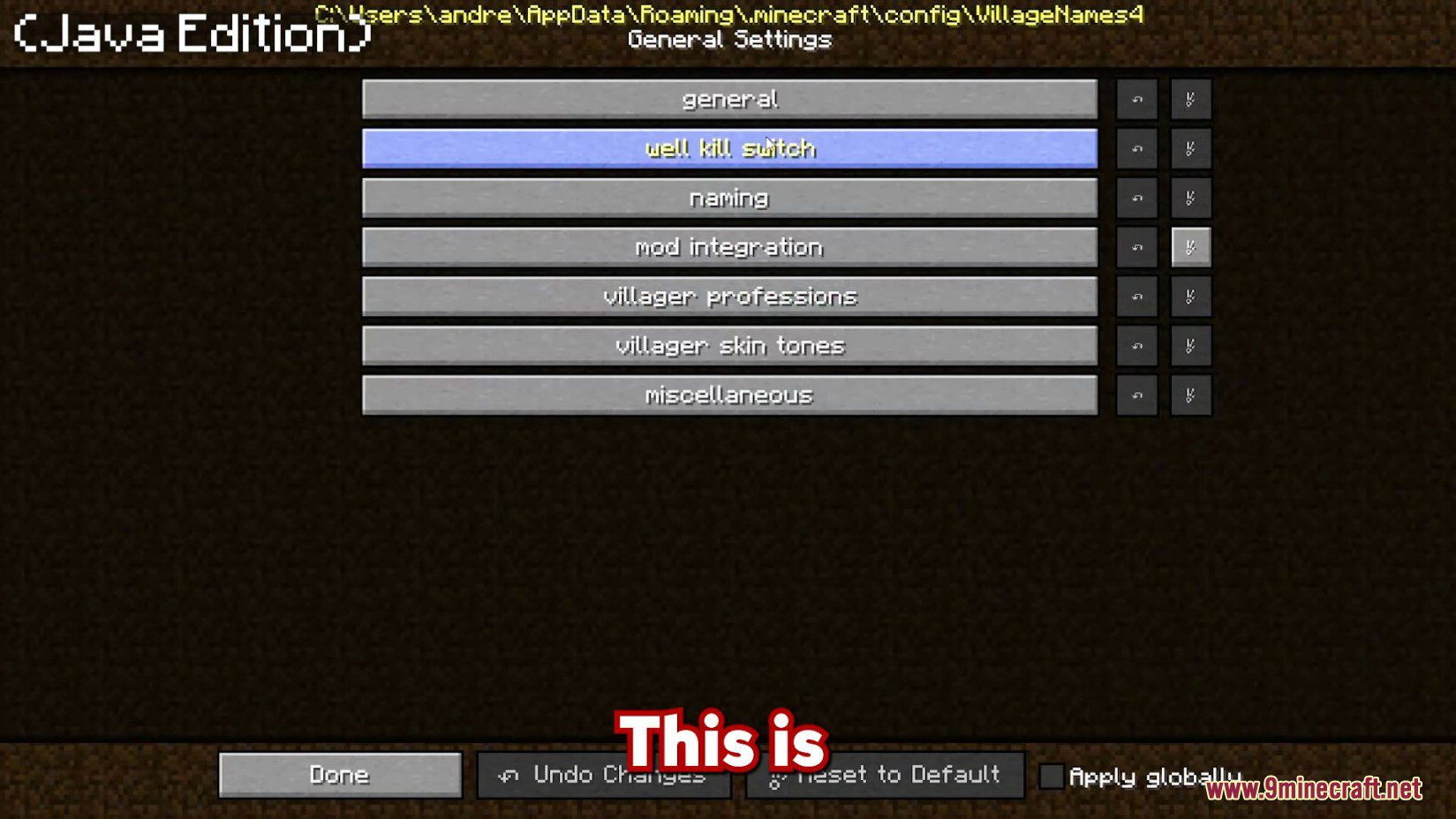
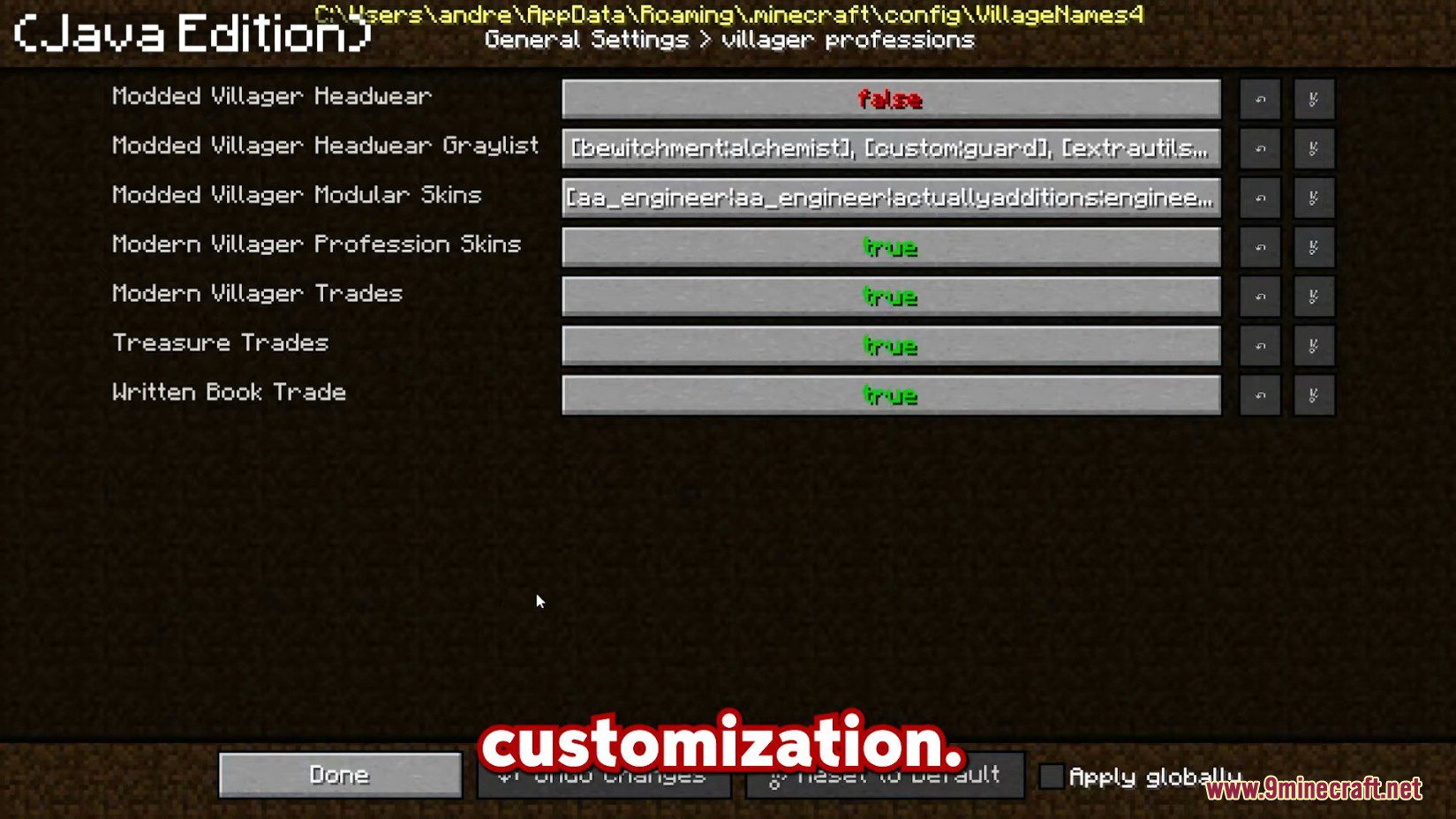
AstroTibs’s Village Names Mod Download Links
For Minecraft 1.12.2
Forge version: Download from Server 1 – Download from Server 2
For Minecraft 1.11.2
Forge version: Download from Server 1
For Minecraft 1.10.2
Forge version: Download from Server 1
For Minecraft 1.9.4
Forge version: Download from Server 1
For Minecraft 1.8.9
Forge version: Download from Server 1
For Minecraft 1.7.10
Forge version: Download from Server 1 – Download from Server 2
- Edition: Minecraft Java
- File type: .jar
- How to install: Install the matching mod loader (Forge, Fabric or NeoForge) for your Minecraft version. → Download the .jar. → Put it in the .minecraft/mods folder and launch that loader profile.
- Where to get it: In MC Java Mods, or directly above on this page.
Install steps are the general flow for this file type — How to install Minecraft Java mods & modpacks walks through it step by step.
- Downloads as 201926.mcaddon
- Download size: 2.9 MB
- Download link checked 29 Jul 2026 — working
- Mirrored on our own servers — the download does not depend on the original host
These come from our own check of the pack file, not from the source page.