Thaumic Computers Mod adds drivers allowing OpenComputers to access Thaumcraft blocks and items.
Features:
For Blocks:
- Place an OpenComputers adapter next to a Thaumcraft block like a warded jar or a machine.
- The connected computer will see an aspect_container item in its components, ready to read the contents of the block.
For Items:
- Place an OpenComputers adapter or robot with an inventory controller upgrade next to a chest
- The attributes of the items in the inventory will include the Thaumcraft aspects on the item
For Golem Seals:
- Craft a Golem Seal Connector in a standard crafting table
- Right click on a seal while sneaking to bind the connector to that seal
- Place the seal connector into an adapter in the same dimension
Screenshots:
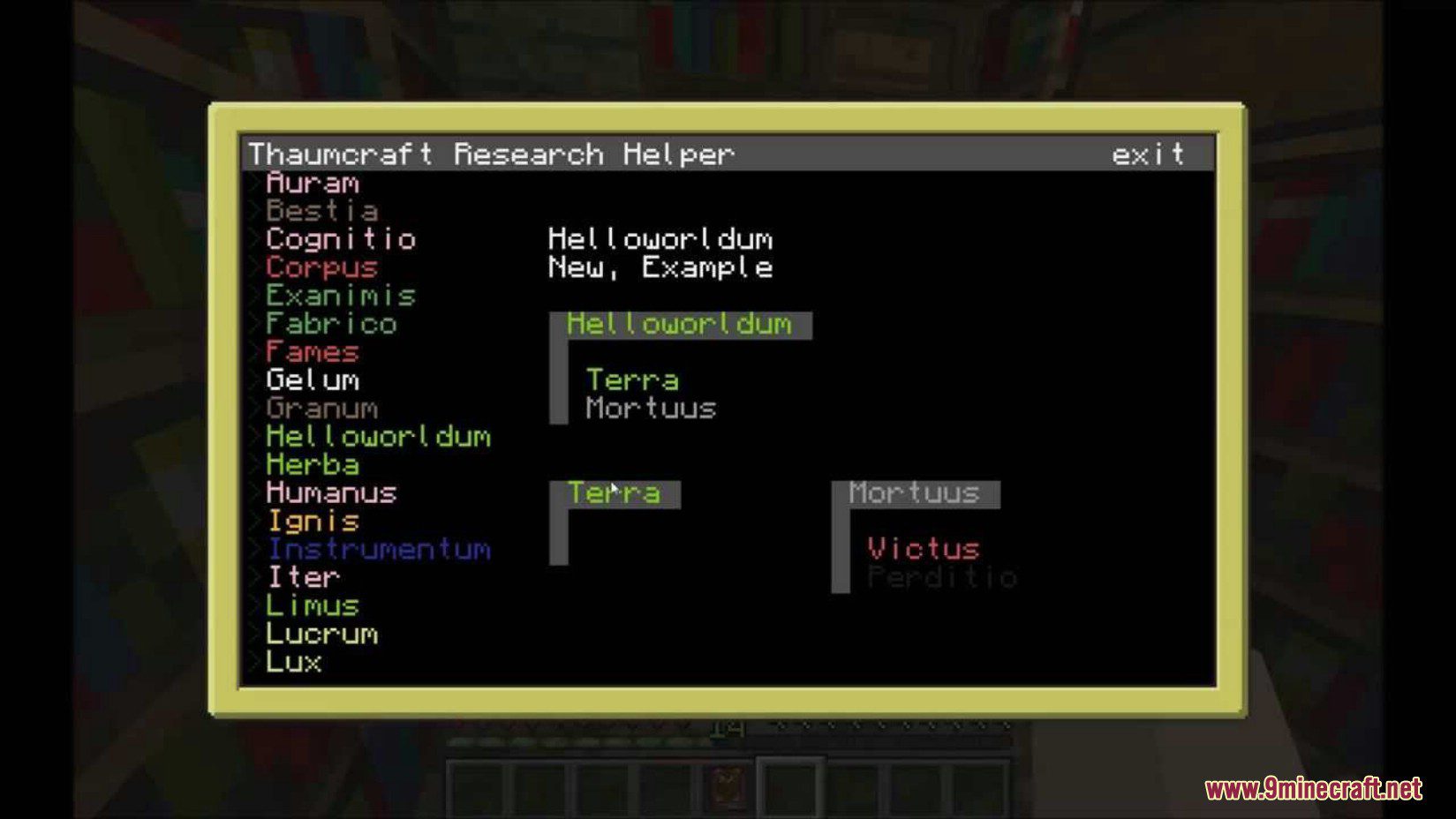
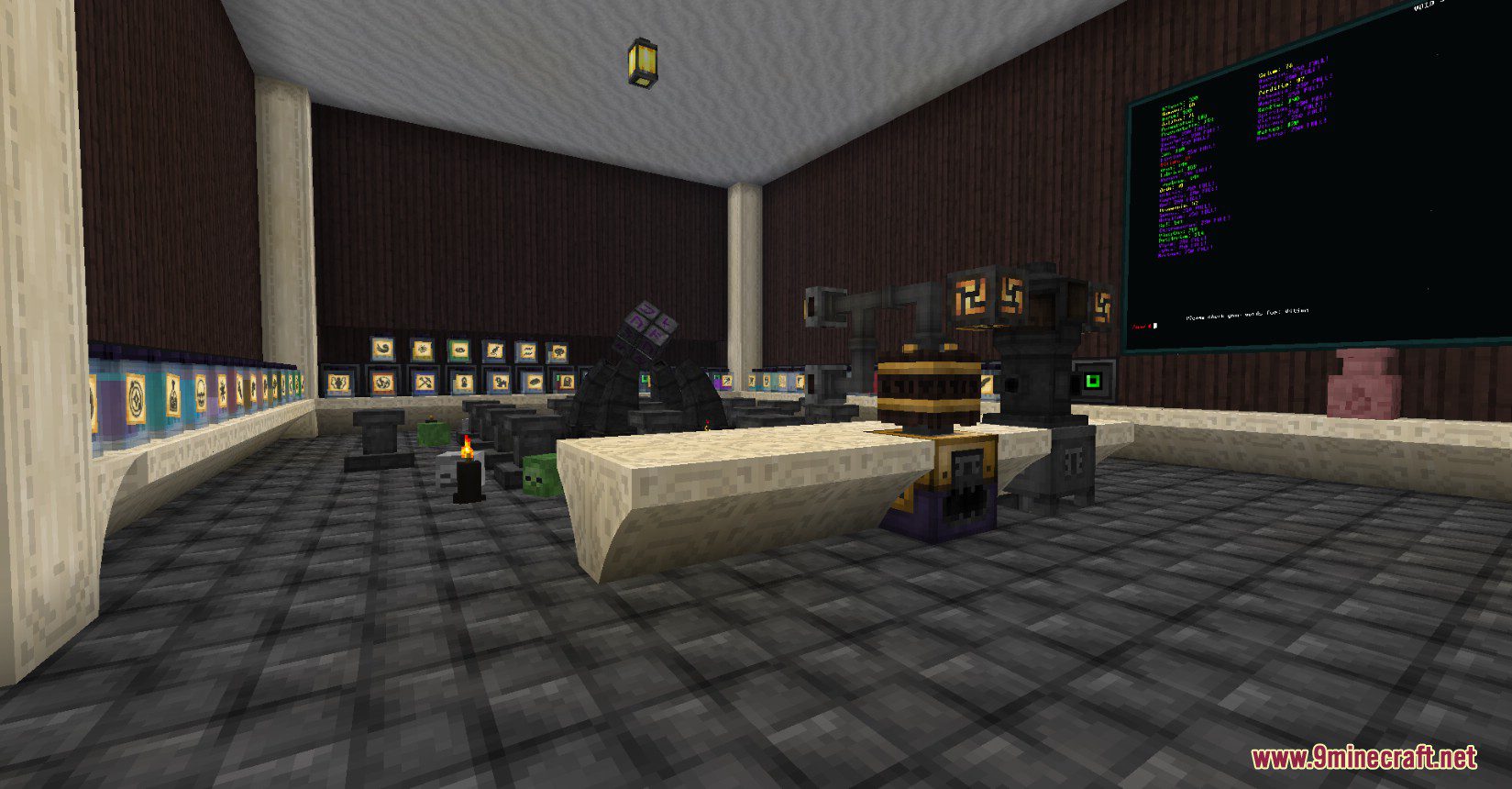
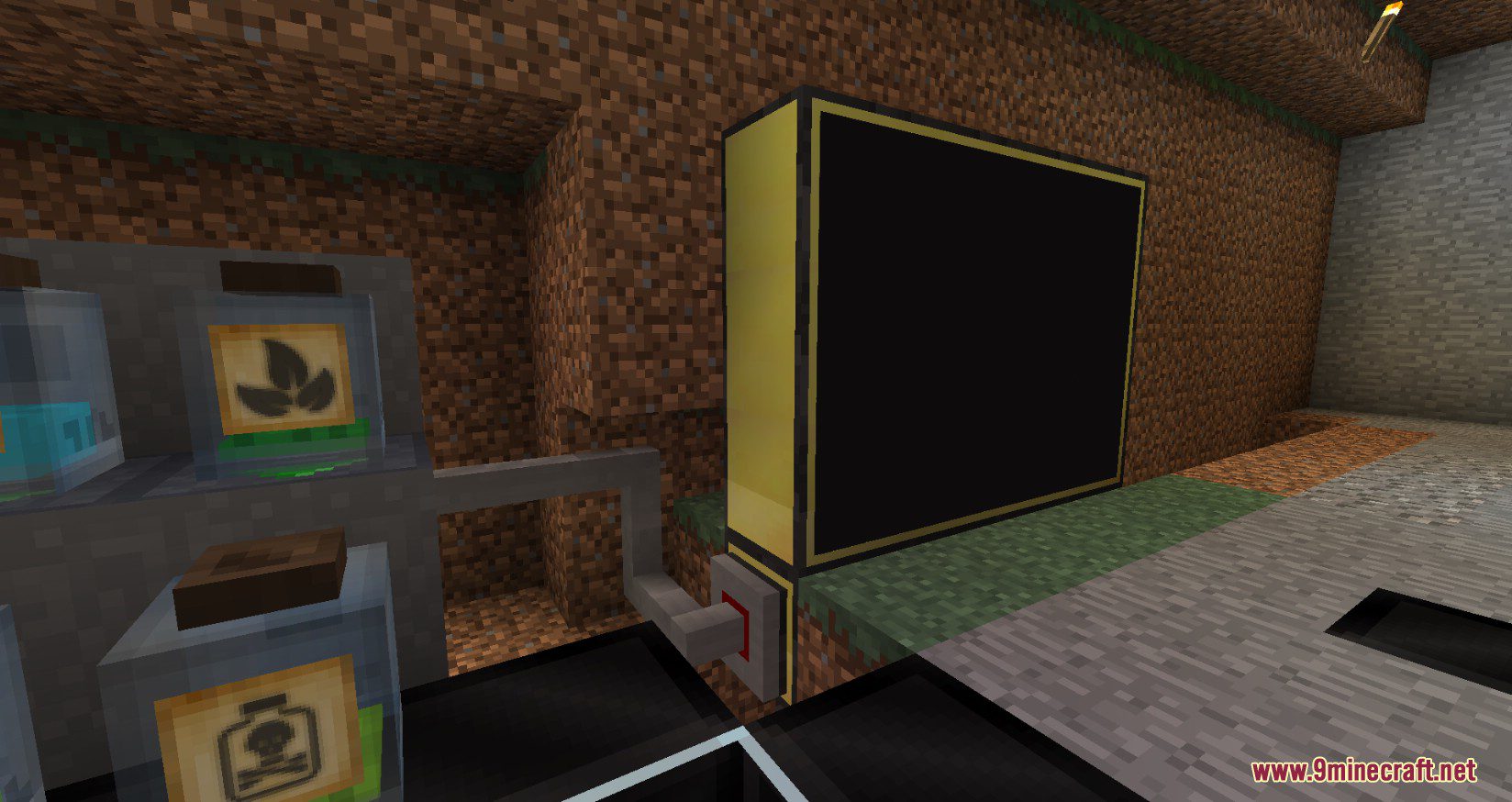
Requires:
Minecraft Forge
OpenComputers Mod
Thaumcraft Mod
Thaumic Computers Mod Download Links
For Minecraft 1.12.2
Forge version: Download from Server 1 – Download from Server 2
Quick facts
- Edition: Minecraft Java
- File type: .jar
- How to install: Install the matching mod loader (Forge, Fabric or NeoForge) for your Minecraft version. → Download the .jar. → Put it in the .minecraft/mods folder and launch that loader profile.
- Where to get it: In MC Java Mods, or directly above on this page.
Install steps are the general flow for this file type — How to install Minecraft Java mods & modpacks walks through it step by step.
Verified by MCModsHub
- Downloads as 202089.mcaddon
- Download size: 36 KB
- Download link checked 29 Jul 2026 — working
- Mirrored on our own servers — the download does not depend on the original host
These come from our own check of the pack file, not from the source page.