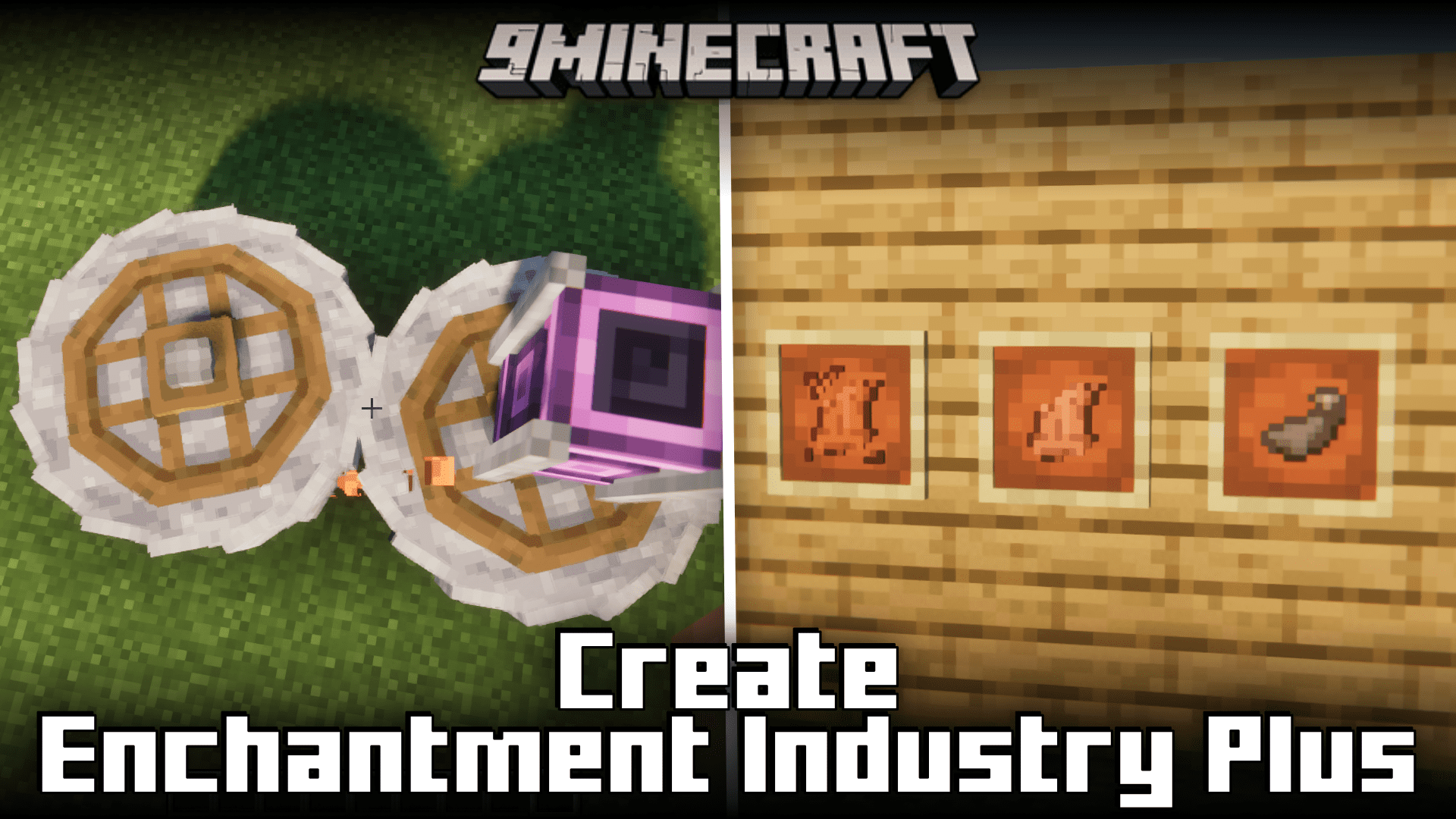
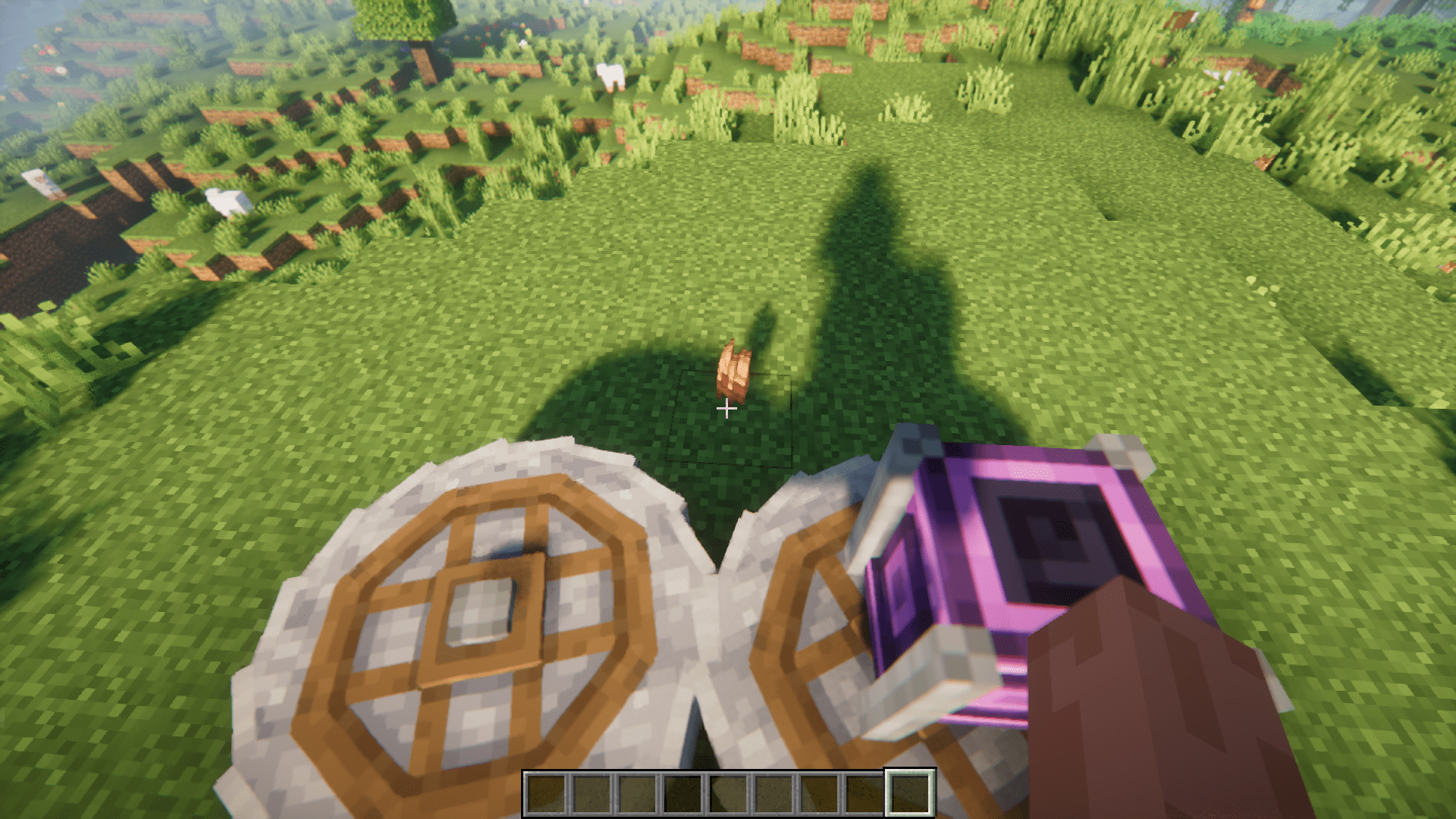
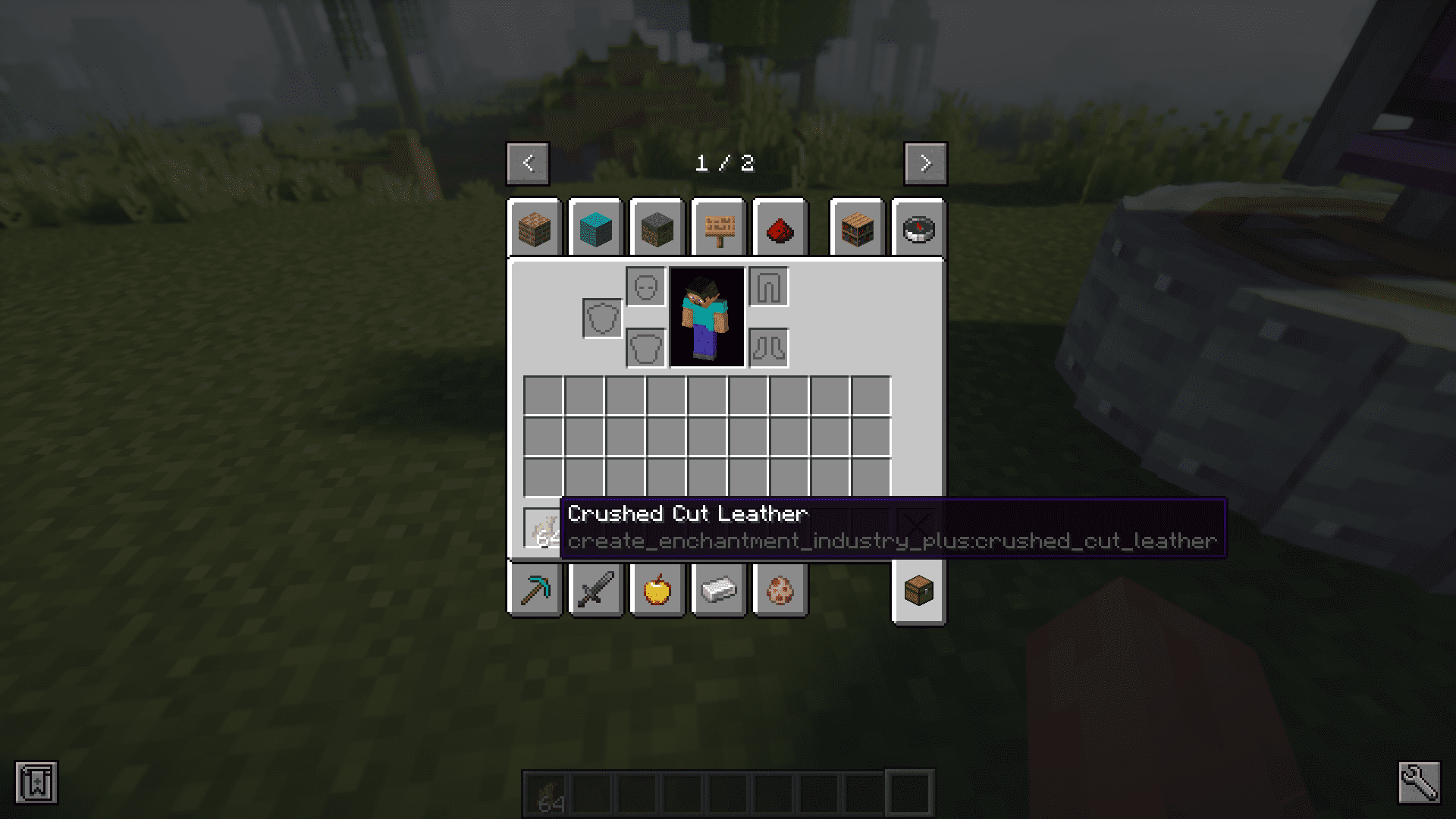
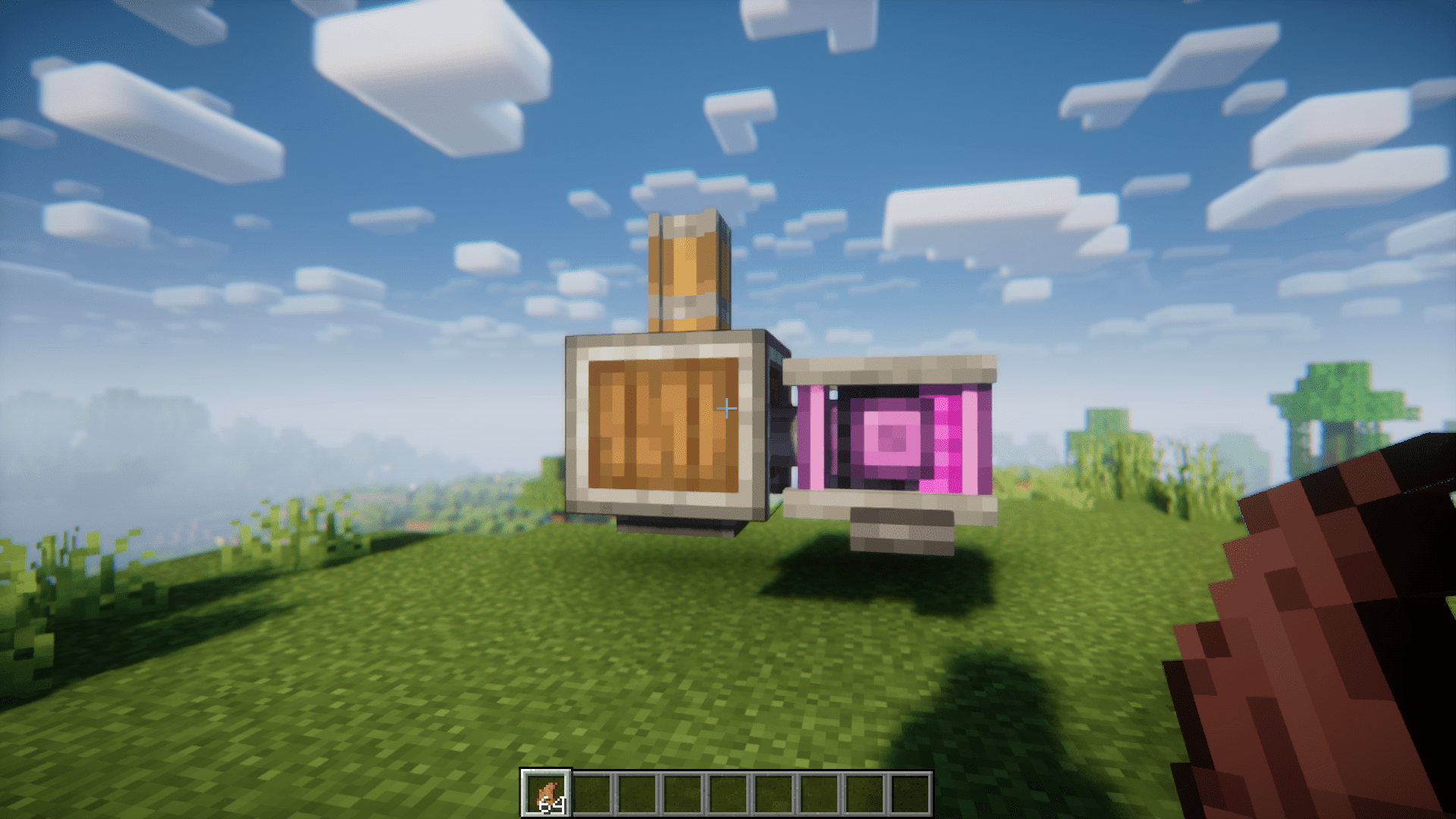
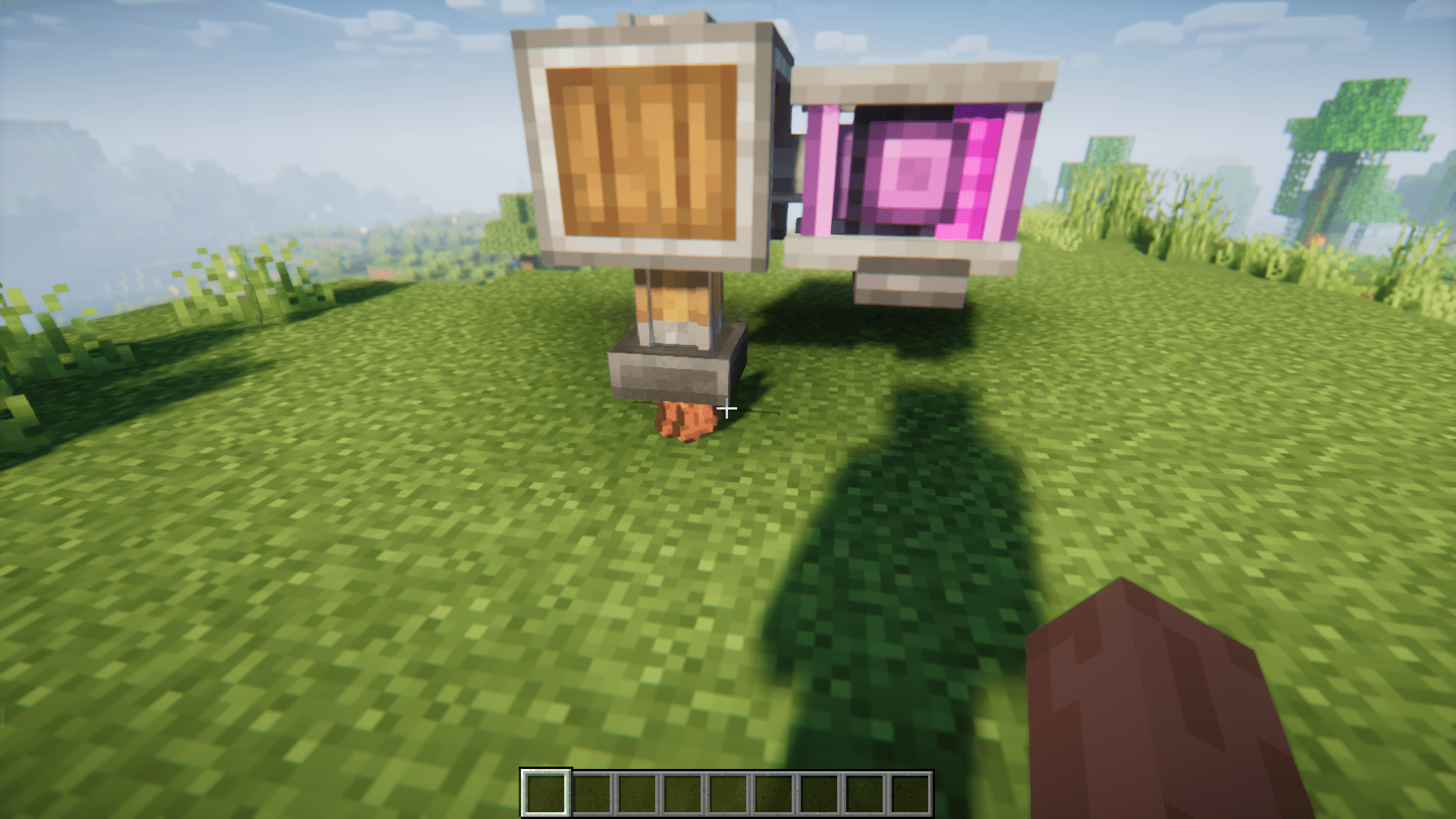
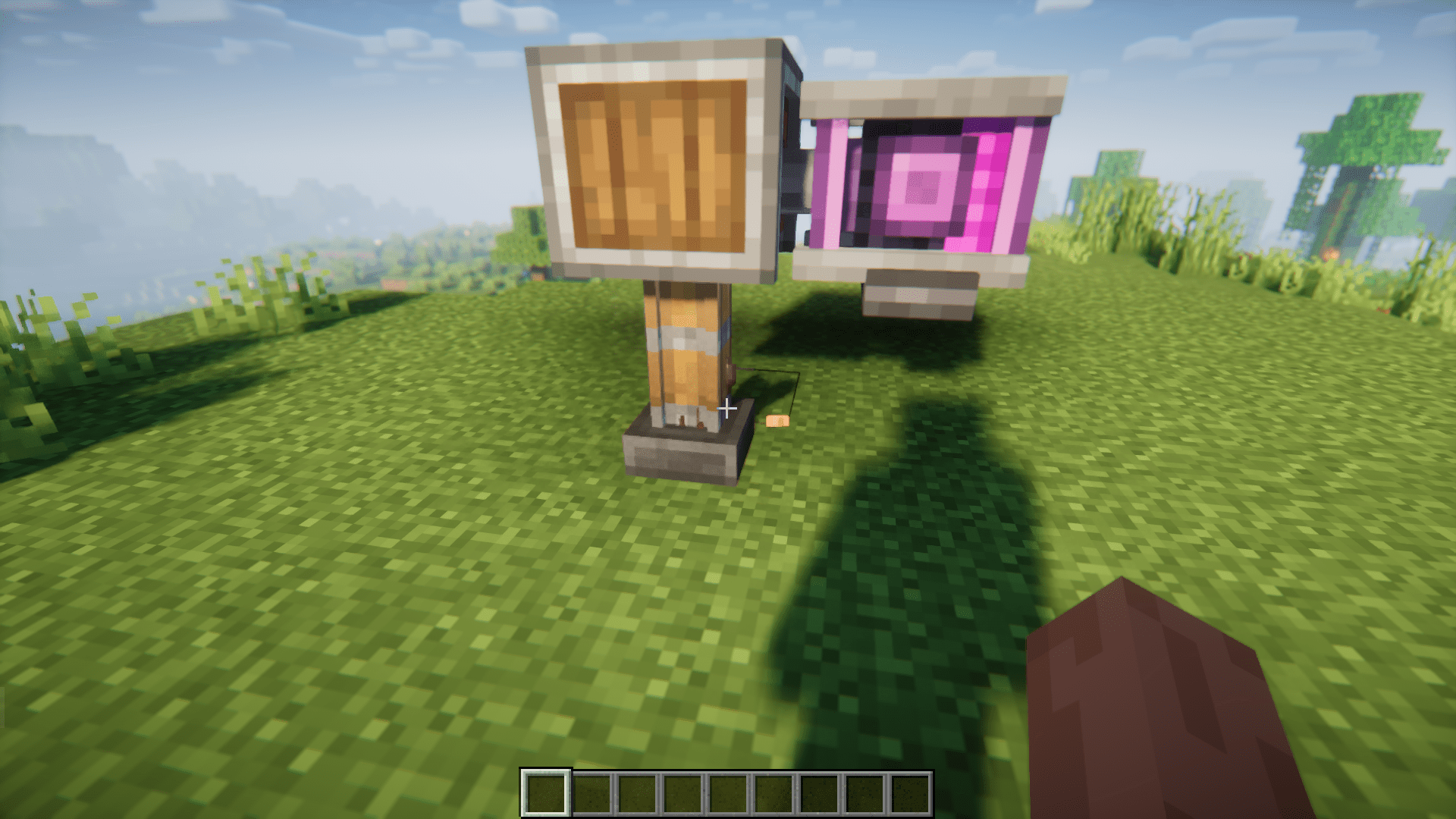
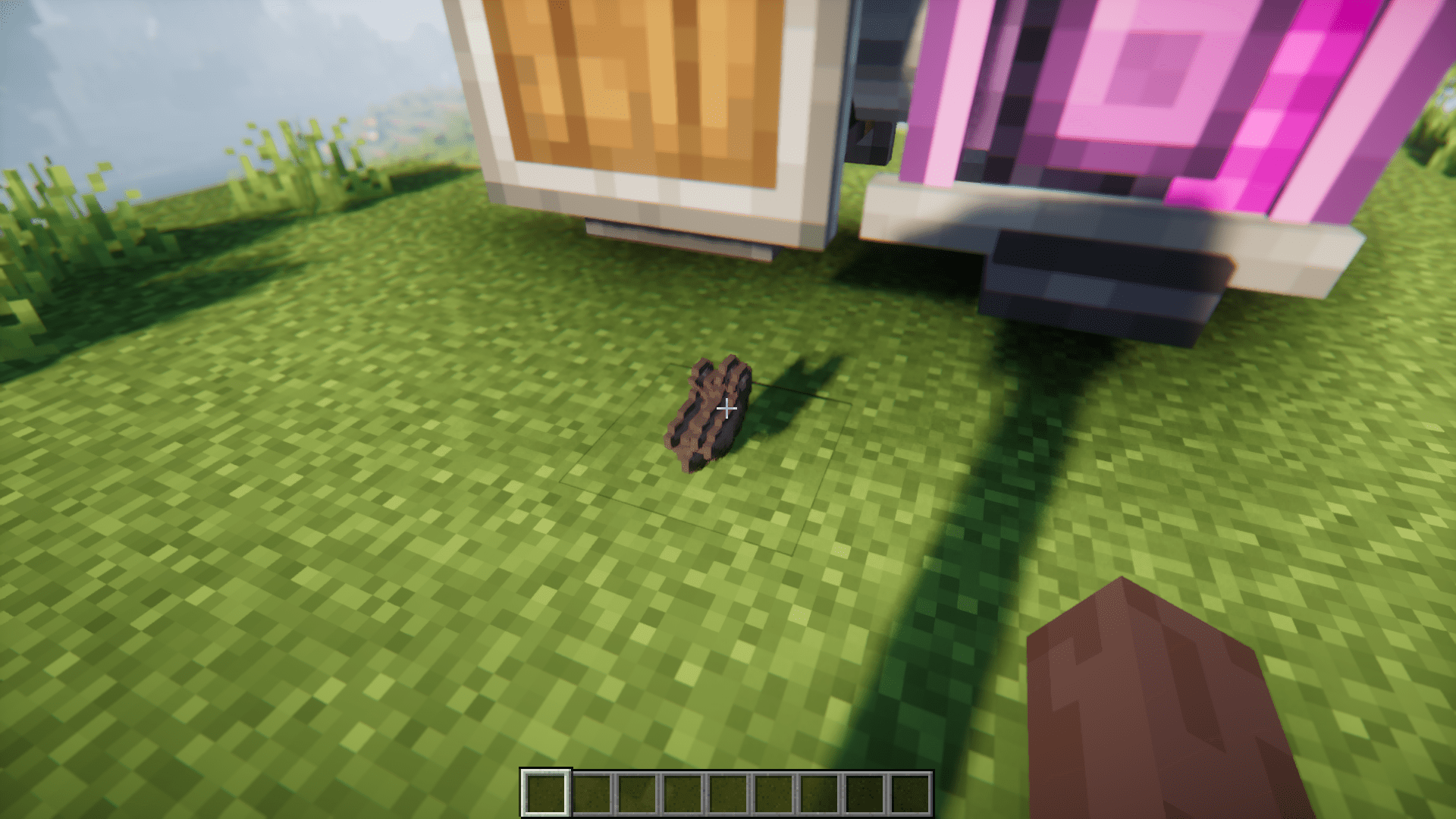
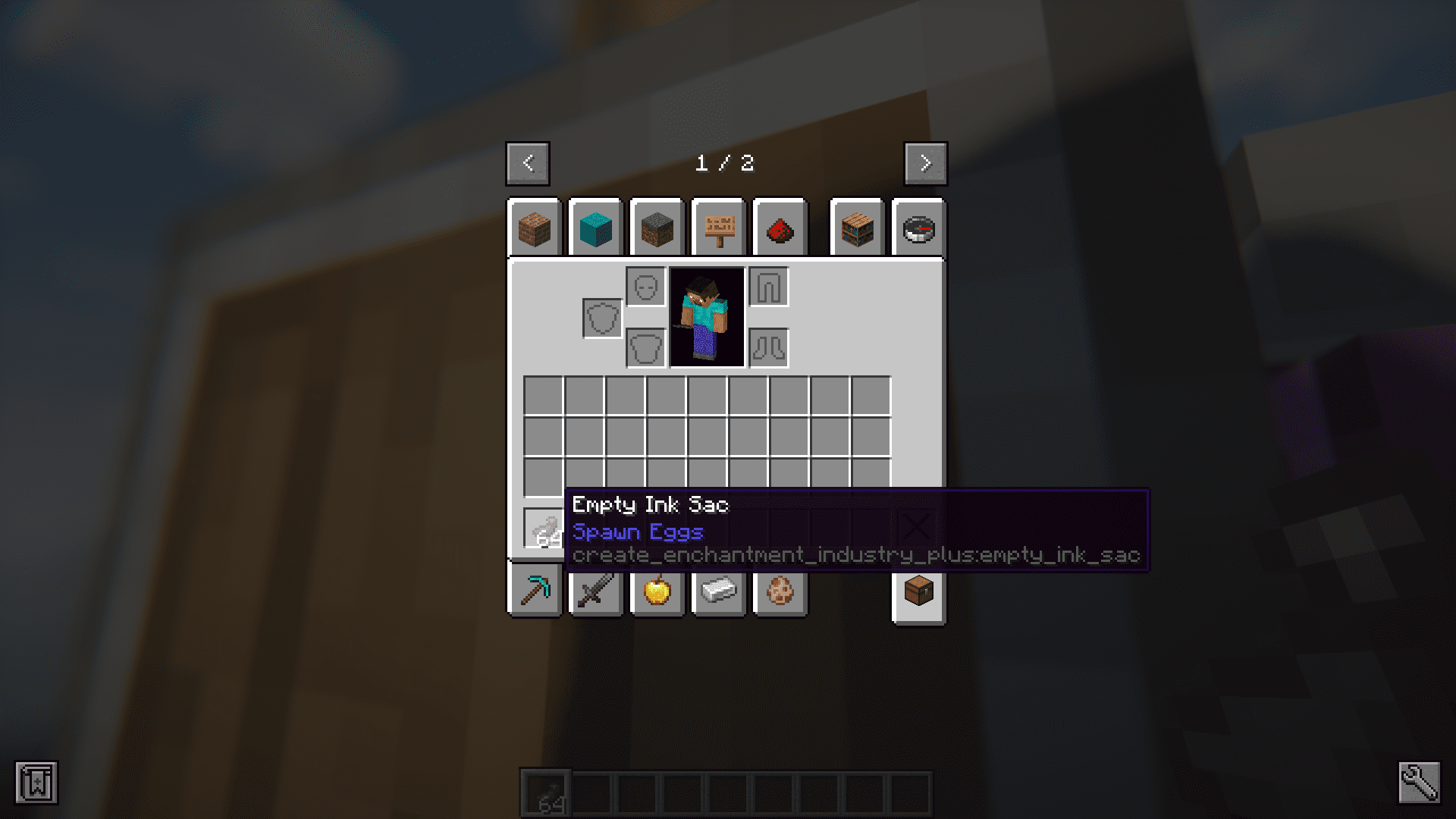
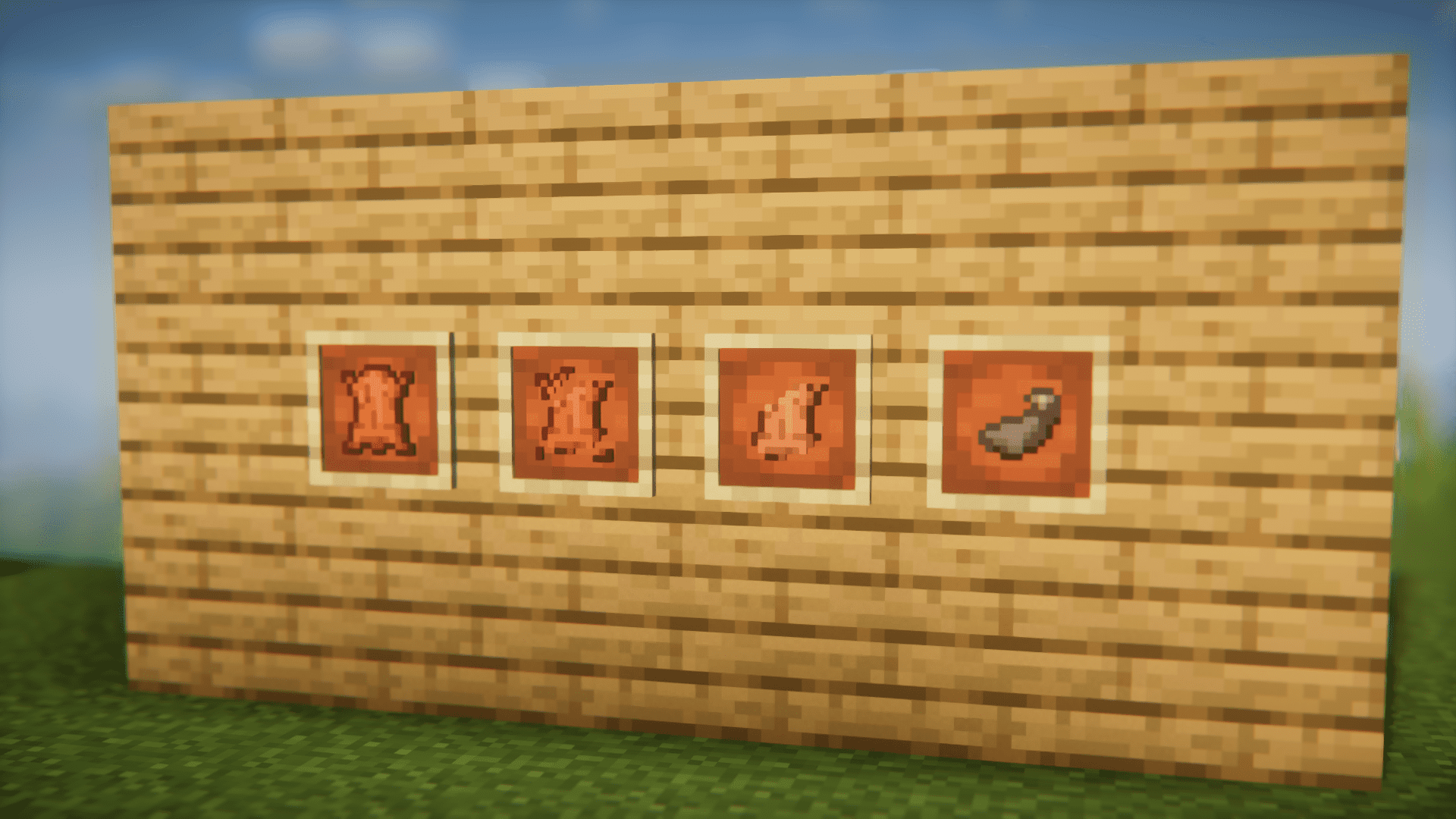
Create Enchantment Industry Plus Mod is an add-on to the Create Enchantment Industry mod. This mod introduces a new feature that will allow you to process leather into sacs. The process has a total of three steps and they make use of the Create mod’s machines. The first step is the conversion of leather into cut leather. This is done using the vanilla stone cutter. In the second stage, the cut leather is crushed using Create’s crushers. This will give you crushed cut leather. This item is further processed using the presses. This pressing of crushed cut leather is the third and final step and the produce obtained is an empty sac. You can fill the empty ink sac with ink to get an ink sac or you can drain the ink sac to get an empty ink sac and ink.
Features:
- Introduces a feature to process leather into empty ink sacs.
- It is a three step process and uses Create’s machines.
- Empty ink sacs can be filled with ink.
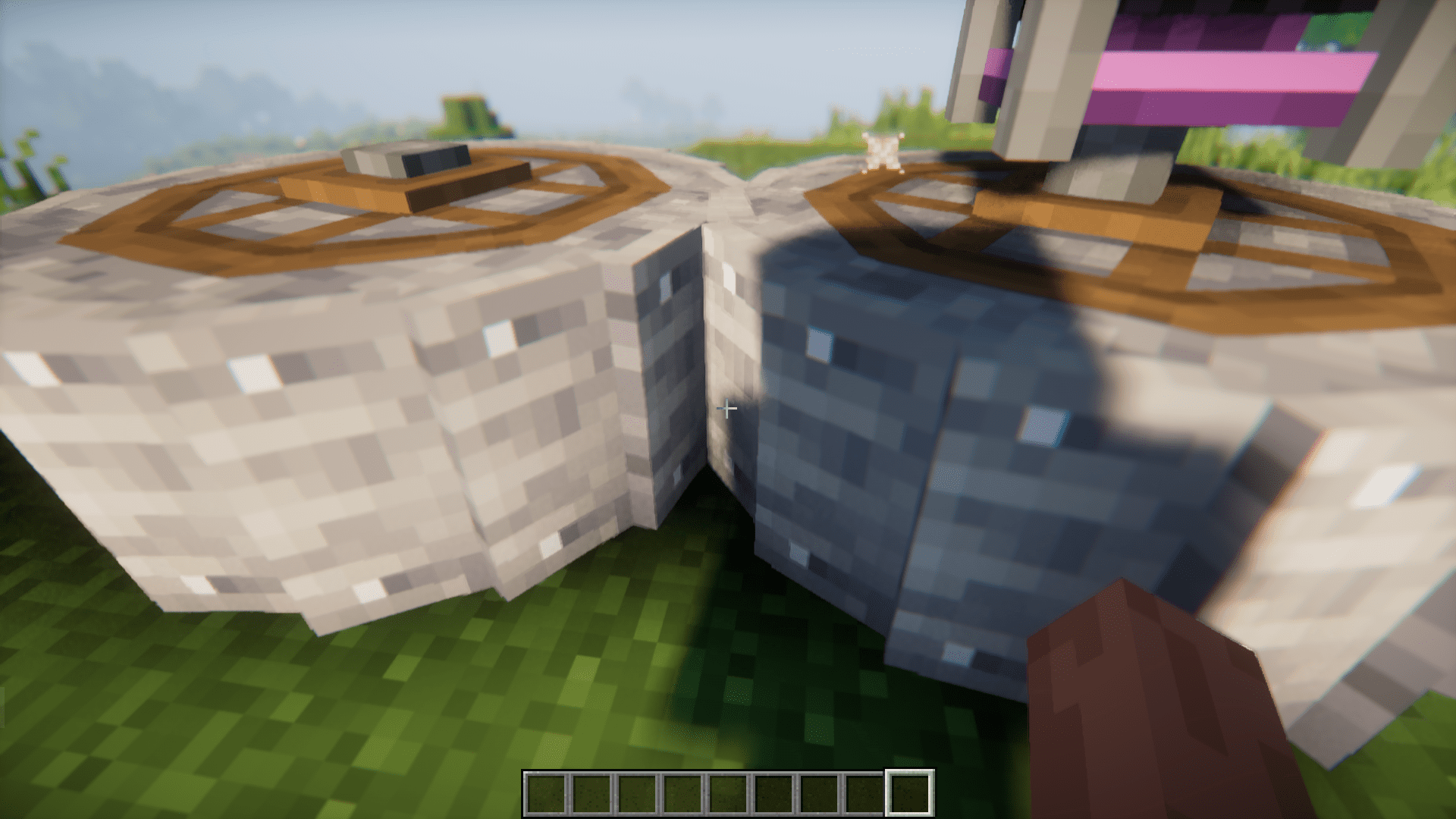
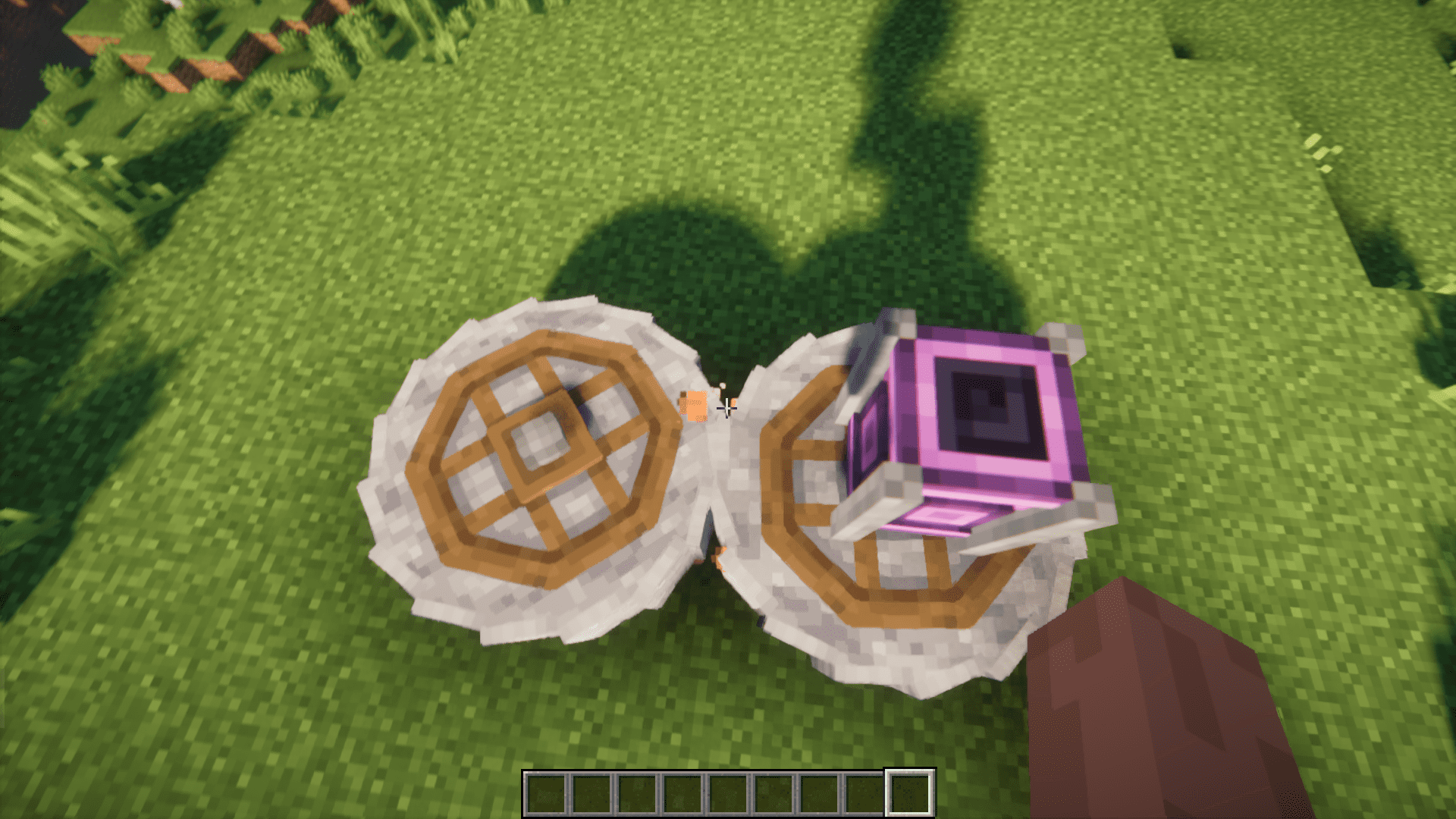
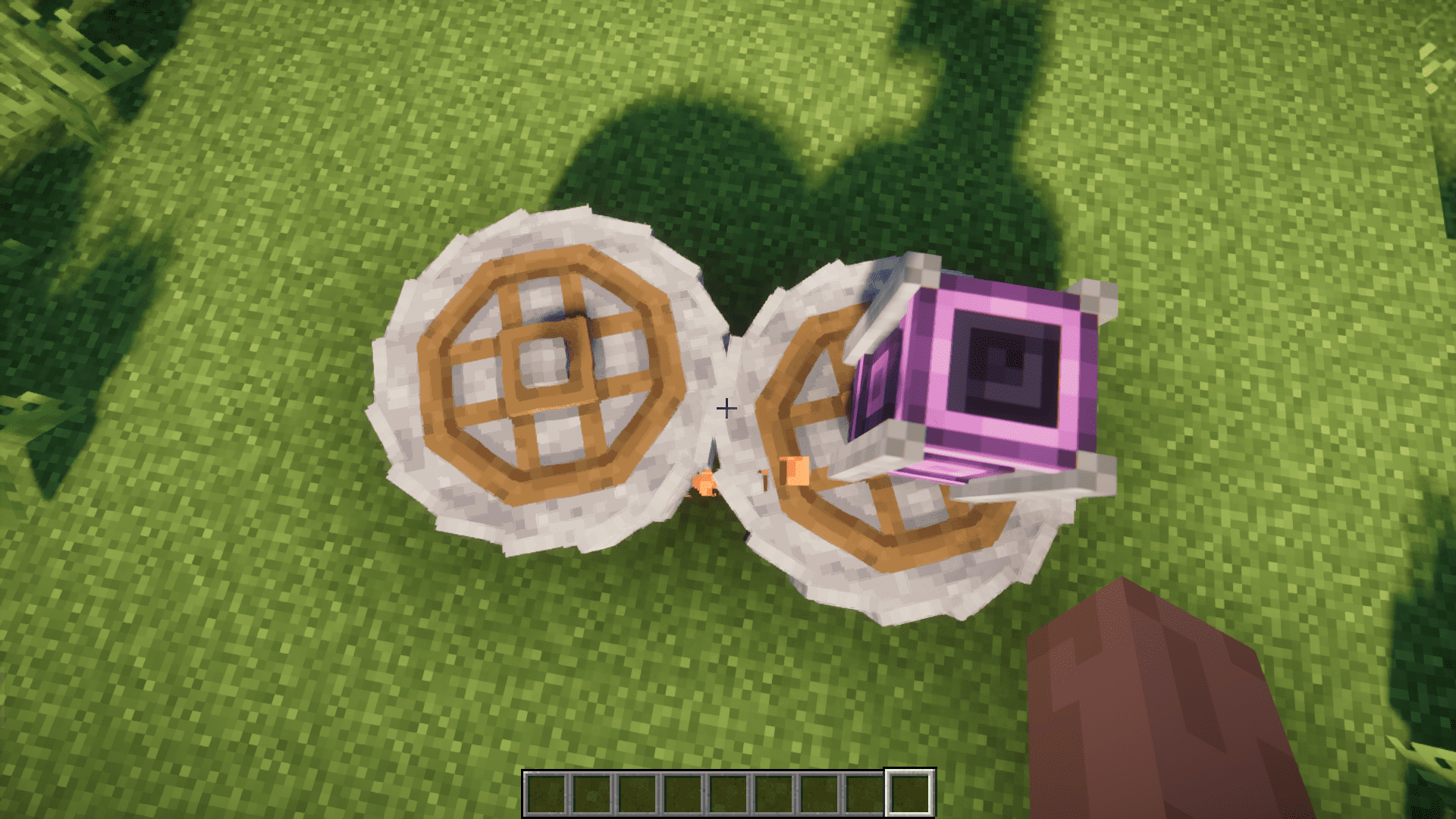
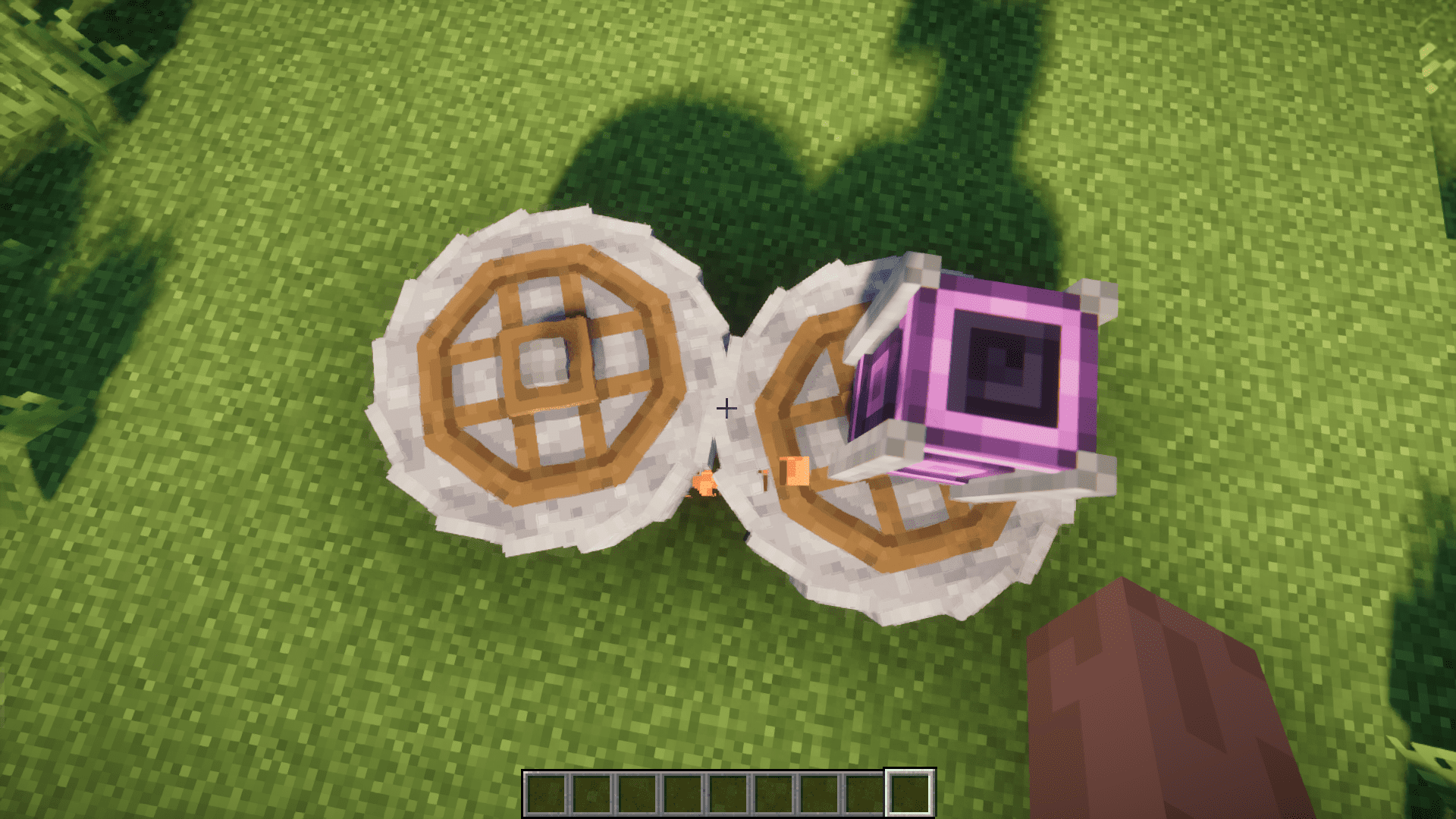
Screenshots:

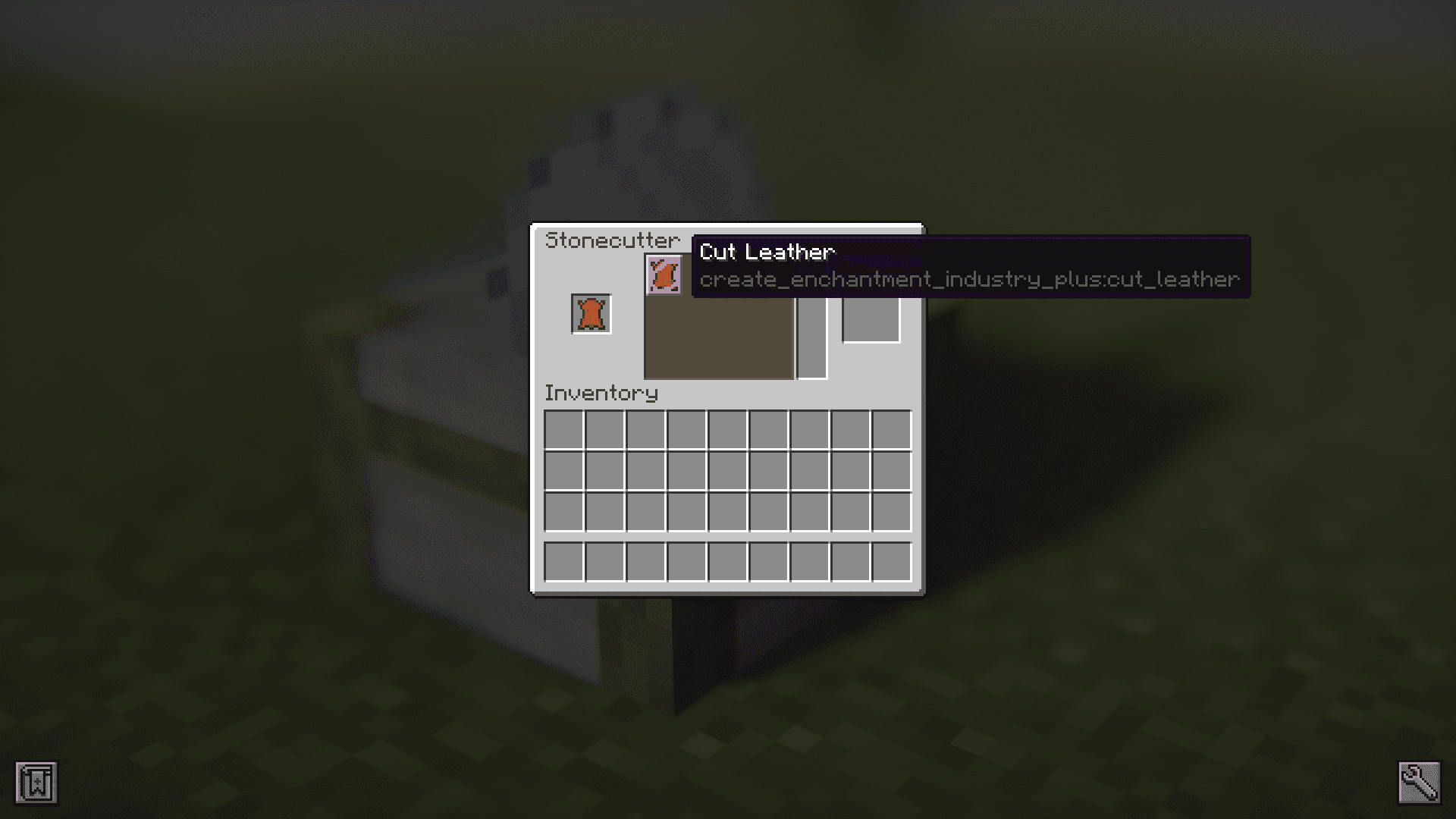
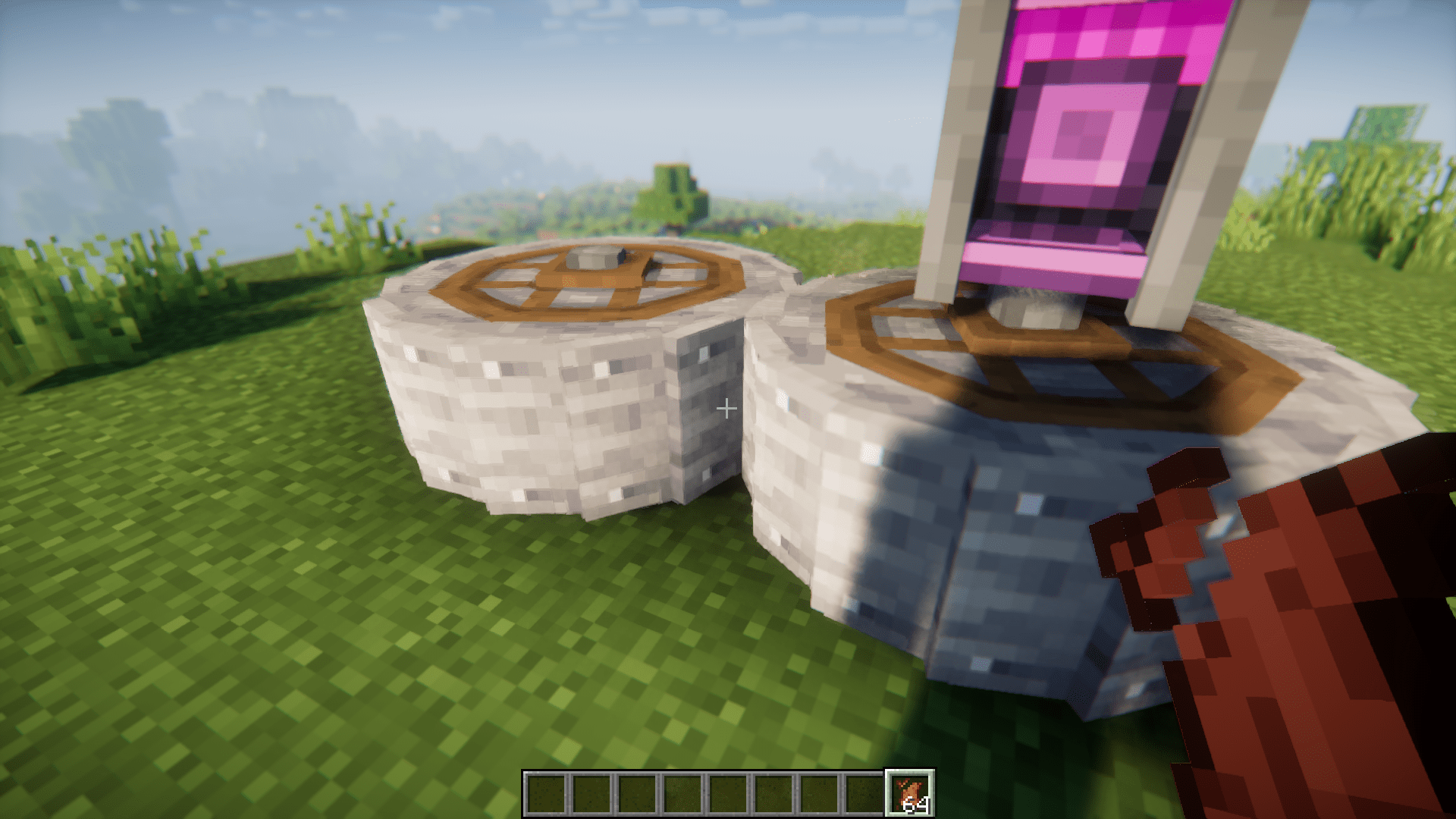
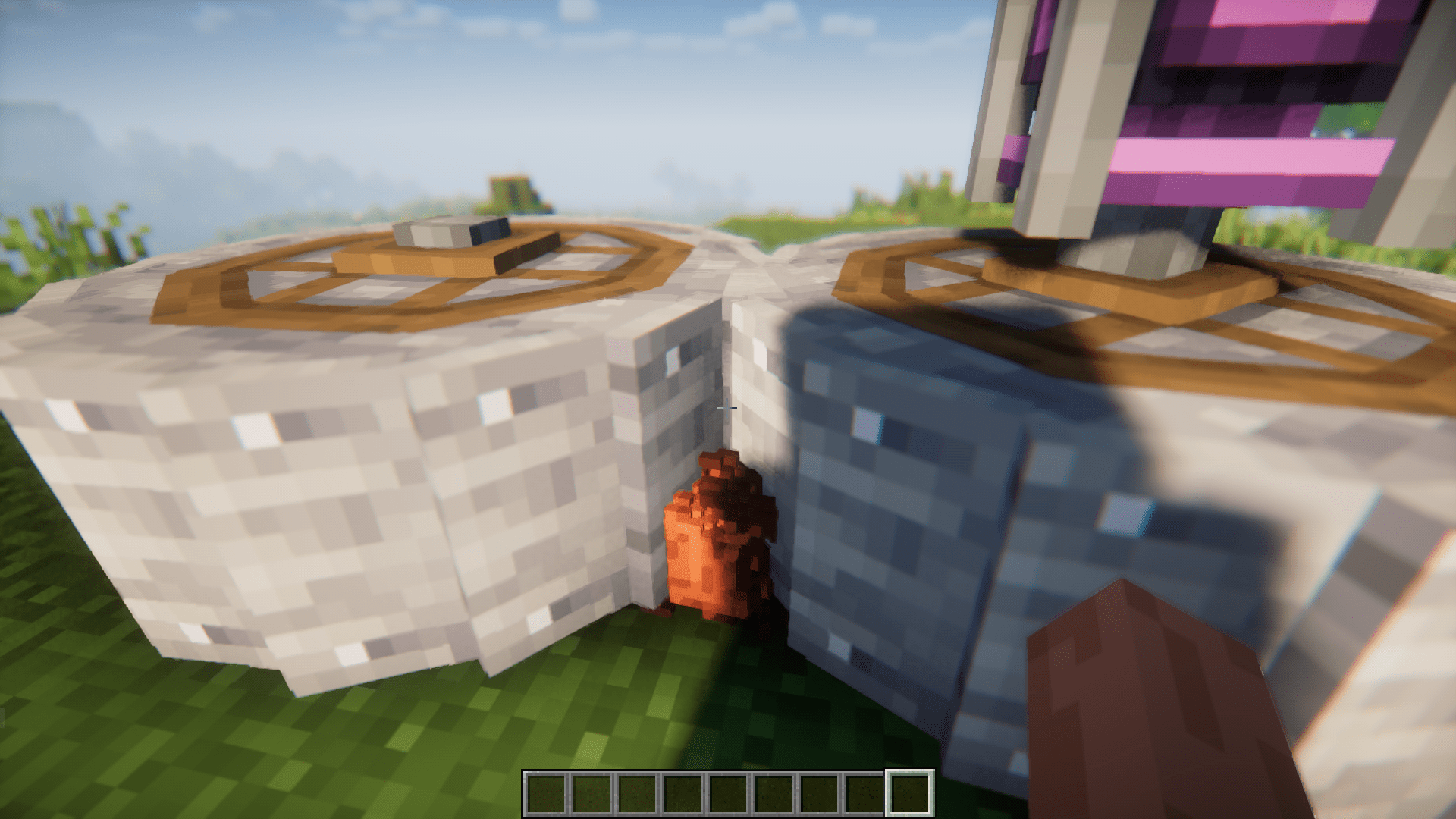
Create Enchantment Industry Plus Mod Download Links
For Minecraft 1.20.1
Forge version: Download from Server 1 – Download from Server 2
- Edition: Minecraft Java
- File type: .jar
- Minecraft version listed: 1.20.1
- How to install: Install the matching mod loader (Forge, Fabric or NeoForge) for your Minecraft version. → Download the .jar. → Put it in the .minecraft/mods folder and launch that loader profile.
- Where to get it: In MC Java Mods, or directly above on this page.
Install steps are the general flow for this file type — How to install Minecraft Java mods & modpacks walks through it step by step.
- Downloads as 202097.mcaddon
- Download size: 90 KB
- Download link checked 29 Jul 2026 — working
- Mirrored on our own servers — the download does not depend on the original host
These come from our own check of the pack file, not from the source page.