ModsJava
Particle Culling Mod (1.12.2) – Stop Lag From Explosions and Farms
Minecraft Java mod. Downloads from the MC Java Mods app on Android.
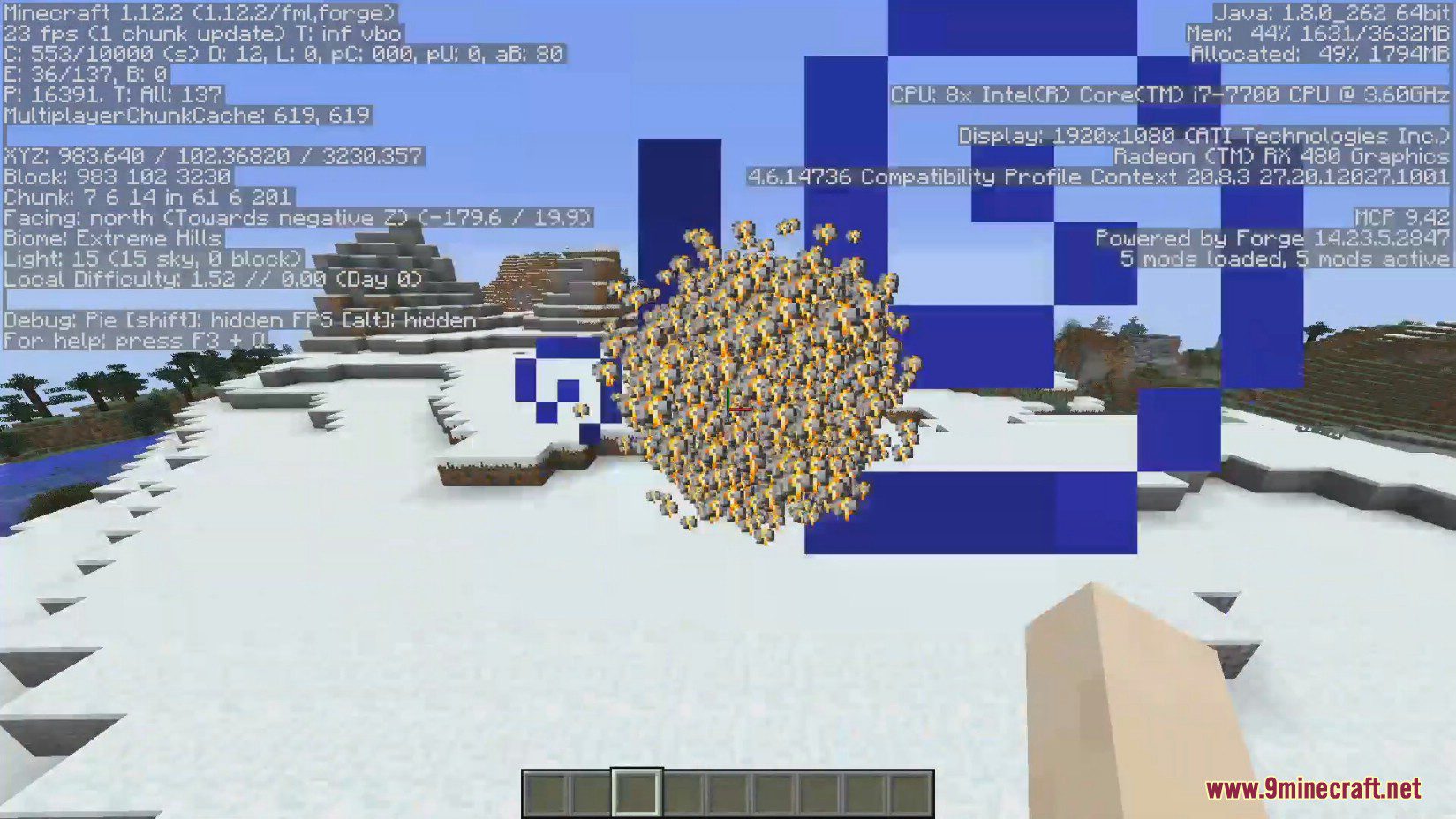
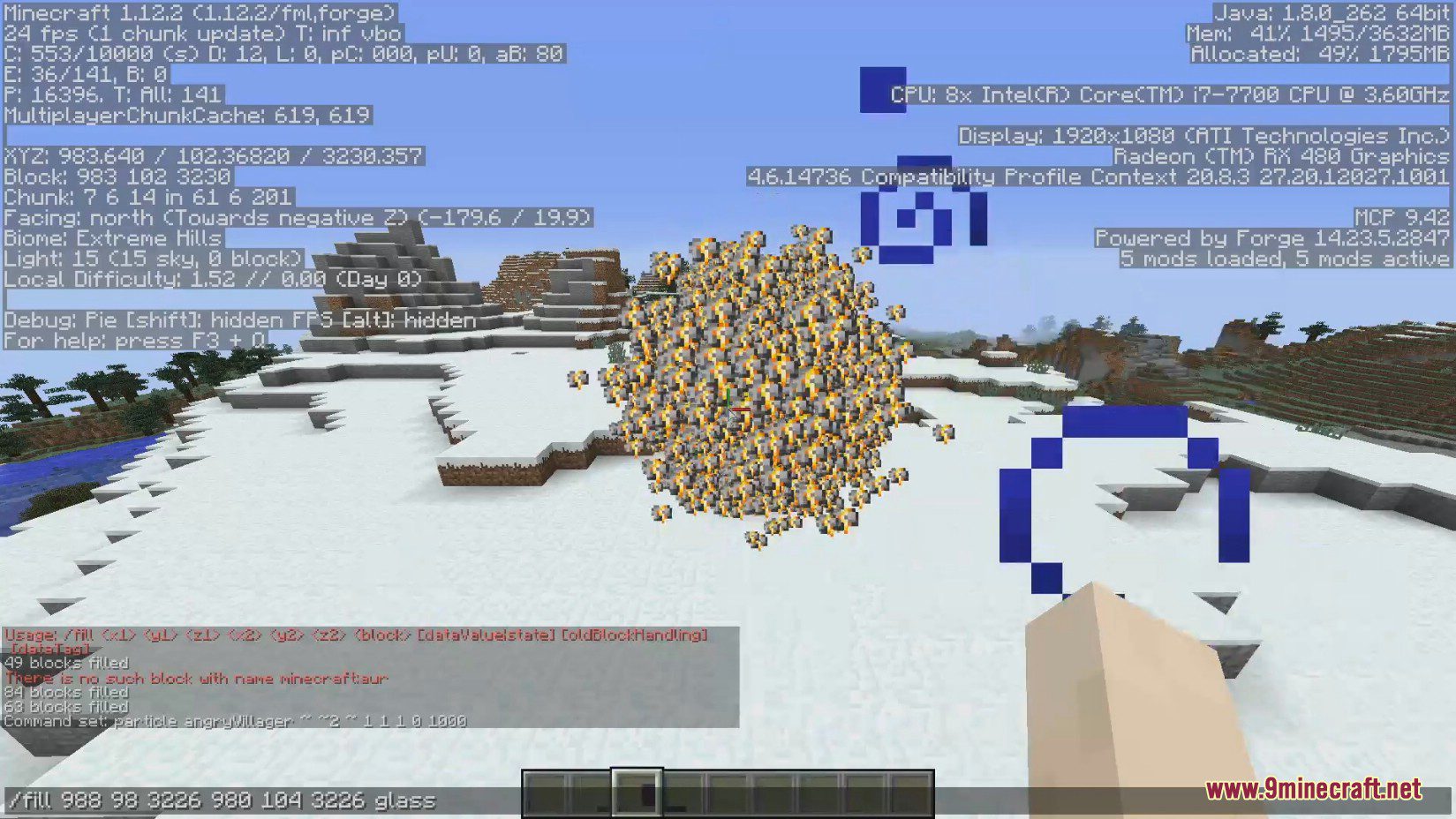
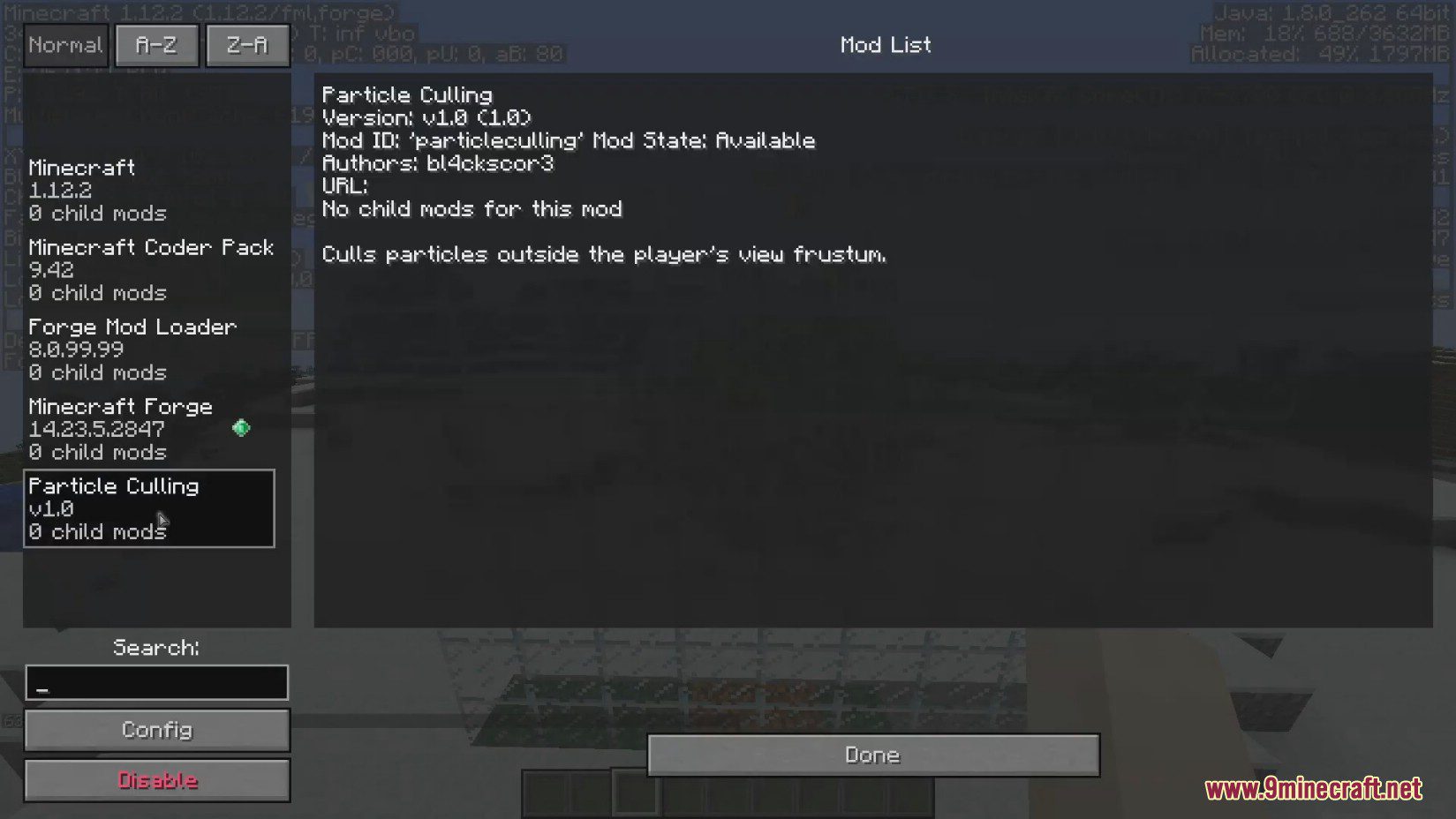
Particle Culling Mod improves your game's performance by stopping particles from rendering when you can't see them. This client-side mod can significantly…
⬇ DownloadParticle Culling Mod improves your game’s performance by stopping particles from rendering when you can’t see them. This client-side mod can significantly increase your FPS, especially in areas with lots of particle effects, without changing how you play.
Features:
- Improves FPS by stopping the game from rendering particles you cannot see.
- Works on the client-side, so you can use it on servers without the server needing it.
- Customize how particles are culled through various configuration options.
- Choose to hide or show particles that are behind solid blocks.
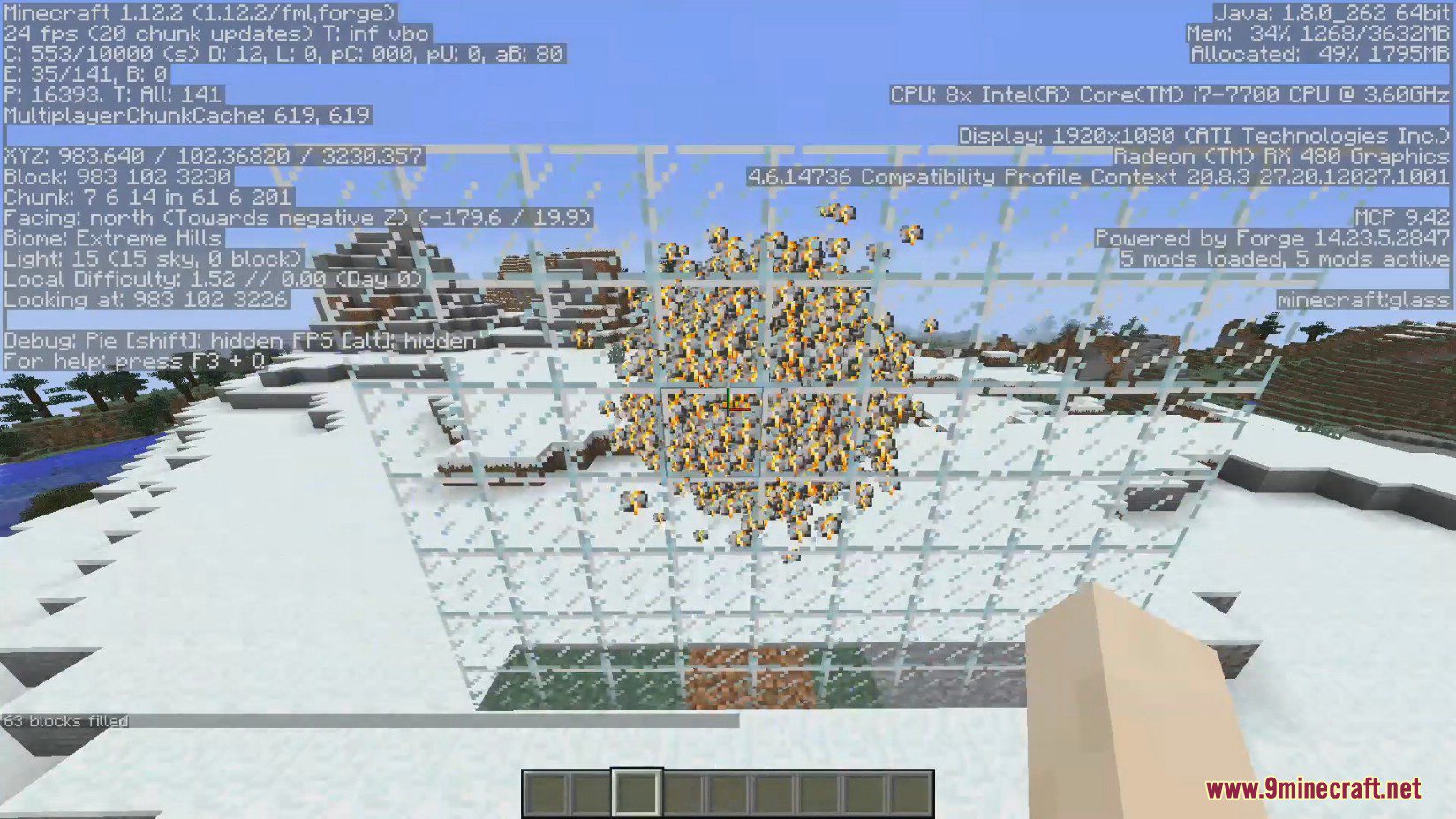
- Optionally hide particles that are behind glass and other transparent blocks.
- Disable culling while in spectator mode to take perfect screenshots.
- Add specific particles to an ignore list for better compatibility with other mods.
Configuration:
- CullingEnabled: Set to false to turn off all features of the mod.
- CullBehindBlocks: If set to false, the mod will not hide particles that are behind solid blocks.
- CullBehindGlass: Set to true to also hide particles behind glass. This requires “cullBehindBlocks” to be enabled.
- CullInSpectator: If set to false, particle culling is disabled in spectator mode, which is useful for screenshots.
- BlockBuffer: The number of blocks that must be between you and a particle before it gets hidden.
- IgnoredParticles: A list where you can add specific particles that the mod should never hide.
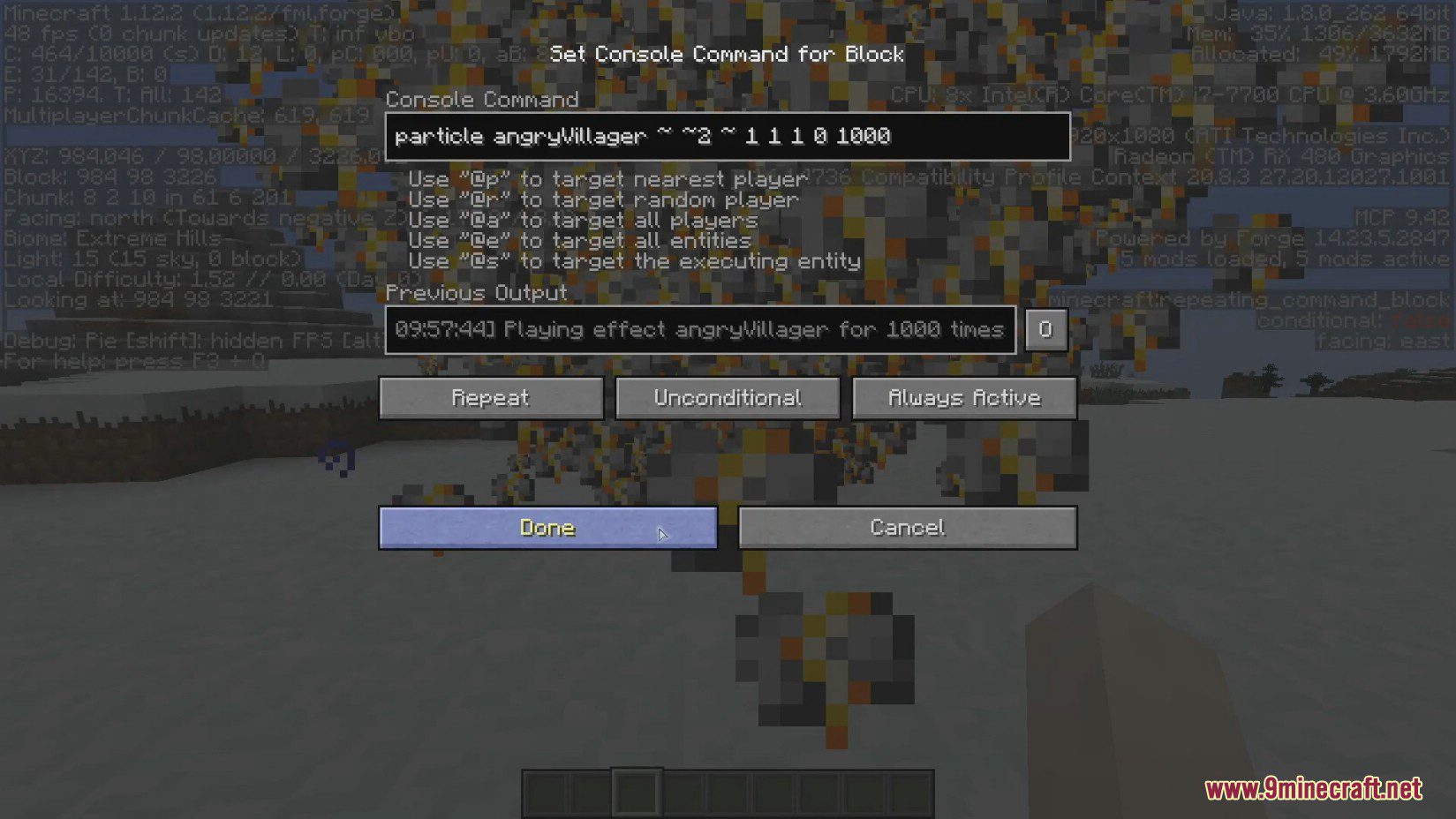
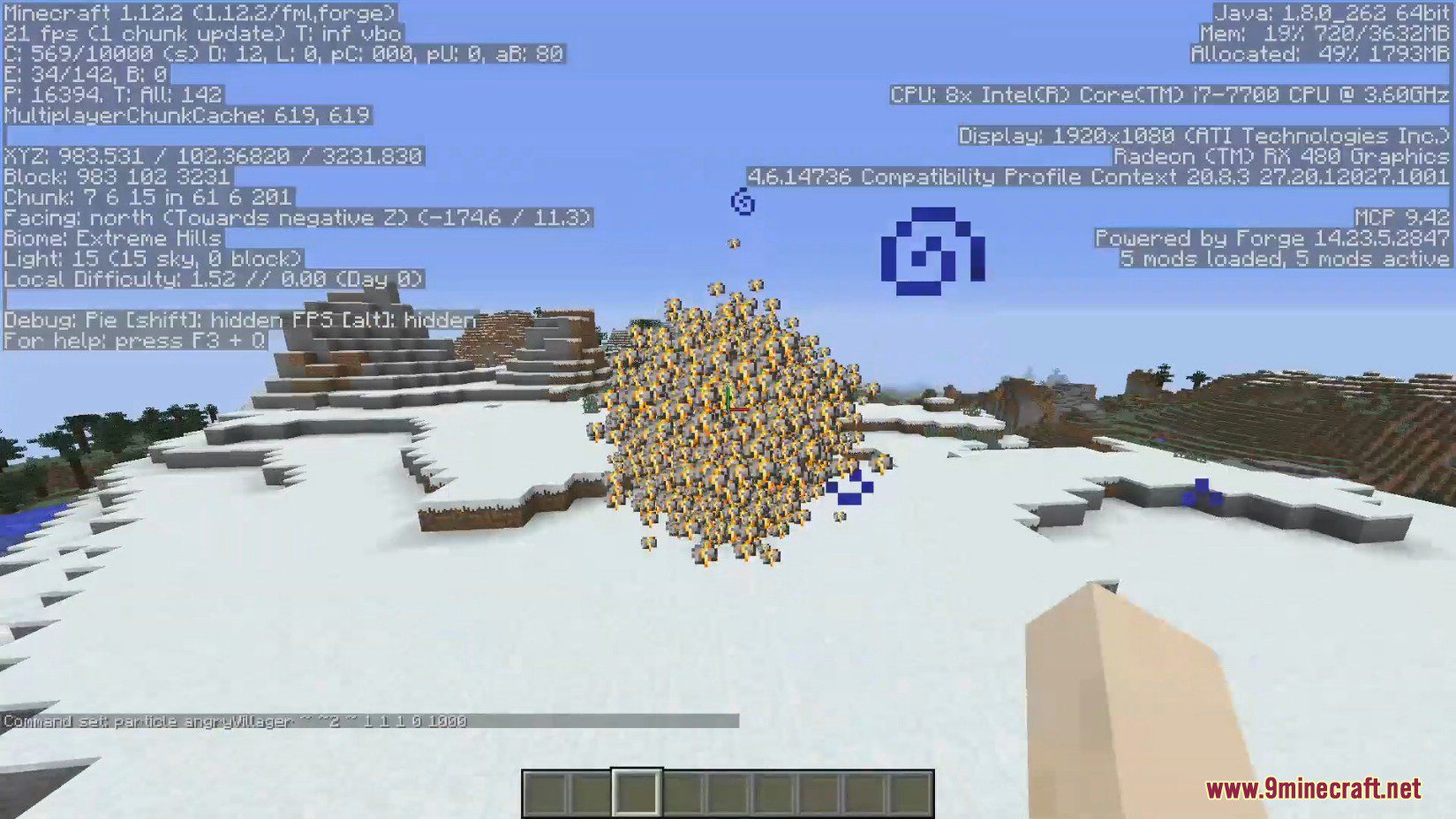
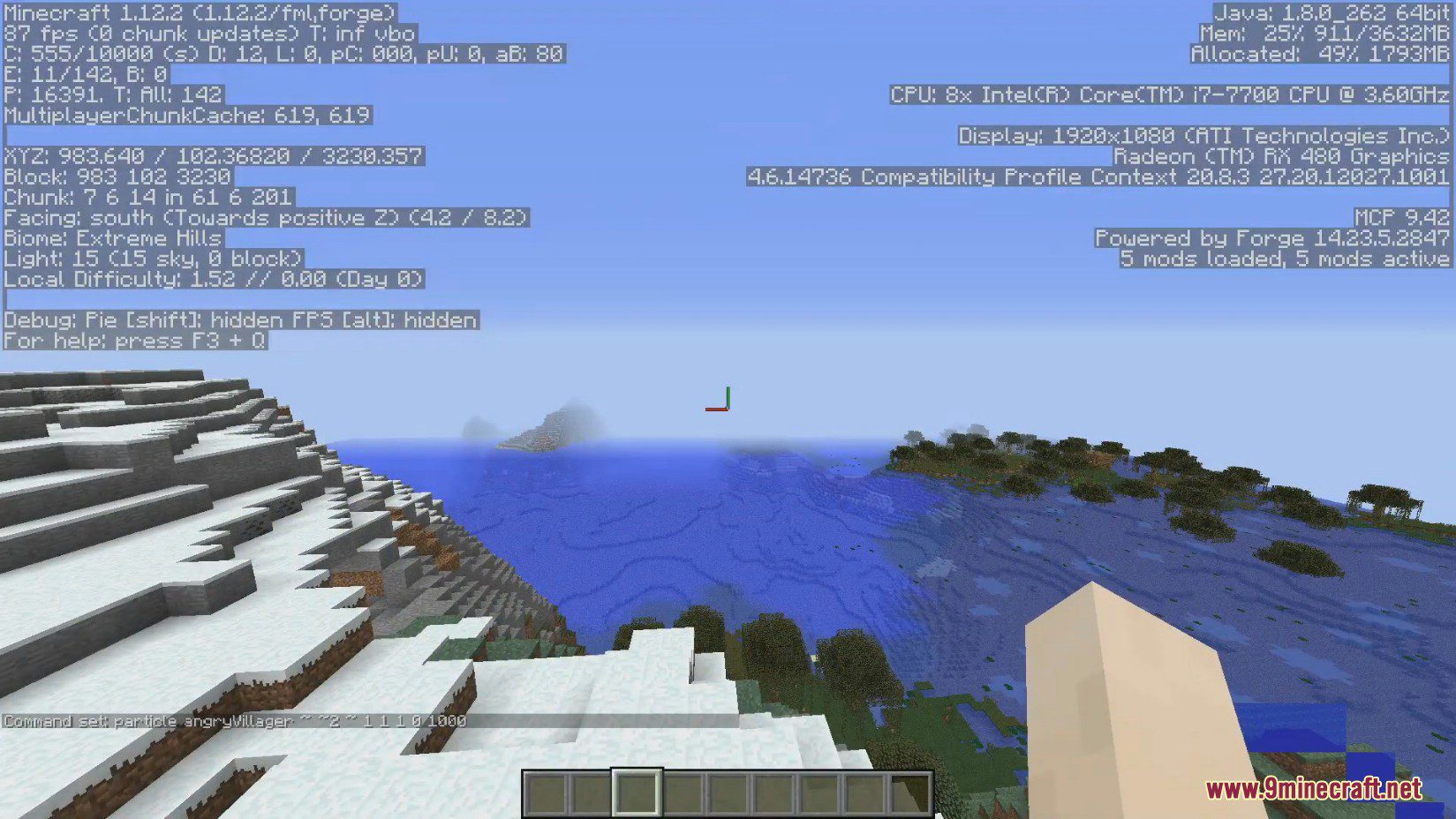
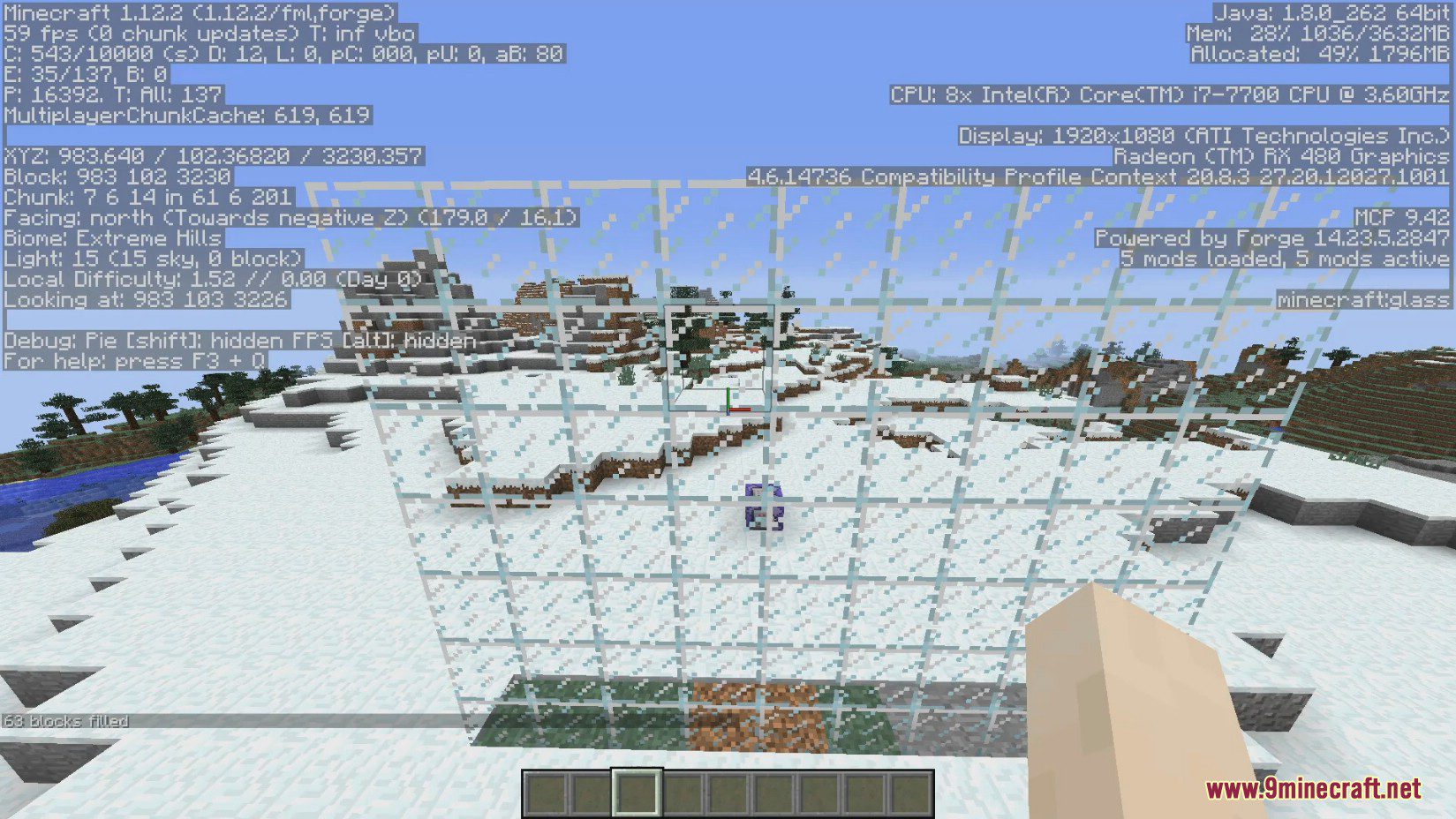
Screenshots:
Particle Culling Mod Download Links
For Minecraft 1.12.2
Forge version: Download from Server 1 – Download from Server 2
Quick facts
- Edition: Minecraft Java
- File type: .jar
- How to install: Install the matching mod loader (Forge, Fabric or NeoForge) for your Minecraft version. → Download the .jar. → Put it in the .minecraft/mods folder and launch that loader profile.
- Where to get it: In MC Java Mods, or directly above on this page.
Install steps are the general flow for this file type — How to install Minecraft Java mods & modpacks walks through it step by step.
File checked by MCModsHub
- Downloads as 202144.mcaddon
- Download size: 17 KB
- Download link checked 29 Jul 2026 — working
- Mirrored on our own servers — the download does not depend on the original host
These come from our own check of the pack file, not from the source page.