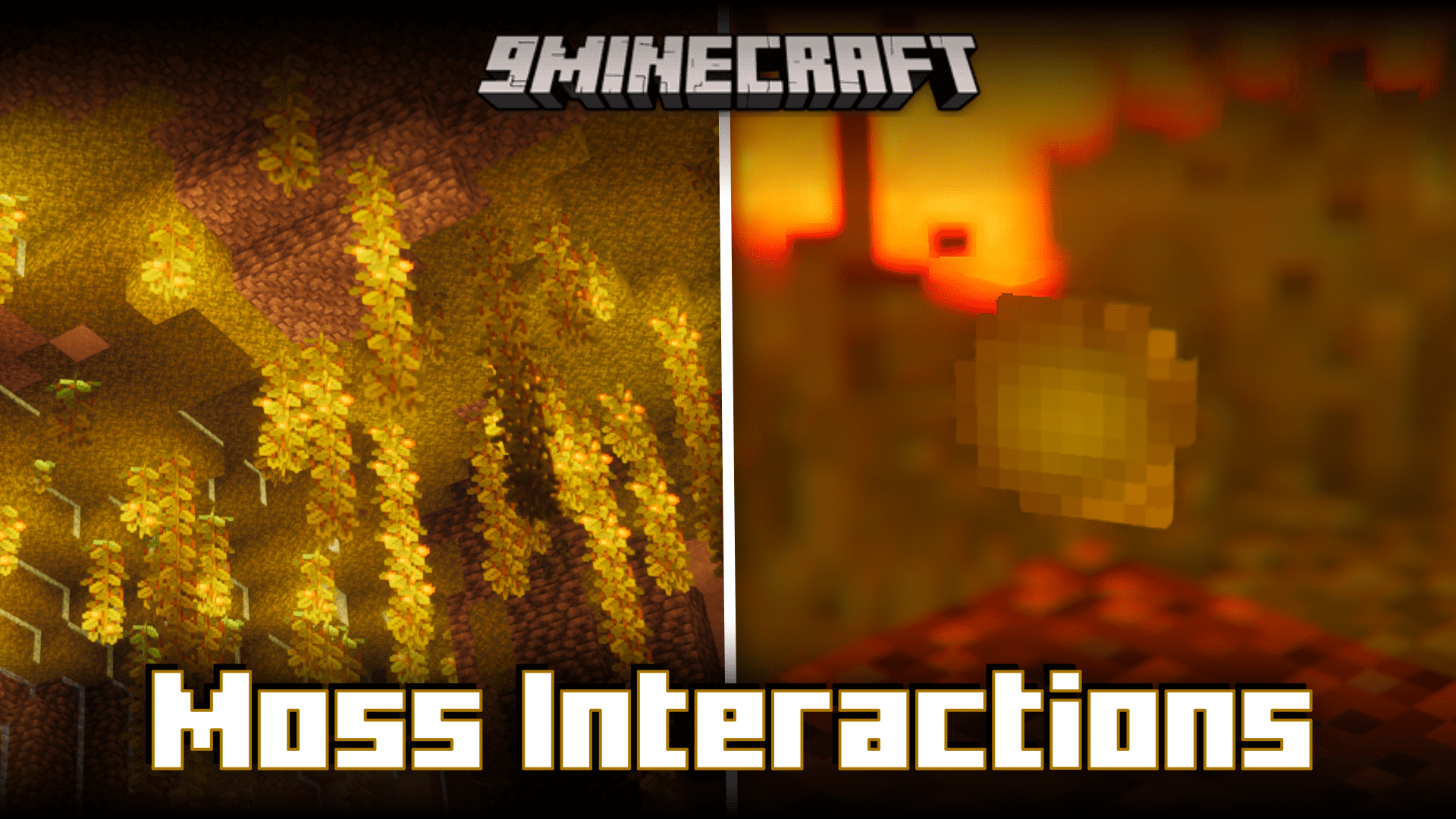
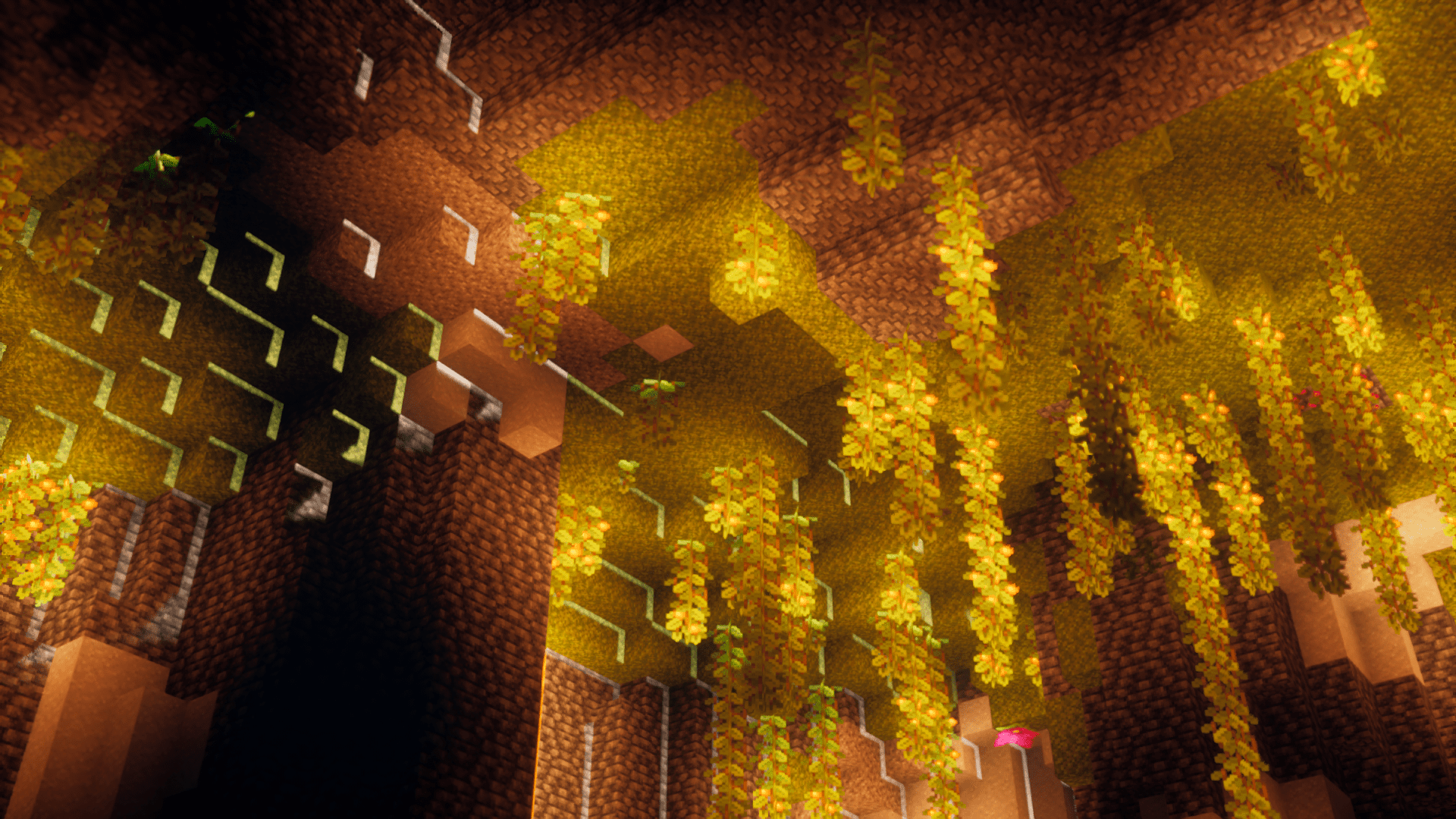
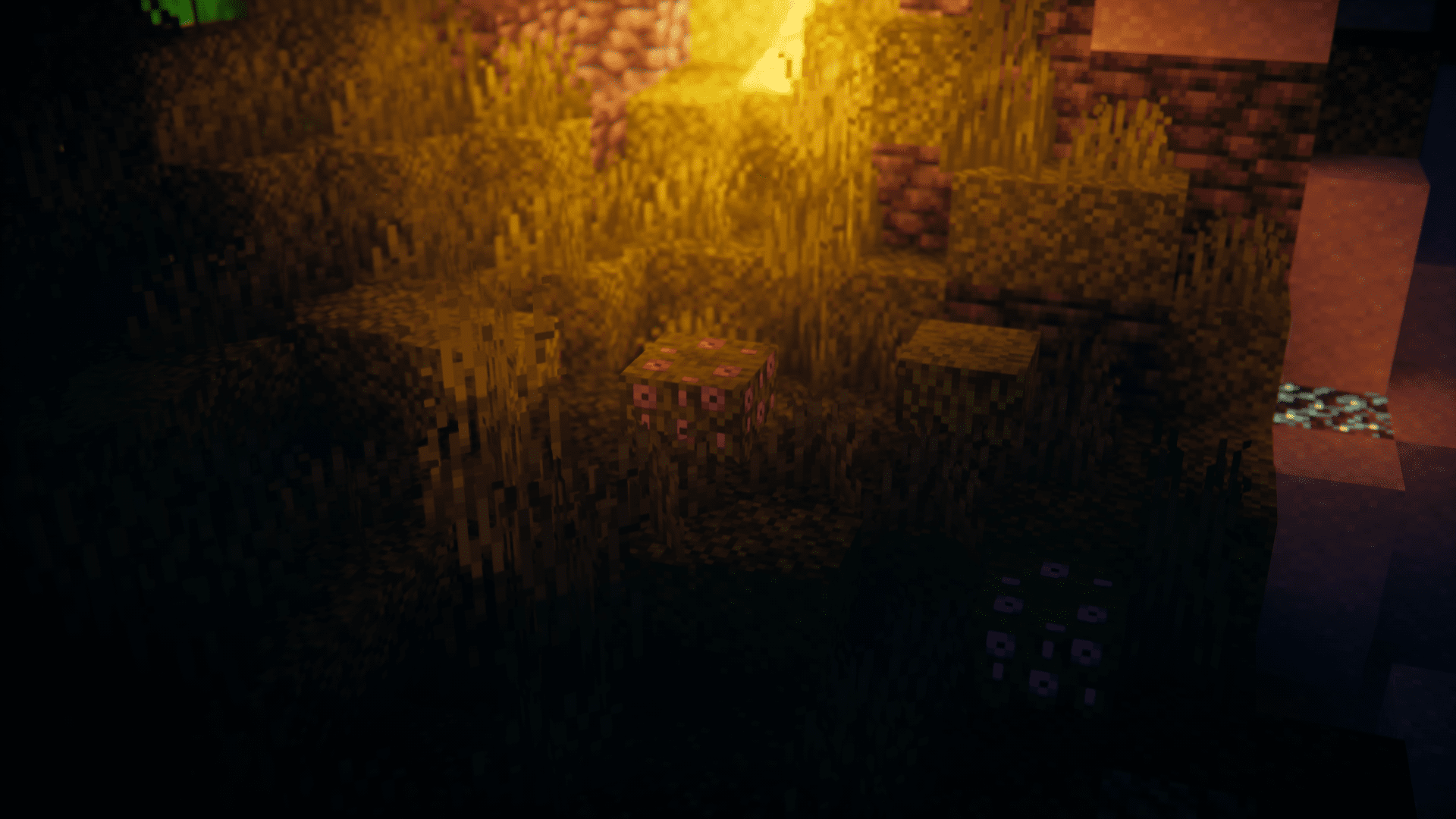
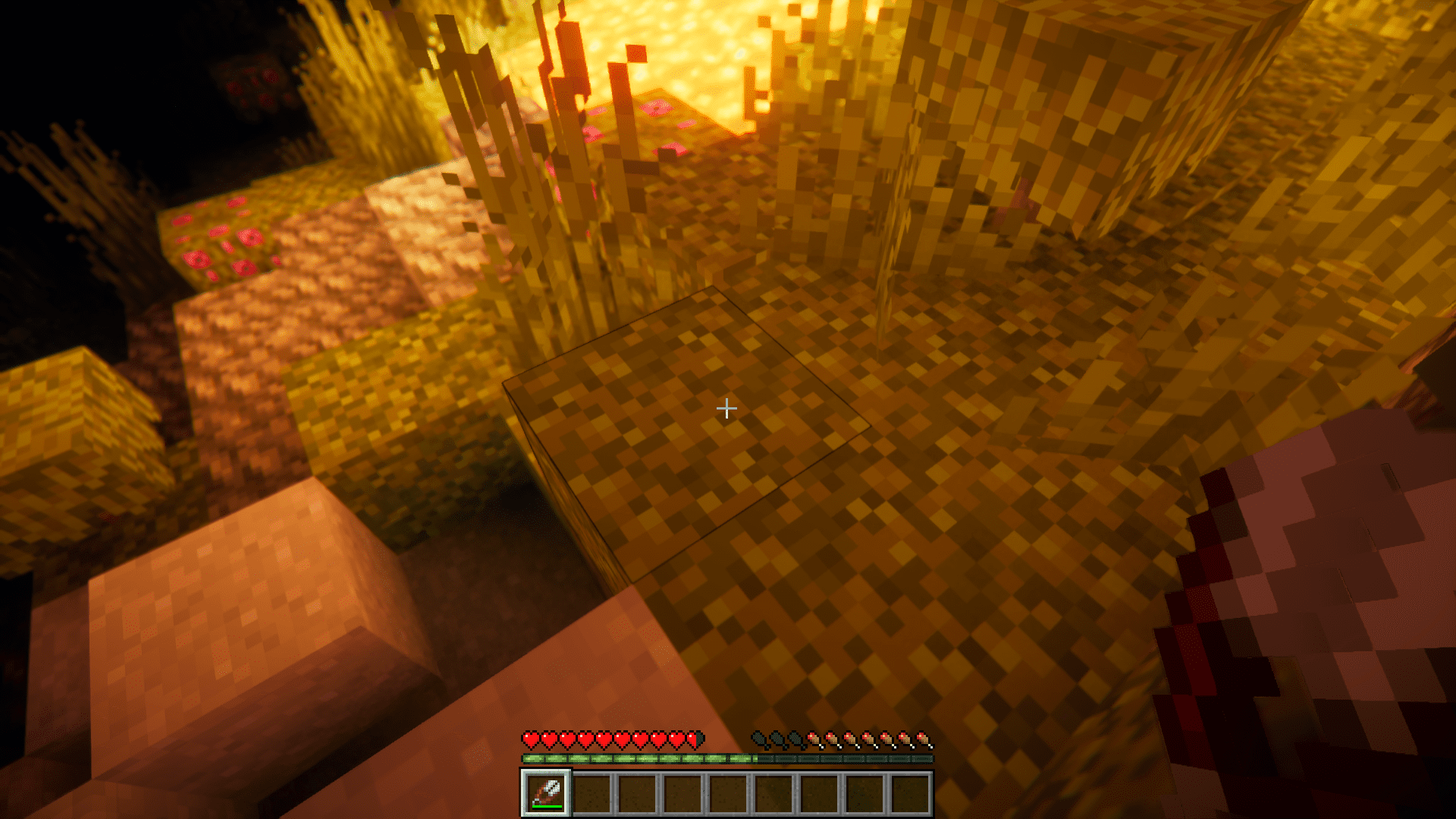
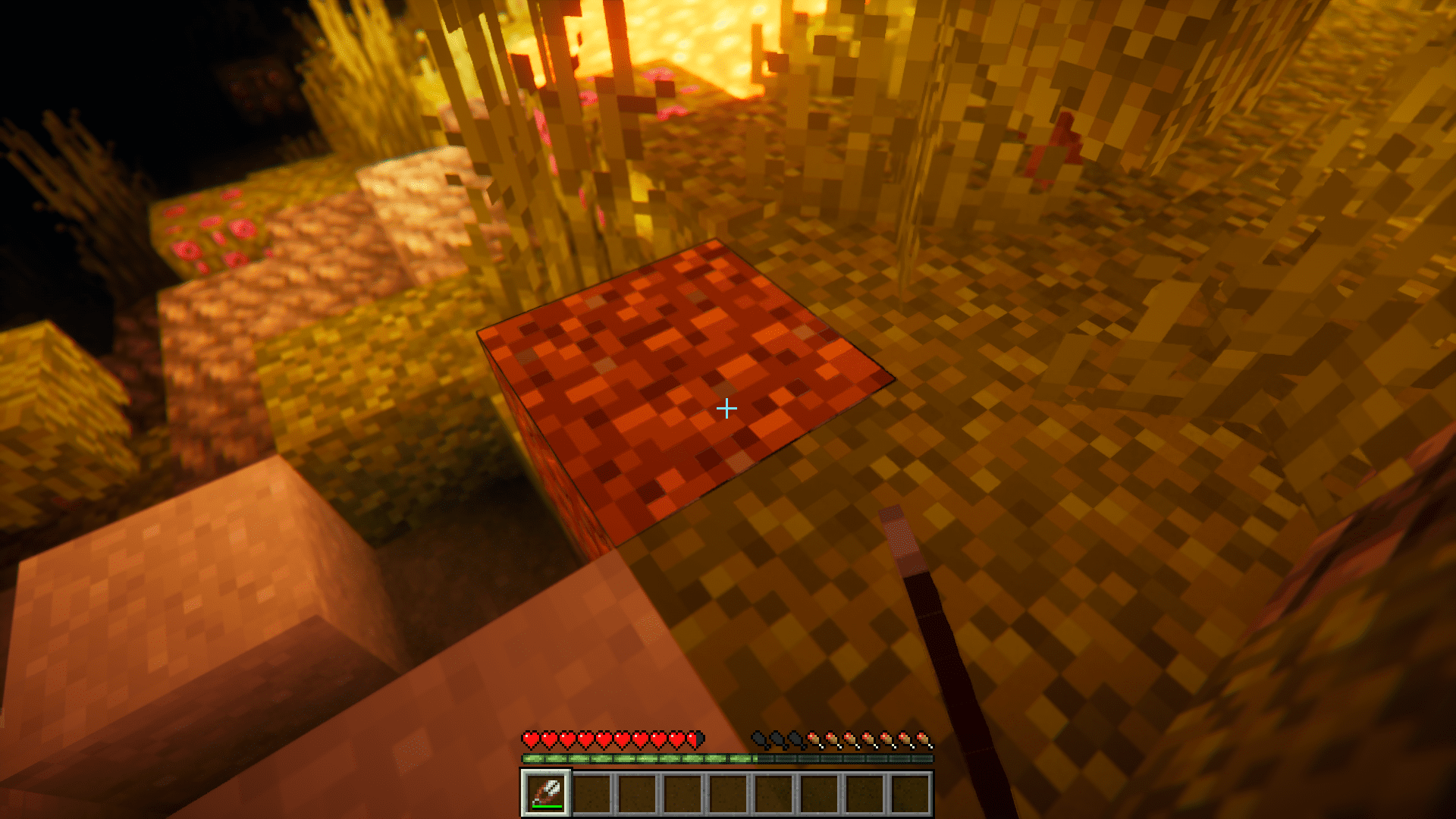
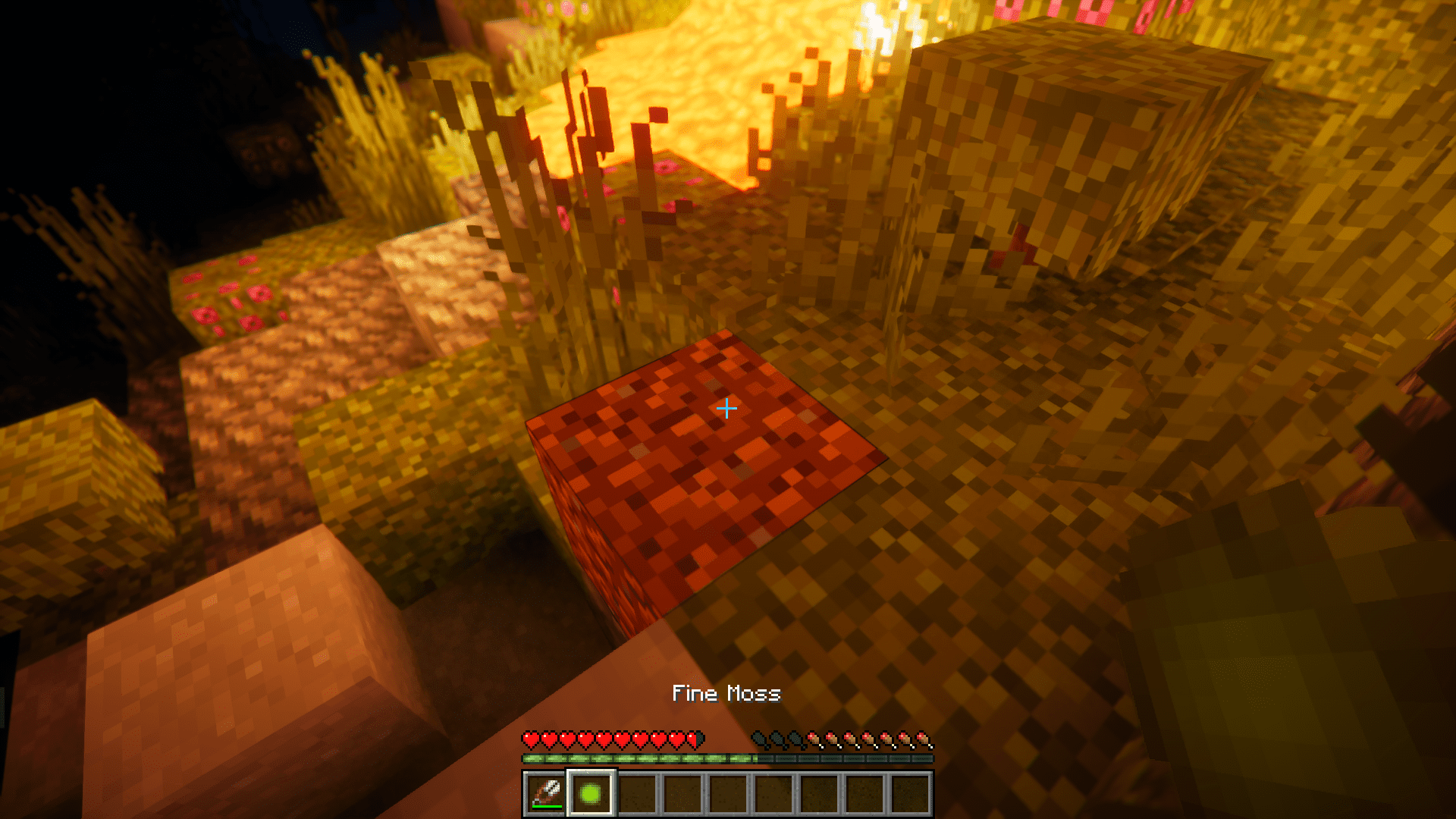
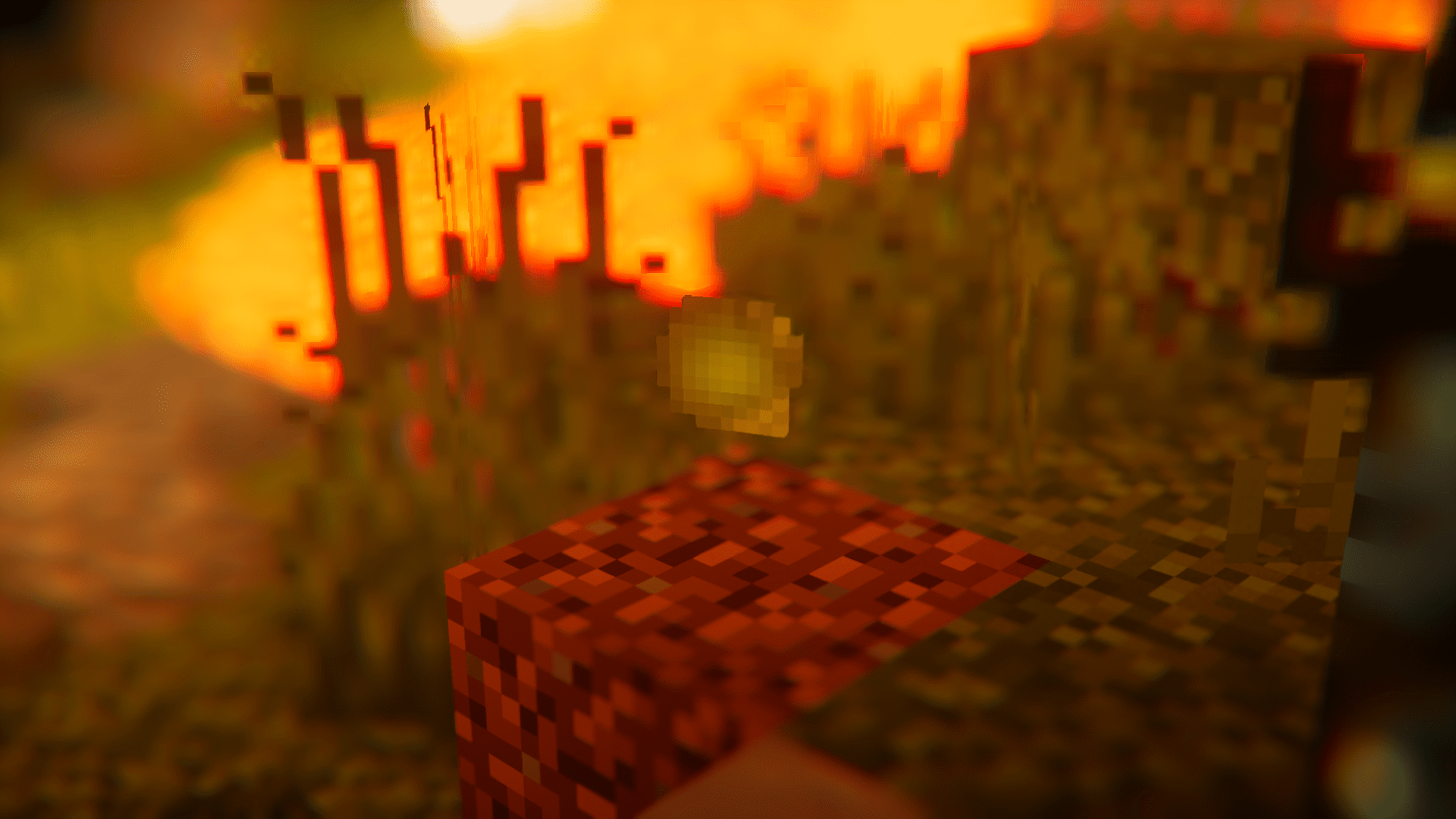
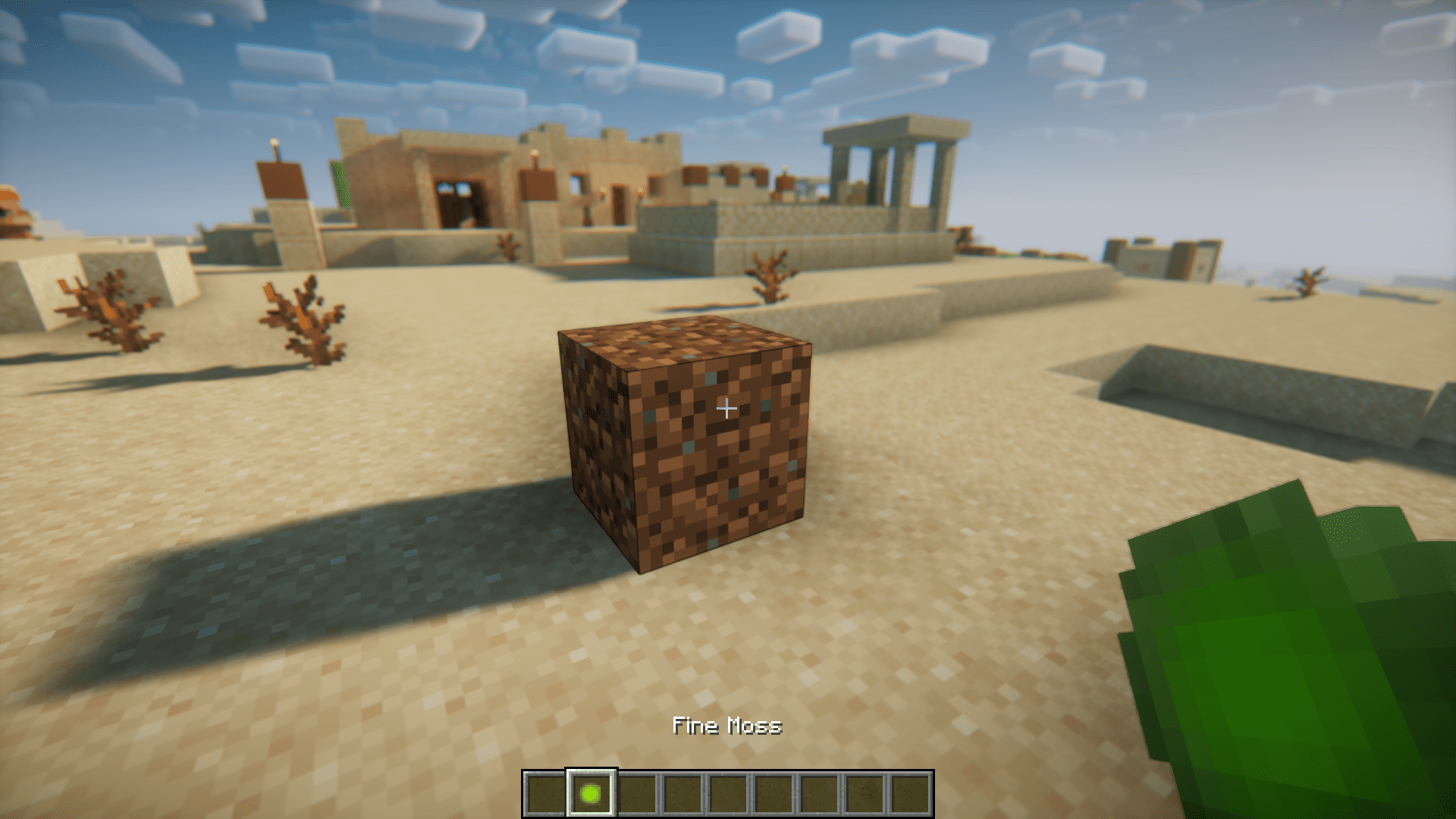
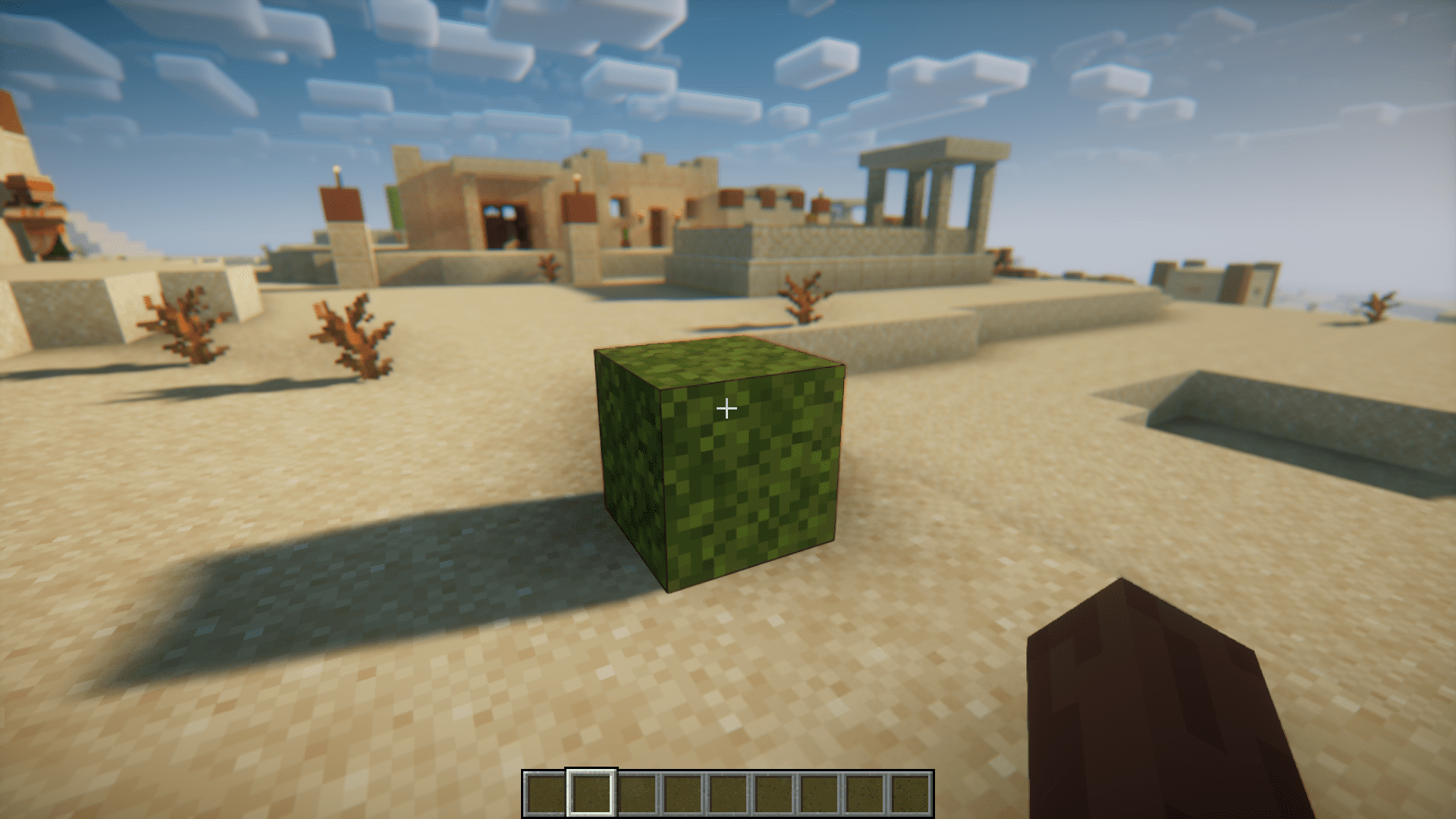
Bonemealing a moss block will convert some nearby stone or dirt-like block on the same y-level into moss blocks. This is a good way to farm moss blocks, but it consumes a lot of bonemeal in the process. Moss Interactions Mod adds a way to farm moss blocks without any bonemeal. By sneak right-clicking a moss block with shears, you can convert it into a dirt block. This conversion will result in a new “Fine Moss” item being dropped. The number of fine moss dropped can range from one to three. You can carry this fine moss item in your inventory, and once you reach your desired place, you can simply right click on a dirt block using the fine moss to convert the dirt into a moss block.
Features:
- Introduces a new Fine Moss item.
- To obtain fine moss, sneak right-click a moss block with shears. This drops 1-3 fine moss.
- Then you can right click on a dirt block with the fine moss to convert it into a moss block.
Screenshots:
Requires:
Minecraft Forge
Moss Interactions Mod Download Links
For Minecraft 1.20.1
Forge version: Download from Server 1 – Download from Server 2
- Edition: Minecraft Java
- File type: .jar
- Minecraft version listed: 1.20.1
- How to install: Install the matching mod loader (Forge, Fabric or NeoForge) for your Minecraft version. → Download the .jar. → Put it in the .minecraft/mods folder and launch that loader profile.
- Where to get it: In MC Java Mods, or directly above on this page.
Install steps are the general flow for this file type — How to install Minecraft Java mods & modpacks walks through it step by step.
- Downloads as 202289.mcaddon
- Download size: 16 KB
- Download link checked 22 Jul 2026 — working
- Mirrored on our own servers — the download does not depend on the original host
These come from our own check of the pack file, not from the source page.