Simple Config Mod is a library mod that makes simple for mod developers to make their mods configurable. It also makes simple for players to configure mods, by providing powerful menus and commands to edit configuration files, even remotely, and allowing them to create presets or bind hotkeys to complex config modifications.
Features:
- Powerful config menus for every mod (as long as they use Forge’s Config API)
- Edit Minecraft Options/Gamerules as if it was just another mod
- Edit server config remotely (if authorized)
- Create config presets or patches (partial presets)
- Create hotkeys to modify any settings in-game (assign, add, toggle, cycle, multiply, …)
- Access config through commands
- Share presets/hotkeys within servers
- Search/Filter entries and Undo/Redo changes in menus and commands
- Detect, preview and merge external changes in menus (made by other players or from outside the game)
- Config files can use translated descriptions (if the mod or a resource pack provides them)
- Replace menus from other mods (configurable per mod)
For Developers:
- Simple builder API to define config files
- Extensible declarative API based on annotations
- Safe declarative Kotlin API based on property delegates
- Dependency injection to use as soft dependency (except for the Kotlin API)
- Automatically generated menus and commands
- Automatic baking into fields (with custom transformations)
- Automatically mapped translation keys for entries
- Create composite entry types with generic types (lists/maps/pairs/beans/data classes…) or custom serializable types
- Provide multiple default presets/hotkeys for players to easily set up their config
Screenshots:
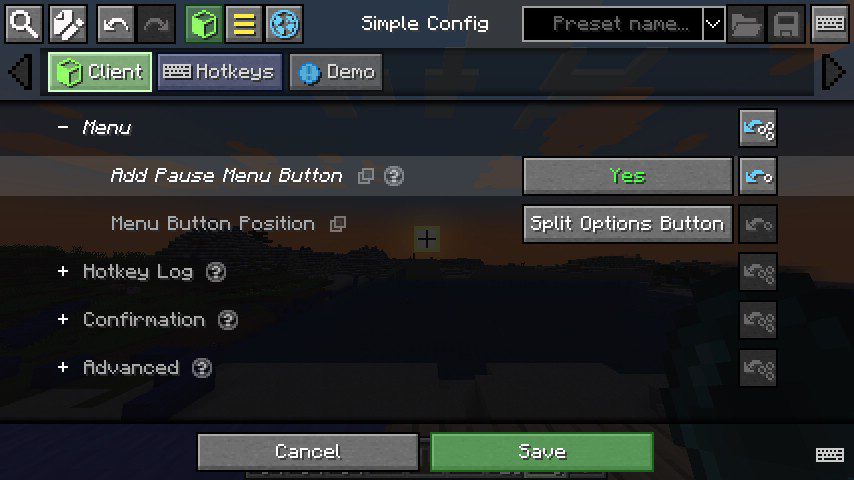
Simple Config Menu
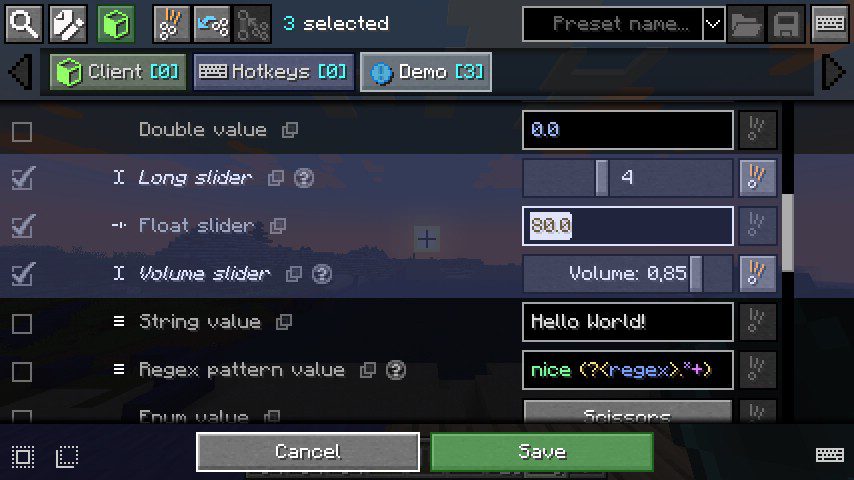
Selection: Example of selecting entries
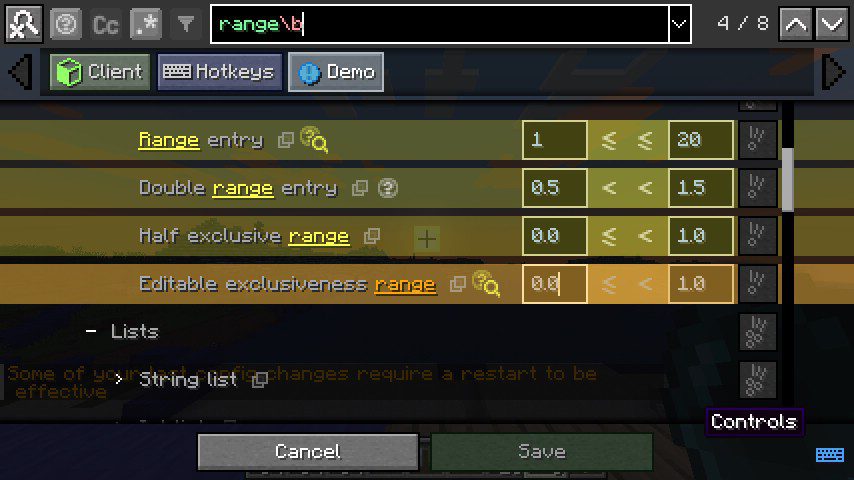
Search Bar
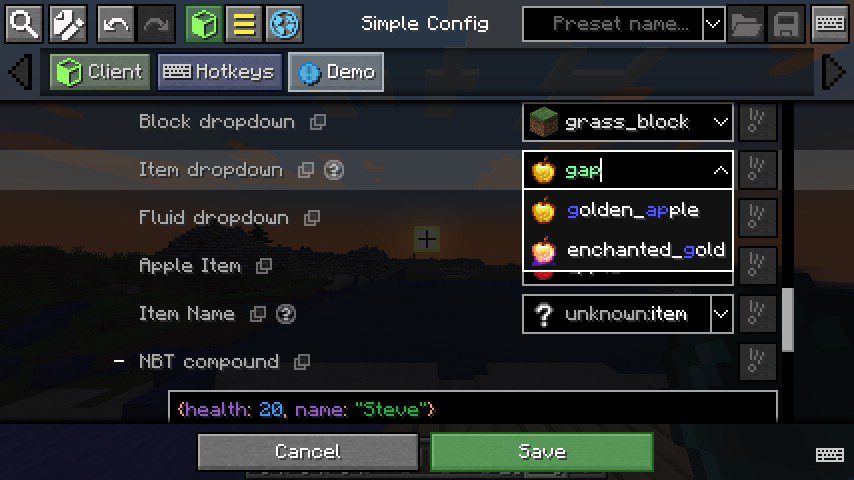
Entries – Dropdowns: Showcases dropdown autocompletion.
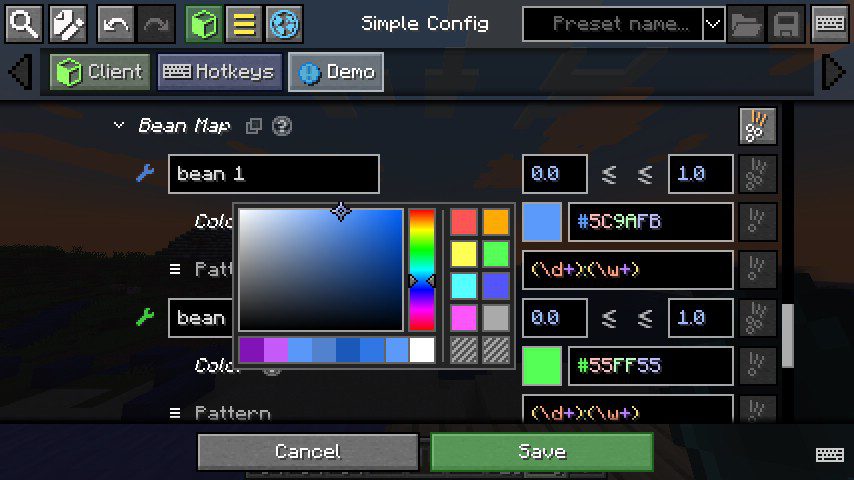
Entries – Bean Map: Showcases map and Java bean entries
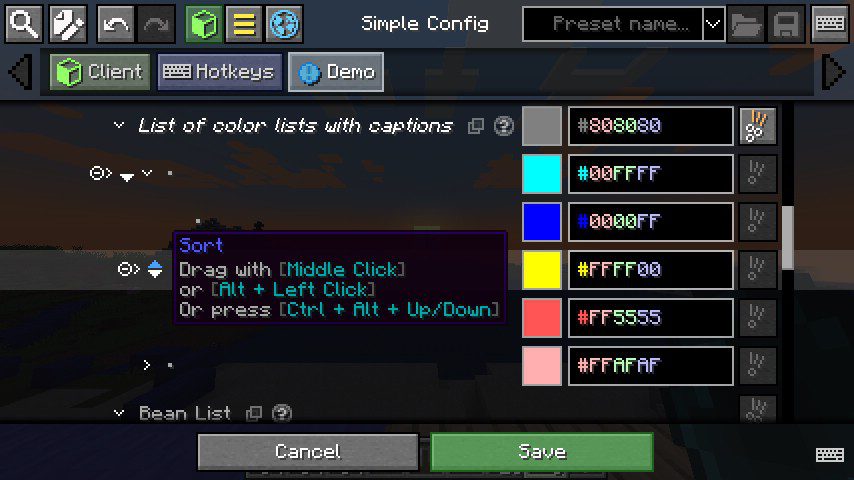
Entries – List of Color Lists: Showcases nested lists of arbitrary entry types.
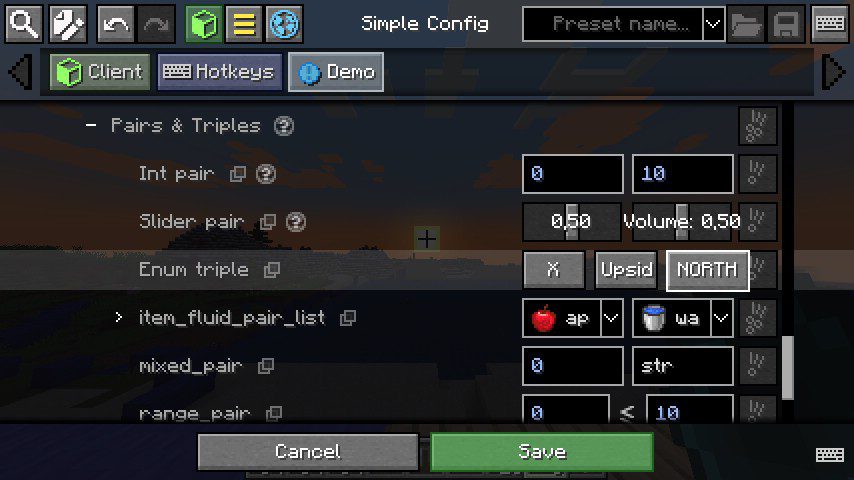
Entries – Pairs and Triples: Showcases pairs and triples of arbitrary entry types.
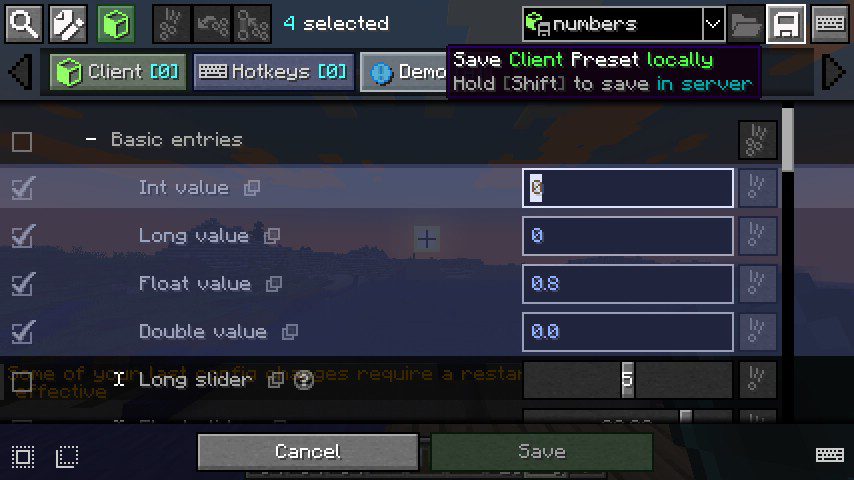
Presets – Save: Showcases preset saving feature.
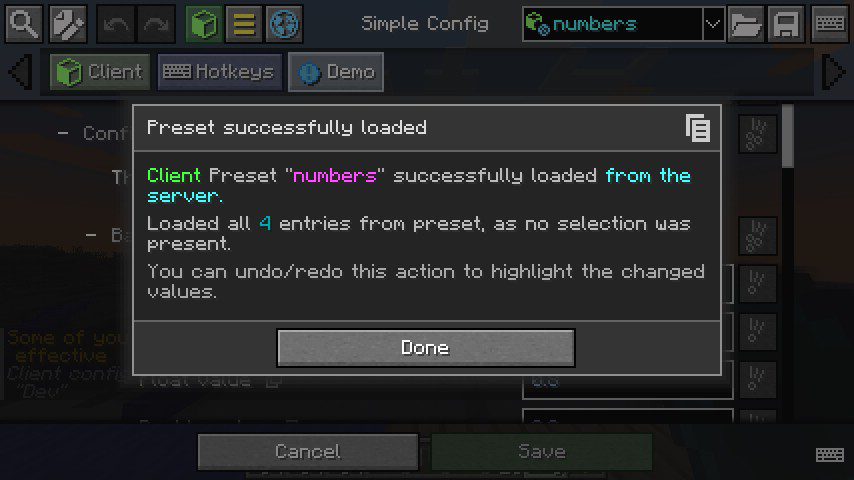
Presets – Load: Showcases the preset loaded dialog
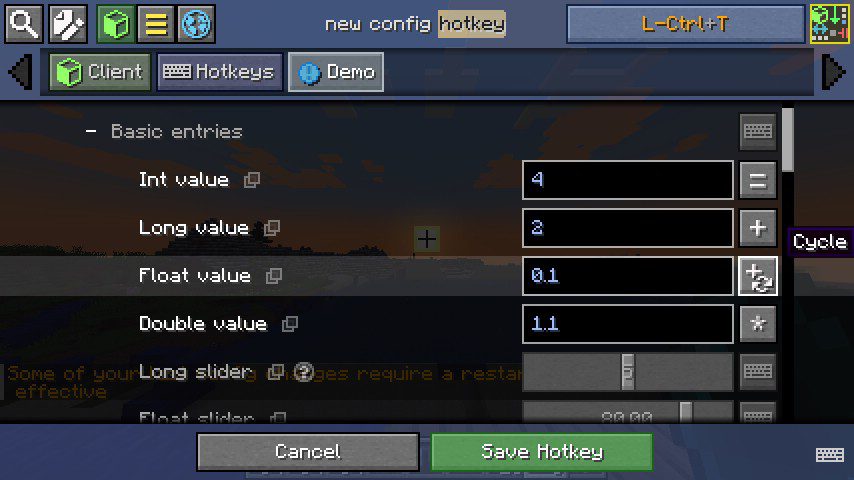
Hotkey – New: Showcases the config hotkey editing screen.
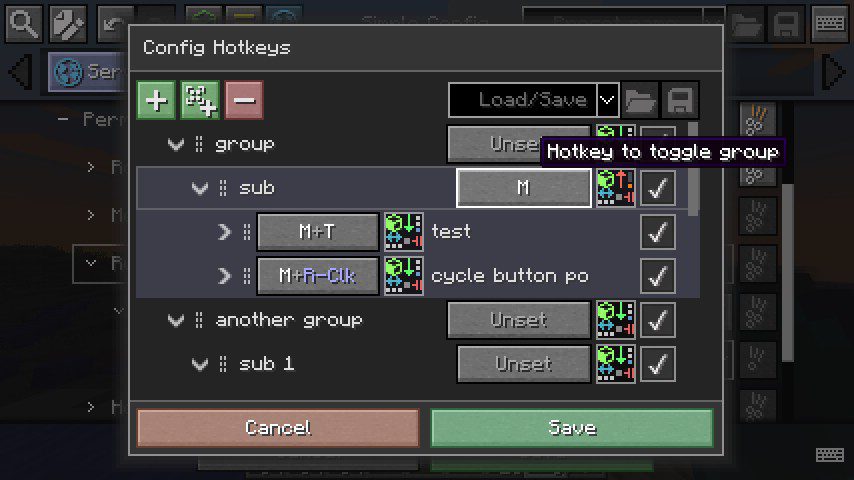
Hotkey – Menu: Showcases the config hotkeys menu.
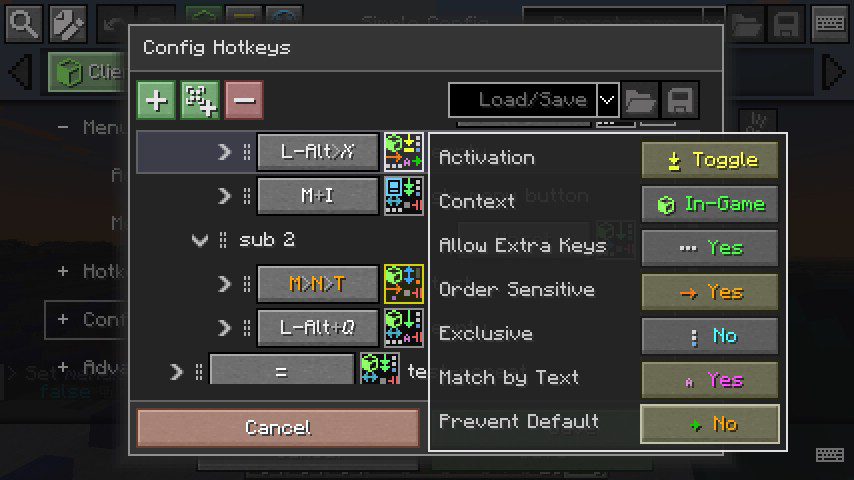
Hotkey – Advanced Options: Showcases the advanced config hotkey options
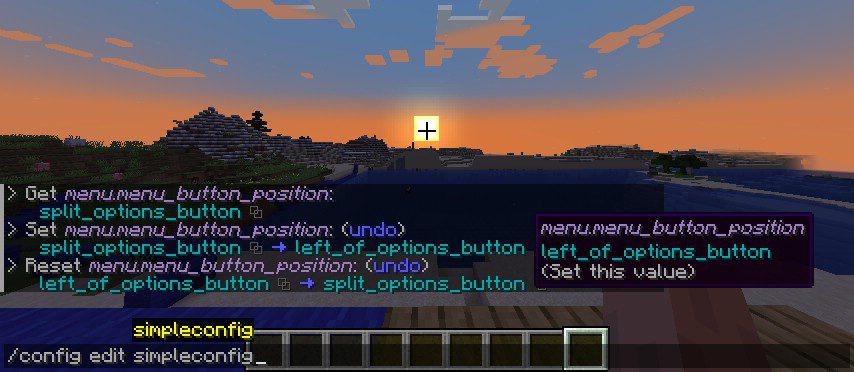
Commands: Showcases config commands
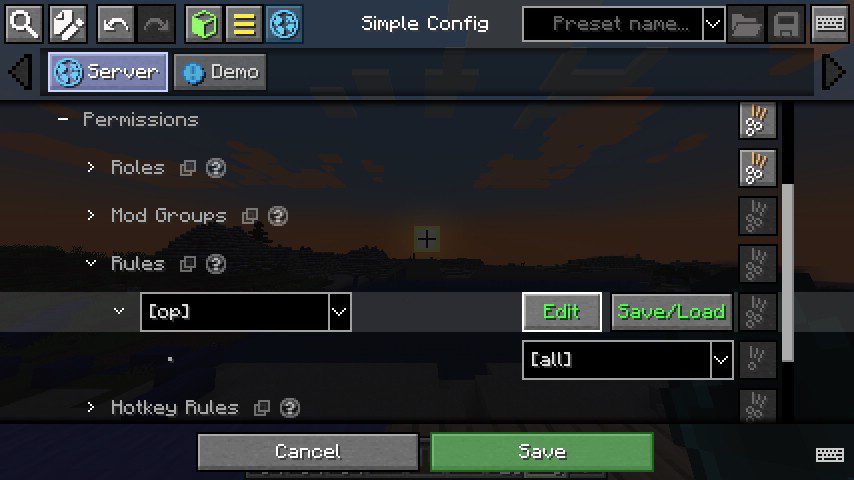
Simple Config – Server Rules: Showcases config editing server rules
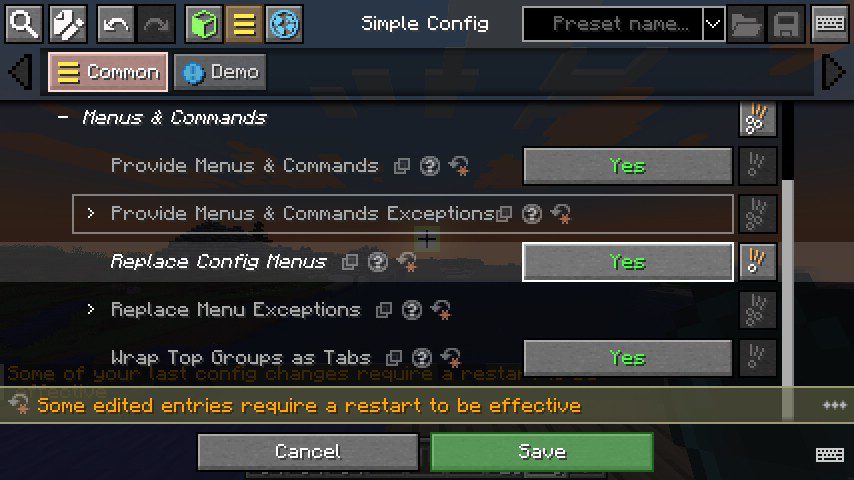
Simple Config – Replace Menus: Showcases the feature to replace menus of other mods
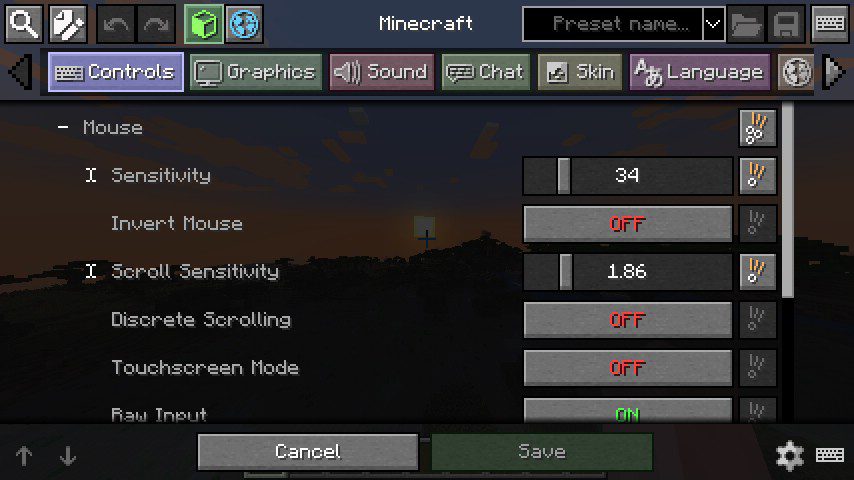
Minecraft Options: Wrapped options menu, which allows defining presets/hotkeys for Minecraft Options
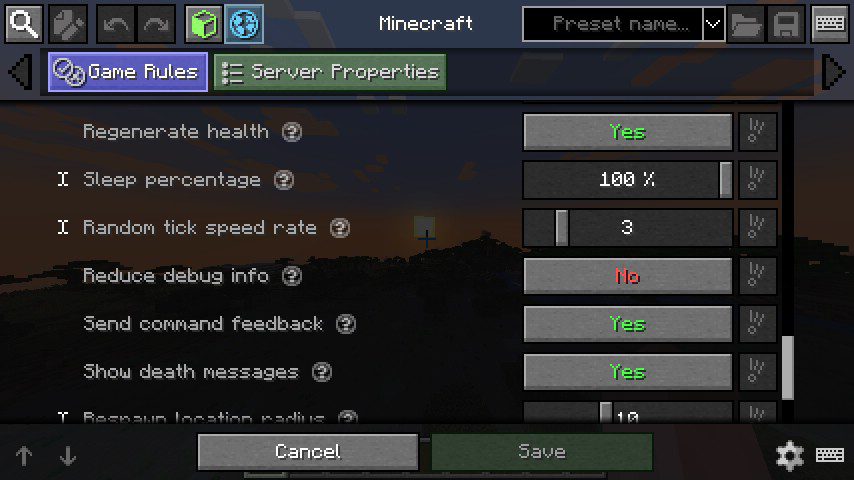
Minecraft Gamerules: Wrapped gamerules menu, which allows you to create presets/hotkeys for gamerules (if authorized)
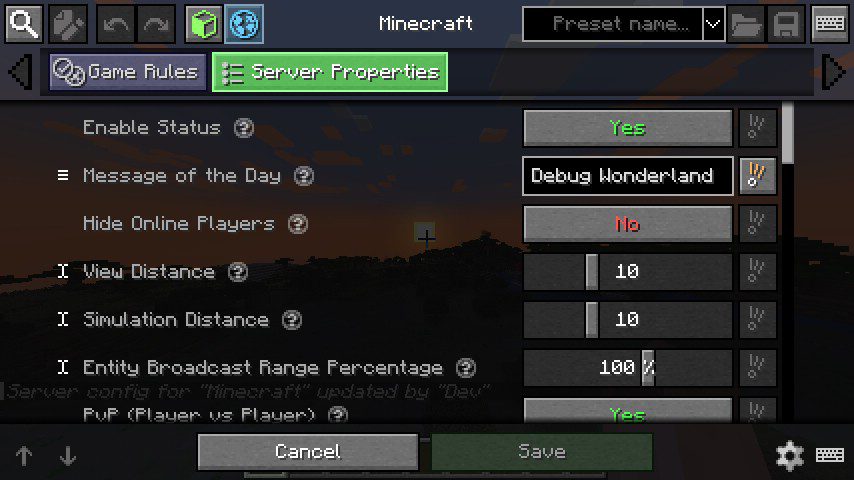
Server Properties: Server properties menu. Accessible by authorized players in dedicated servers.
Simple Config Mod Download Links
For Minecraft 1.16.5
Forge version: Download from Server 1 – Download from Server 2
For Minecraft 1.17.1
Forge version: Download from Server 1
For Minecraft 1.18.2
Forge version: Download from Server 1 – Download from Server 2
For Minecraft 1.19.2, 1.19.1, 1.19
Forge version: Download from Server 1 – Download from Server 2
For Minecraft 1.19.3
Forge version: Download from Server 1
For Minecraft 1.19.4
Forge version: Download from Server 1 – Download from Server 2
For Minecraft 1.20.1, 1.20
Forge/NeoForge version: Download from Server 1 – Download from Server 2
- Edition: Minecraft Java
- File type: .jar
- Minecraft versions listed: 1.20.1, 1.19.4
- How to install: Install the matching mod loader (Forge, Fabric or NeoForge) for your Minecraft version. → Download the .jar. → Put it in the .minecraft/mods folder and launch that loader profile.
- Where to get it: In MC Java Mods, or directly above on this page.
Install steps are the general flow for this file type — How to install Minecraft Java mods & modpacks walks through it step by step.
- Downloads as 202295.mcaddon
- Download size: 4.2 MB
- Download link checked 29 Jul 2026 — working
- Mirrored on our own servers — the download does not depend on the original host
These come from our own check of the pack file, not from the source page.