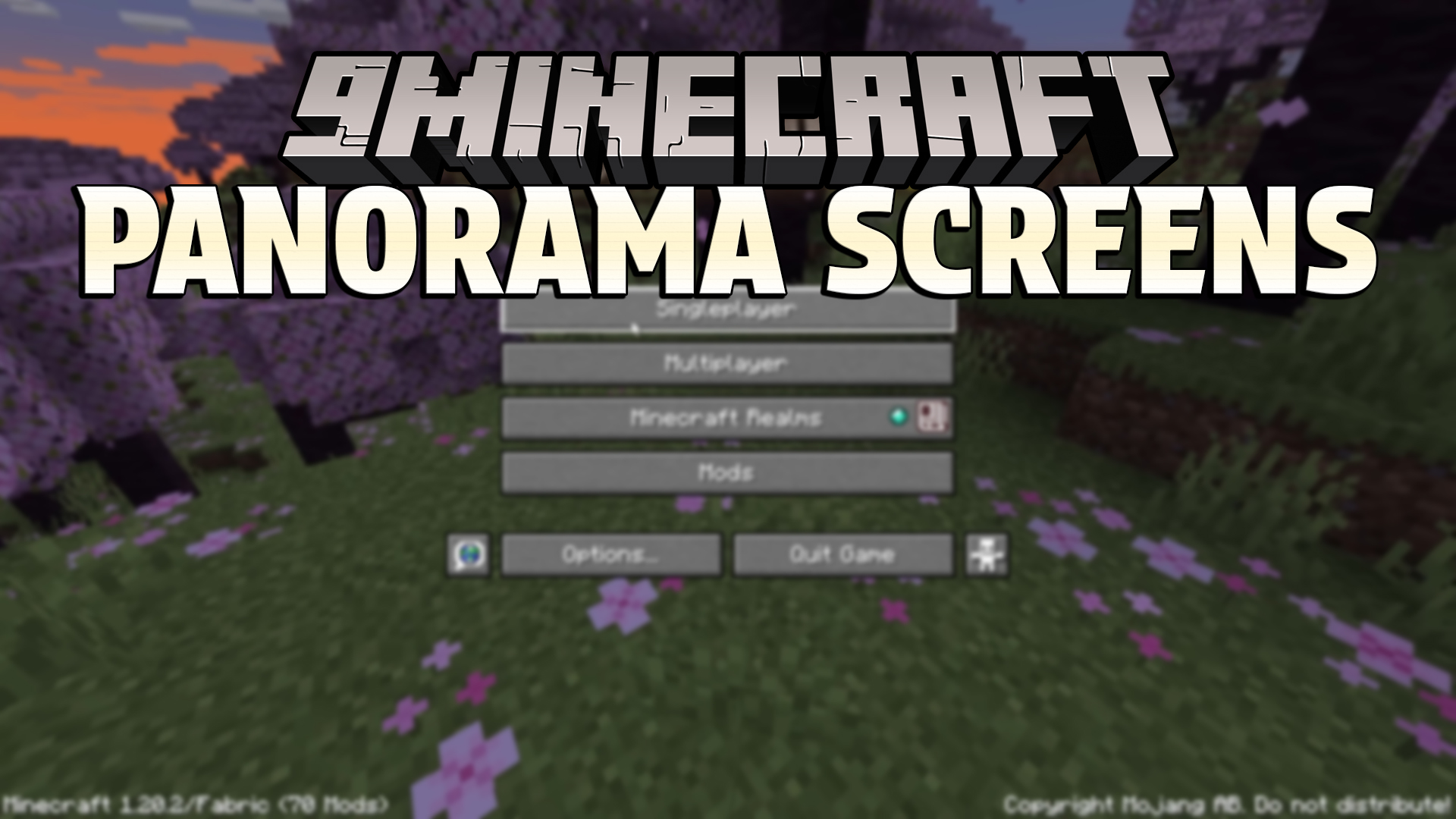
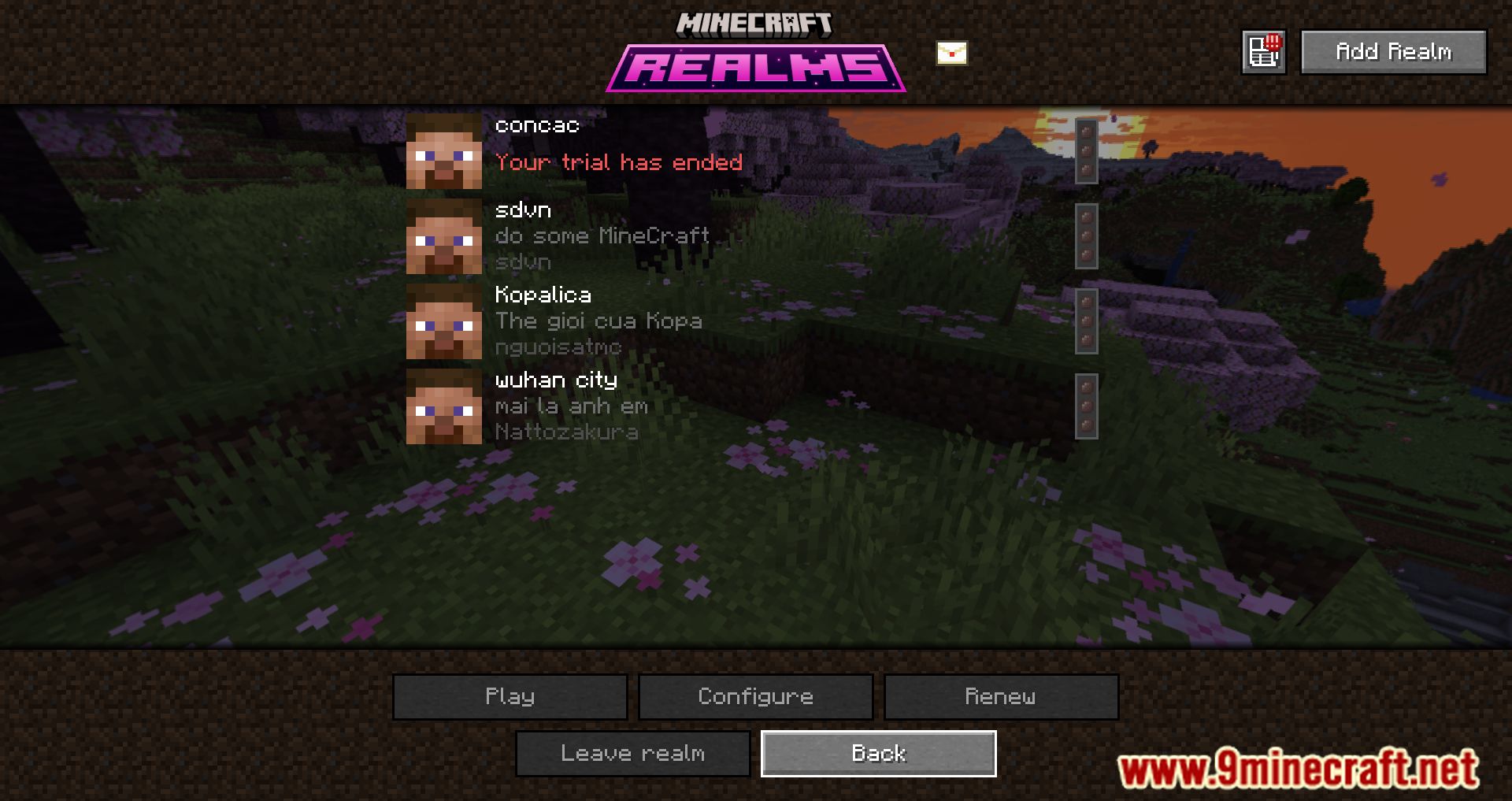
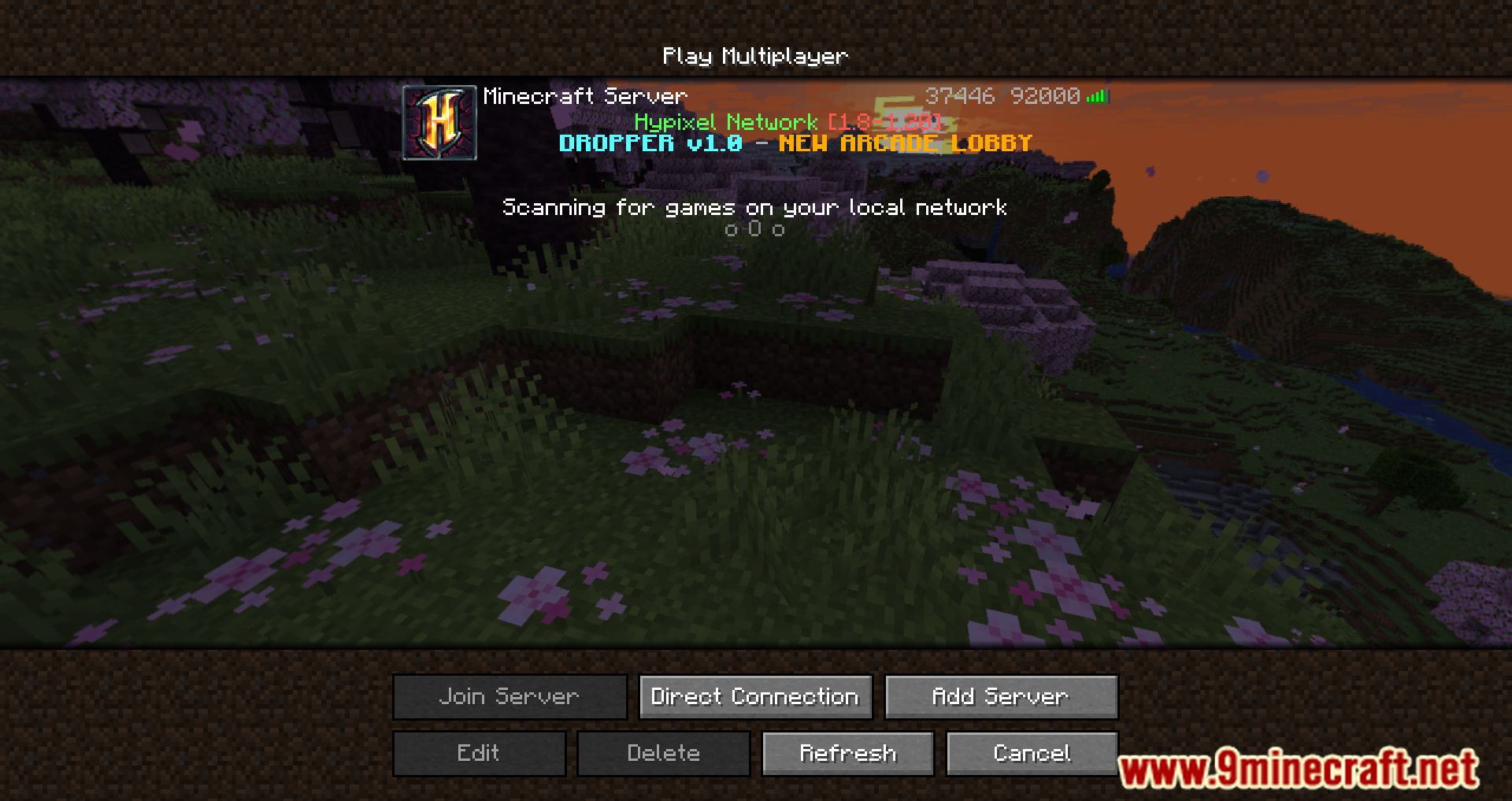
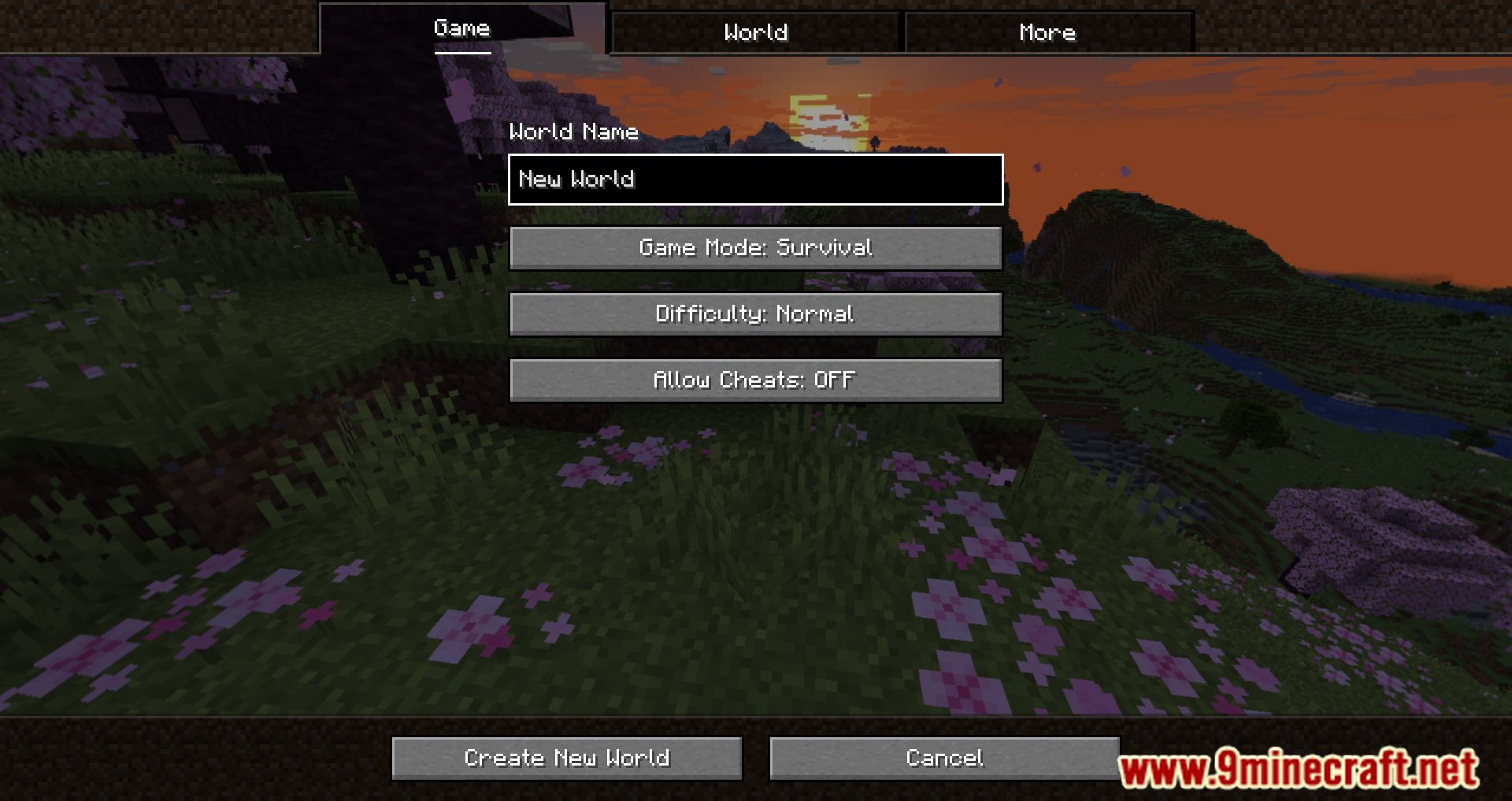
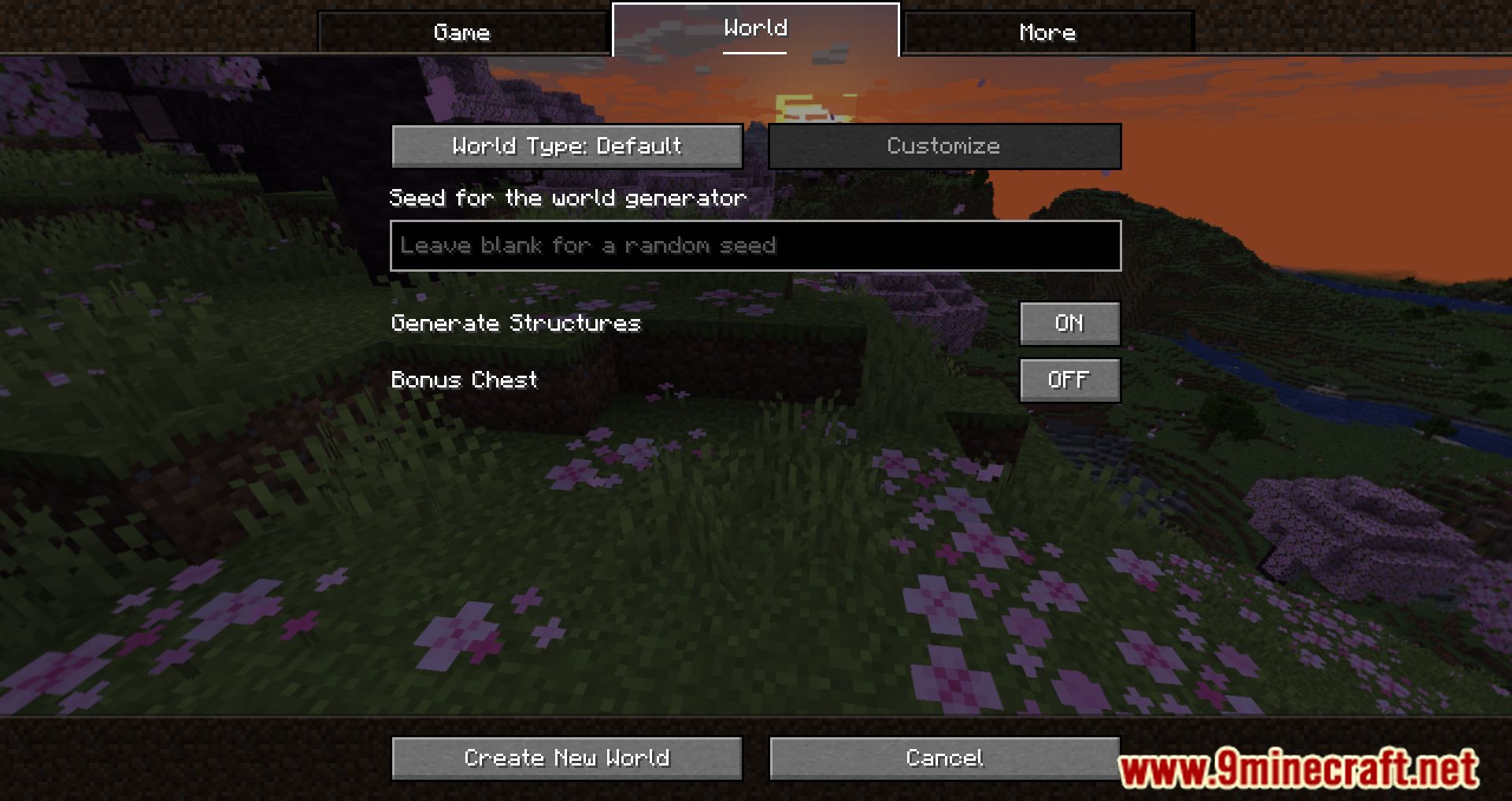
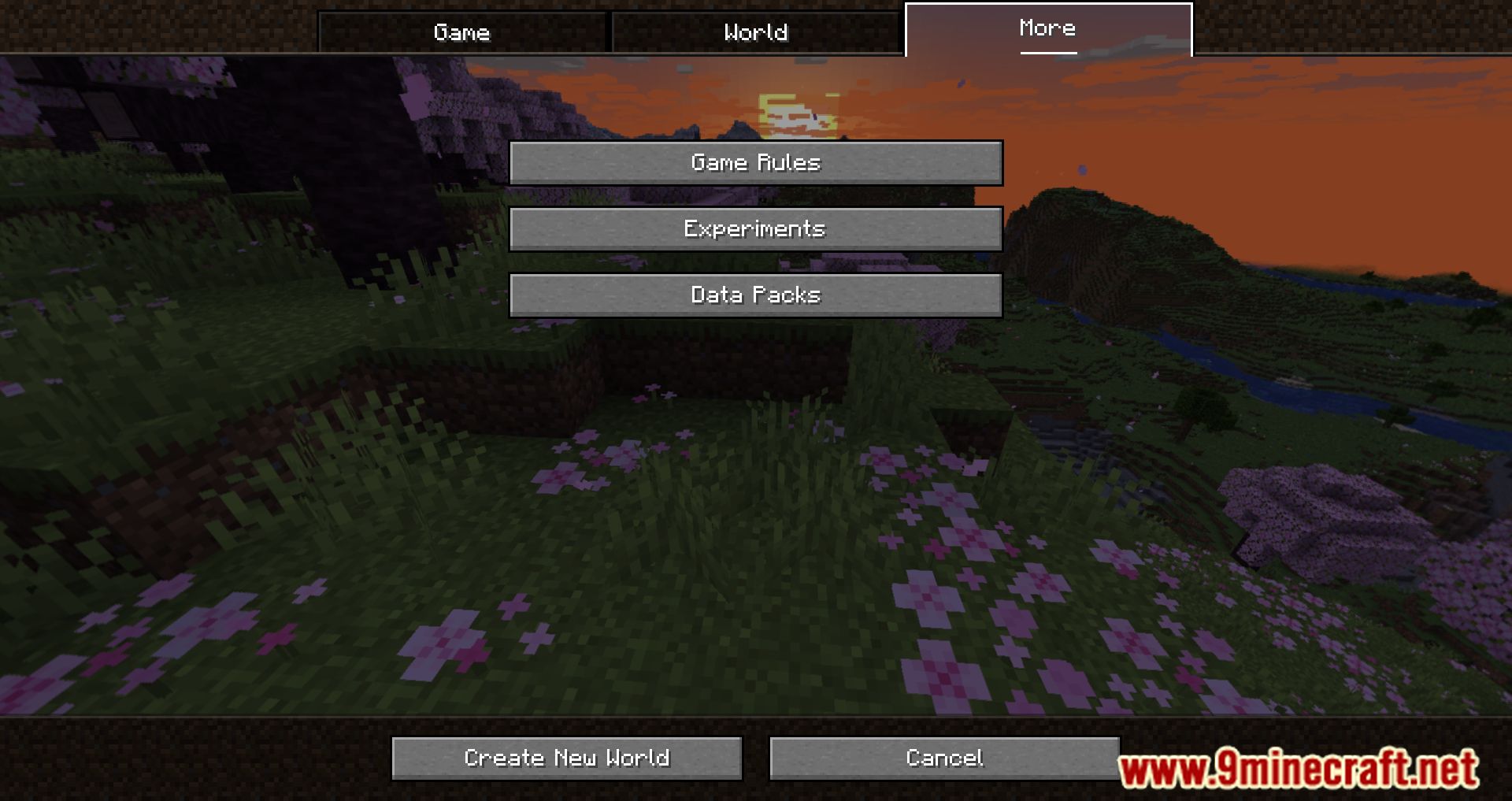
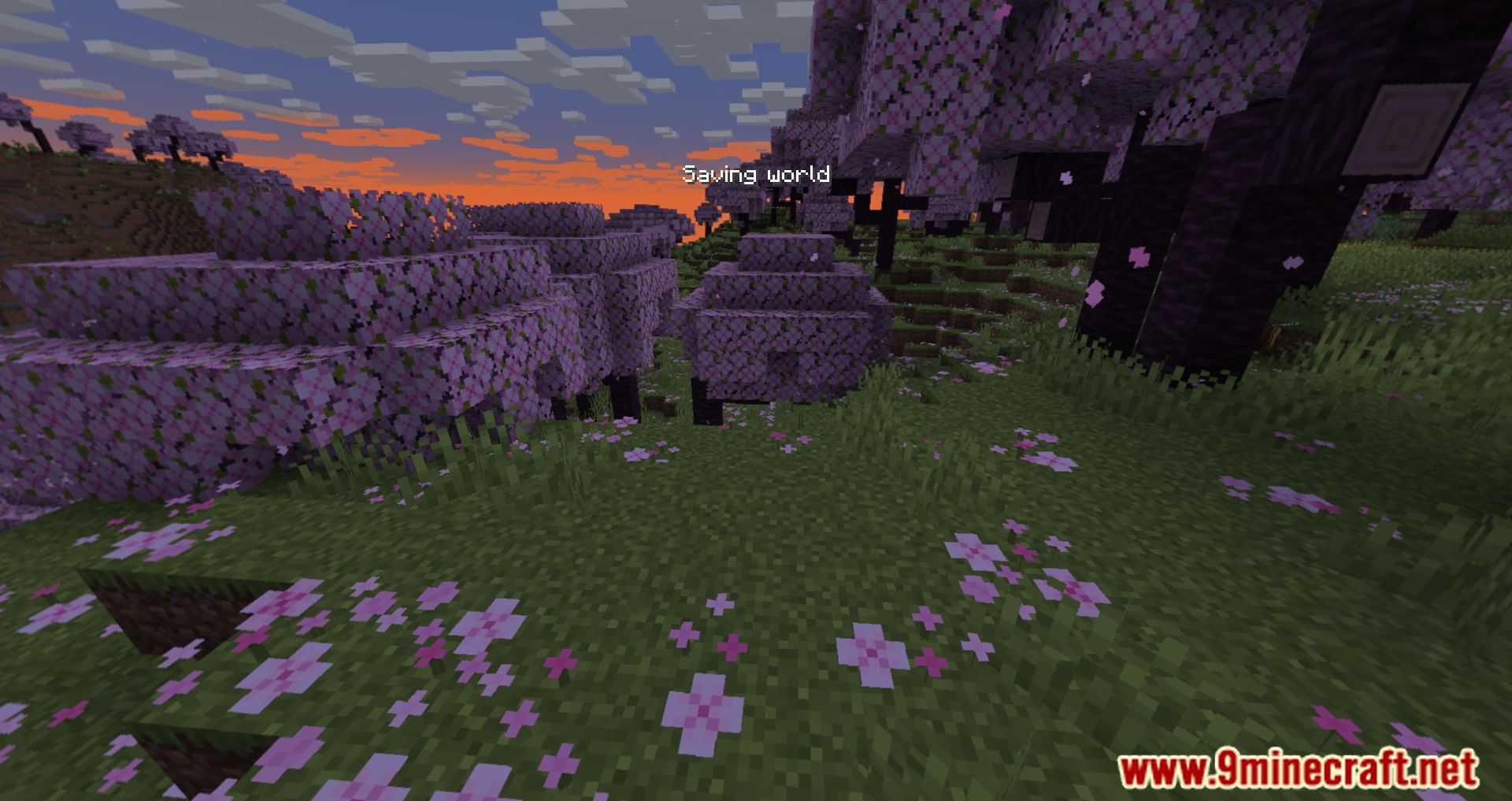
Panorama Screens Mod enhances the interface appearance by adding panoramas to various screens. Now you can enjoy beautiful panoramas not only on the main menu but also on the settings screen or any other menus, even those from third-party modifications.
Features:
- High compatibility with other mods.
- Explicit compatibility with lots of mod config screen APIs (cloth-config, configured, etc) and tested in hundreds of other mods.
- Configurable through Cloth Config.
- Screen allow list for compatible screens/mods.
- Screen block list for incompatible screens/mods.
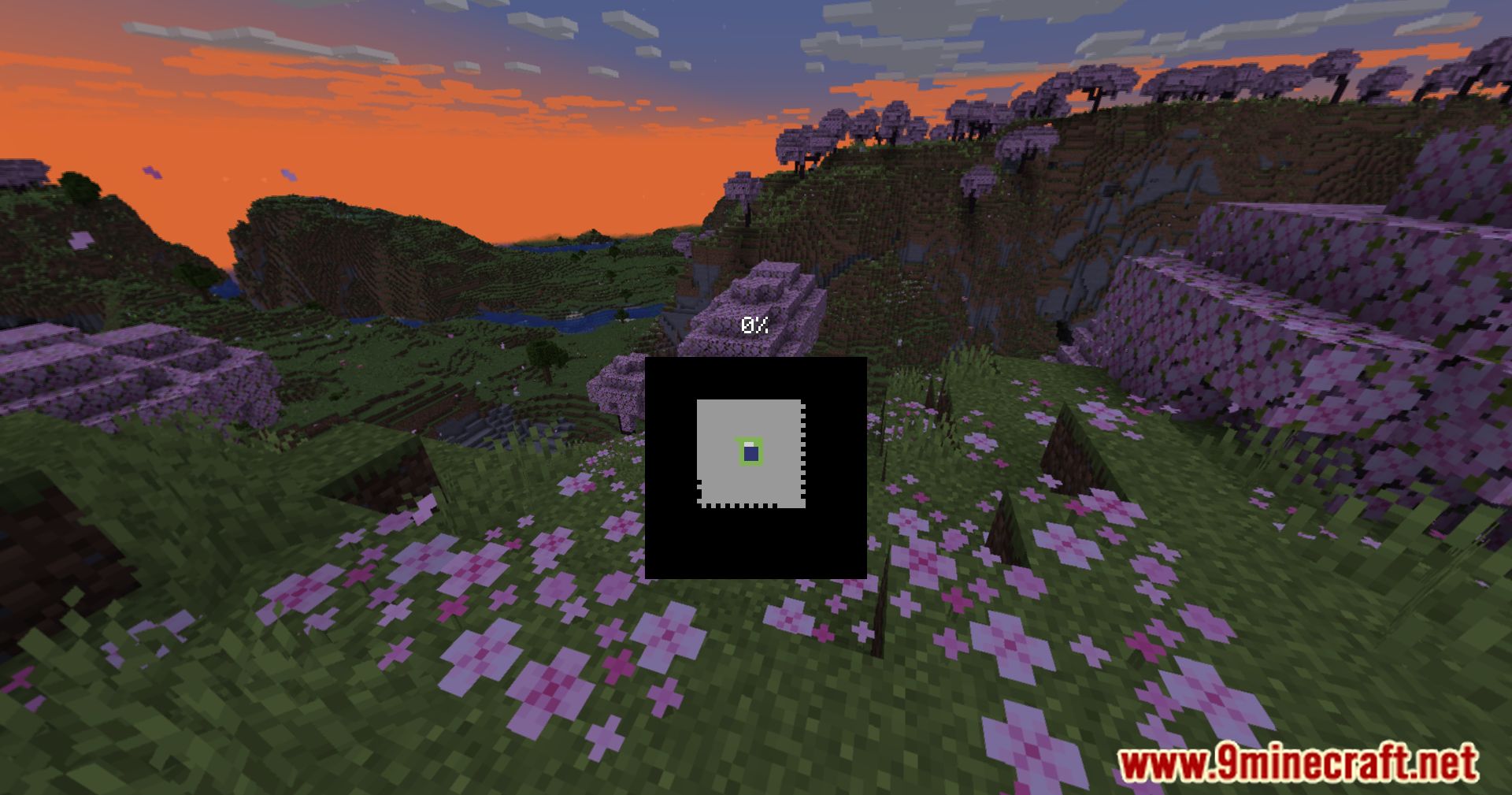
Screenshots:
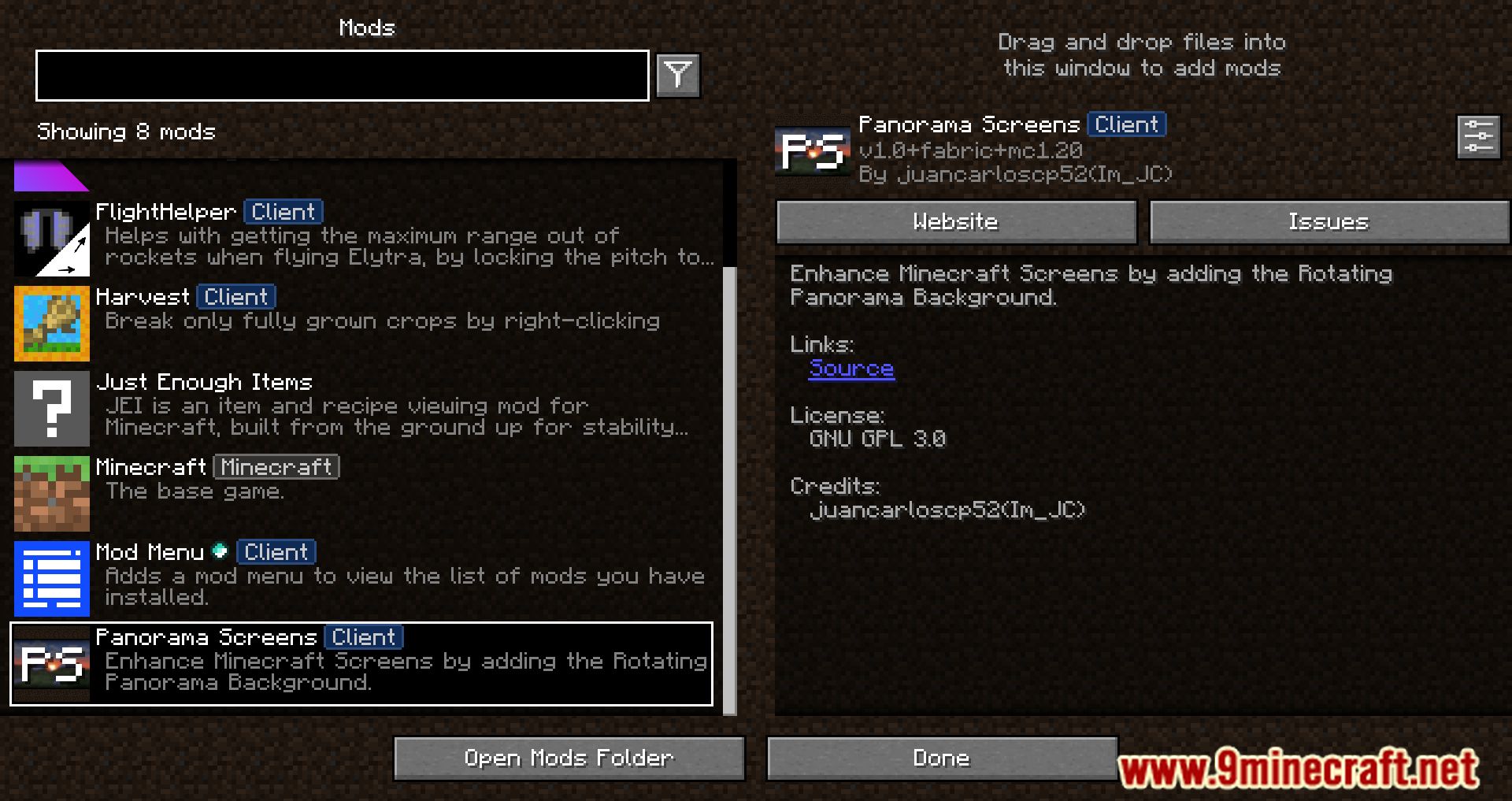
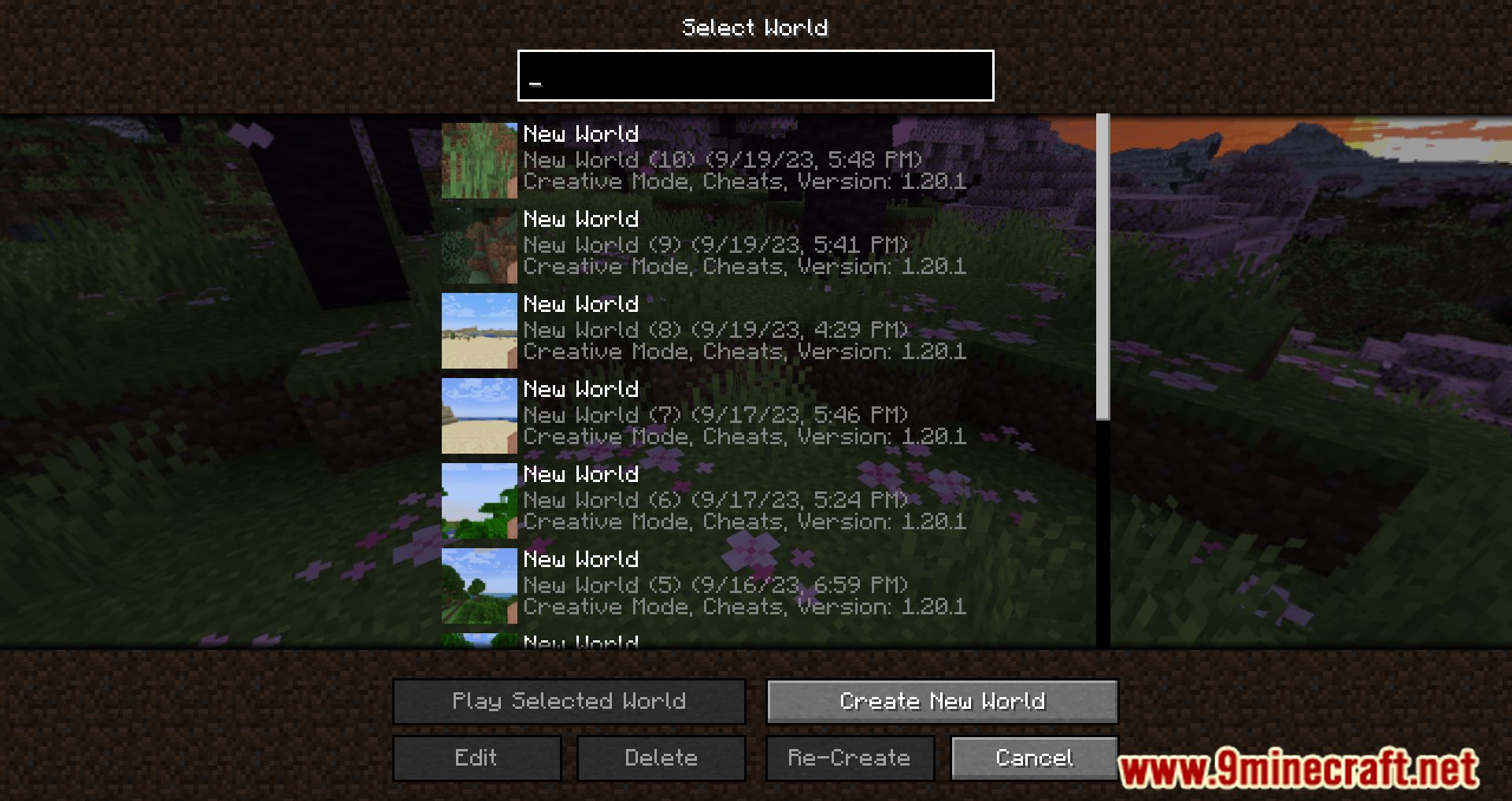
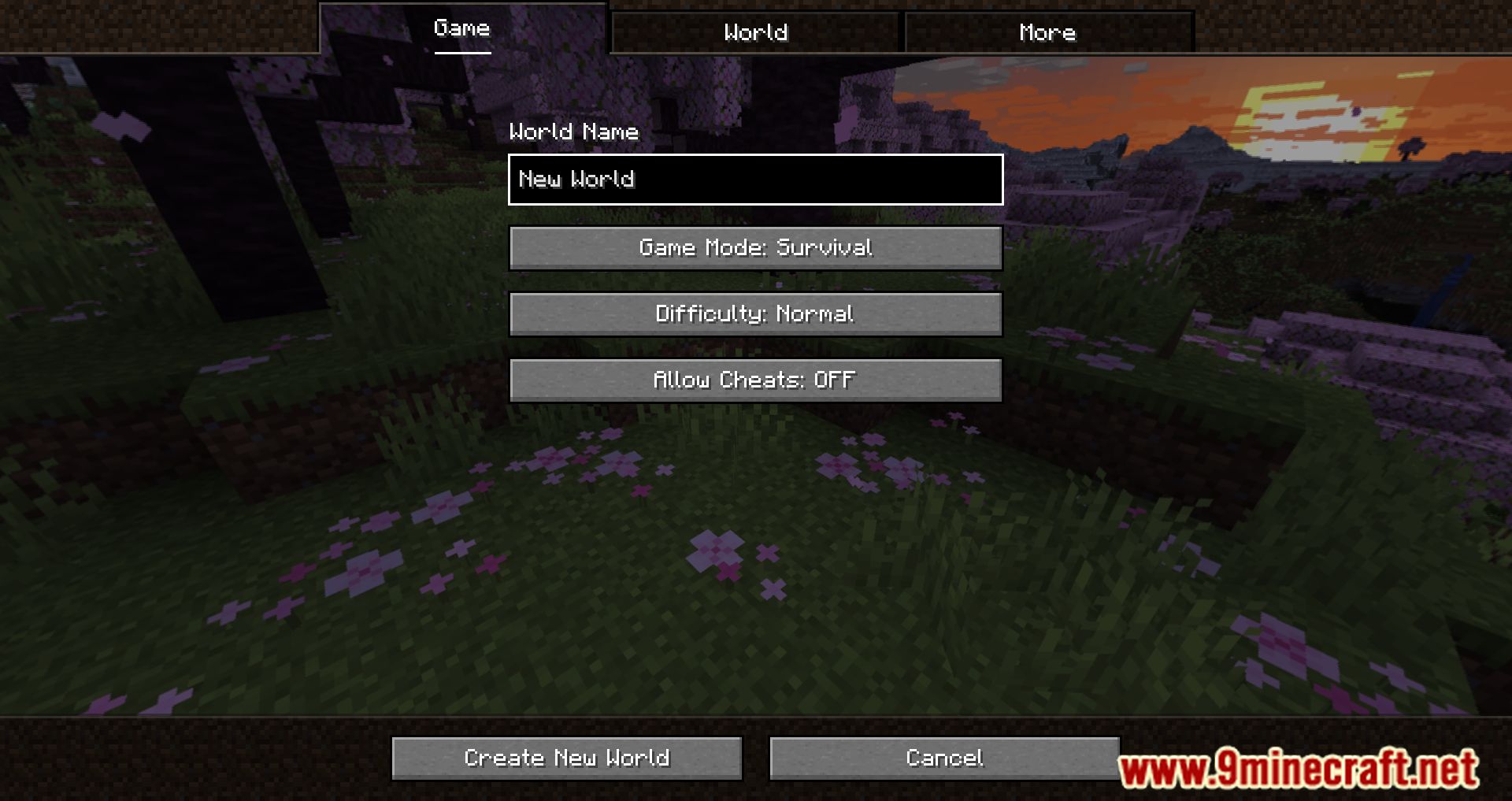
Requires:
Minecraft Forge or Fabric API
Panorama Screens Mod Download Links
For Minecraft 1.20.4, 1.20.3
Forge version: Download from Server 1 – Download from Server 2
Fabric/Quilt version: Download from Server 1 – Download from Server 2
For Minecraft 1.20.2
Forge version: Download from Server 1 – Download from Server 2
Fabric/Quilt version: Download from Server 1 – Download from Server 2
For Minecraft 1.20.1, 1.20
Forge/NeoForge version: Download from Server 1 – Download from Server 2
Fabric version: Download from Server 1 – Download from Server 2
For Minecraft 1.19.4
Forge version: Download from Server 1 – Download from Server 2
Fabric version: Download from Server 1 – Download from Server 2
For Minecraft 1.19.3
Forge version: Download from Server 1 – Download from Server 2
Fabric version: Download from Server 1 – Download from Server 2
For Minecraft 1.19.2, 1.19.1, 1.19
Forge version: Download from Server 1 – Download from Server 2
Fabric version: Download from Server 1 – Download from Server 2
For Minecraft 1.18.2
Forge version: Download from Server 1 – Download from Server 2
Fabric version: Download from Server 1 – Download from Server 2
- Edition: Minecraft Java
- File type: .jar
- Minecraft versions listed: 1.20.4, 1.20.1
- How to install: Install the matching mod loader (Forge, Fabric or NeoForge) for your Minecraft version. → Download the .jar. → Put it in the .minecraft/mods folder and launch that loader profile.
- Where to get it: In MC Java Mods, or directly above on this page.
Install steps are the general flow for this file type — How to install Minecraft Java mods & modpacks walks through it step by step.
- Downloads as 202414.mcaddon
- Download size: 231 KB
- Download link checked 29 Jul 2026 — working
- Mirrored on our own servers — the download does not depend on the original host
These come from our own check of the pack file, not from the source page.