FTB Banners Mod (1.16.5, 1.12.2) – Display Banners in World
Java mod listed for Minecraft 1.16. Downloads from the MC Java Mods app on Android.
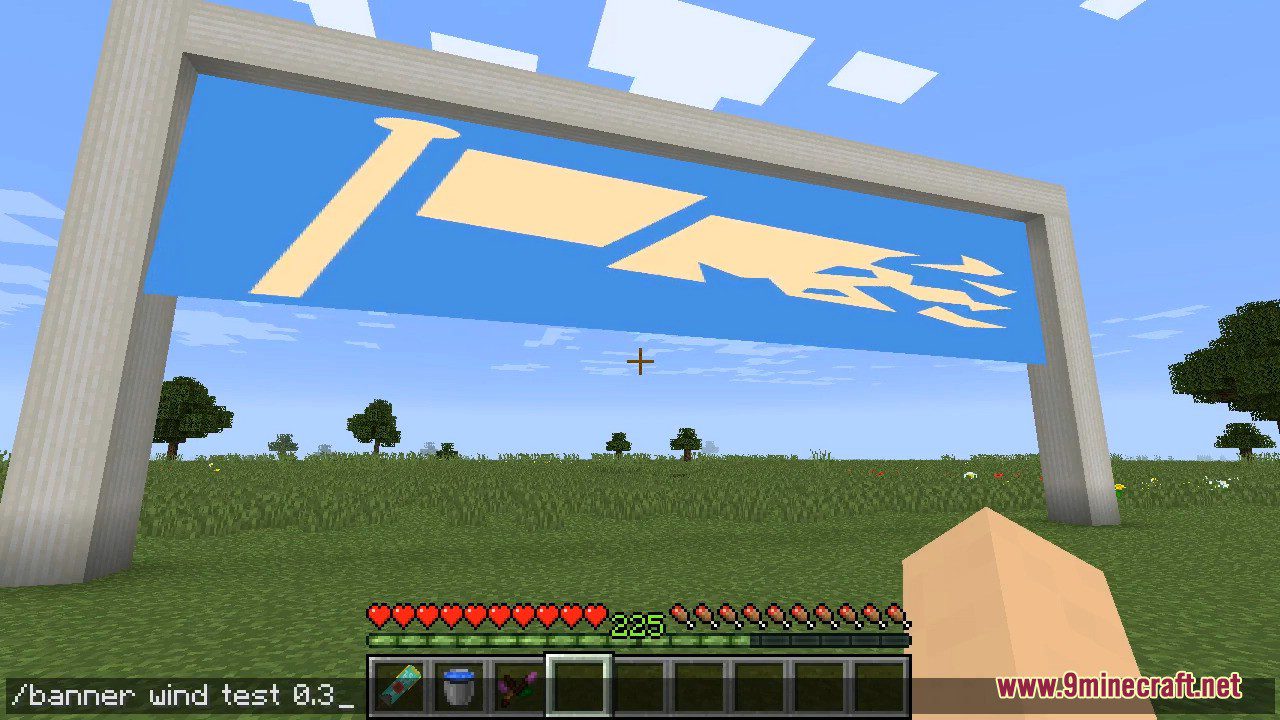
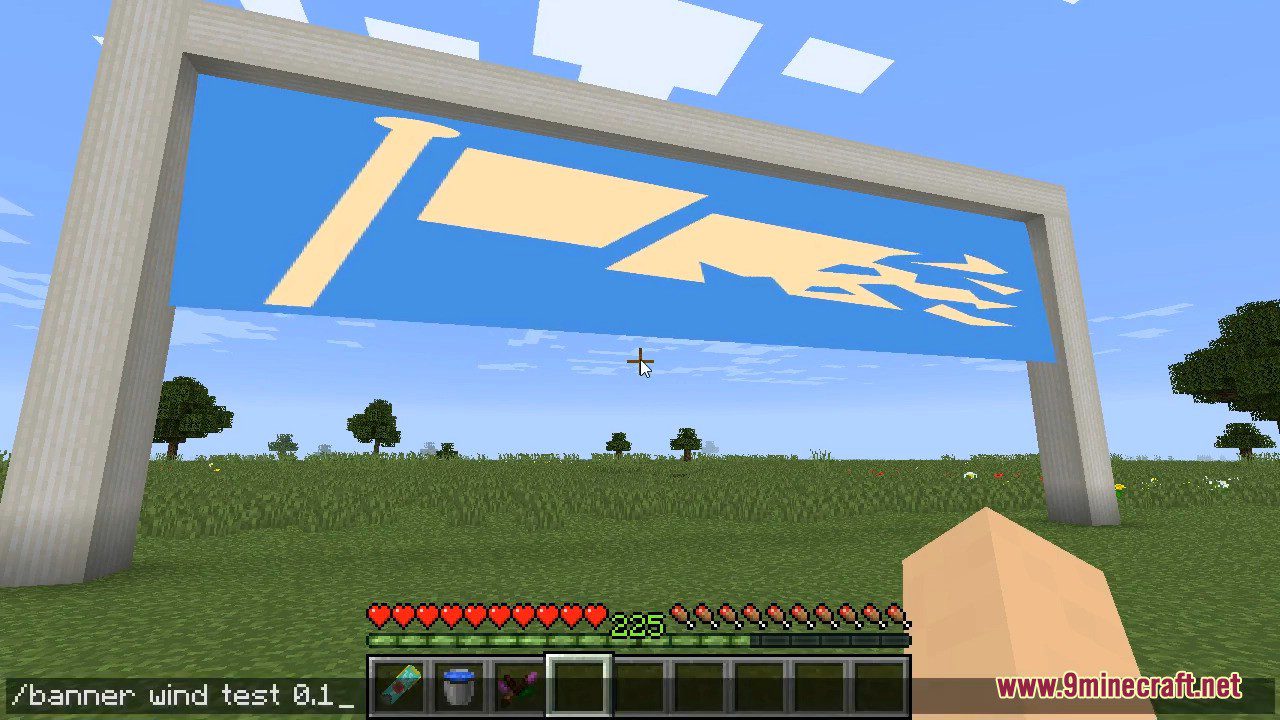
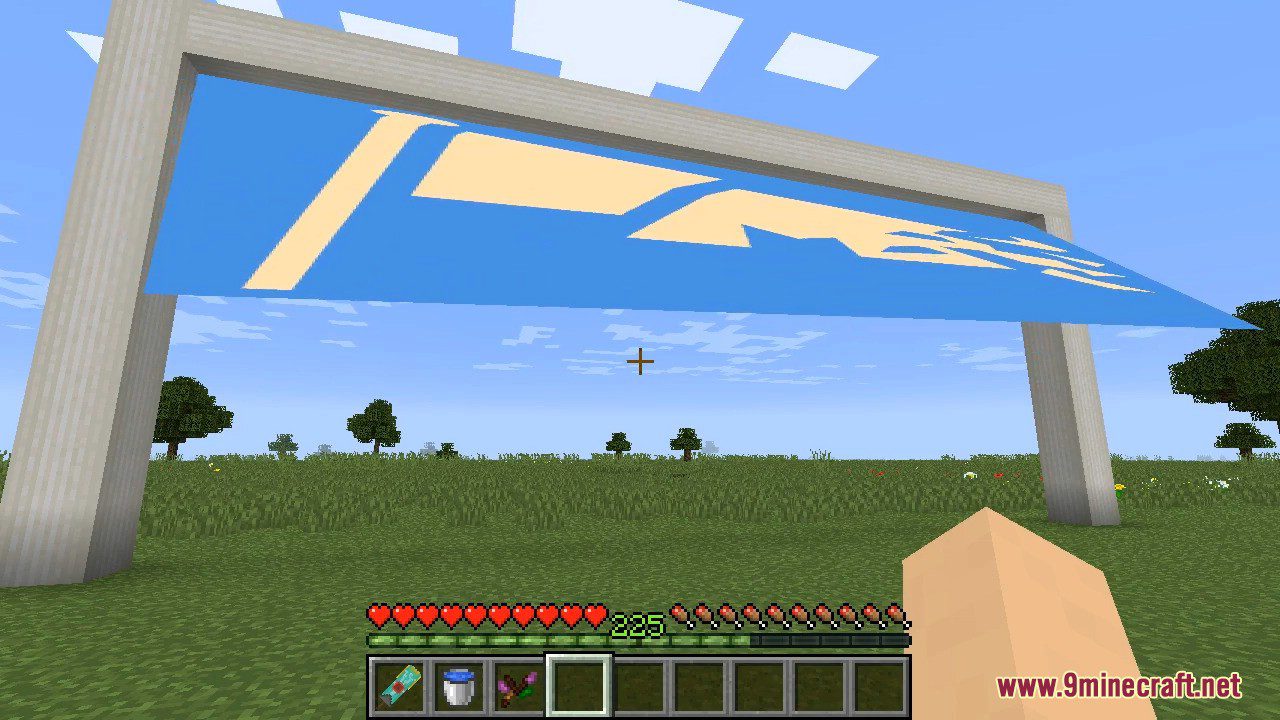
⬇ DownloadFTB Banners Mod lets you add simple, floating images in world with commands. This mod can be used in maps to display banners on events, e.g. completing all tasks in a quest-based map. Regular players can’t use commands to change banners. Currently only way to edit banners is to use NBT editor (such as FTB Utilities’ /nbtedit), but I’m working on that! Blocks become invisible and untouchable when you are not in creative mode.
Screenshots:
FTB Banners Mod Download Links
For Minecraft 1.16.5
Forge version: Download from Server 1 – Download from Server 2
For Minecraft 1.12.2
Forge version: Download from Server 1 – Download from Server 2
- Edition: Minecraft Java
- File type: .jar
- Minecraft version listed: 1.16.5
- How to install: Install the matching mod loader (Forge, Fabric or NeoForge) for your Minecraft version. → Download the .jar. → Put it in the .minecraft/mods folder and launch that loader profile.
- Where to get it: In MC Java Mods, or directly above on this page.
Install steps are the general flow for this file type — How to install Minecraft Java mods & modpacks walks through it step by step.
- Downloads as 202443.mcaddon
- Download size: 77 KB
- Download link checked 29 Jul 2026 — working
- Mirrored on our own servers — the download does not depend on the original host
These come from our own check of the pack file, not from the source page.