ModsJava
FTB StoneBlock Companion Mod (1.18.2) – Team Dimensions, Hammers
Java mod listed for Minecraft 1.18. Downloads from the MC Java Mods app on Android.
⬇ DownloadFTB StoneBlock Companion Mod is an essential mod for FTB StoneBlock 3 that provides team dimensions, hammers and more. Companion mod to FTB StoneBlock 3, focused on adding team based custom dimensions, sluice like tools and lots of helper utilities.
Features:
Dimensions:
- Adds team based dimension, creating based on FTB Teams.
- Each team’s dimension is based on a random name built using 3 random words joined by a “–“.
- Adds a custom portal to access these dimensions.
- Upon entering a portal without a dimension already created for your team.
- A team will be created.
- A screen will show to allow you to select the starting structure to generate in the new dimension.
- After selection, you will be teleported to the correct dimension and any use of the portal after this point will put you back to that dimension even if you’re already in that dimension.
- The portal is a creative based item, meaning it must be placed by the pack creator or a structure file.
- Custom overworld spawning logic that defines where a player is first spawned, a structure that can be spawned in by the system automatically upon overworld creation (based on KubeJS).
- Players can not be damaged, par from the OUT_OF_WORLD damage source, in the overworld.
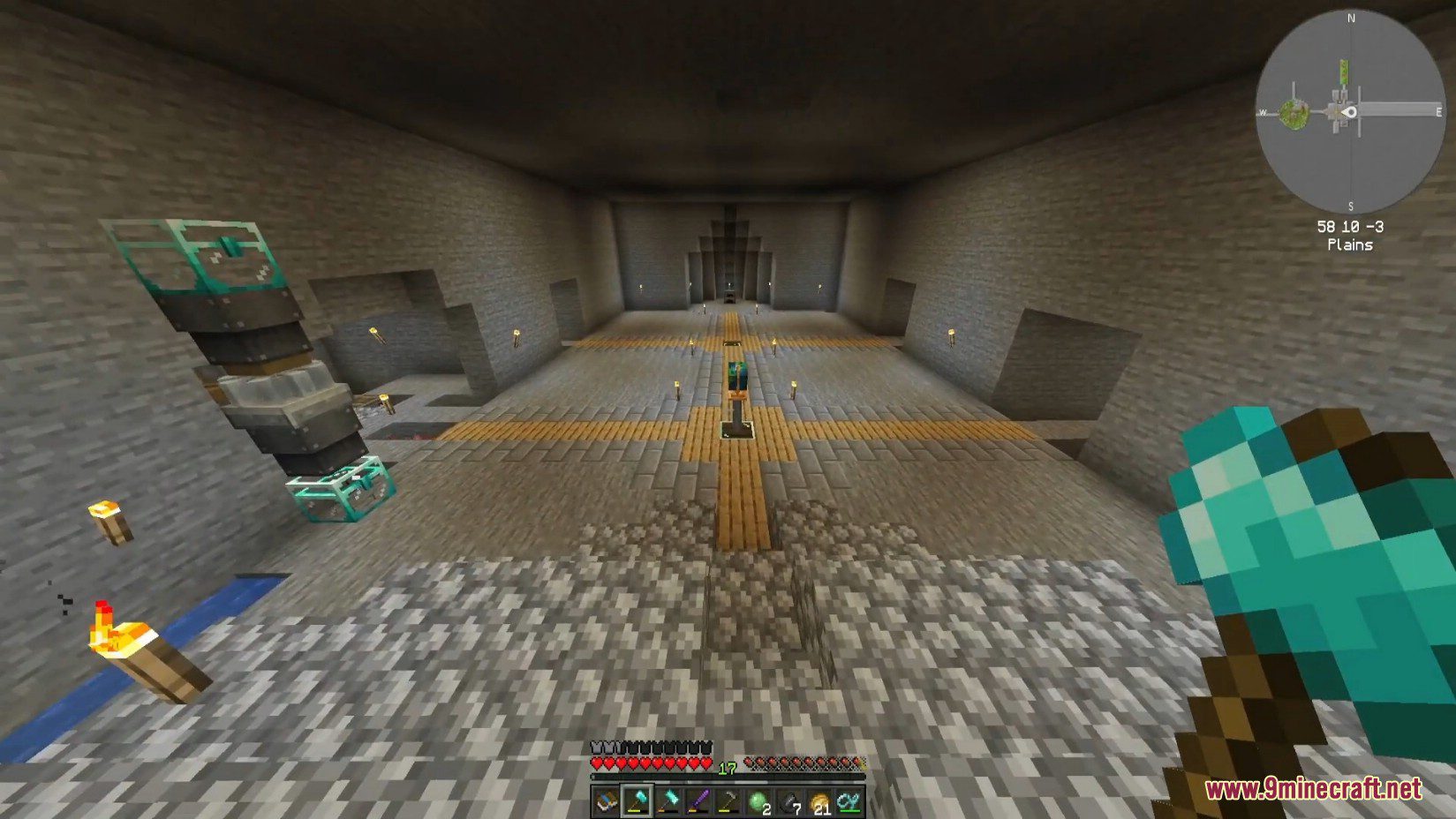
- A completely unique StoneBlock dimension that builds out circular worlds from the spawn point based on a dynamic config provided by KubeJS.
Tools:
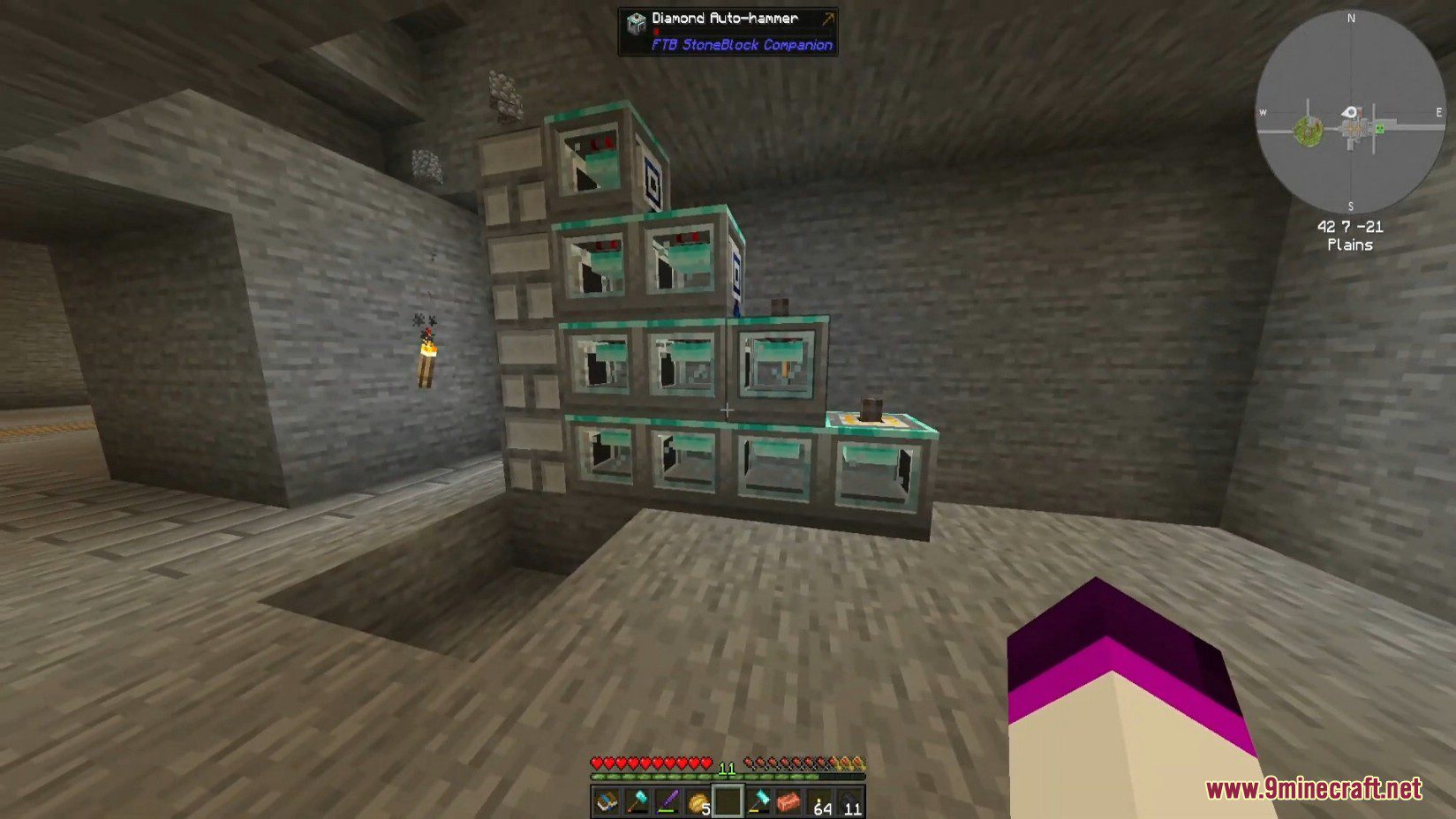
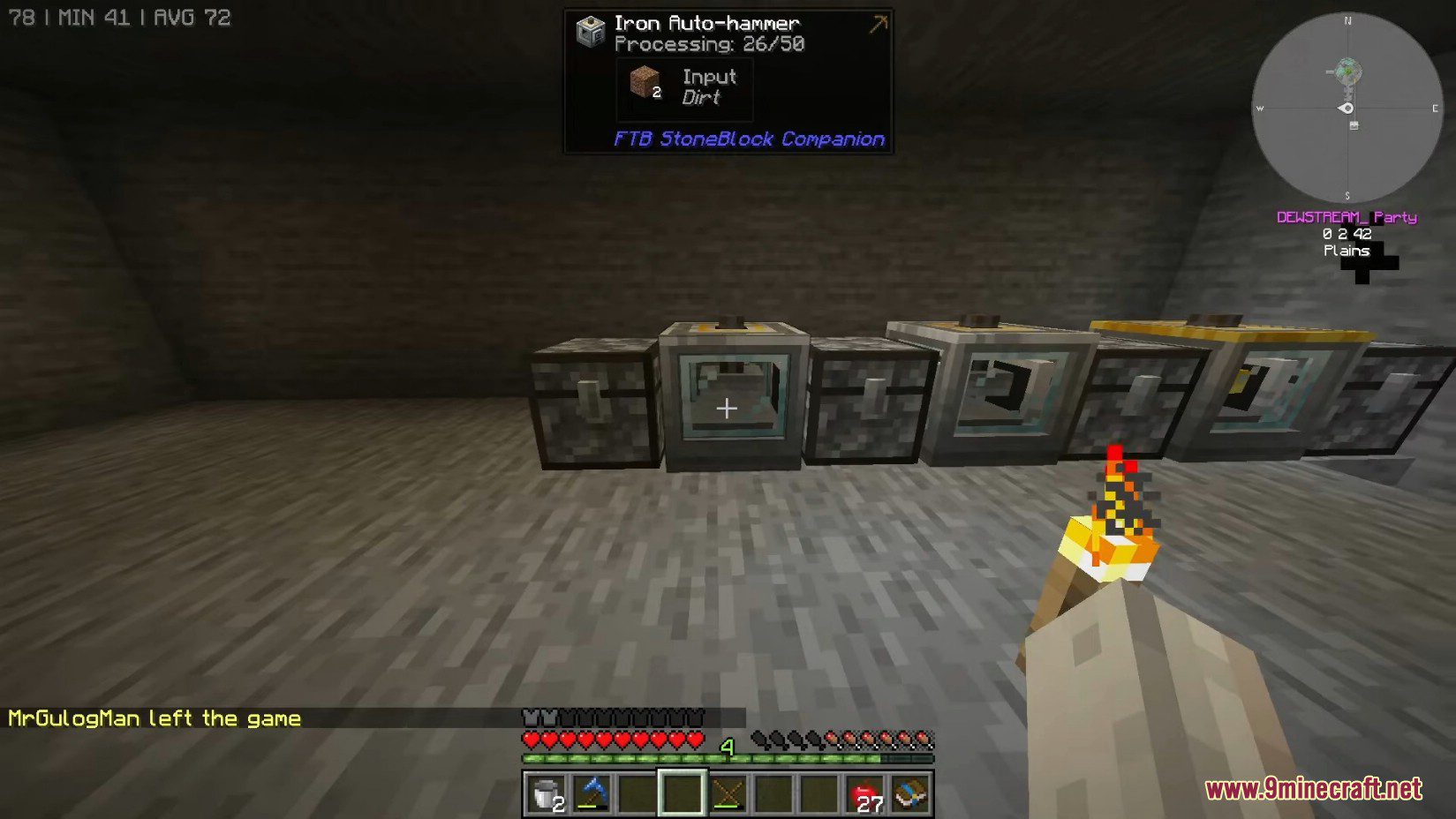
- Auto Hammers
- Hammers
- Crook
- JEI / REI integration for Cauldron recipes
- FirePlow
- This item allows the player to hold right click with the item in hand to create lava from stone
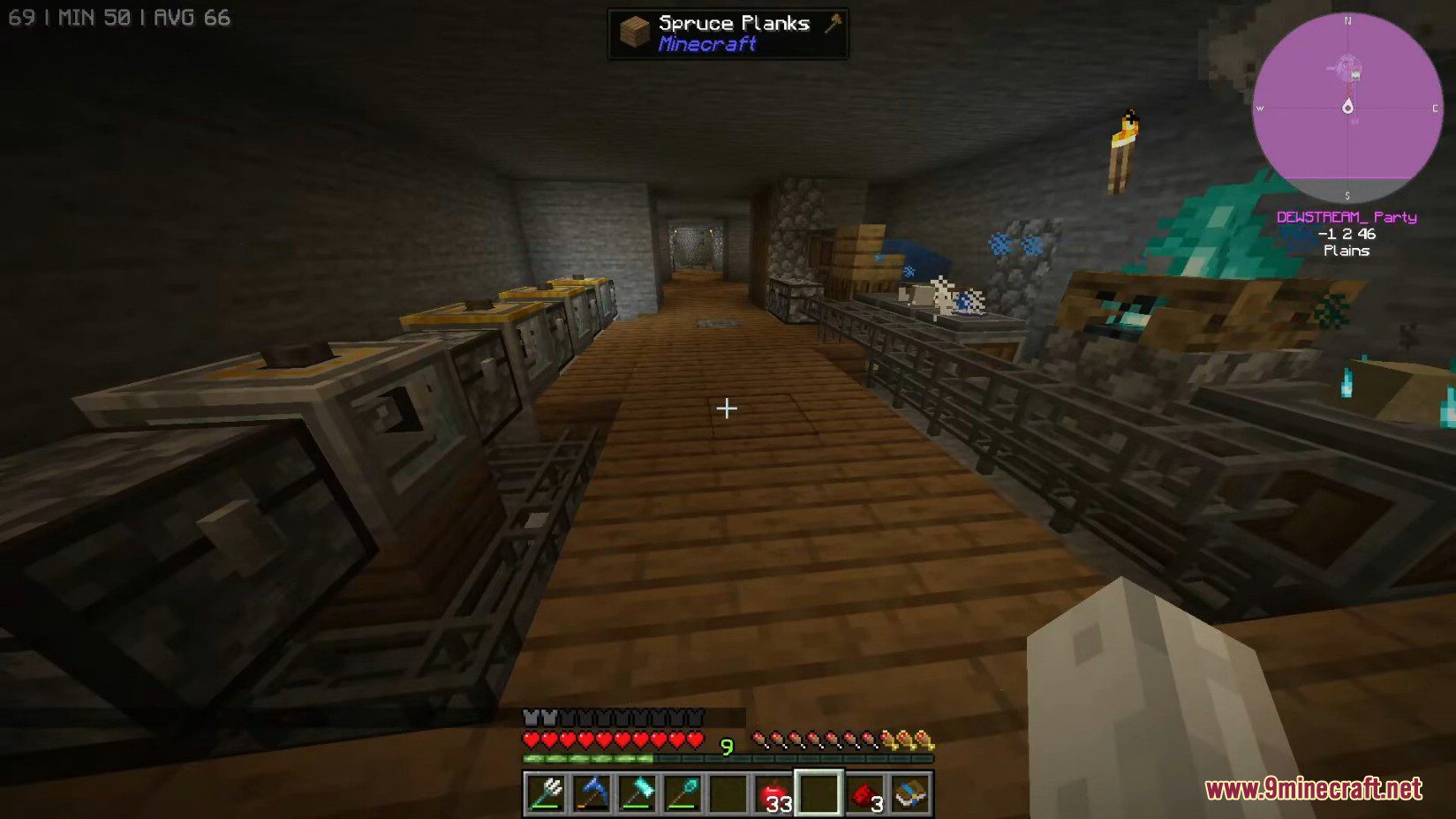
Screenshots:
Requires:
Minecraft Forge
FTB Library Mod
FTB StoneBlock Companion Mod Download Links
For Minecraft 1.18.2
Forge version: Download from Server 1 – Download from Server 2
Quick facts
- Edition: Minecraft Java
- File type: .jar
- Minecraft version listed: 1.18.2
- How to install: Install the matching mod loader (Forge, Fabric or NeoForge) for your Minecraft version. → Download the .jar. → Put it in the .minecraft/mods folder and launch that loader profile.
- Where to get it: In MC Java Mods, or directly above on this page.
Install steps are the general flow for this file type — How to install Minecraft Java mods & modpacks walks through it step by step.
File checked by MCModsHub
- Downloads as 202448.mcaddon
- Download size: 569 KB
- Download link checked 29 Jul 2026 — working
- Mirrored on our own servers — the download does not depend on the original host
These come from our own check of the pack file, not from the source page.