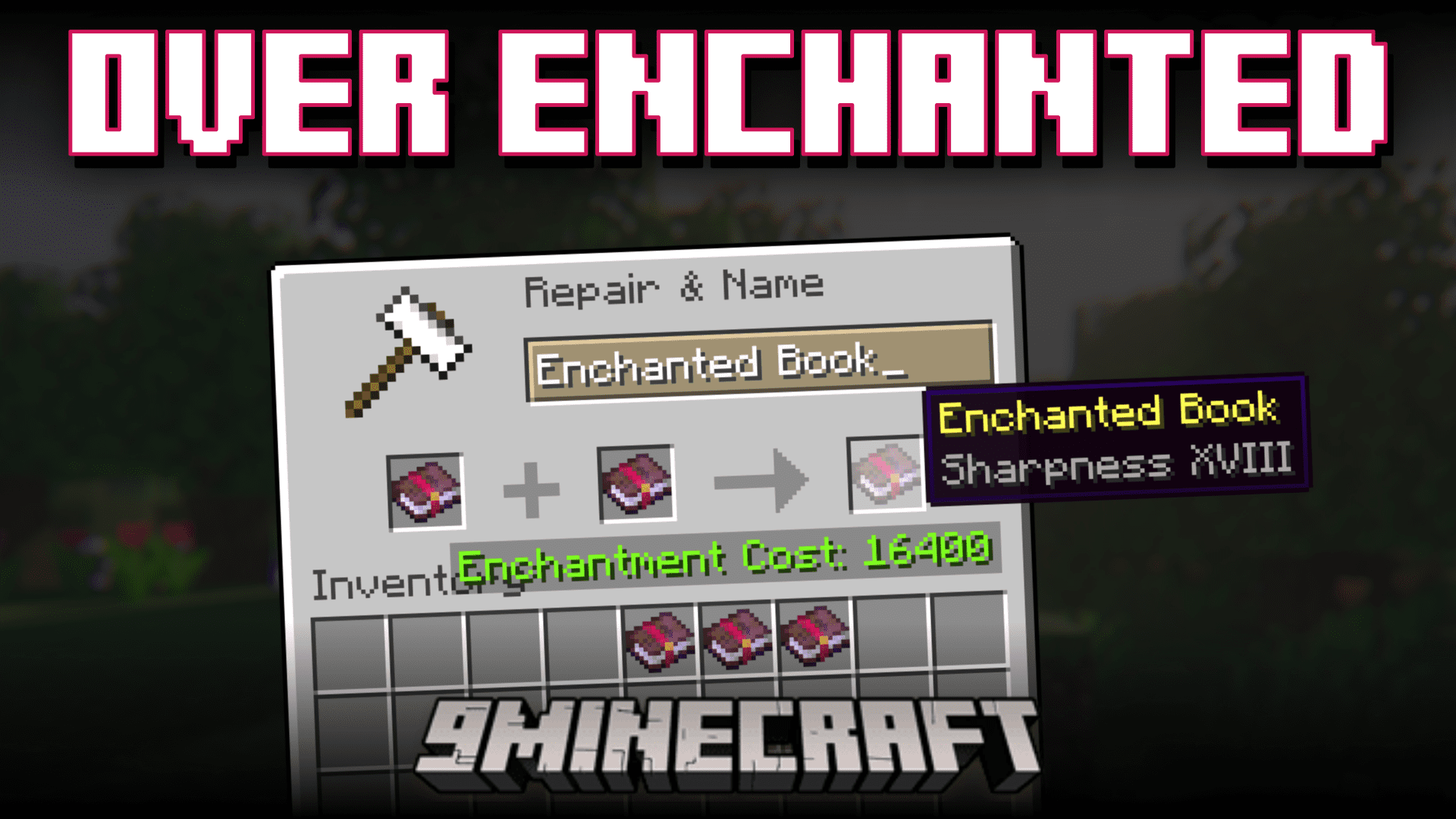
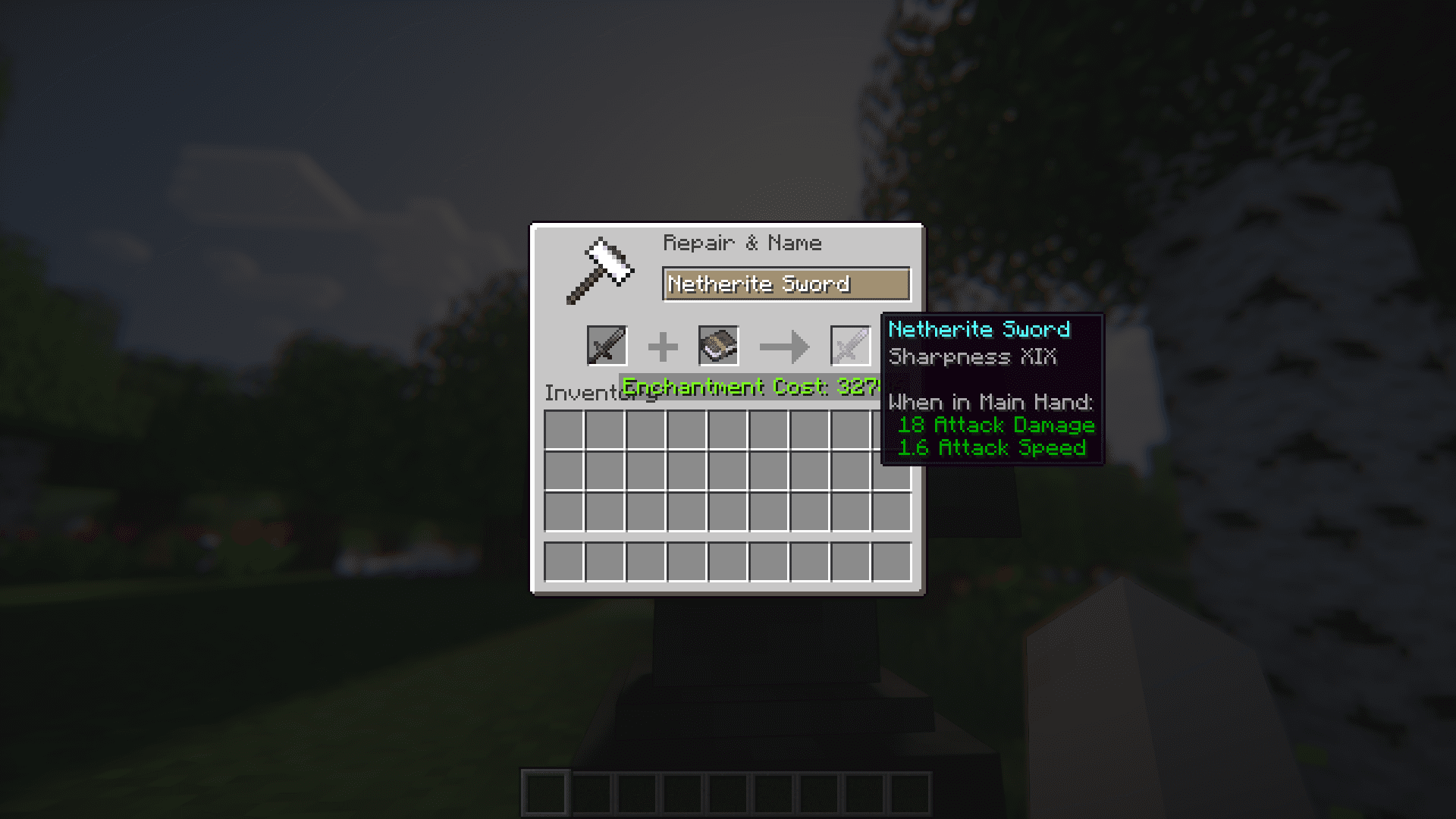
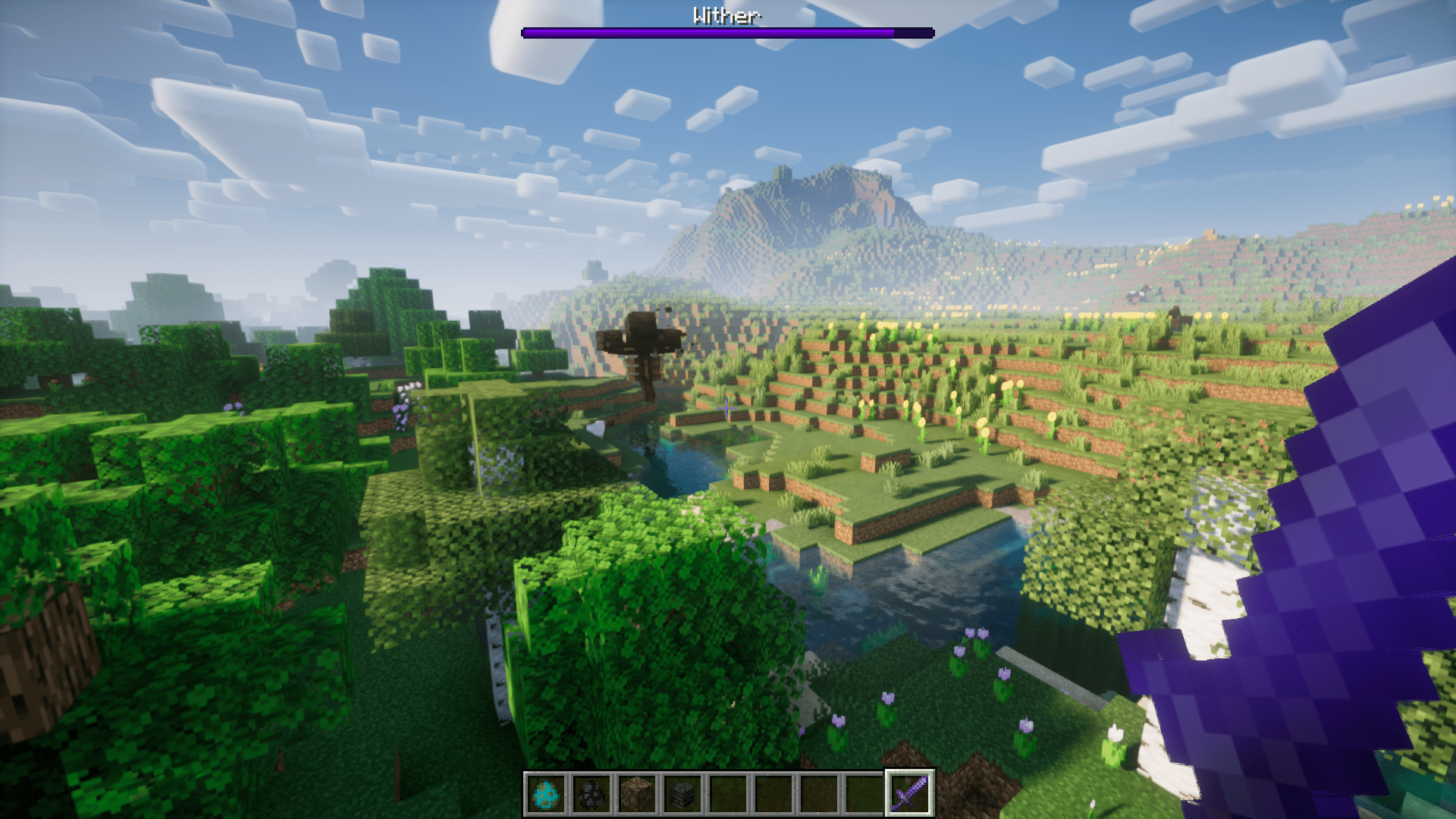
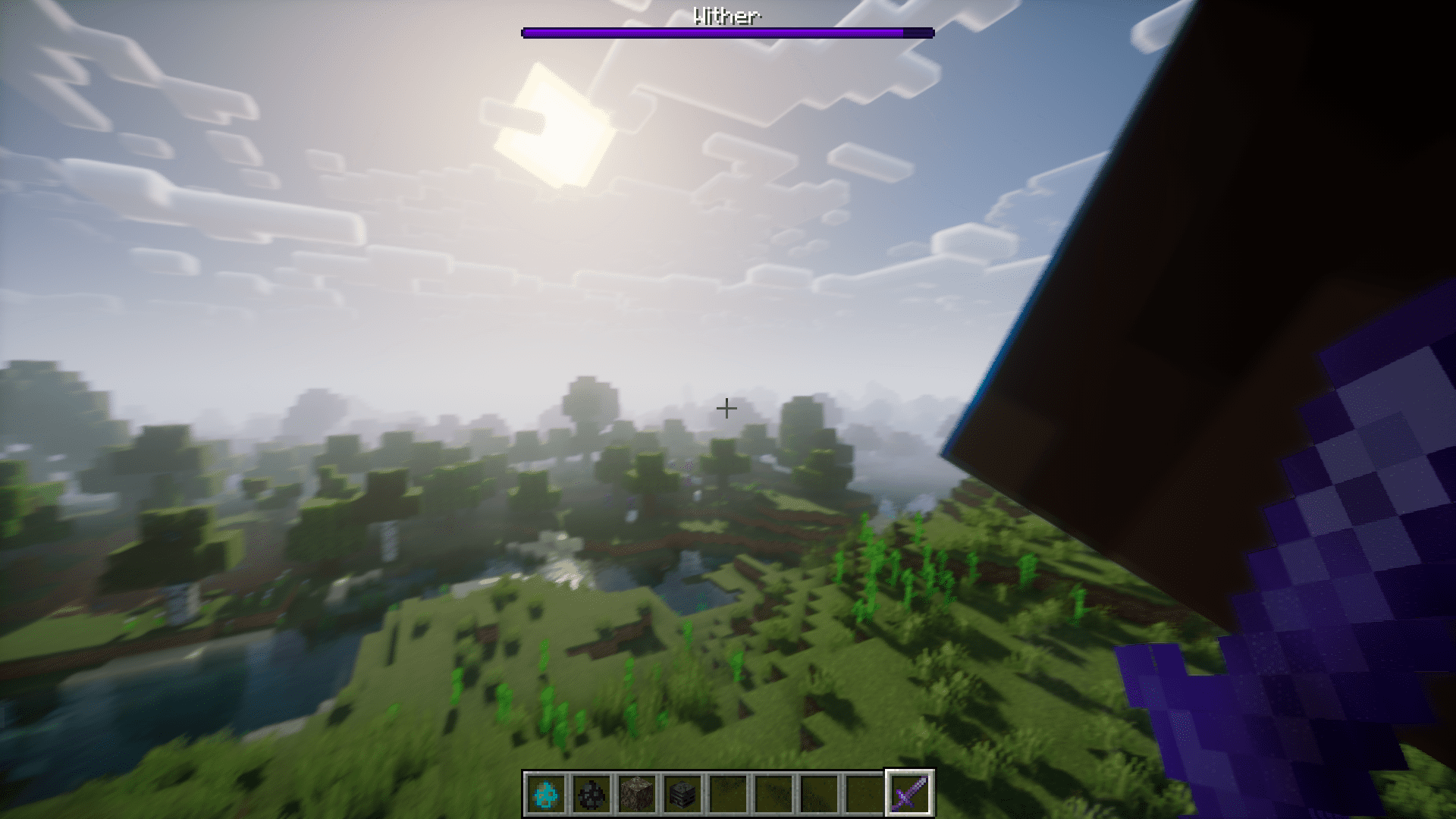
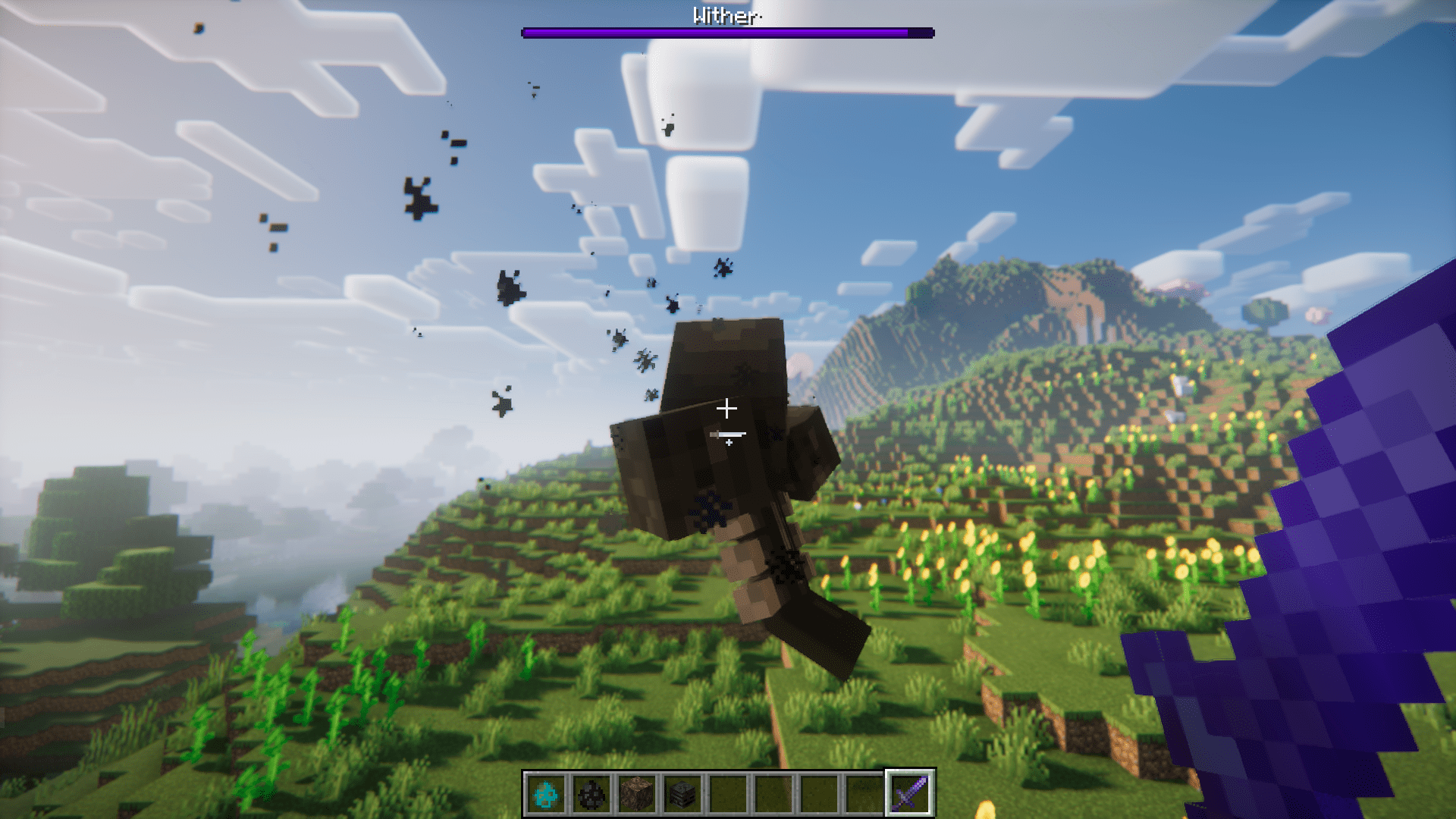
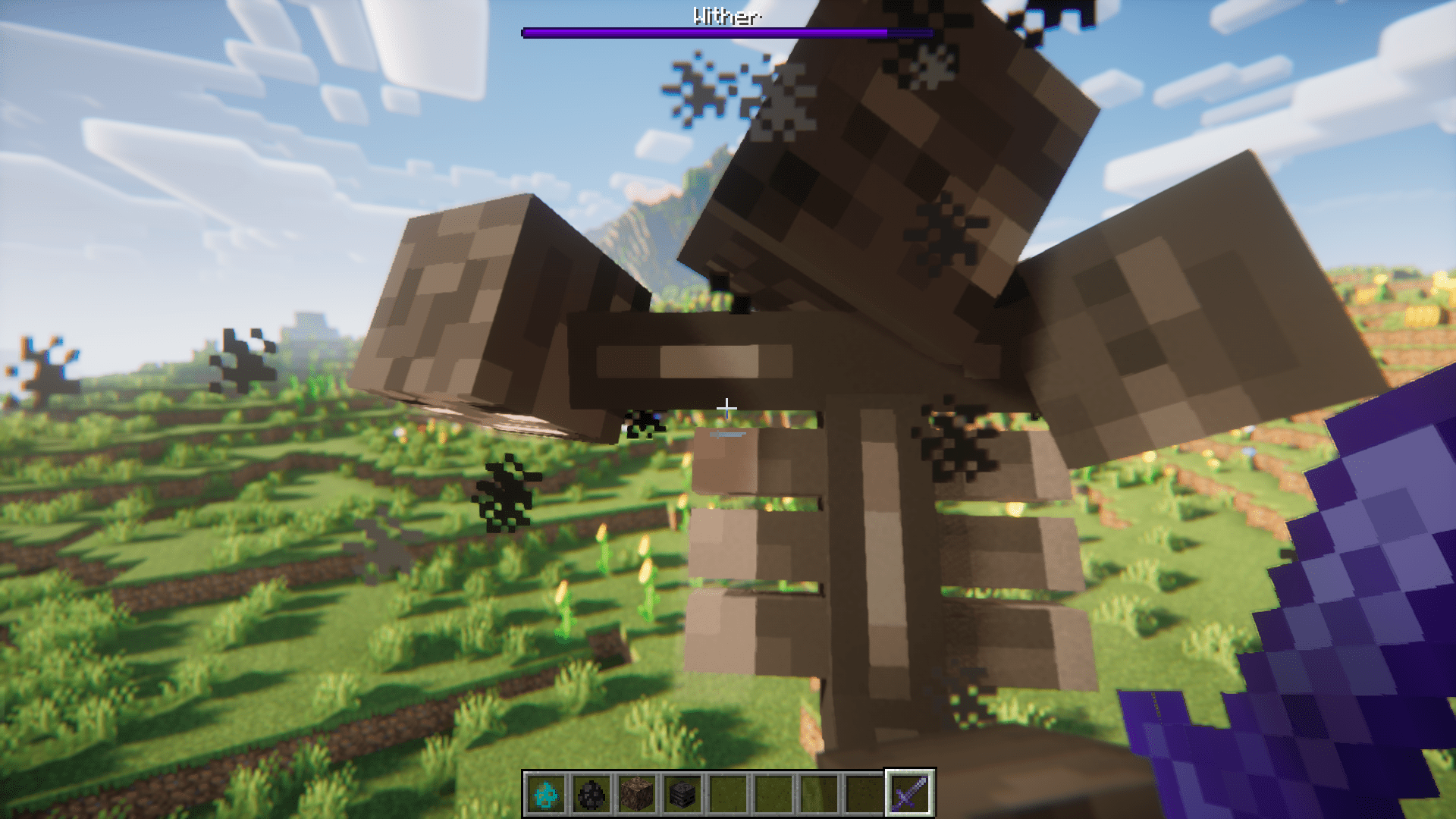
The level of an enchantment defines the efficiency/strength of the enchantment. This means, a pickaxe with Efficiency 5 enchantment will break blocks faster than a pickaxe with Efficiency 1. This applies to many other enchantments in the game. The Sharpness enchantment, for example, allows you to deal damage to your enemies. And a Sharpness 5 sword deals more damage than a Sharpness 1,2,3 or 4 enchanted sword. In the vanilla game, no enchantment goes beyond level 5. Over Enchanted Mod is here to change that. This mod allows you to upgrade your enchantment books to levels beyond 5. This will allow you to increase how powerful your tools and weapons can get. From an experiment, a Sharpness 20 Netherite sword deals over 30 hearts of damage. The mod may feel a bit overpowered, but the survival gameplay is balanced as higher enchanted book levels require a higher amount of XP to upgrade.
How to Upgrade Enchanted Books?
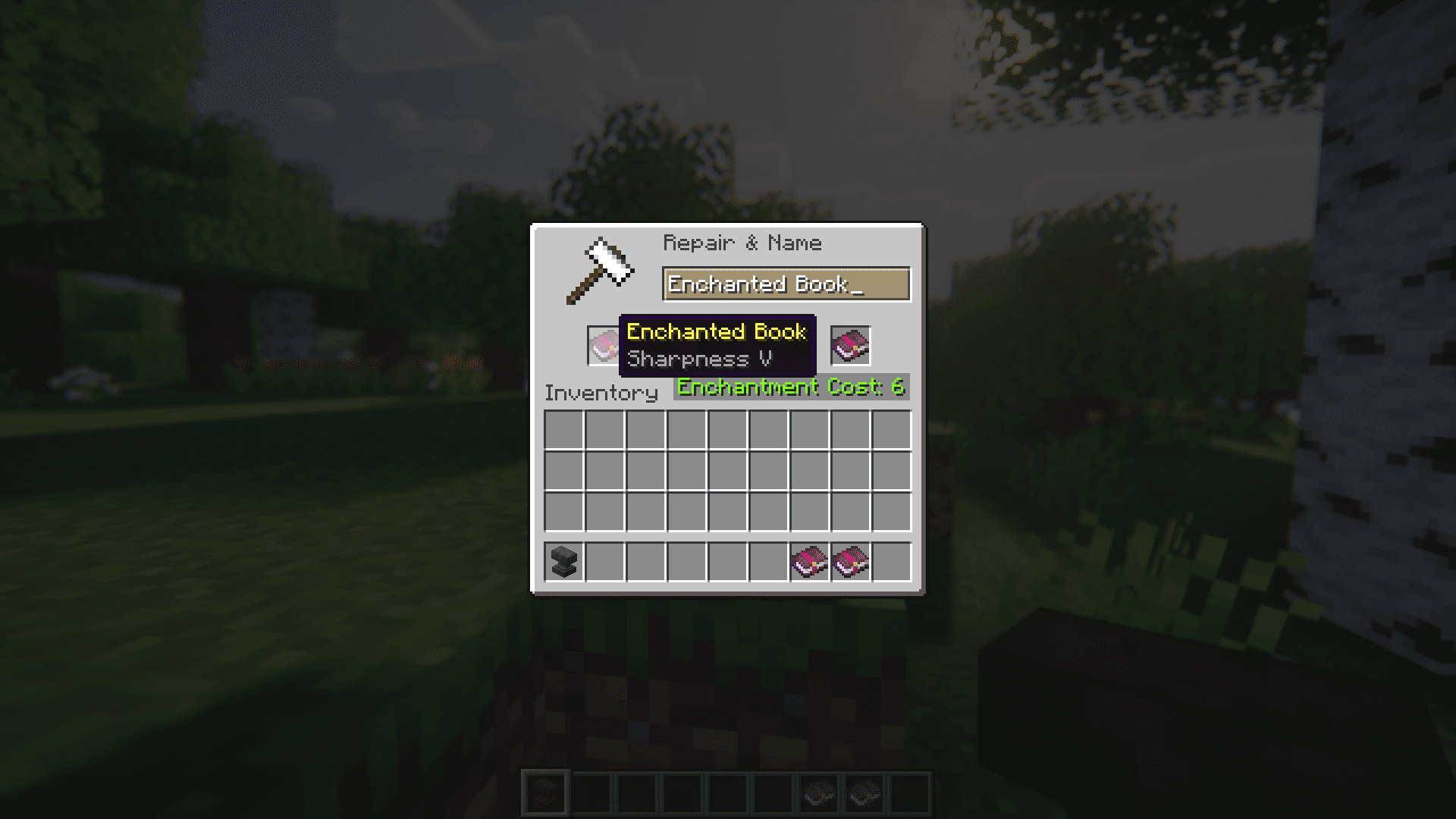
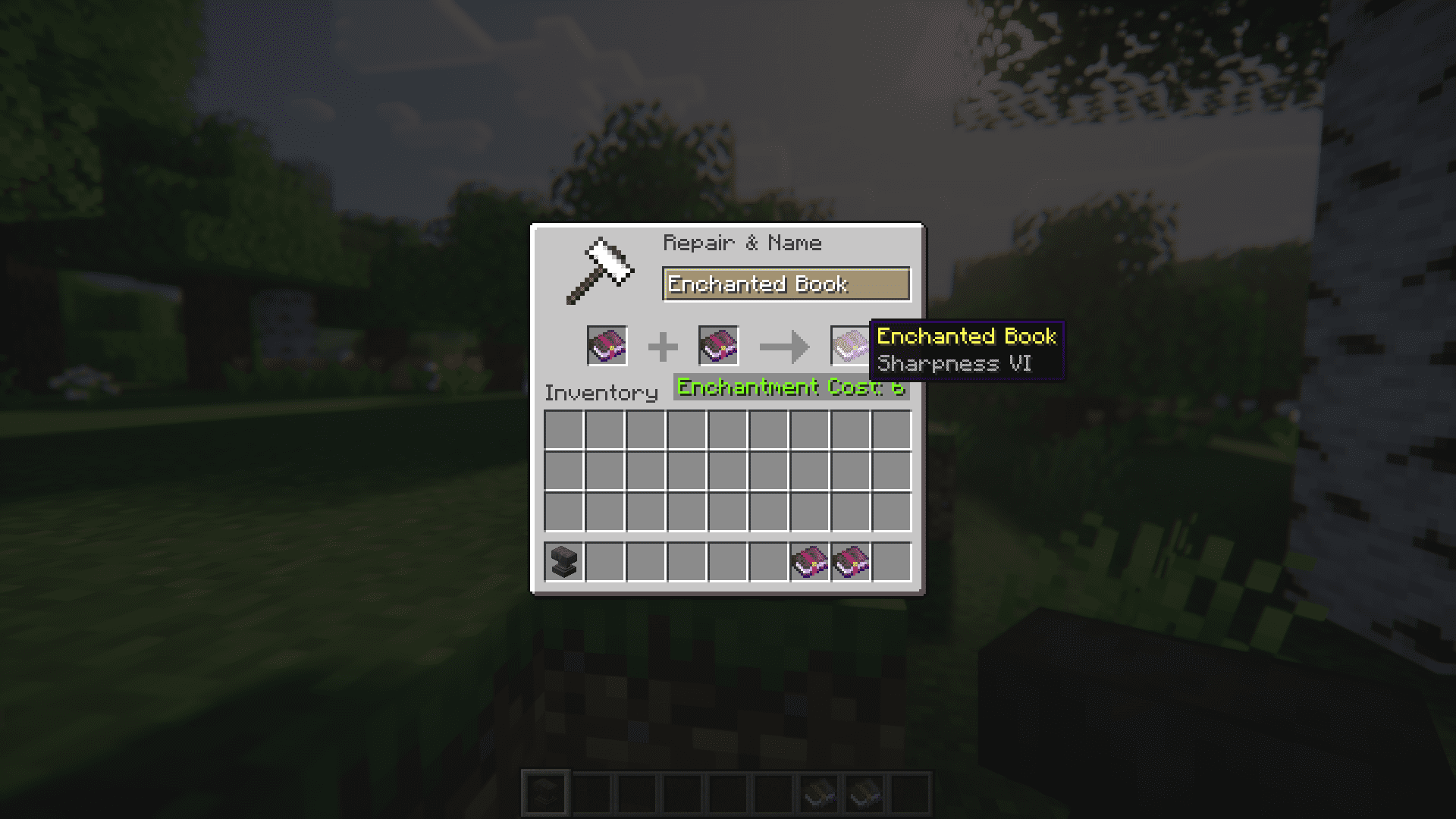
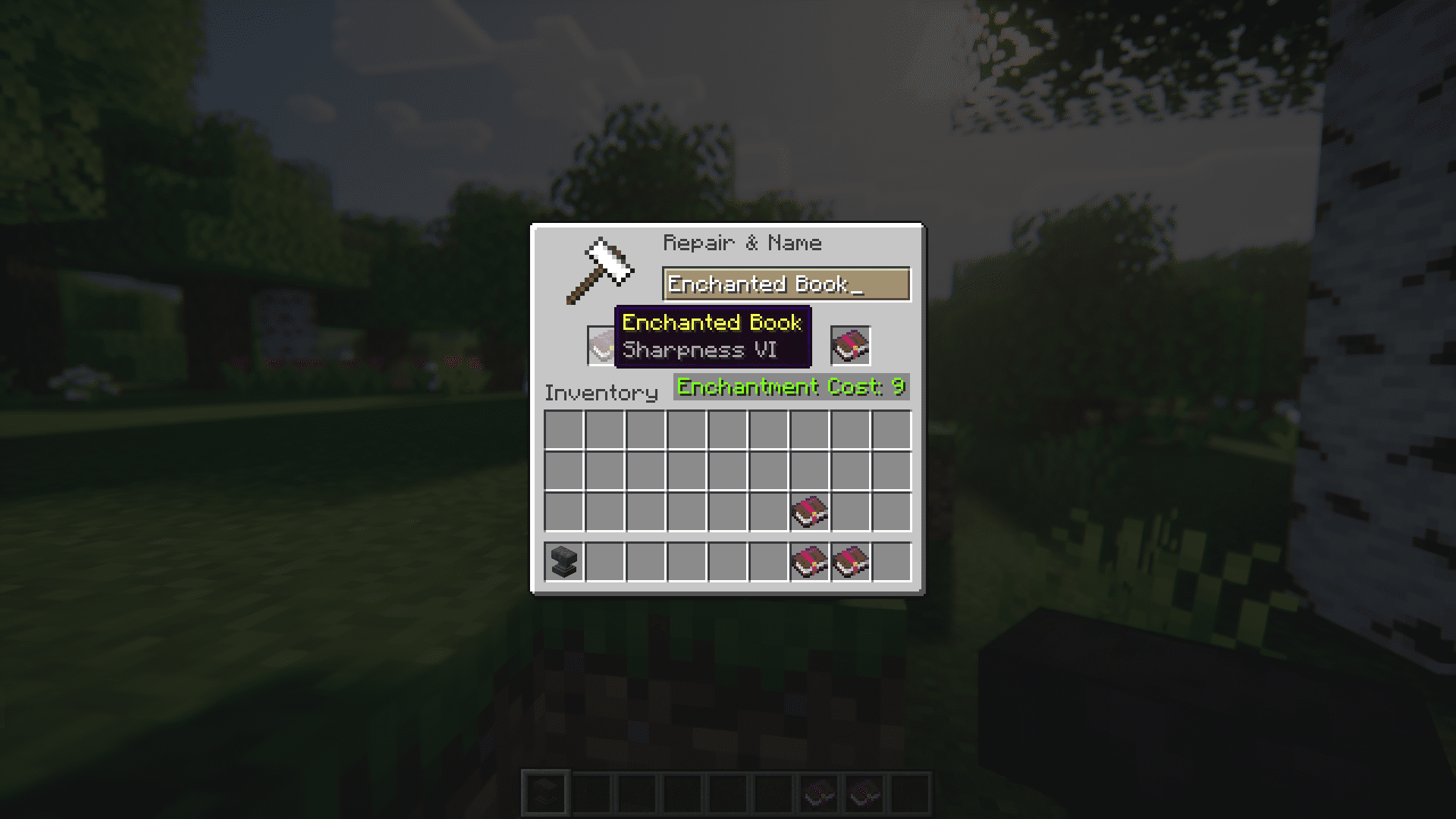
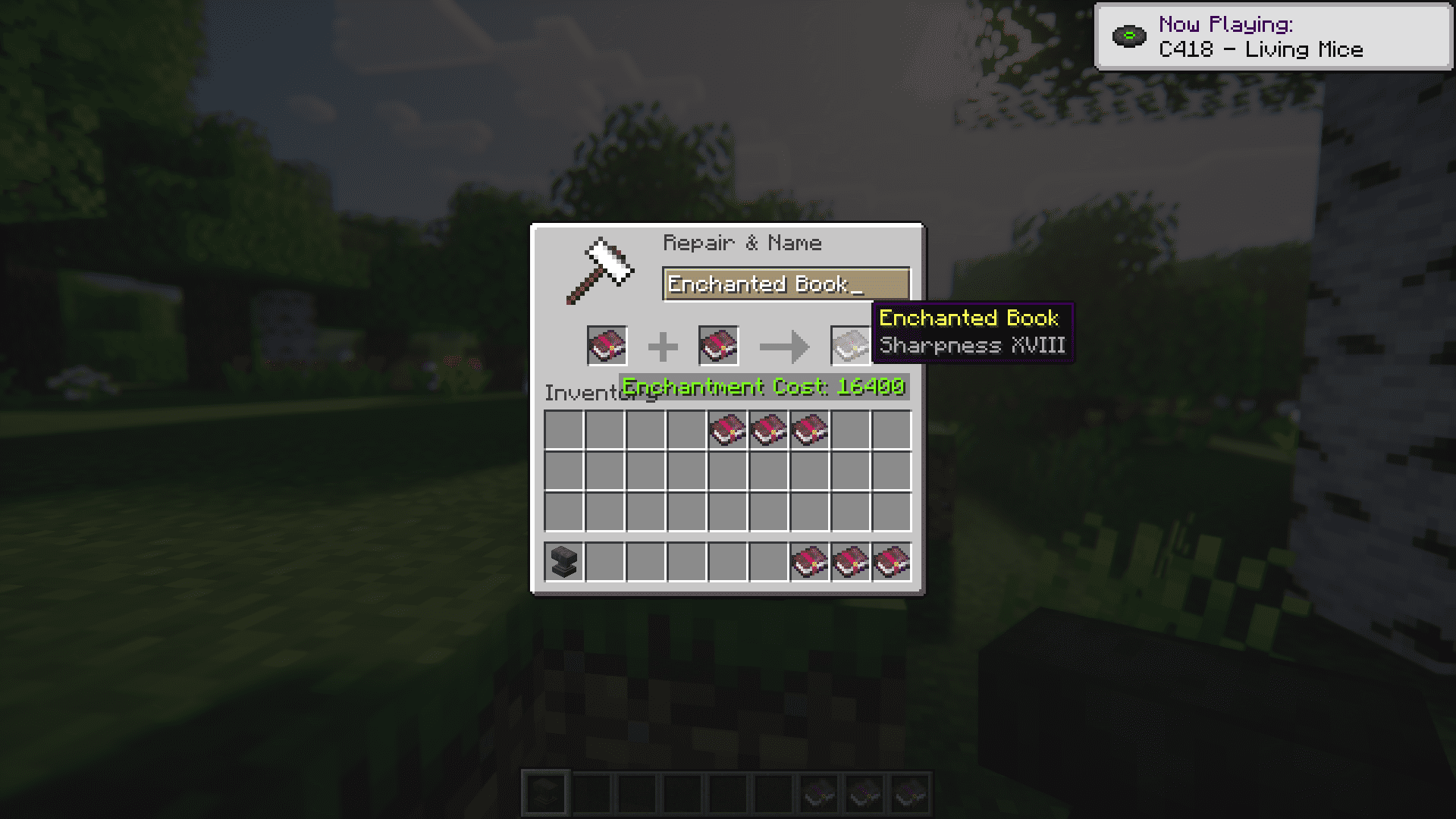
Enchanted books are upgraded using anvils. An anvil has 3 slots. Items placed in the first two slots will combine to give a result in the third slot. Place two level 5 enchanted books in the first two slots and a level 6 enchanted book can be obtained as a result. Place two level 6 enchanted books in the first slots, and a level 7 book is obtained as a result. This process can be continued indefinitely. It is important to keep in mind that each upgrade requires a good amount of XP, and the amount of XP required increases as the level of upgrade increases.
Screenshots:
Over Enchanted Mod Download Links
For Minecraft 1.20.4
Forge version: Download from Server 1 – Download from Server 2
Fabric version: Download from Server 1 – Download from Server 2
For All Versions from Minecraft 1.19.2 to Minecraft 1.20.1
Fabric version: Download from Server 1 – Download from Server 2
For Minecraft 1.18.2
Forge version: Download from Server 1 – Download from Server 2
Fabric version: Download from Server 1 – Download from Server 2
- Edition: Minecraft Java
- File type: .jar
- Minecraft versions listed: 1.20.4, 1.19.4
- How to install: Install the matching mod loader (Forge, Fabric or NeoForge) for your Minecraft version. → Download the .jar. → Put it in the .minecraft/mods folder and launch that loader profile.
- Where to get it: In MC Java Mods, or directly above on this page.
Install steps are the general flow for this file type — How to install Minecraft Java mods & modpacks walks through it step by step.
- Downloads as 202450.mcaddon
- Download size: 7 KB
- Download link checked 29 Jul 2026 — working
- Mirrored on our own servers — the download does not depend on the original host
These come from our own check of the pack file, not from the source page.