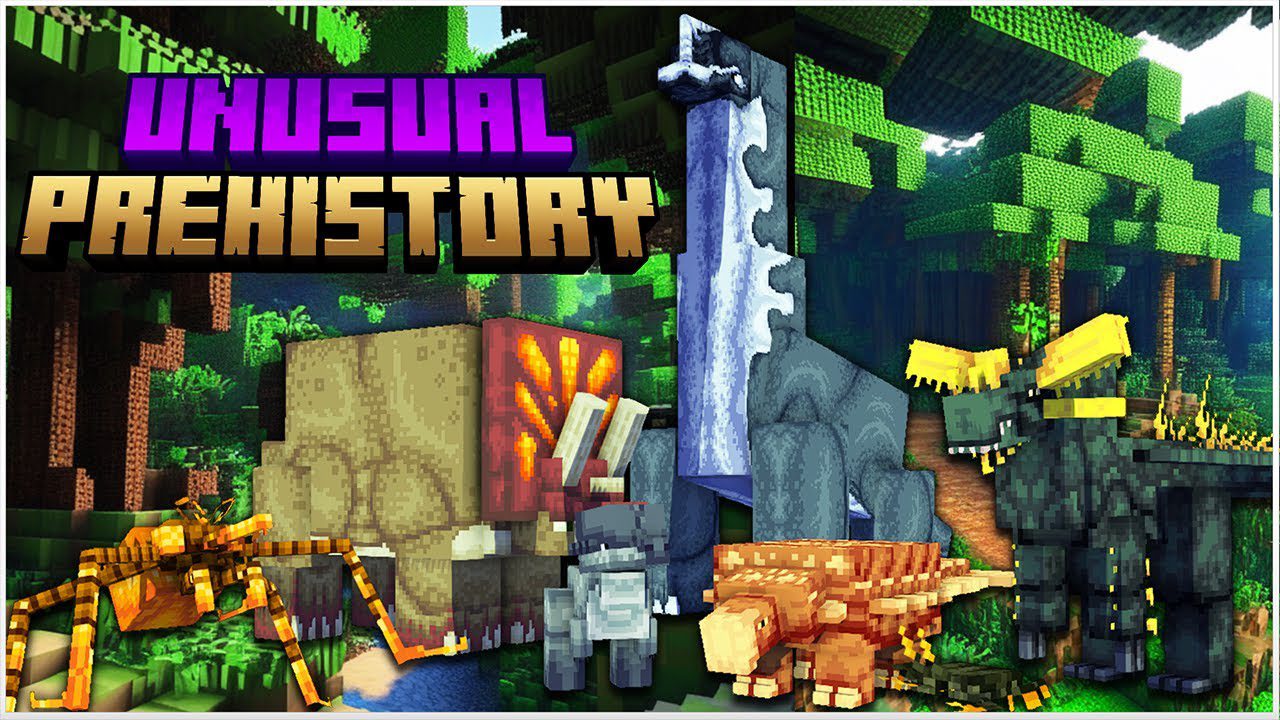
Unusual Prehistory Mod (1.20.1, 1.19.2) – Reviving Prehistoric Creatures
Java mod listed for Minecraft 1.19–1.20. File opened and checked on 22 Sep 2026; downloads from the MC Java Mods app on Android.
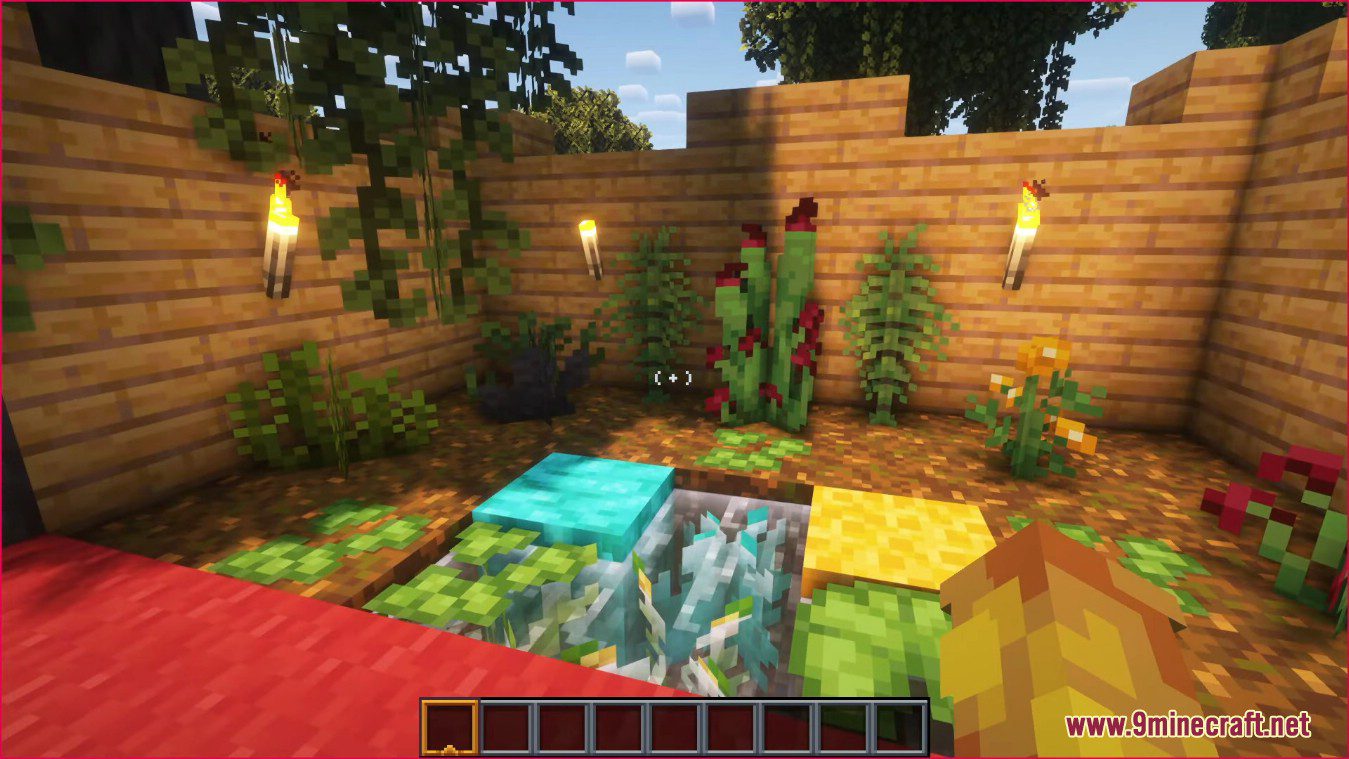
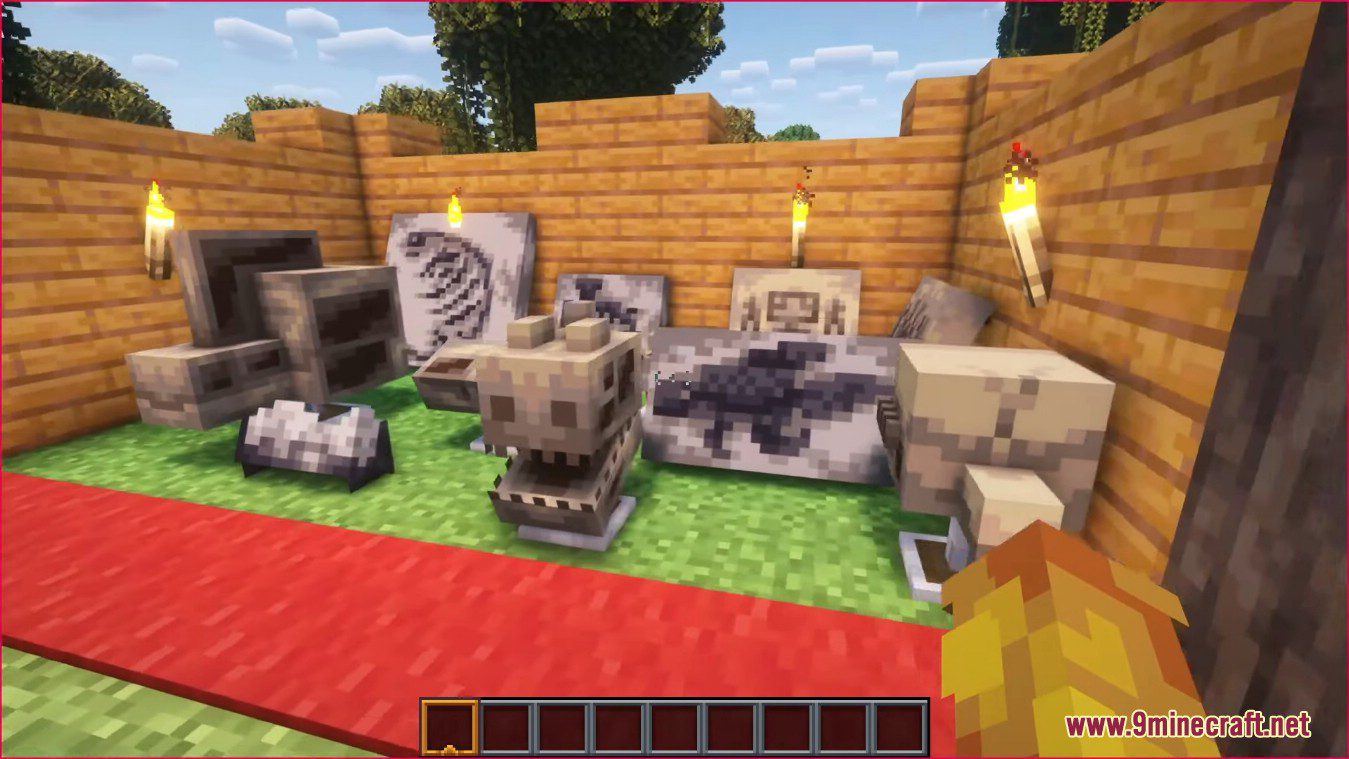
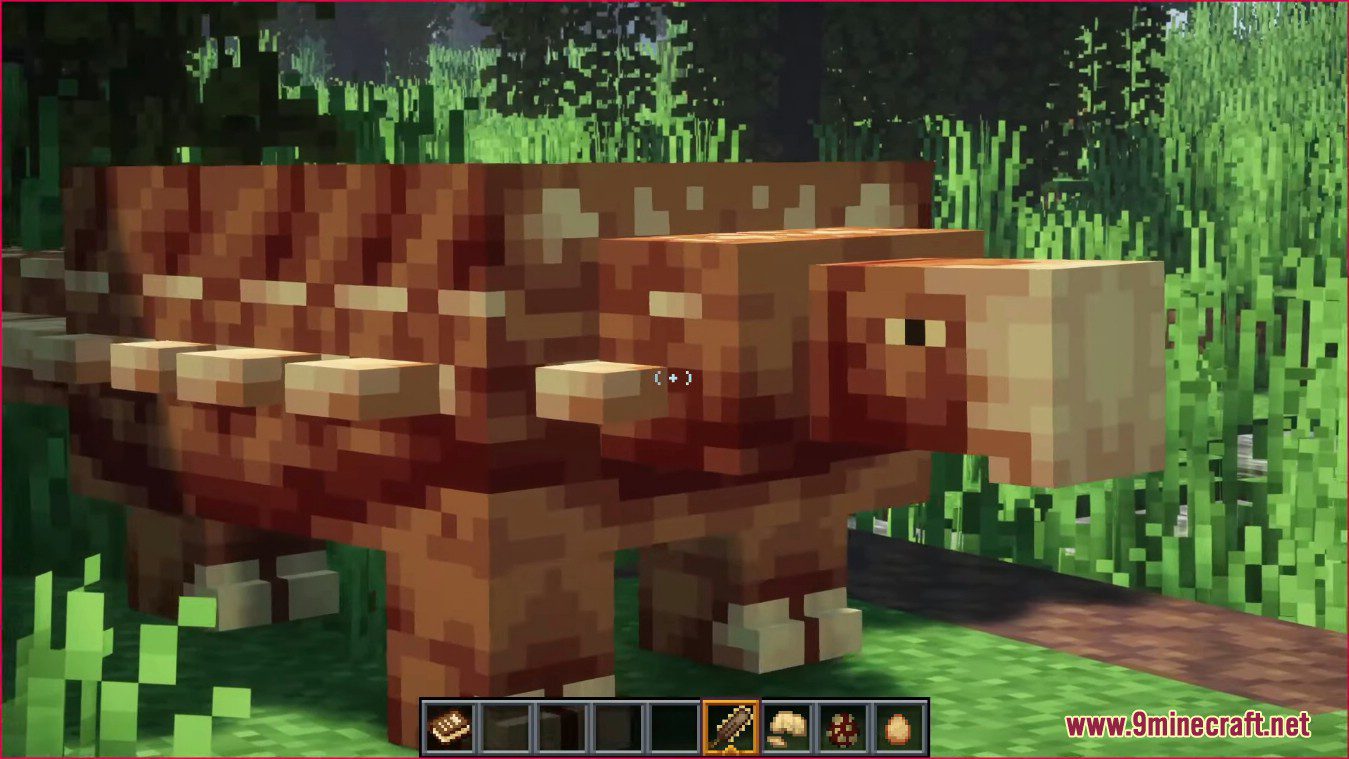
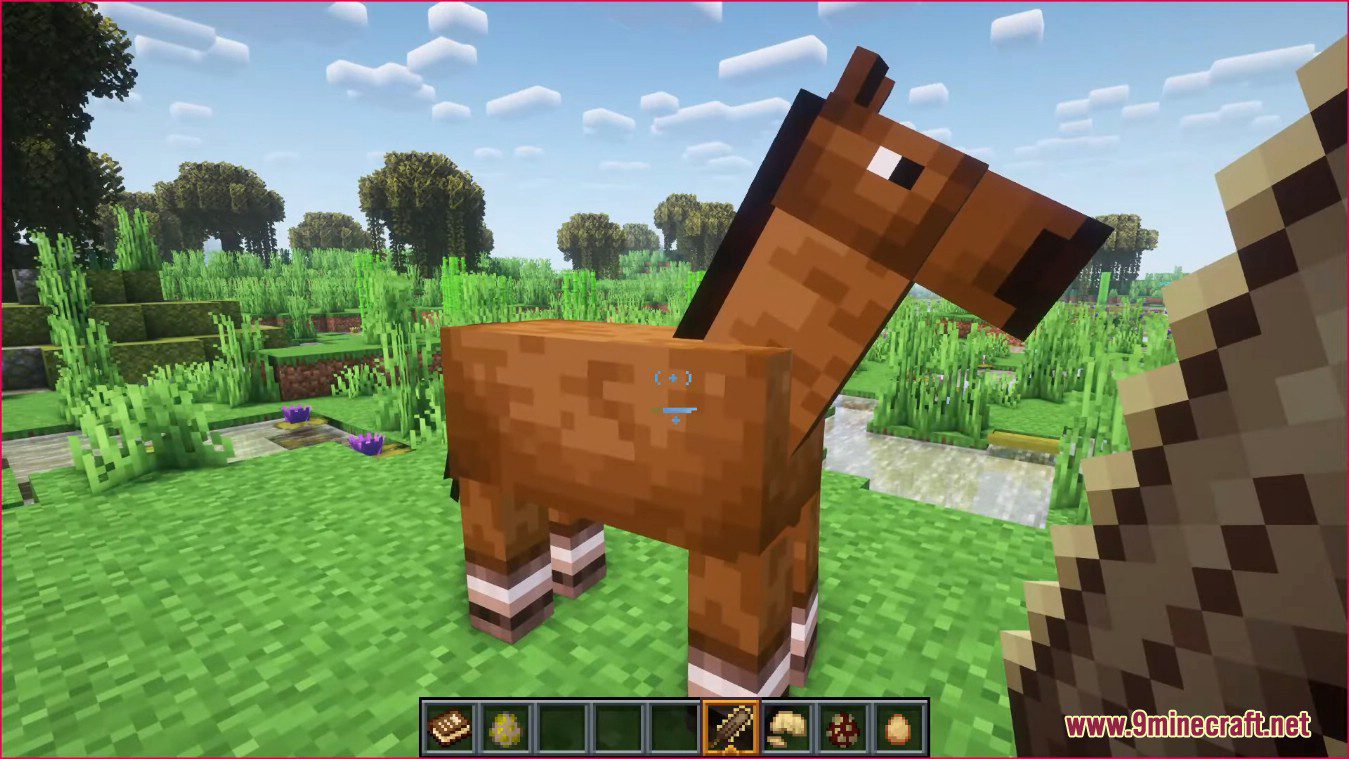
⬇ DownloadUnusual Prehistory Mod is a mod that allows you to bring back prehistoric creatures from the past. It focuses on adding prehistoric life, plants, and features into Minecraft! You can revive a wide roster of long extinct animals to be used, fought, or showcased to the wider world.
Features:
- Majungasaurus
- Beelzebufo
- Dunkleosteus
- Anurognathus
- Stethacanthus
- Cotylorhynchus
- Ammonite
- Scaumencia
- Tyrannosaurus Rex
- Brachiosaurus
- Velociraptor
- Triceratops
- Pachycephalosaurus
- Encrusted
- Eryon
- Austroraptor
- Ulughbegsaurus
- Kentrosaurus
- Antarctopelta
- Hwachavenator
Screenshots:
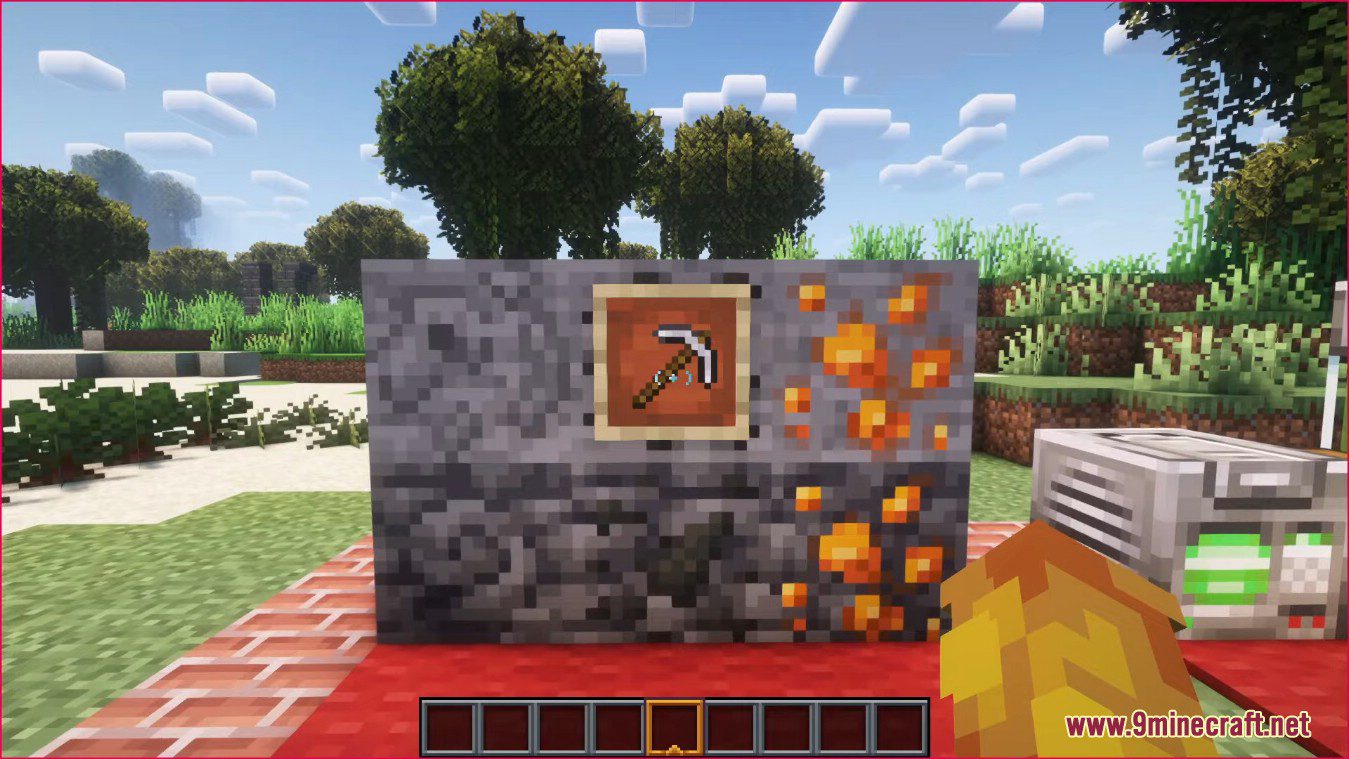
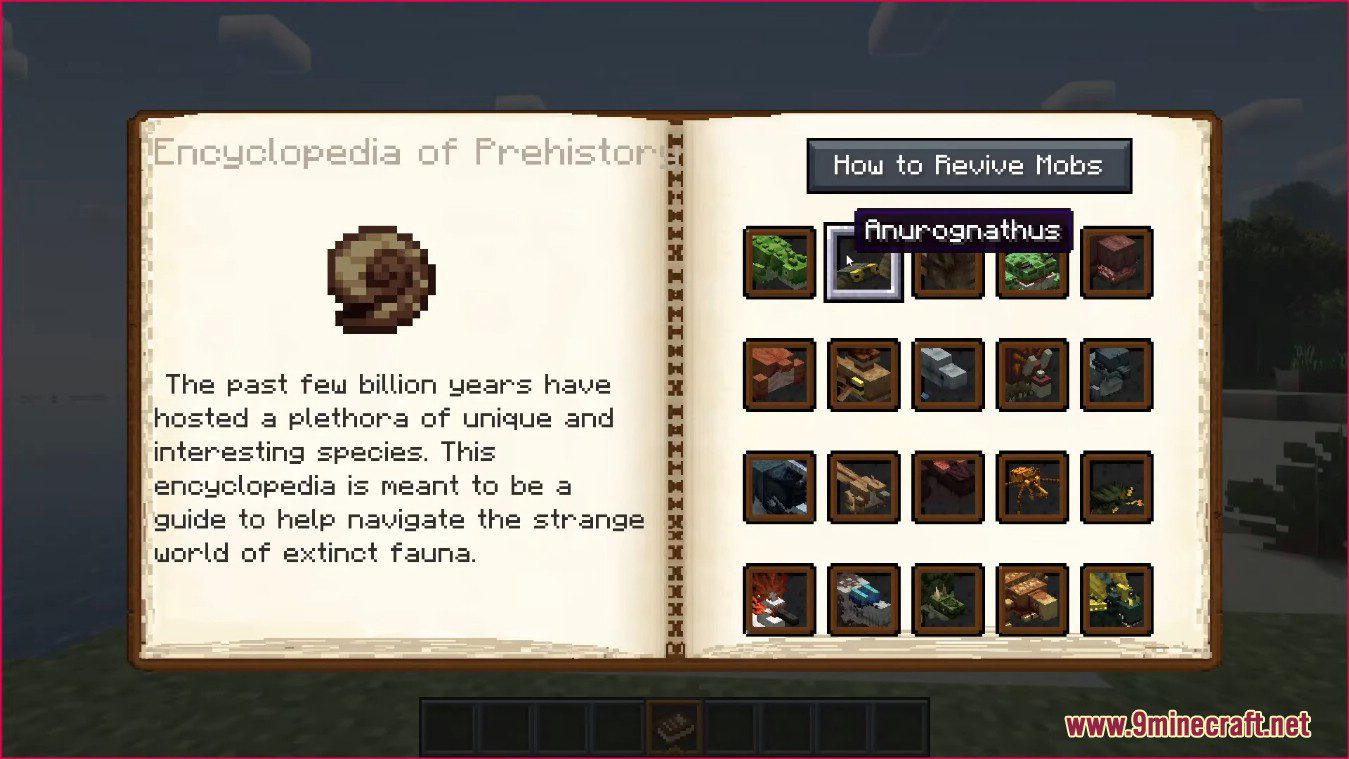
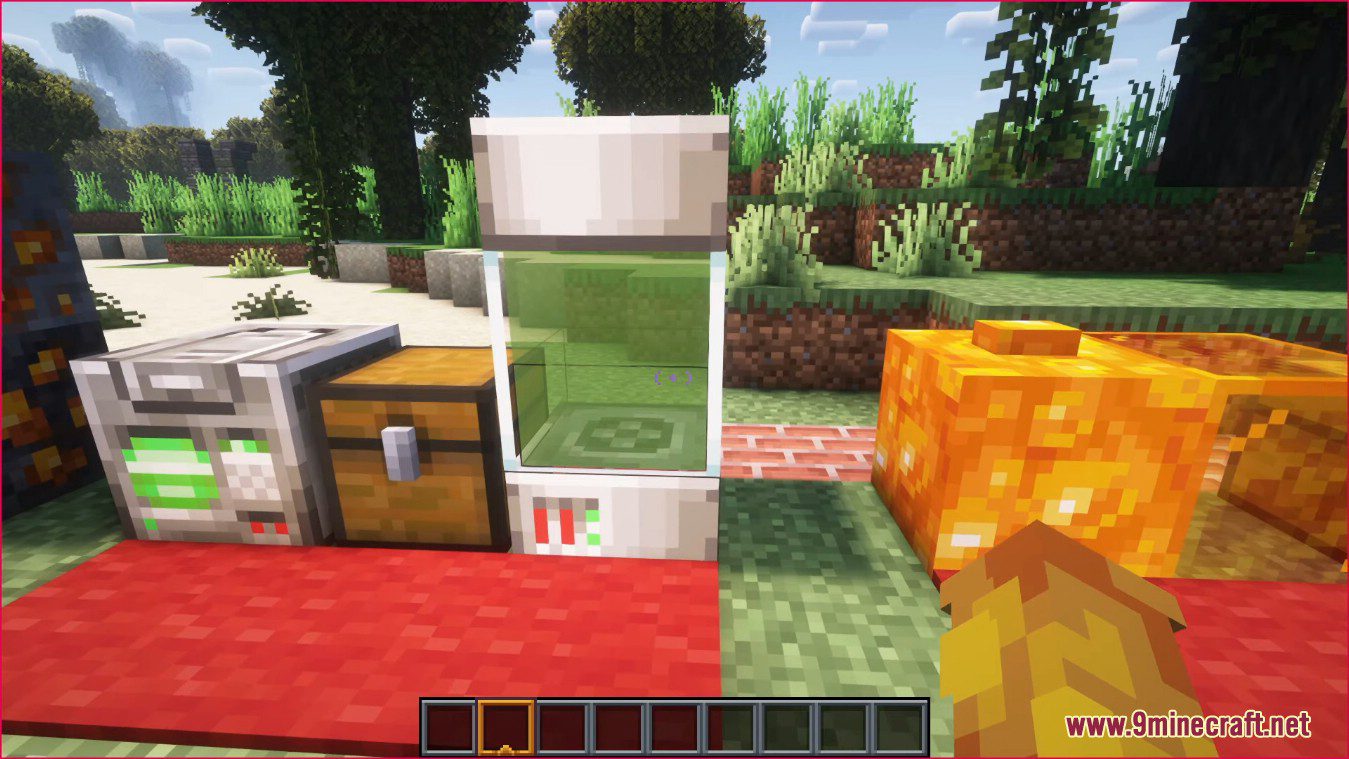
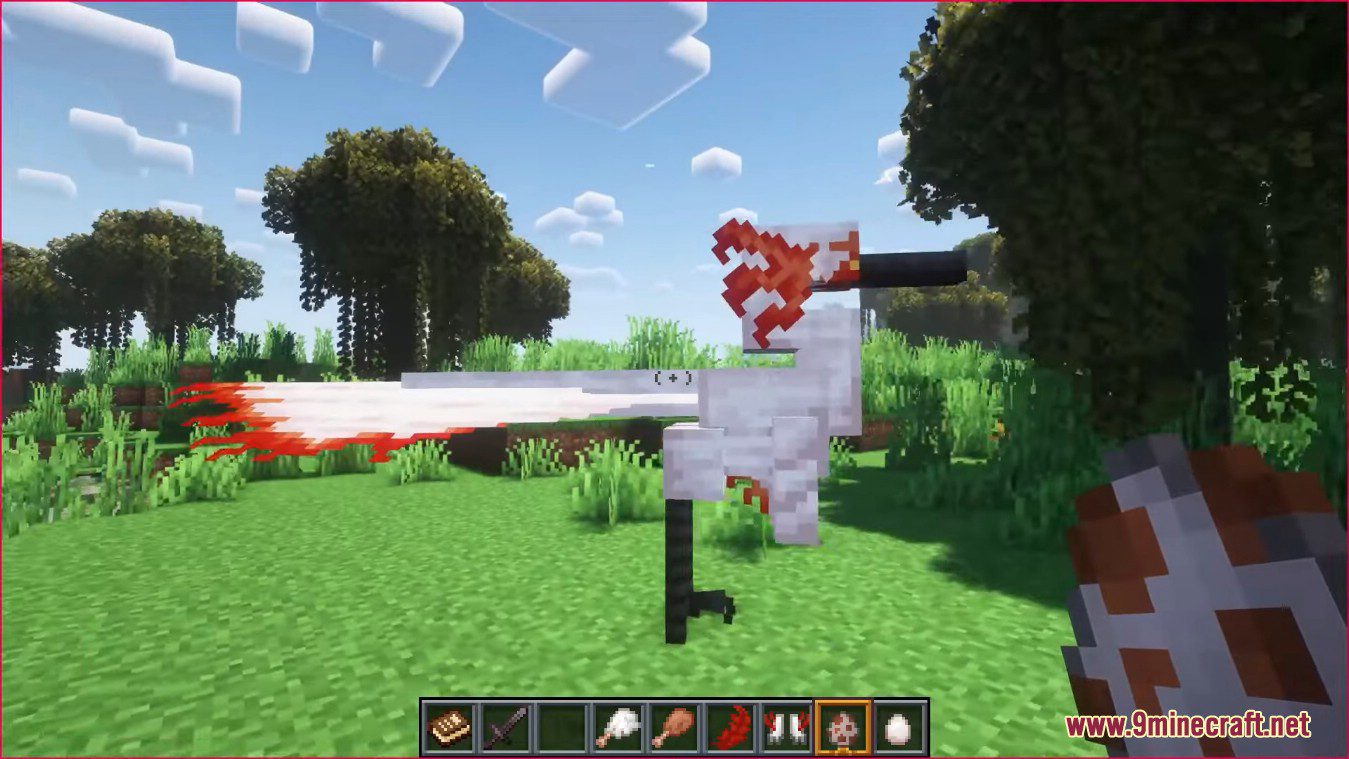
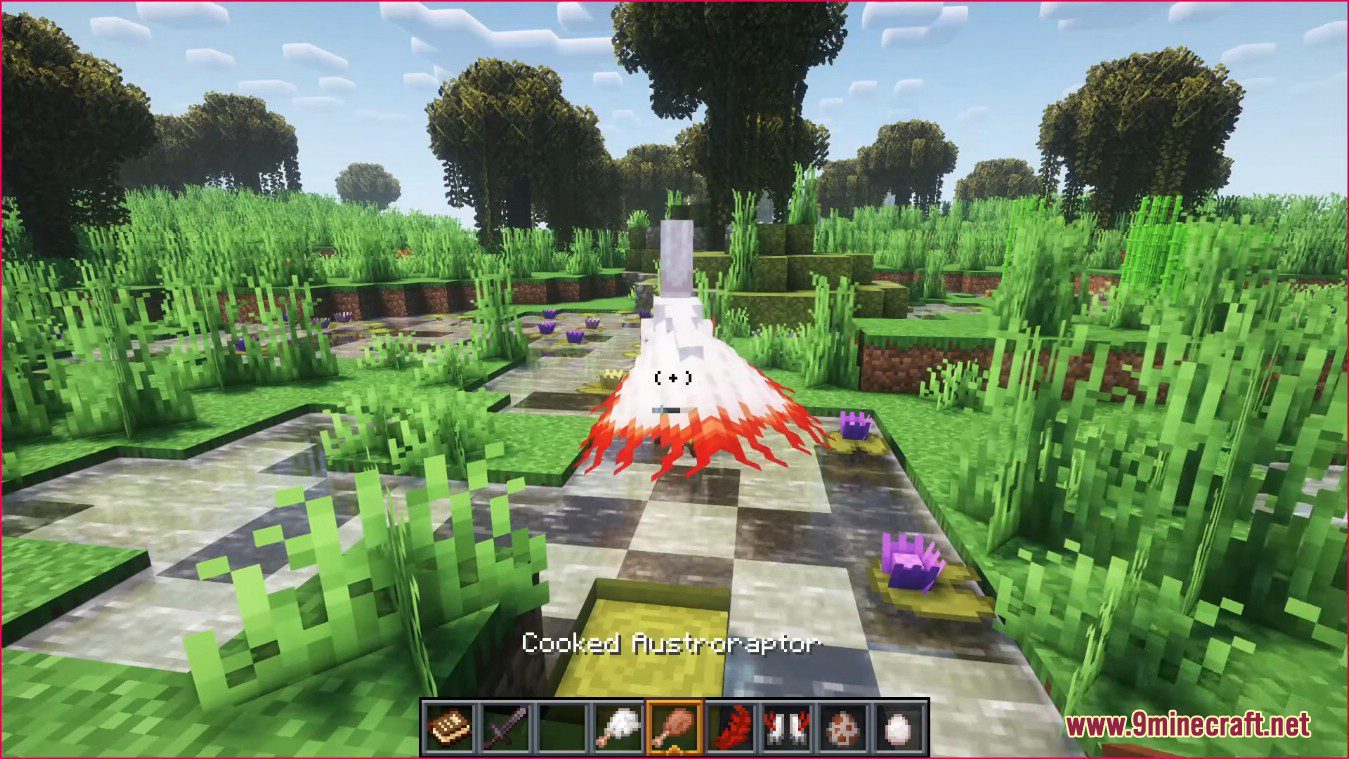
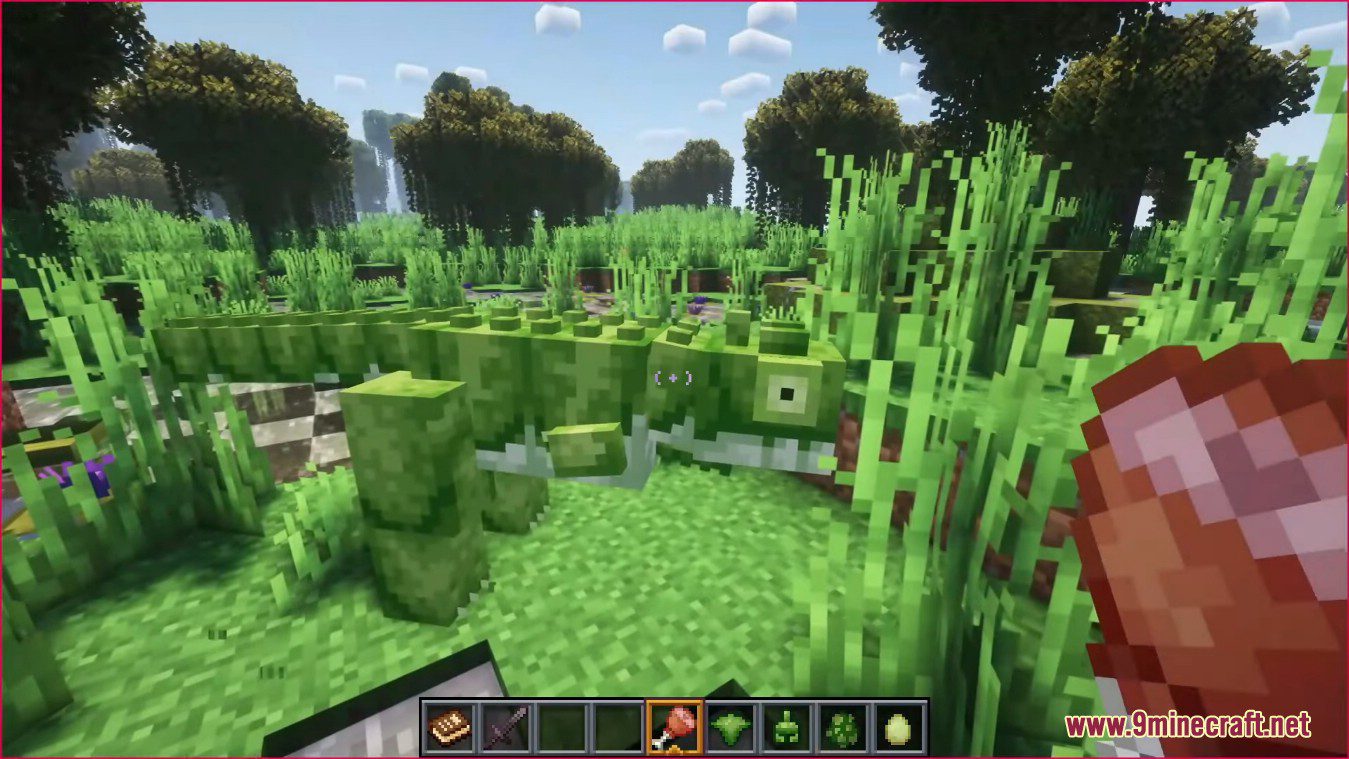
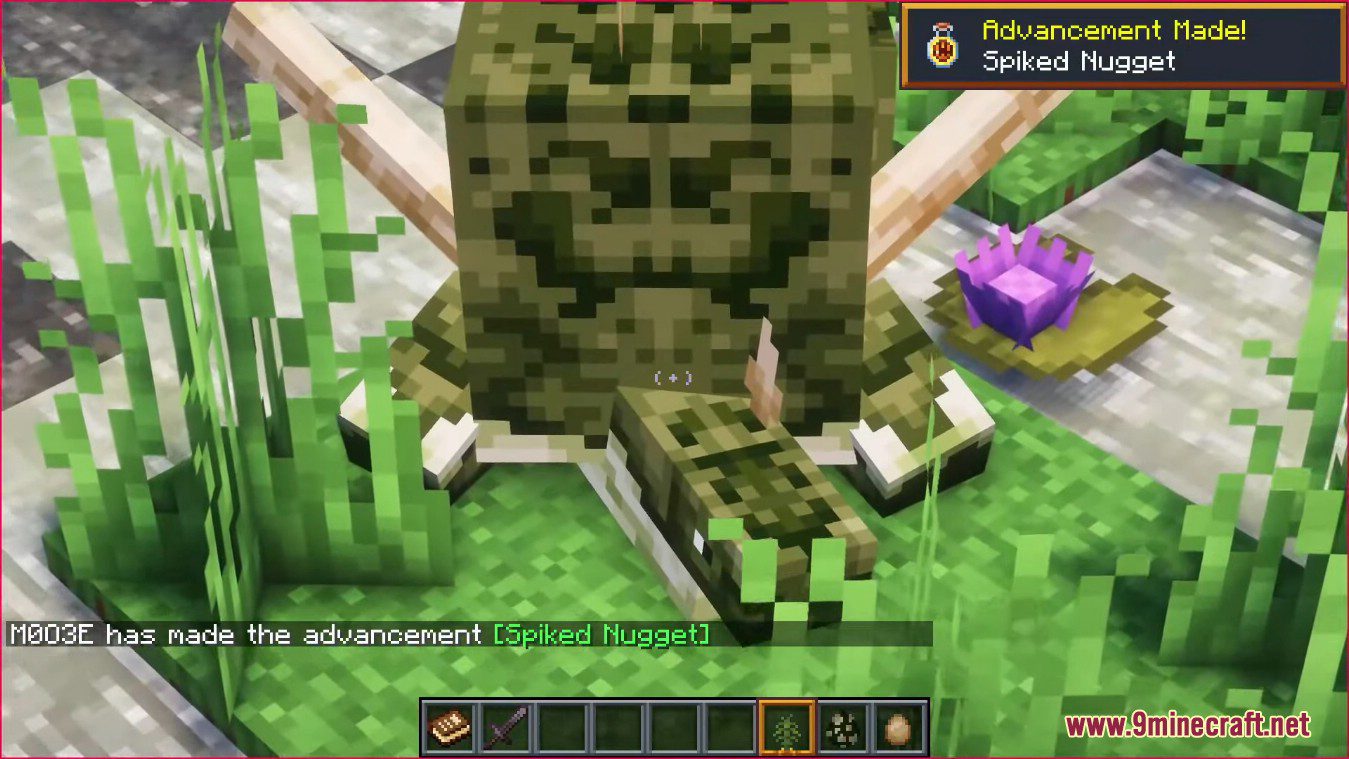
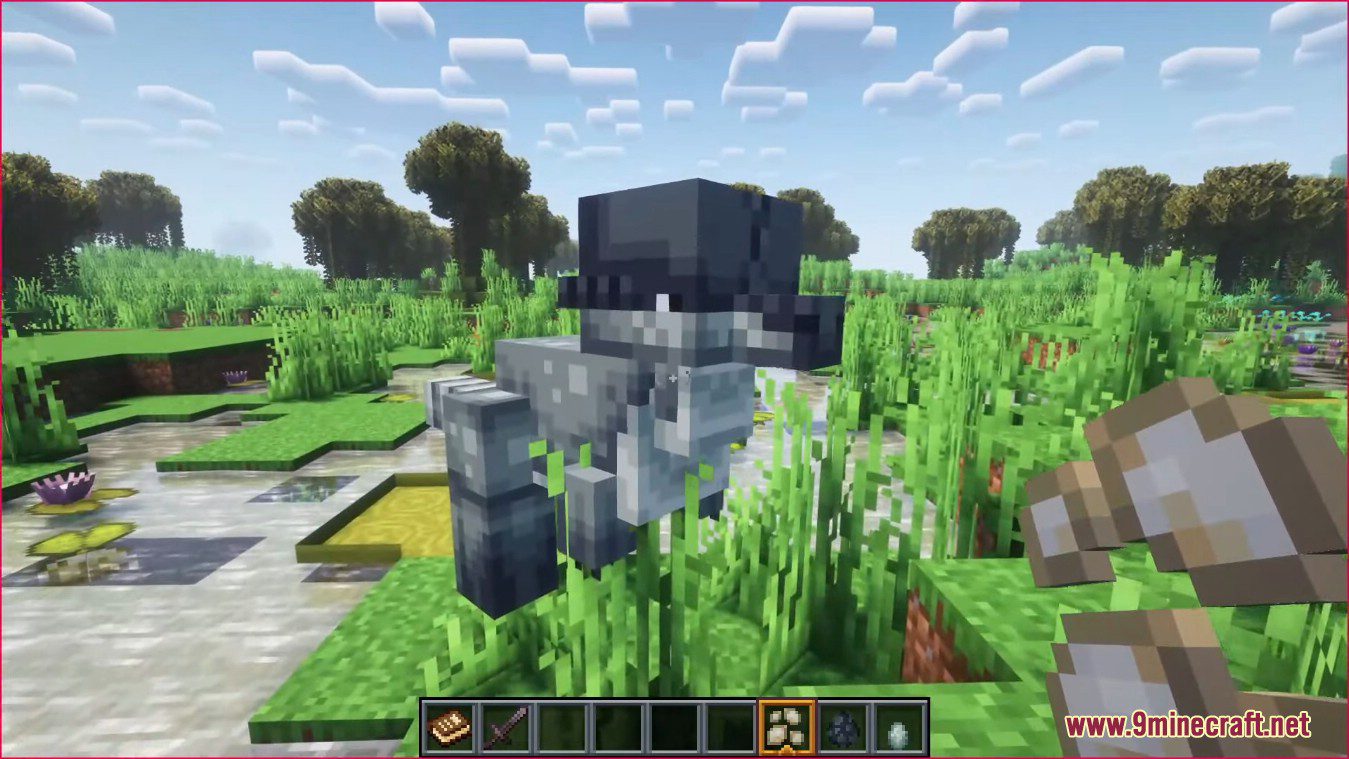
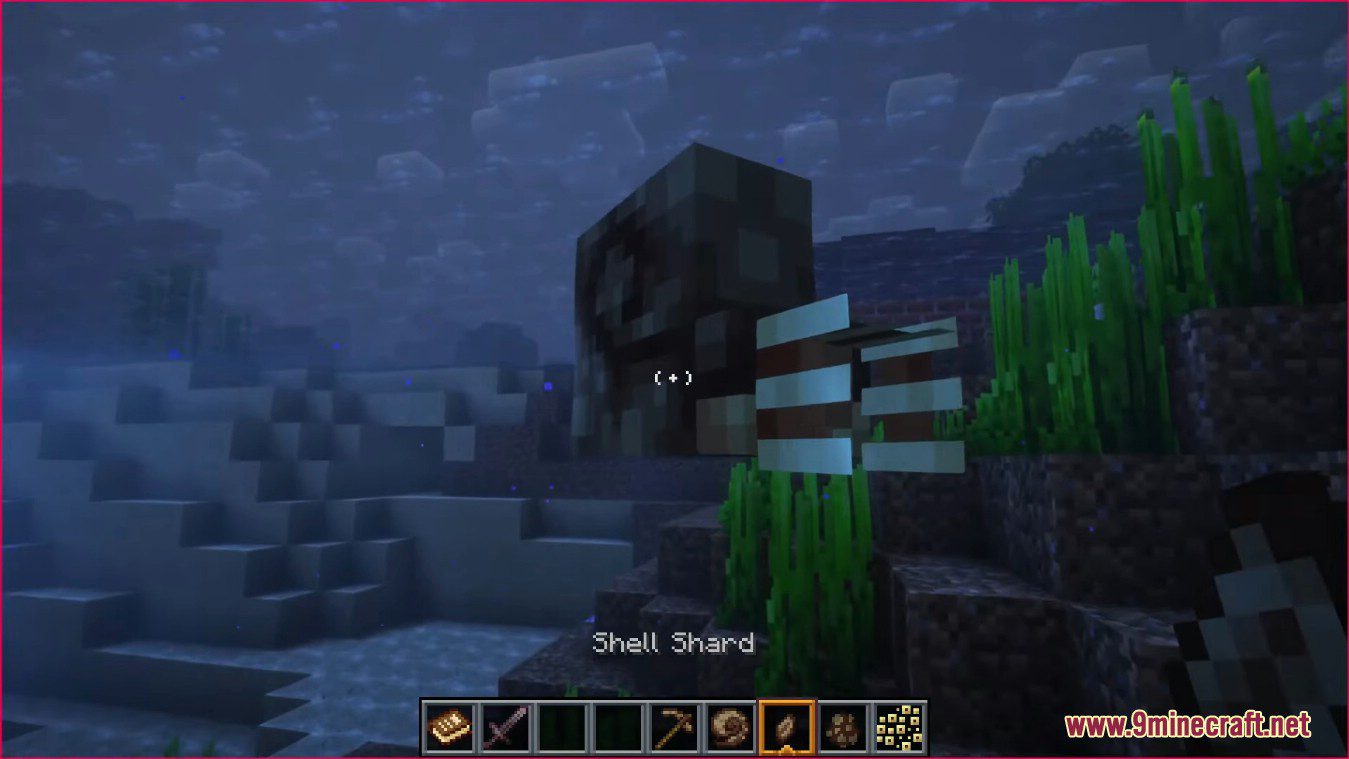
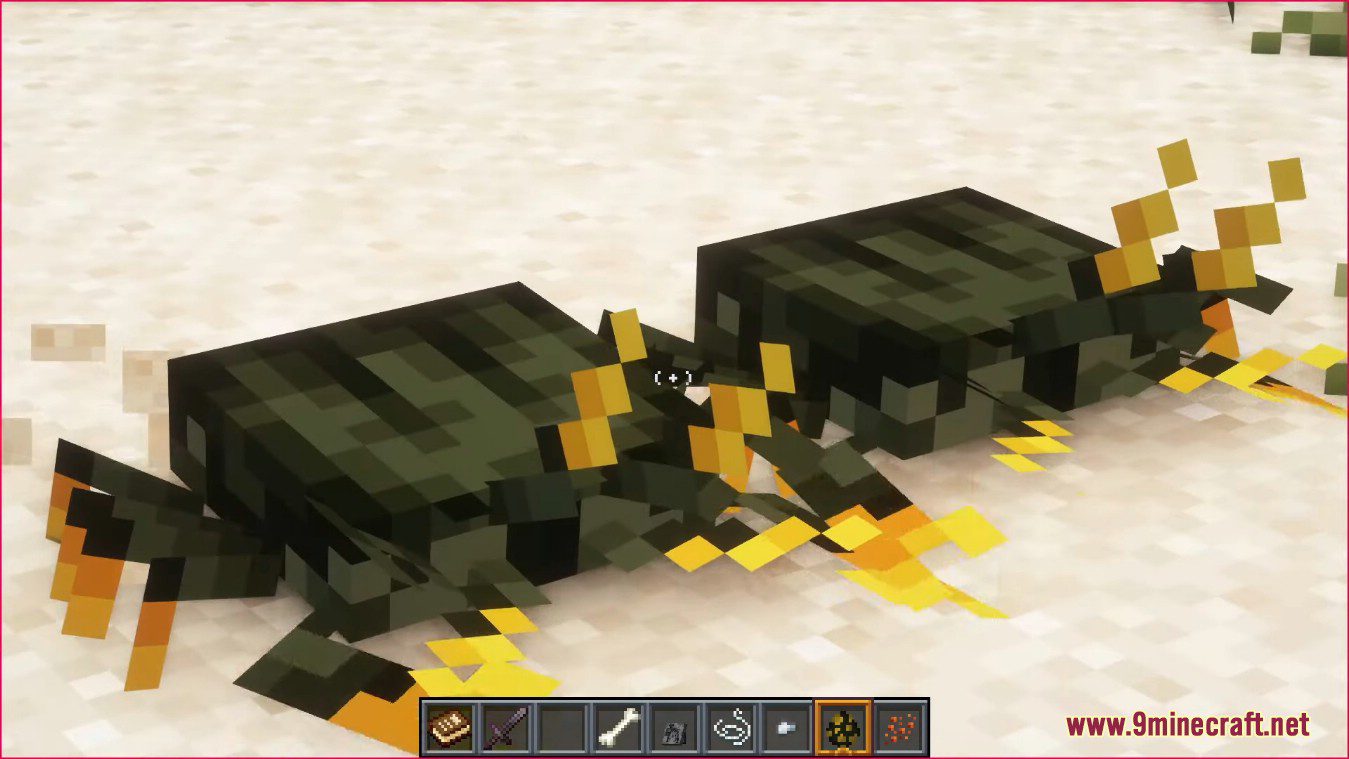
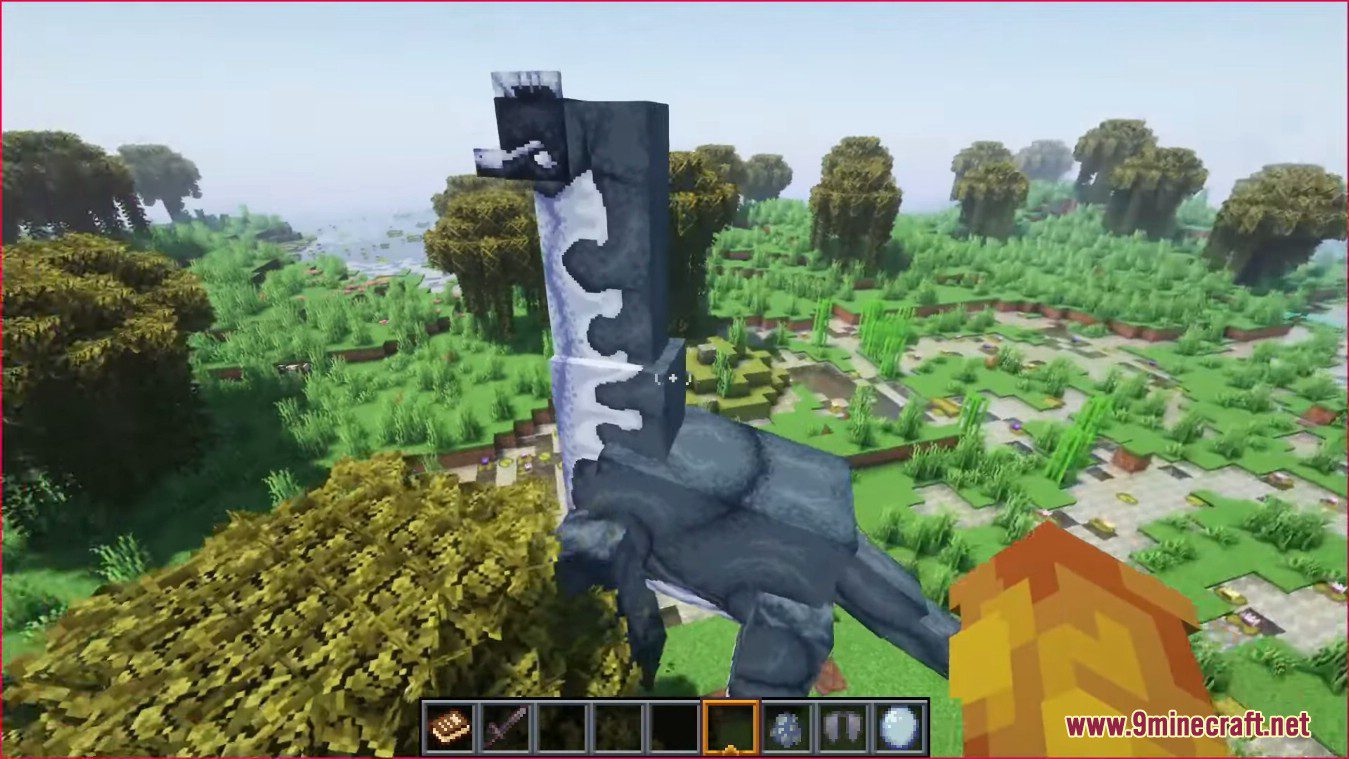
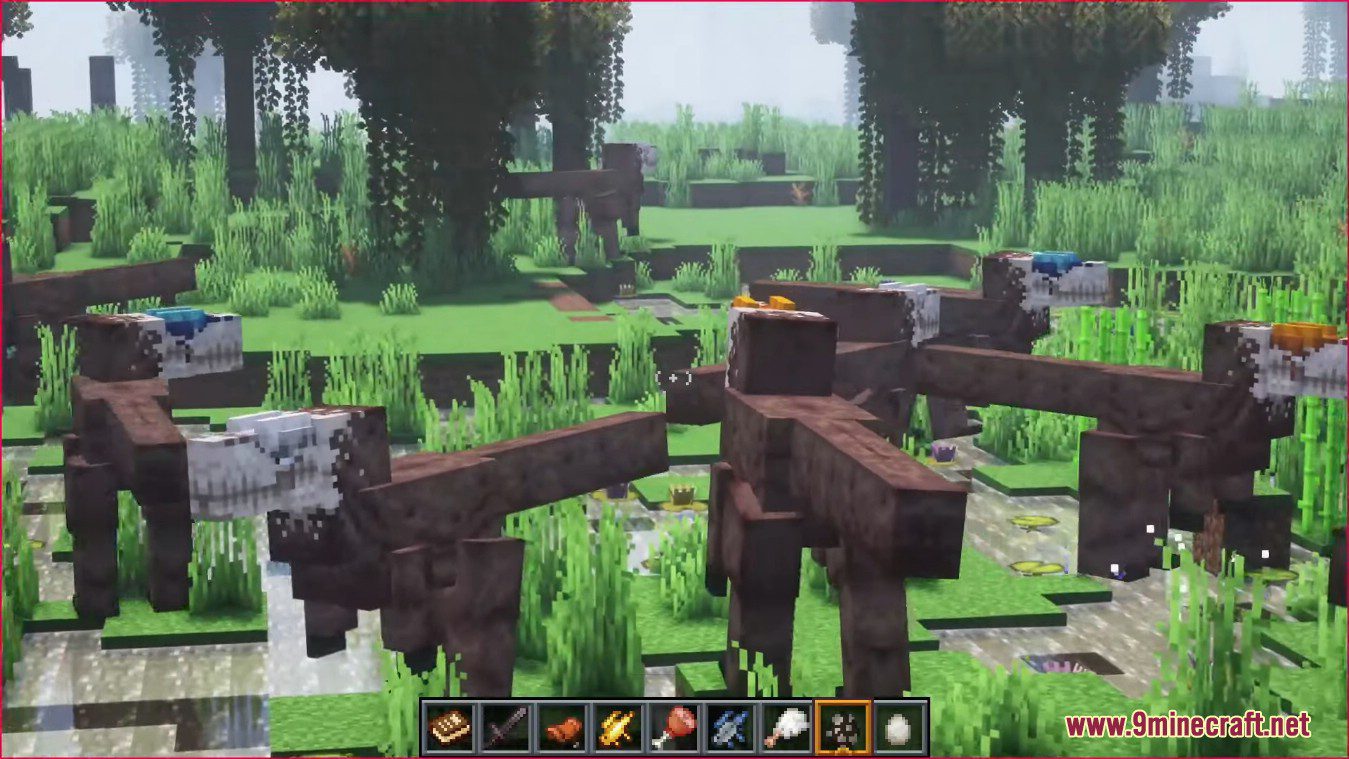
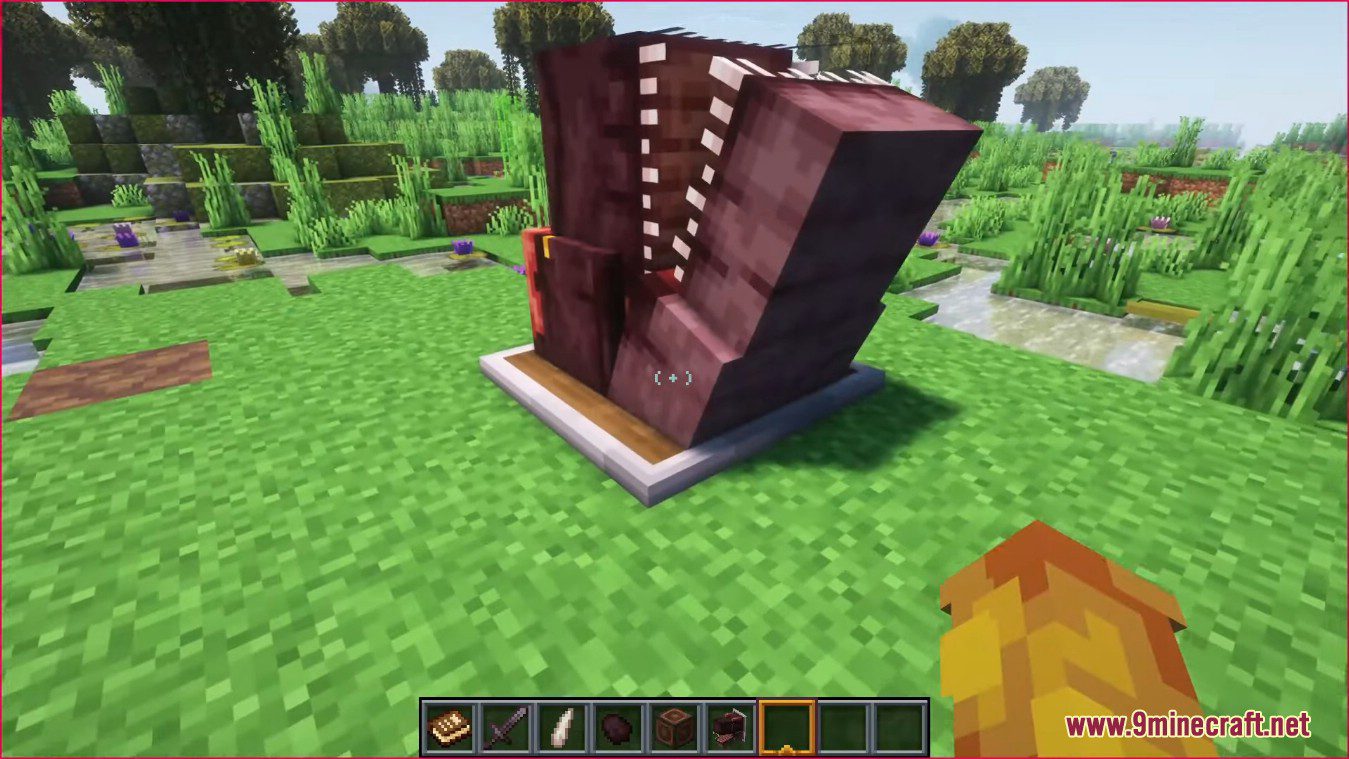
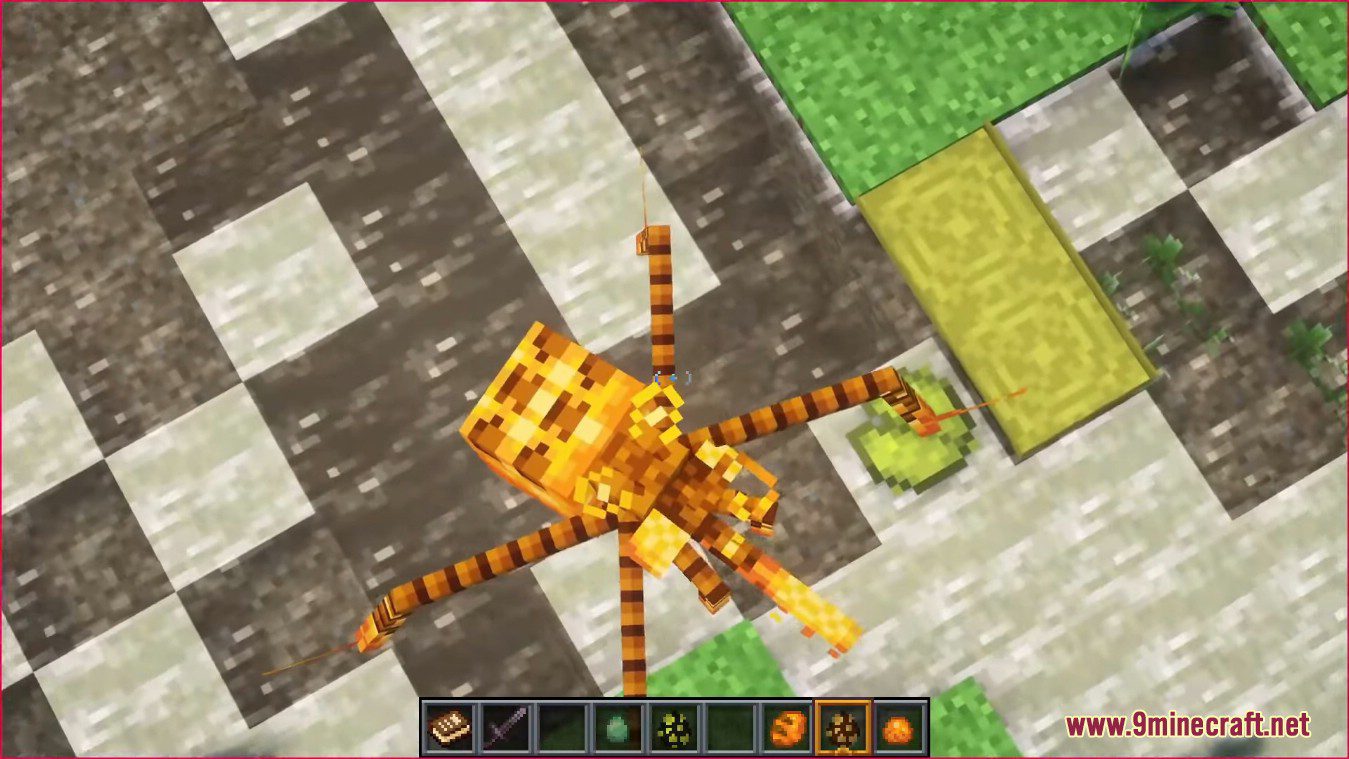
How to use:
How to Access Prehistoric Creatures:
- Step 1: Finding Fossils
- Fossils can be found throughout the world at varying heights, however certain fossils give you certain things. Mesozoic fossils for example give animals from the Triassic, Jurassic, and Cretaceous Periods.
- Step 2: Getting DNA
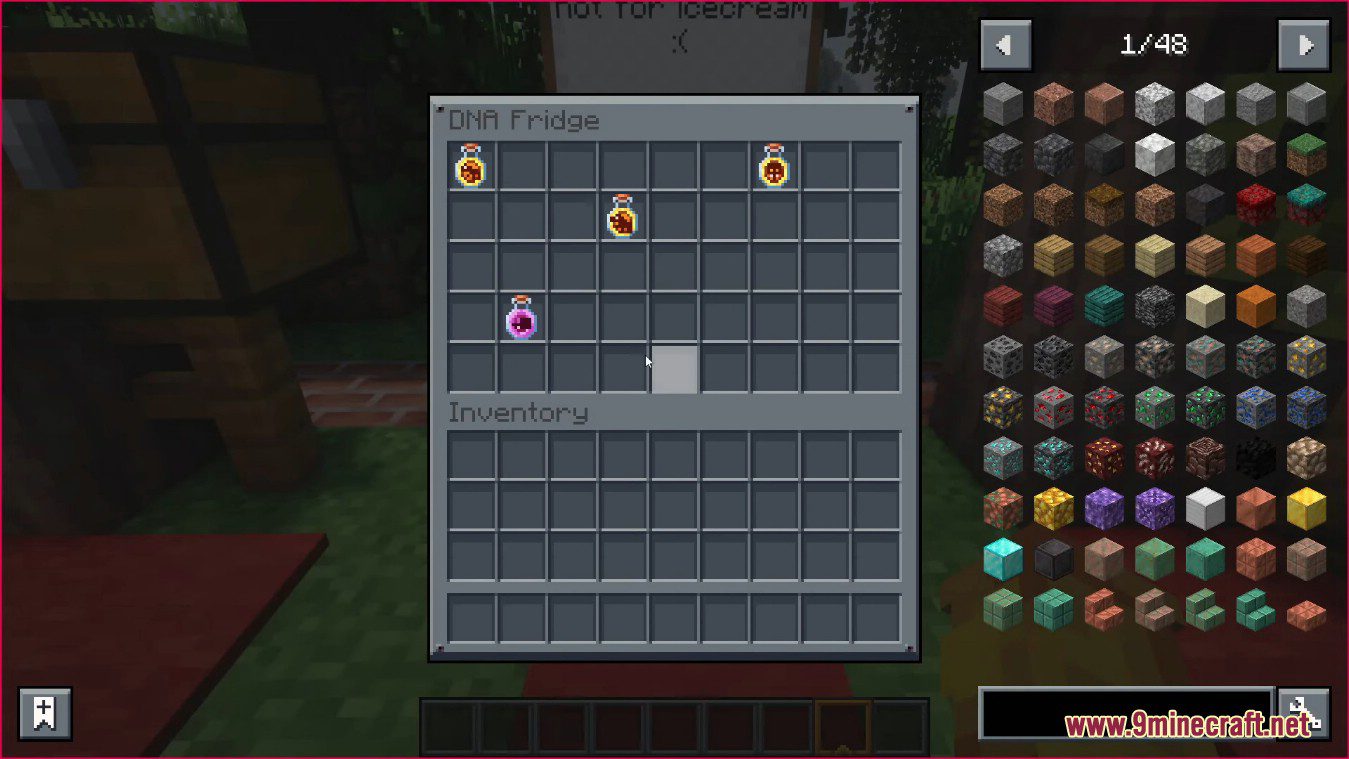
- To actually be able to revive mobs, you have to have a few things. You first need an Analyzer, a strange machine that allows for DNA to be extracted from fossils. However to actually hold the DNA you are going to need some flasks. Flasks are a fairly easy to craft item, with only some glass being needed.
- Step 3: Revival
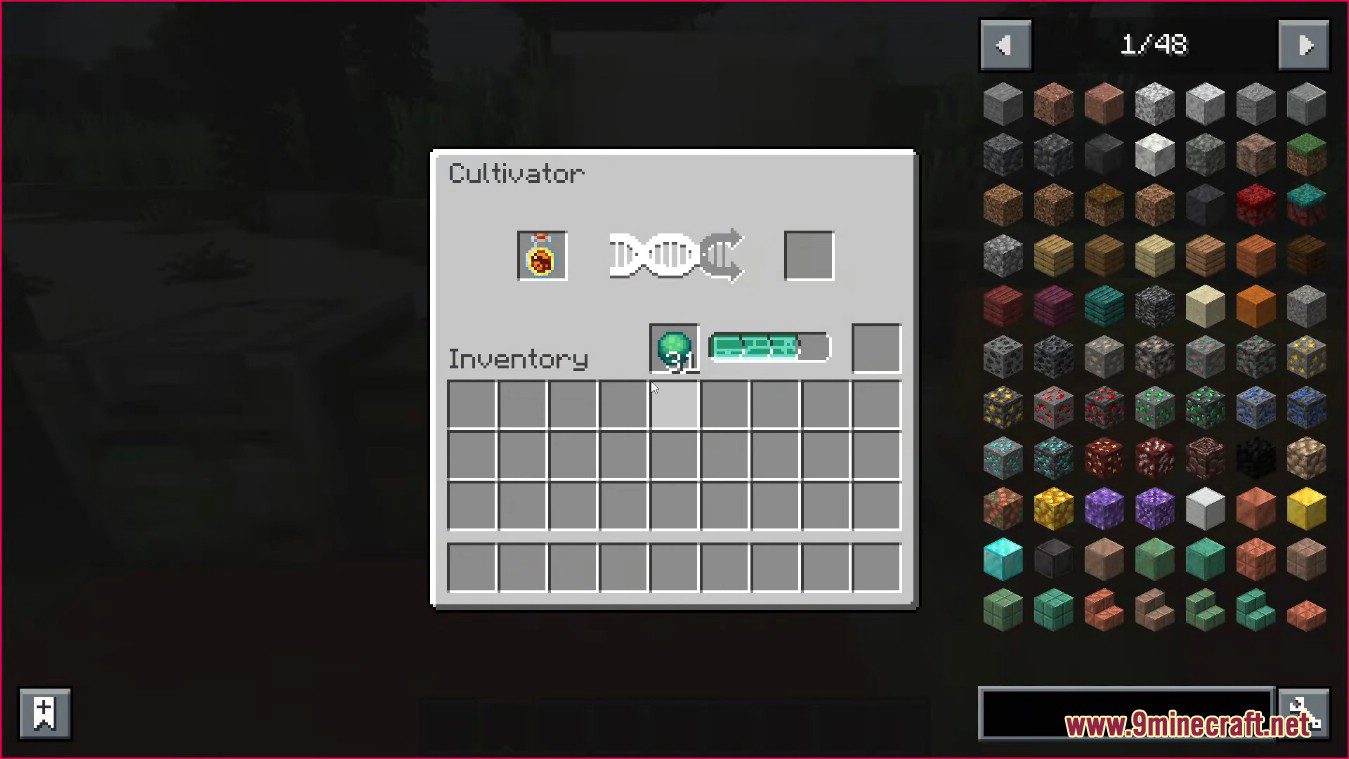
- To turn your DNA into Mobs, you are going to need a Cultivator and some Organic Ooze. Cultivators do the magic of turning DNA to Eggs for hatching while Organic Ooze acts as a fuel for this machine. Be sure to bring lots of Ooze, as the machine can burn through it rather fast.
- Step 4: Eggs
- Now you have some eggs, take note that some eggs have a chance of hatching multiple of mobs so make sure to have lots of space in your enclosures.
Unusual Prehistory Mod Download Links
For Minecraft 1.18.2
Forge version: Download from Server 1 – Download from Server 2
For Minecraft 1.19.2
Forge version: Download from Server 1 – Download from Server 2
For Minecraft 1.20.1, 1.20
Forge version: Download from Server 1 – Download from Server 2
- Edition: Minecraft Java
- File type: .jar
- Minecraft versions listed: 1.20.1, 1.19.2
- How to install: Install the matching mod loader (Forge, Fabric or NeoForge) for your Minecraft version. → Download the .jar. → Put it in the .minecraft/mods folder and launch that loader profile.
- Where to get it: In MC Java Mods, or directly above on this page.
Install steps are the general flow for this file type — How to install Minecraft Java mods & modpacks walks through it step by step.
- Downloads as 202477.mcaddon
- Download size: 3.3 MB
- Download link checked 29 Jul 2026 — working
- Mirrored on our own servers — the download does not depend on the original host
These come from our own check of the pack file, not from the source page.