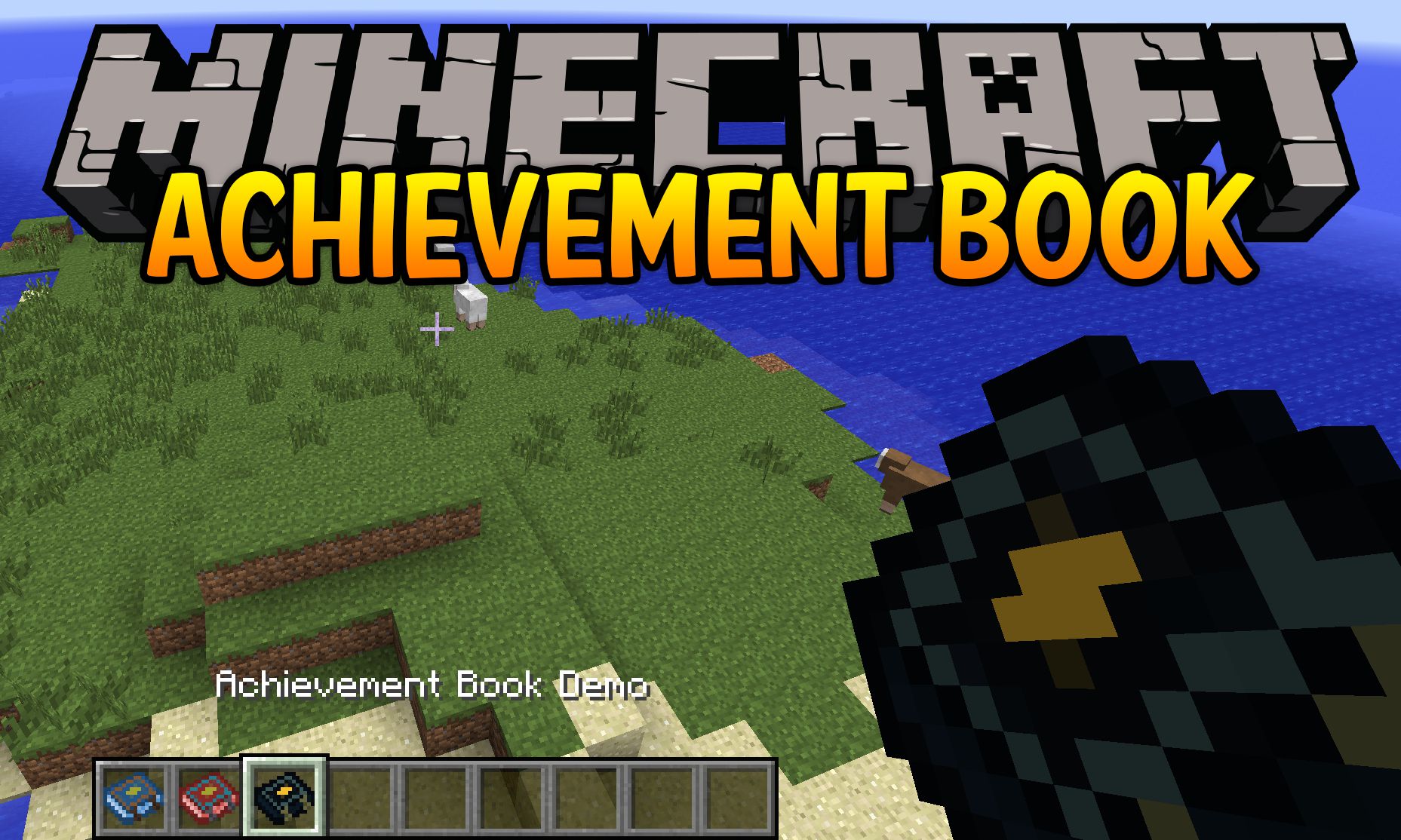
Achievement Books Mod (1.20.1, 1.19.3) – Multiple Achievement Books with Easy Config
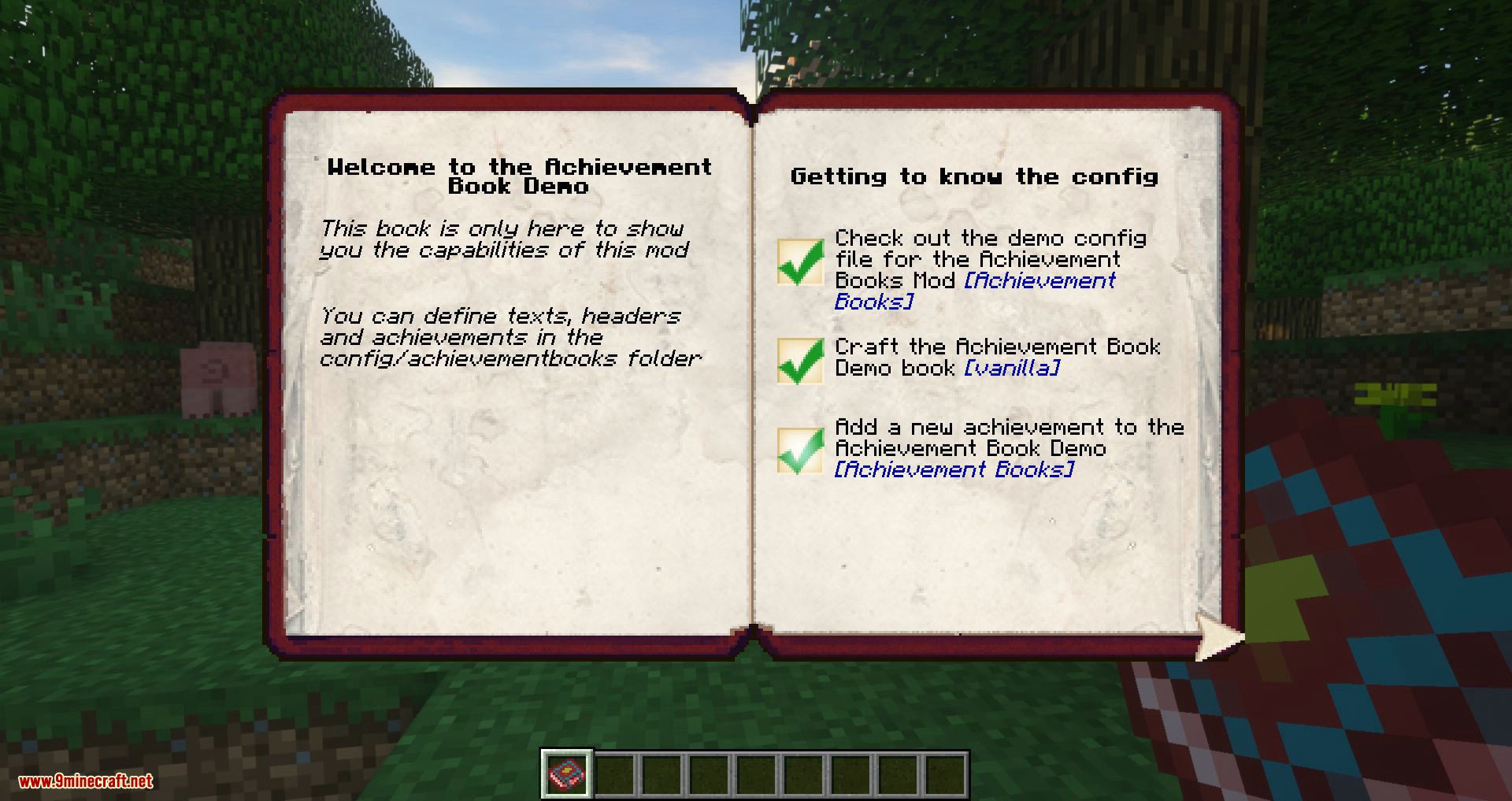
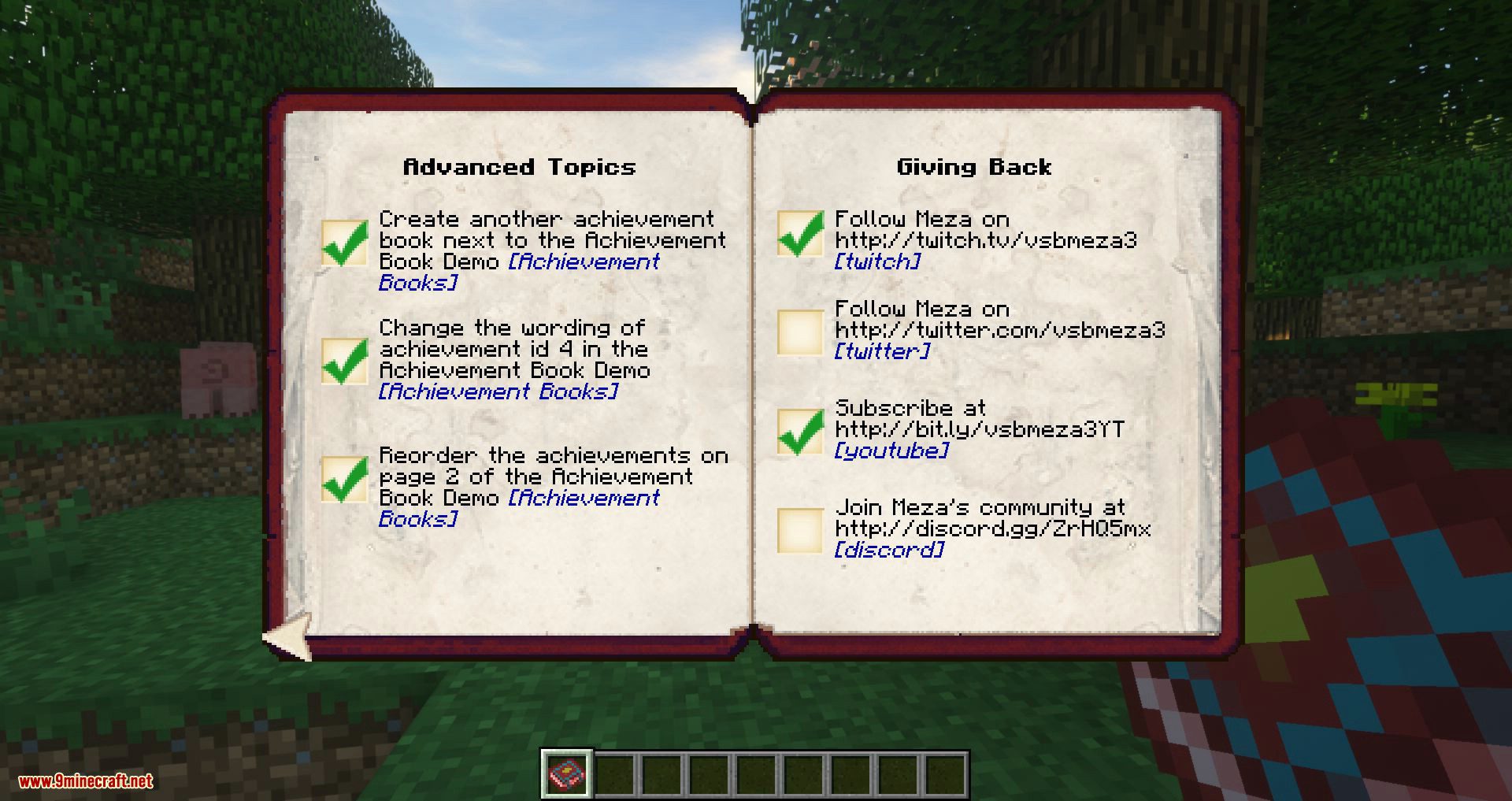
Achievement Books Mod introduces the ability to create multiple achievement books for Minecraft. It is highly configurable via JSON to have headers, free…
⬇ DownloadOpen in MCModsHubGet it on Google Play →Achievement Books Mod introduces the ability to create multiple achievement books for Minecraft. It is highly configurable via JSON to have headers, free flow text and achievement checklists on multiple pages. If you’re a map maker creating stories with several chapters, sometimes it’s not enough to have everything in one achievement book. Also if you’re creating a HQM modpack with several quest lines, now you can give achievements based on the quest branch.
Why use this mod?
- You can have multiple achievement books for different parts of your game
- You can choose from 16 different colors for your book’s design
- You don’t need to deal with difficult formatting files
- You can describe your books in an easy to read format
- You can upgrade your configs without the need to reset the book process
- You can reload the books from the config without restarting the game
- You can customize the crafting materials of the books
Quickstart
Once you’ve installed the mod and restarted the game, make sure you have OP permissions and then issue:
/ab give
The rest should be self-explanatory.
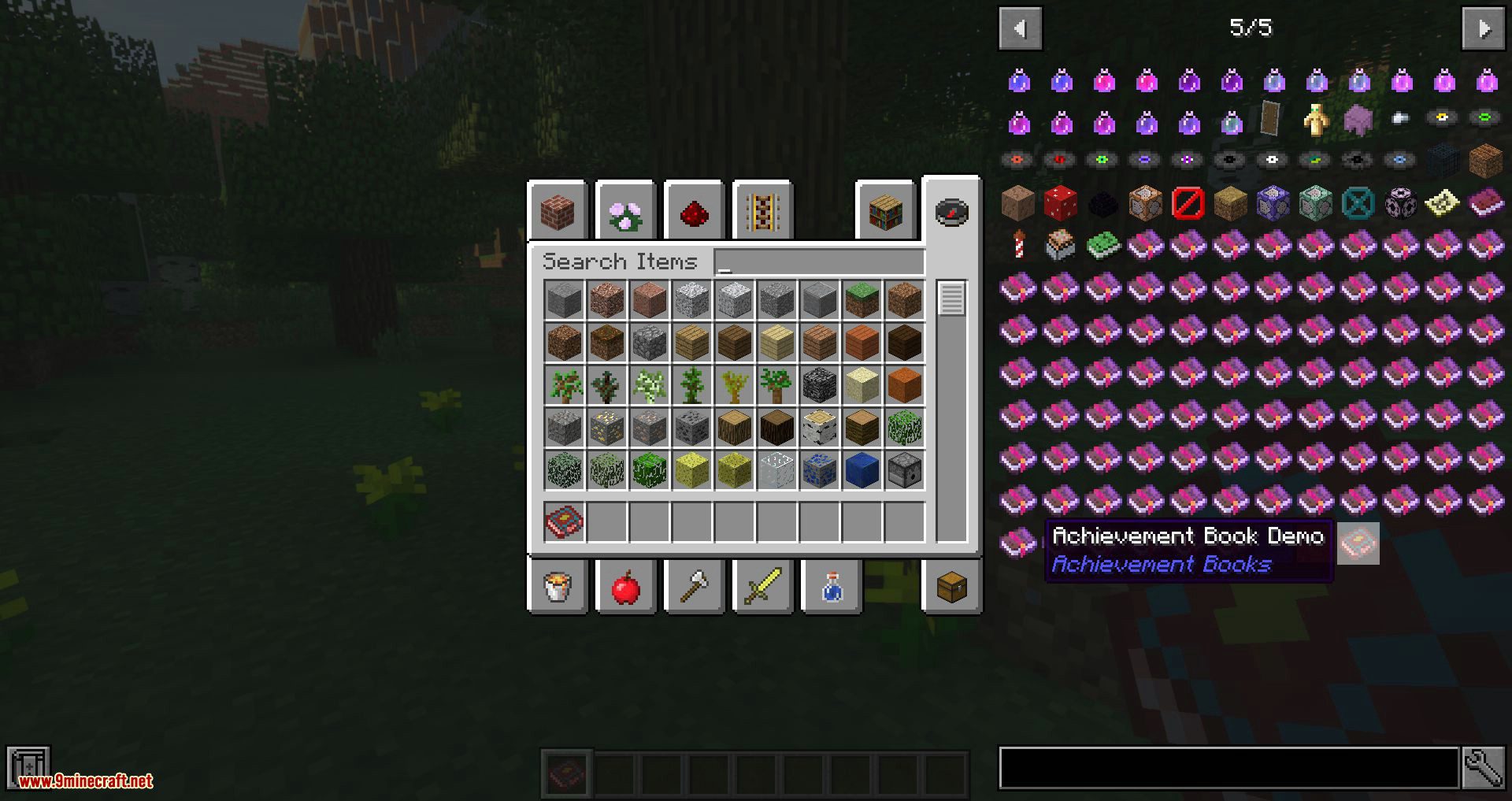
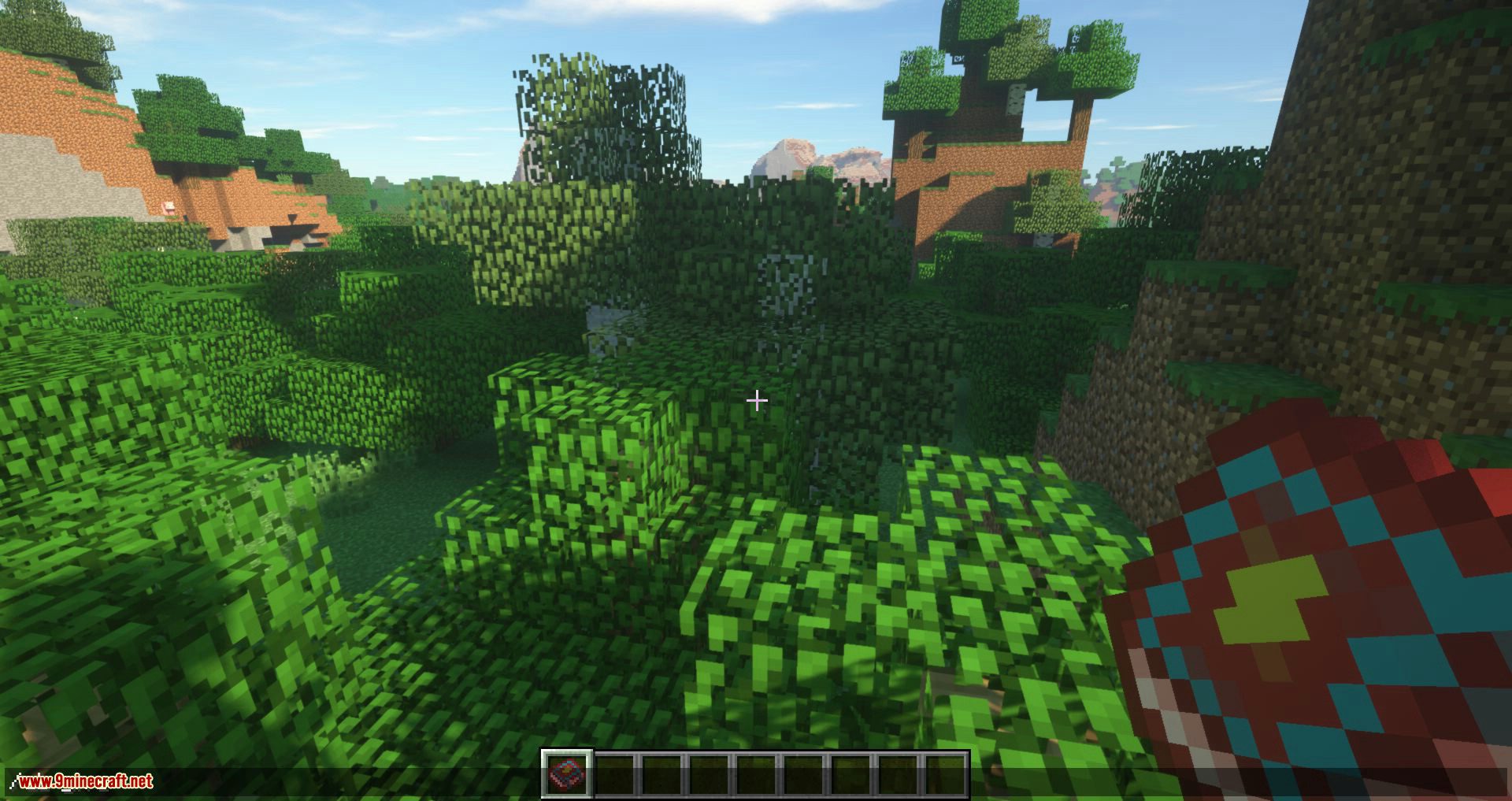
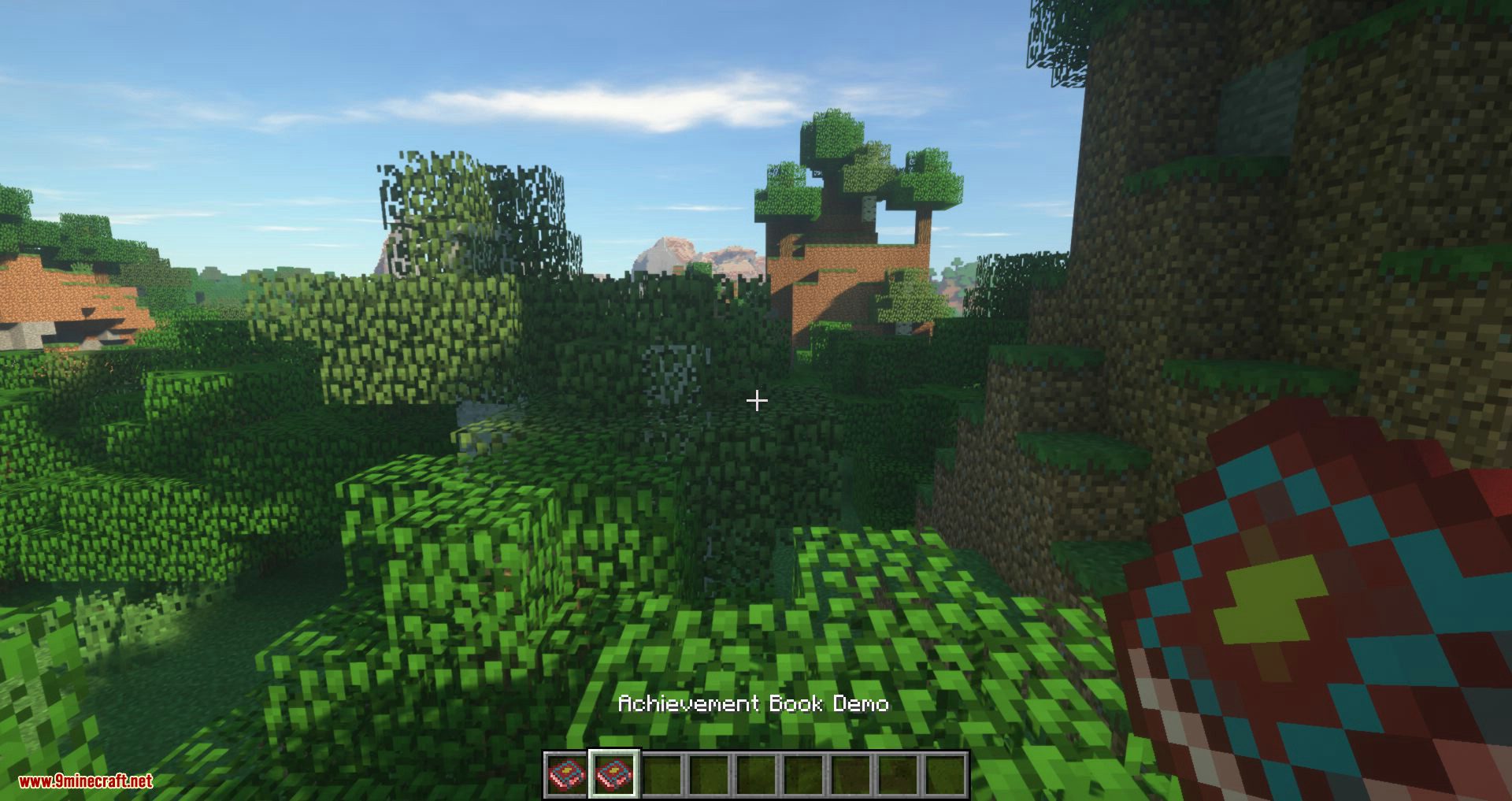
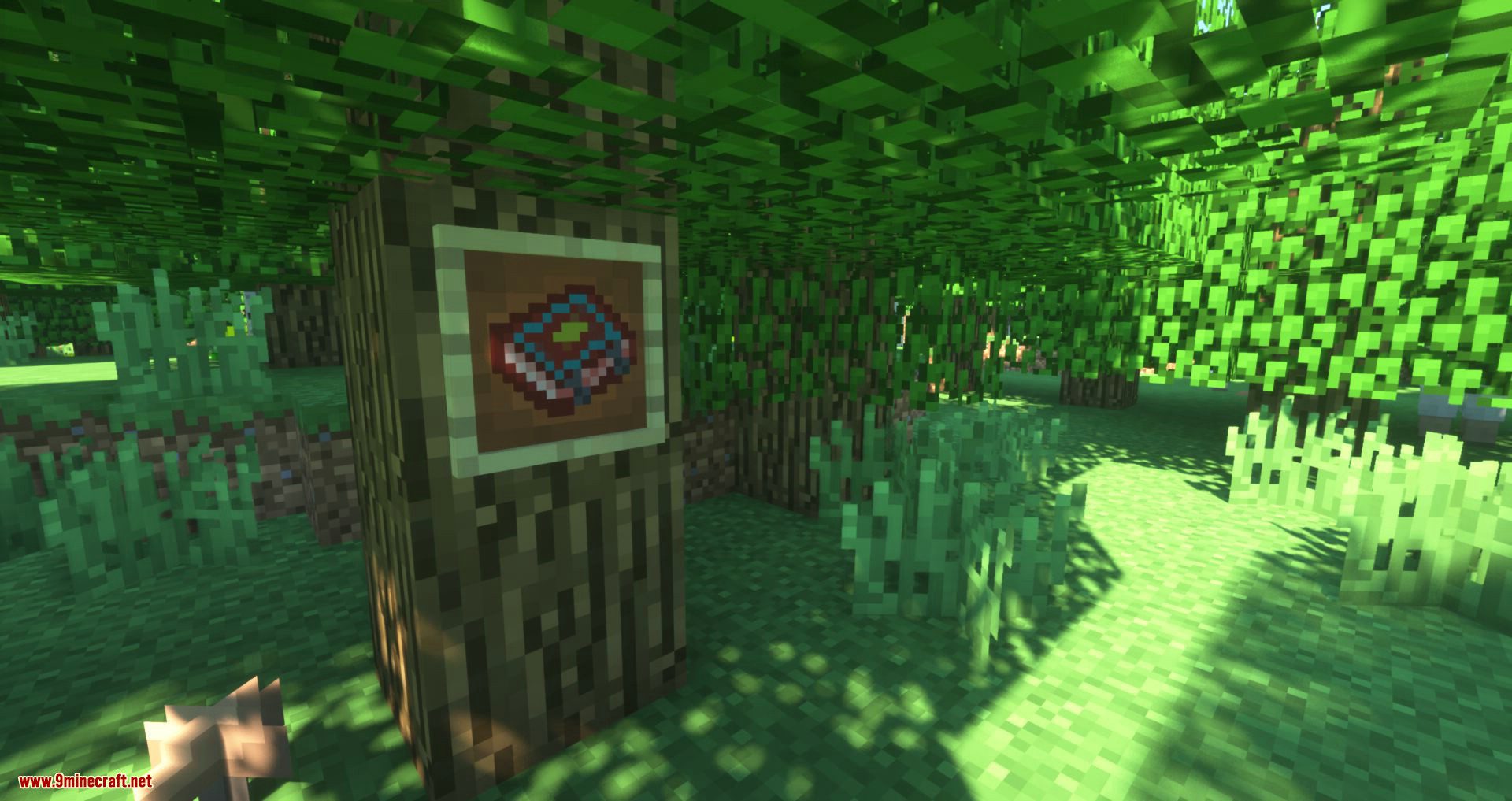
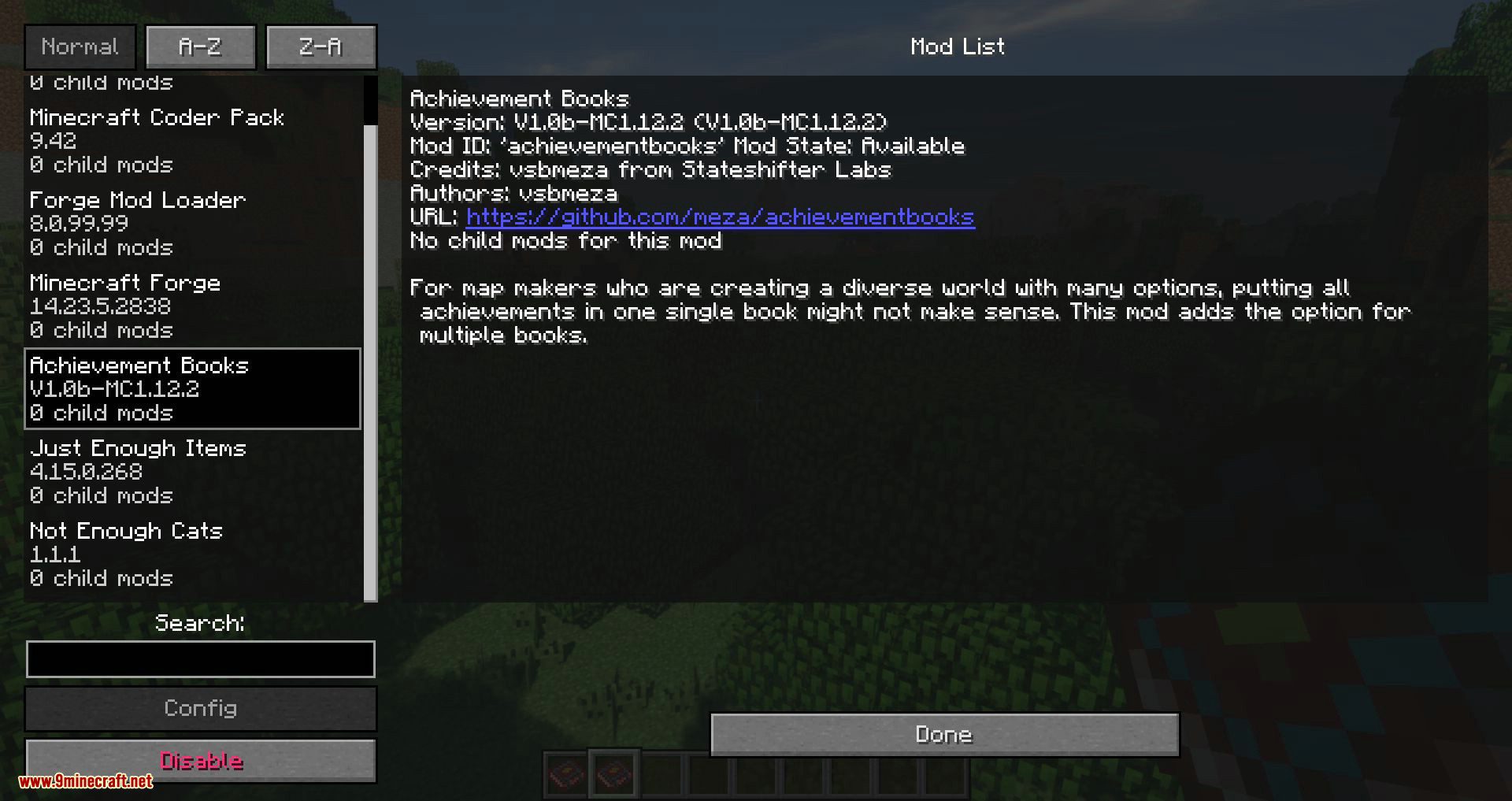
Screenshots:
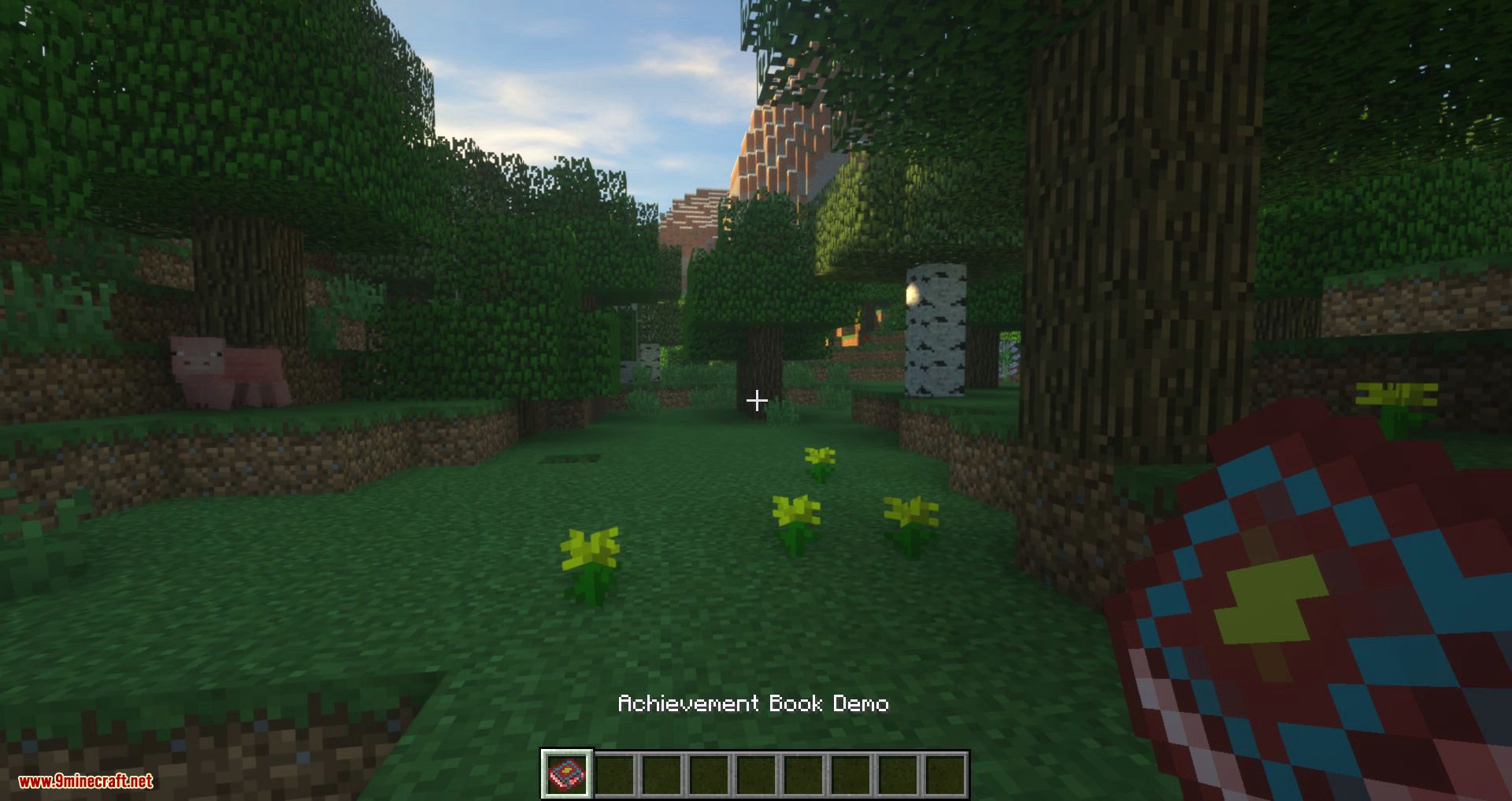
Hot bar
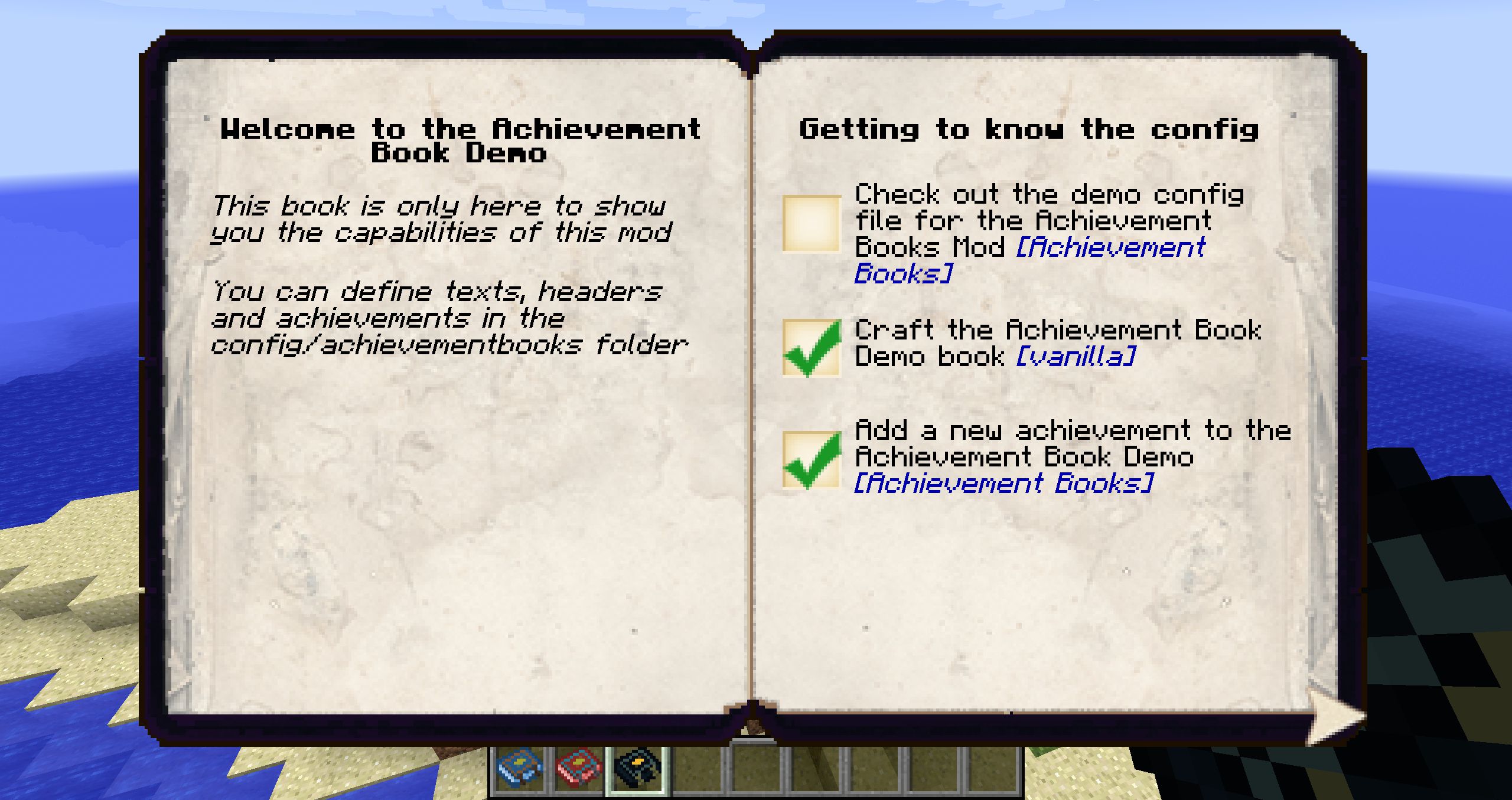
Black Book
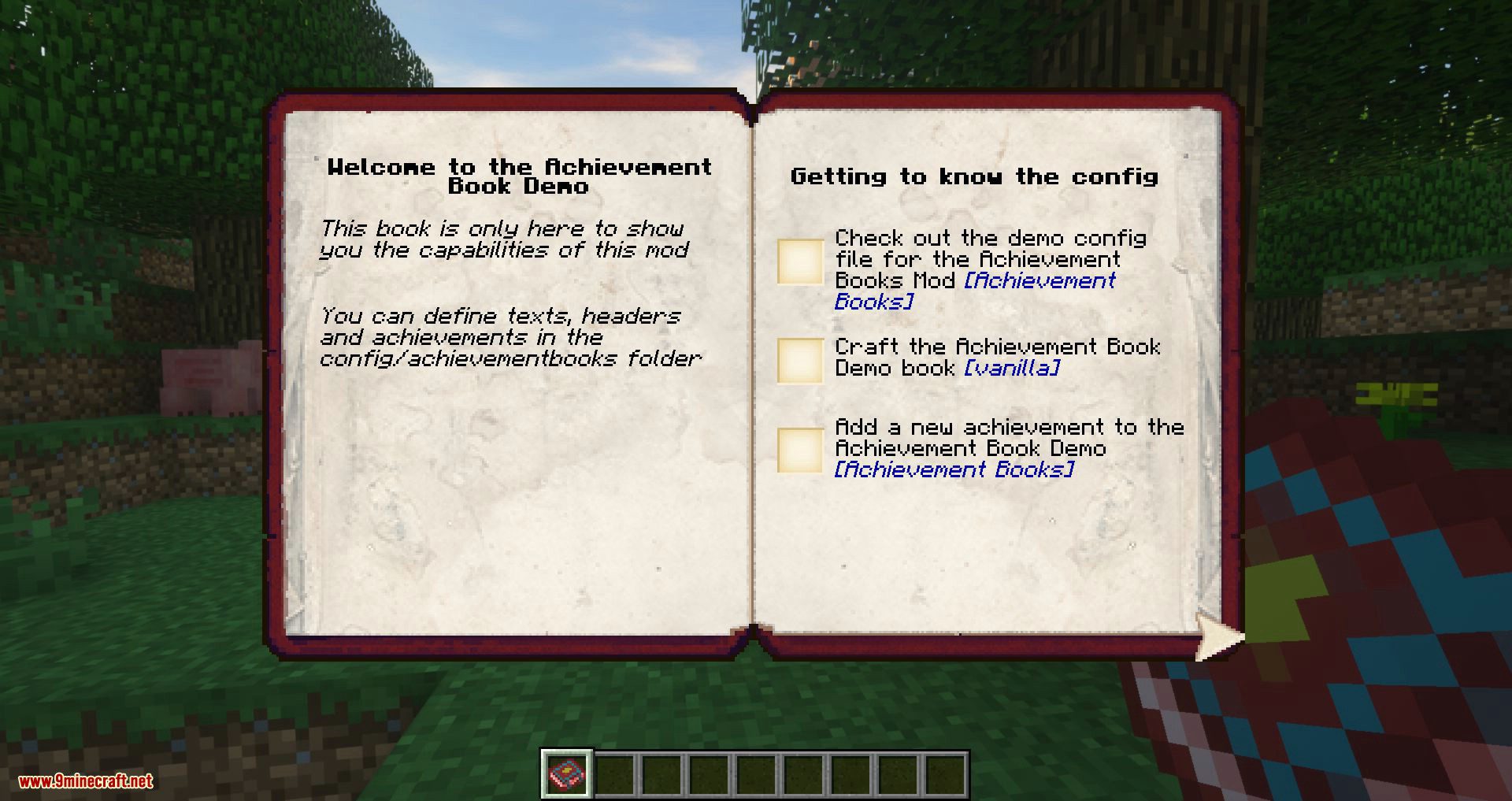
Red Book
Achievement Books Mod Download Links
For Minecraft 1.7.10
For Minecraft 1.9.4
For Minecraft 1.10.2
For Minecraft 1.11.2
For Minecraft 1.20.1
Fabric version: Download from Server 1 – Download from Server 2
For Minecraft 1.19.3
Fabric version: Download from Server 1 – Download from Server 2
For Minecraft 1.19.2
Fabric version: Download from Server 1 – Download from Server 2
For Minecraft 1.18.1
Fabric version: Download from Server 1
For Minecraft 1.12.2
- Download size: 2.8 MB
- Download link checked 23 Jul 2026 — working
- Mirrored on our own servers — the download does not depend on the original host
These come from our own check of the pack file, not from the source page.