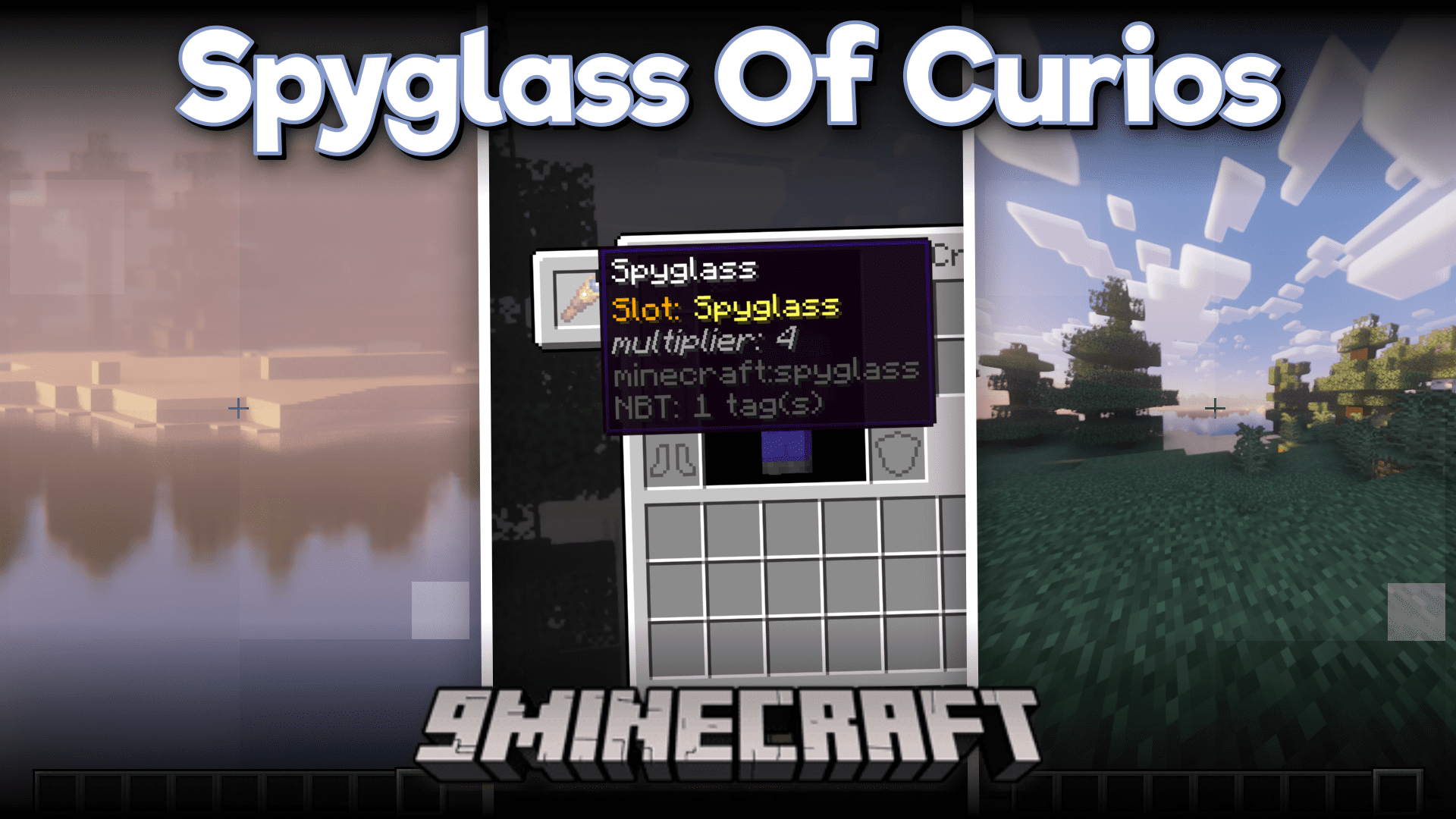
Spyglass of Curios Mod (1.20.1, 1.19.2) – More Spyglass Features
Java mod listed for Minecraft 1.19–1.20. Downloads from the MC Java Mods app on Android.
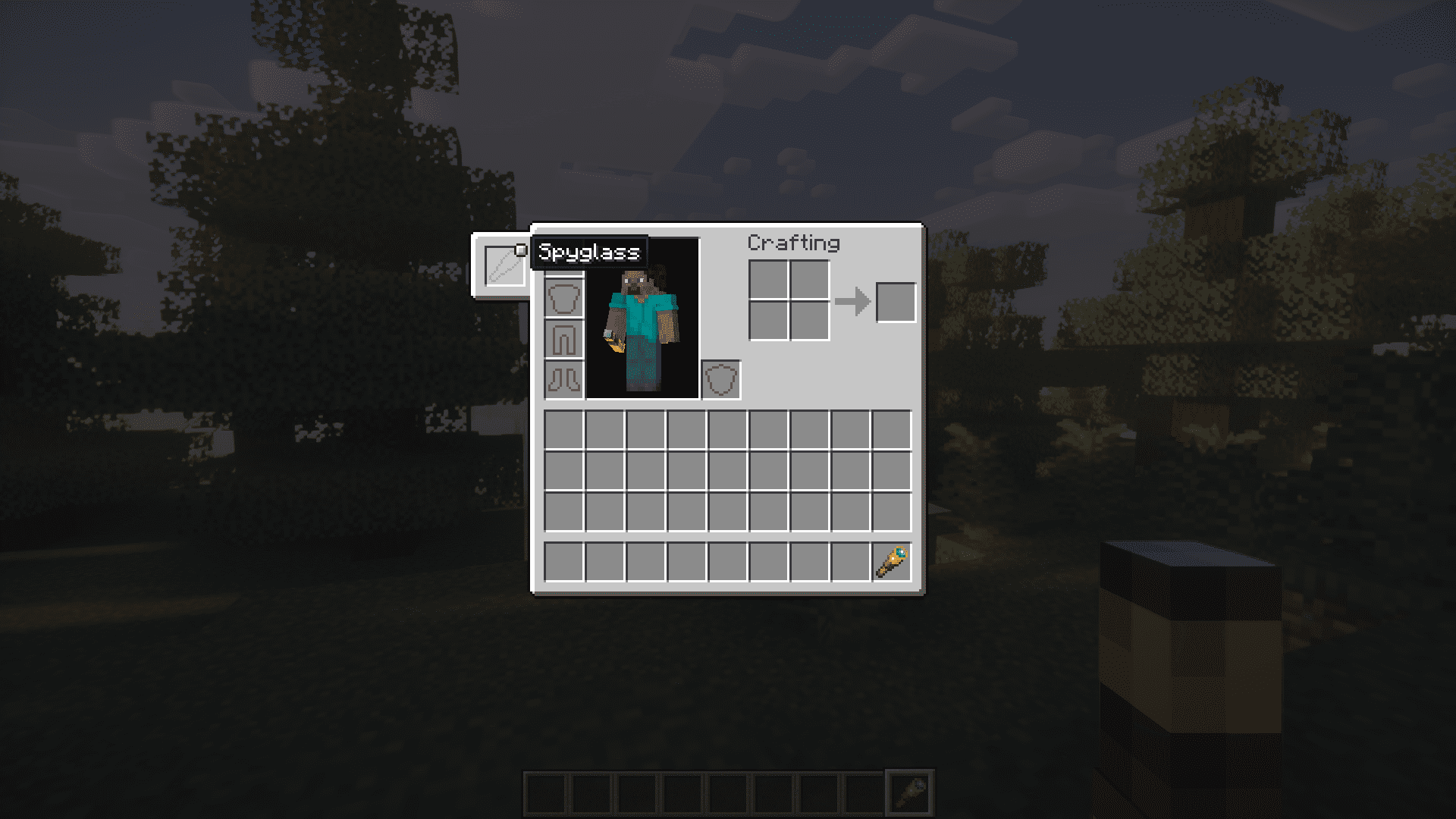
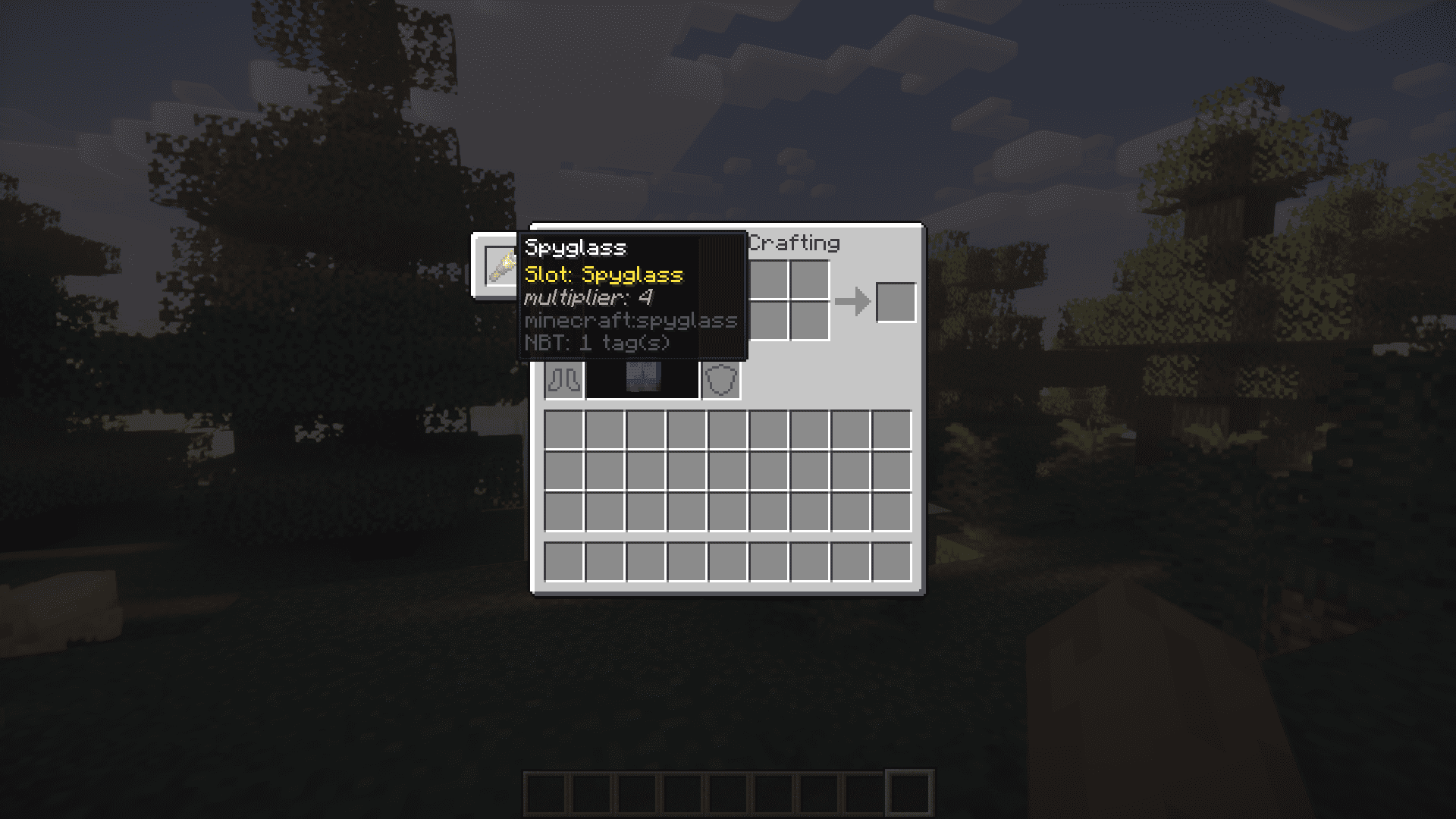
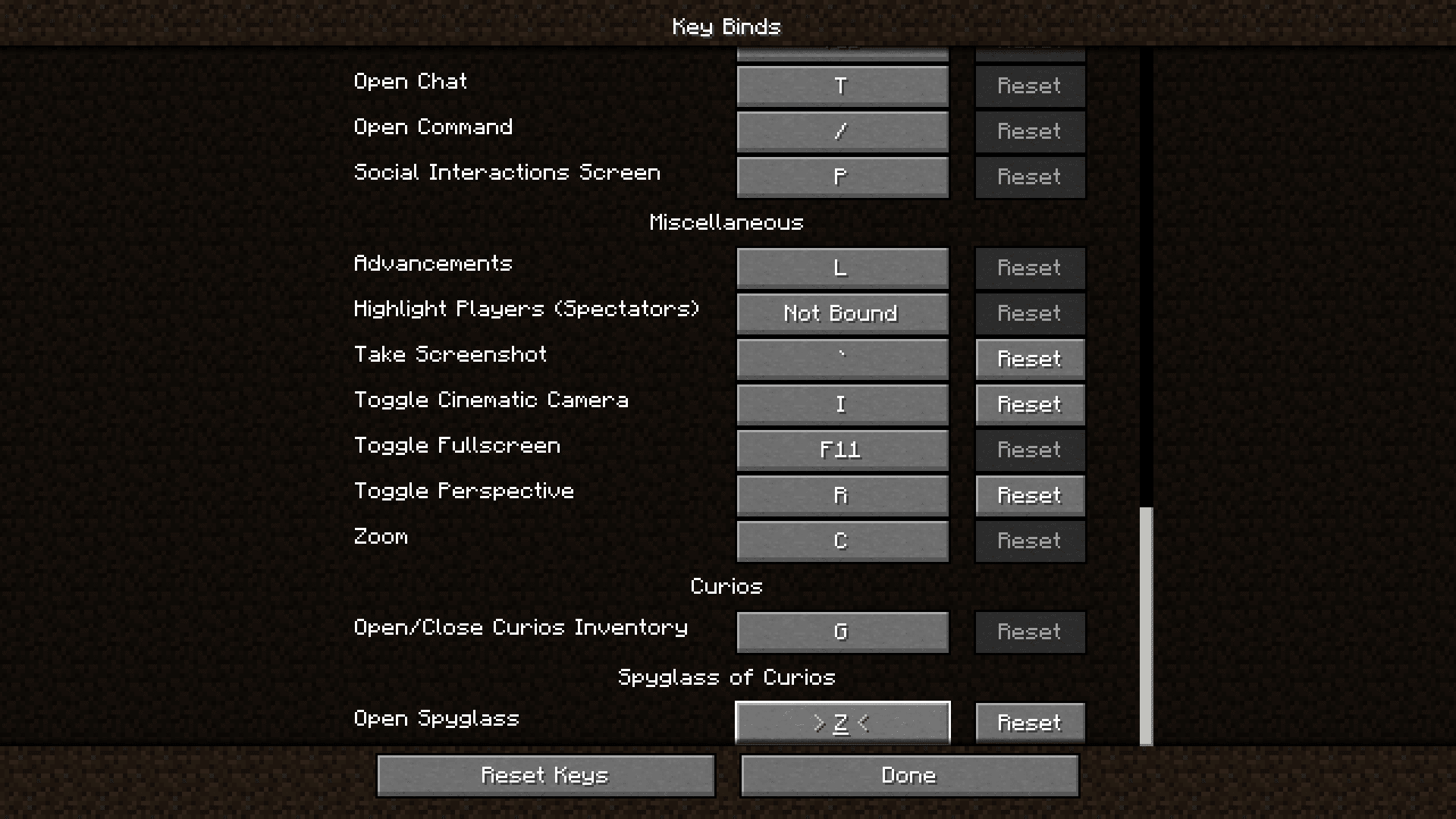
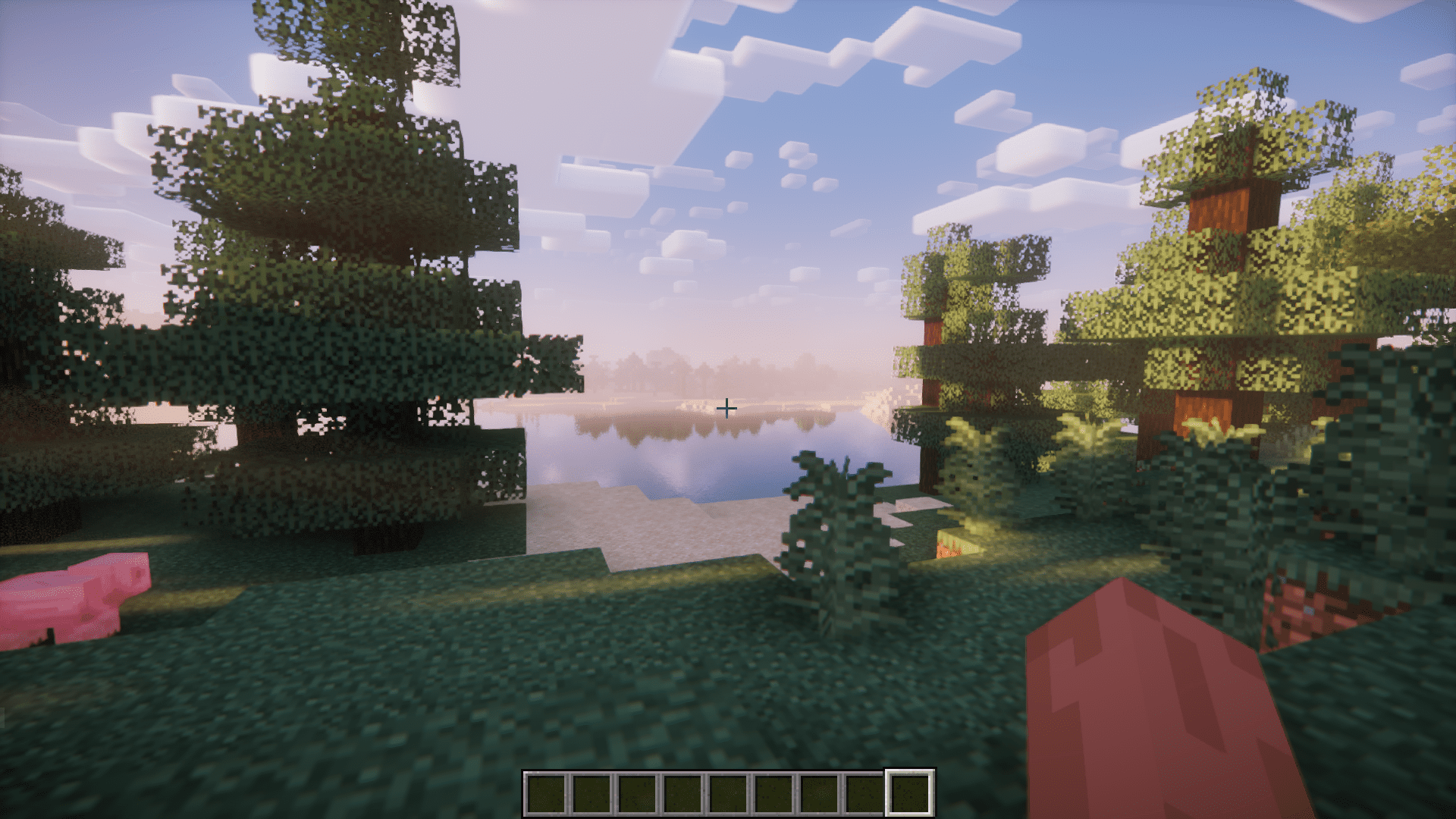
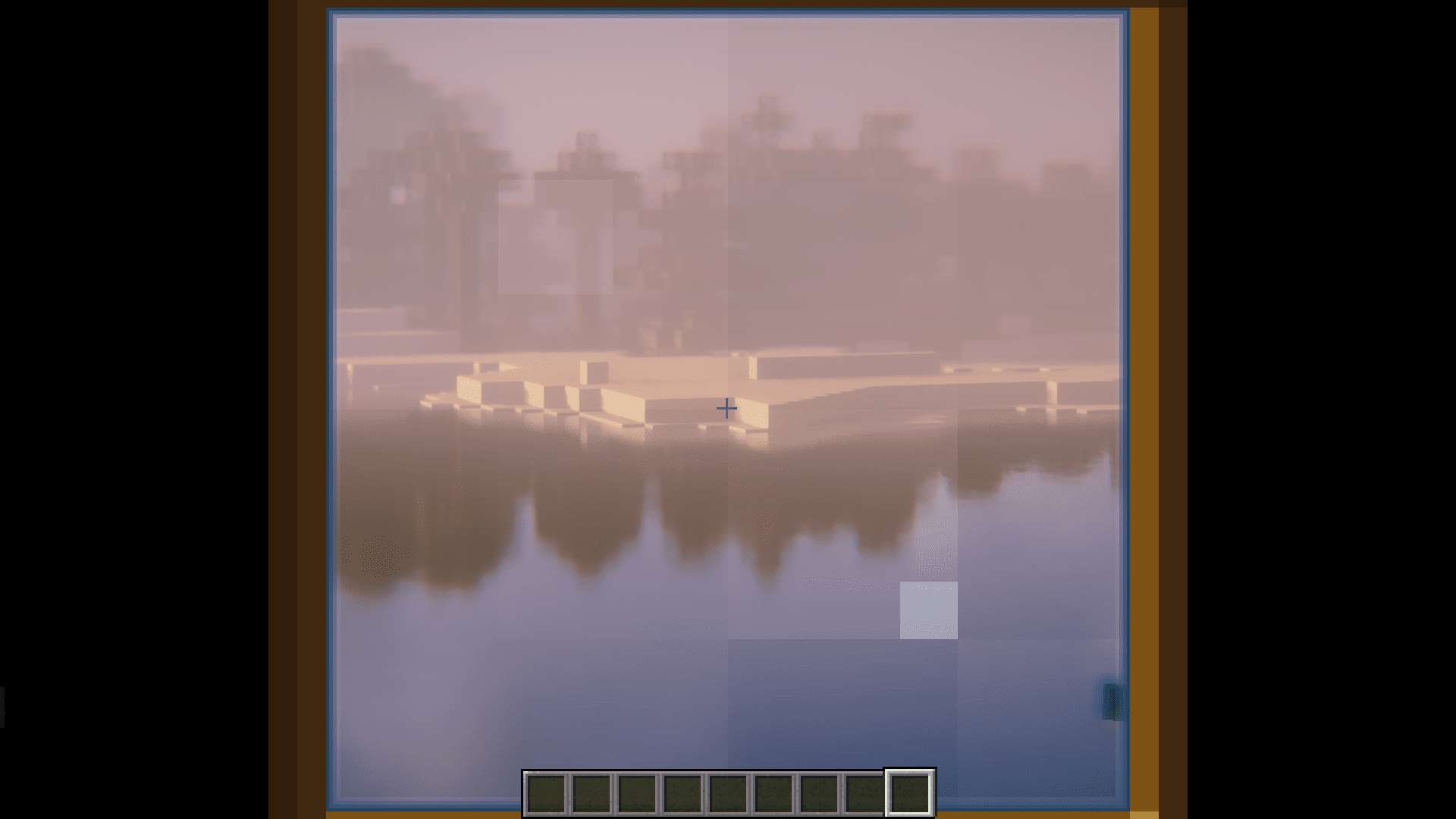
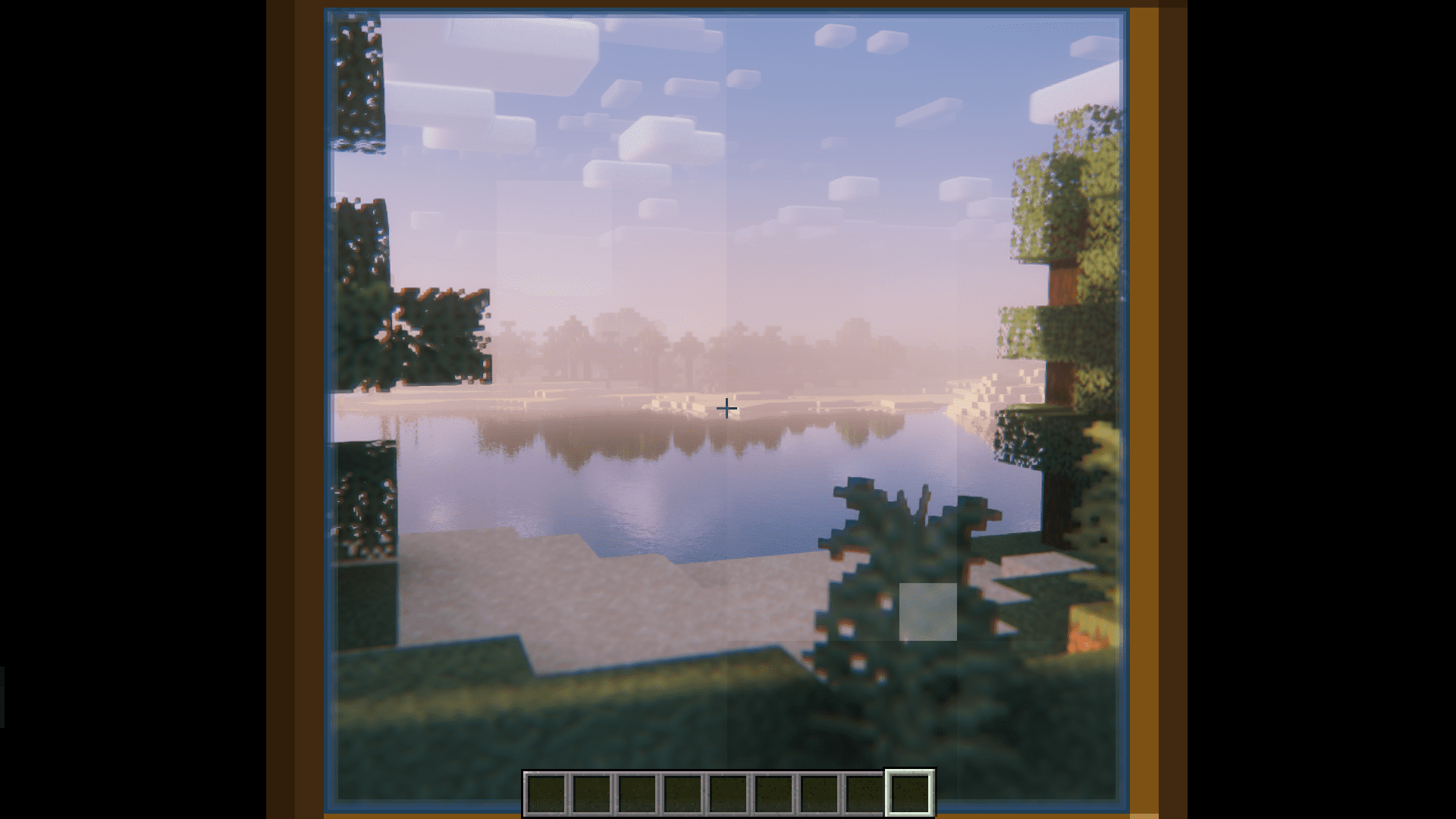
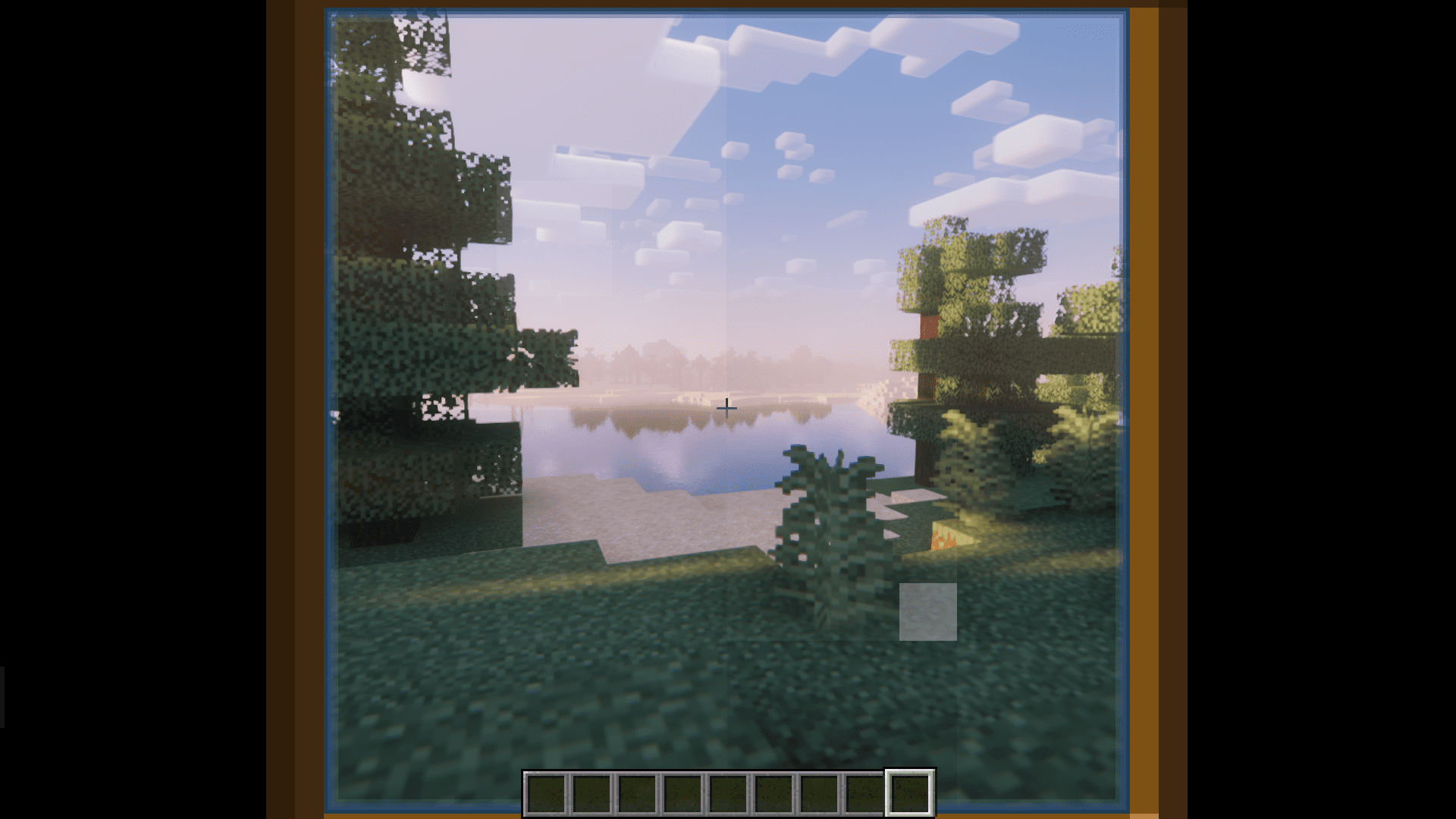
⬇ DownloadThe Spyglass is an item that allows players to zoom in and view farther distances. But OptiFine offers a much cooler zoom effect that can be toggled simply by pressing a shortcut. And for this reason, the spyglass remains a largely unused item. But not anymore! Spyglass of Curios Mod makes the spyglass a much more useful item. So much so that even OptiFine users will prefer to use one. The first feature is the added Curios compatibility. This introduces a dedicated spyglass Curios slot in your inventory, and allows the spyglass to be toggled with a configurable keybind. Therefore, you will no longer have to waste inventory space to have a spyglass. And the second feature is the added ability to use the mouse scroll wheel to adjust the spyglass zoom. The zoom range is very high. Take a look at the images to get a clear idea.
Features:
Adds a dedicated Curios slot for the Spyglass.
Activate the spyglass using a configurable keybind.
Adjustable zoom using the mouse scroll wheel.
Screenshots:
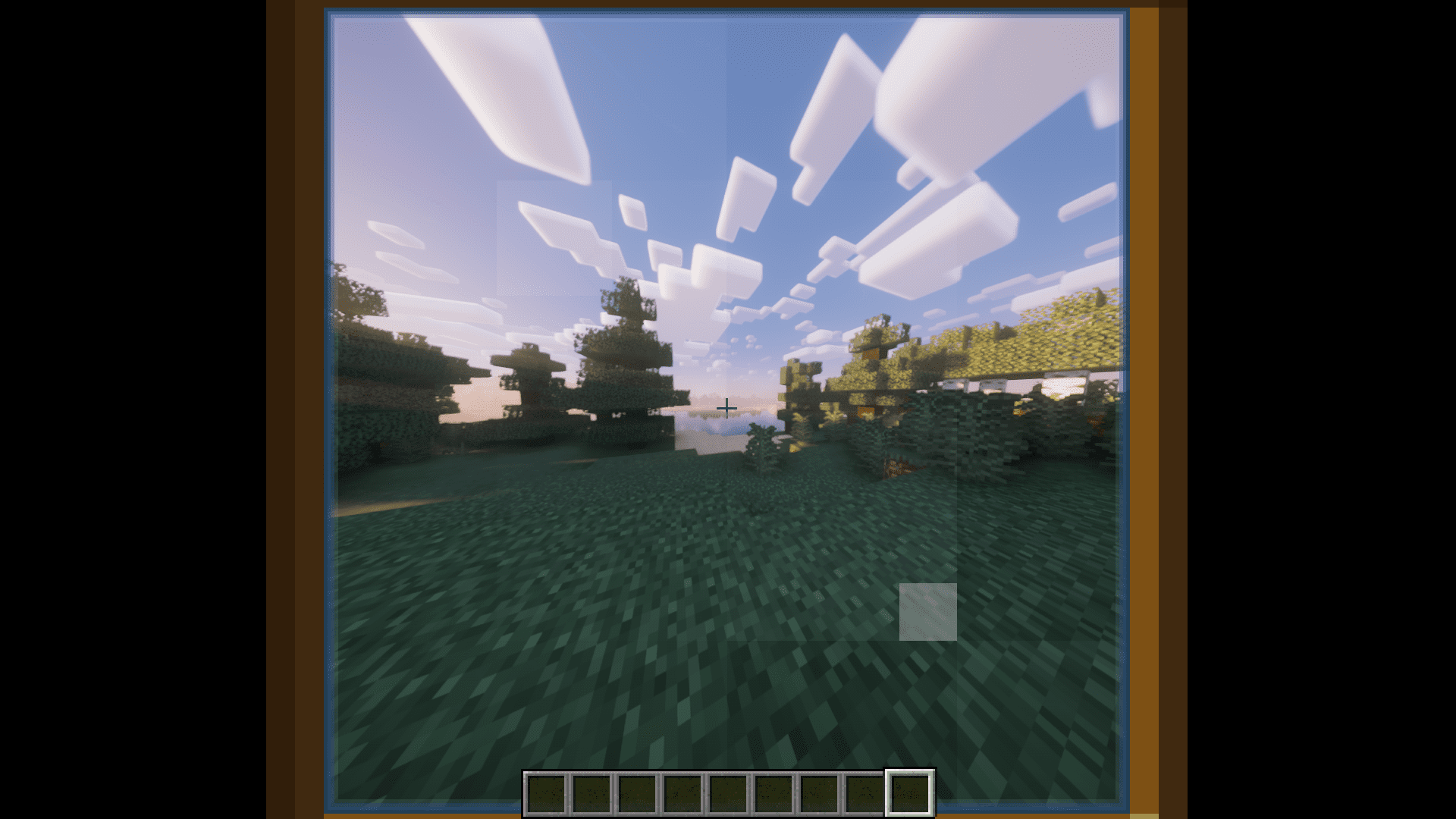
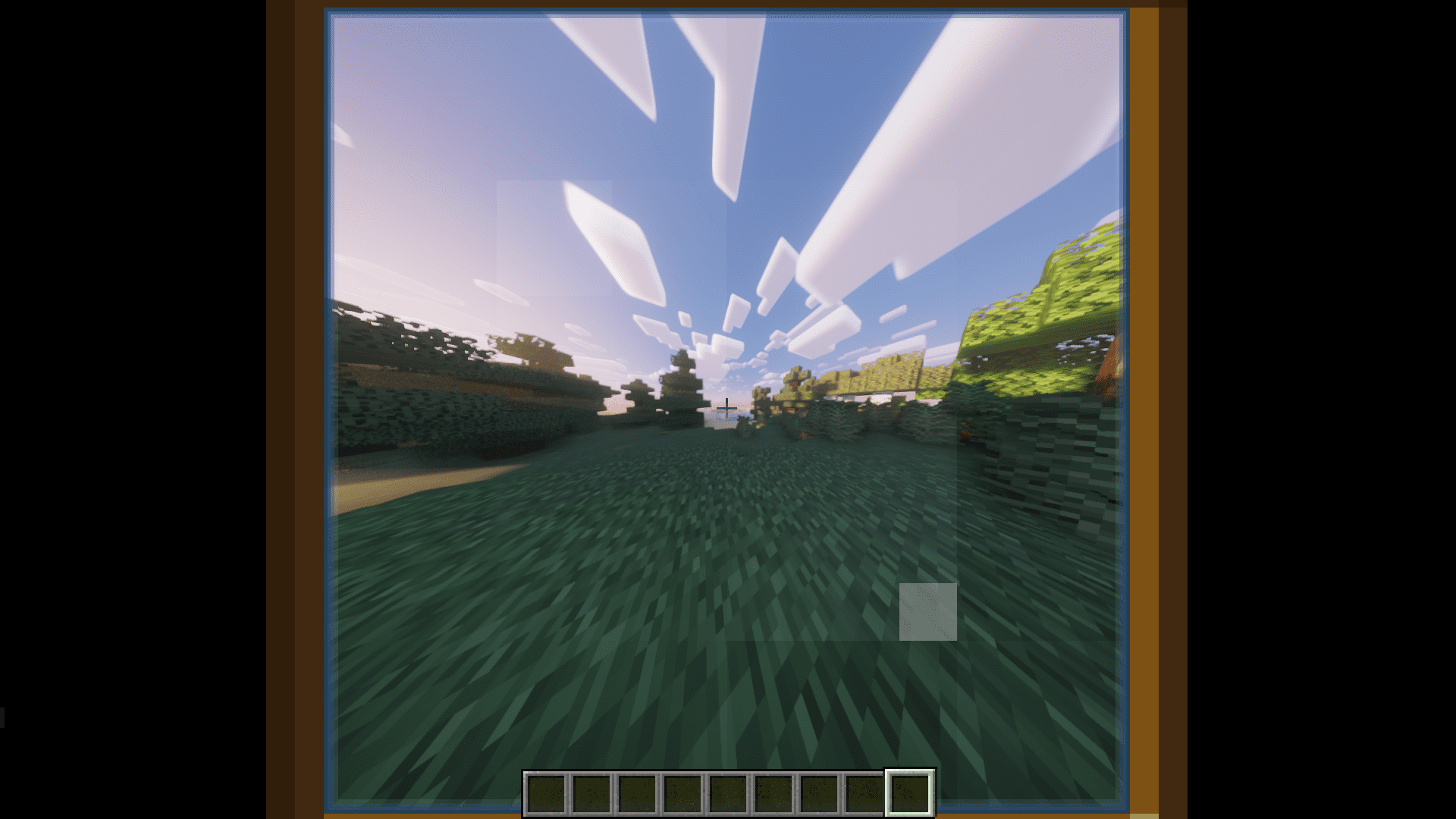
Spyglass of Curios Mod Download Links
For Minecraft 1.20.1
Forge version: Download from Server 1 – Download from Server 2
For Minecraft 1.19.2
Forge version: Download from Server 1 – Download from Server 2
For Minecraft 1.18.2
Forge version: Download from Server 1 – Download from Server 2
- Edition: Minecraft Java
- File type: .jar
- Minecraft versions listed: 1.20.1, 1.19.2
- How to install: Install the matching mod loader (Forge, Fabric or NeoForge) for your Minecraft version. → Download the .jar. → Put it in the .minecraft/mods folder and launch that loader profile.
- Where to get it: In MC Java Mods, or directly above on this page.
Install steps are the general flow for this file type — How to install Minecraft Java mods & modpacks walks through it step by step.
- Downloads as 202666.mcaddon
- Download size: 57 KB
- Download link checked 29 Jul 2026 — working
- Mirrored on our own servers — the download does not depend on the original host
These come from our own check of the pack file, not from the source page.