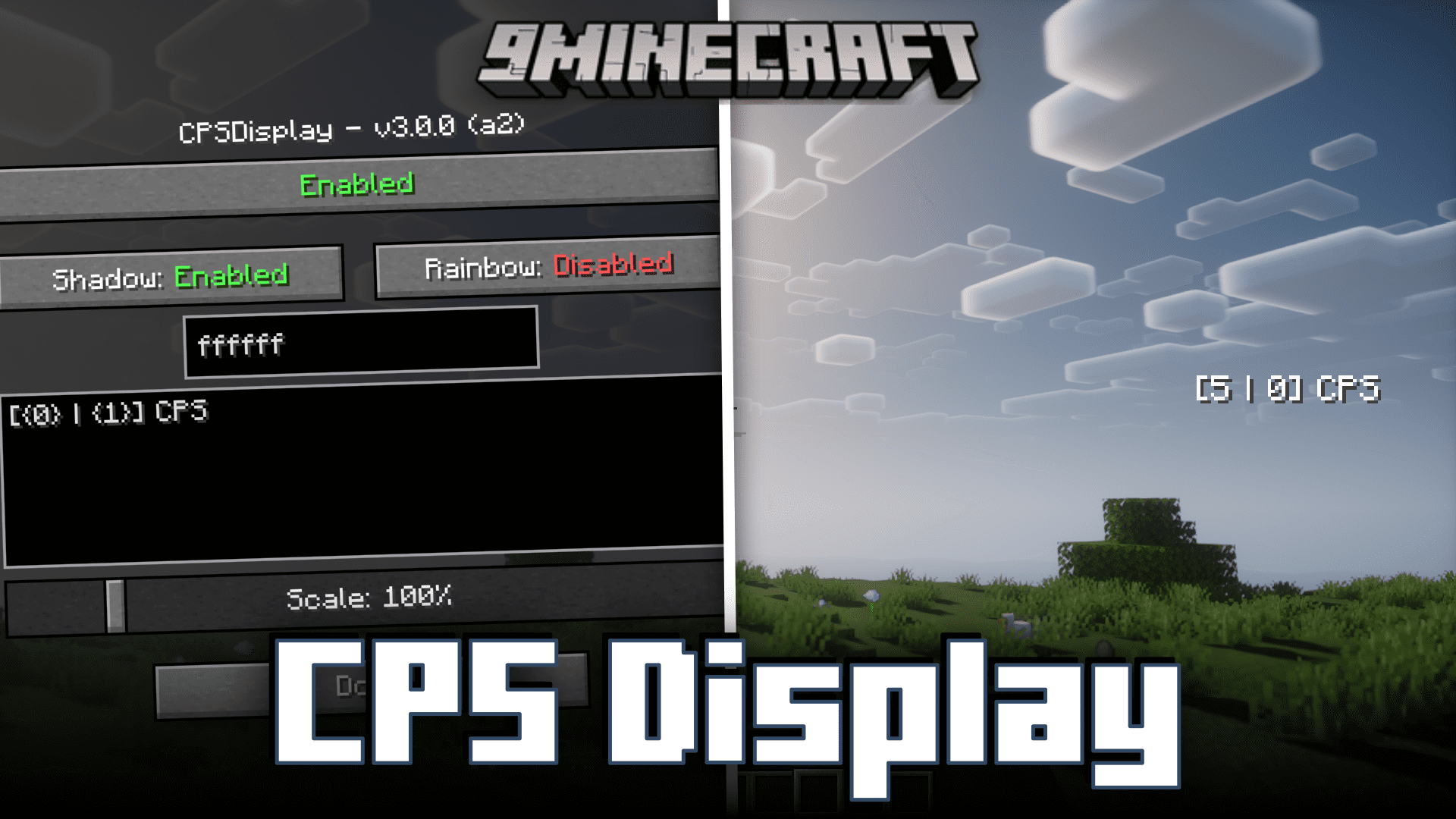
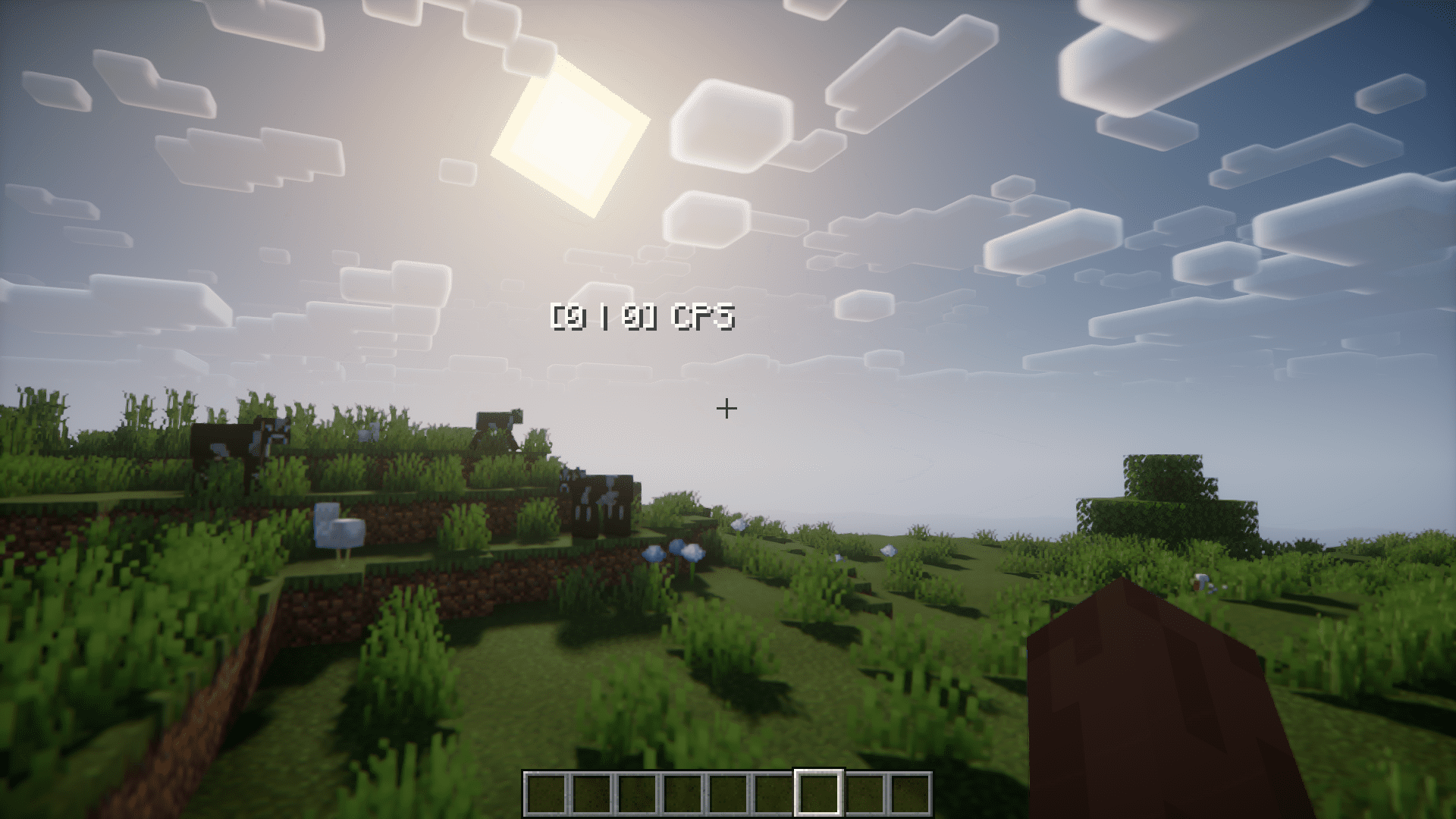
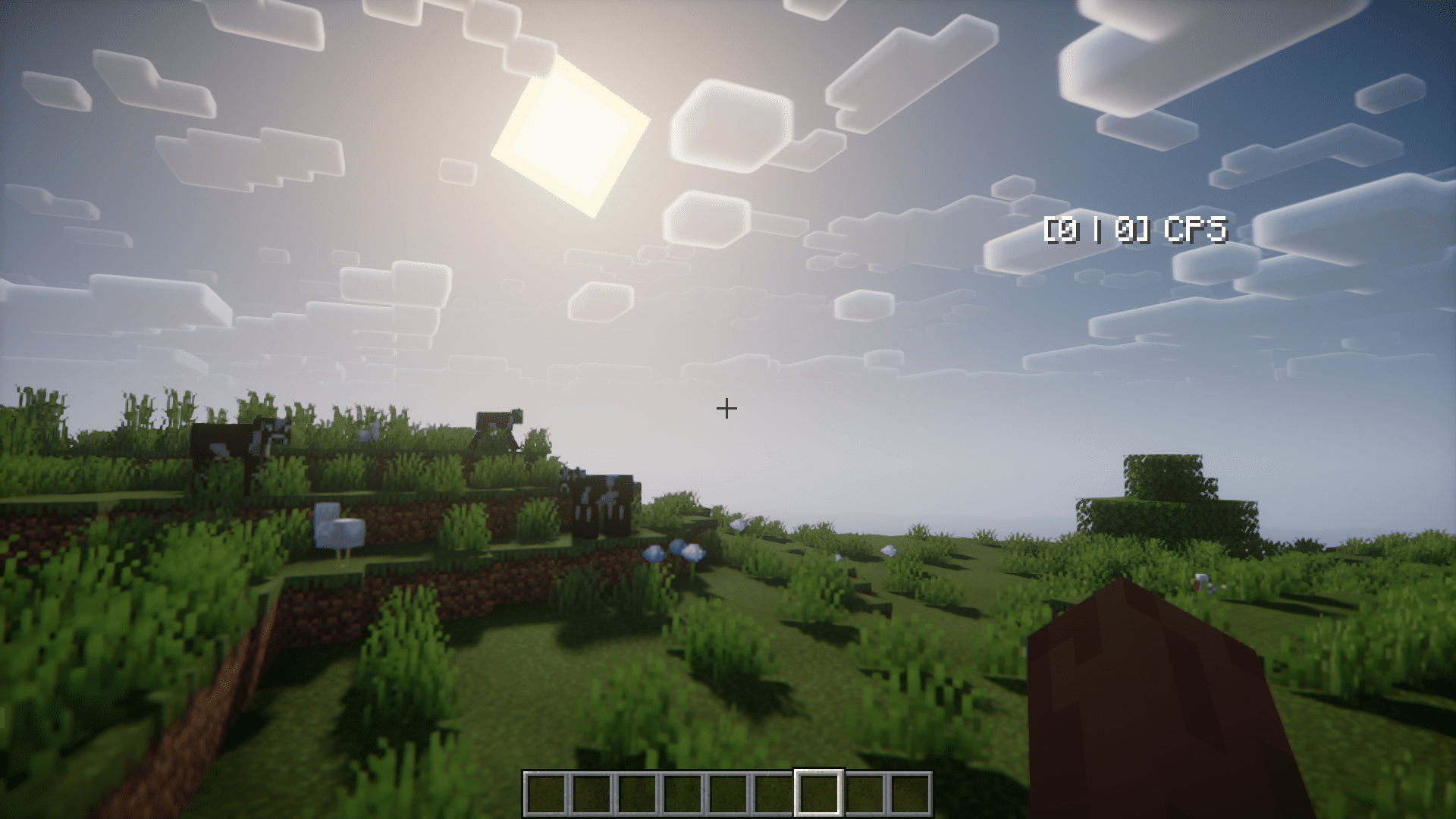
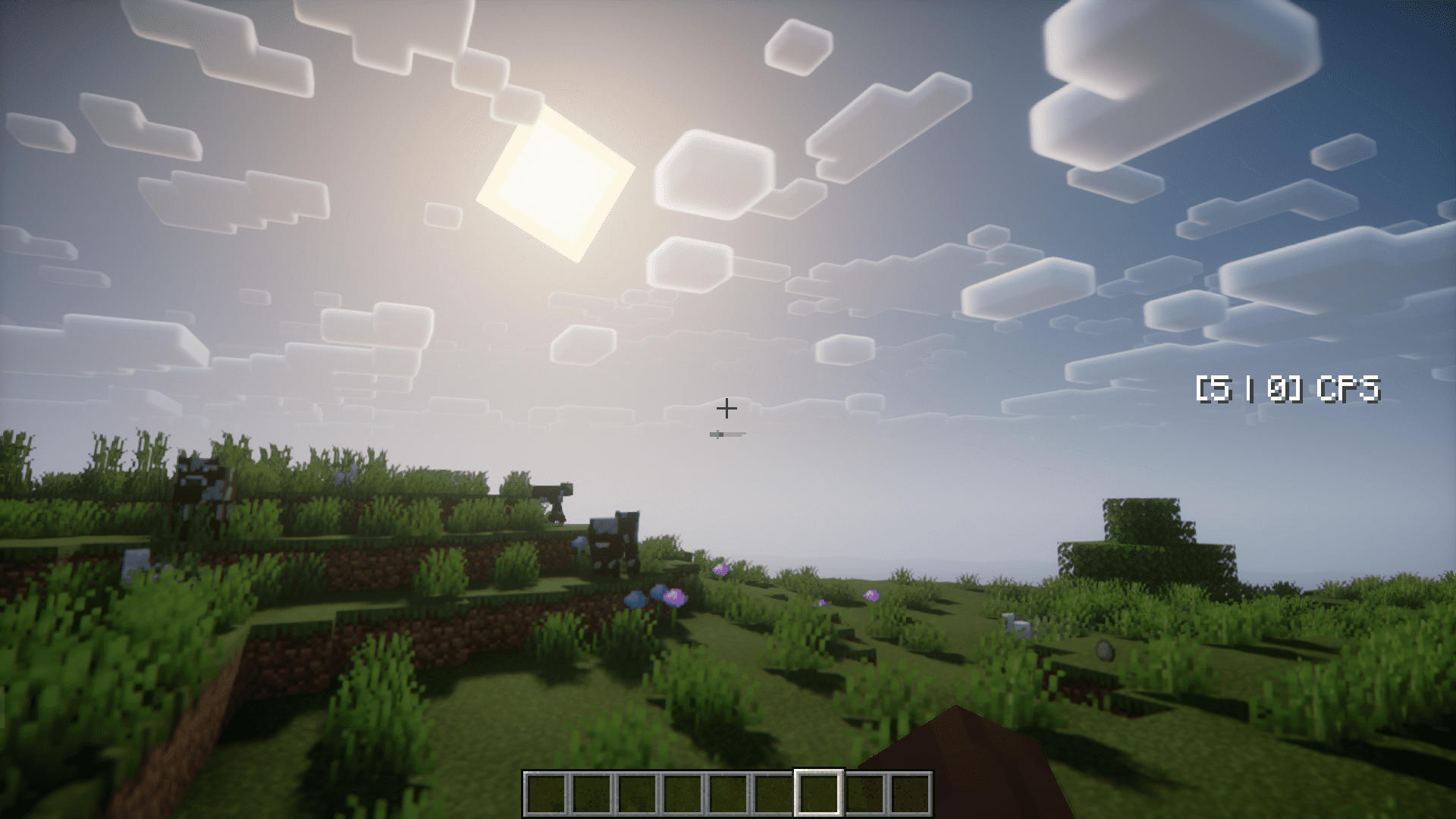
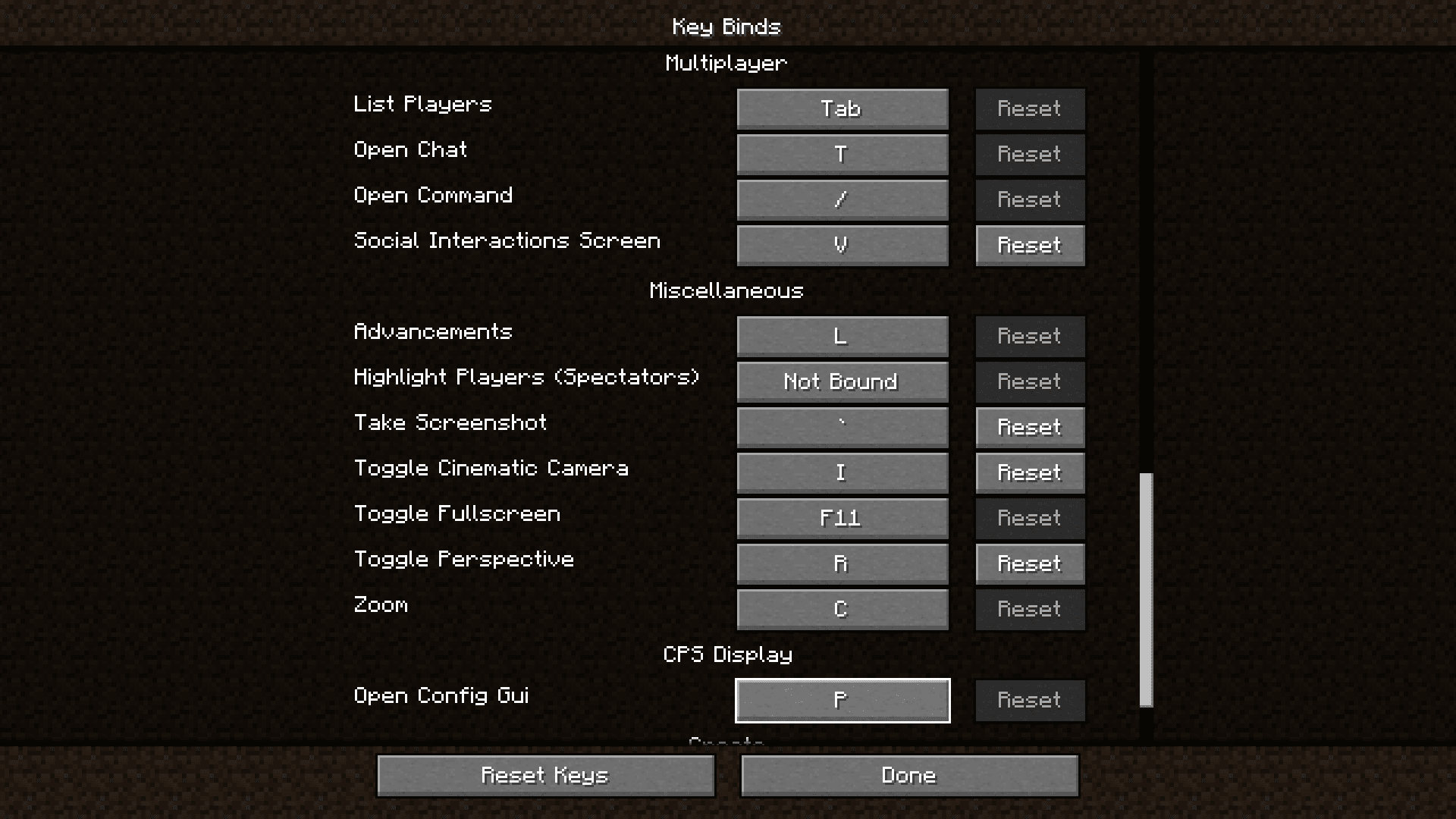
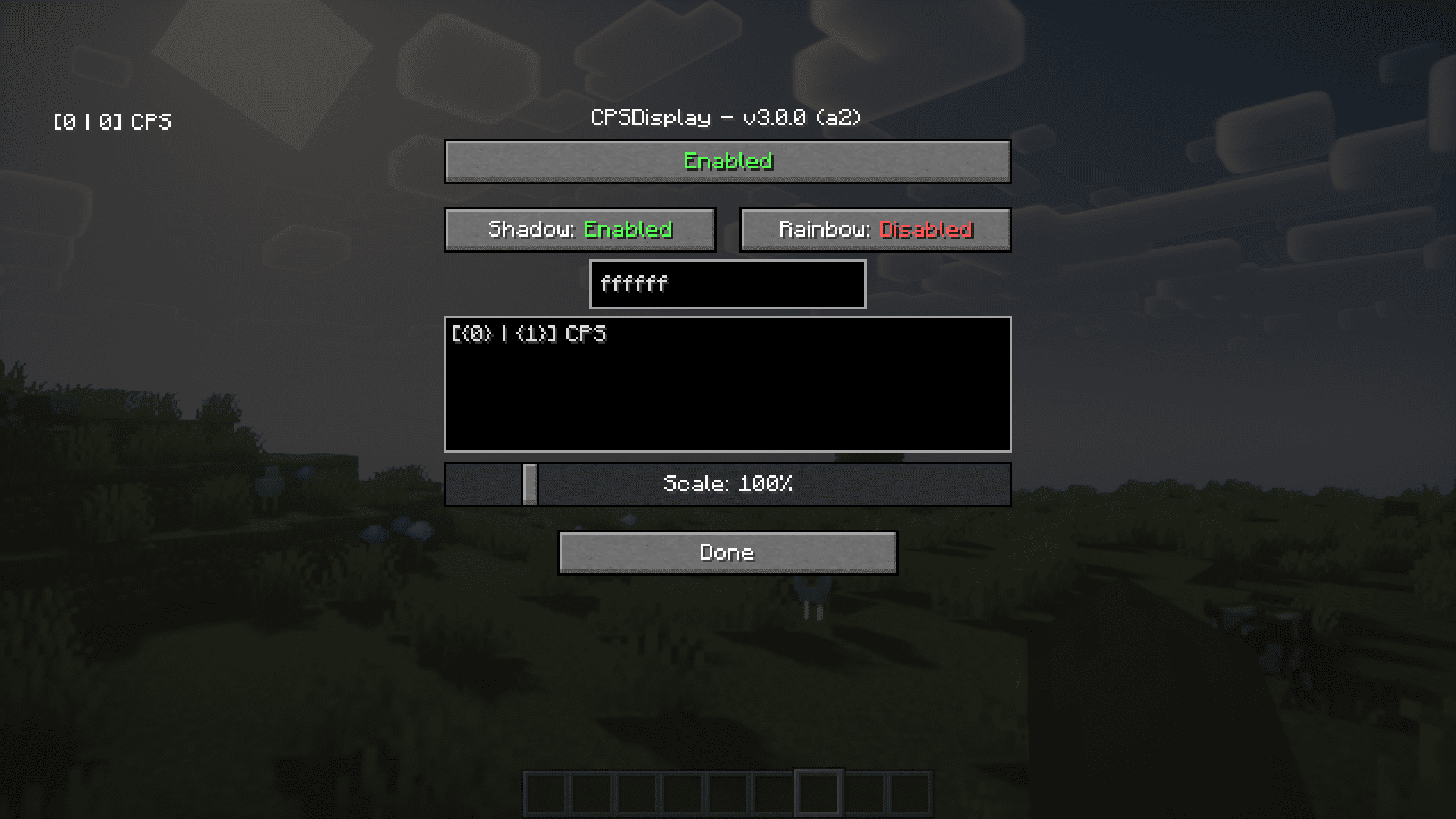
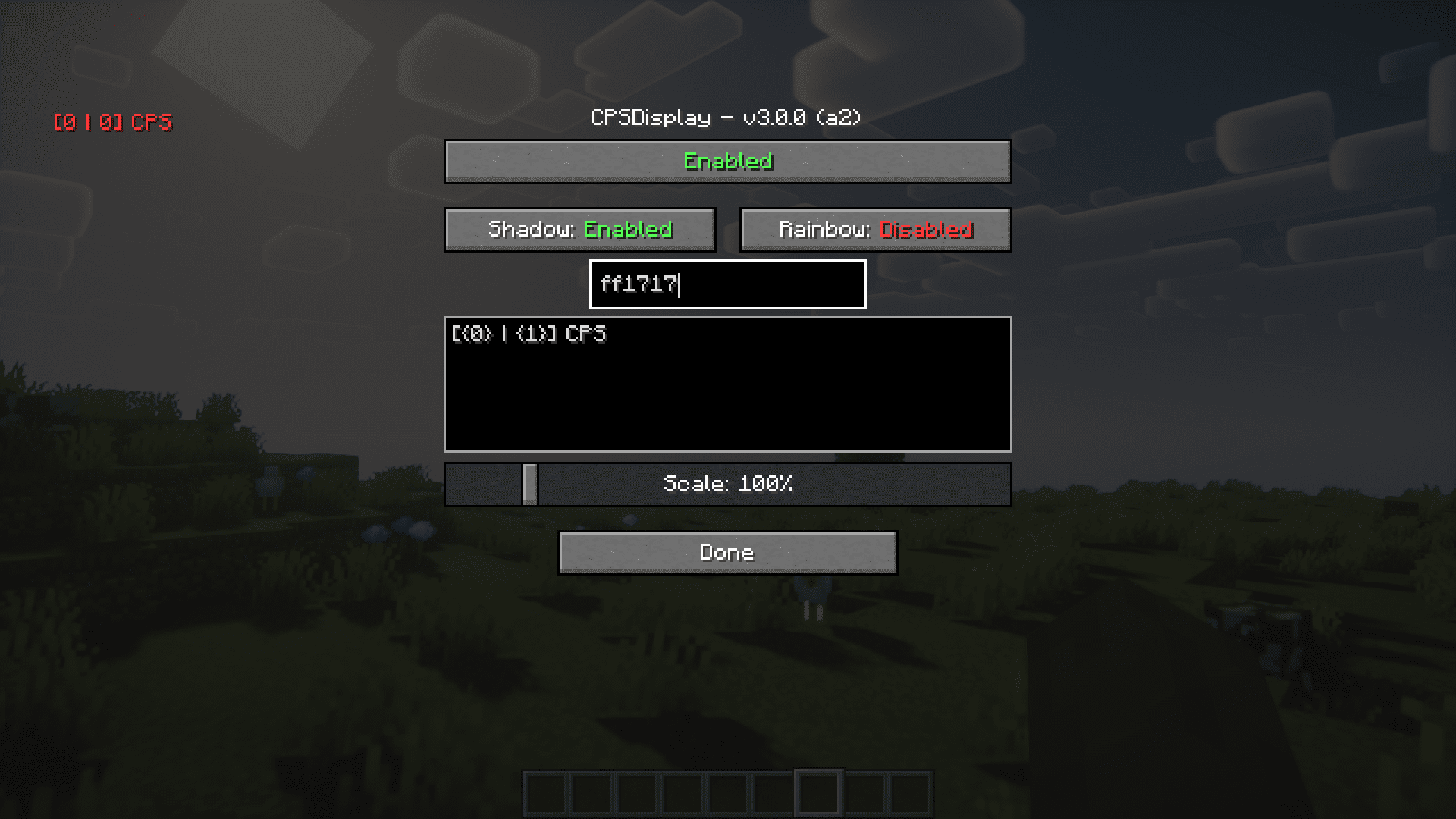
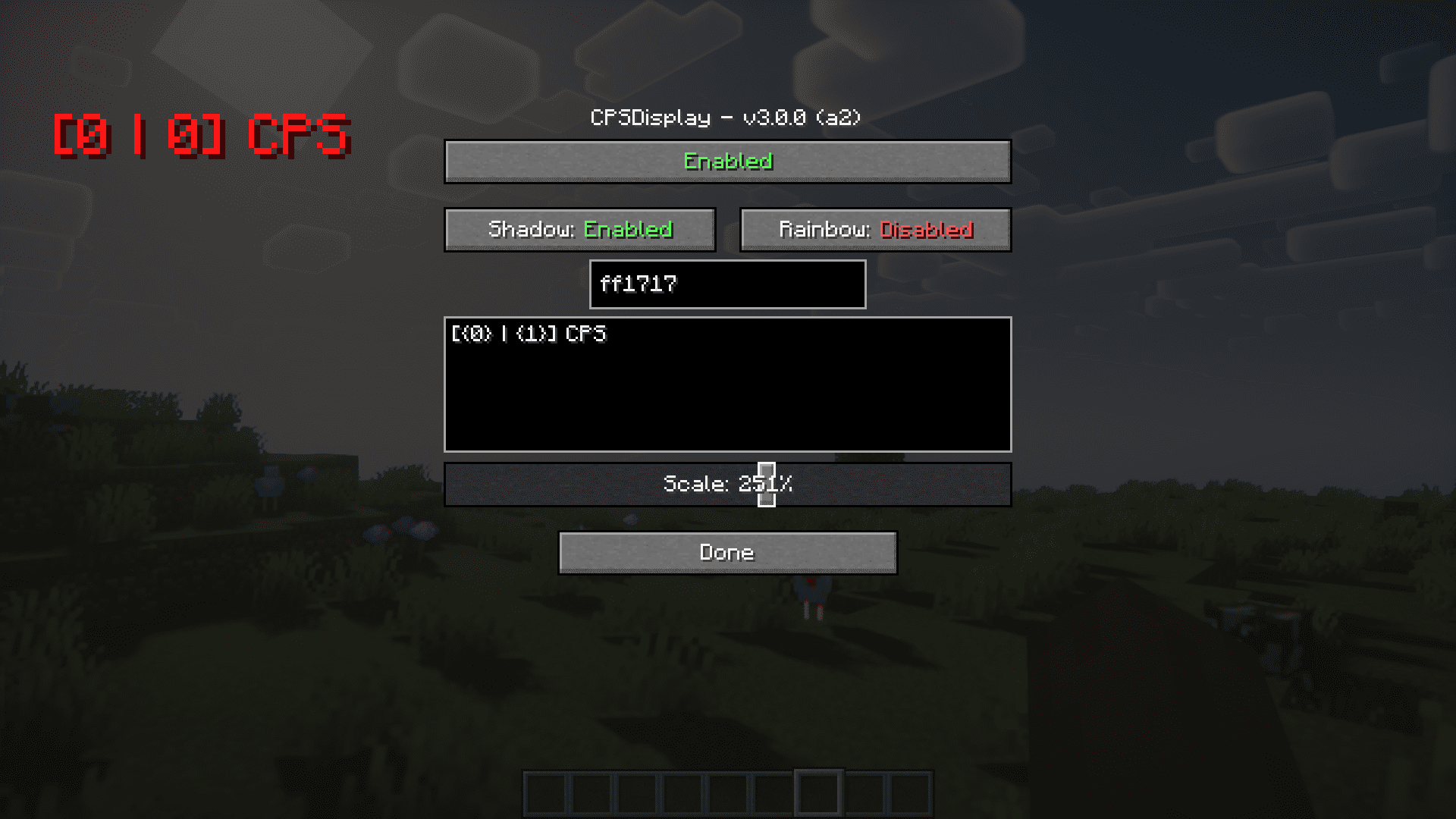
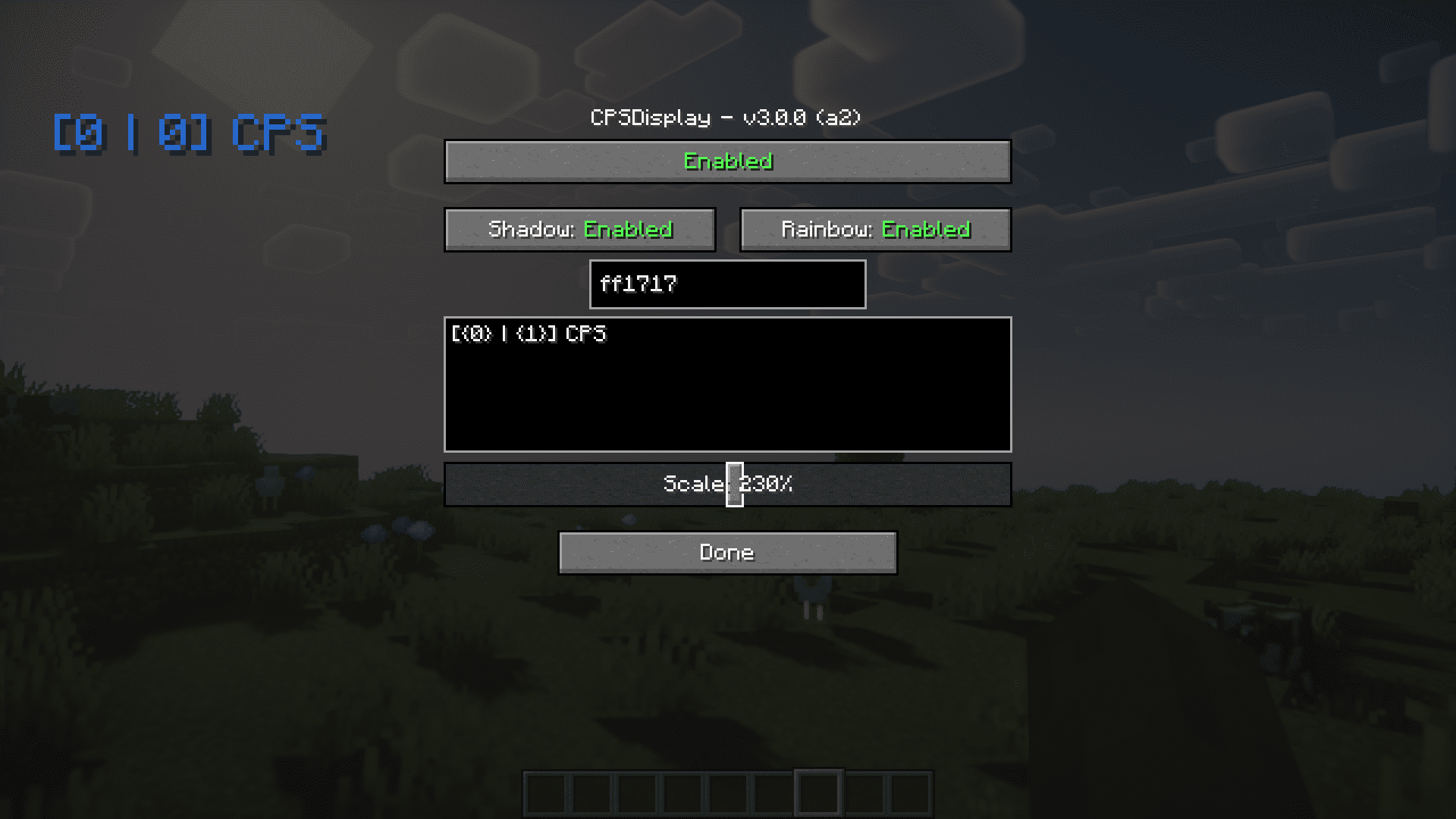
In the vanilla game, clicking the F3 key will open an overlay that displays a lot of information about your game. But there is something that the F3 screen misses – your CPS. CPS stands for Clicks Per Second and basically means how many times you click your mouse keys in a second. CPS Display Mod adds an overlay that allows you to see this information. The overlay contains two numbers enclosed in a square bracket. The number on the left is the CPS for the left mouse button, and the number on the right for your right mouse button. The most notable feature is the configuration options that the developers have added for this small overlay. You can change the color, size and position in the configuration menu that opens up when you press the P key on your keyboard. This keybind can be configured too.
Features:
- Displays your CPS in an overlay.
- Separate info for both left and right mouse buttons.
- Decent number of configuration options.
Screenshots:
CPS Display Mod Download Links
Official Website:
CPS Display Mod Github
For Minecraft 1.20.4, 1.20.1
Forge version: Download from Server 1 – Download from Server 2
For Minecraft 1.12.2
Forge version: Download from Server 1 – Download from Server 2
For Minecraft 1.11.2
Forge version: Download from Server 1 – Download from Server 2
For Minecraft 1.10.2
Forge version: Download from Server 1 – Download from Server 2
For Minecraft 1.9.4
Forge version: Download from Server 1 – Download from Server 2
For Minecraft 1.8.9
Forge version: Download from Server 1 – Download from Server 2
- Edition: Minecraft Java
- File type: .jar
- Minecraft versions listed: 1.20.4, 1.20.1
- How to install: Install the matching mod loader (Forge, Fabric or NeoForge) for your Minecraft version. → Download the .jar. → Put it in the .minecraft/mods folder and launch that loader profile.
- Where to get it: In MC Java Mods, or directly above on this page.
Install steps are the general flow for this file type — How to install Minecraft Java mods & modpacks walks through it step by step.
- Downloads as 202677.mcaddon
- Download size: 41 KB
- Download link checked 23 Jul 2026 — working
- Mirrored on our own servers — the download does not depend on the original host
These come from our own check of the pack file, not from the source page.