MagicParticles
Java mod listed for Minecraft 1.20–1.21. Downloads from the MC Java Mods app on Android.
I don't know my version or loader
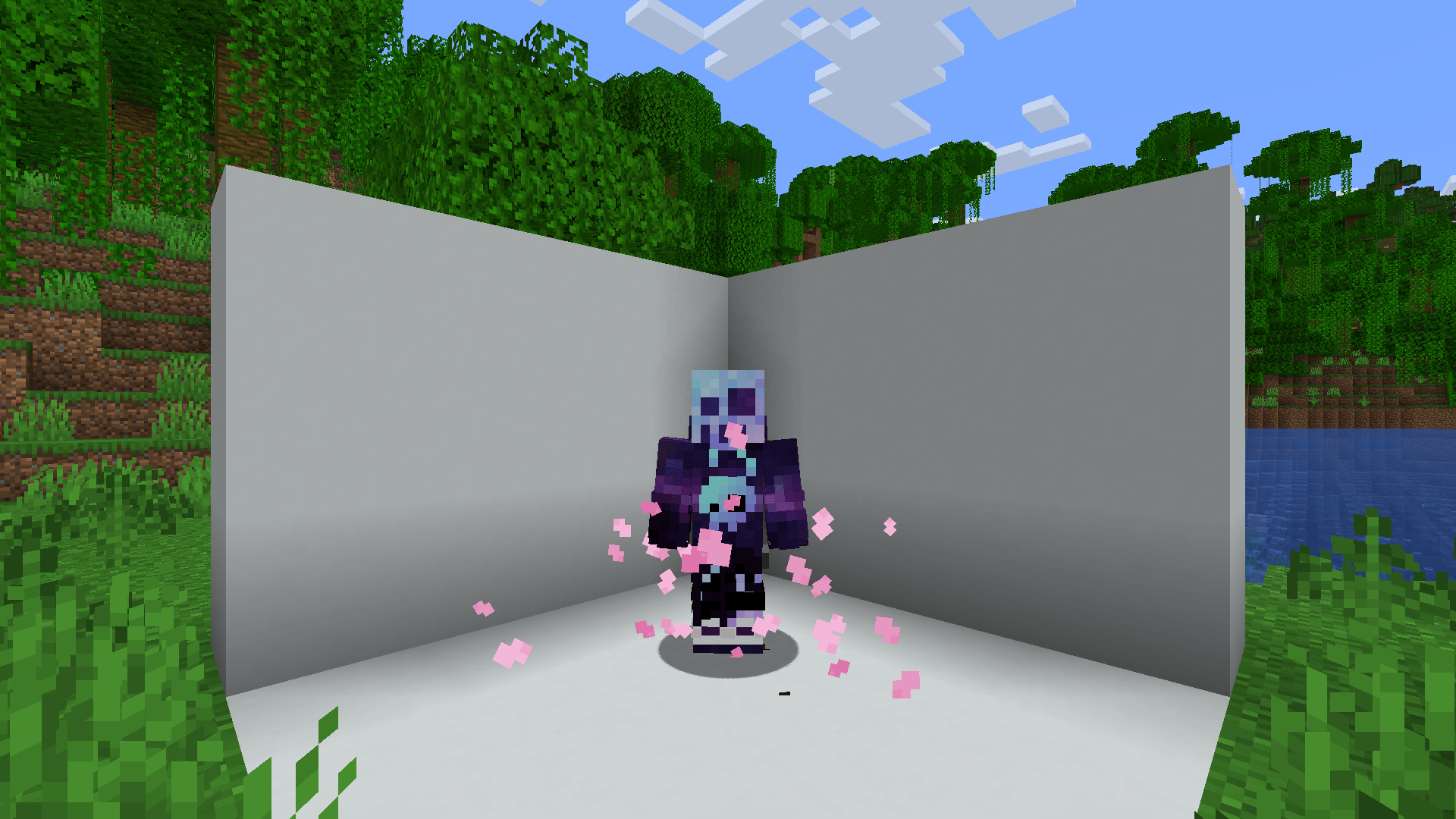
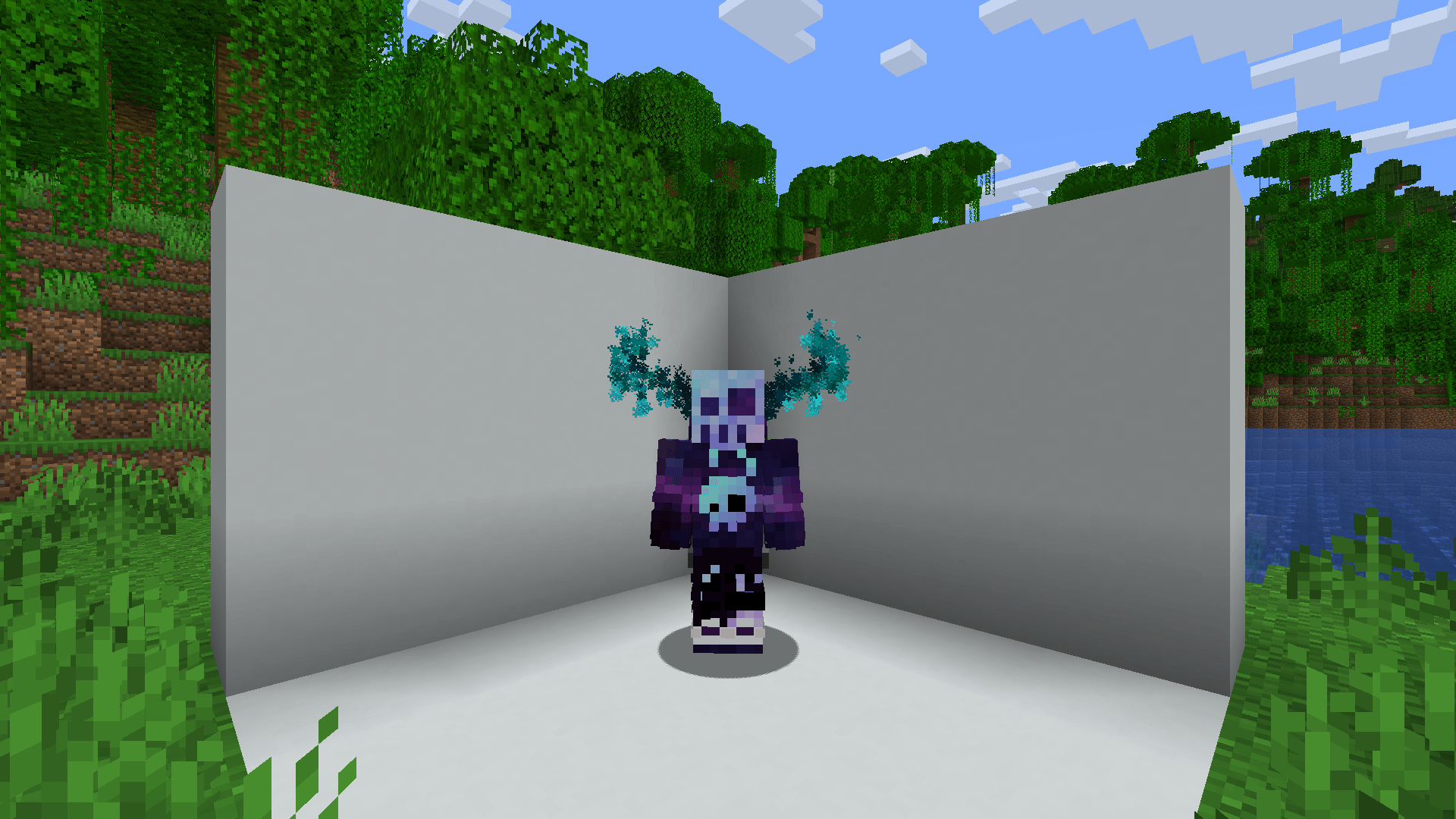
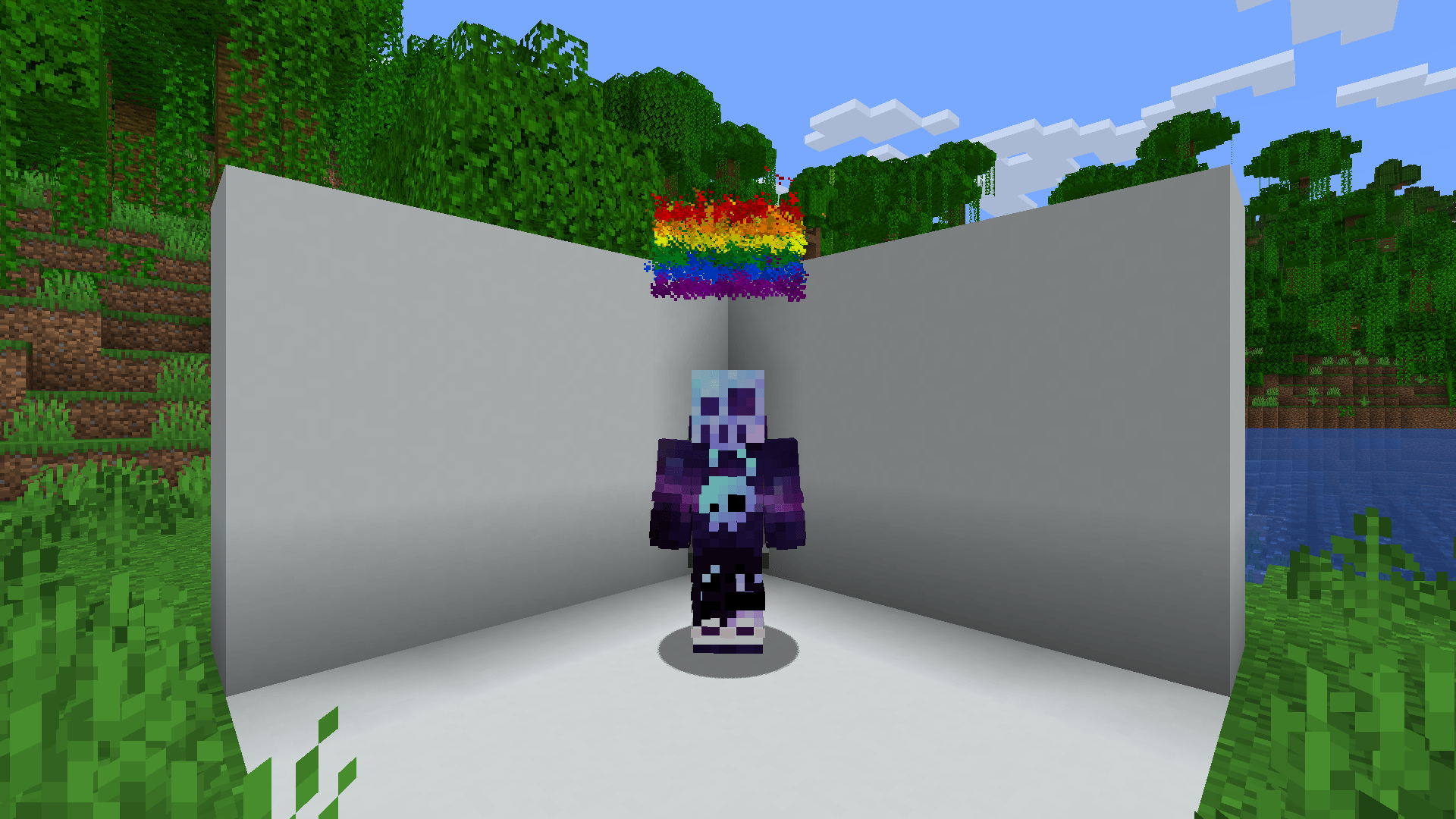
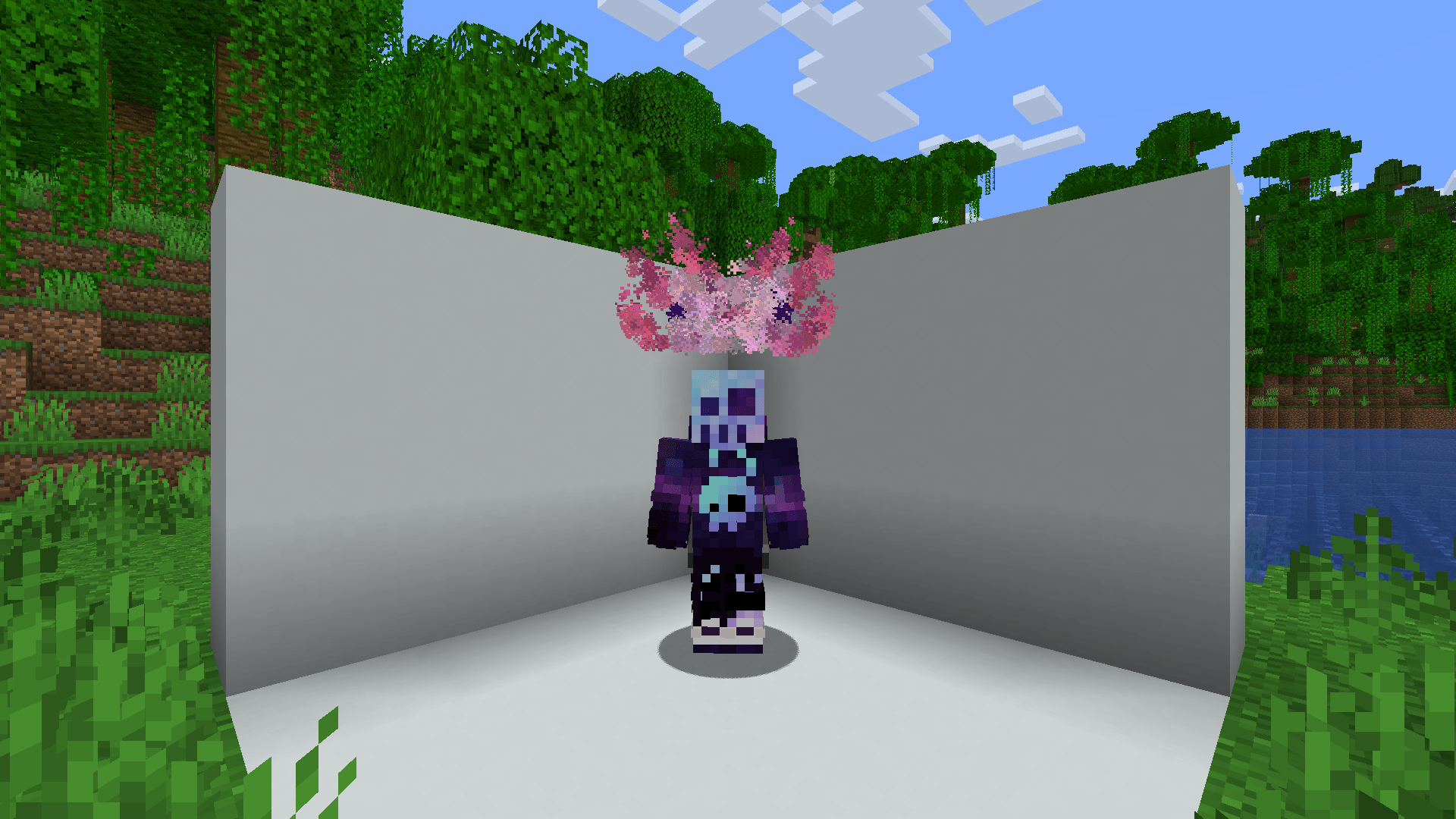
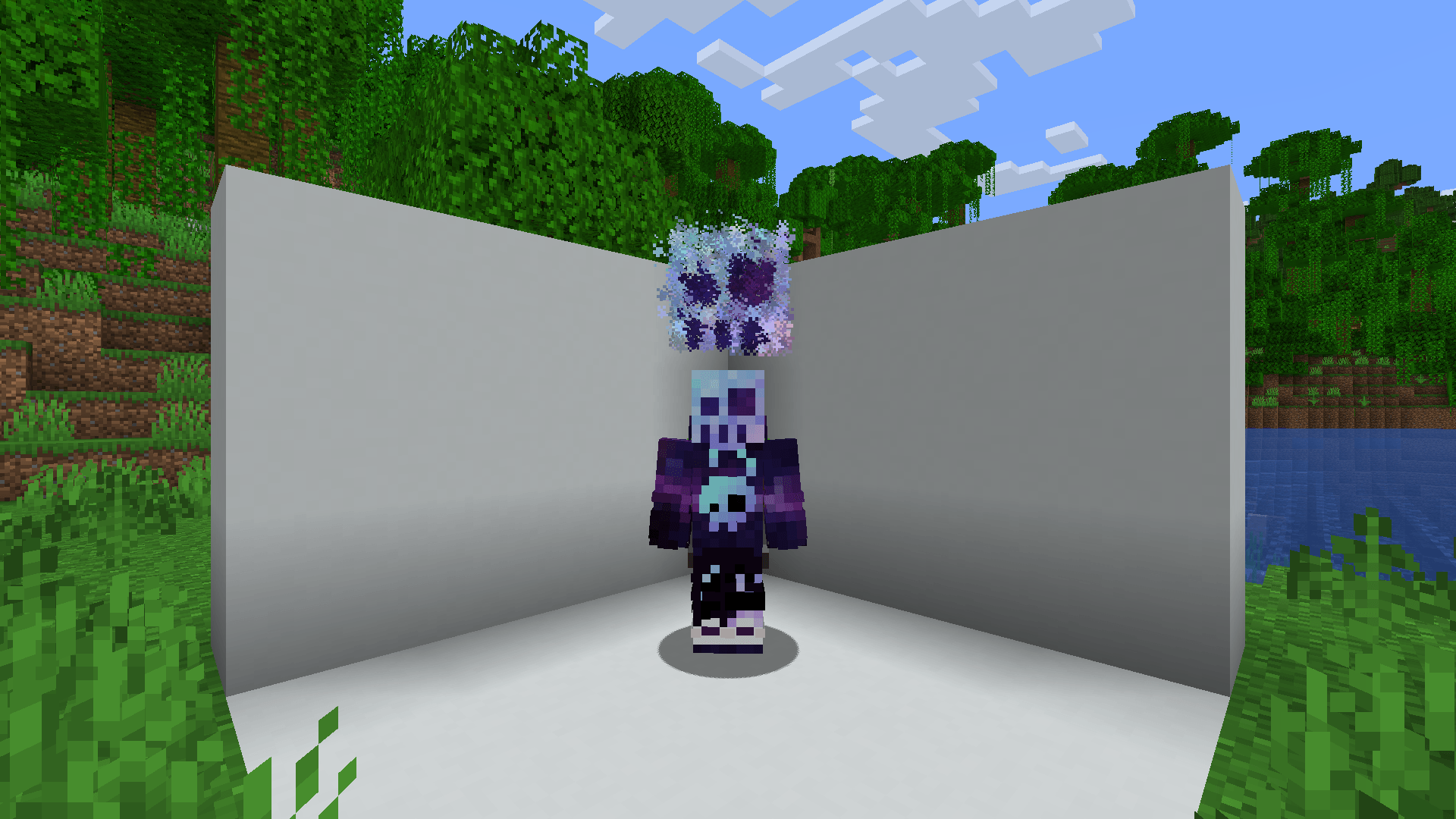

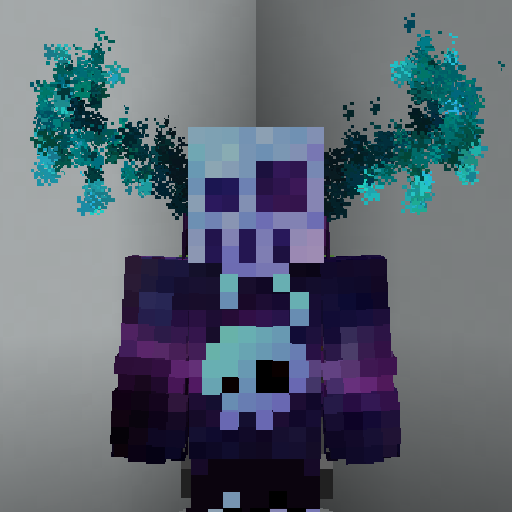
A fabric server side cosmetics mod, that allows administrator to create custom particles using simple json files
Commands
/mp- List all available magic particles -magic-particles.root/mp set [id]- Set current magic particle -magic-particles.particle/mp disable- Disable current magic particle -magic-particles.disable/mp reload- Reload magic particles and messages -magic-particles.reload
Custom Particles
This mod includes more than 40 default particles, which can be useful example files for understanding the format.
JSON Format
Each magic particle type needs a human friendly name and a list of particles it consists of
Root
{
  "name": "Some name", // Human friendly name
  "particles": [
    // Particle definitions
  ]
}
Particle definition
There are currently 3 particle definition types (simple, image and bezier). All of these share a couple of common values in addition to their specialized ones.
Simple
{
  "type": "simple",
  "count": 1, // Amount of particles (optional)
  "pos": [1.0, 2.0, 0.0], // Offset from origin (affected by rotation)
  "delta": [0.1, 0.1, 0.1], // Particle area size (optional)
  "speed": 0, // Particle speed parameter, used by some particle types (optional)
  "particle_type": {
    "type": "minecraft:angry_villager" // Particle type: https://minecraft.wiki/w/Particles_(Java_Edition)#Types_of_particles
    // Some particles types have extra attributes, which need to be specified here
  },
  "anchor": "feet", // The particle origin ["feet"|"eyes"] (optional)
  "origin": [0.0, 0.5, 0.0], // Offset from origin (optional)
  "billboard": "fixed" // What rotation axis should affect "pos" ["fixed", "vertical", "horizontal", "center"] (optional)
}
Image
{
  "type": "image",
  "image": "drex.png", // Path to the image, the image needs to be in config/magic-particles/images/<image>
  "size_x": 0.8, // The width of the particle image
  "size_y": 0.8, // The height of the particle image
  "pixel_size": 0.6, // The size of each individual particle
  "pos": [1.0, 2.0, 0.0], // Offset from origin (affected by rotation)
  "anchor": "feet", // The particle origin ["feet"|"eyes"] (optional)
  "origin": [0.0, 0.5, 0.0], // Offset from origin (optional)
  "billboard": "fixed" // What rotation axis should affect "pos" ["fixed", "vertical", "horizontal", "center"] (optional)
}
Bezier
(Can't really recommend to use this, creating an image of the desired shape and using the image type is easier)
- Edition: Minecraft Java
- File type: .jar
- Minecraft versions listed: 1.21.8, 1.21.7, 1.21.6
- How to install: Install the matching mod loader (Forge, Fabric or NeoForge) for your Minecraft version. → Download the .jar. → Put it in the .minecraft/mods folder and launch that loader profile.
- Where to get it: Opens on CurseForge — not every file is mirrored on our own servers.
Install steps are the general flow for this file type — How to install Minecraft Java mods & modpacks walks through it step by step.
- Ships as magic-particles-1.3.2+26.2.jar — drop this file into the mods folder
- Download size: 415 KB
- Download link checked 28 Oct 2026 — working
These come from our own check of the pack file, not from the source page.