
VintageFix Mod (1.12.2) – Improving Load Time and RAM Use
Minecraft Java mod. Downloads from the MC Java Mods app on Android.
⬇ DownloadVintageFix Mod is an optimization mod for Minecraft that focuses on being a more streamlined and effective version of FoamFix. It provides significant memory usage benefits and reduces load time a bit as well. This is accomplished by incorporating modified versions of FerriteCore’s blockstate / model optimizations as well as a more up-to-date and reliable version of the old VanillaFix dynamic resources patch, which loads models on the fly instead of at game startup. For best results: Do not use OptiFine, use of OptiFine may cause rendering glitches and will also increase launch time. FoamFix must not be installed, as VintageFix replaces it. Use the CensoredASM Mod.
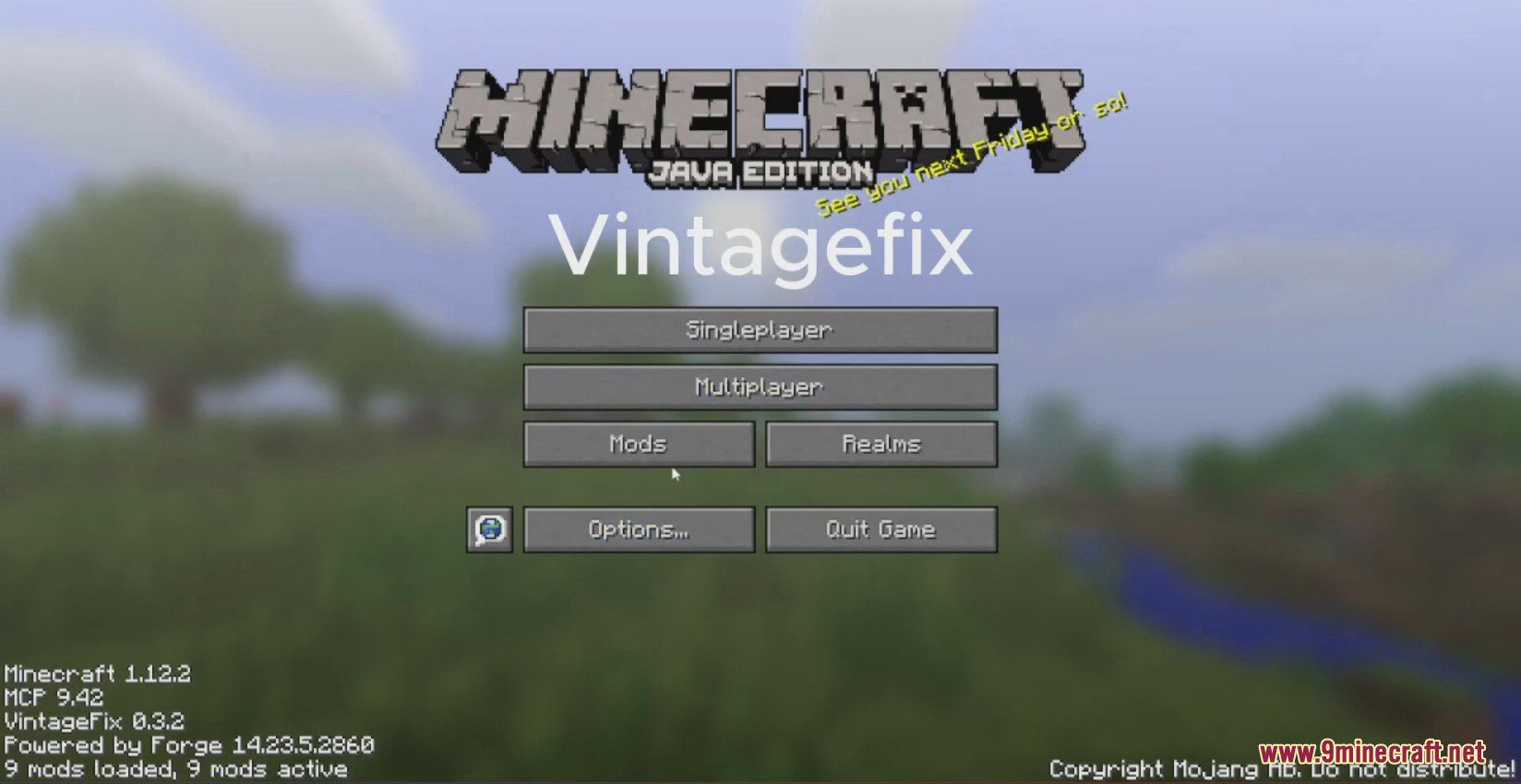
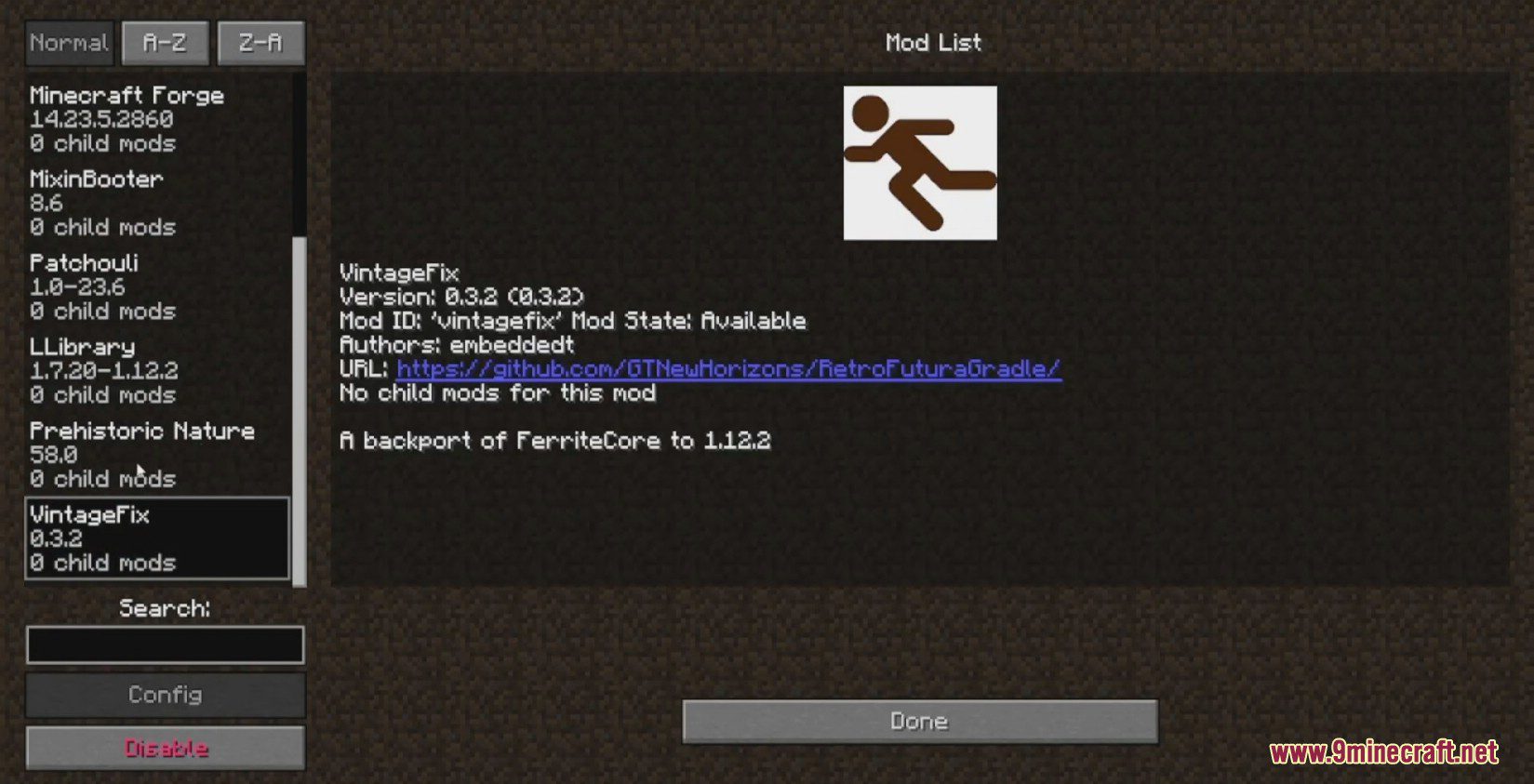
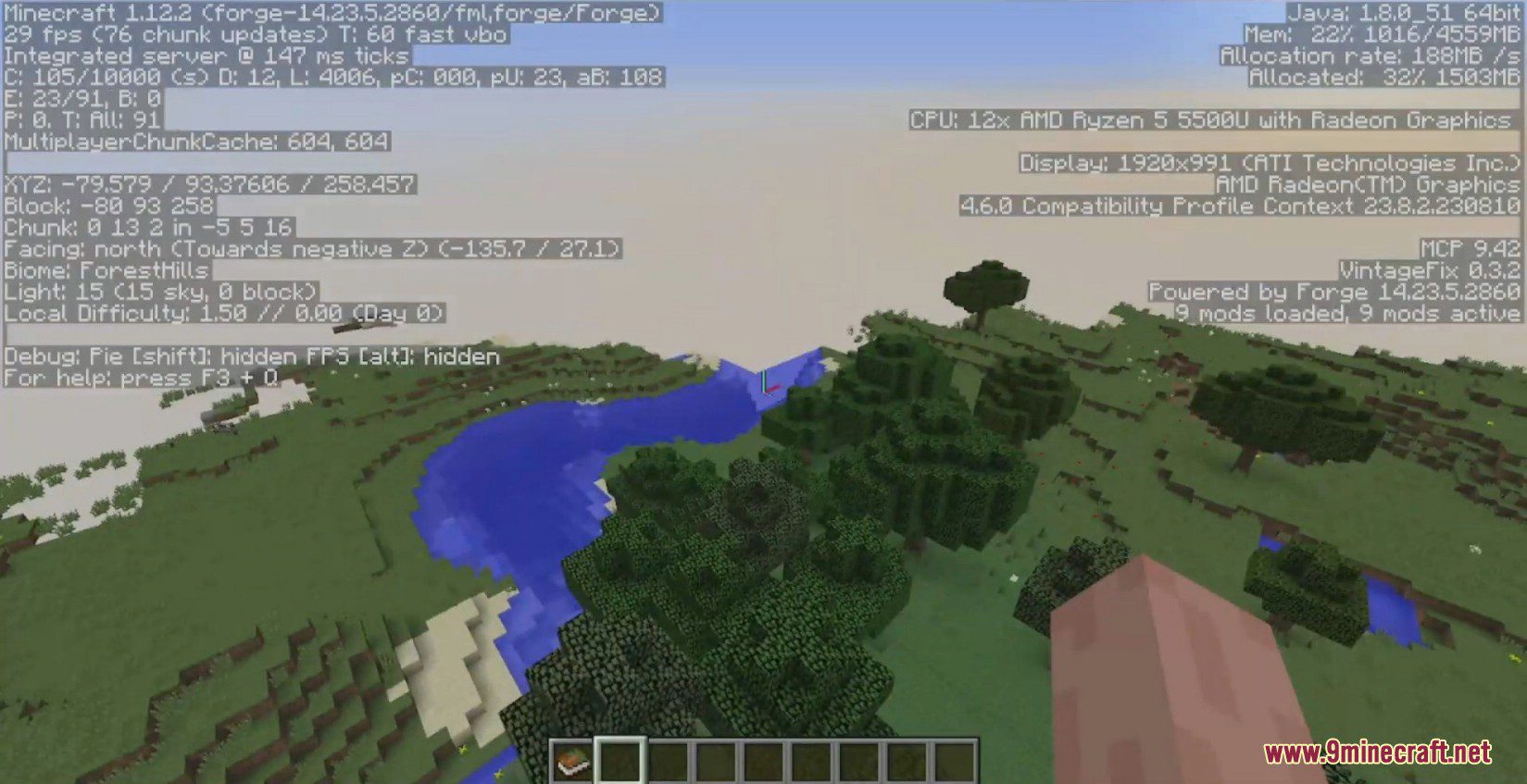
Screenshots:
VintageFix Mod Download Links
For Minecraft 1.12.2
Forge version: Download from Server 1 – Download from Server 2
- Edition: Minecraft Java
- File type: .jar
- How to install: Install the matching mod loader (Forge, Fabric or NeoForge) for your Minecraft version. → Download the .jar. → Put it in the .minecraft/mods folder and launch that loader profile.
- Where to get it: In MC Java Mods, or directly above on this page.
Install steps are the general flow for this file type — How to install Minecraft Java mods & modpacks walks through it step by step.
- Downloads as 202799.mcaddon
- Download size: 780 KB
- Download link checked 29 Jul 2026 — working
- Mirrored on our own servers — the download does not depend on the original host
These come from our own check of the pack file, not from the source page.