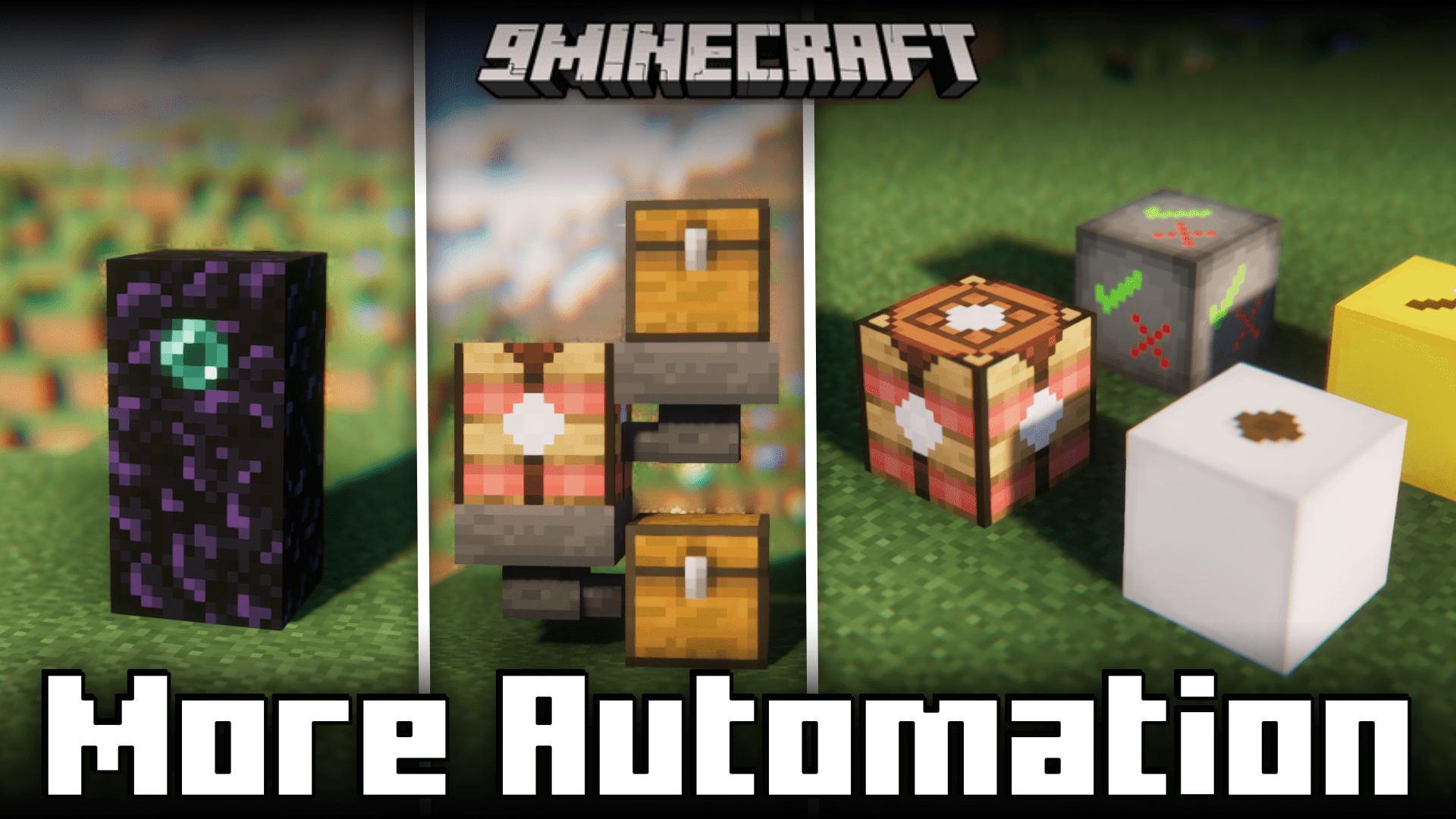
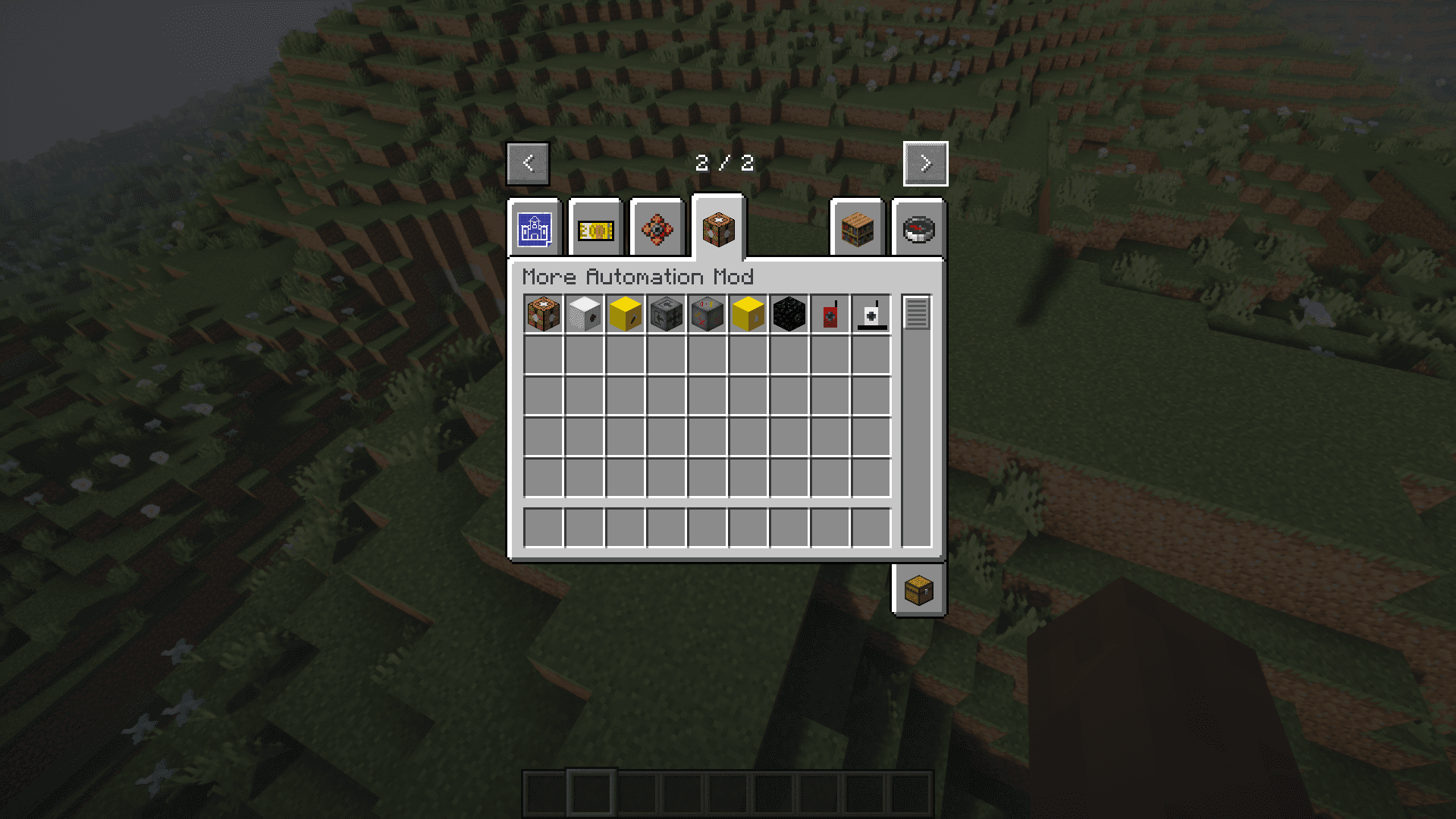
Automation has always been a major part of survival Minecraft. As they progress in the game, players tend to build automatic farms and machines that will make their survival experience a lot more easier and convenient. More Automation Mod introduces some new blocks that will help you automate a lot of activities in the game. Let us take a look at some of these blocks in detail.
Features:
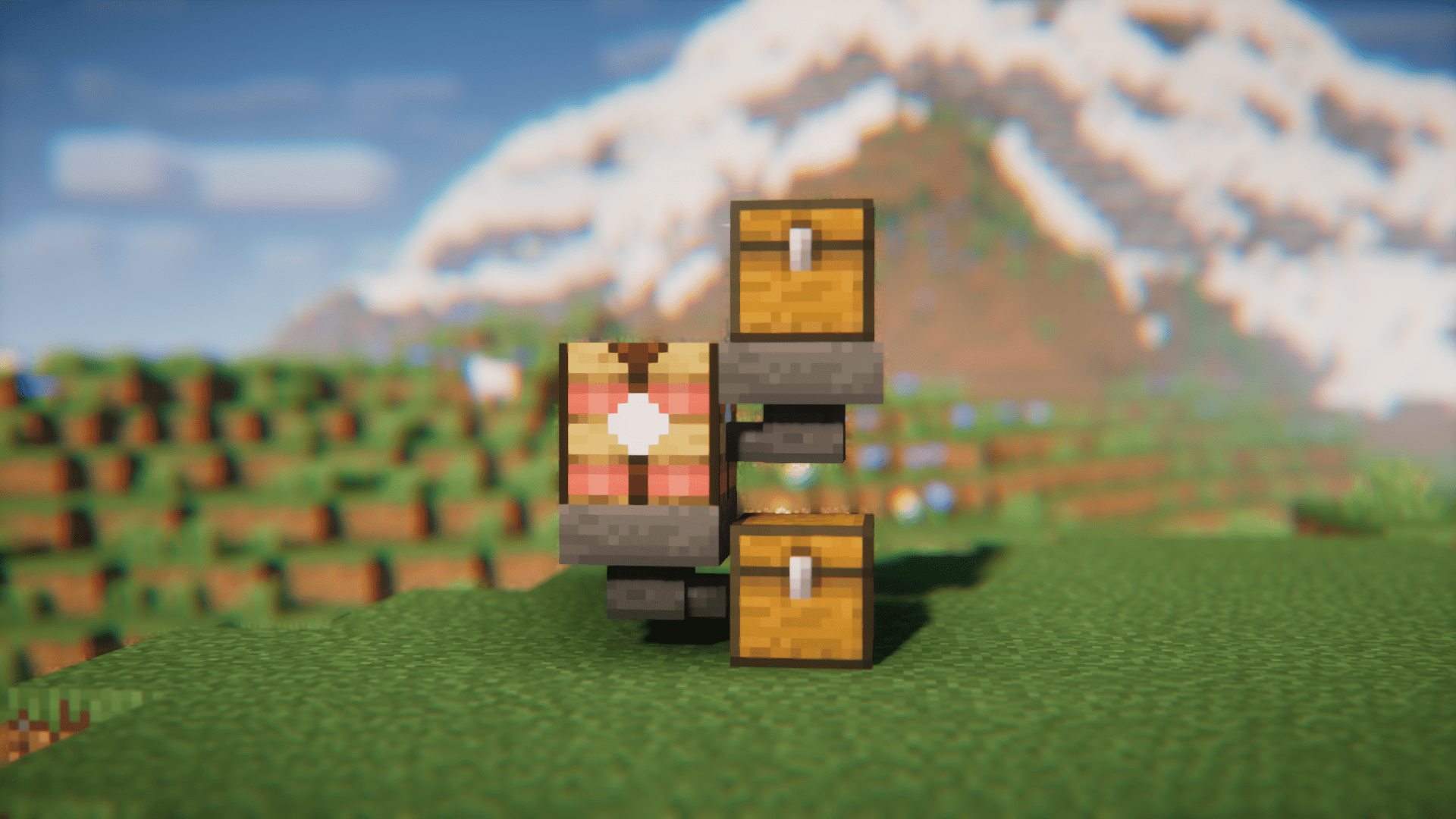
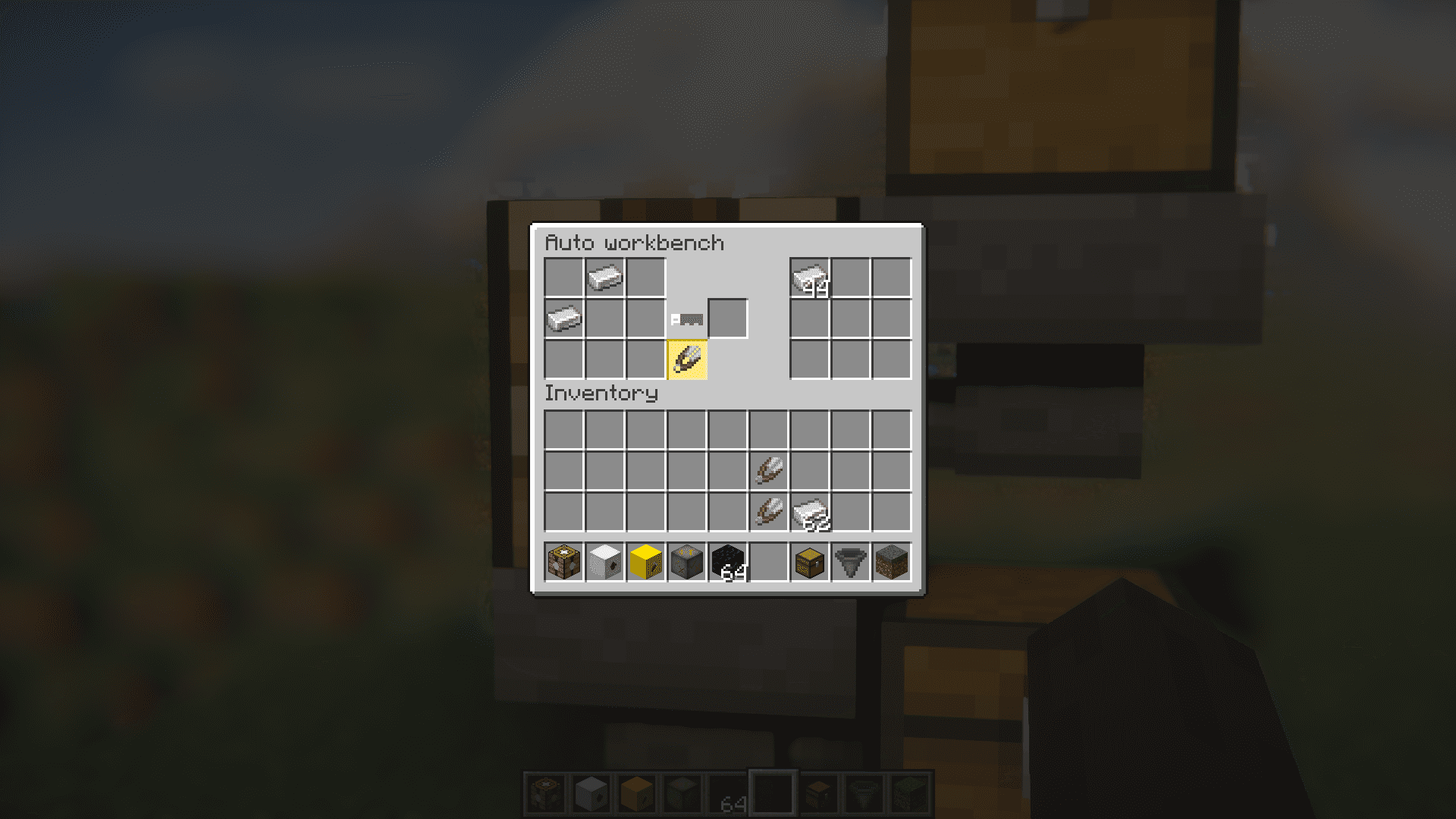
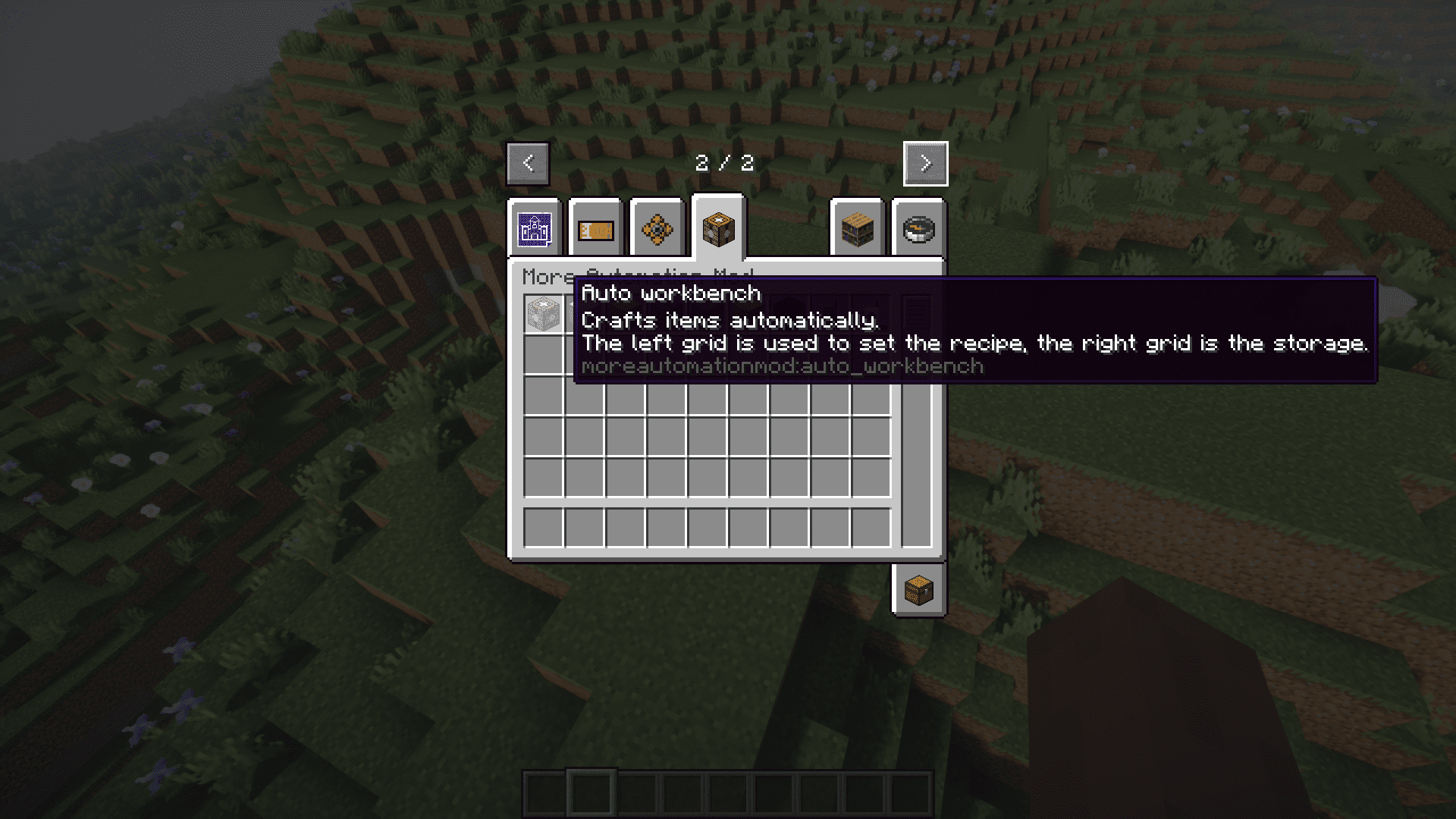
- Auto Workbench: Helps craft items automatically. Input can be given from the sides and output from the bottom. Comes with a custom GUI.
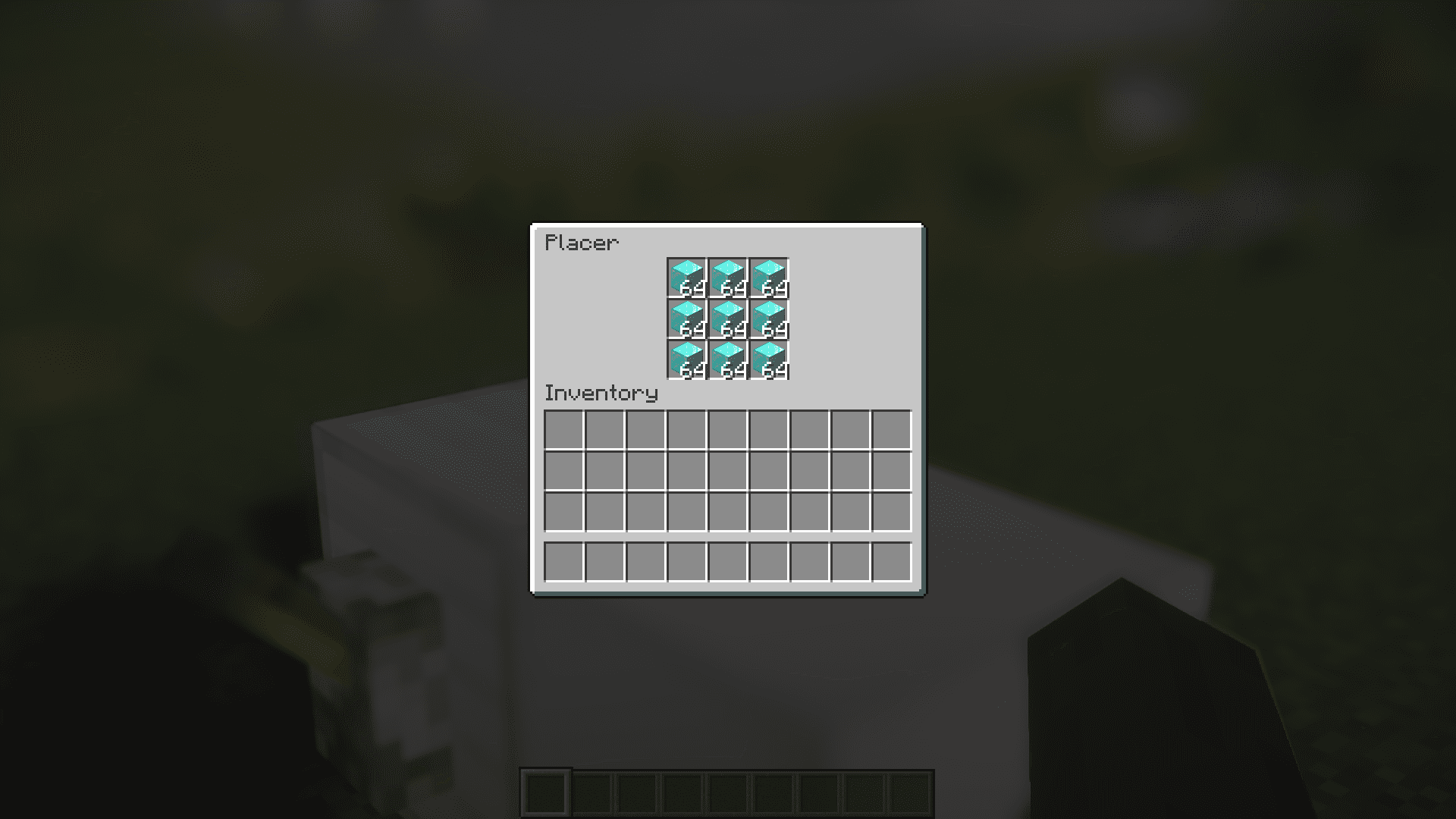
- Placer: Similar to the vanilla dispenser. Can be used to place blocks without using a player.
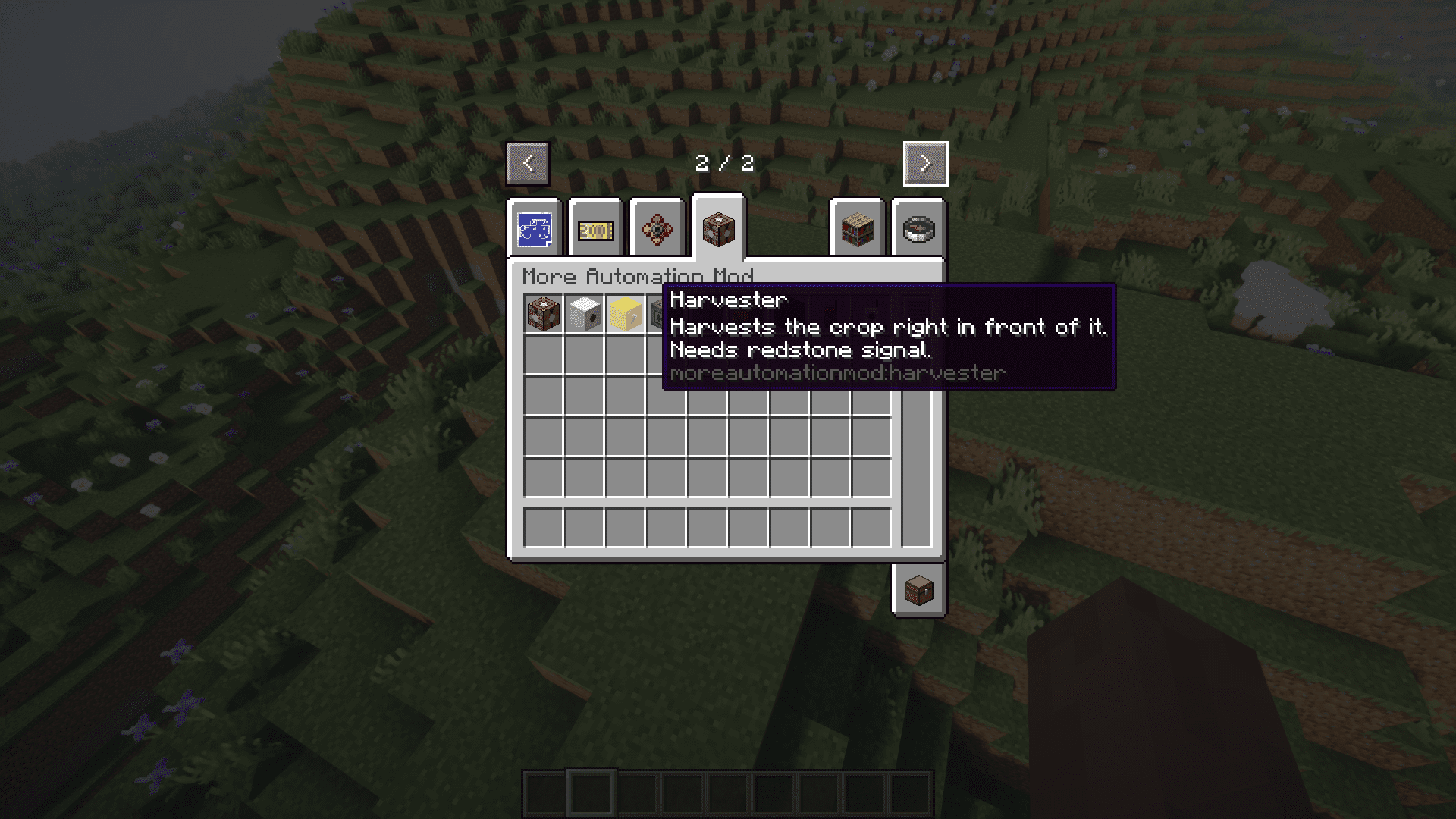
- Harvester: Automatically harvest and plant crops on the block space in front of it.
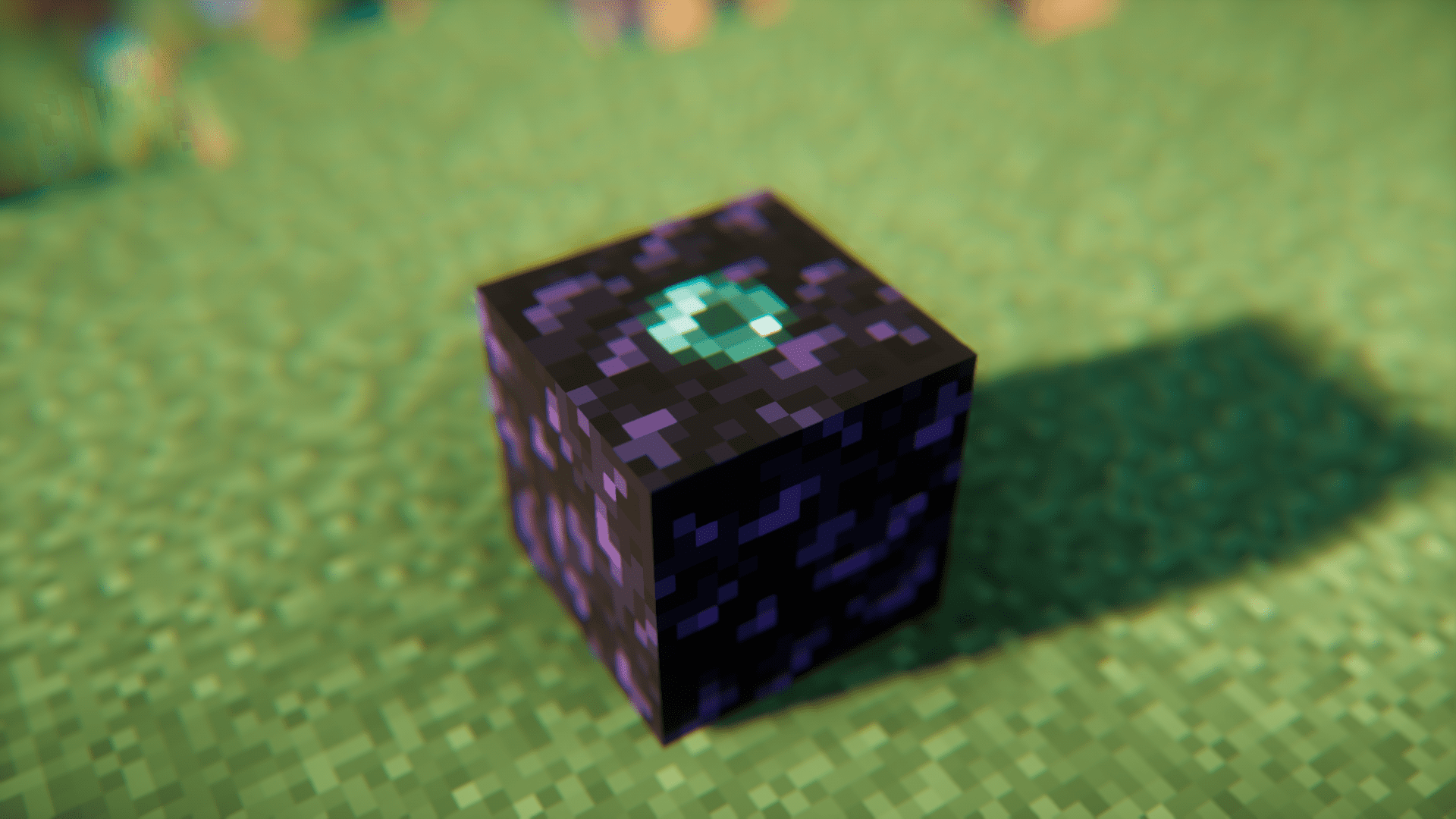
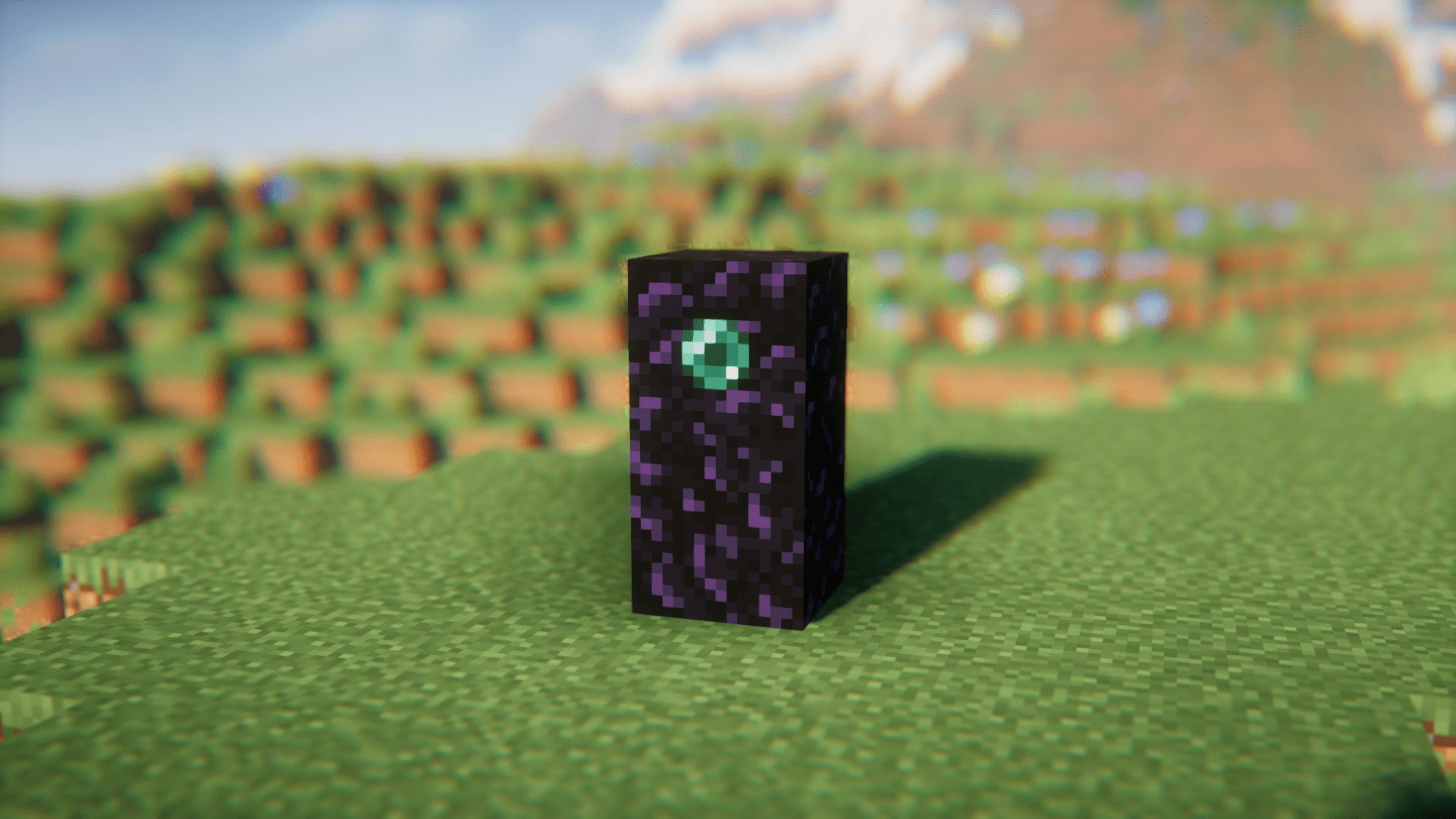
- Filter: Filters out the selected item and rejects the other. Useful for automatic item sorting.
- And More…!
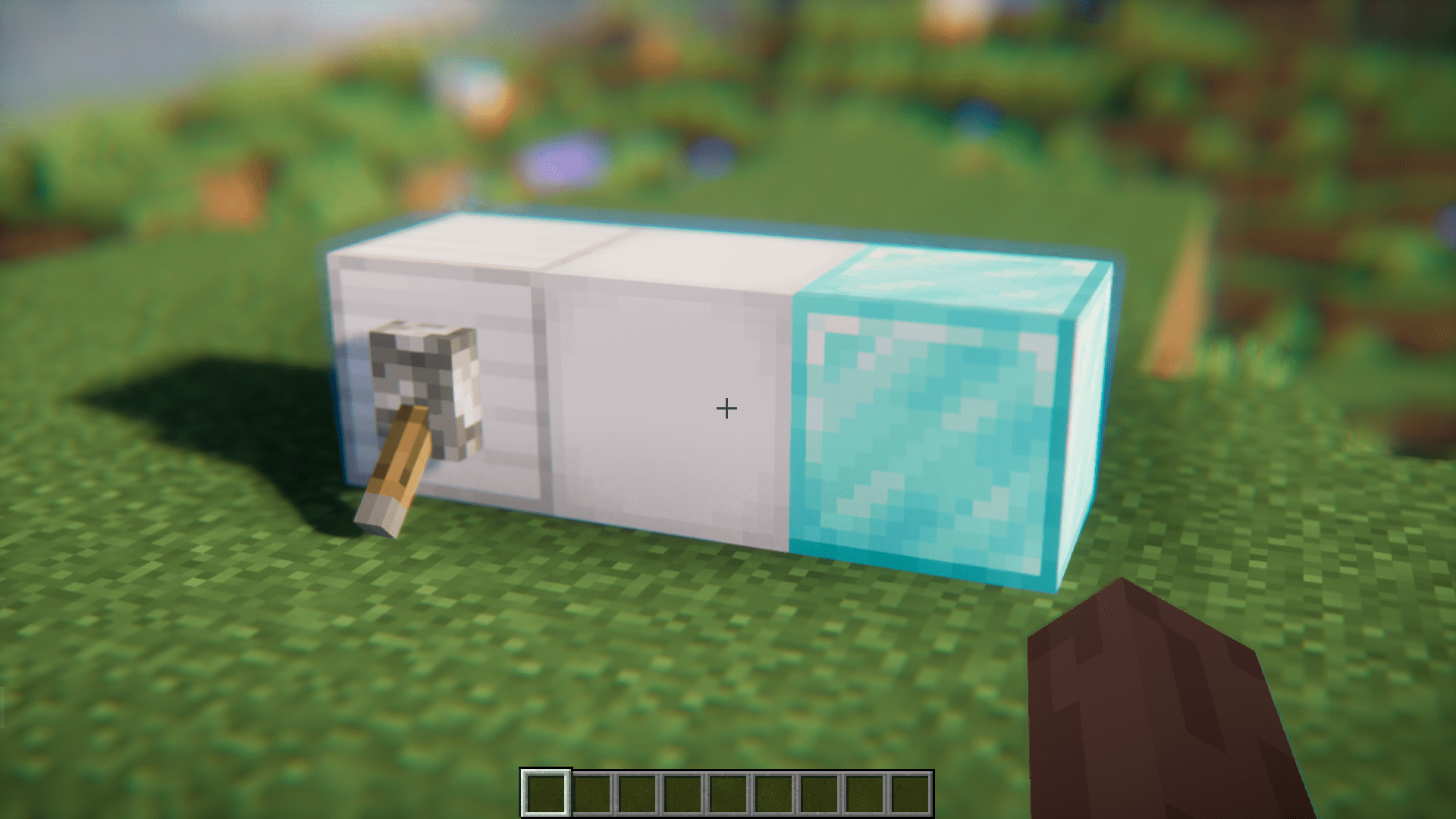
Screenshots:


Requires:
Minecraft Forge
NeoForge
More Automation Mod Download Links
For Minecraft 1.20.1
Forge version: Download from Server 1 – Download from Server 2
Quick facts
- Edition: Minecraft Java
- File type: .jar
- Minecraft version listed: 1.20.1
- How to install: Install the matching mod loader (Forge, Fabric or NeoForge) for your Minecraft version. → Download the .jar. → Put it in the .minecraft/mods folder and launch that loader profile.
- Where to get it: In MC Java Mods, or directly above on this page.
Install steps are the general flow for this file type — How to install Minecraft Java mods & modpacks walks through it step by step.
Verified by MCModsHub
- Downloads as 202879.mcaddon
- Download size: 131 KB
- Download link checked 13 Jul 2026 — working
- Mirrored on our own servers — the download does not depend on the original host
These come from our own check of the pack file, not from the source page.