Time Control Mod (1.20.4, 1.20.1) – Control Over Minecraft's Day-Night Cycle
Java mod listed for Minecraft 1.20. Downloads from the MC Java Mods app on Android.
Time Control Mod takes control Minecraft's day-night cycle using a simple config file, choosing either to set length for day and night manually in minutes…
⬇ DownloadTime Control Mod takes control Minecraft’s day-night cycle using a simple config file, choosing either to set length for day and night manually in minutes (can be configured independently), or synchronize with system clock. No base classes are modified, no ASM transformations and no touching tick lengths. At this time it works with both multiplayer and singleplayer (must be installed on both), but on Dedicated Servers due to possible ping and ticks per second discrepancies slight skybox jitter may be noticeable.
Features:
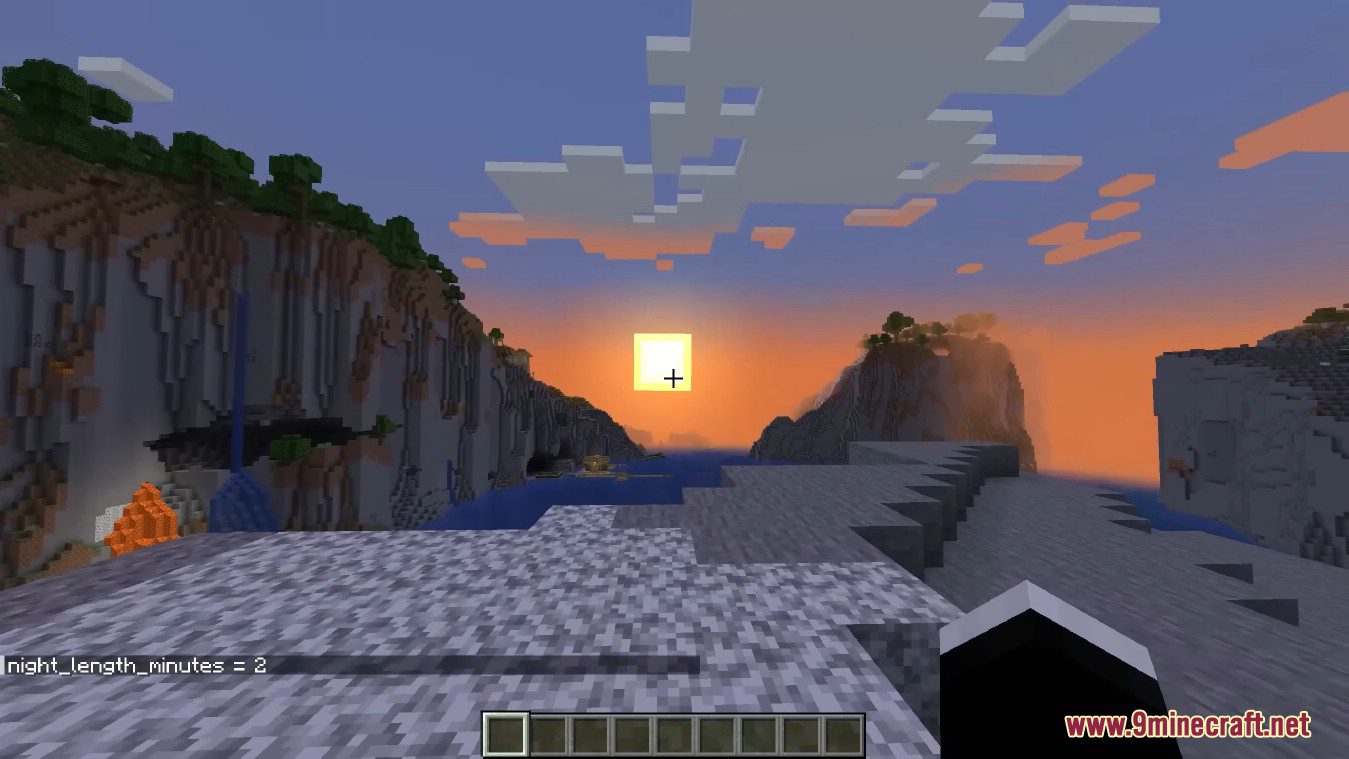
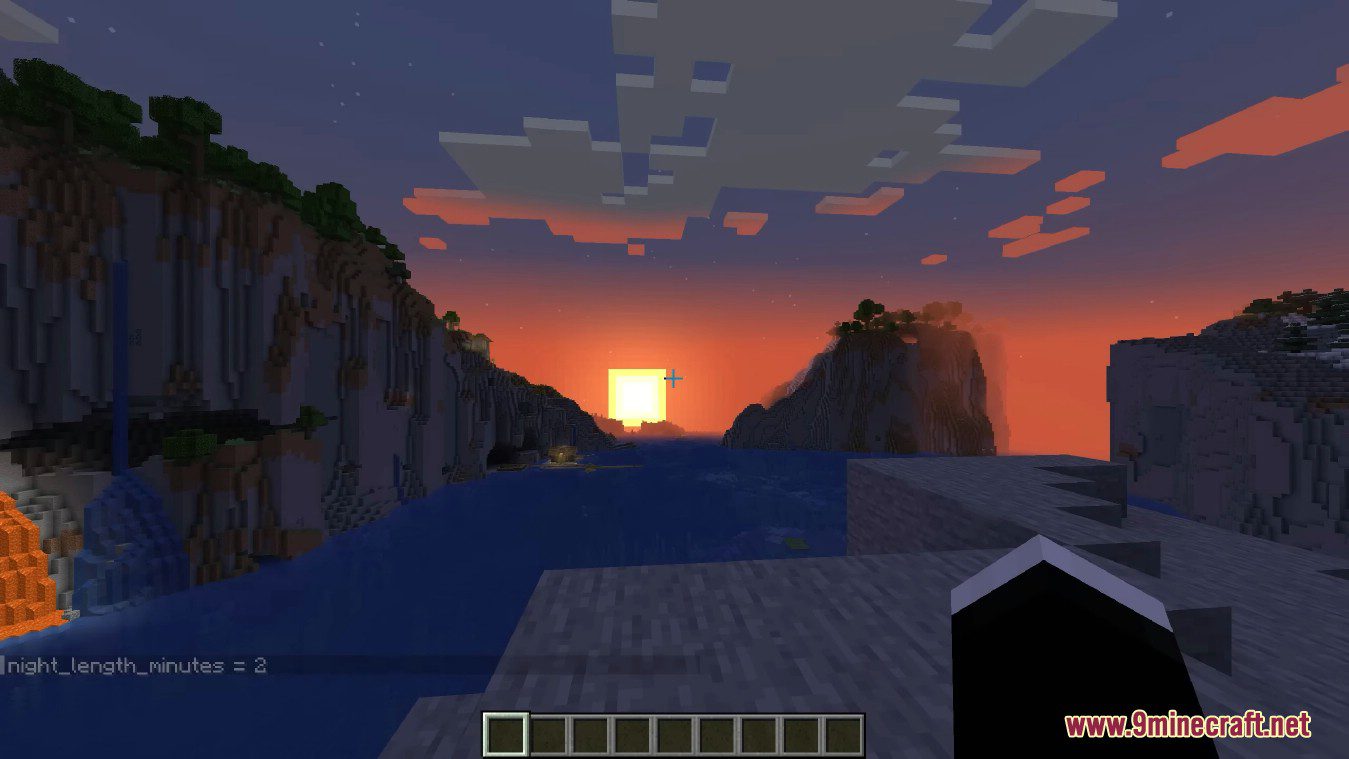
- You can set the duration of both day and night in minutes, independently.
- Optionally, you can sync the in-game time with your system clock.
- Uses a simple config file for customization, without modifying base classes or tick lengths.
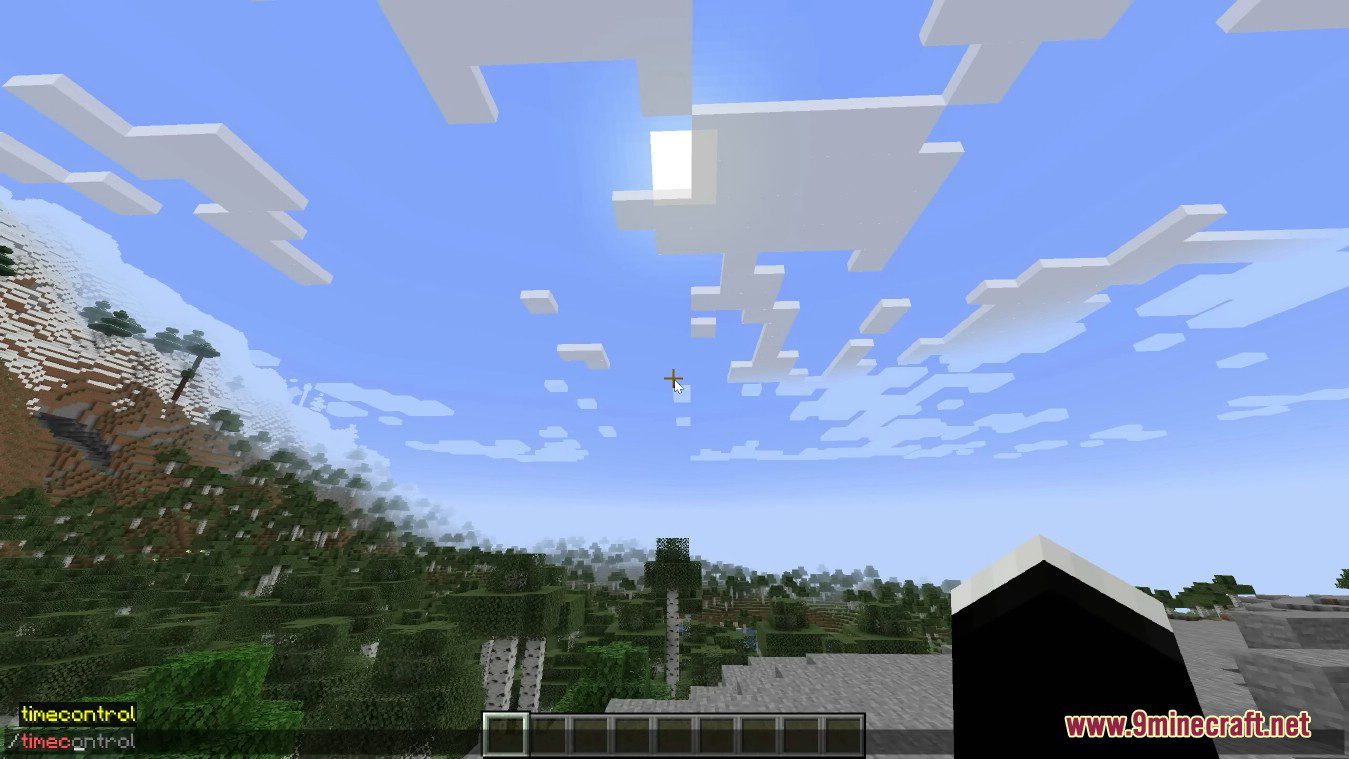
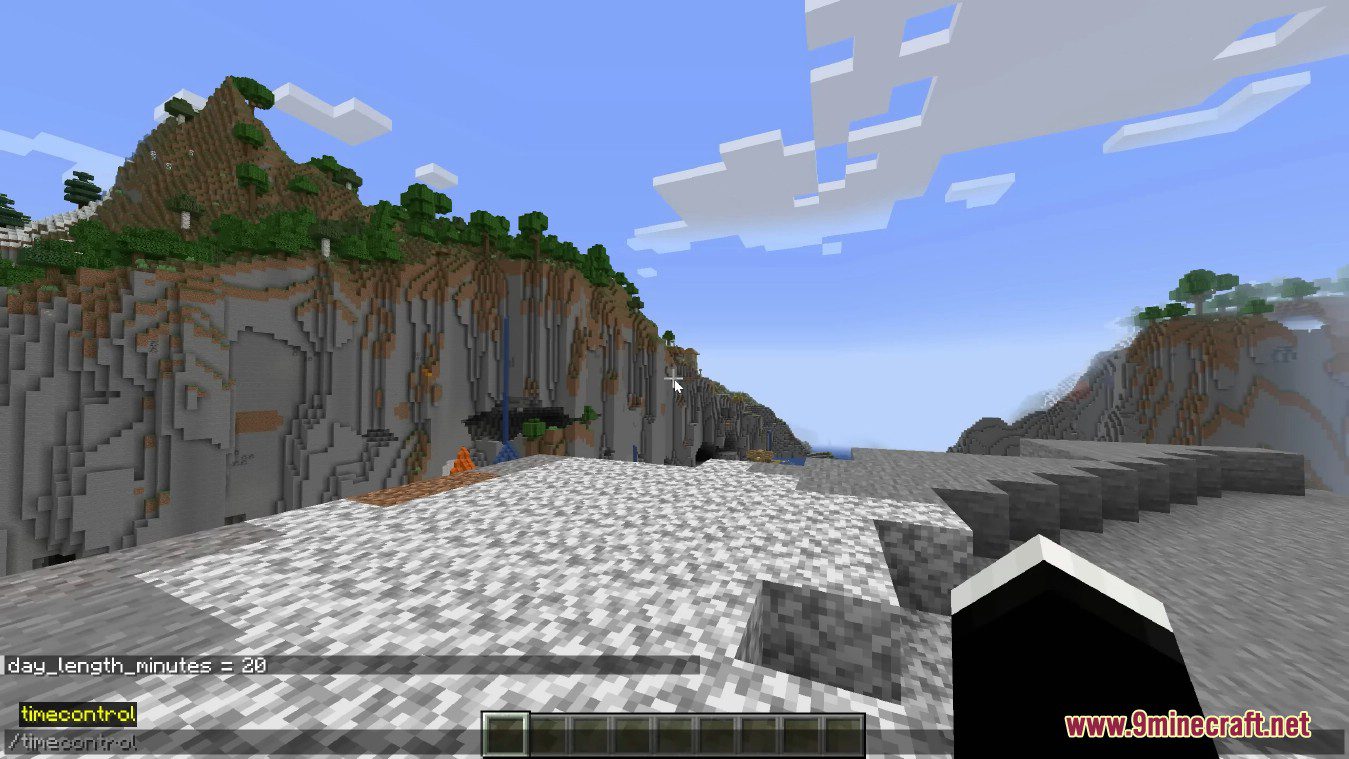
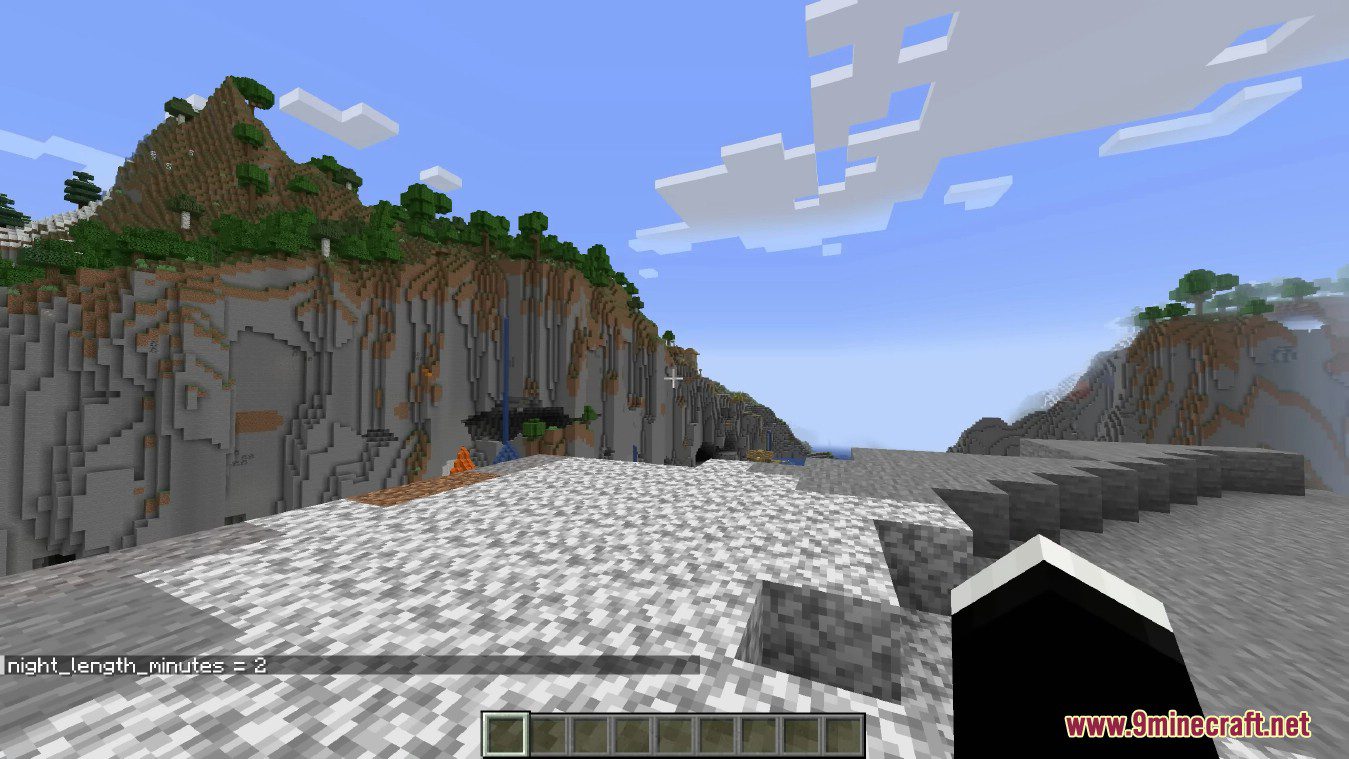
- Includes in-game commands to adjust day and night lengths, and sync time with the system clock.
Screenshots:
How to use:
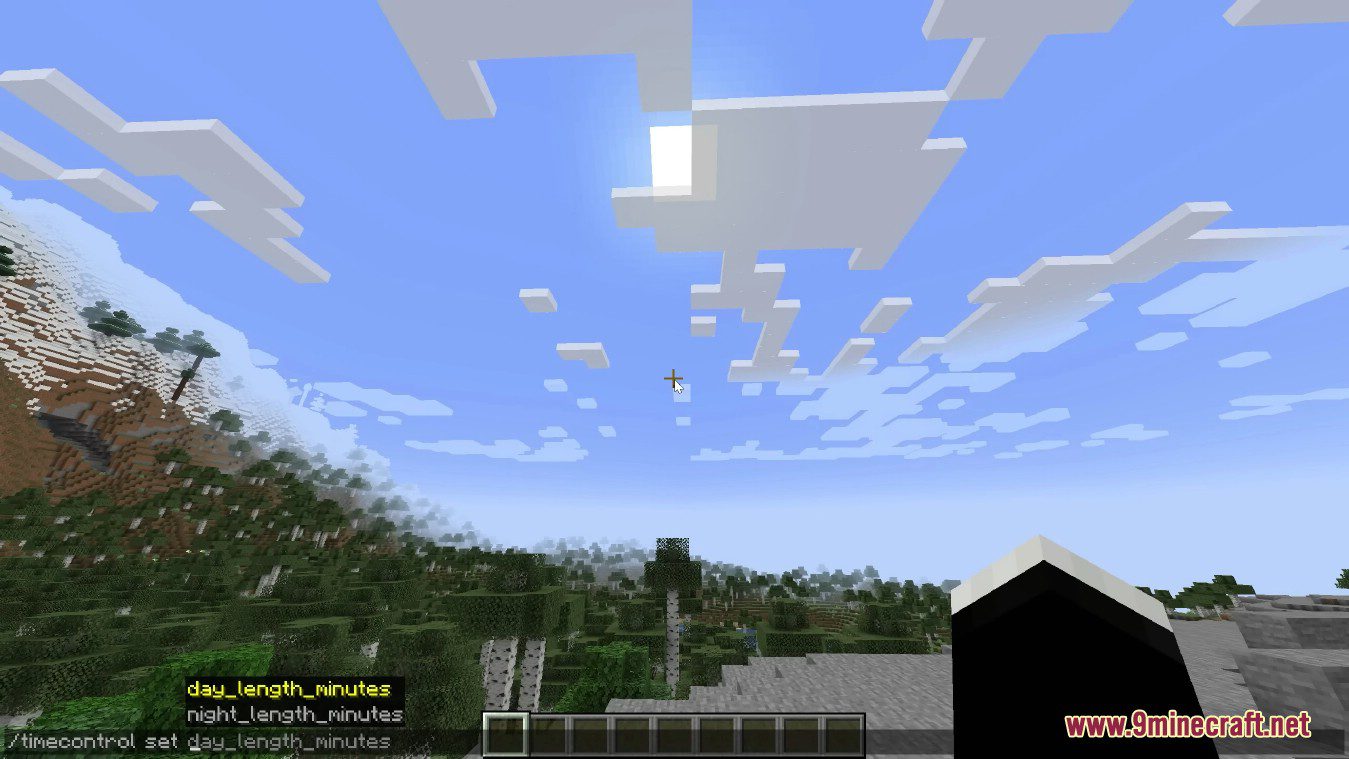
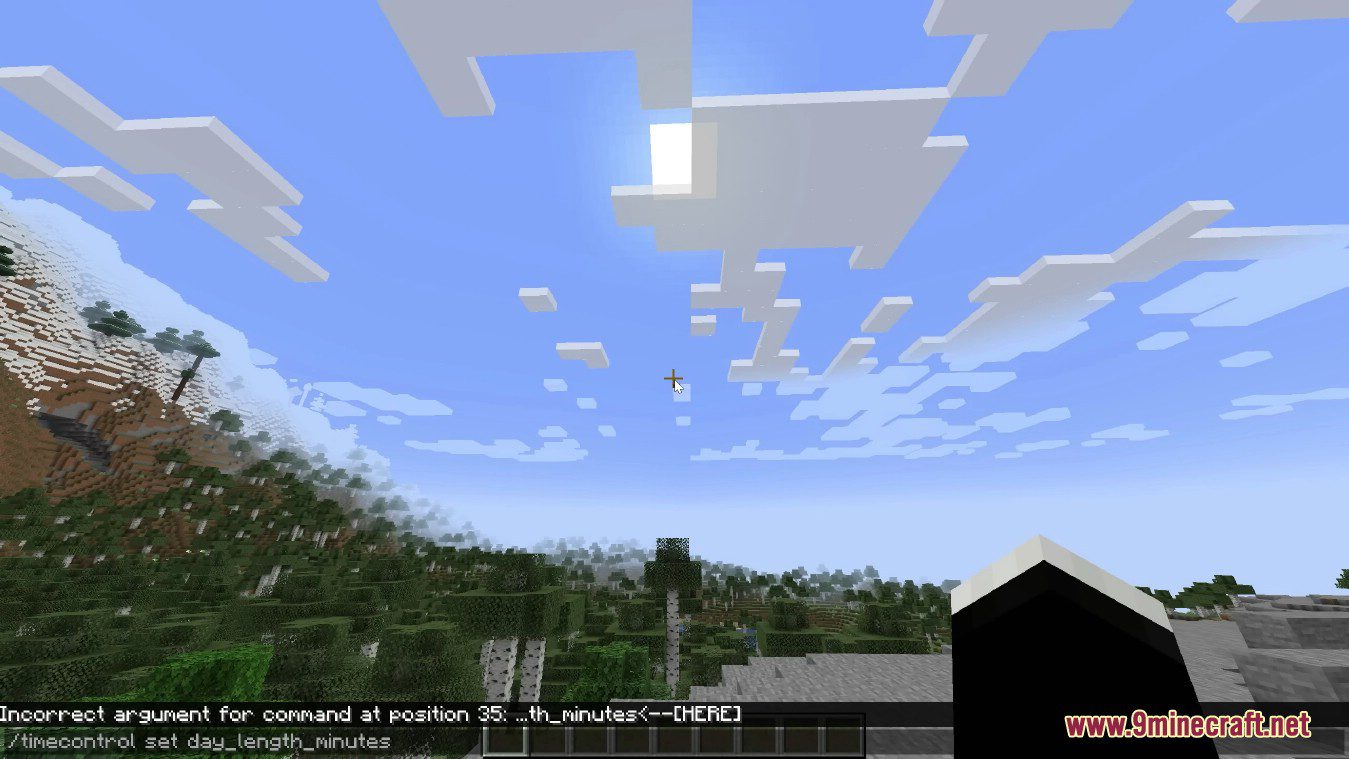
There is an operator/cheats-enabled command to update cycle lengths in-game
- /timecontrol get < sync_to_system_time | night_length_minutes | day_length_minutes >
- /timecontrol set < night_length_minutes | day_length_minutes >
Time Control Mod Download Links
For Minecraft 1.20.4
Fabric version: Download from Server 1 – Download from Server 2
For Minecraft 1.20.1
Forge version: Download from Server 1 – Download from Server 2
Fabric version: Download from Server 1 – Download from Server 2
For Minecraft 1.19.4, 1.19.3, 1.19.2
Forge version: Download from Server 1 – Download from Server 2
For Minecraft 1.18.2, 1.18.1
Forge version: Download from Server 1 – Download from Server 2
For Minecraft 1.17.1
Forge version: Download from Server 1
For Minecraft 1.16.5
Forge version: Download from Server 1 – Download from Server 2
For Minecraft 1.15.2
Forge version: Download from Server 1
For Minecraft 1.12.2
Forge version: Download from Server 1 – Download from Server 2
- Edition: Minecraft Java
- File type: .jar
- Minecraft versions listed: 1.20.4, 1.20.1
- How to install: Install the matching mod loader (Forge, Fabric or NeoForge) for your Minecraft version. → Download the .jar. → Put it in the .minecraft/mods folder and launch that loader profile.
- Where to get it: In MC Java Mods, or directly above on this page.
Install steps are the general flow for this file type — How to install Minecraft Java mods & modpacks walks through it step by step.
- Downloads as 202908.mcaddon
- Download size: 164 KB
- Download link checked 23 Jul 2026 — working
- Mirrored on our own servers — the download does not depend on the original host
These come from our own check of the pack file, not from the source page.