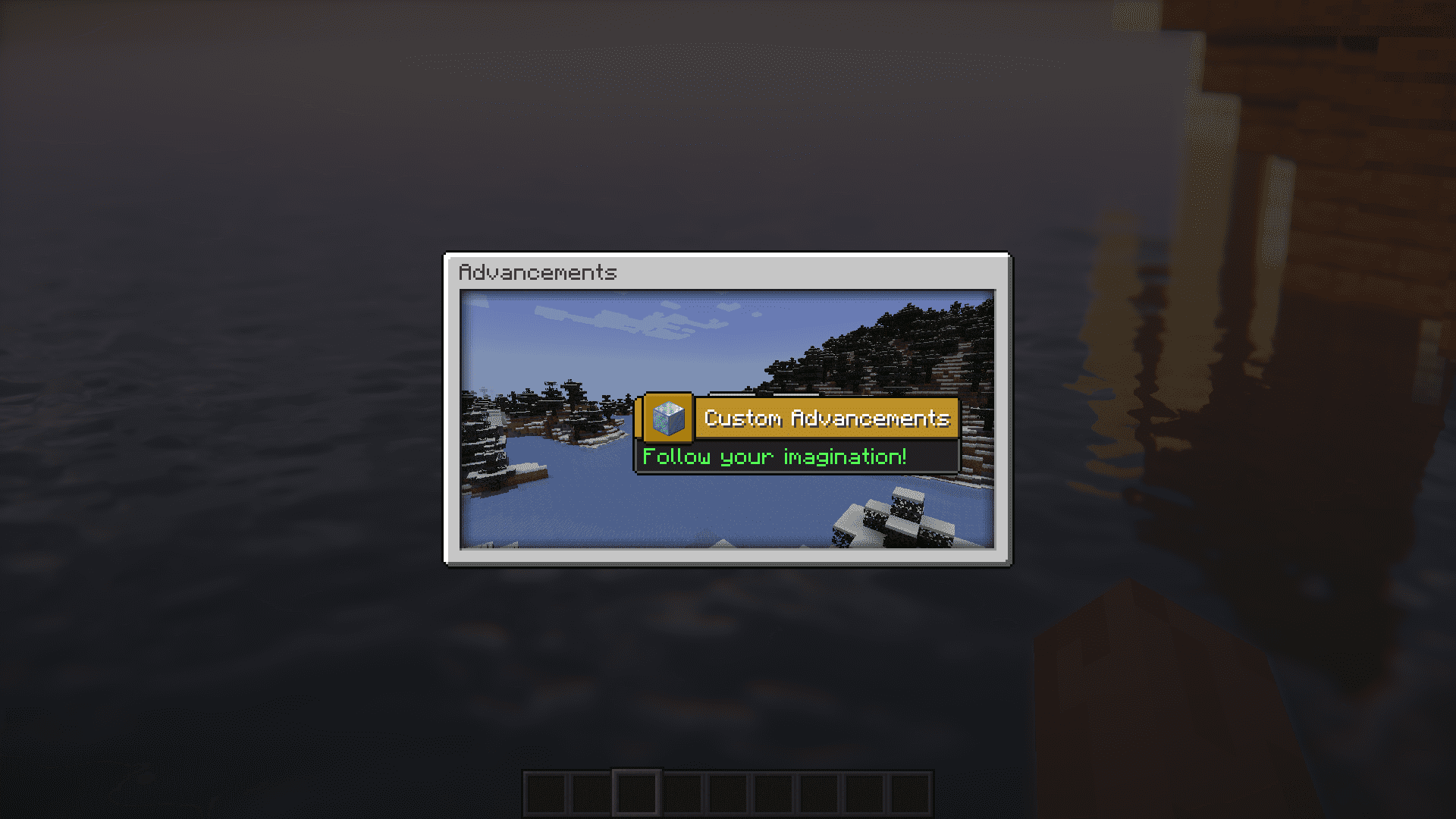
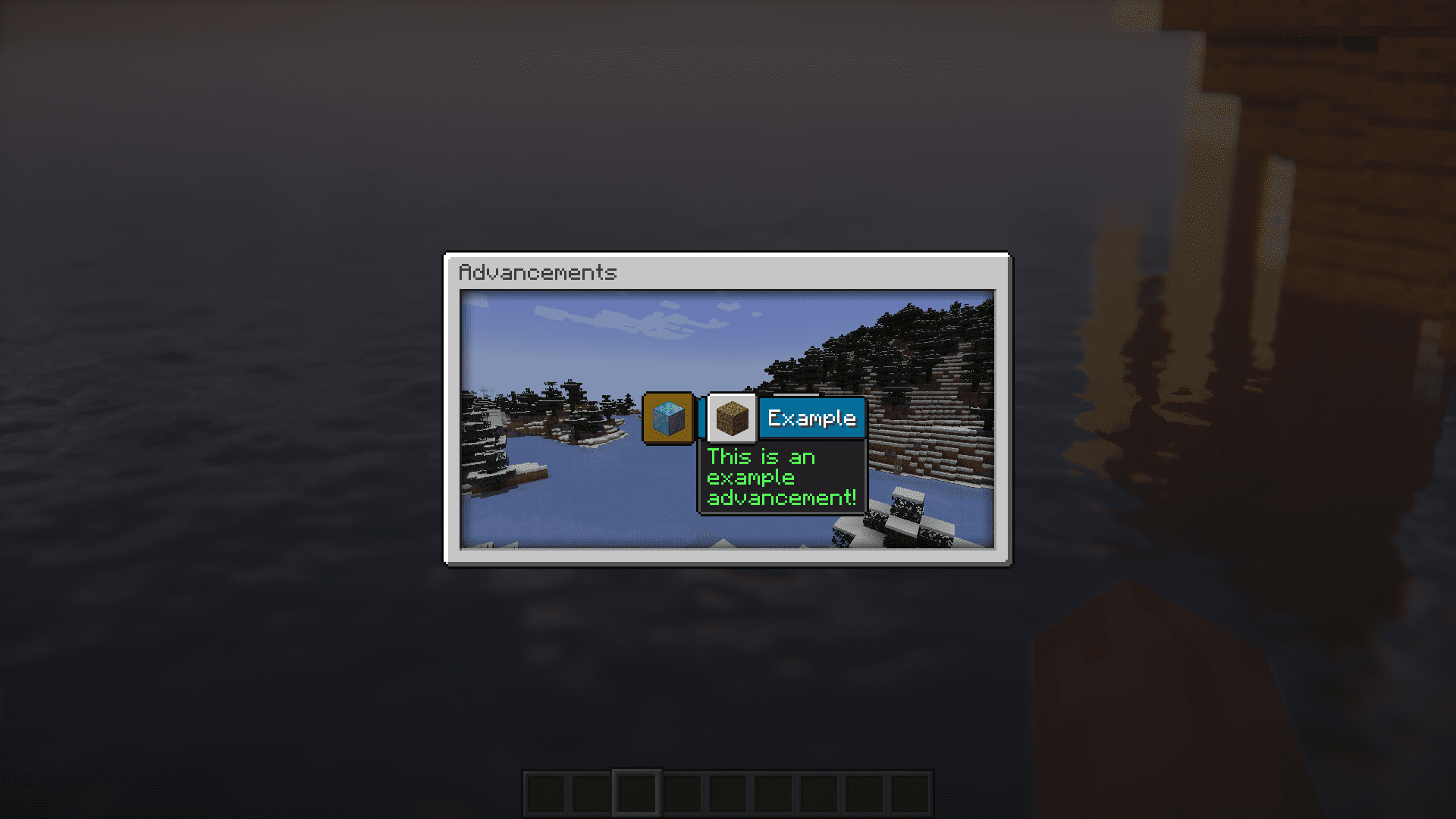
Have you ever felt like the vanilla advancements in Minecraft are not challenging enough? Do you want to add your own advancements into the game? If yes, Custom Advancements Mod is for you. As the name suggests, this mod allows you to add your own custom advancements into the game. You can also make use of this mod to remove any advancement of your choice from the game. As far as customization goes, you can use this mod to change the title, description or even the criteria of an advancement.
Features:
How to add Custom Advancements:
- Simply add an advancement ‘.json’ file to the “customadvancements” folder created by the mod.
- For in depth explanation how to add custom advancements please use the Wiki page of this mod.
How to remove Advancements:
- You can remove advancements by enabling or disabling different config options of the mod.
- For in depth explanation how to remove advancements please use the Wiki page of this mod.
- Note: Removing advancements can cause problems with other mods!
How to edit Advancements:
- You can edit advancements by editing their corresponding ‘.json’ file.
- To generate these ‘.json’ files use the command: /ca generate advancement all
- For in depth explanation how to edit advancements please use the Wiki page of this mod.
- Note: Editing existing game advancements can cause problems with other mods!
Screenshots:
Requires:
Minecraft Forge
Custom Advancements Mod Download Links
For Minecraft 1.20.1
Forge version: Download from Server 1 – Download from Server 2
For Minecraft 1.19.3
Forge version: Download from Server 1 – Download from Server 2
For Minecraft 1.19.2
Forge version: Download from Server 1 – Download from Server 2
For Minecraft 1.18.2
Forge version: Download from Server 1 – Download from Server 2
For Minecraft 1.16.5
Forge version: Download from Server 1 – Download from Server 2
- Edition: Minecraft Java
- File type: .jar
- Minecraft versions listed: 1.20.1, 1.19.3
- How to install: Install the matching mod loader (Forge, Fabric or NeoForge) for your Minecraft version. → Download the .jar. → Put it in the .minecraft/mods folder and launch that loader profile.
- Where to get it: In MC Java Mods, or directly above on this page.
Install steps are the general flow for this file type — How to install Minecraft Java mods & modpacks walks through it step by step.
- Downloads as 202920.mcaddon
- Download size: 2.8 MB
- Download link checked 23 Jul 2026 — working
- Mirrored on our own servers — the download does not depend on the original host
These come from our own check of the pack file, not from the source page.