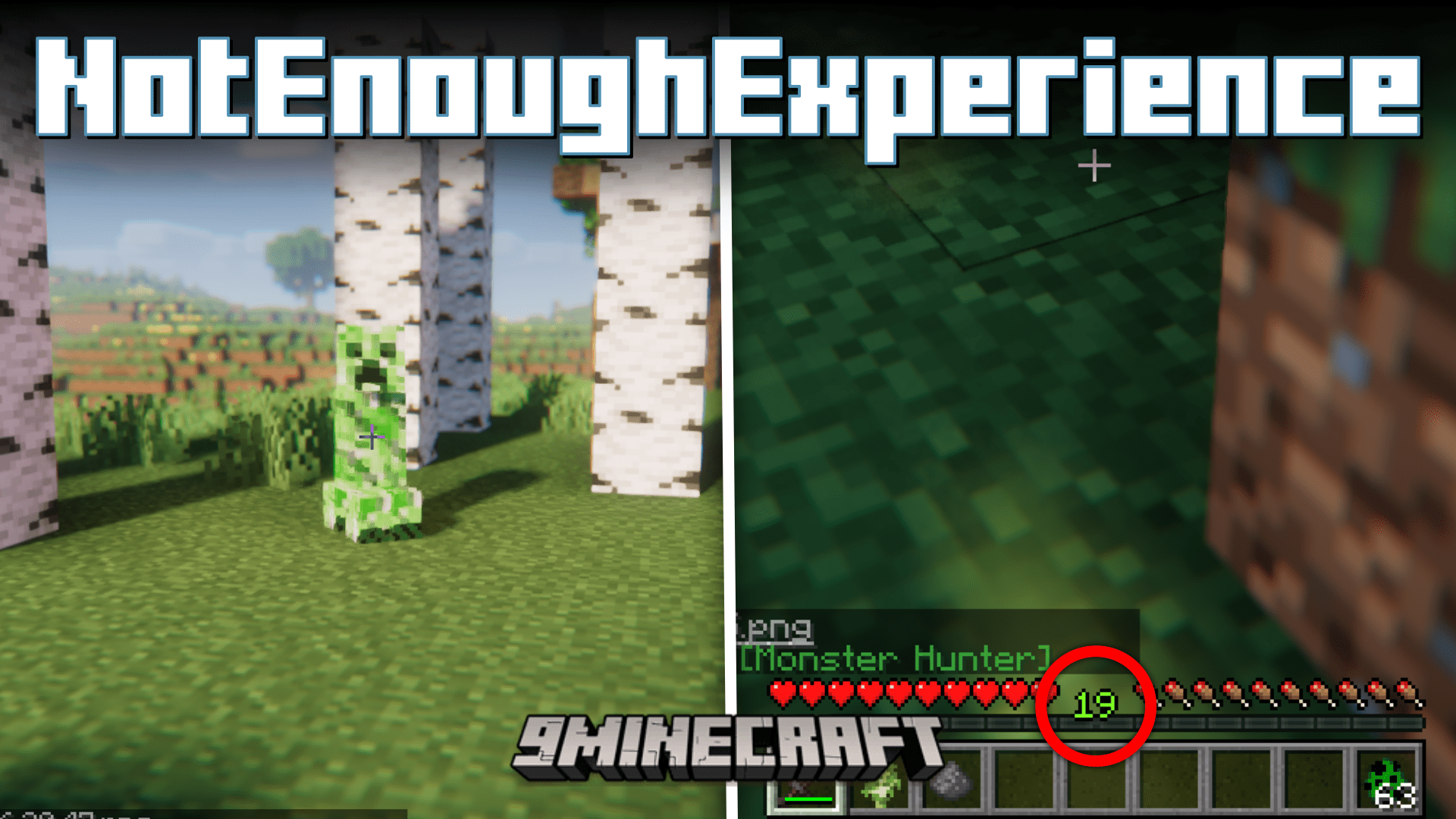
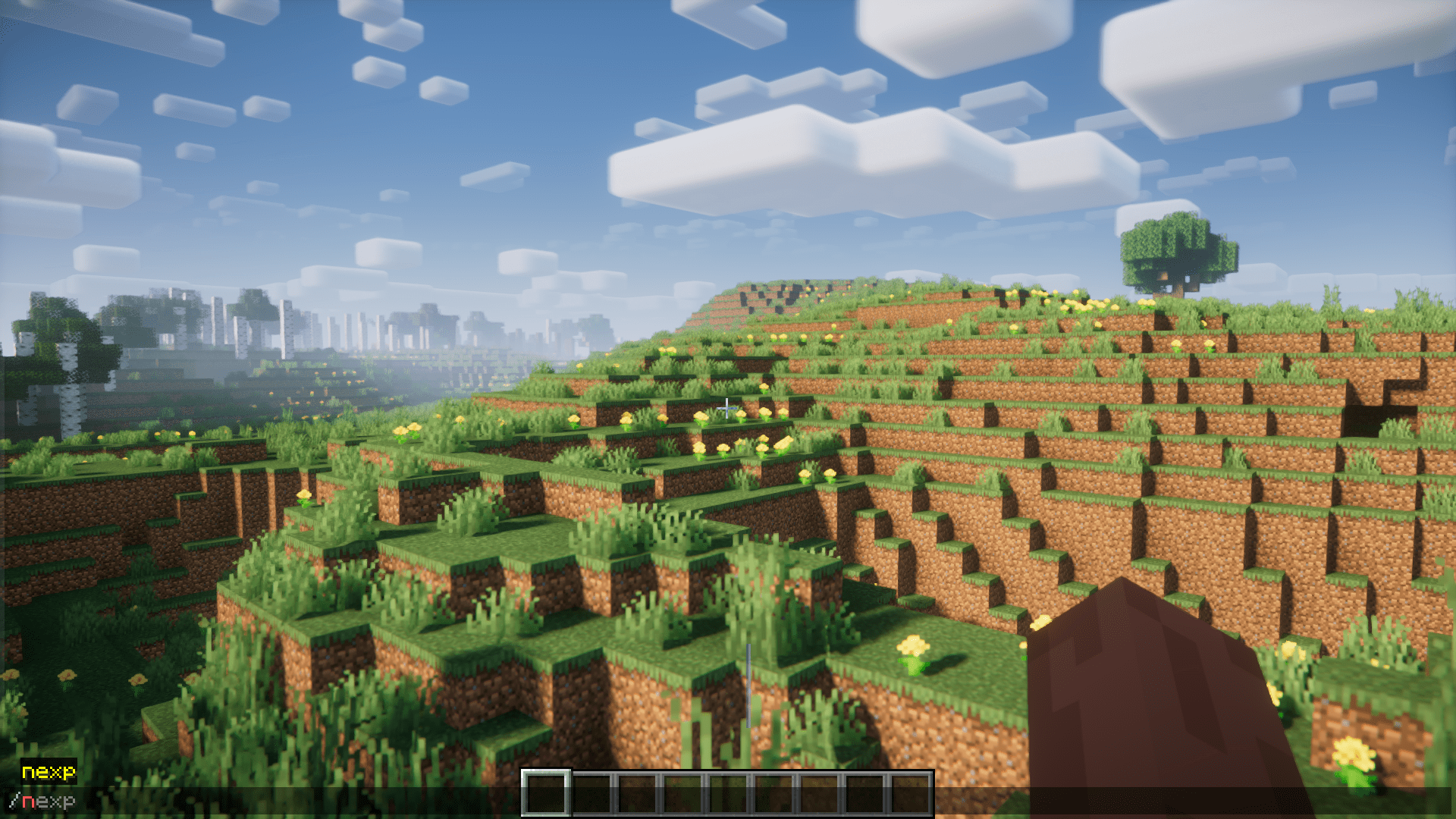
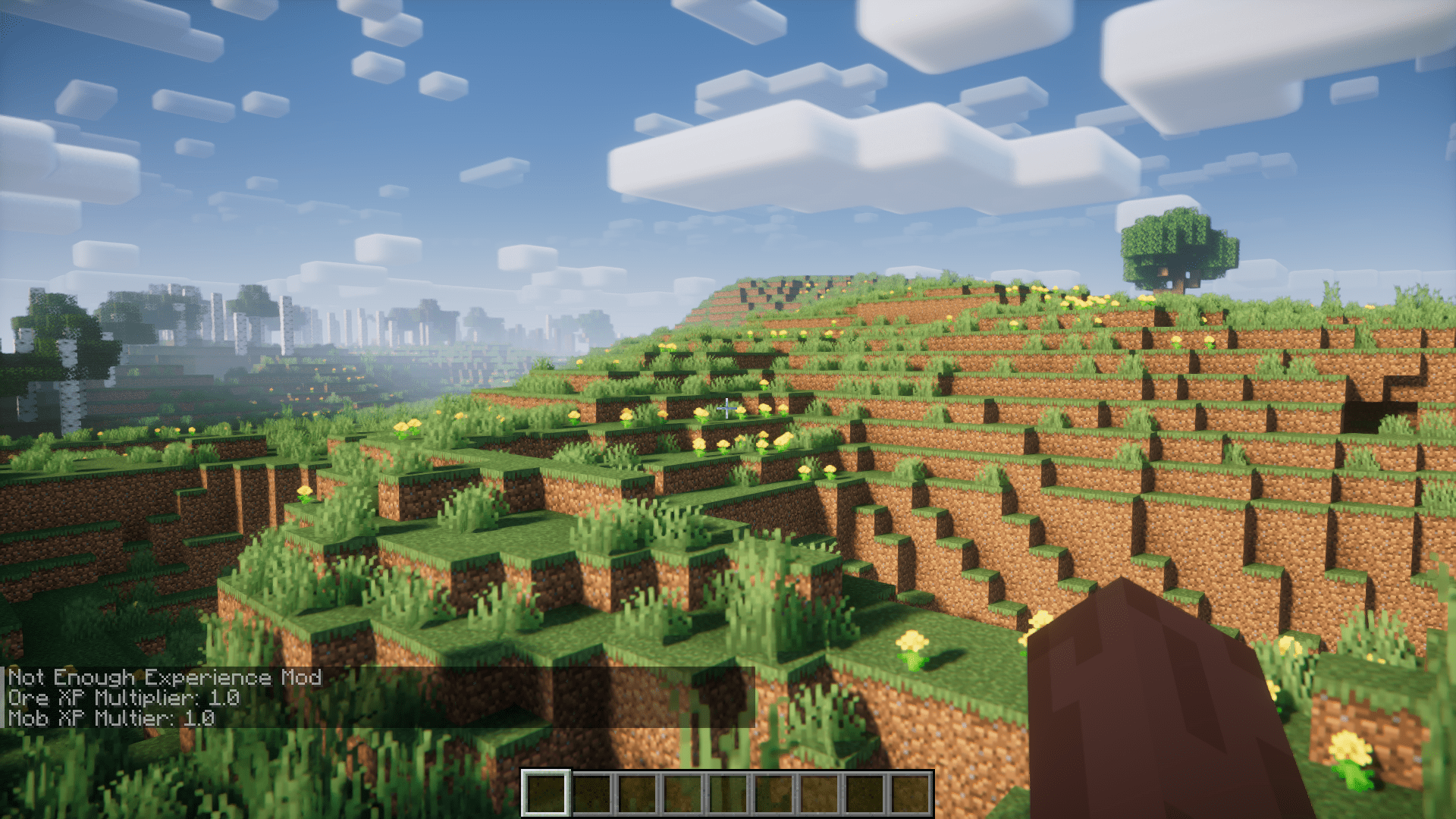
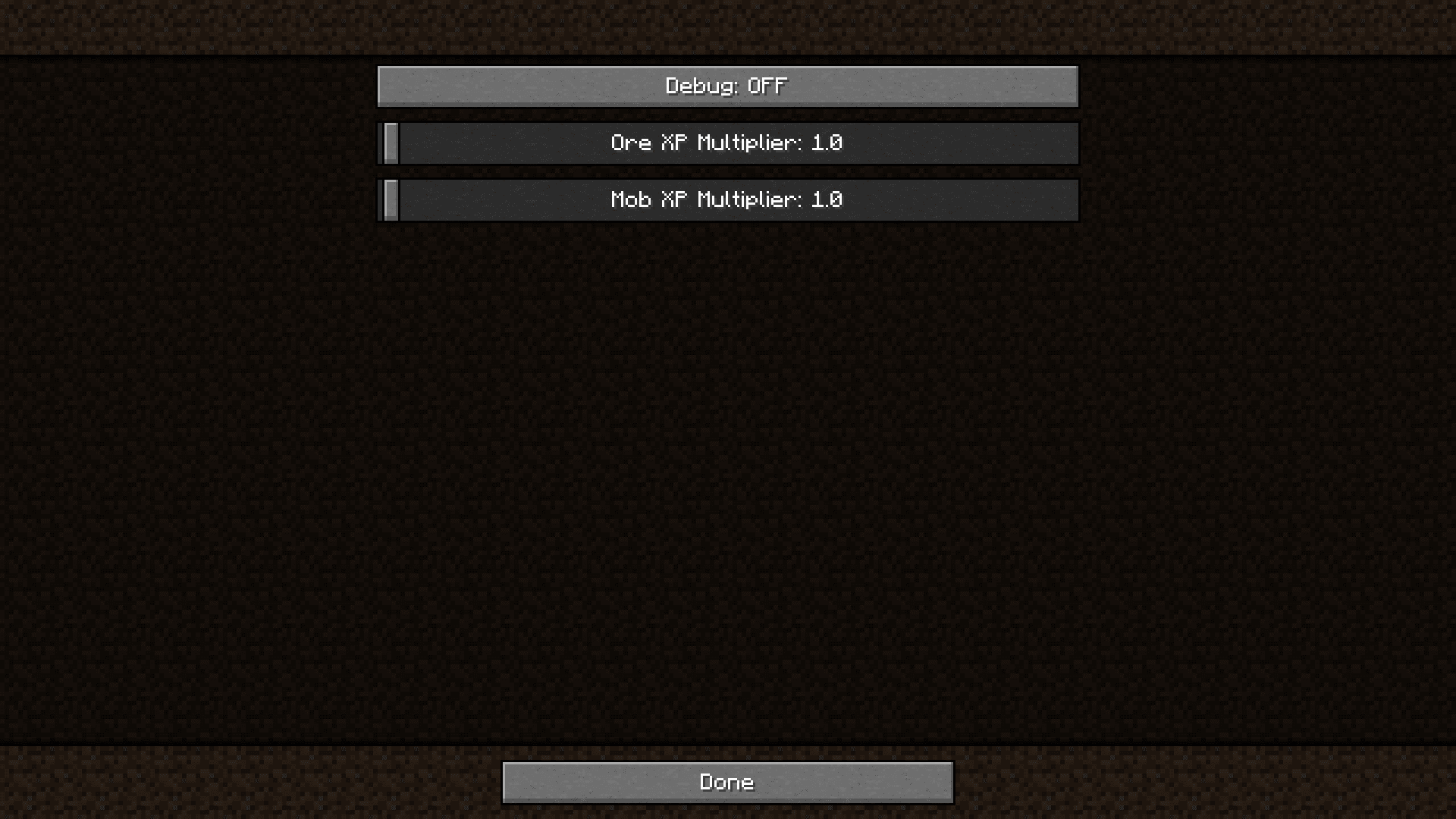
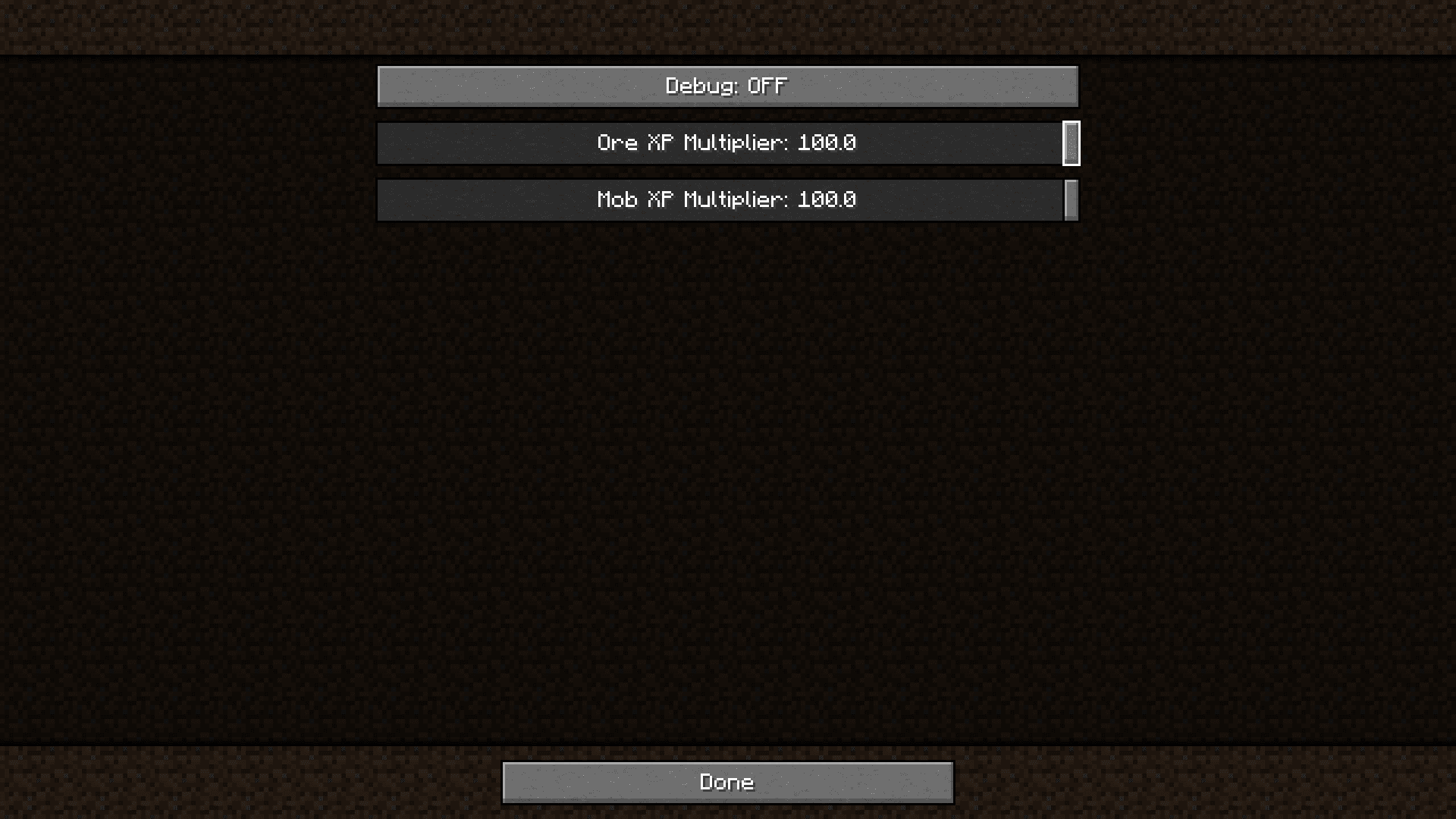
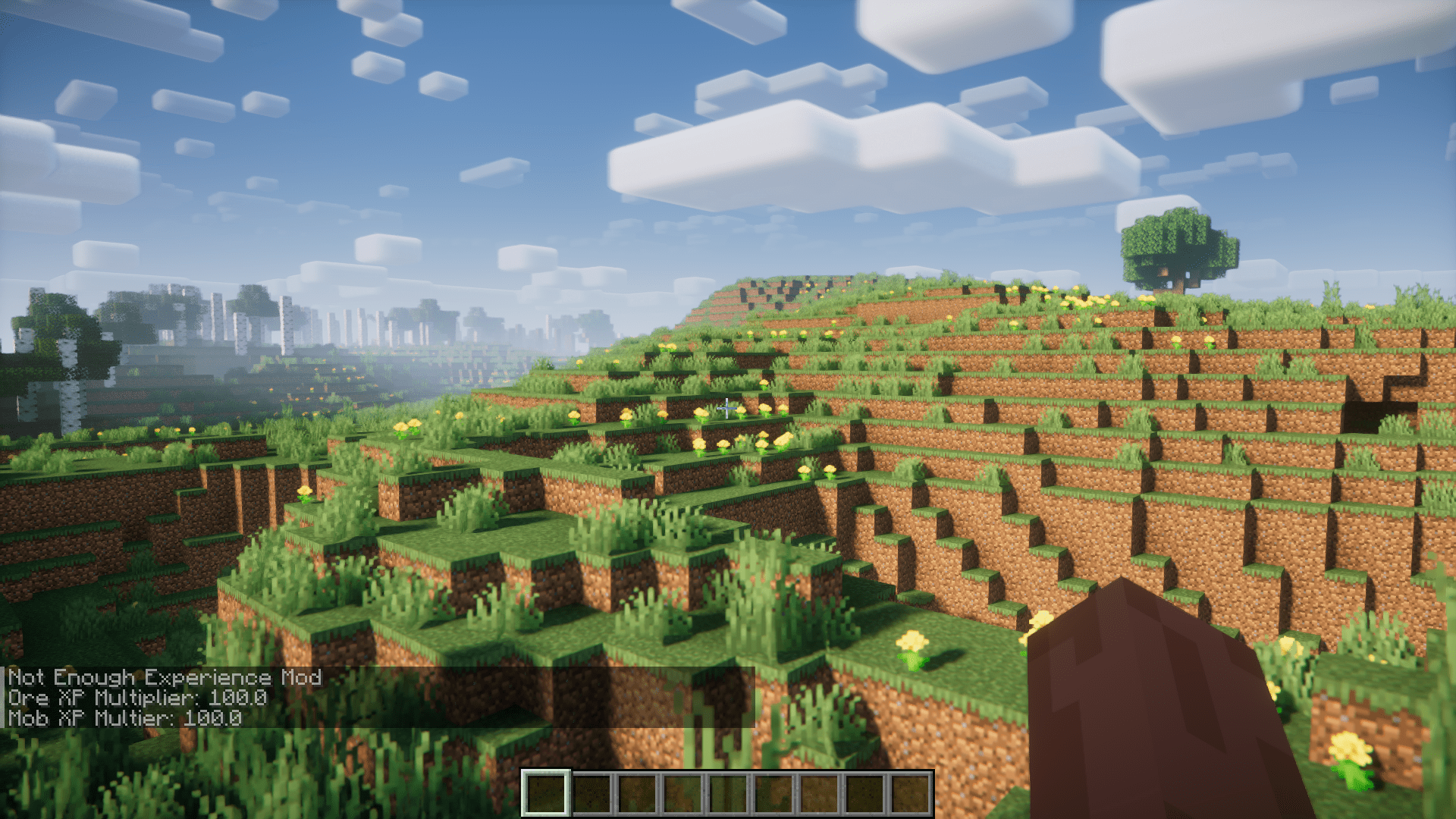
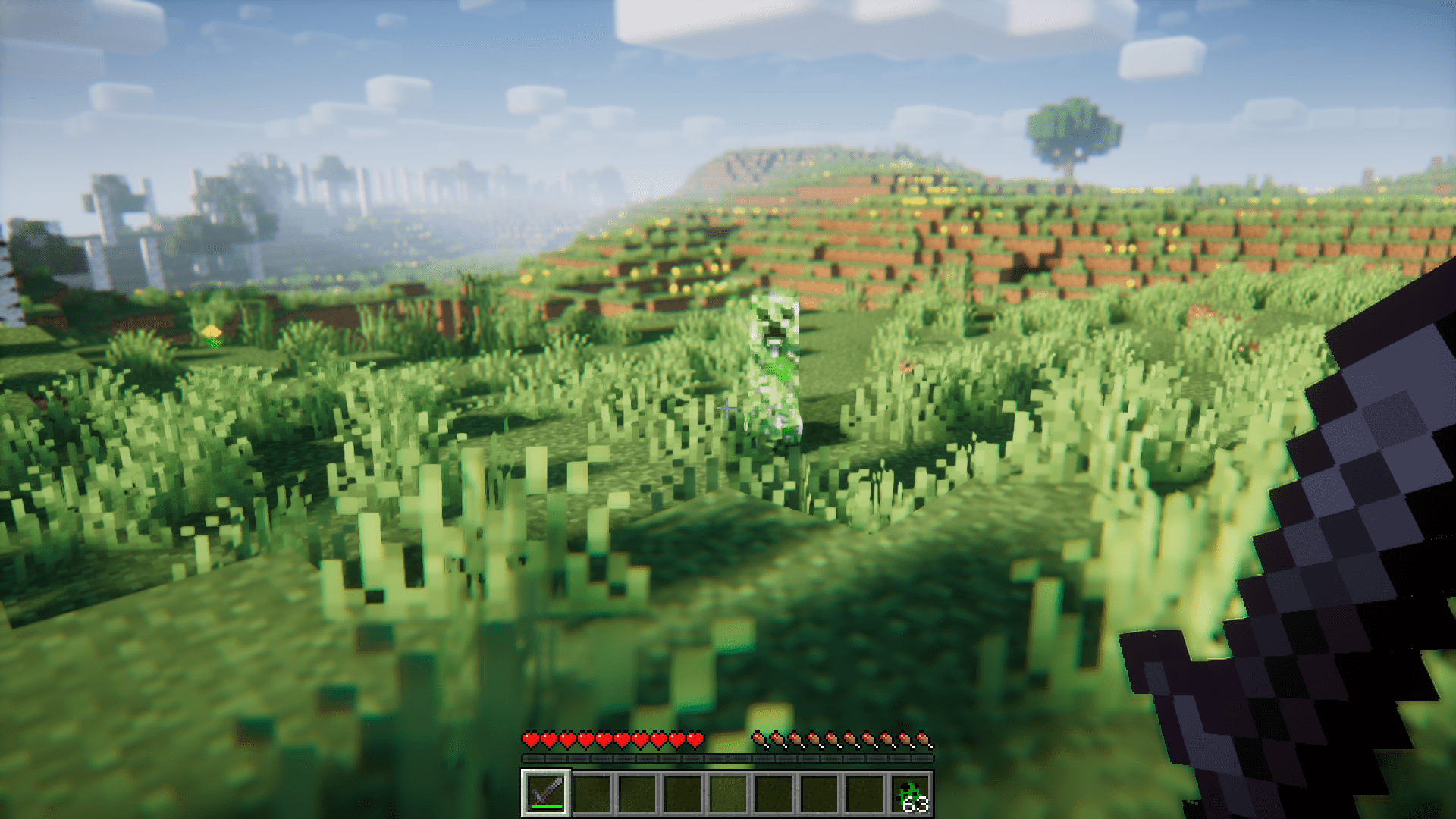
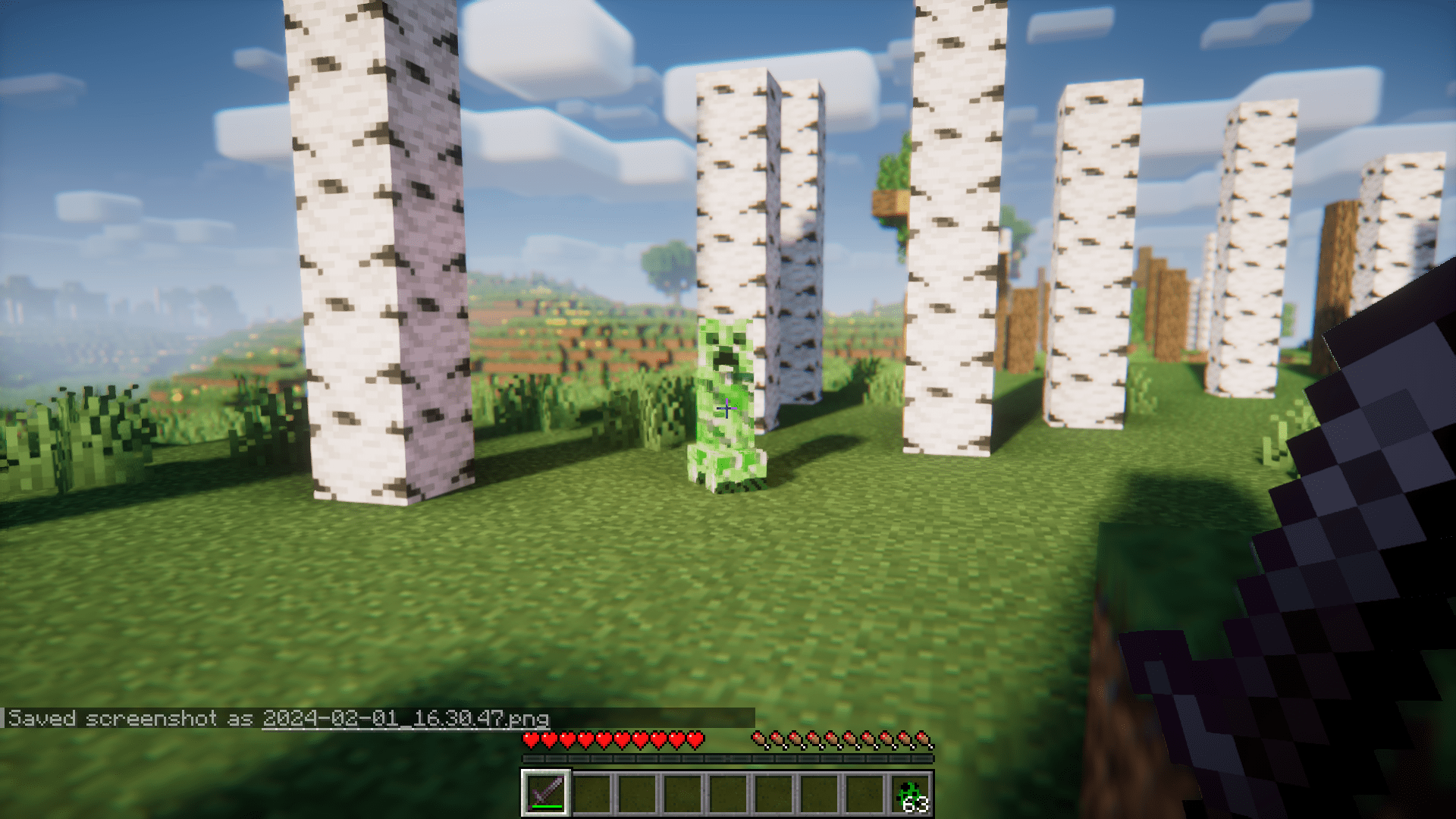
There are plenty of ways to obtain XP in Minecraft. You can obtain them by killing mobs or by mining ores. The XP ores dropped by these operations will be collected in your experience bar, which can then be used for multiple purposes like enchanting and repairing tools and armor. But this XP system has a very serious problem. Once you reach a very decent stage of progression in your world, the low amount of XP dropped by mobs and ores will no longer be enough for much more expensive enchantments and gear repairing. This is because the XP required for operations like tool repairing will increase the more you do it. It is only fair that the amount of XP you receive will be able to meet your needs, whatever stage of game progression you are in. And since vanilla Minecraft does not have a method to ease this process, NotEnoughExperience Mod is here with a solution. This mod adds an XP multiplier command which allows you to multiply the amount of XP dropped on killing mobs and mining ores. Using this new feature wisely will allow for a fairer and balanced gameplay experience in the more advanced stages of progression in game. The mod comes with an inbuilt config option that has two separate sliders, one for XP dropped by mobs and the other for XP dropped on mining ores. The slider will go all the way upto 100x, and at this multiplier level, a mob will drop 100 times more XP.
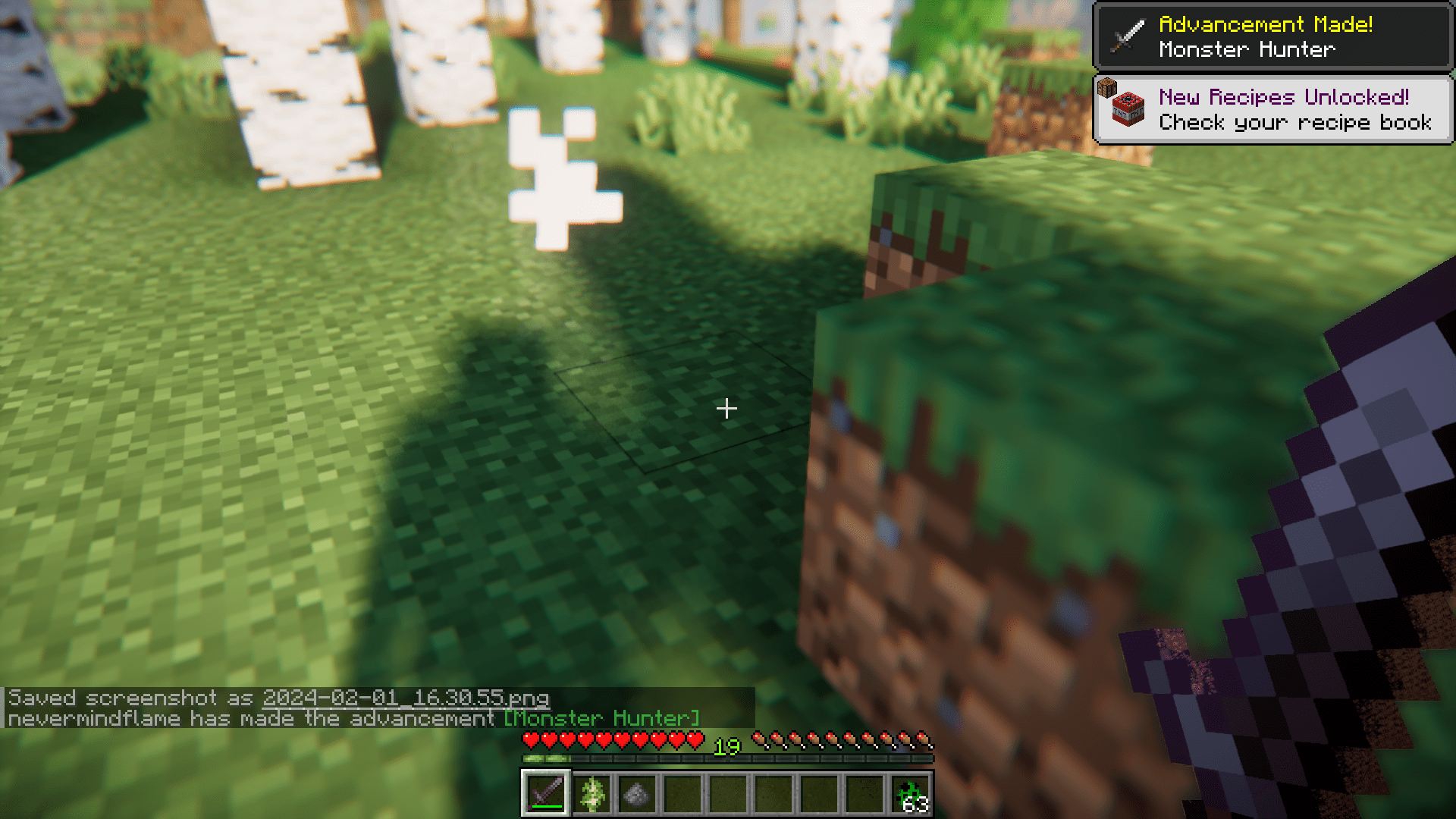
Screenshots:
NotEnoughExperience Mod Download Links
For Minecraft 1.20.1
Forge version: Download from Server 1 – Download from Server 2
For Minecraft 1.19.3
Fabric version: Download from Server 1 – Download from Server 2
For Minecraft 1.19.2
Forge version: Download from Server 1 – Download from Server 2
For Minecraft 1.18.2
Forge version: Download from Server 1 – Download from Server 2
For Minecraft 1.17.1
Forge version: Download from Server 1 – Download from Server 2
For Minecraft 1.16.5
Forge version: Download from Server 1 – Download from Server 2
- Edition: Minecraft Java
- File type: .jar
- Minecraft versions listed: 1.20.1, 1.19.3
- How to install: Install the matching mod loader (Forge, Fabric or NeoForge) for your Minecraft version. → Download the .jar. → Put it in the .minecraft/mods folder and launch that loader profile.
- Where to get it: In MC Java Mods, or directly above on this page.
Install steps are the general flow for this file type — How to install Minecraft Java mods & modpacks walks through it step by step.
- Downloads as 202976.mcaddon
- Download size: 18 KB
- Download link checked 23 Jul 2026 — working
- Mirrored on our own servers — the download does not depend on the original host
These come from our own check of the pack file, not from the source page.