FPS Increaser Mod (1.20.1, 1.19.4)
Java mod listed for Minecraft 1.19–1.20. Downloads from the MC Java Mods app on Android.
⬇ DownloadDo you play Minecraft on a low end device? Does your system give you low framerates while playing? If you can relate to this, FPS Increaser Mod is for you. This mod is a game changer for those with a low-end device. The mod makes the game use resources efficiently and allows better game performance, which increases your FPS by a decent margin. After testing the mod on multiple versions of the game in multiple systems, the developers promises an average increase of about 20% FPS. So if your game runs on 25FPS, this mod will increase it to about 30FPS, which is a noticeable change in how smooth the game appears.
Features:
- Get around 20% more FPS.
- Recommended for low end PCs that run the game on <30 FPS.
FPS Increase tips:
- Turn down your render distance and simulation distance.
- Display fewer particles by setting particles to “Minimal”.
- Close other resource-intensive applications on the computer so that more processing power is available for Minecraft.
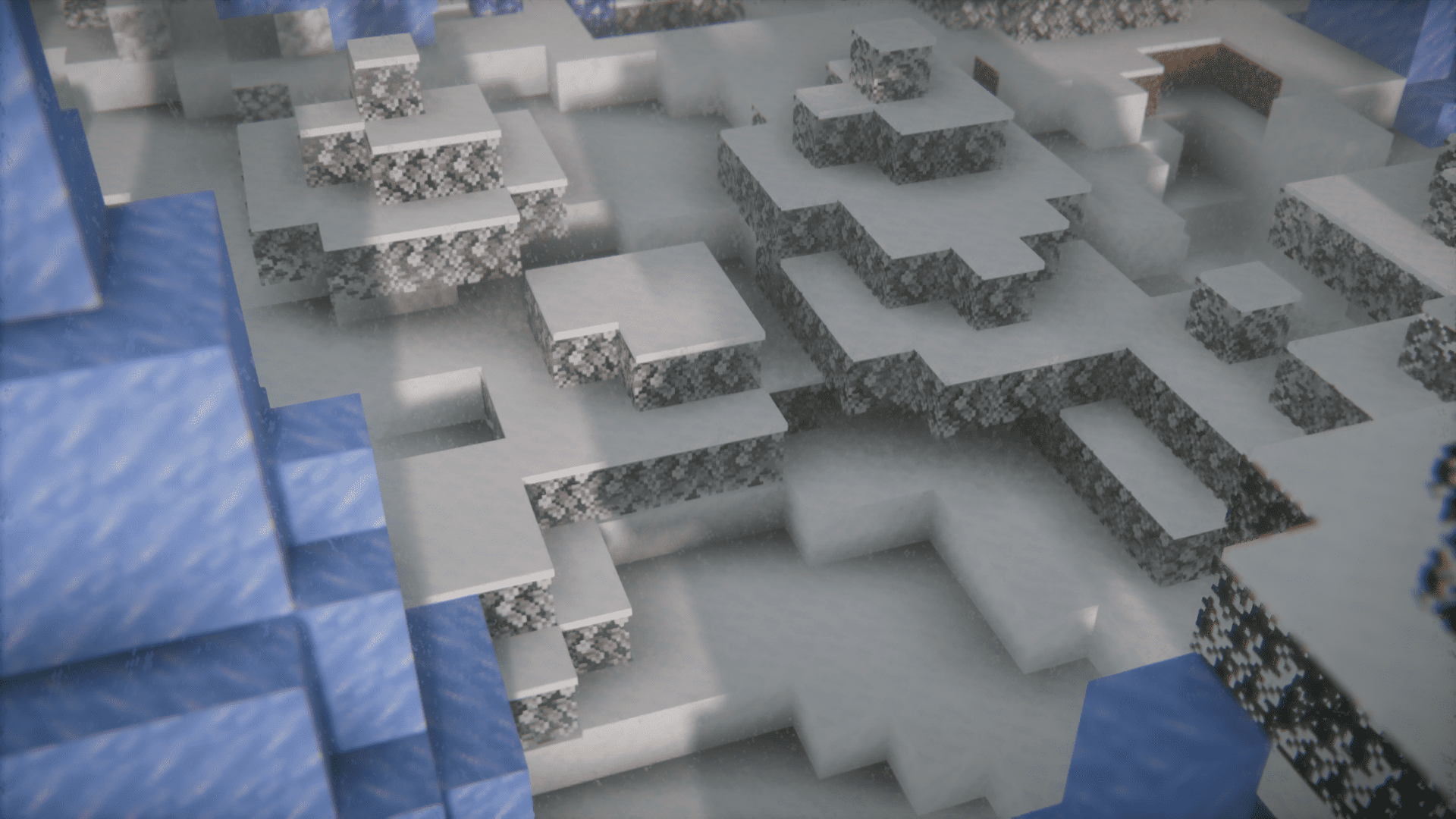
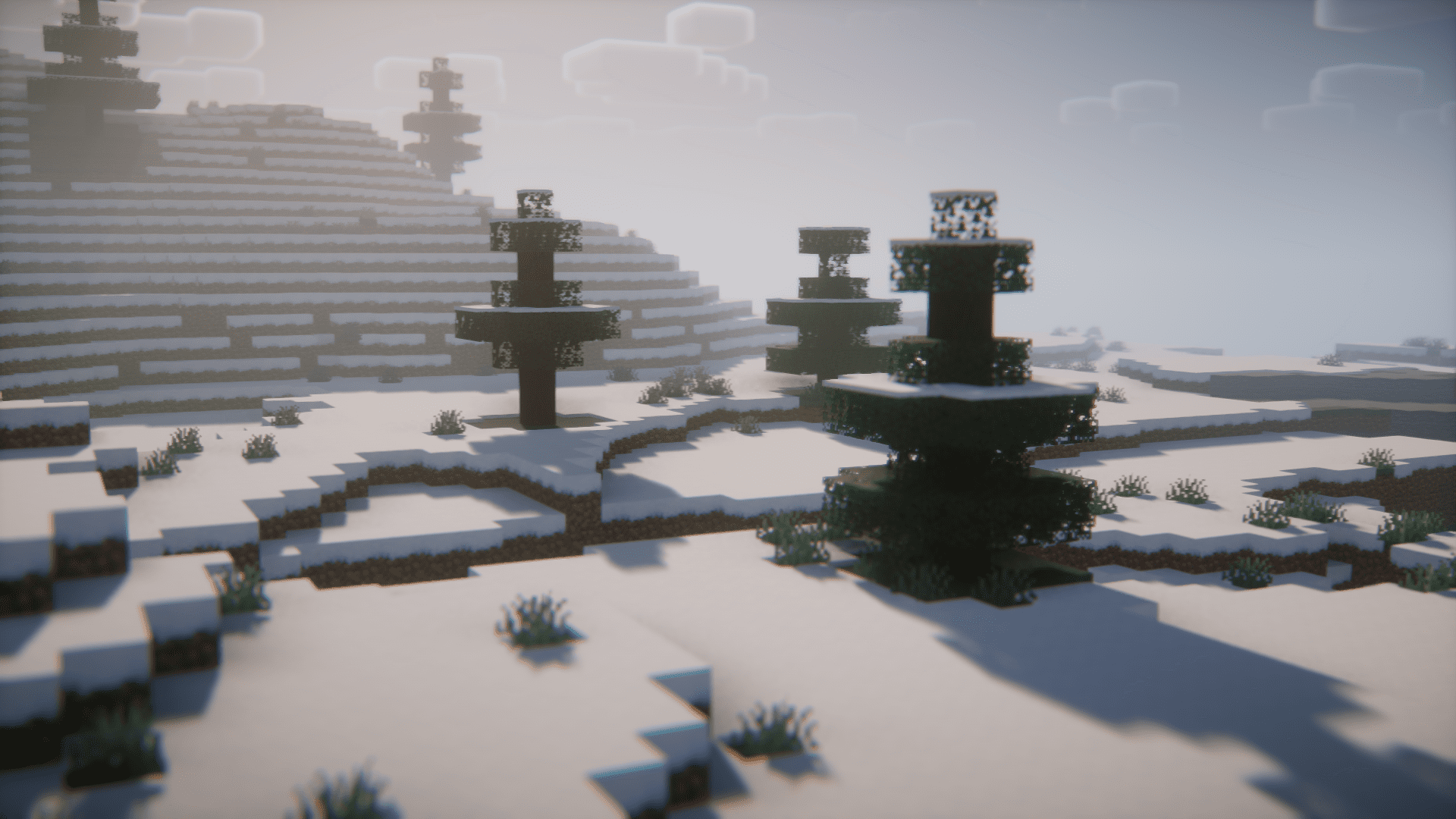
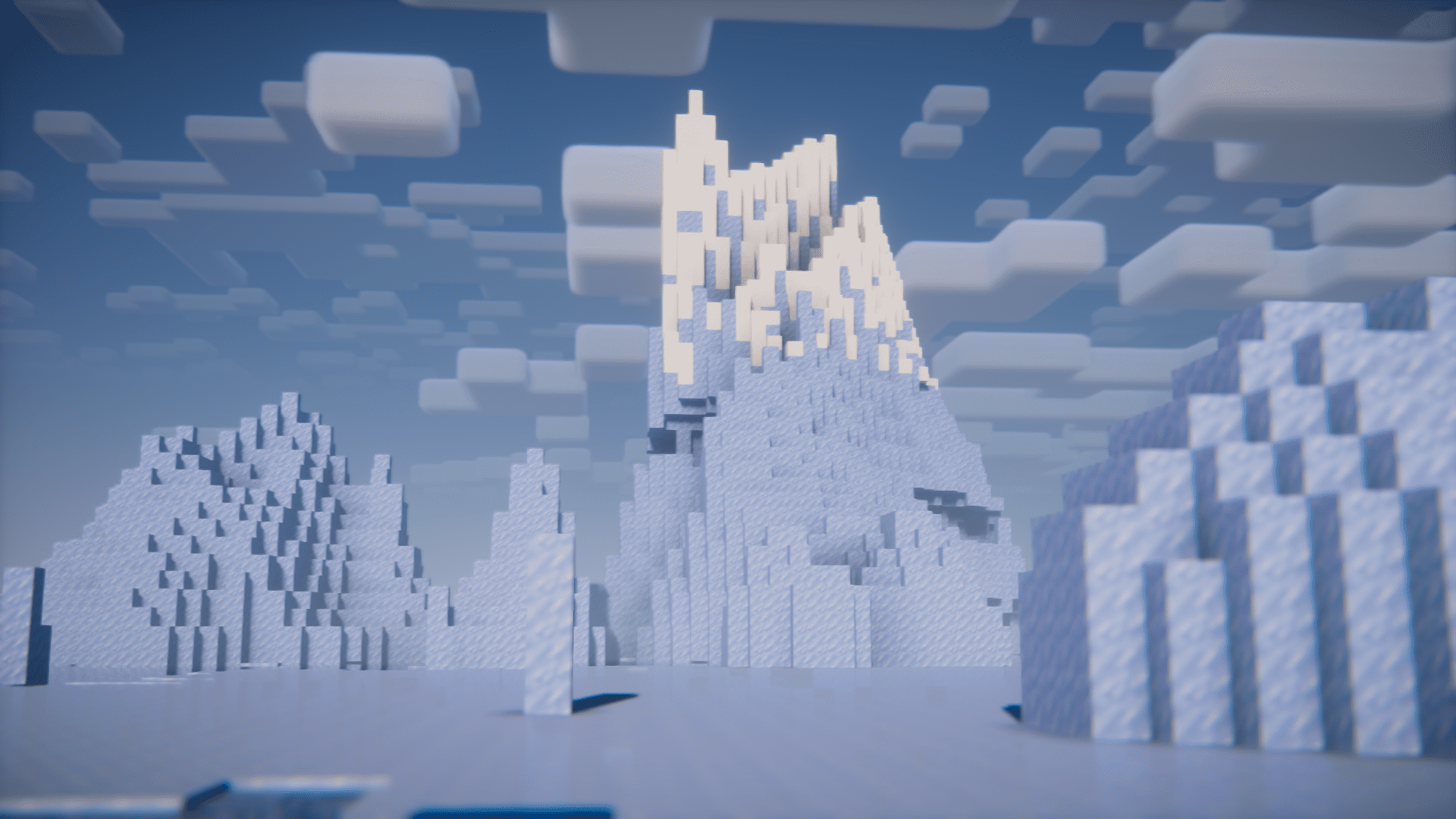
Screenshots:


FPS Increaser Mod Download Links
For Minecraft 1.20.1
Forge version: Download from Server 1 – Download from Server 2
Fabric version: Download from Server 1 – Download from Server 2
For Minecraft 1.19.4
Forge version: Download from Server 1 – Download from Server 2
For Minecraft 1.19.2
Forge version: Download from Server 1 – Download from Server 2
For Minecraft 1.17.1
Forge version: Download from Server 1
- Edition: Minecraft Java
- File type: .jar
- Minecraft versions listed: 1.20.1, 1.19.4
- How to install: Install the matching mod loader (Forge, Fabric or NeoForge) for your Minecraft version. → Download the .jar. → Put it in the .minecraft/mods folder and launch that loader profile.
- Where to get it: In MC Java Mods, or directly above on this page.
Install steps are the general flow for this file type — How to install Minecraft Java mods & modpacks walks through it step by step.
- Downloads as 202978.mcaddon
- Download size: 5 KB
- Download link checked 23 Jul 2026 — working
- Mirrored on our own servers — the download does not depend on the original host
These come from our own check of the pack file, not from the source page.