Dixta's Weaponry Expansion Mod (1.19.2, 1.18.2) – Unique Mechanics
Java mod listed for Minecraft 1.18–1.19. Downloads from the MC Java Mods app on Android.
Dixta's Weaponry Expansion Mod arrives, overflowing with exotic weaponry to elevate your arsenal beyond the ordinary. This mod seamlessly integrates with…
⬇ DownloadDixta’s Weaponry Expansion Mod arrives, overflowing with exotic weaponry to elevate your arsenal beyond the ordinary. This mod seamlessly integrates with Dixta’s Armory, introducing a diverse range of hand-crafted implements, each boasting unique properties to dominate the battlefield. Are you ready to unleash a fury of steel upon your enemies? Dixta’s Weaponry Expansion awaits, promising an unforgettable evolution in your Minecraft combat experience!
Features:
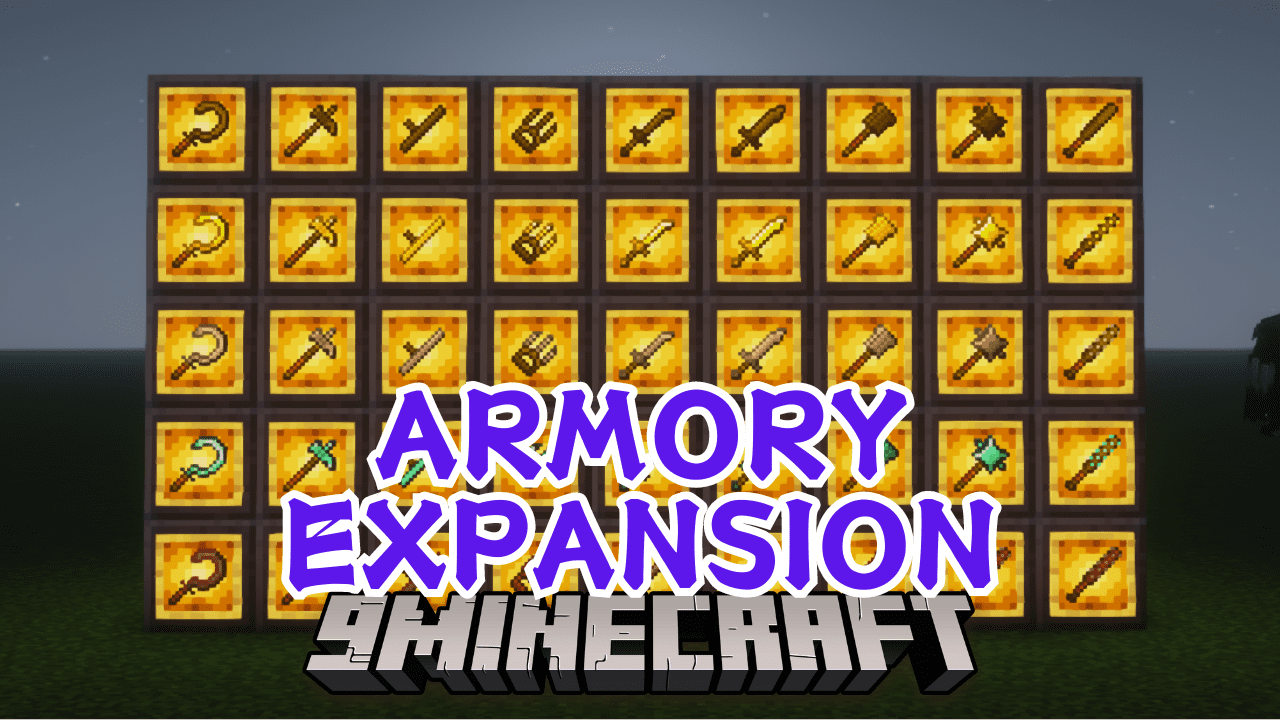
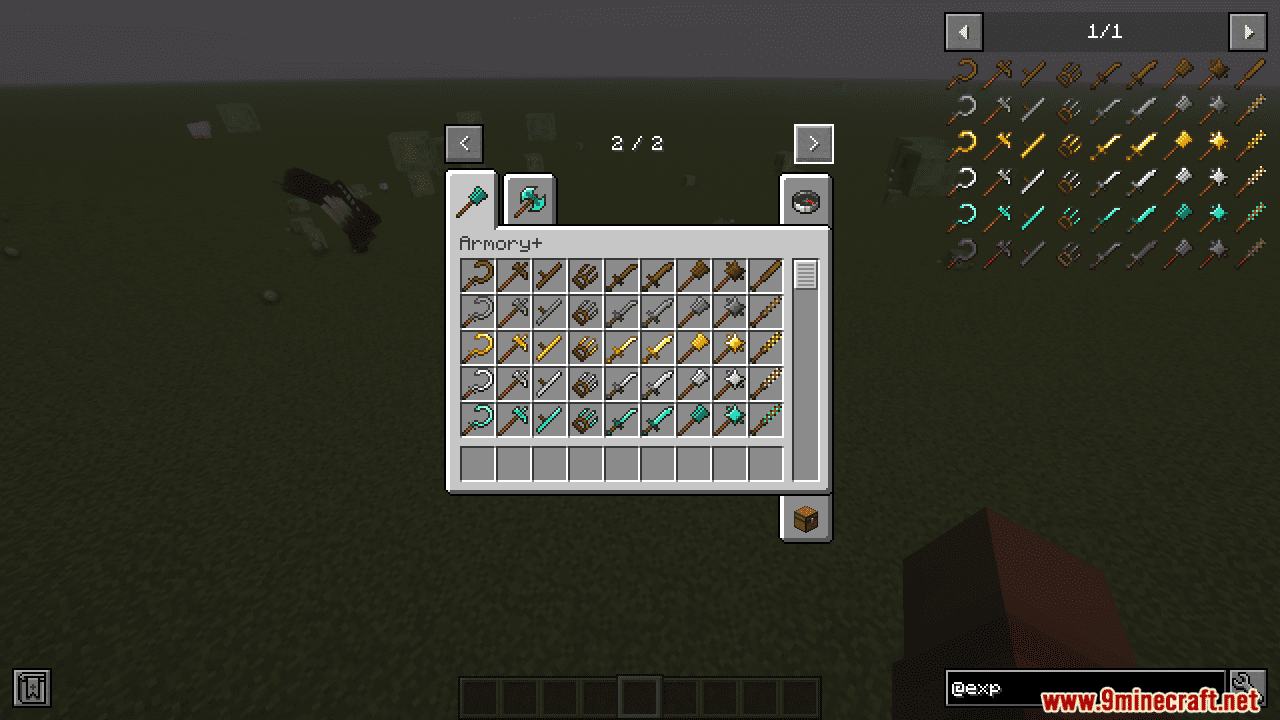
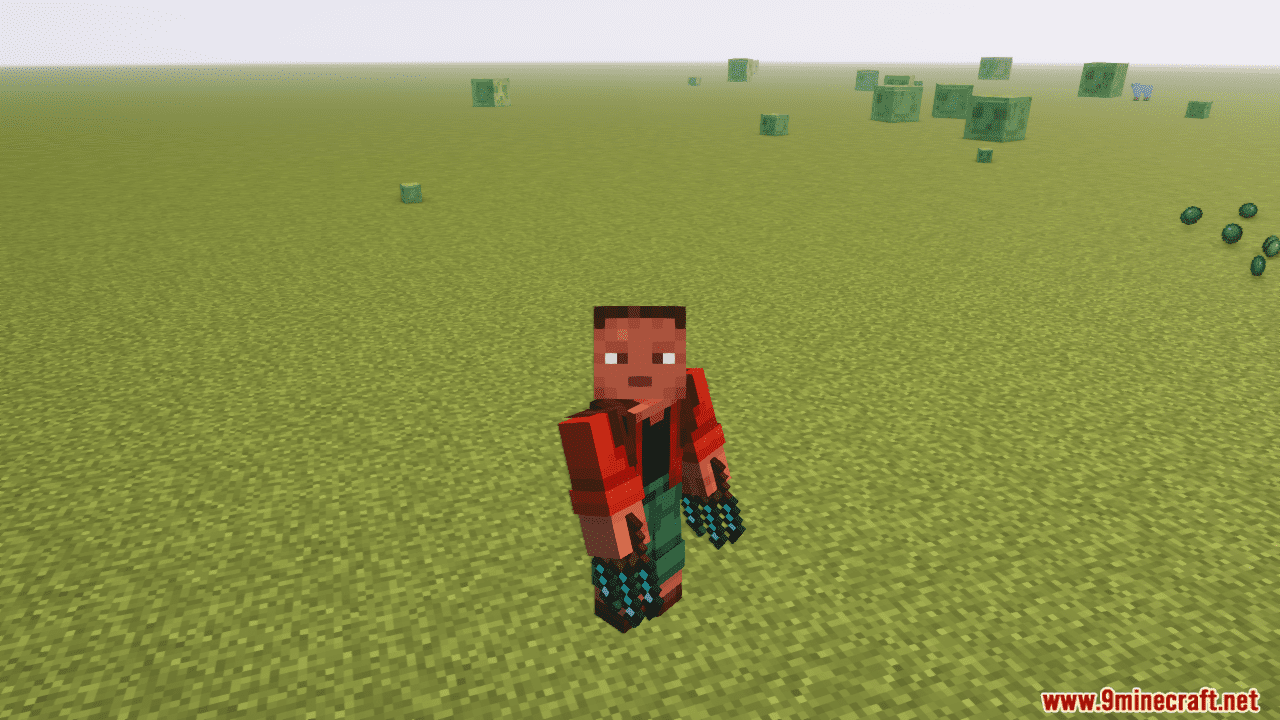
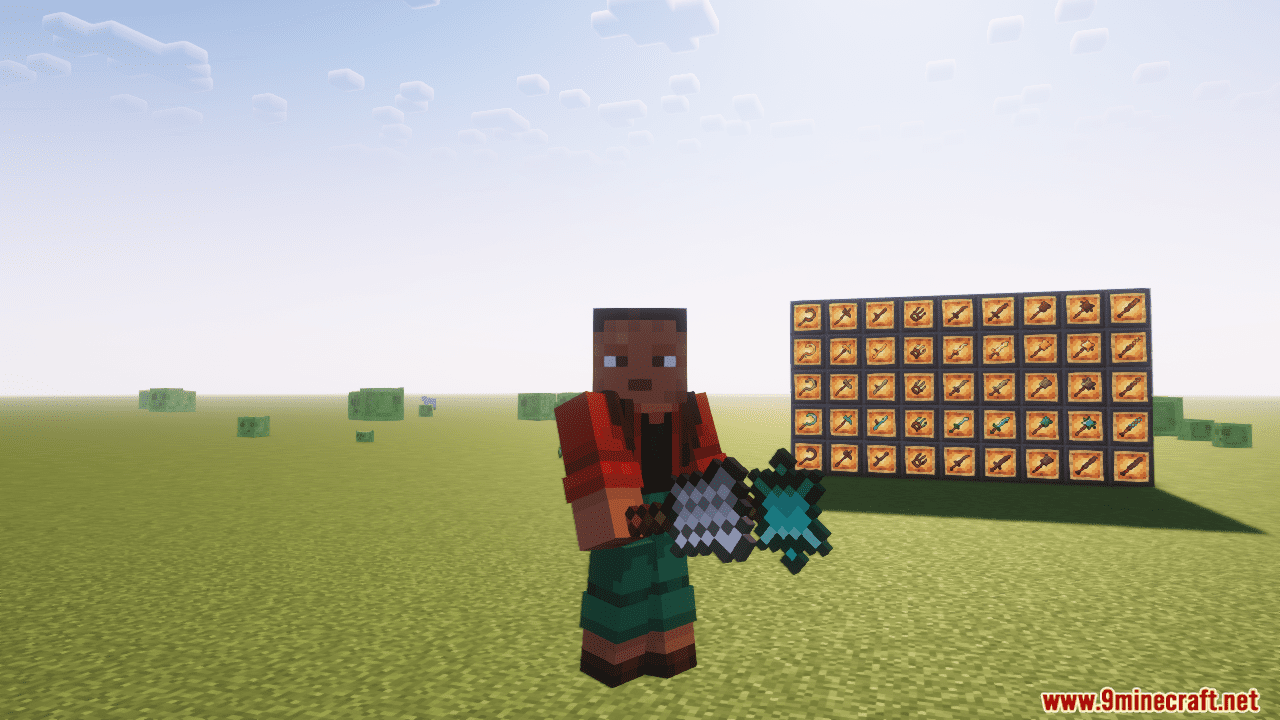
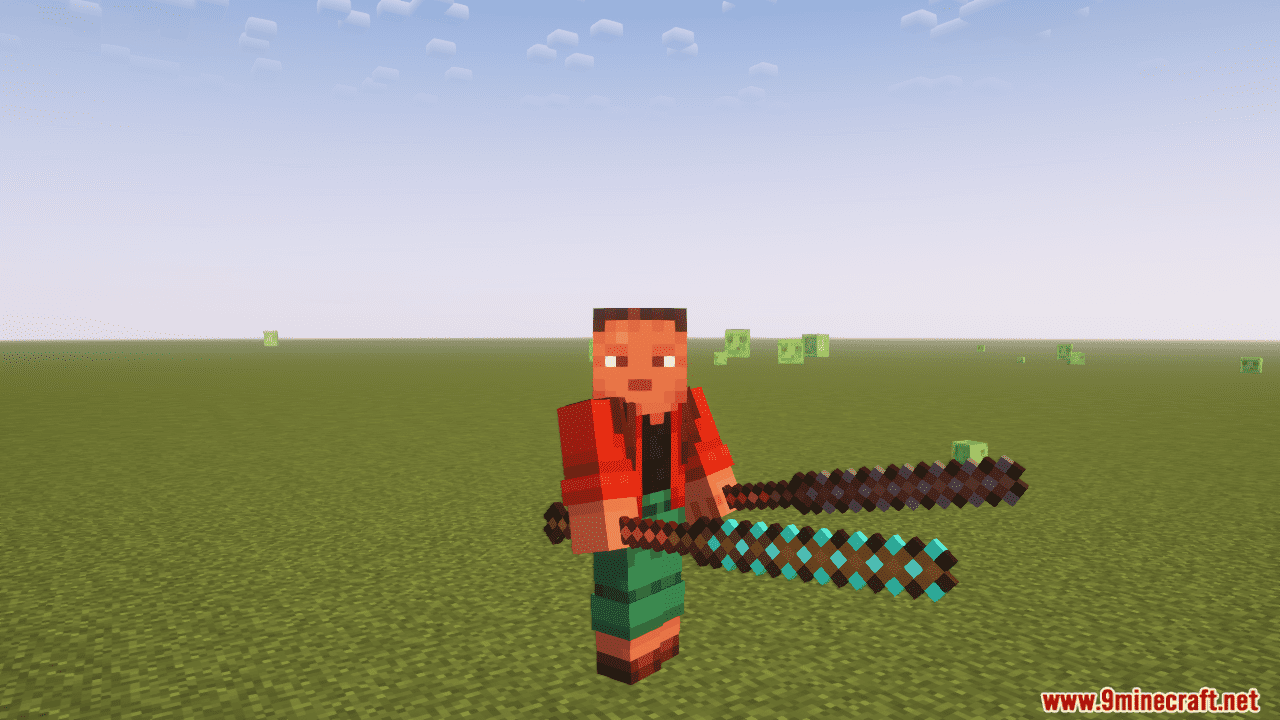
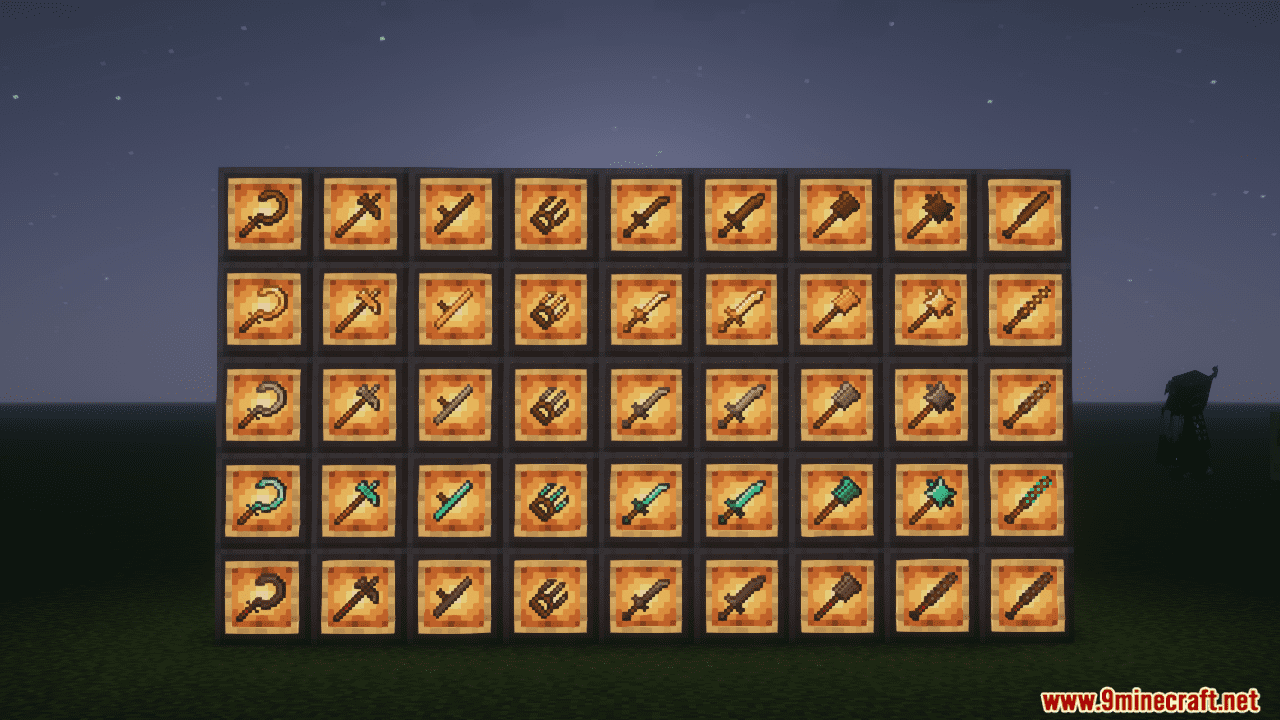
- Exotic Arsenal: Wield devastating Maces and Morningstars, delivering bone-crushing blows. Dance with lightning-fast Scimitars and Shotels, carving through foes with precision. Master the art of the Tonfa, disarming enemies with swift strikes. Unleash the brutal Warpick, shattering armor with earth-shaking force.
- Unique Mechanics: Experience the thrill of stunning foes with Mace blows or disarming them with Tonfa maneuvers. Each weapon offers distinct gameplay, demanding tactical mastery.
- Dixta’s Weaponry Expansion seamlessly blends with Dixta’s Armory’s aesthetics, ensuring a cohesive visual experience within your world.
- Variety is Key: From the swiftness of the Shotel to the crushing might of the Kanabo, discover a weapon to suit your combat style and conquer your foes in glorious fashion!
Screenshots:
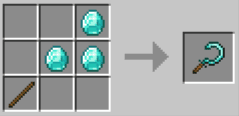
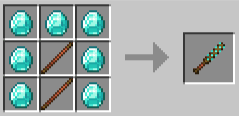
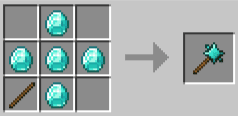
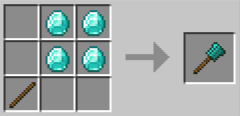
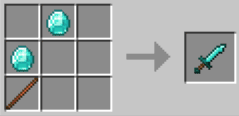
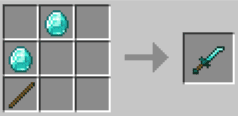
Crafting Recipes:
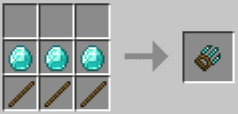
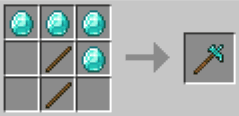
Dixta’s Weaponry Expansion Mod Download Links
For Minecraft 1.19.2
Forge Version: Download from Server 1 – Download from Server 2
For Minecraft 1.18.2
Forge Version: Download from Server 1 – Download from Server 2
- Edition: Minecraft Java
- File type: .jar
- Minecraft versions listed: 1.19.2, 1.18.2
- How to install: Install the matching mod loader (Forge, Fabric or NeoForge) for your Minecraft version. → Download the .jar. → Put it in the .minecraft/mods folder and launch that loader profile.
- Where to get it: In MC Java Mods, or directly above on this page.
Install steps are the general flow for this file type — How to install Minecraft Java mods & modpacks walks through it step by step.
- Downloads as 202993.mcaddon
- Download size: 106 KB
- Download link checked 23 Jul 2026 — working
- Mirrored on our own servers — the download does not depend on the original host
These come from our own check of the pack file, not from the source page.