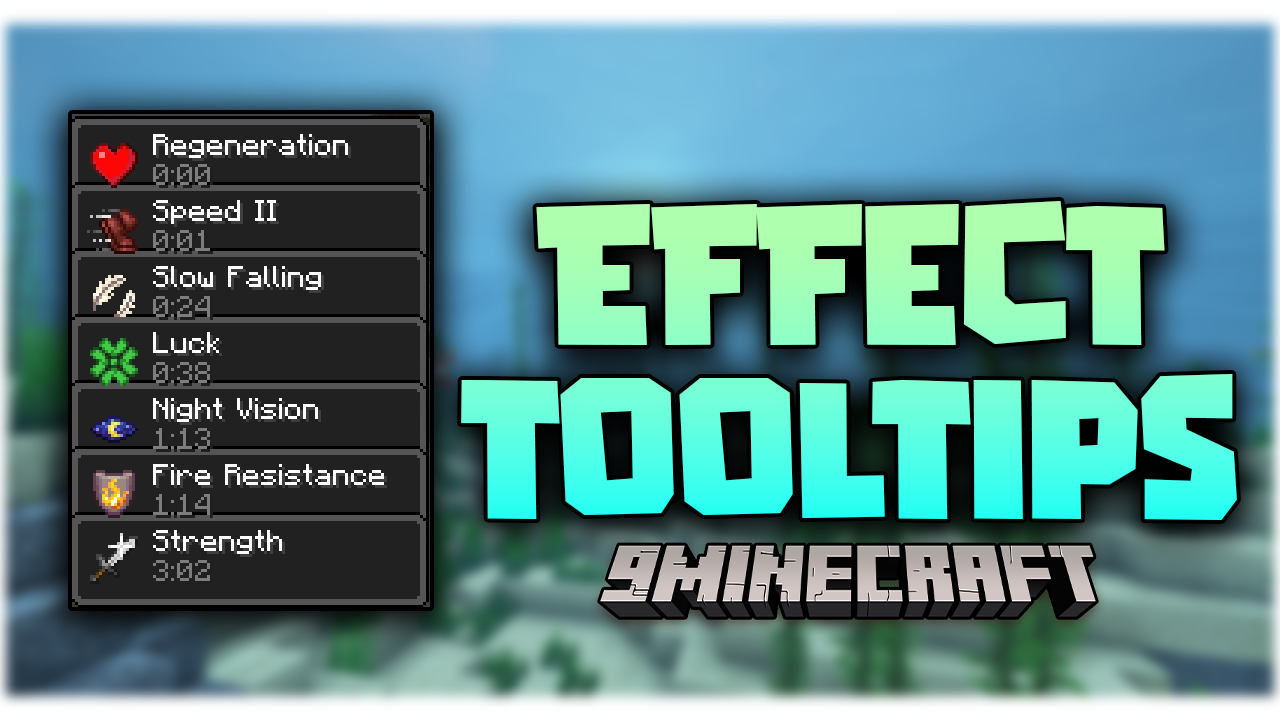
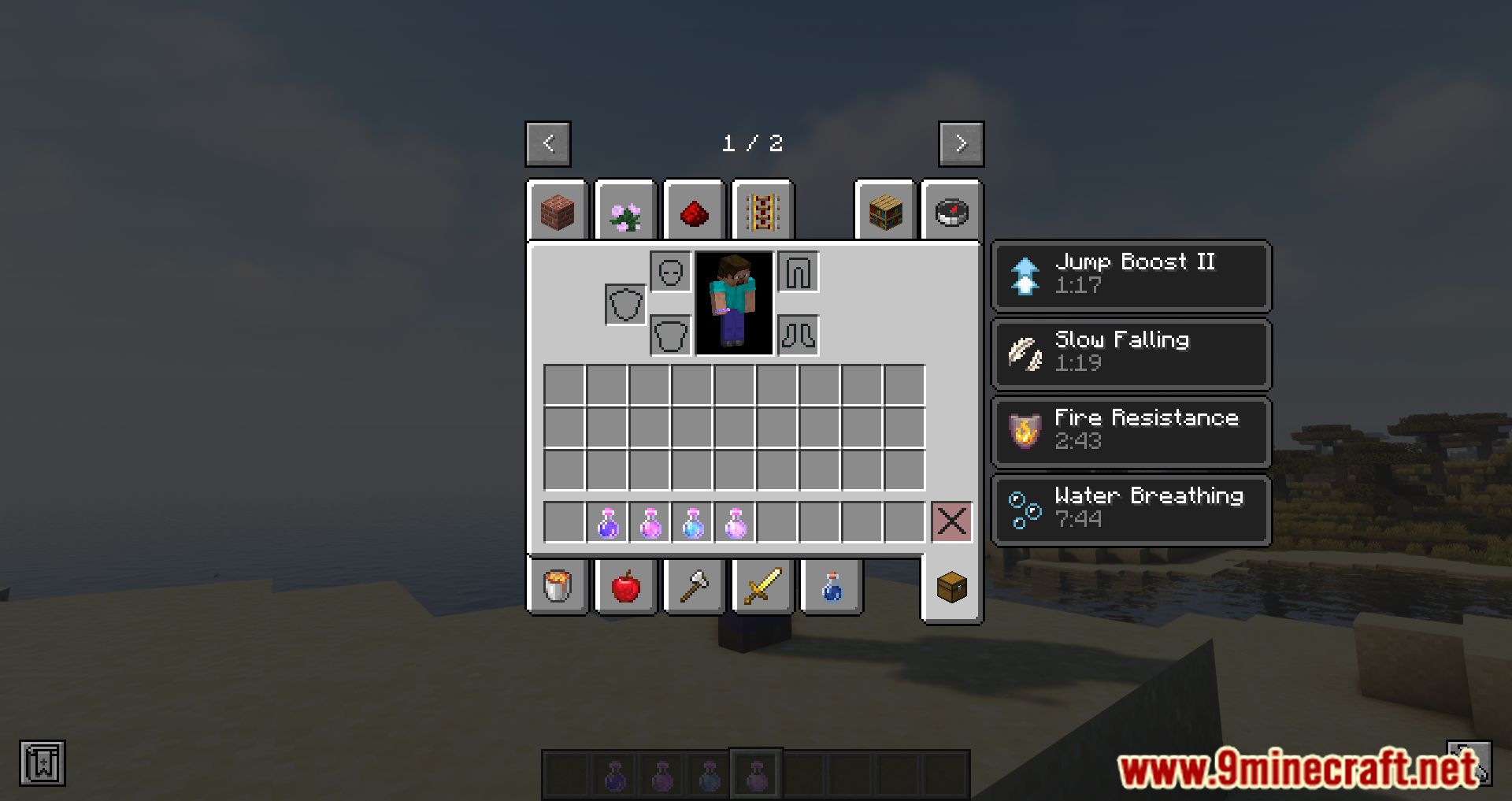
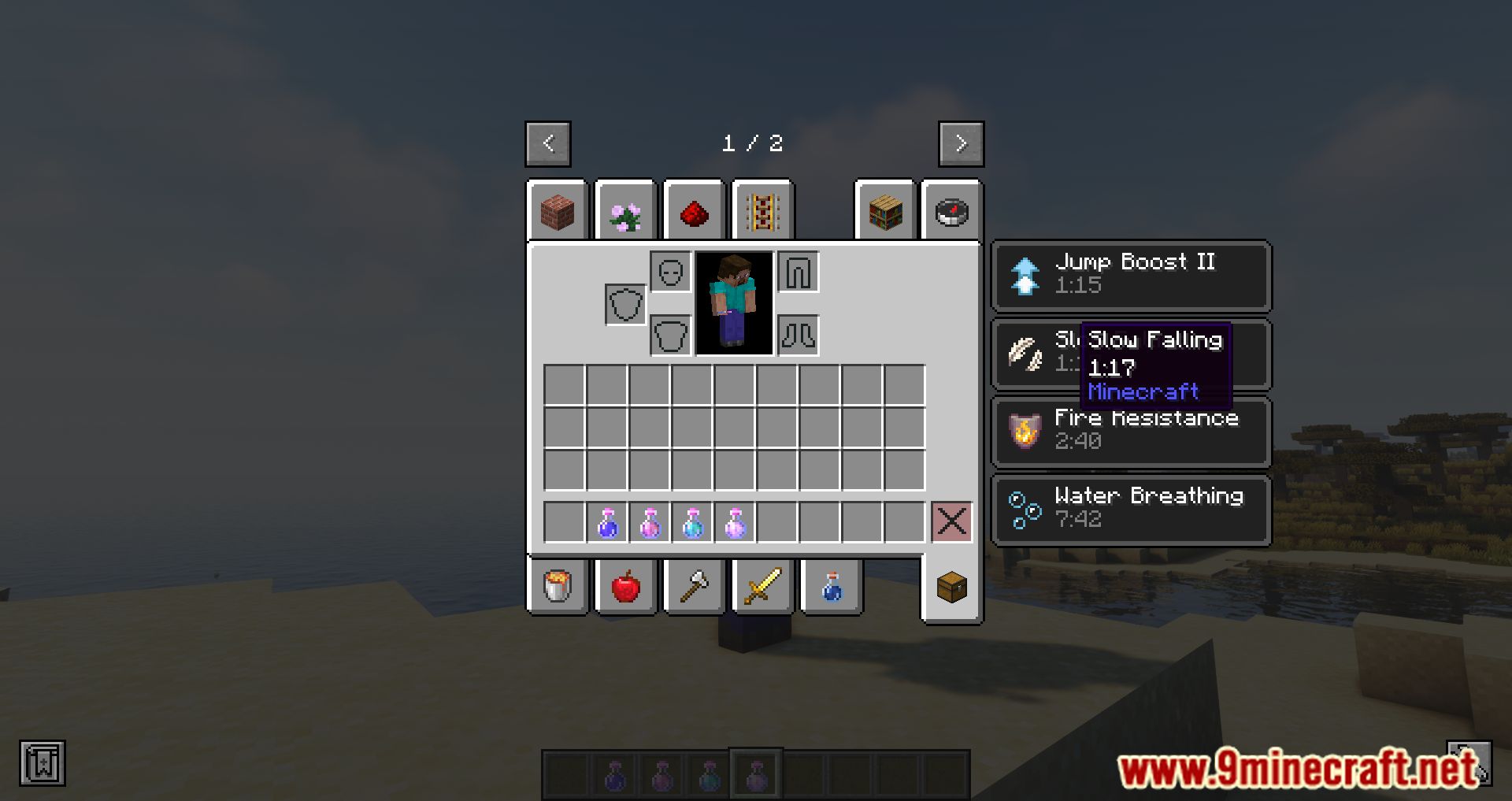
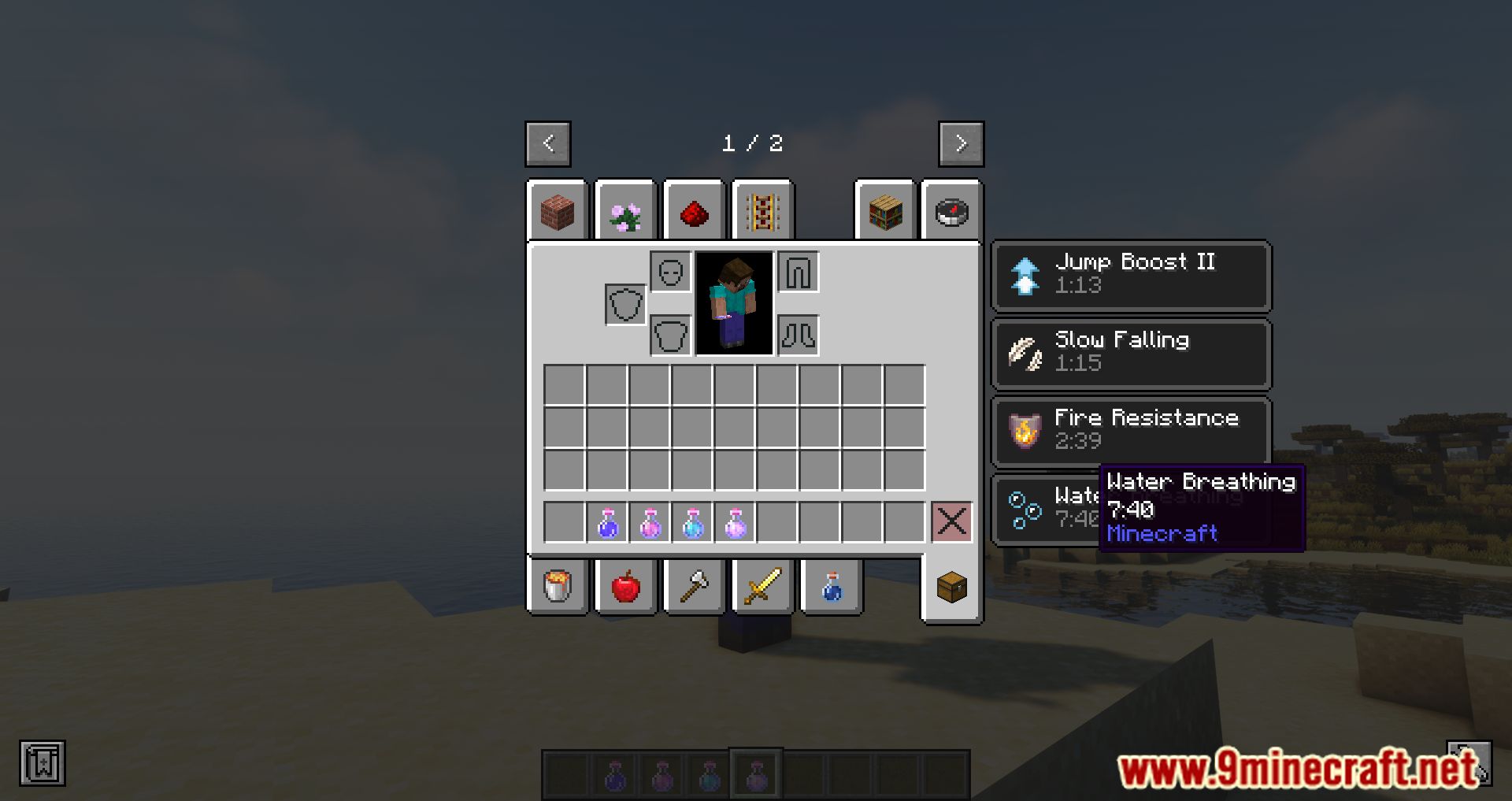
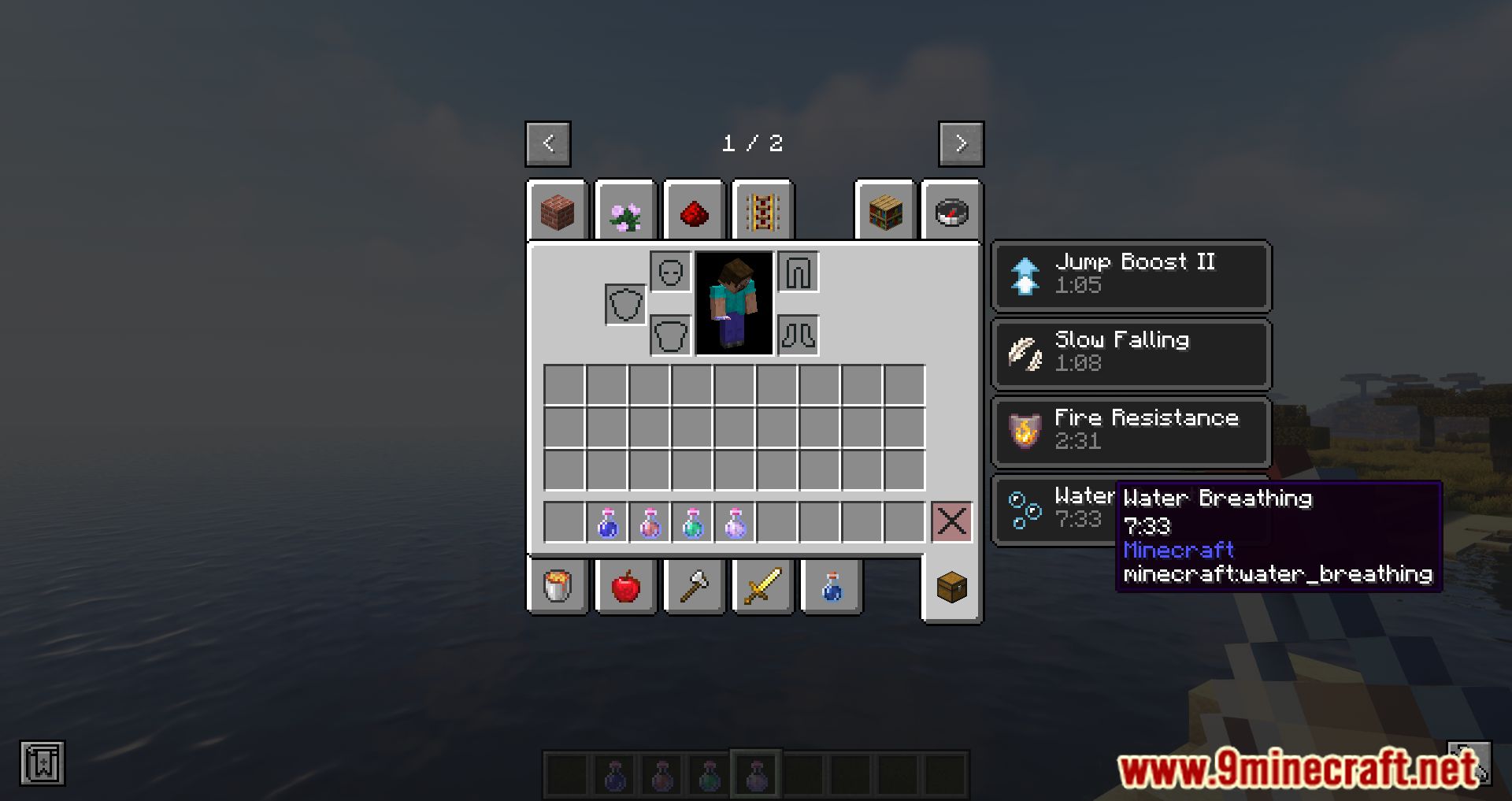
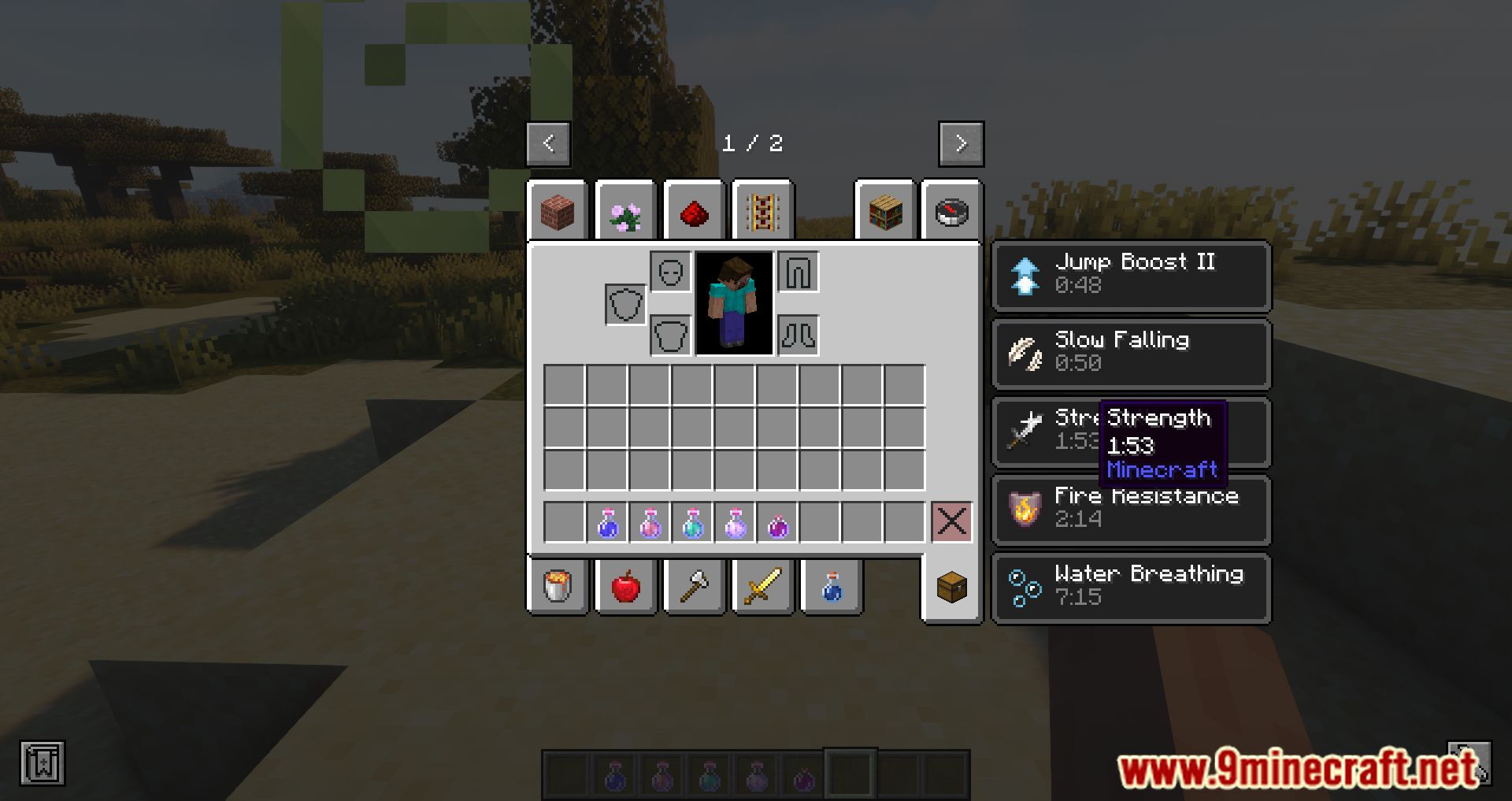
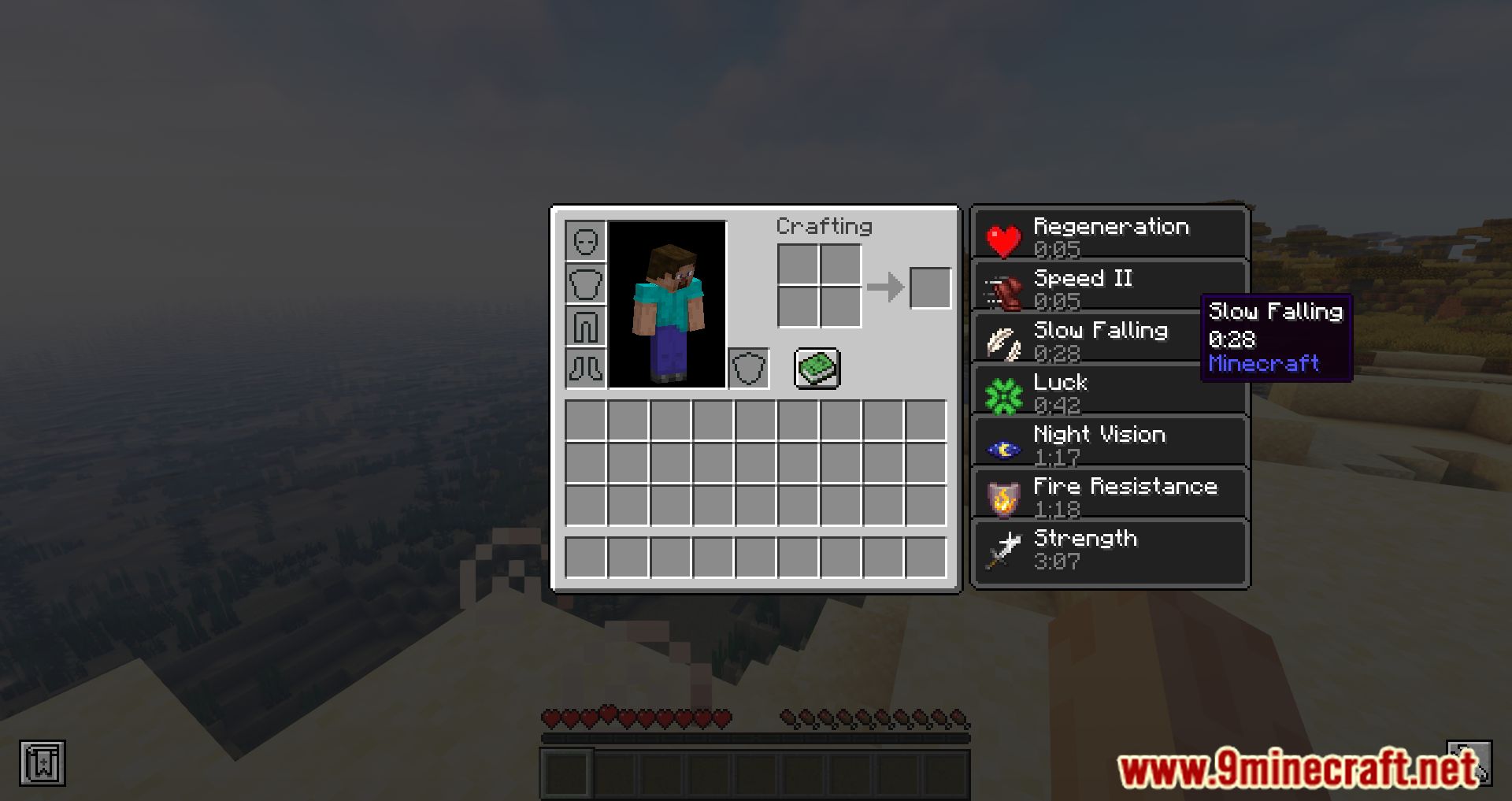
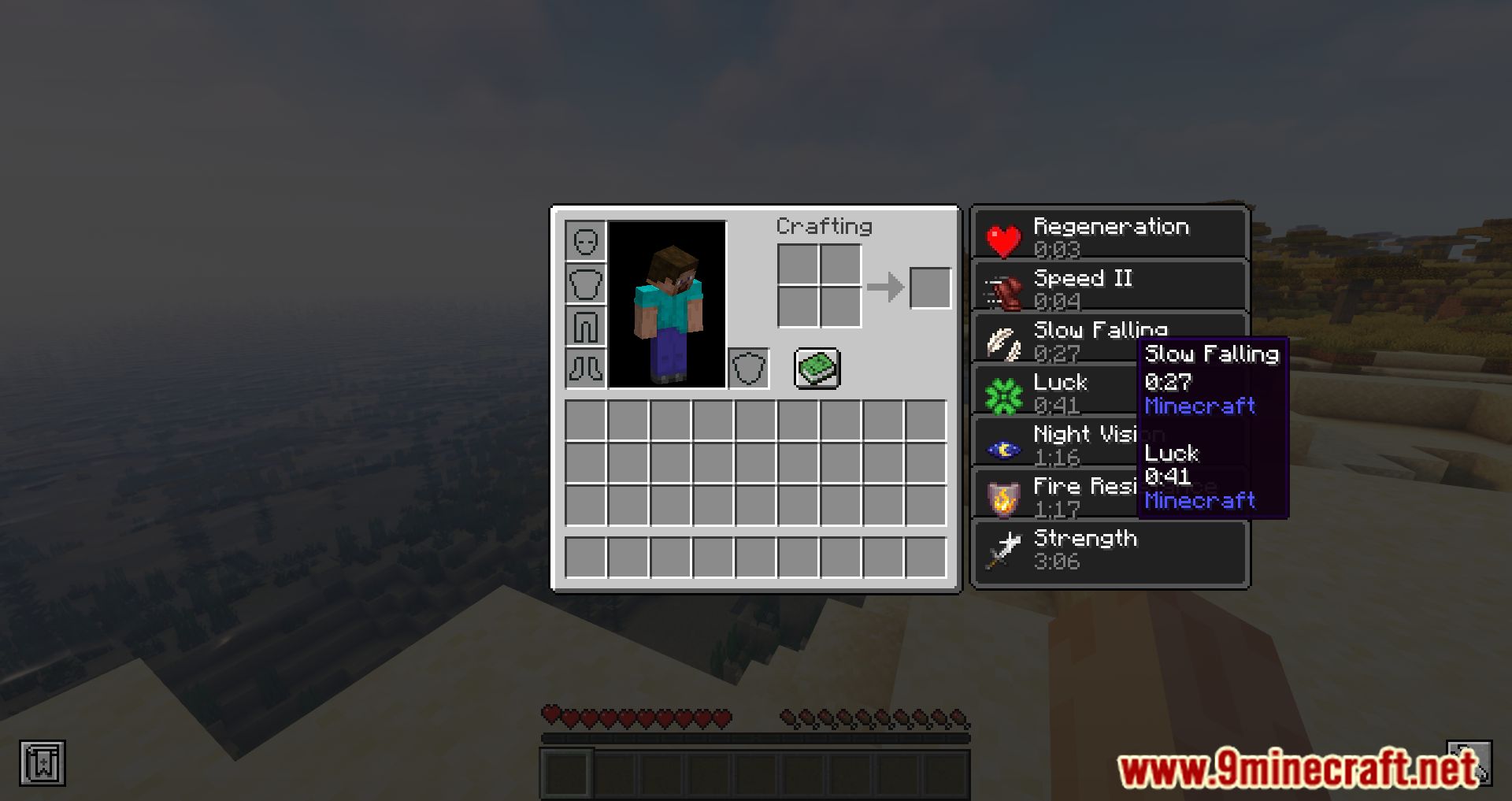
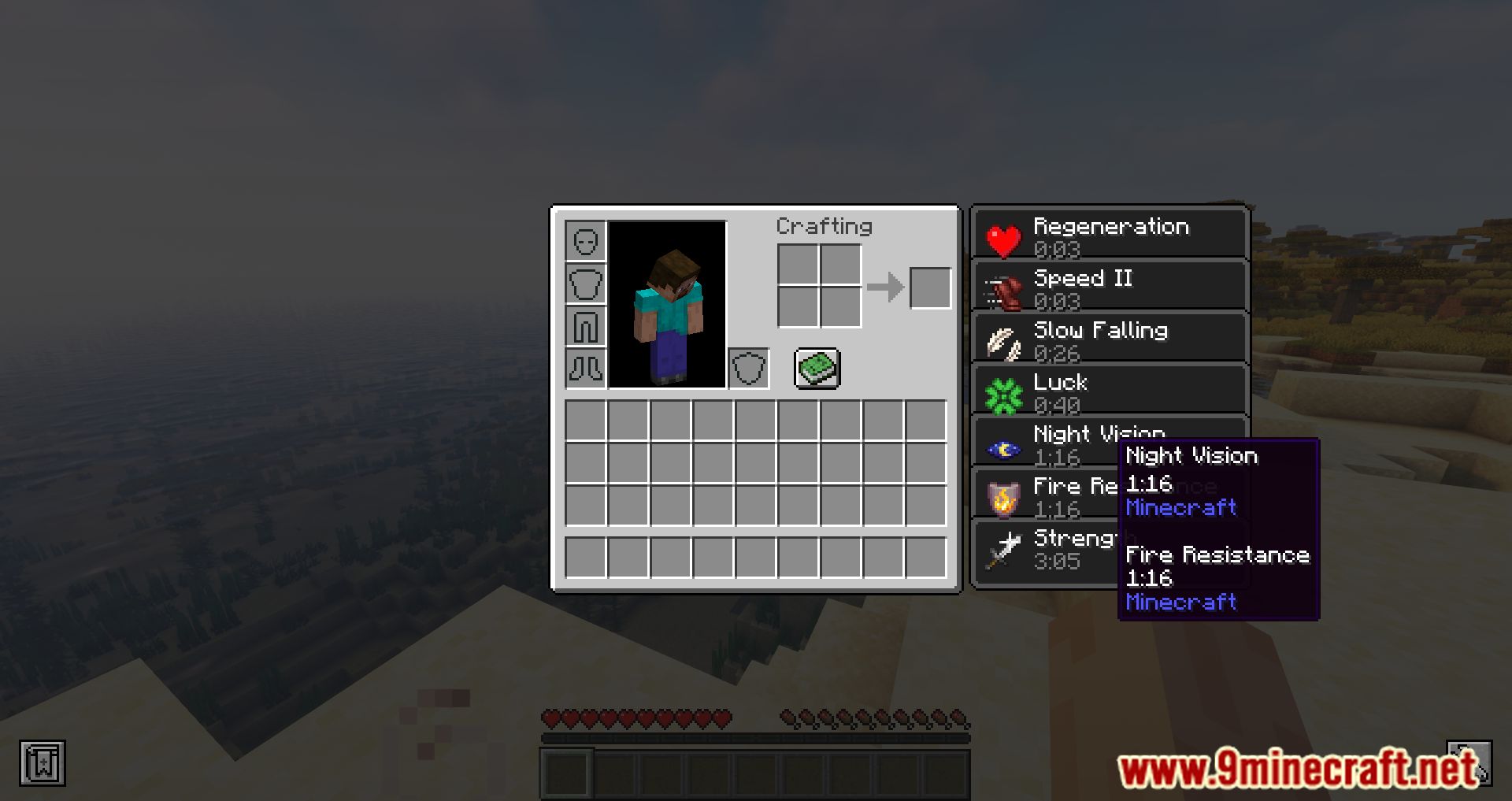
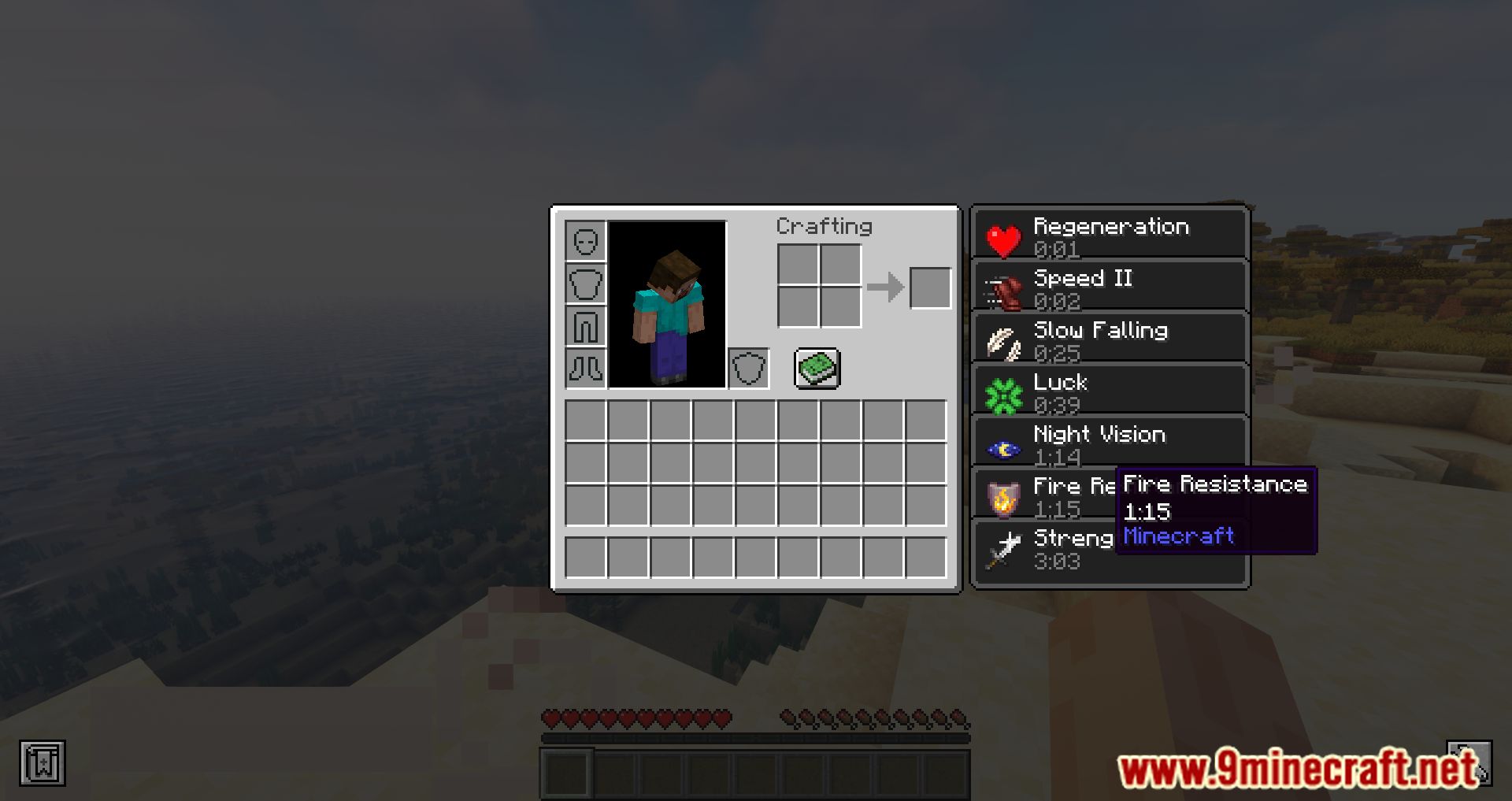
Effect Tooltips Mod modifies the effects UI to provide more information about effects. Understanding the effects in the game is very important; it will tell you the level of the Effect, or the duration of the Effect, and the Effect is added from which Mod. With the foregoing, Effect Tooltips Mod has been developed to accomplish those things. Now when you point to the effects, you will know what level this Effect is, how long the Effect remains, the name of the Effect, and from which Mod the Effect was added, and you can clearly show the ID if used. Effect Tooltips Mod is very useful for players who want to know more about the Effect. This can be useful to find out if a specific entity has an effect and what kind of Effect it is.
Features:
Provided Information
- The name of the effect.
- The level/amplifier of the effect.
- The remaining duration of the effect.
- The name of the mod that added the effect.
- The registry ID of the effect.
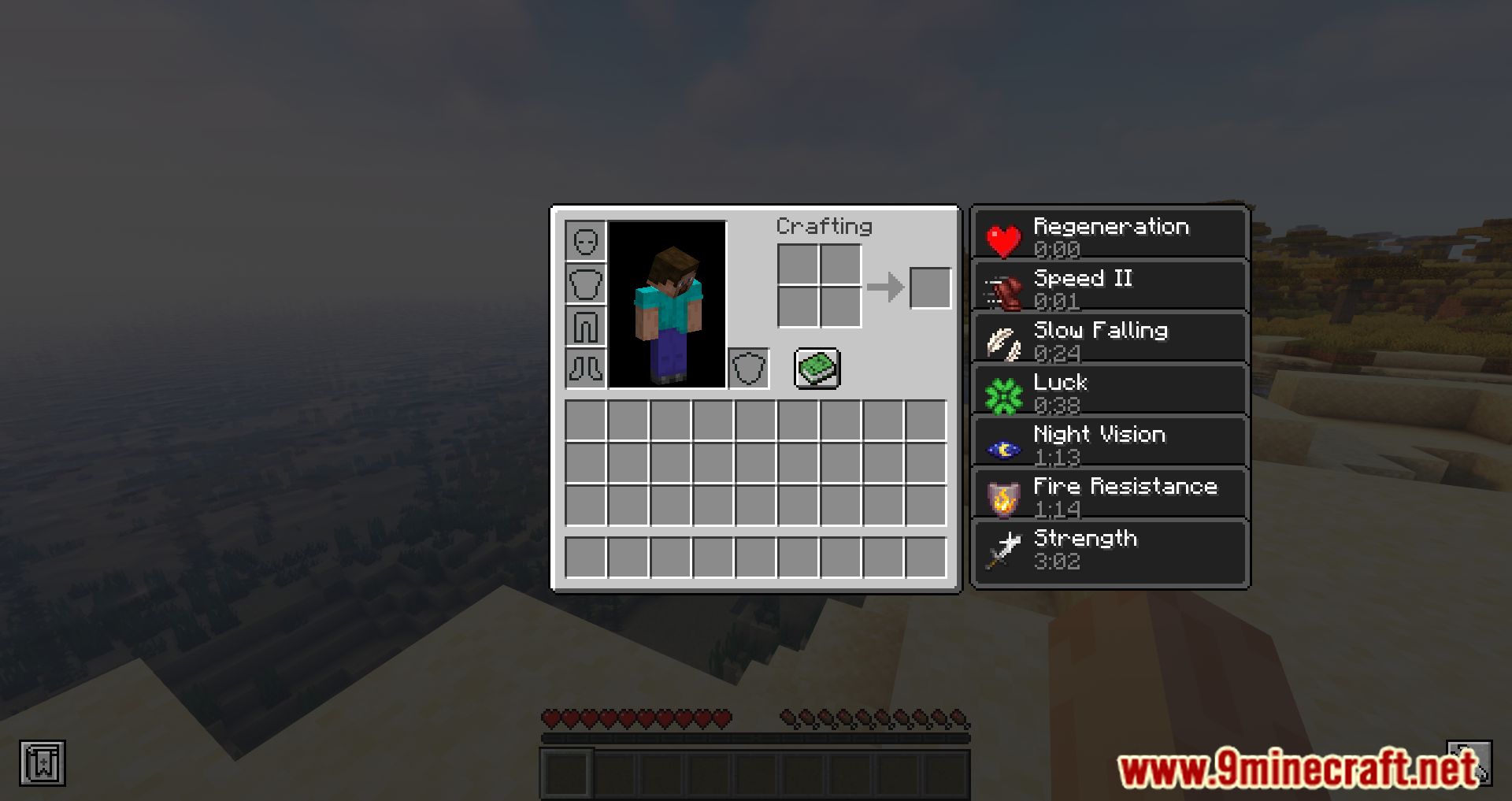
Screenshots:
Effect Tooltips Mod Download Links
- Edition: Minecraft Java
- File type: .jar
- Minecraft version listed: 1.20.1
- How to install: Install the matching mod loader (Forge, Fabric or NeoForge) for your Minecraft version. → Download the .jar. → Put it in the .minecraft/mods folder and launch that loader profile.
- Where to get it: In MC Java Mods, or directly above on this page.
Install steps are the general flow for this file type — How to install Minecraft Java mods & modpacks walks through it step by step.
- Downloads as 203015.mcaddon
- Download size: 23 KB
- Download link checked 23 Sept 2026 — working
- Mirrored on our own servers — the download does not depend on the original host
These come from our own check of the pack file, not from the source page.