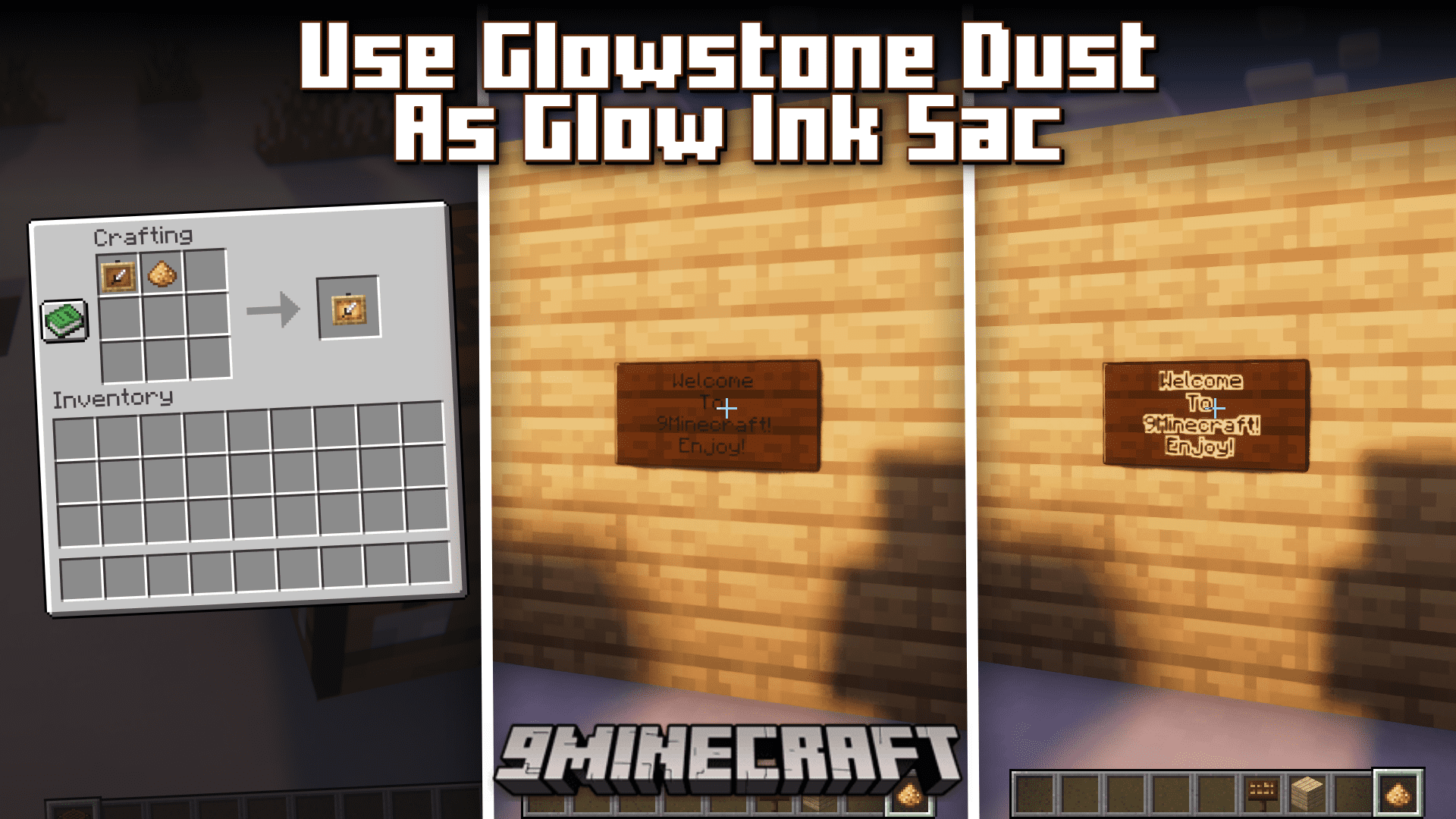
The glow squid mob was the winner of the 2020 Minecraft mob vote and was added to the game in the 1.17 update. The mob itself is pretty much useless, other than for obtaining glow inc sacs. These glow inc sacs can be used for a variety of different purposes, like crafting glowing item frames, making text on signs glow, etc. But hunting in the ocean for these glow squid to obtain inc sacs is a tiresome task. But you no longer have to do it! Use Glowstone Dust as Glow Ink Sacs Modis here to replace glow inc sacs with glowstone dust in pretty much any scenario. You can now use glowstone dust instead of glow inc sacs to craft glowing item frames. You can also right click a sign text with glowstone dust to add a glowing border to the text. This completely eliminates the need to hunt for glow squids, as you can just venture into the Nether and break some glowstone blocks to obtain glowstone dust easily.
Features:
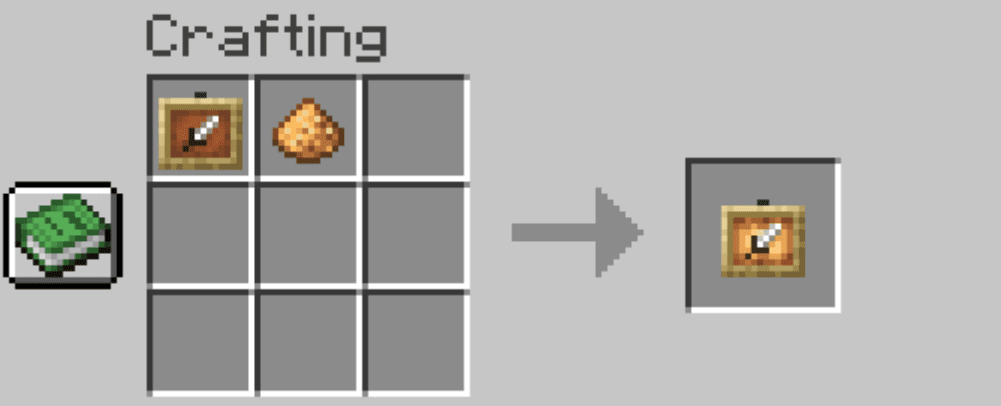
- Glowstone dust replaces glow ink sac in the glowing item frame recipe.
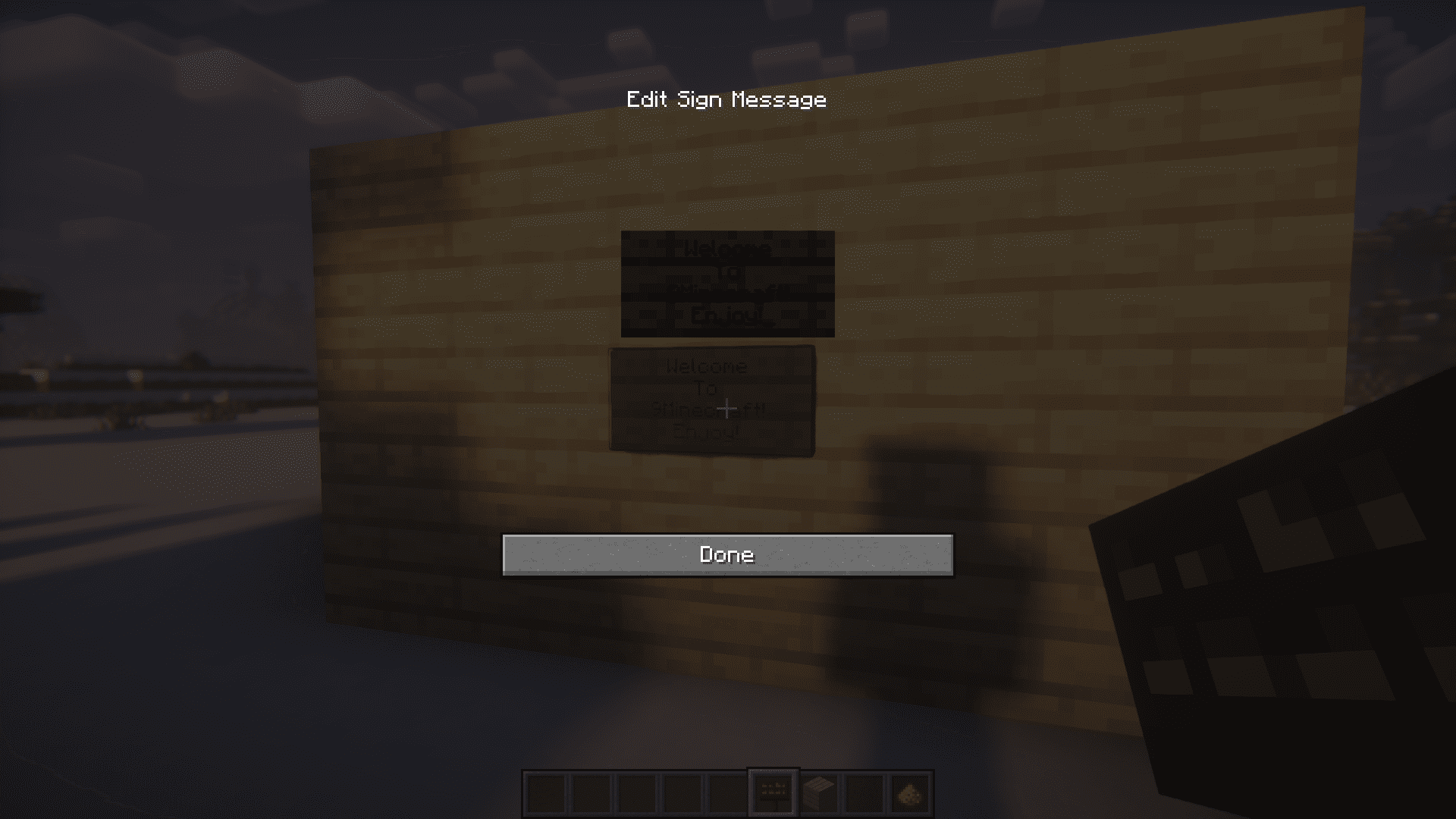
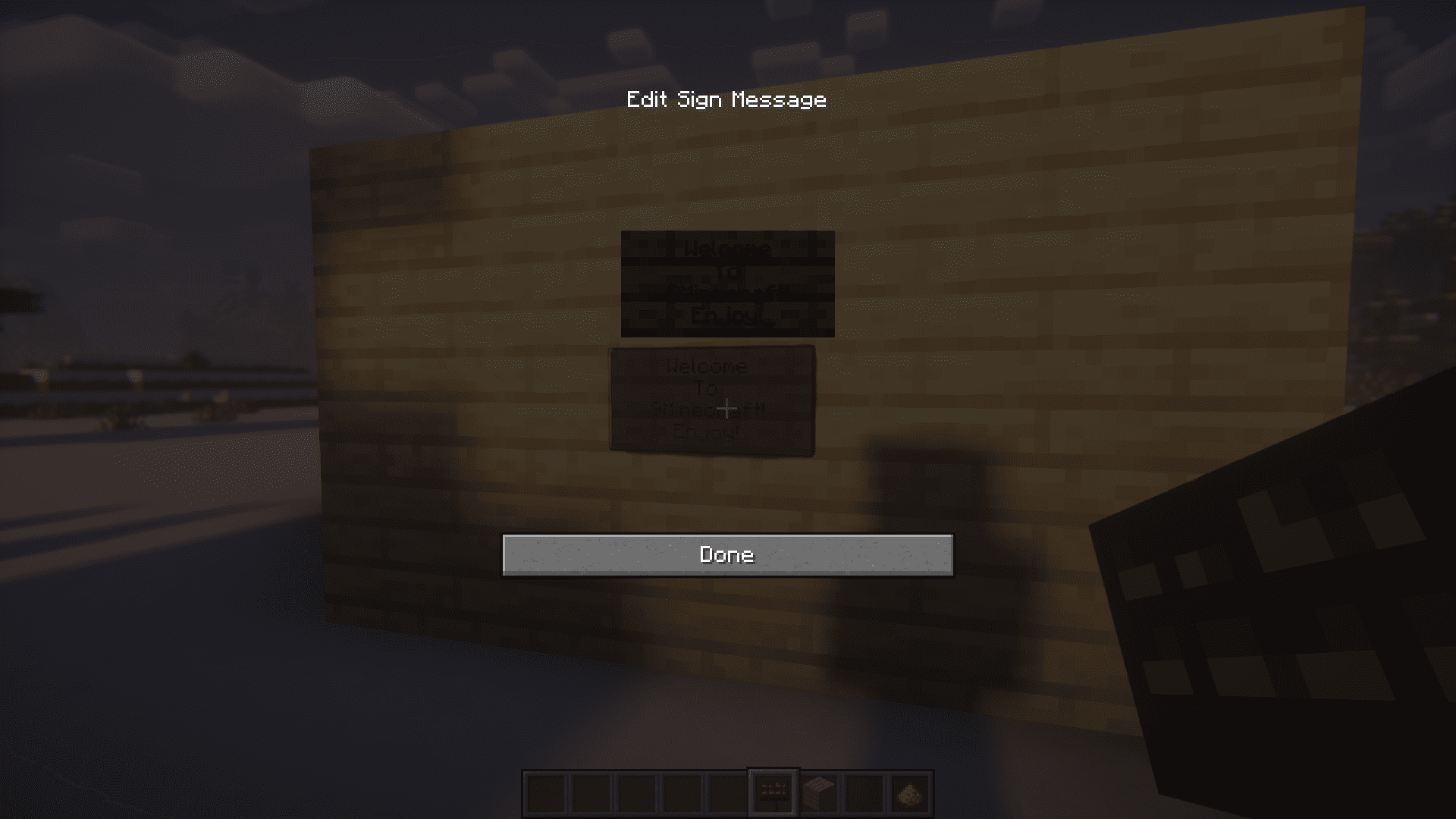
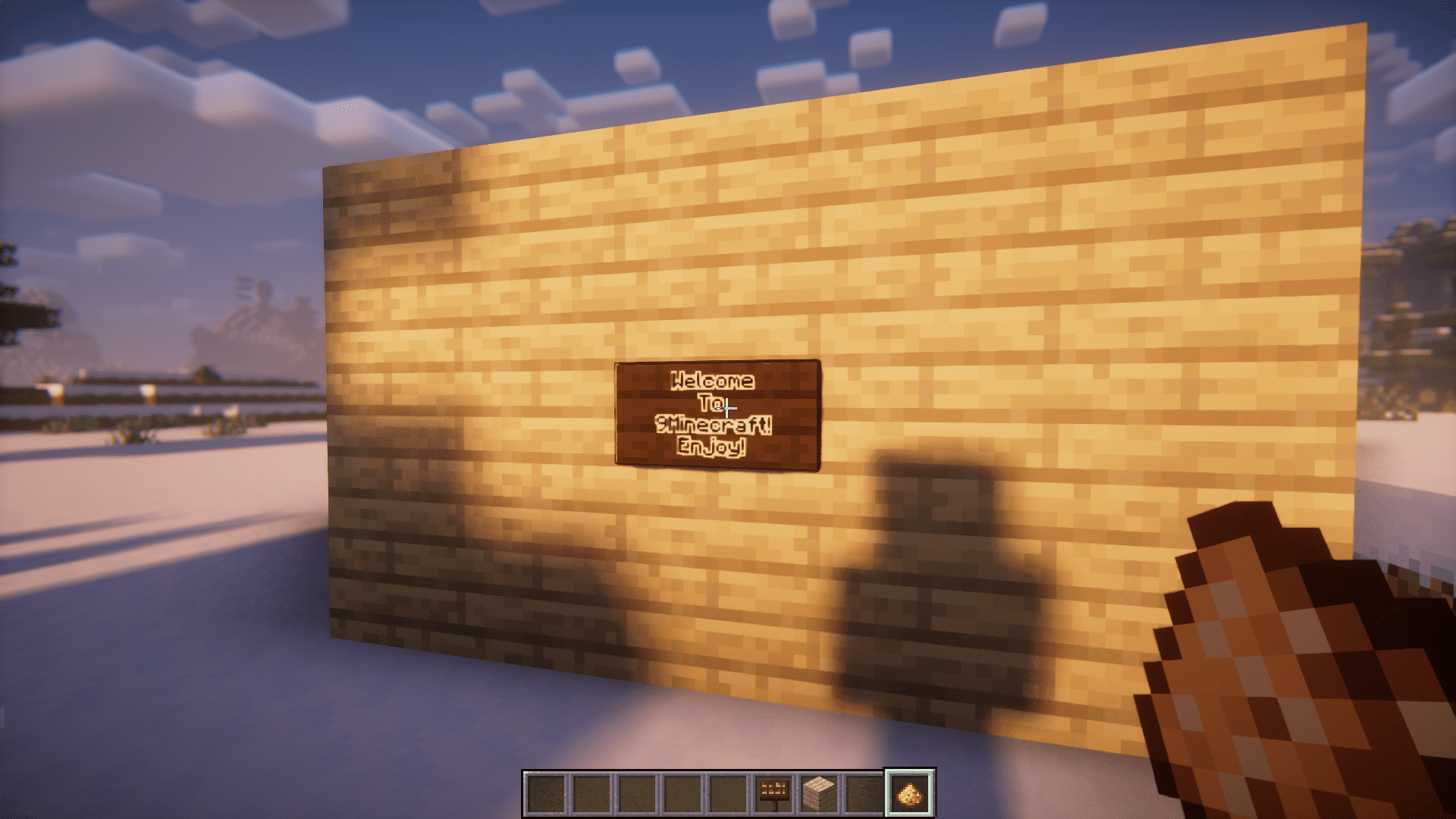
- Glowstone dust can now be used instead of glow ink sac to add glowing borders to text in signs.
- Completely eliminates the need to hunt for glow squids.
Crafting Recipe:
Screenshots:
Use Glowstone Dust as Glow Ink Sacs Mod Download Links
For Minecraft 1.19.4
Forge version: Download from Server 1 – Download from Server 2
Fabric/Quilt version: Download from Server 1 – Download from Server 2
For Minecraft 1.19.2
Forge version: Download from Server 1 – Download from Server 2
Fabric/Quilt version: Download from Server 1 – Download from Server 2
For Minecraft 1.18.2
Forge version: Download from Server 1 – Download from Server 2
For Minecraft 1.17.1
Forge version: Download from Server 1 – Download from Server 2
- Edition: Minecraft Java
- File type: .jar
- Minecraft versions listed: 1.19.4, 1.18.2, 1.17
- How to install: Install the matching mod loader (Forge, Fabric or NeoForge) for your Minecraft version. → Download the .jar. → Put it in the .minecraft/mods folder and launch that loader profile.
- Where to get it: In MC Java Mods, or directly above on this page.
Install steps are the general flow for this file type — How to install Minecraft Java mods & modpacks walks through it step by step.
- Downloads as 203024.mcaddon
- Download size: 6 KB
- Download link checked 29 Jul 2026 — working
- Mirrored on our own servers — the download does not depend on the original host
These come from our own check of the pack file, not from the source page.