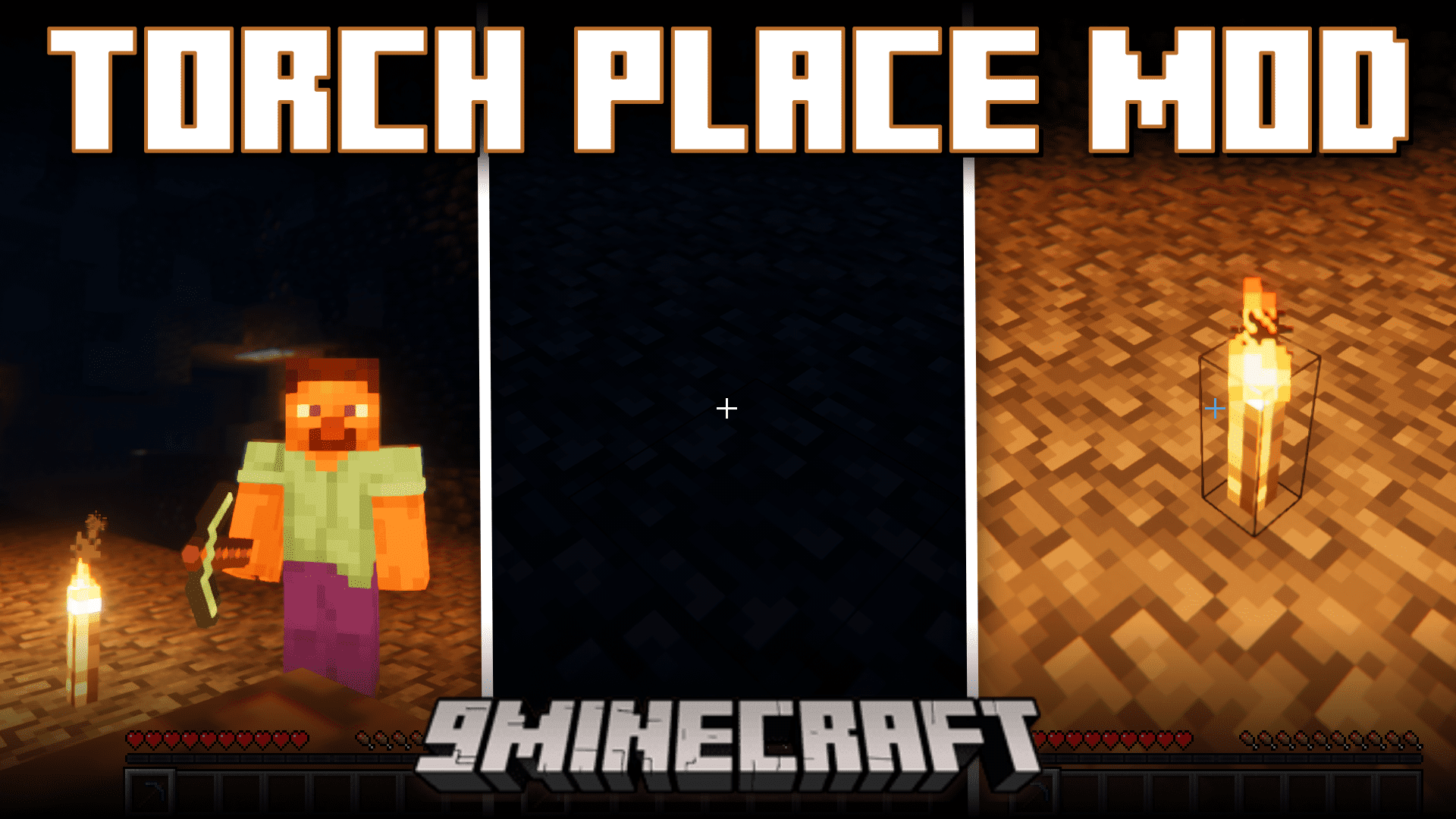
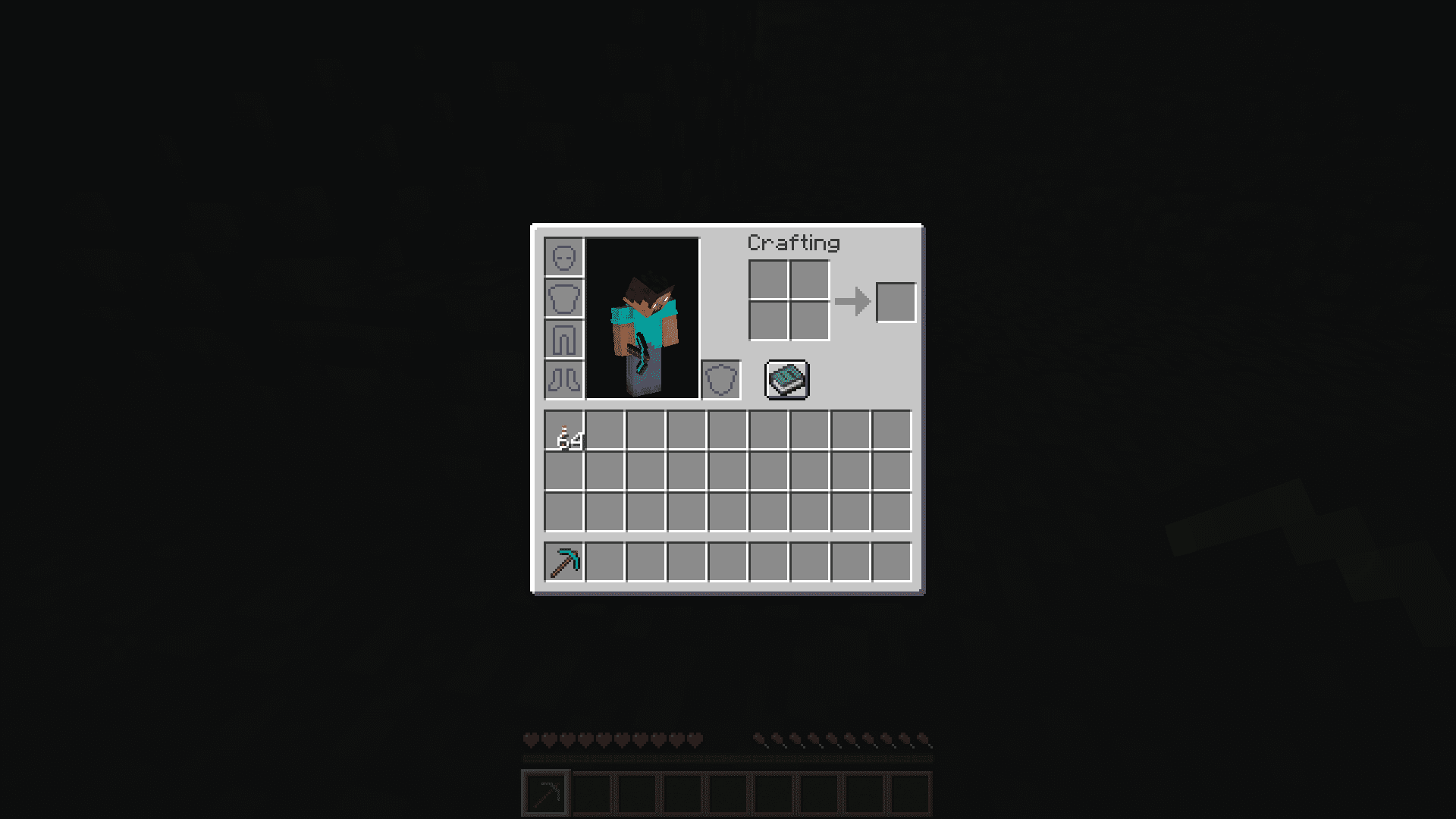
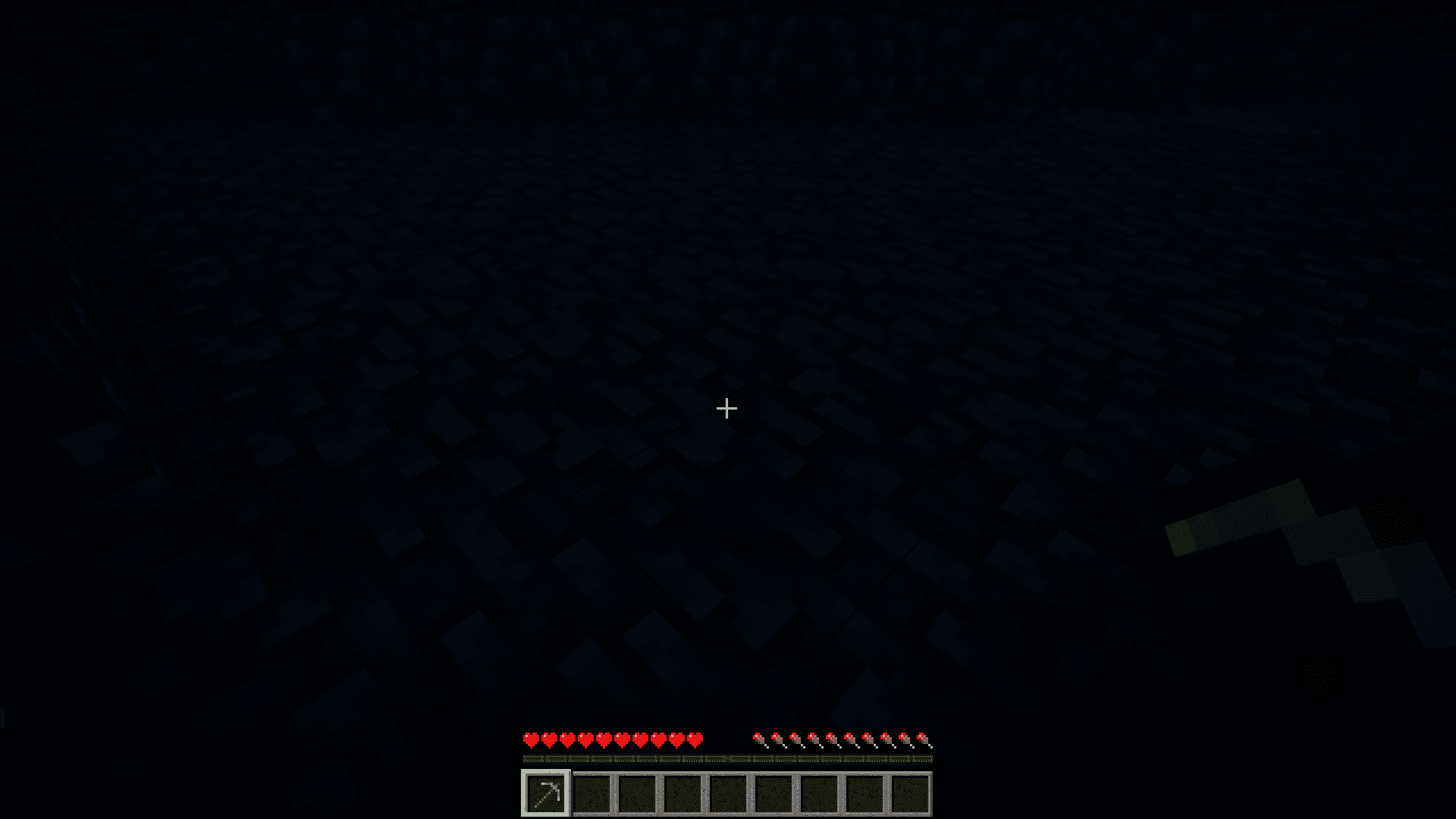
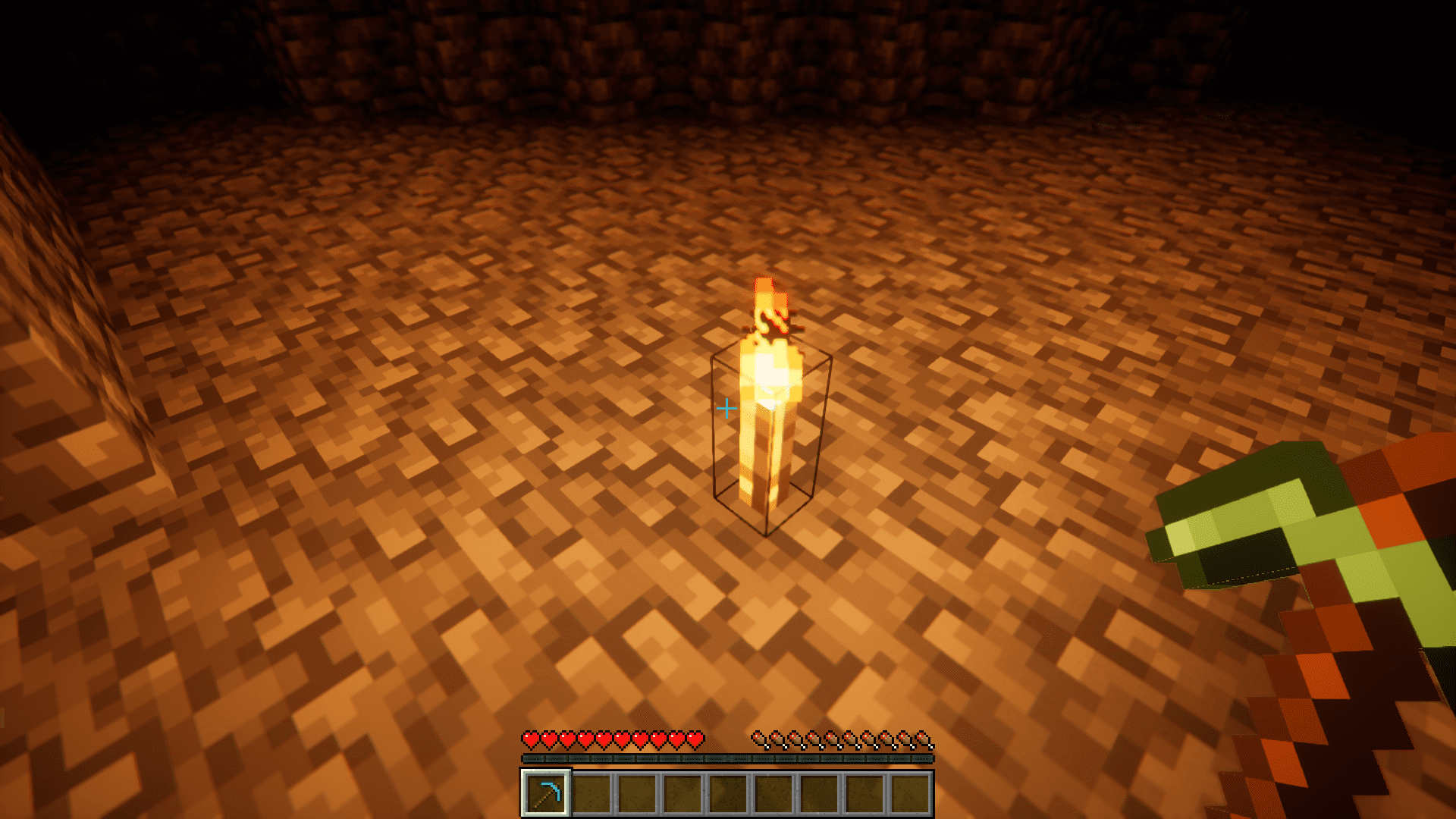
Torch Place Mod introduces a feature that will make your Minecraft mining experience a lot more convenient. In the vanilla game, you have to hold torches in your offhand while you have your pickaxe in your main hand. This will allow you to place torches by right clicking with your mouse. But this can sometimes be an inconvenience sometimes, as you may have to refill the torches in your offhand as they run out. This mod brings a solution for you by allowing you to place torches simply by right clicking even if you do not have torches in your offhand or in the hotbar. You just need to have torches somewhere in your inventory.
Features:
- Easily place torches by right clicking.
- No need to hold torches in offhand or mainhand, just have them somewhere in your inventory.
- Torch will be placed on right clicking as long as the block you are facing is not an interactive block.
Screenshots:
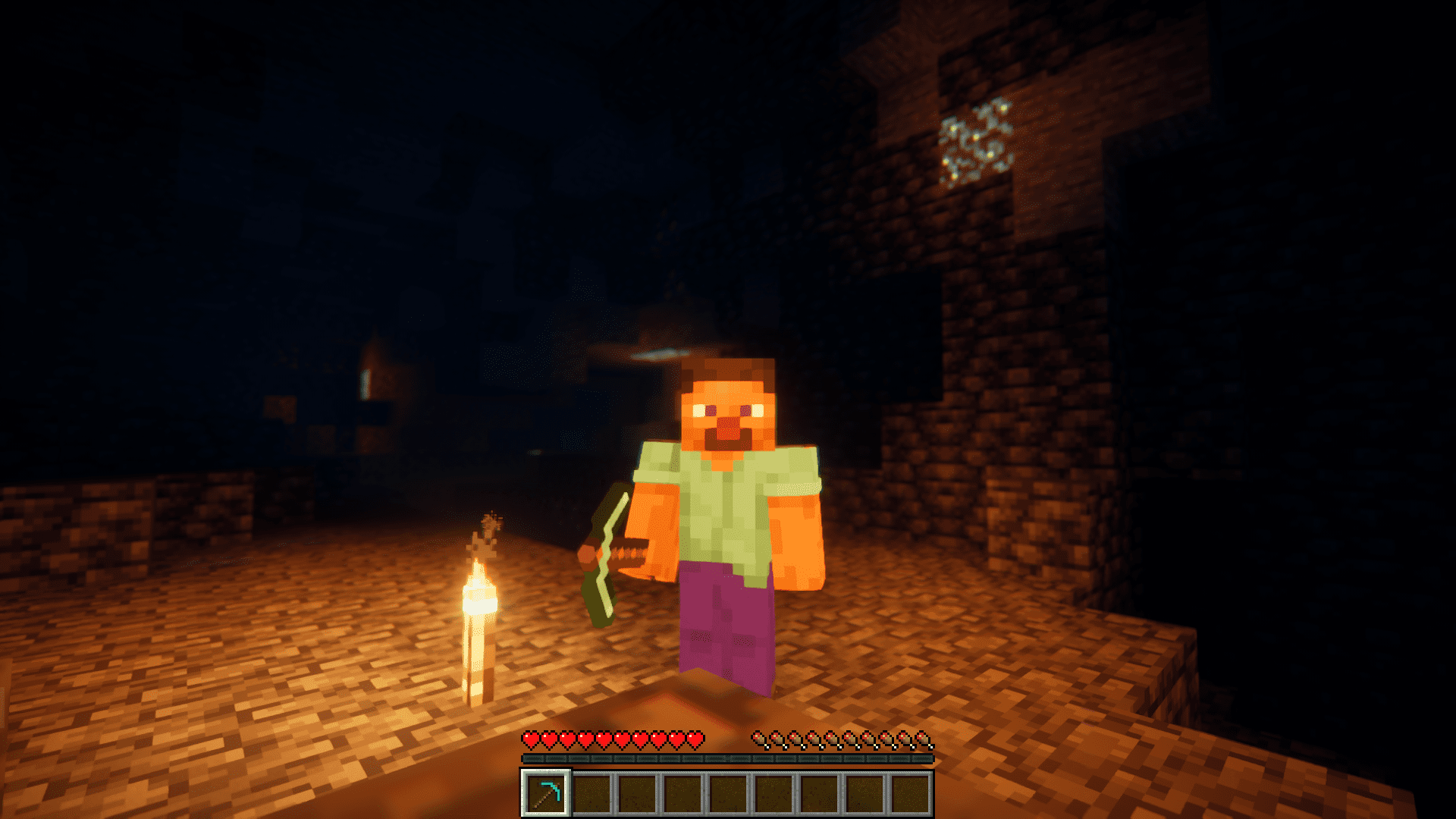
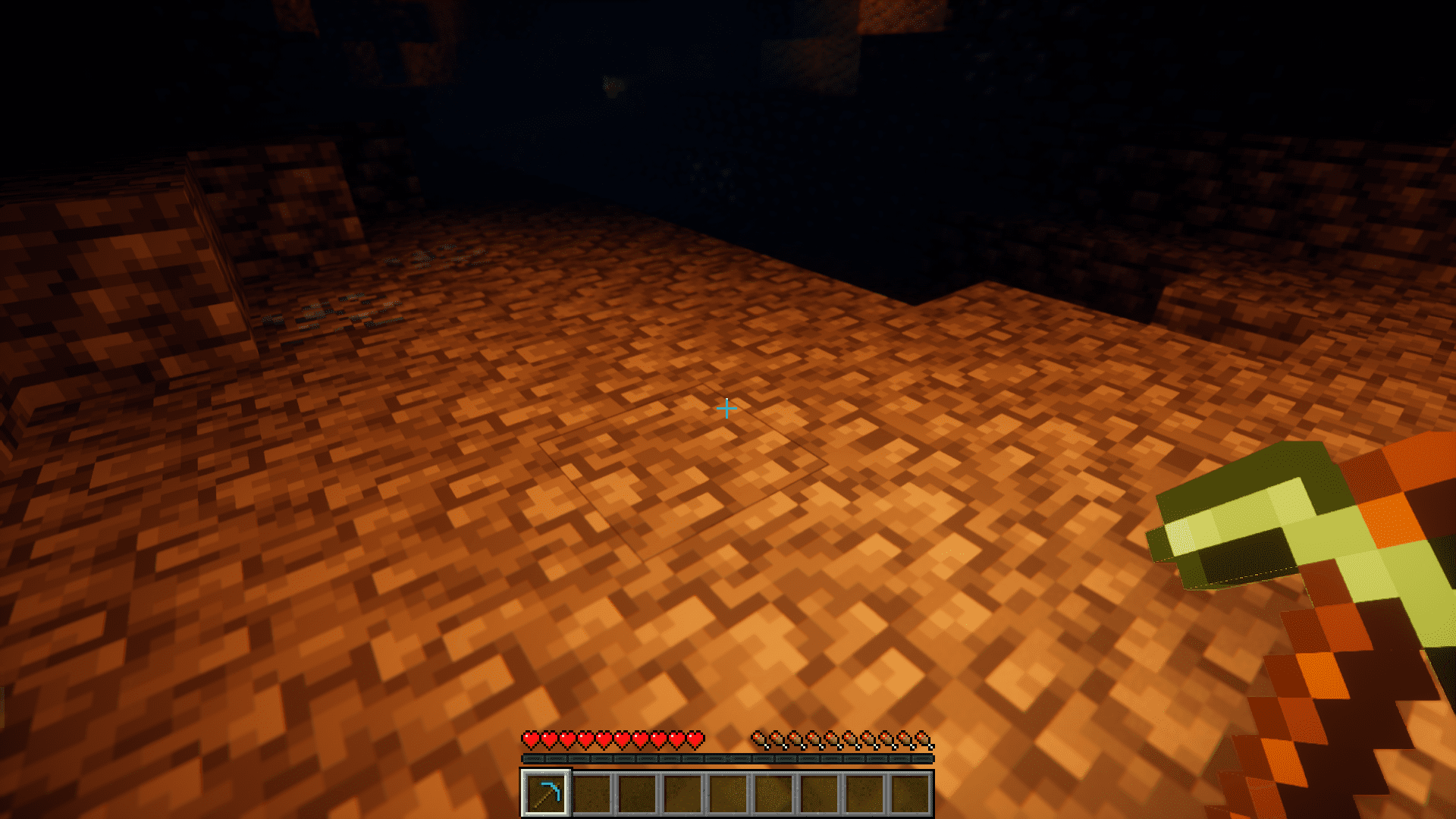
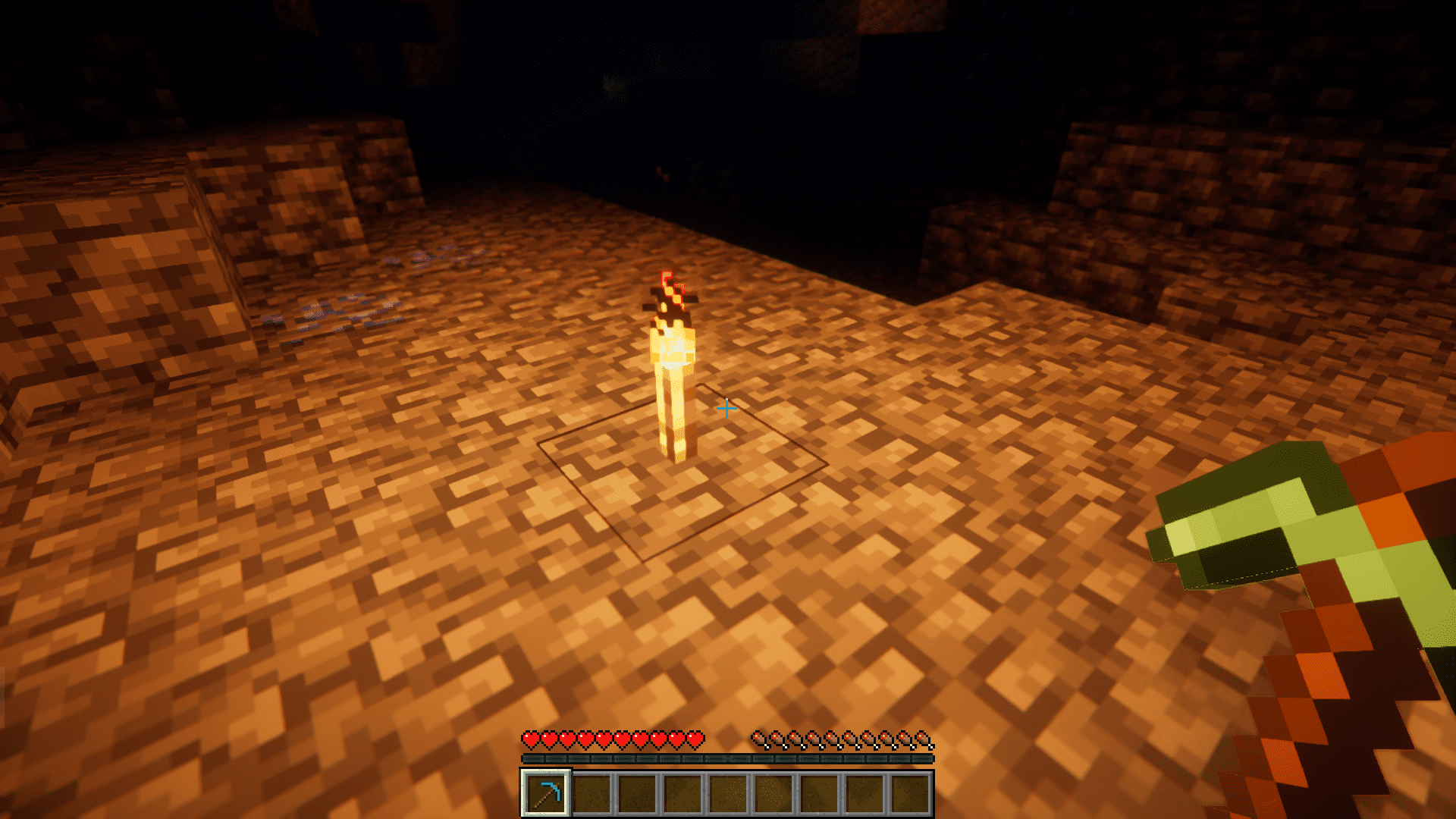
Torch Place Mod Download Links
For Minecraft 1.20.1
Forge/NeoForge version: Download from Server 1 – Download from Server 2
For Minecraft 1.19.3
Forge version: Download from Server 1 – Download from Server 2
For Minecraft 1.18.2
Forge version: Download from Server 1 – Download from Server 2
For Minecraft 1.12.2
Forge version: Download from Server 1 – Download from Server 2
For Minecraft 1.10.2
- Edition: Minecraft Java
- File type: .jar
- Minecraft versions listed: 1.20.1, 1.19.3
- How to install: Install the matching mod loader (Forge, Fabric or NeoForge) for your Minecraft version. → Download the .jar. → Put it in the .minecraft/mods folder and launch that loader profile.
- Where to get it: In MC Java Mods, or directly above on this page.
Install steps are the general flow for this file type — How to install Minecraft Java mods & modpacks walks through it step by step.
- Downloads as 203025.mcaddon
- Download size: 85 KB
- Download link checked 23 Jul 2026 — working
- Mirrored on our own servers — the download does not depend on the original host
These come from our own check of the pack file, not from the source page.