
Item Favorites Mod (1.20.1, 1.19.3) – Simplify Inventory Management, Mark Your Favorites!!!
The Item Favorites Mod is a convenient addition to Minecraft that simplifies item management by enabling players to mark items as favorites. With this mod installed, players can easily identify and access their preferred items with just a simple click. To mark an item as a favorite, players simply need to hold the left ‘ALT’ key while clicking on the desired item. This intuitive process allows players to quickly designate their favorite items, streamlining inventory management and enhancing gameplay efficiency.
Features:
- Mark items as favorites with a simple click.
- Intuitive process using the left ‘ALT’ key.
- Streamlines inventory management for enhanced gameplay efficiency.
Screenshots:
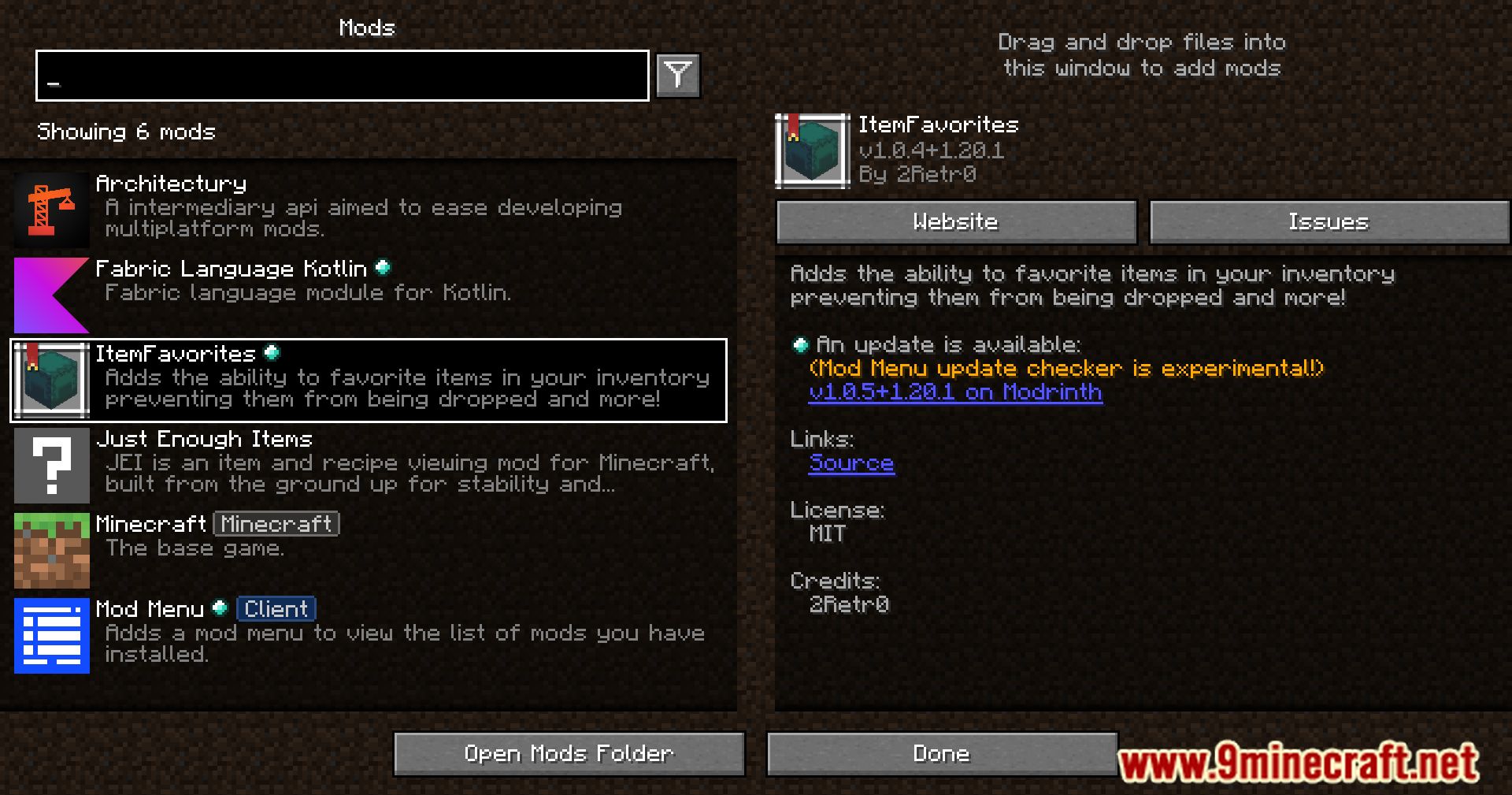
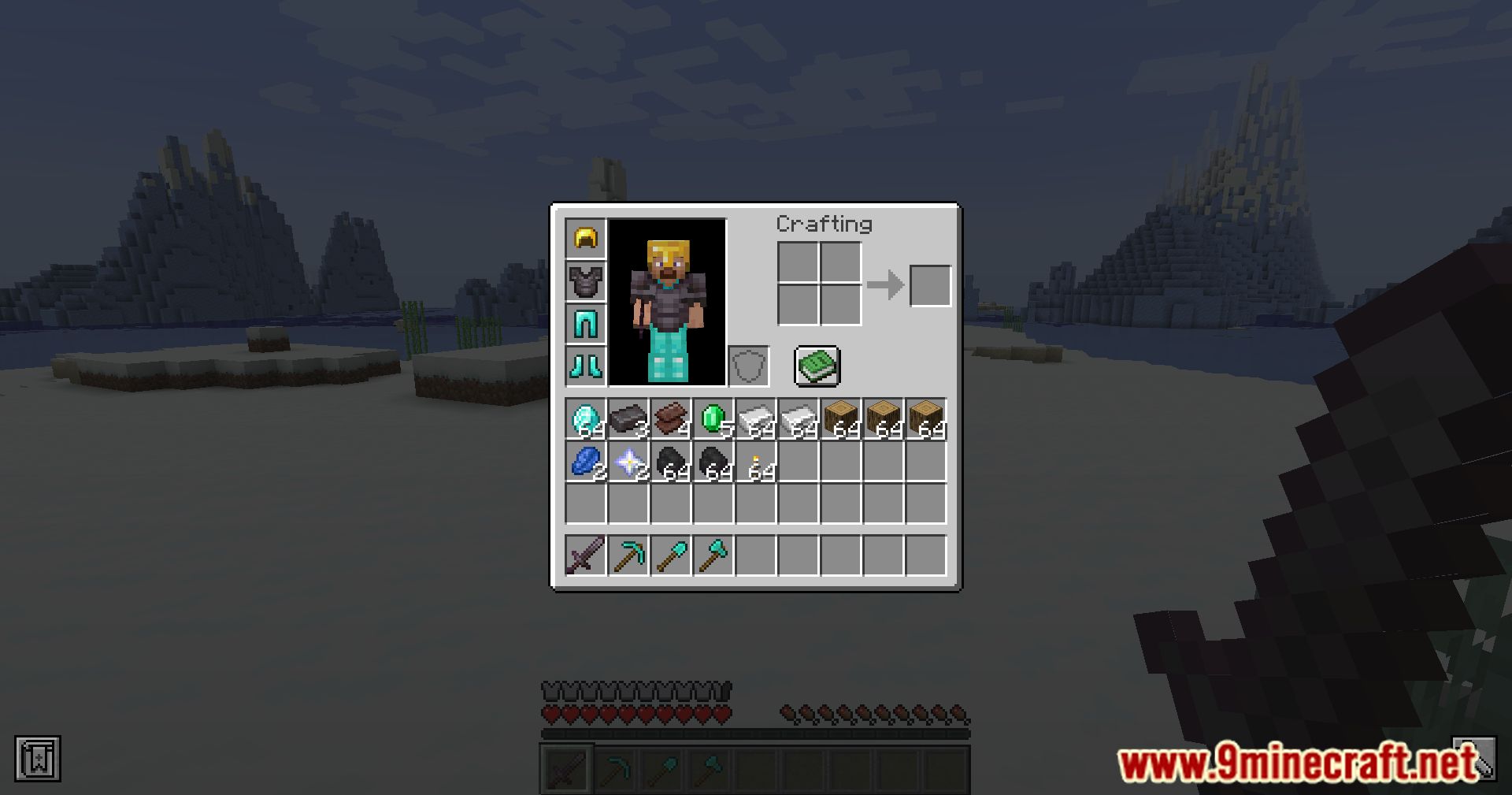
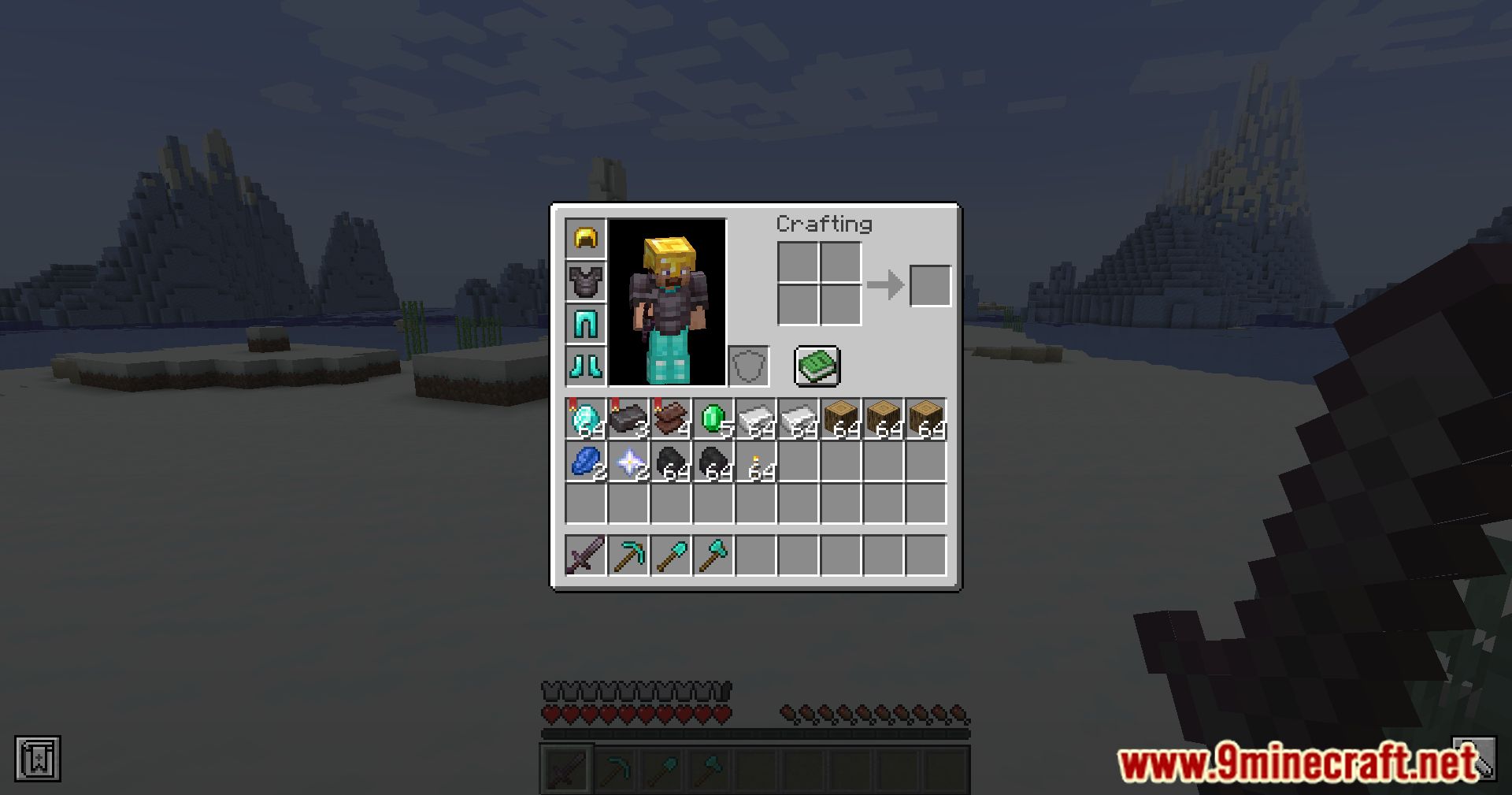
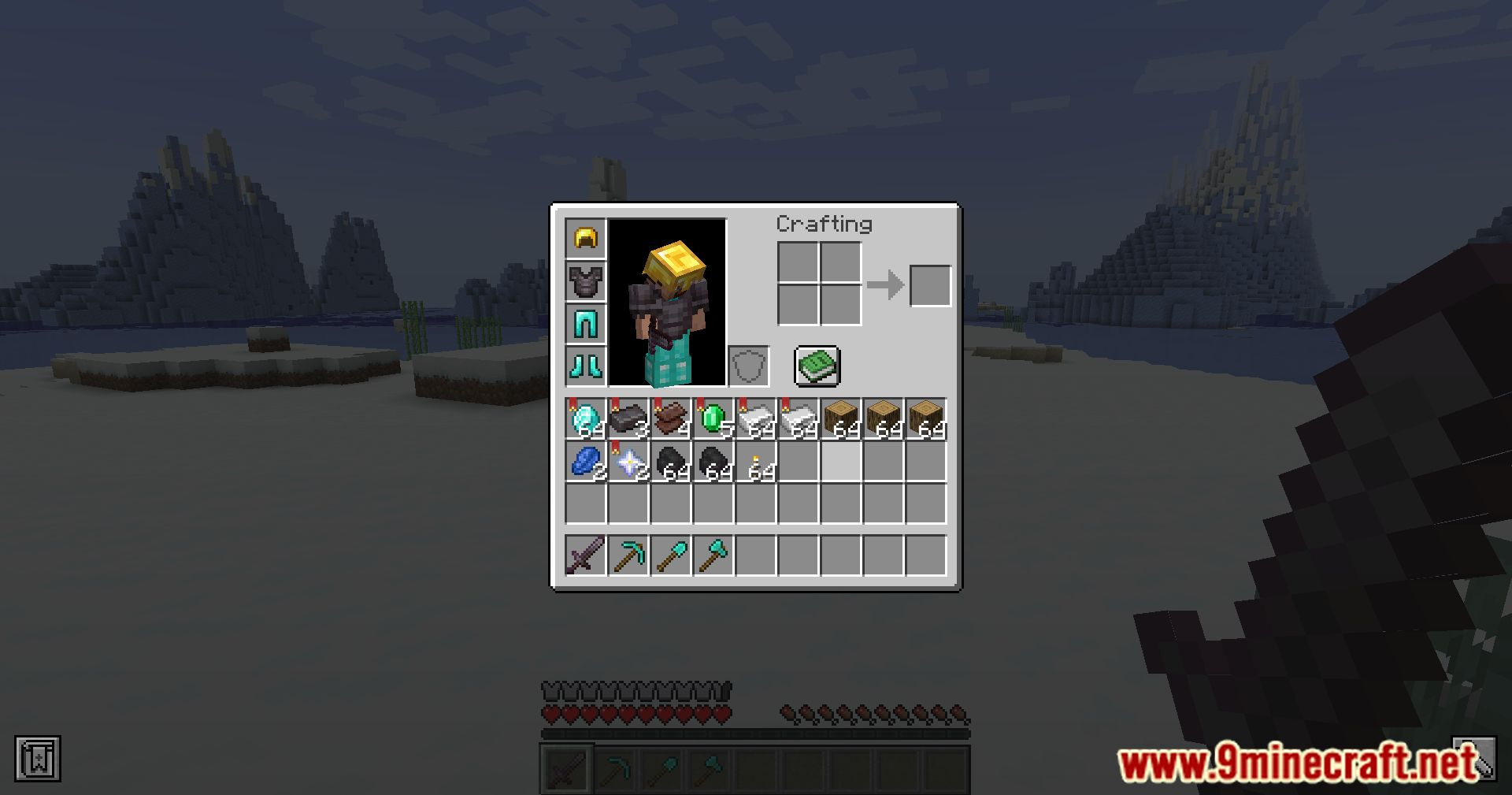
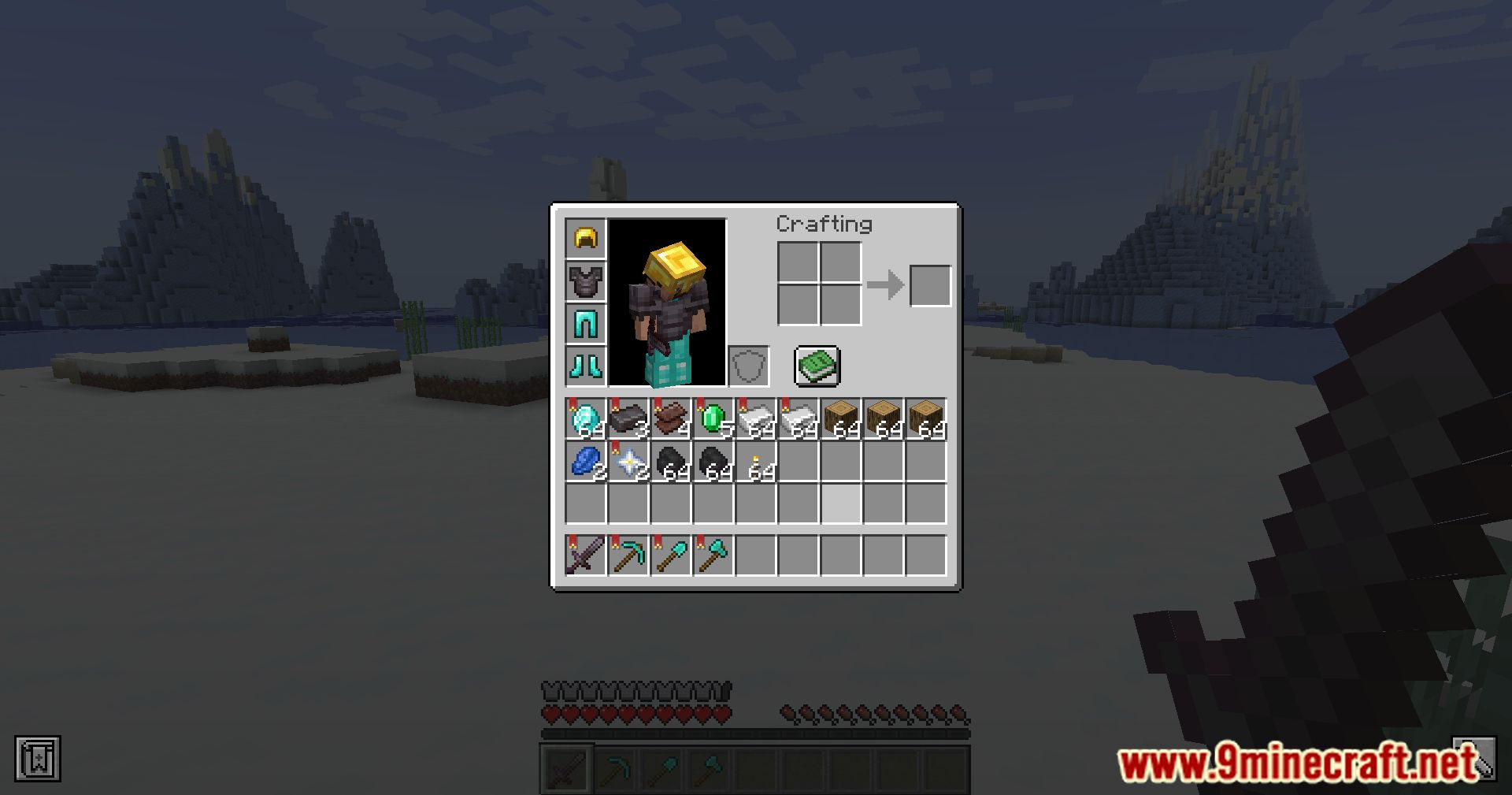



Item Favorites Mod Download Links
For Minecraft 1.20.1, 1.20
Fabric/Quilt version: Download from Server 1 – Download from Server 2
For Minecraft 1.19.3
Fabric/Quilt version: Download from Server 1 – Download from Server 2
- Edition: Minecraft Java
- File type: .jar
- Minecraft versions listed: 1.20.1, 1.19.3
- How to install: Install the matching mod loader (Forge, Fabric or NeoForge) for your Minecraft version. → Download the .jar. → Put it in the .minecraft/mods folder and launch that loader profile.
- Where to get it: In MC Java Mods, or directly above on this page.
Install steps are the general flow for this file type — see the MC Java Mods guides for the full walkthrough.
- Downloads as 203123.mcaddon
- Download size: 190 KB
- Download link checked 23 Jul 2026 — working
- Mirrored on our own servers — the download does not depend on the original host
These come from our own check of the pack file, not from the source page.