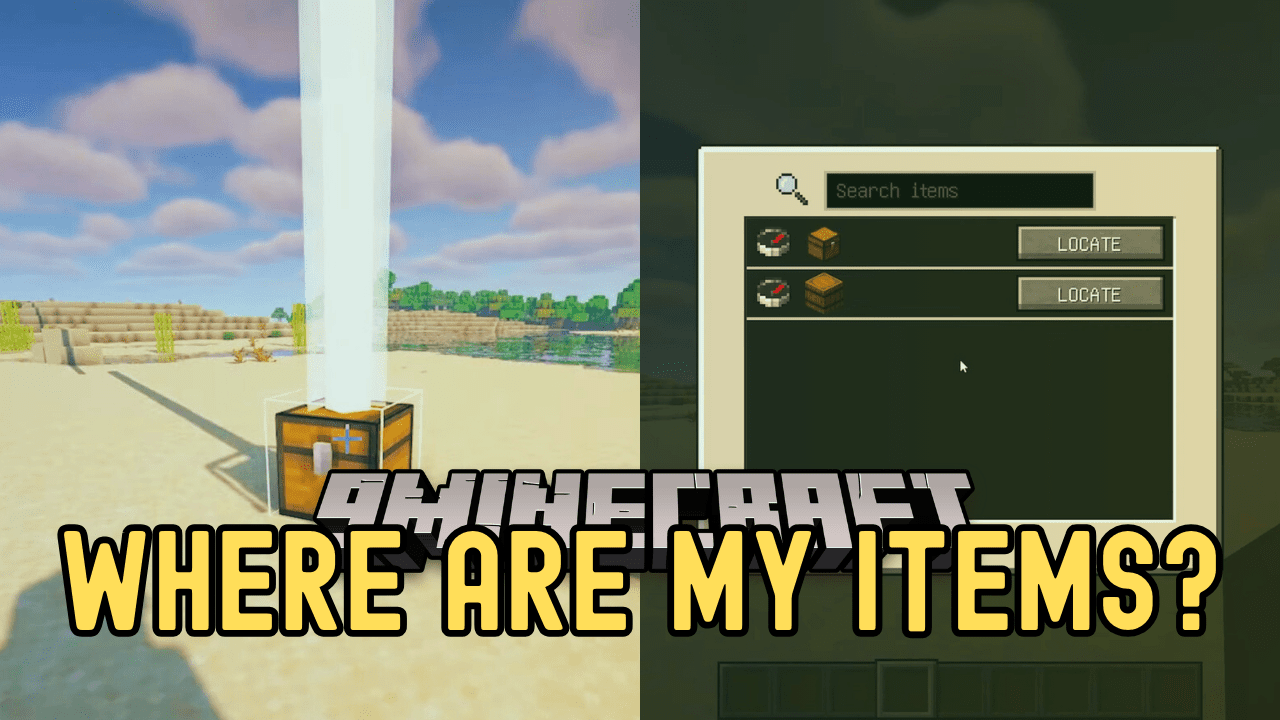
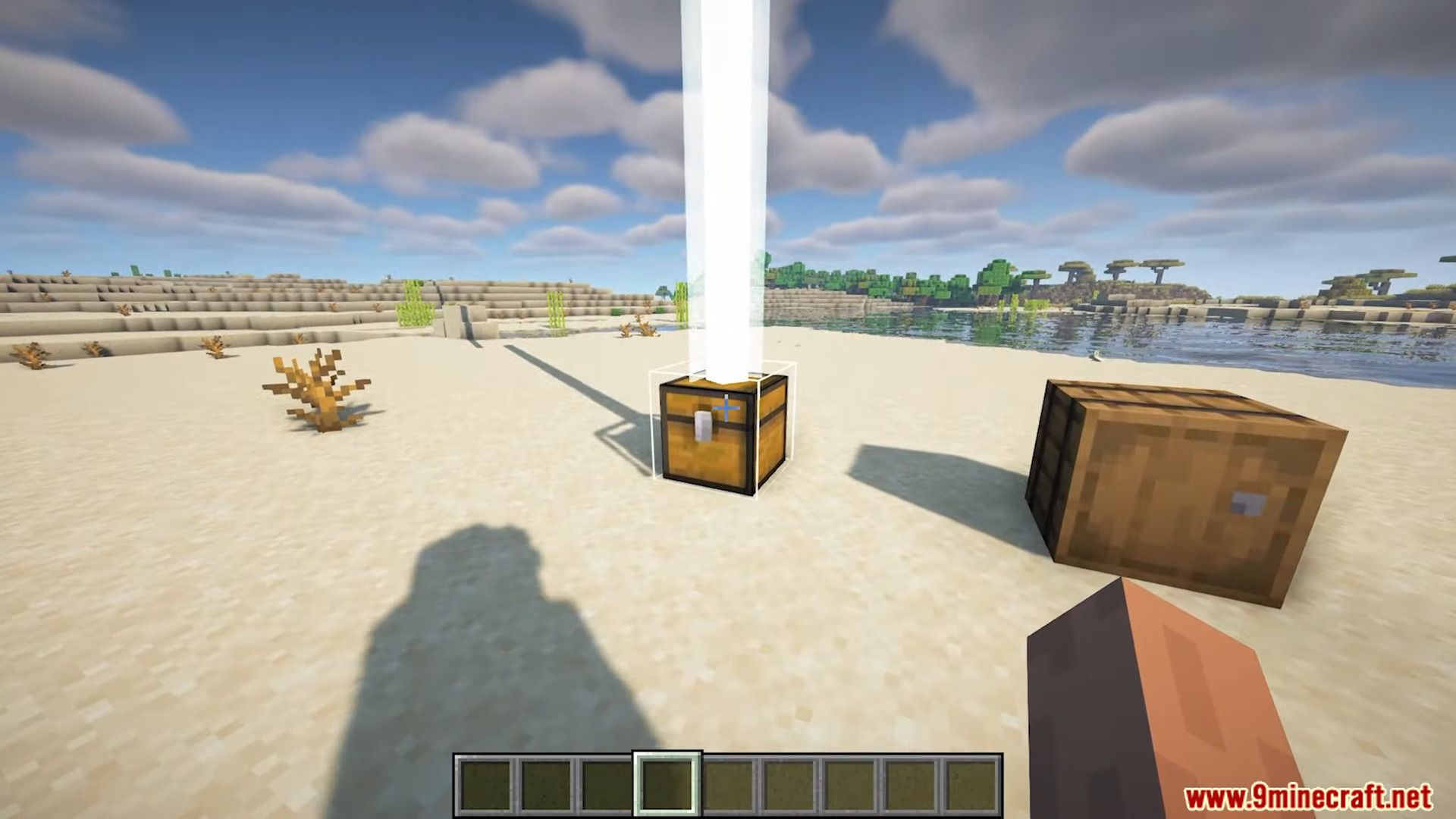
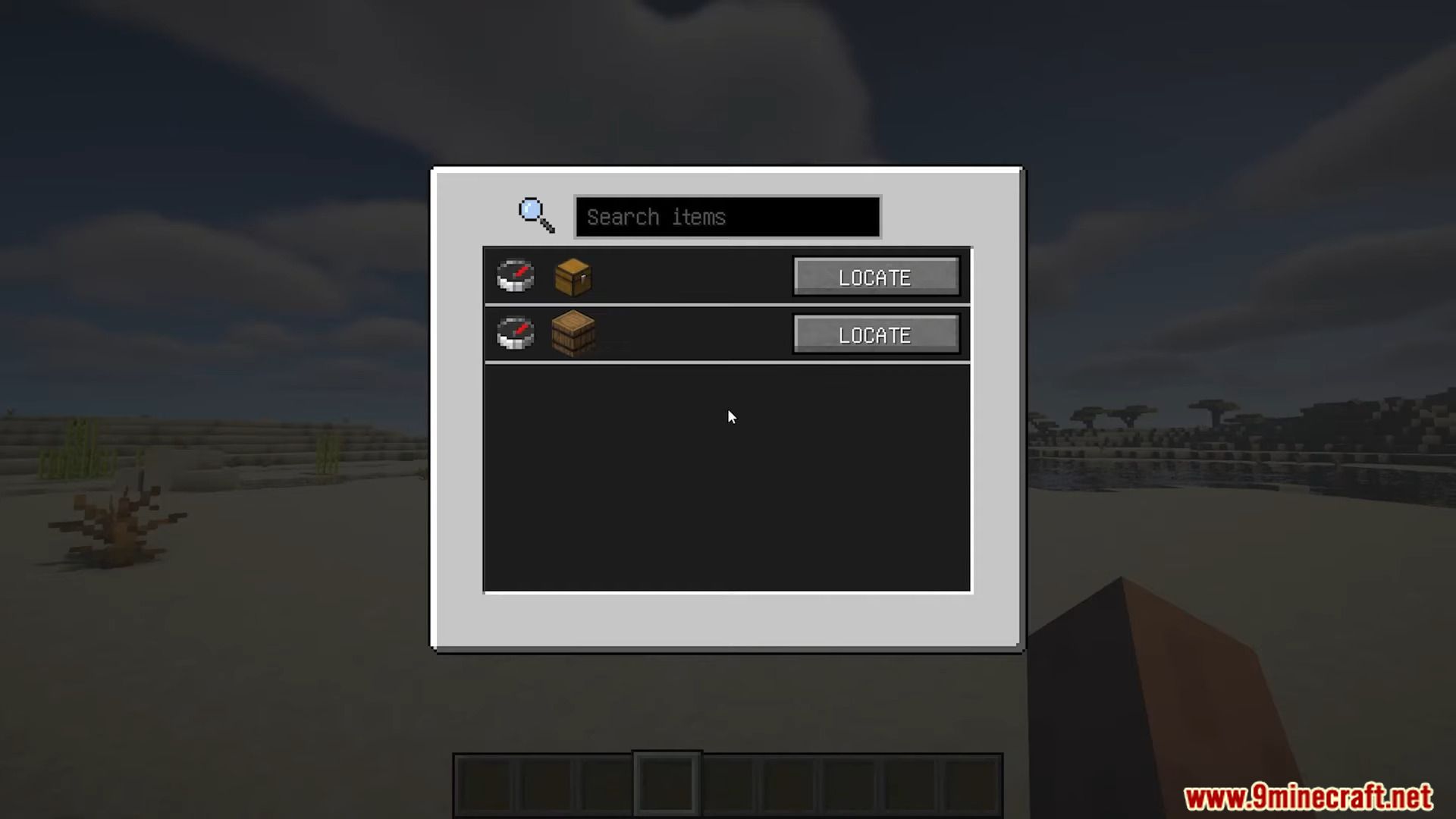
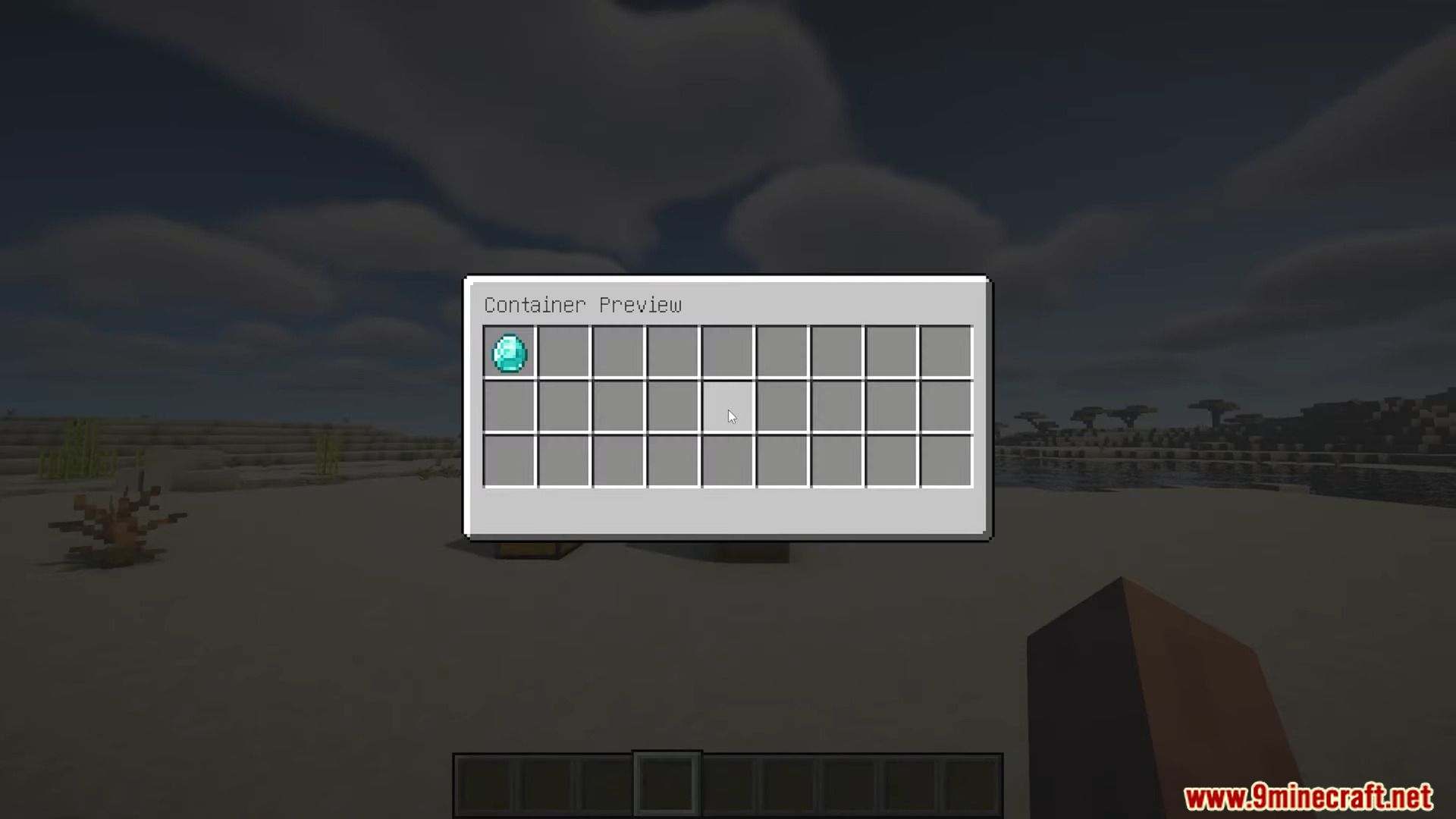
Forget frantic chest diving and endless inventory hunts! Where are My Items Mod is your new storage sleuth, effortlessly remembering where you stashed every precious pickaxe and glittering gem. Simply tap left alt to activate the finder screen, then click “LOCATE” and watch a beacon guide you directly to your desired chest. No more guesswork, just organized adventure. Peek inside chests with a click, ensuring you grab the right gear every time. Where Are My Items – your key to stress-free storage and streamlined exploration.
Features:
- Effortless tracking: Mod remembers item locations in chests and barrels.
- Instant access: The Finder screen is activated with a single keystroke.
- Beacon guidance: Locate precise chest locations with a radiant beacon.
- Chest previews: Peek inside chests before opening to find the right gear.
- Streamlined storage: Less rummaging, more exploring and crafting.
Screenshots:
Where are My Items Mod Download Links
For Minecraft 1.20.1
Forge Version: Download from Server 1 – Download from Server 2
- Edition: Minecraft Java
- File type: .jar
- Minecraft version listed: 1.20.1
- How to install: Install the matching mod loader (Forge, Fabric or NeoForge) for your Minecraft version. → Download the .jar. → Put it in the .minecraft/mods folder and launch that loader profile.
- Where to get it: In MC Java Mods, or directly above on this page.
Install steps are the general flow for this file type — How to install Minecraft Java mods & modpacks walks through it step by step.
- Downloads as 203209.mcaddon
- Download size: 52 KB
- Download link checked 29 Jul 2026 — working
- Mirrored on our own servers — the download does not depend on the original host
These come from our own check of the pack file, not from the source page.