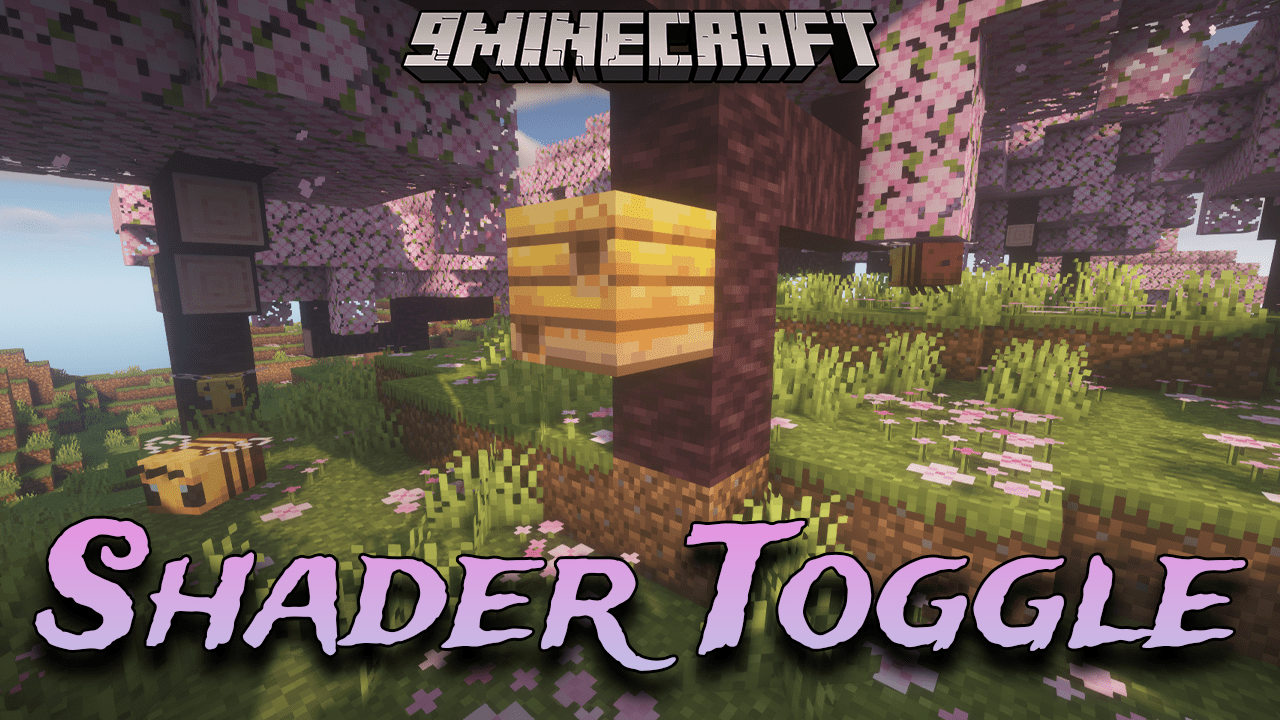
Shader Toggle Mod (1.20.1) – The Dynamic Visual Palette Of Shader Toggle
Java mod listed for Minecraft 1.20. Downloads from the MC Java Mods app on Android.
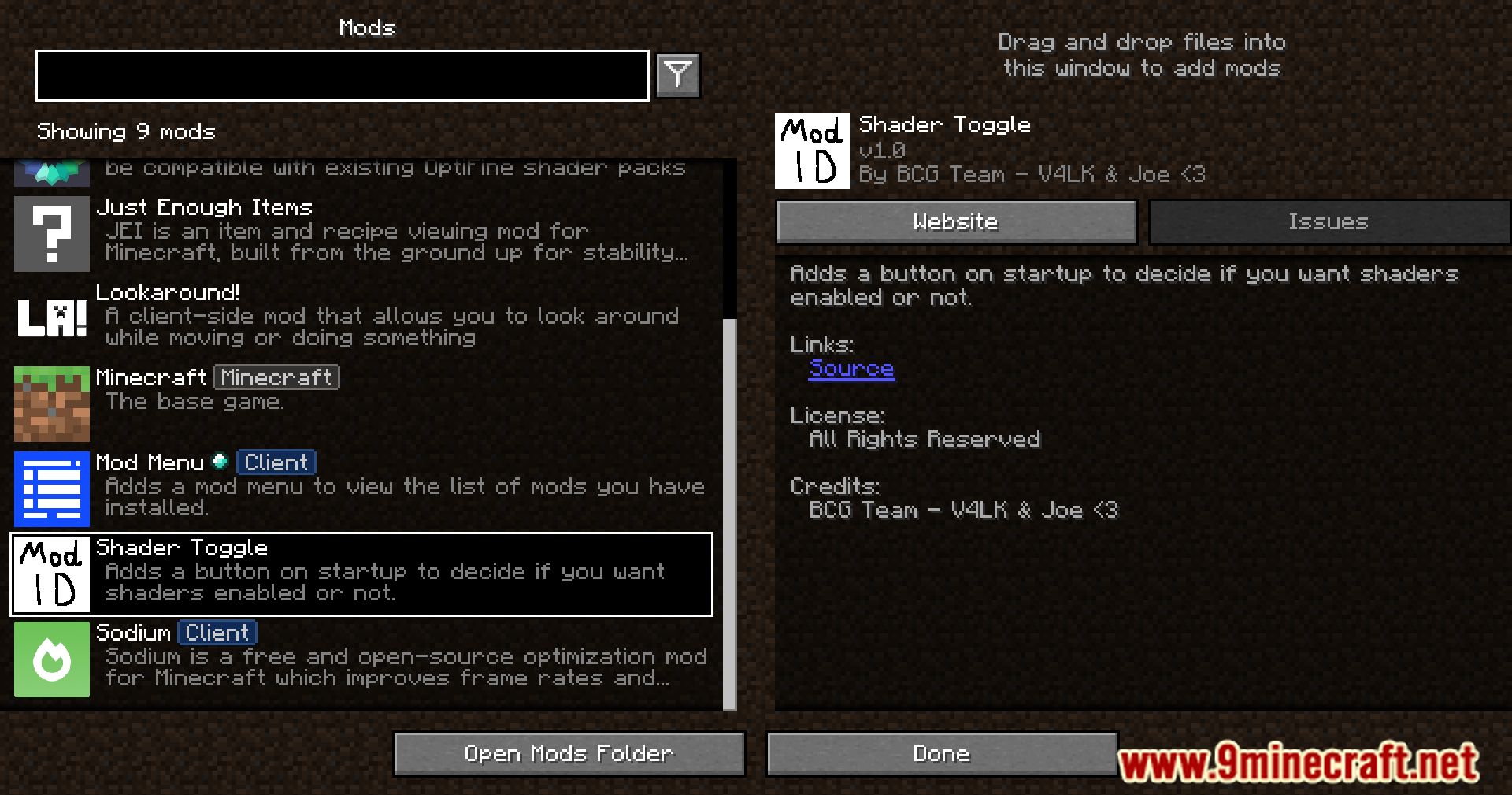
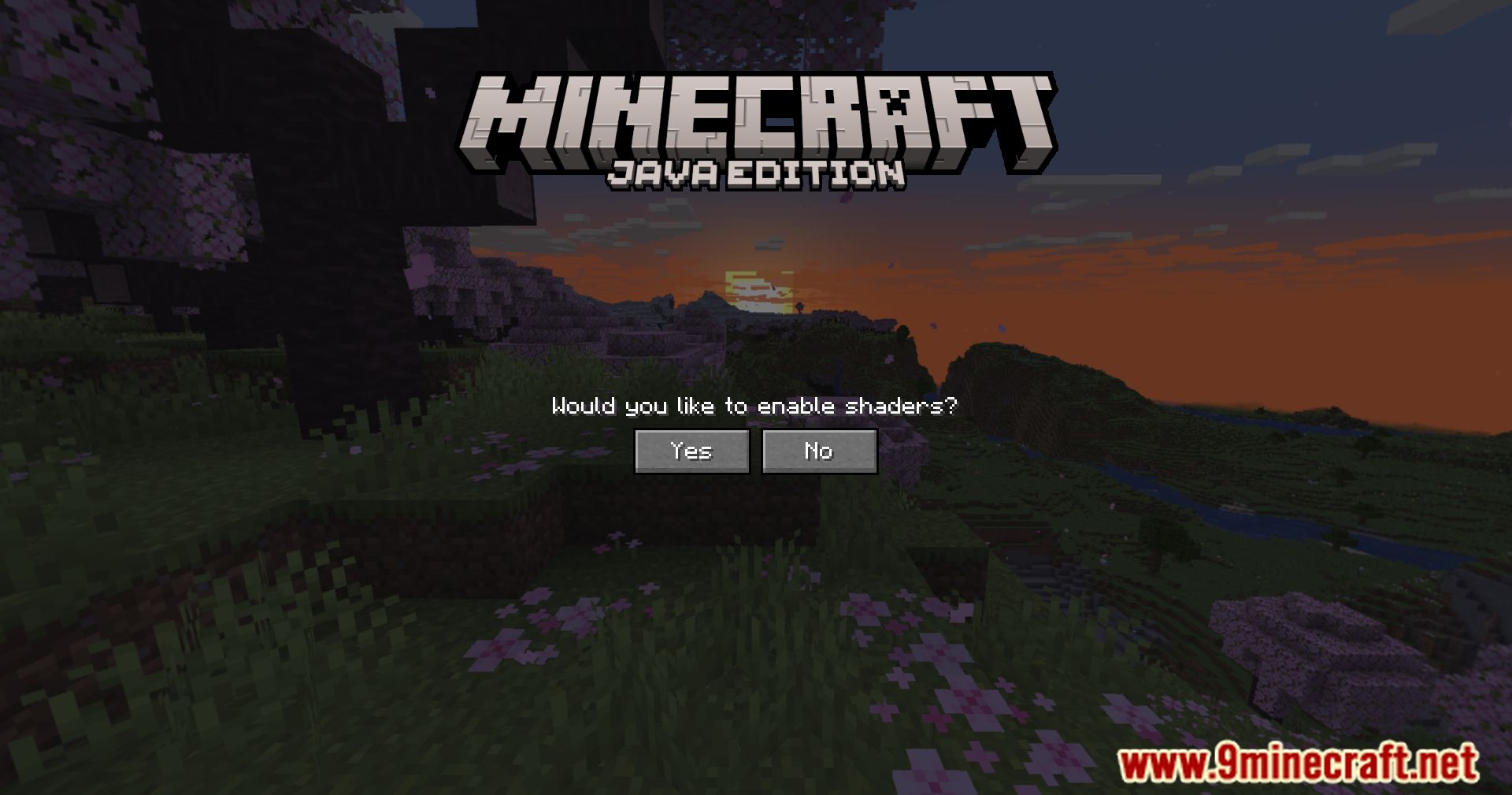
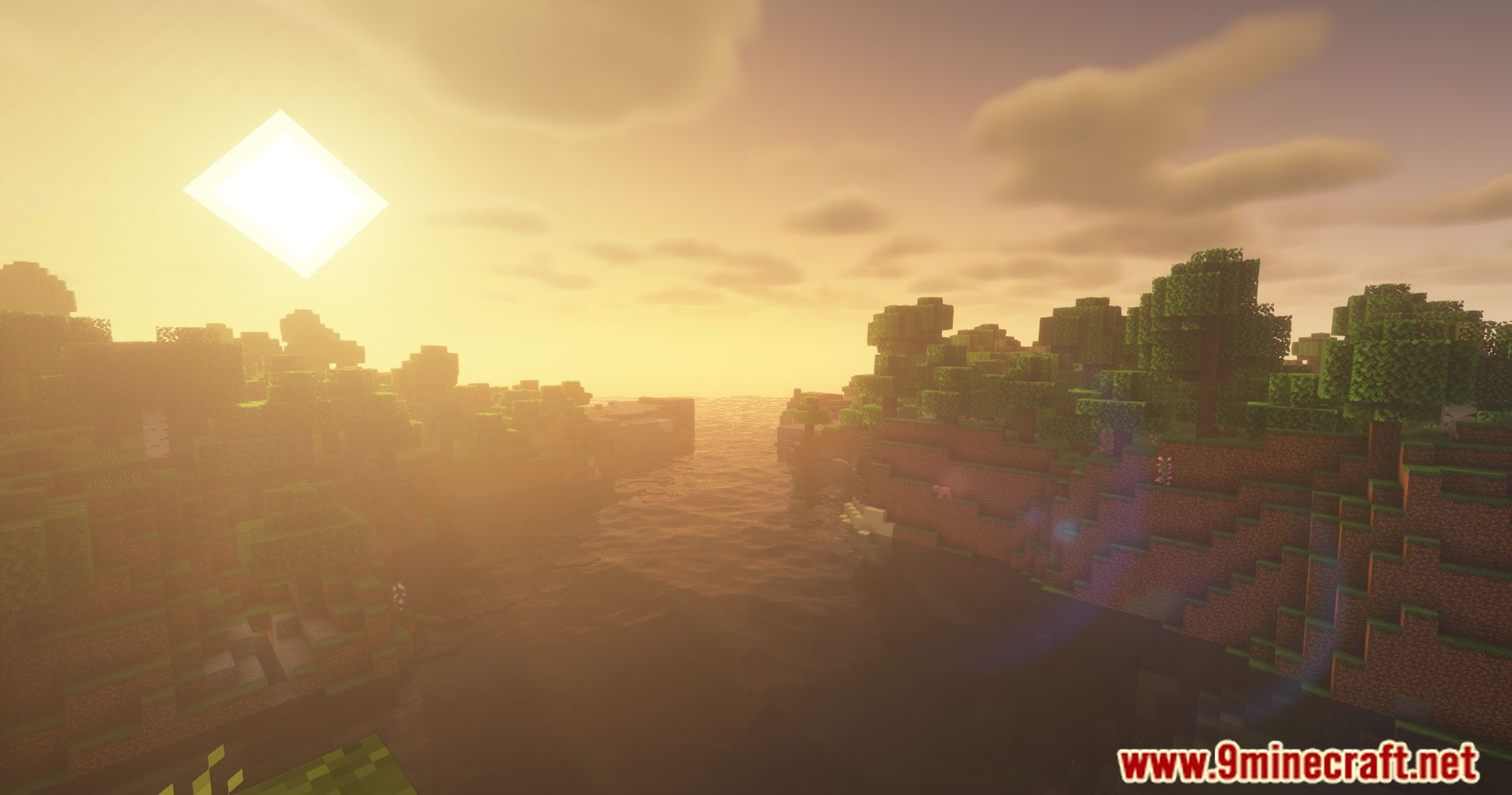
⬇ DownloadShader Toggle Mod emerges as a liberating mod, offering players the autonomy to dictate their visual experience in Minecraft. This simple yet powerful addition provides a straightforward option for players to toggle shaders on or off at their discretion, placing control over the game’s visual aesthetics firmly in the hands of the player. One of the key strengths of this mod lies in its simplicity and utility.
Features:
- Toggle option for enabling or disabling shaders.
- Simple and user-friendly design.
- Empowers players to control their visual experience.
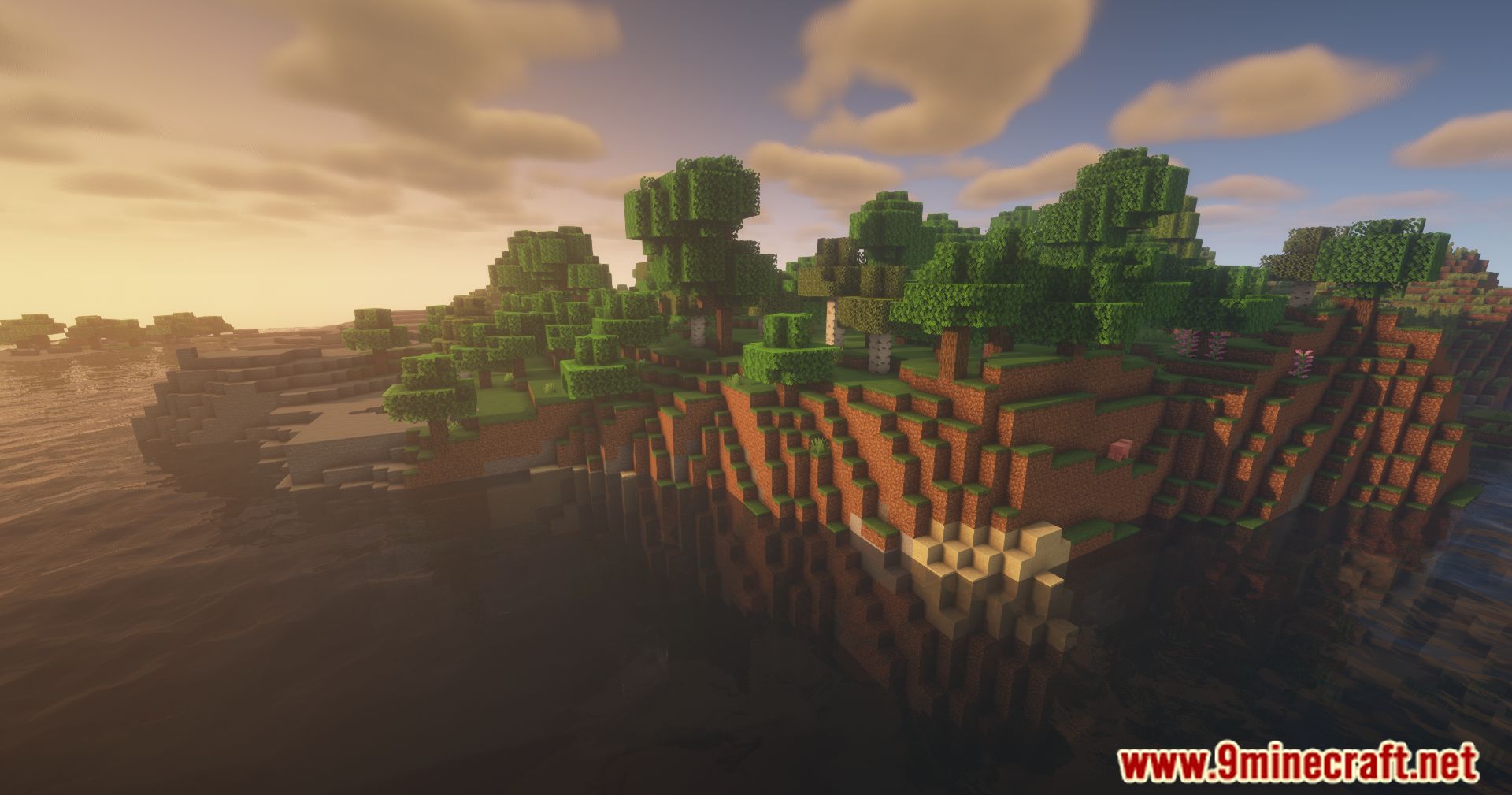
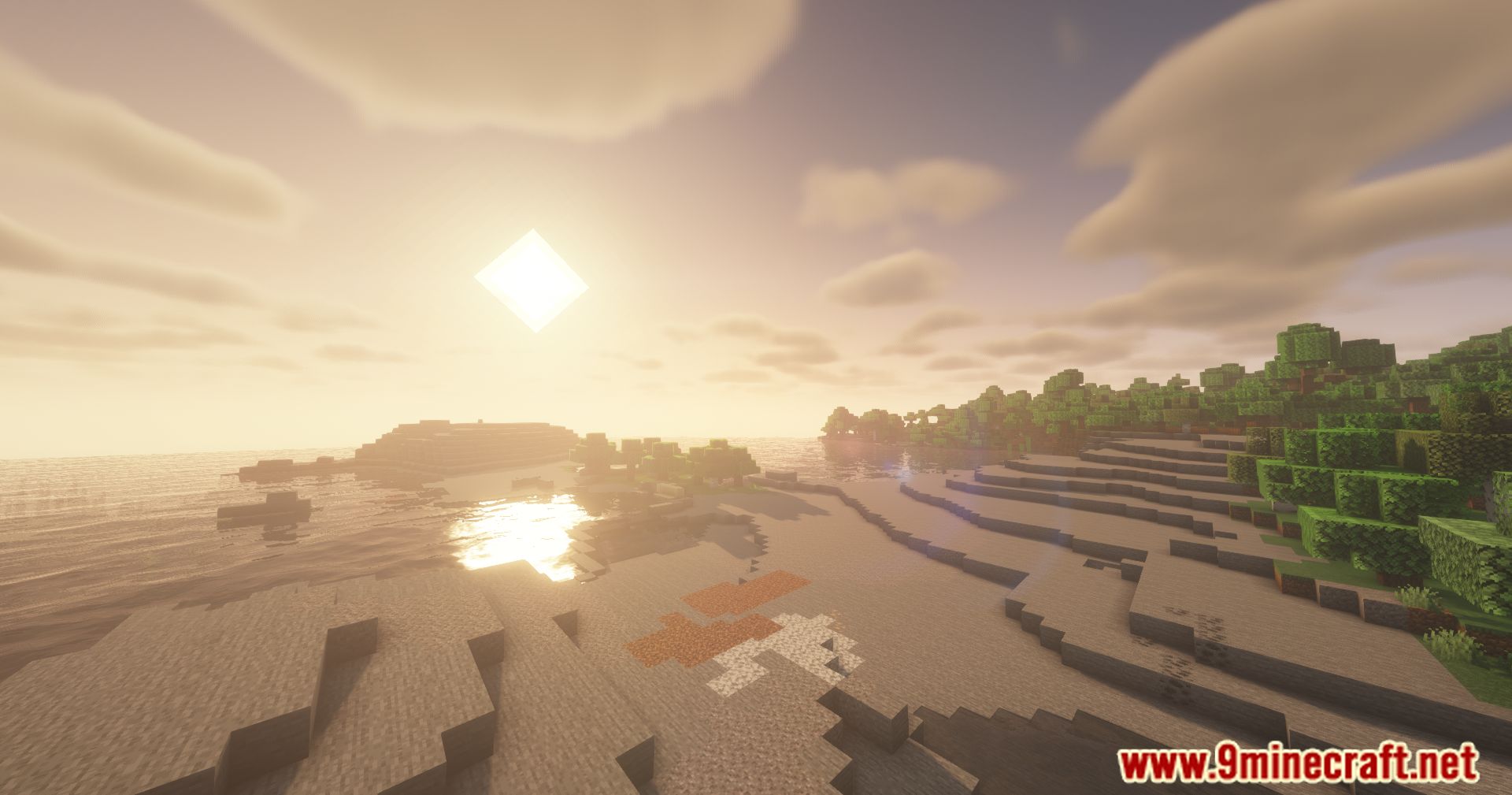
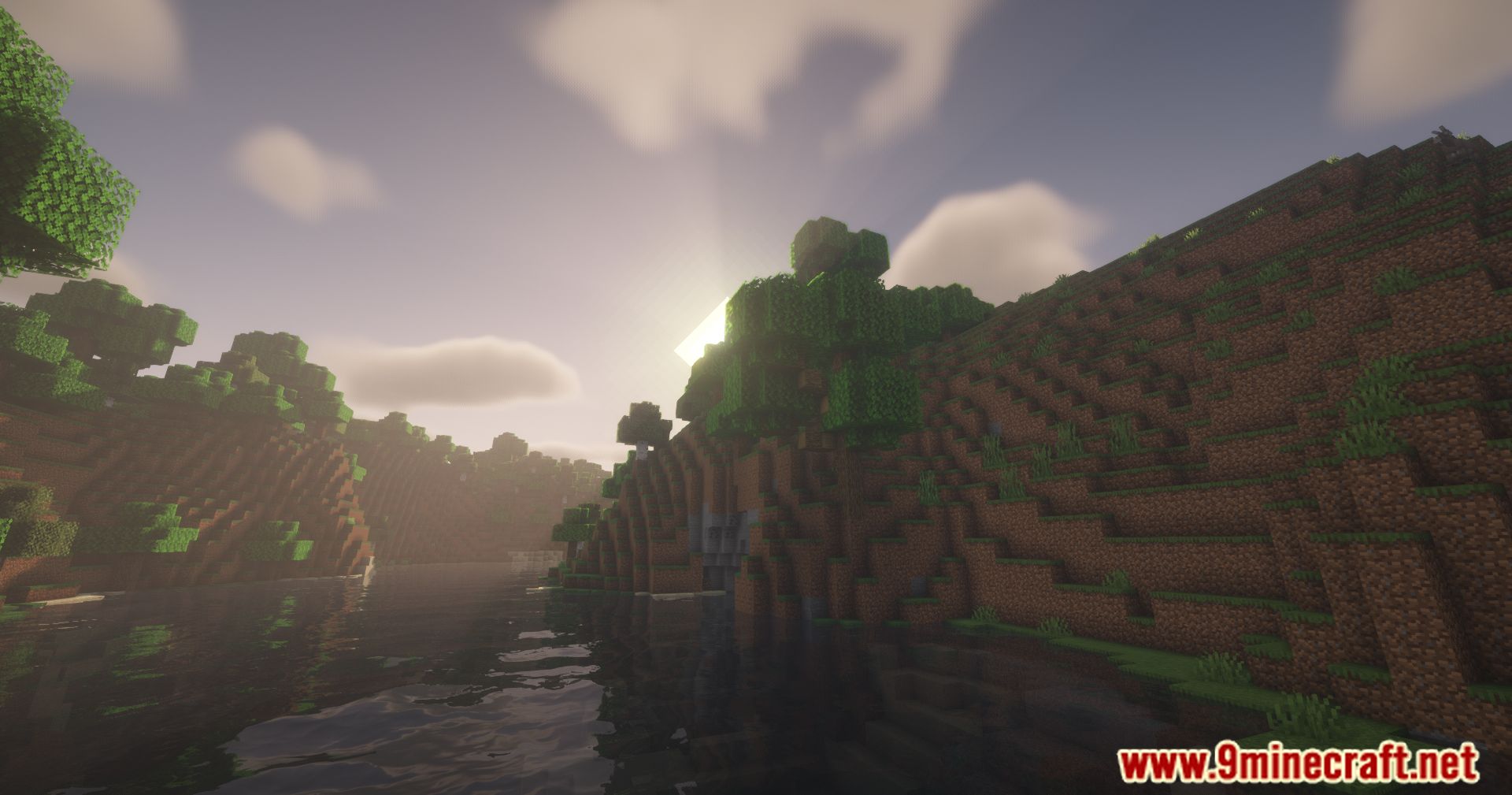
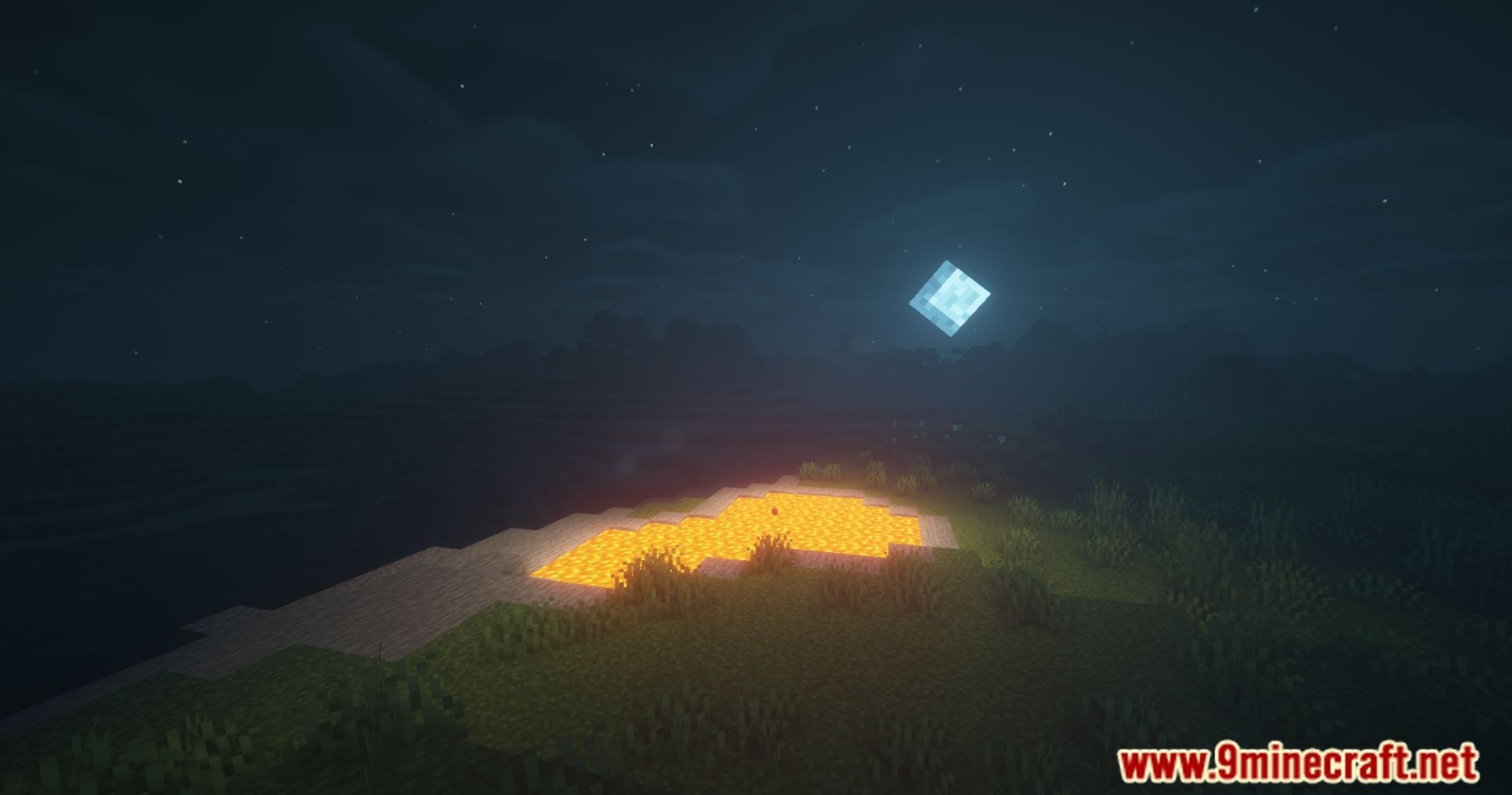
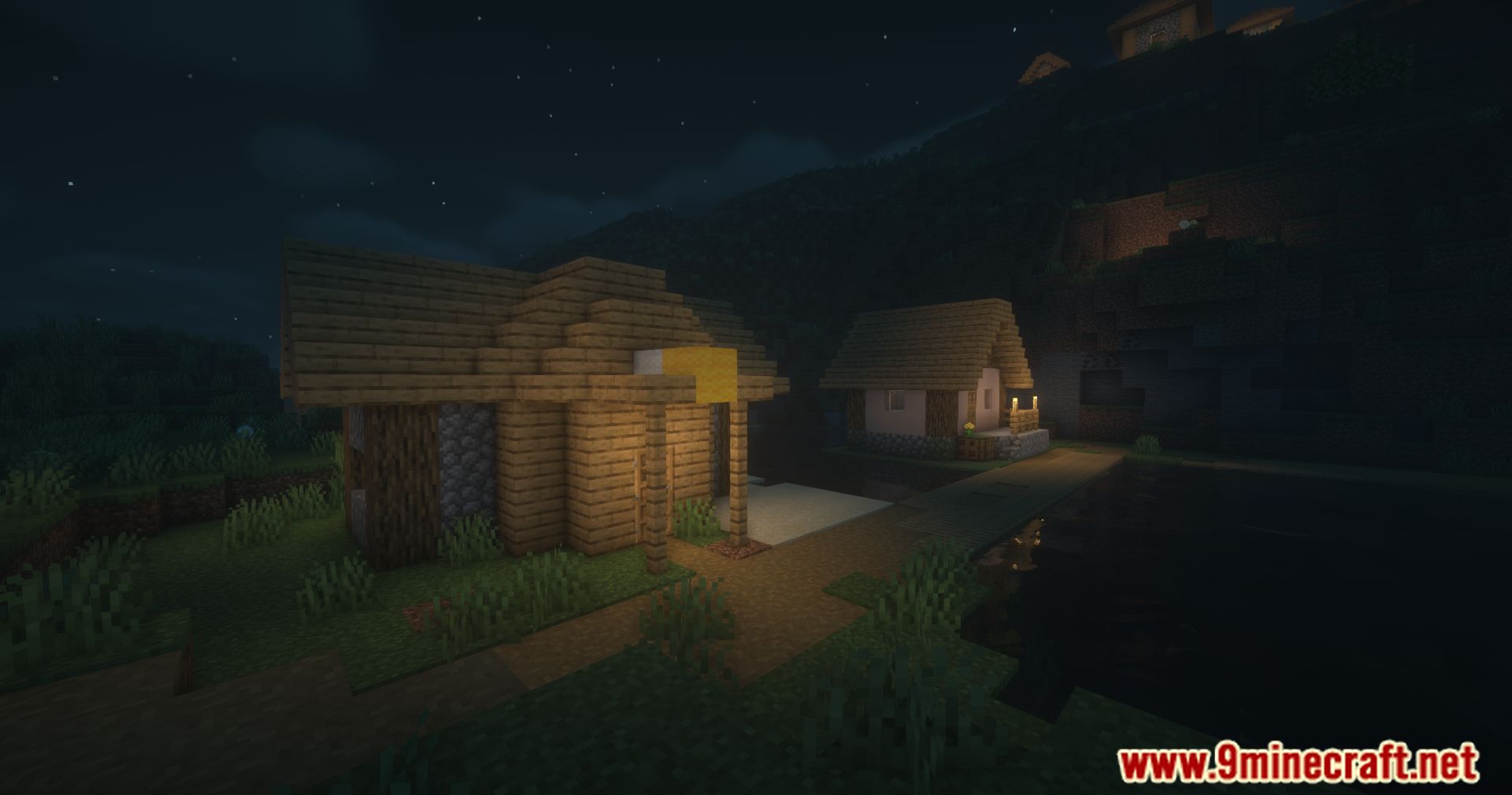
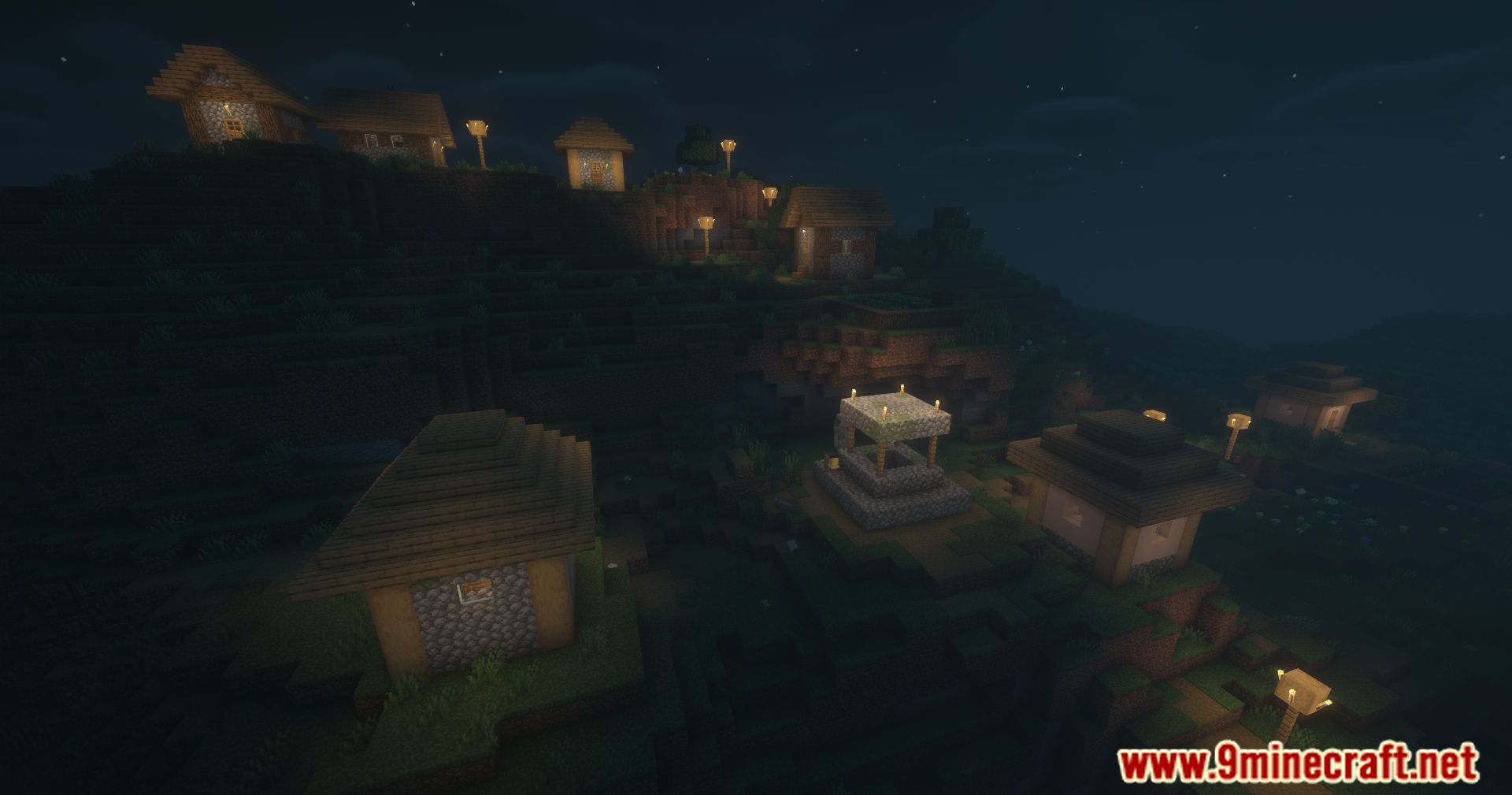
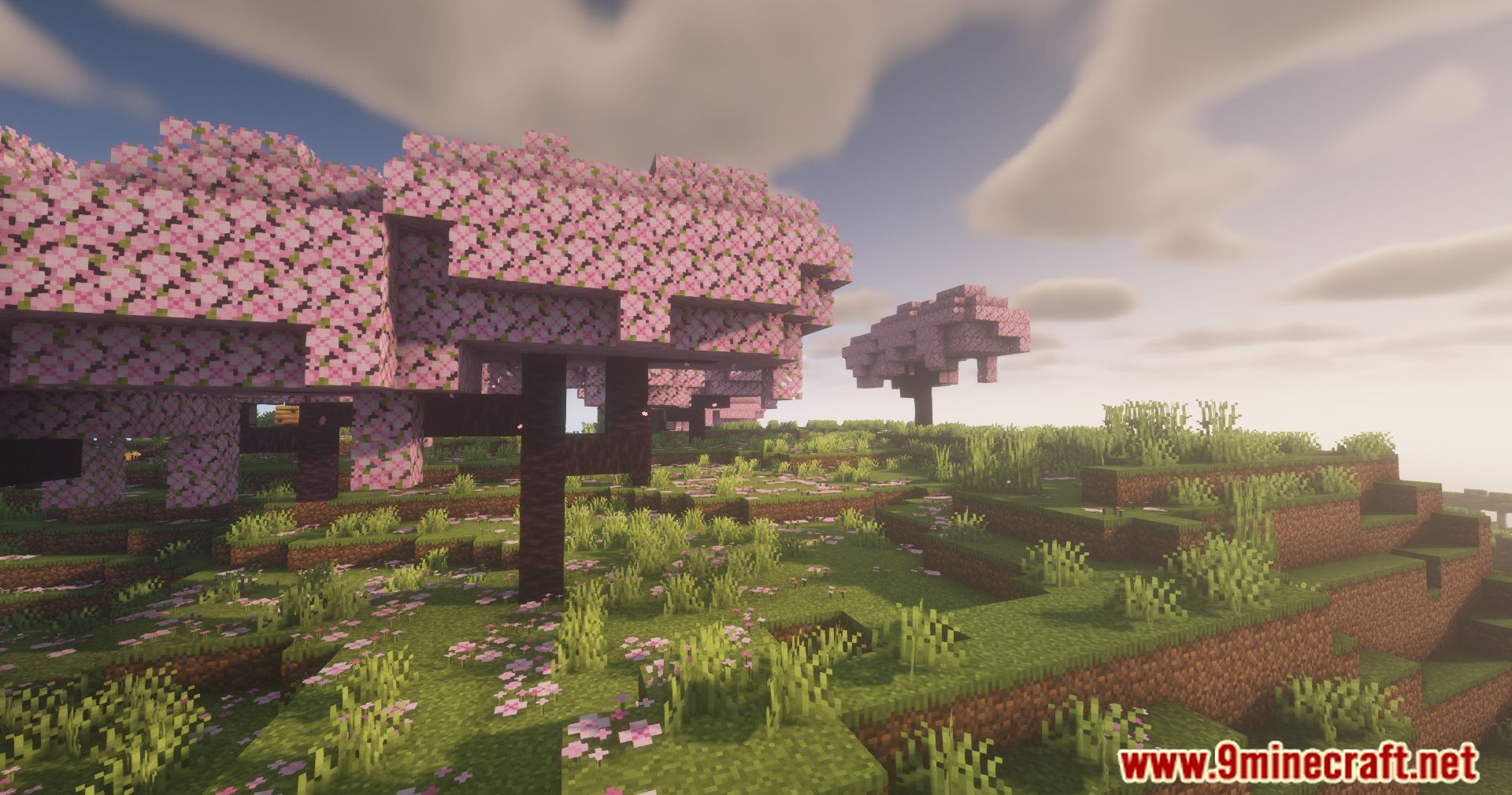
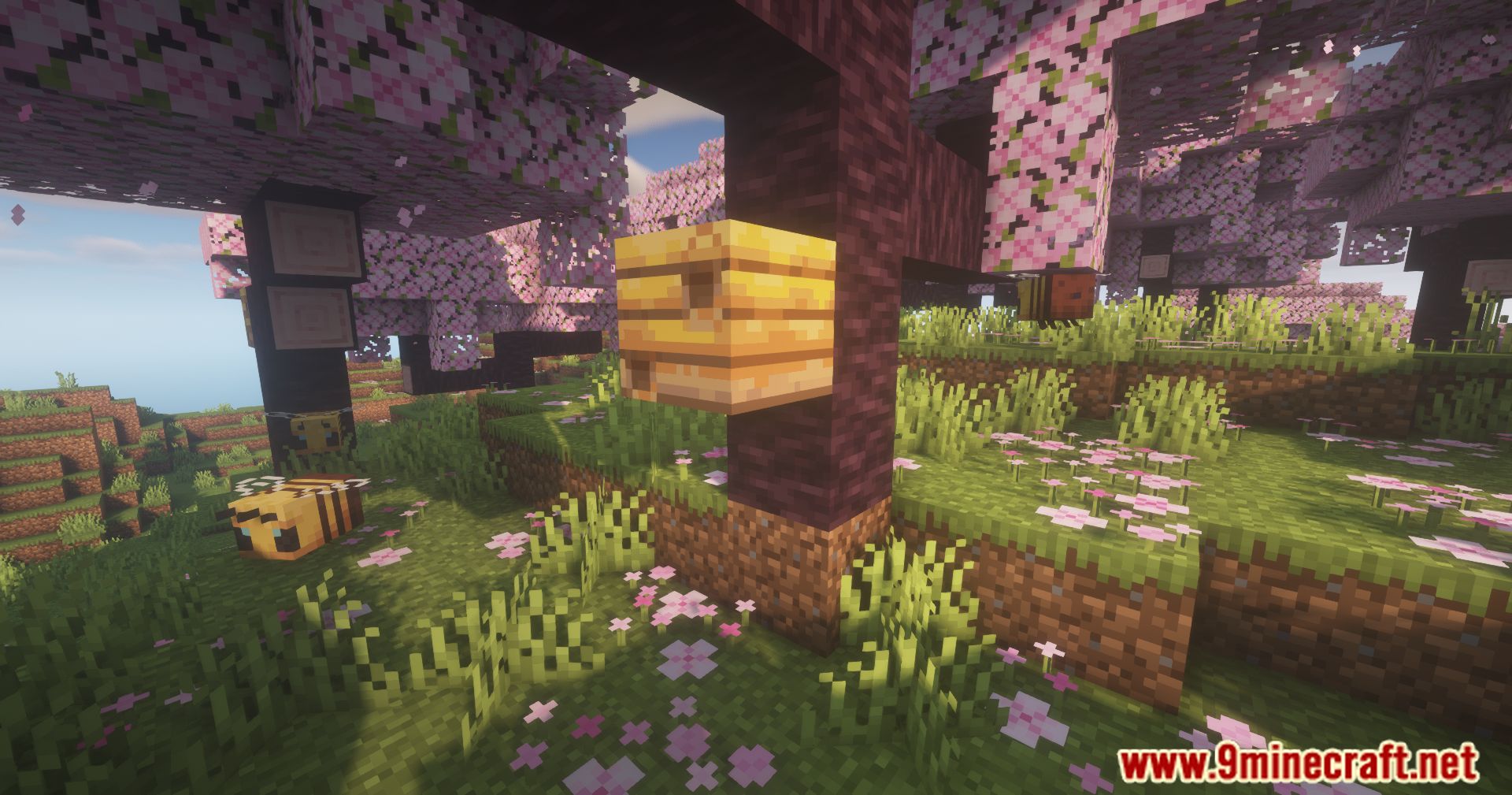
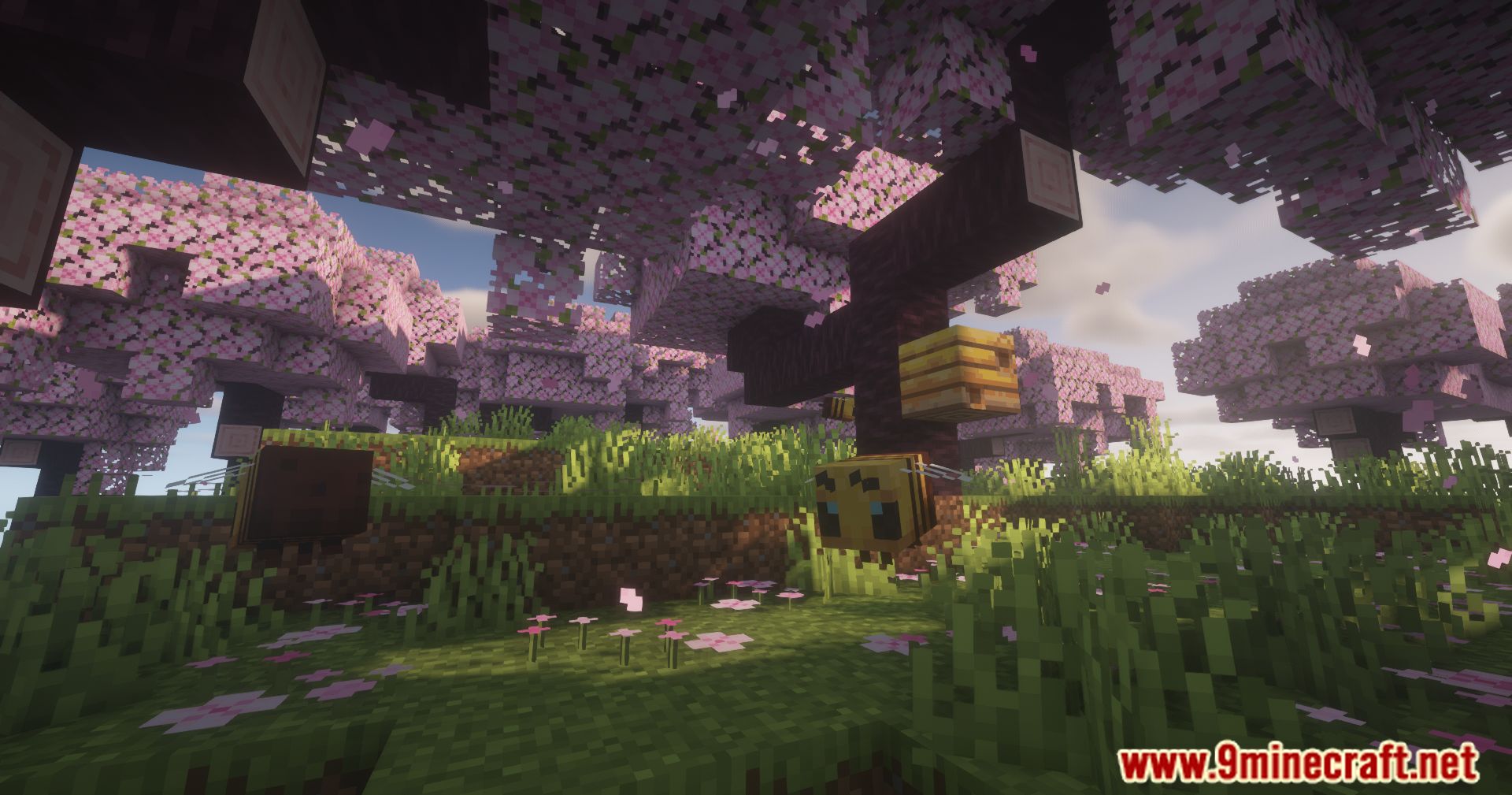
Screenshots:

Shader Toggle Mod Download Links
For Minecraft 1.20.1
Fabric version: Download from Server 1 – Download from Server 2
- Edition: Minecraft Java
- File type: .jar
- Minecraft version listed: 1.20.1
- How to install: Install the matching mod loader (Forge, Fabric or NeoForge) for your Minecraft version. → Download the .jar. → Put it in the .minecraft/mods folder and launch that loader profile.
- Where to get it: In MC Java Mods, or directly above on this page.
Install steps are the general flow for this file type — How to install Minecraft Java mods & modpacks walks through it step by step.
- Downloads as 203323.mcaddon
- Download size: 10 KB
- Download link checked 23 Jul 2026 — working
- Mirrored on our own servers — the download does not depend on the original host
These come from our own check of the pack file, not from the source page.