No Startup Messages Please Mod (1.20.1) – Navigating Minecraft With No Startup Messages
No Startup Messages Please Mod is a practical and unobtrusive Minecraft mod that caters to players seeking a clutter-free and streamlined gaming experience. This mod provides a simple yet effective solution to the common annoyance of blocking specific chat messages during startup. The brilliance of this mod lies in its straightforward functionality. Once installed, players have the power to selectively block certain chat messages from appearing during the game’s startup. This feature is particularly valuable for those who find certain messages distracting, or irrelevant, or simply wish to maintain a clean and focused interface.
Installing and configuring the mod is a breeze, offering a hassle-free experience for players who value simplicity. Whether you’re a solo player immersed in your world or part of a bustling multiplayer server, this mod ensures that your in-game chat remains free of unnecessary clutter, allowing you to dive straight into the heart of your Minecraft adventure. For those who appreciate a minimalist approach to their gaming interface, it is a must-have addition that empowers you with control over your in-game communication.
Features:
- Blocks specific chat messages during Minecraft startup.
- Customizable to suit individual preferences.
- Streamlines the gaming interface for a cleaner experience.
- Easy installation and configuration for hassle-free use.
Screenshots:
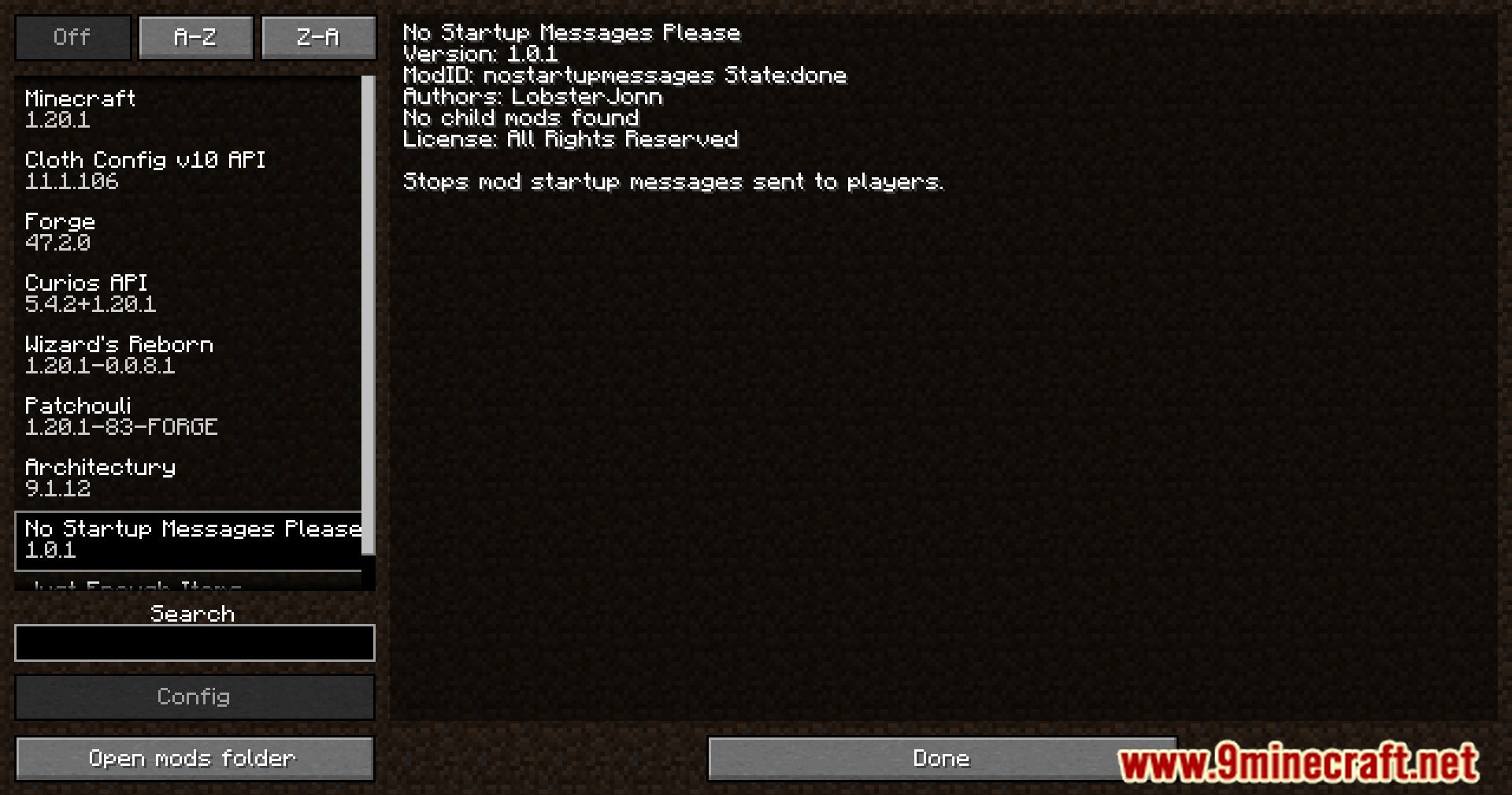
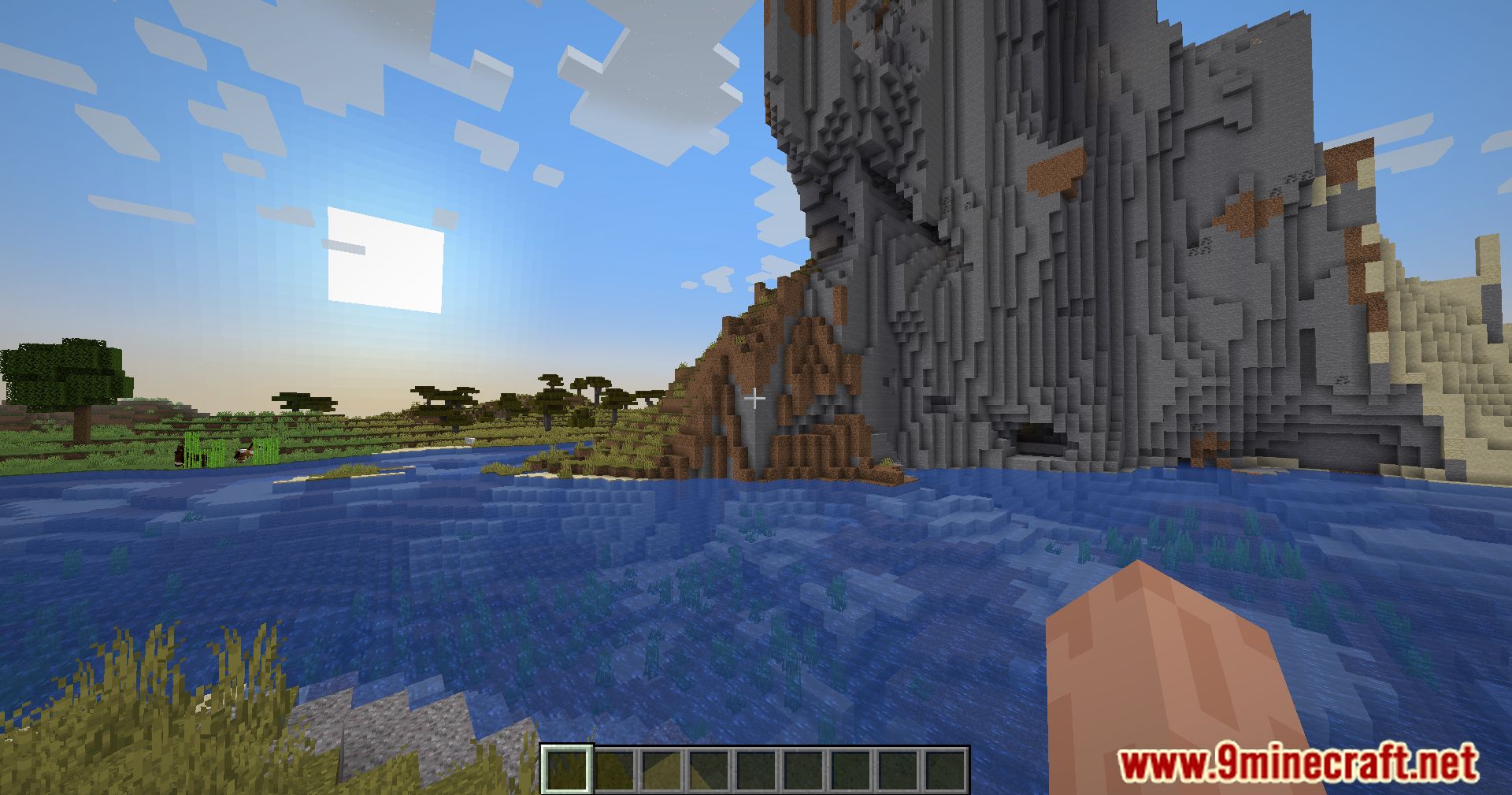
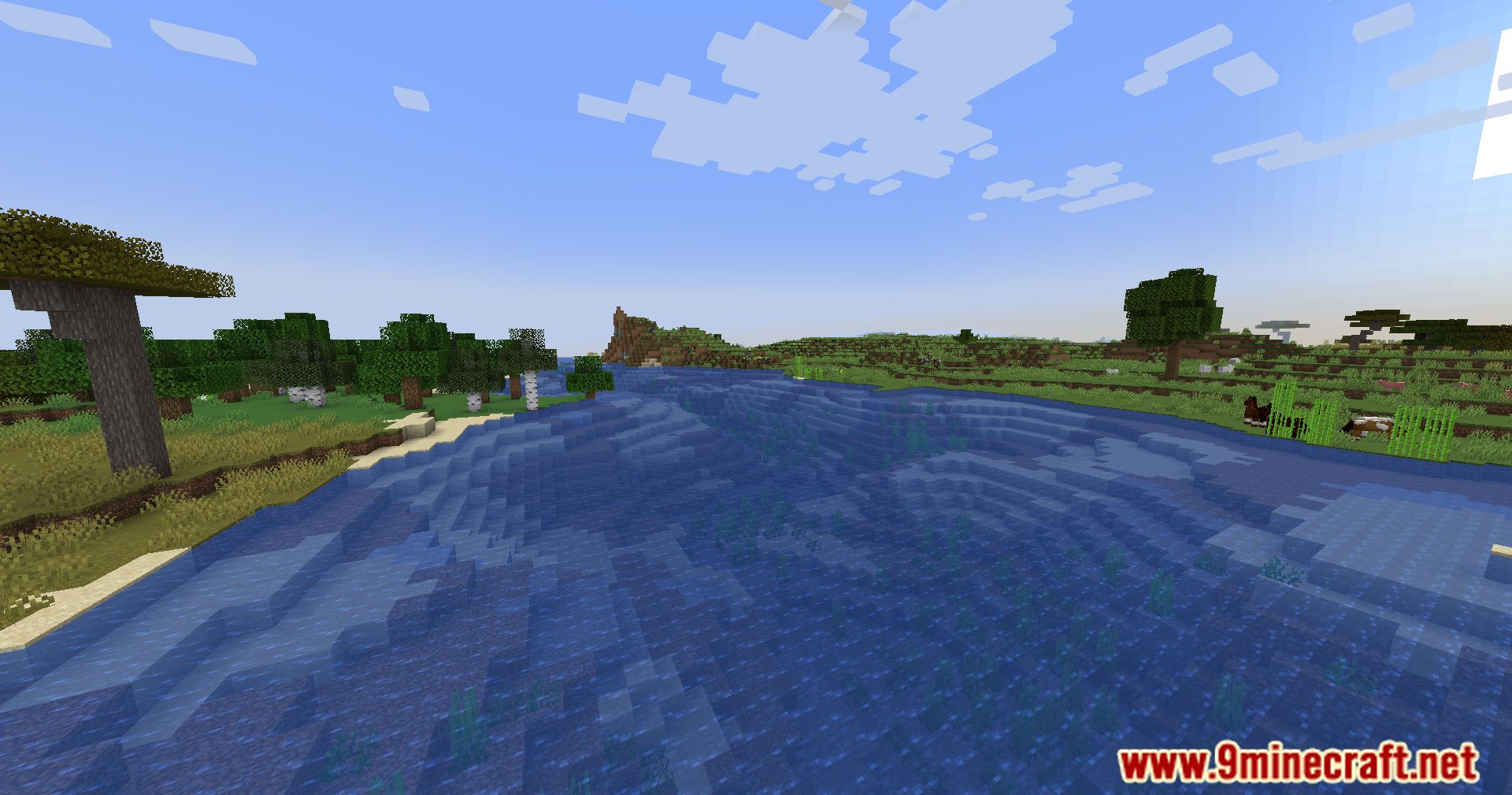
No Startup Messages Please Mod Download Links
For Minecraft 1.20.1
Forge/NeoForge Version: Download from Server 1 – Download from Server 2
- Edition: Minecraft Java
- File type: .jar
- Minecraft version listed: 1.20.1
- How to install: Install the matching mod loader (Forge, Fabric or NeoForge) for your Minecraft version. → Download the .jar. → Put it in the .minecraft/mods folder and launch that loader profile.
- Where to get it: In MC Java Mods, or directly above on this page.
Install steps are the general flow for this file type — How to install Minecraft Java mods & modpacks walks through it step by step.
- Downloads as 203427.mcaddon
- Download size: 7 KB
- Download link checked 30 Jul 2026 — working
- Mirrored on our own servers — the download does not depend on the original host
These come from our own check of the pack file, not from the source page.