Chiseled Mod (1.18.2, 1.16.5) – Become A Carver With Chiseled
Java mod listed for Minecraft 1.16–1.18. Downloads from the MC Java Mods app on Android.
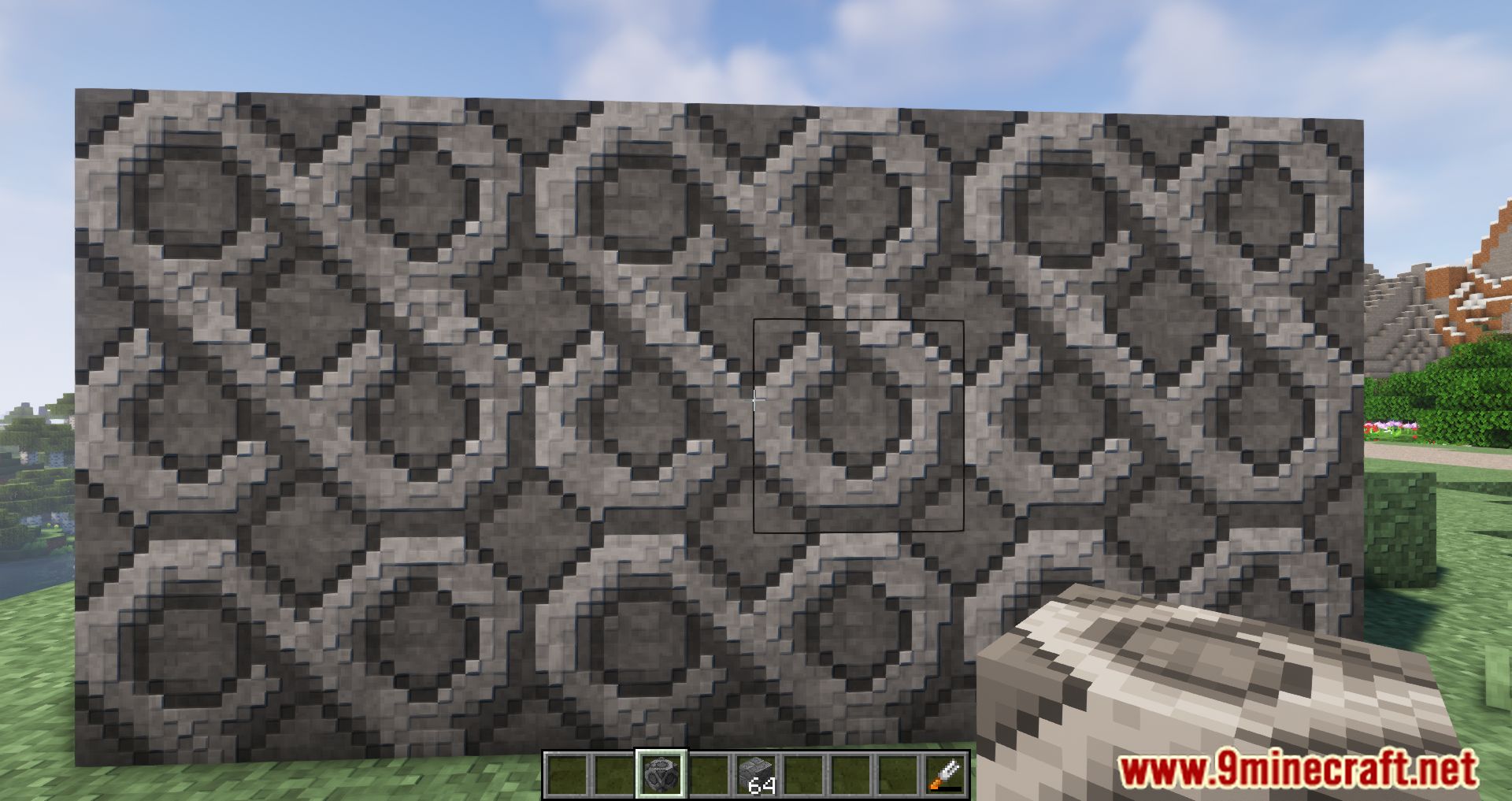
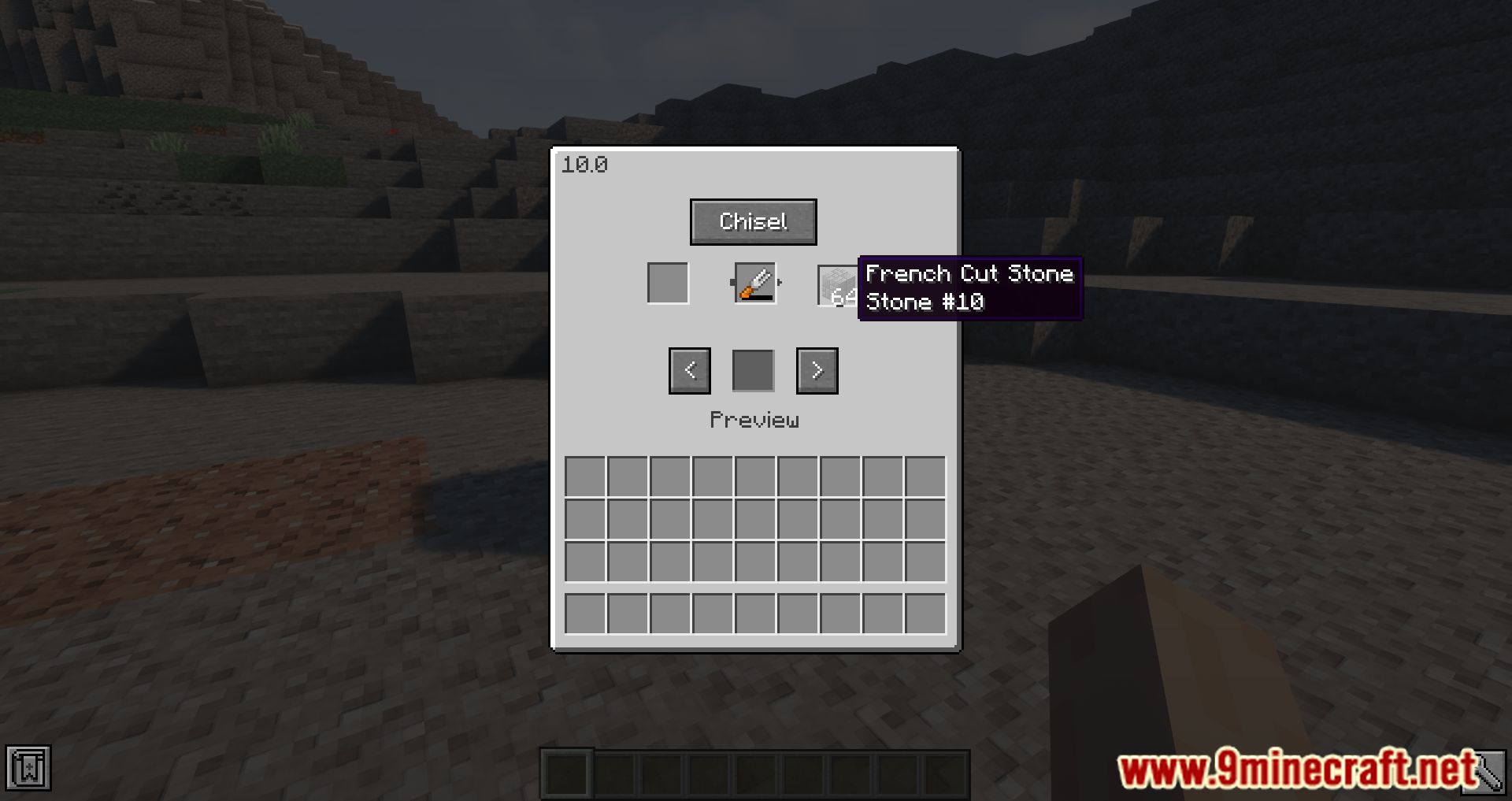
⬇ DownloadChiseled Mod adds many different versions of blocks used for decoration. You can create these blocks by using the Chisel tool in the Chisel Station. Do you love the classic look of vanilla Minecraft but need some extra variety to decorate your buildings or projects better? If so, then this Mod is for you. This Mod adds many different versions of blocks used for decoration. And for you to have different versions, you build Chisel Station, put down and put the block you want in Chisel Station, choose the style you want to use, then put the Chisel tool in, and you can create the block you wish to. This Mod is excellent for anyone who builds in vanilla Minecraft and wants to add some variety to their builds. However, there are many different styles, each with its unique look. You can even mix and match them to create your custom style!
Features:
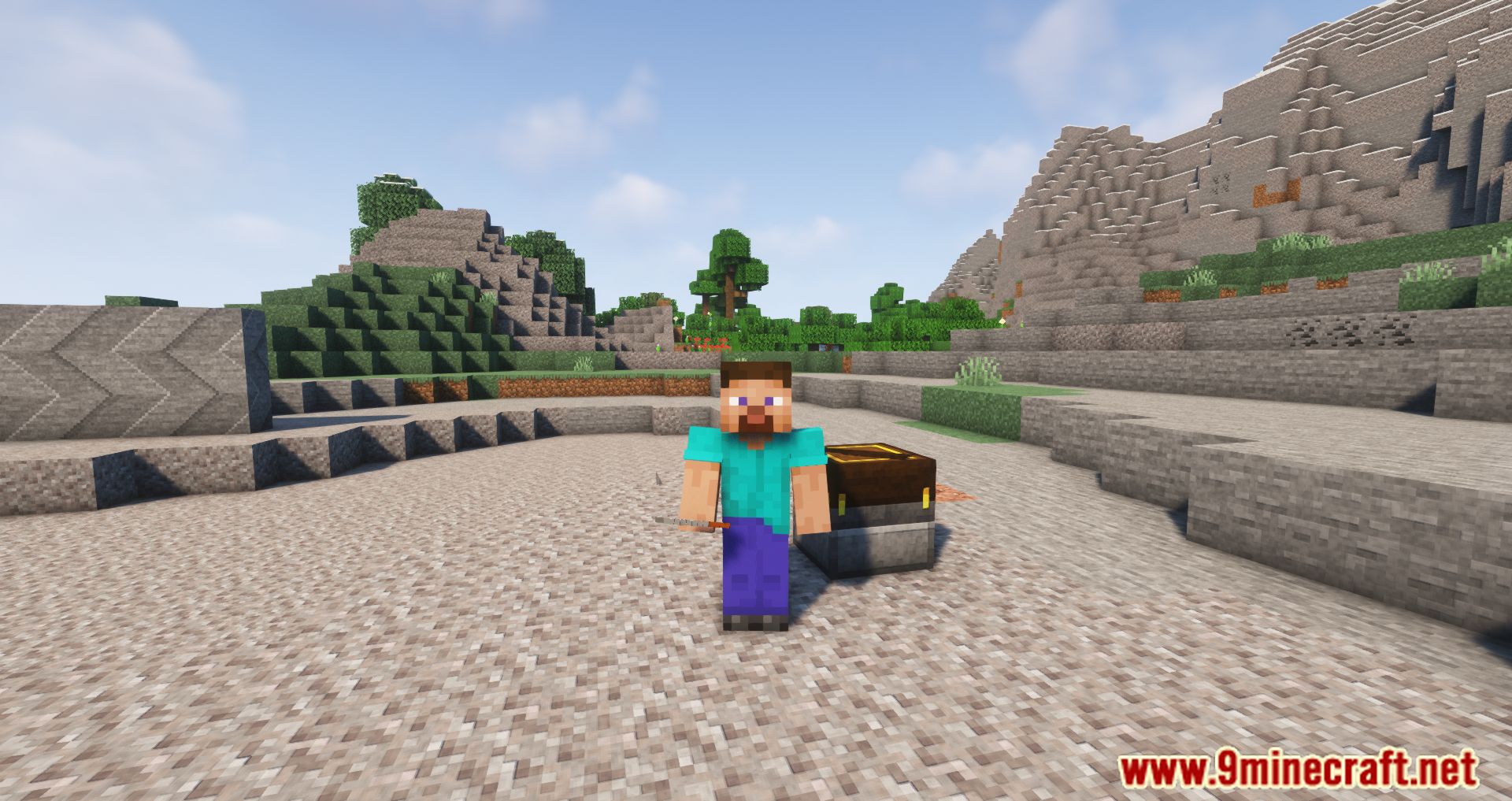
- Add Chisel tool and Chisel Station to the game.
- Create many new decorative blocks with the Chisel tool.
Screenshots:
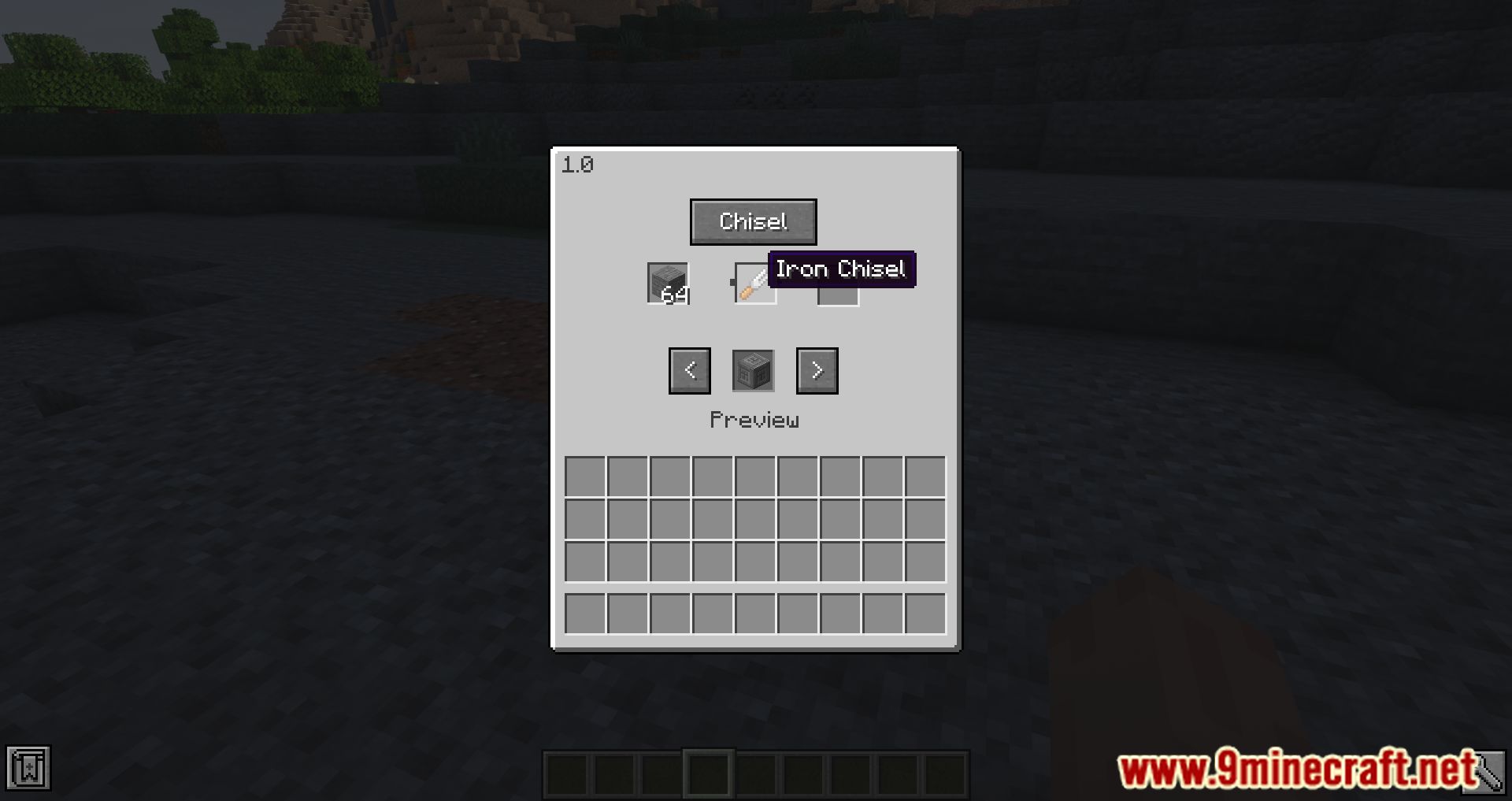
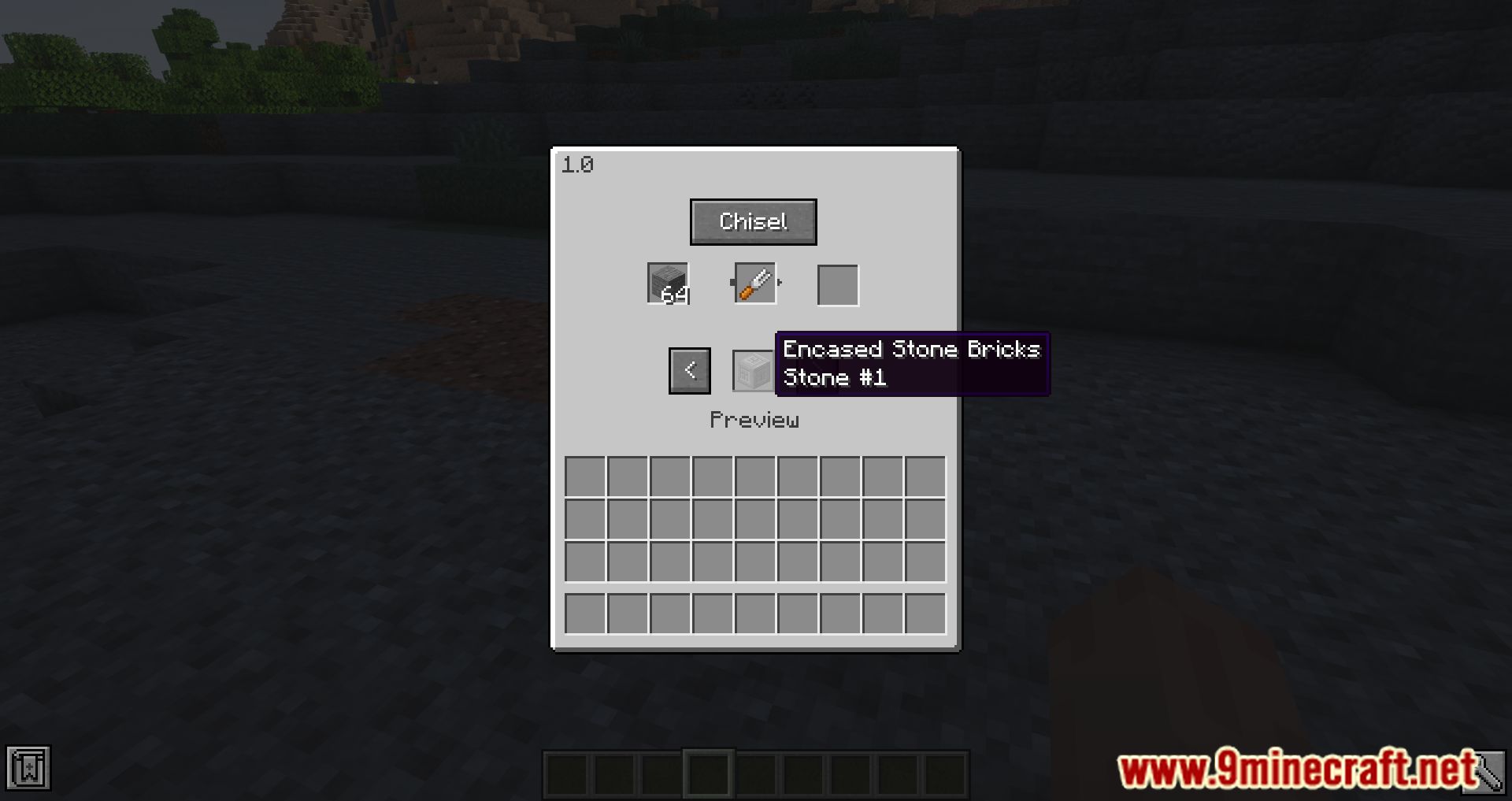
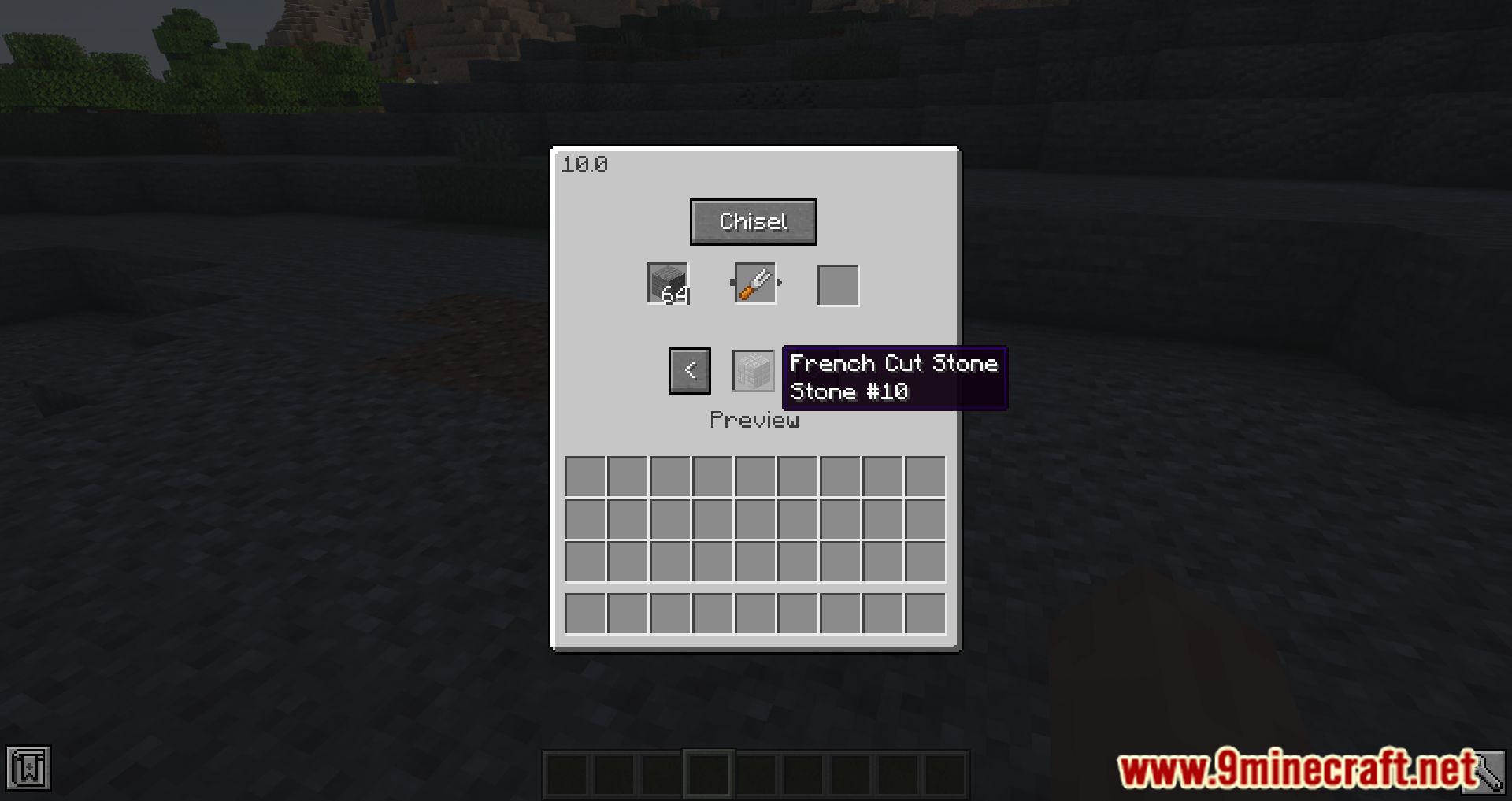
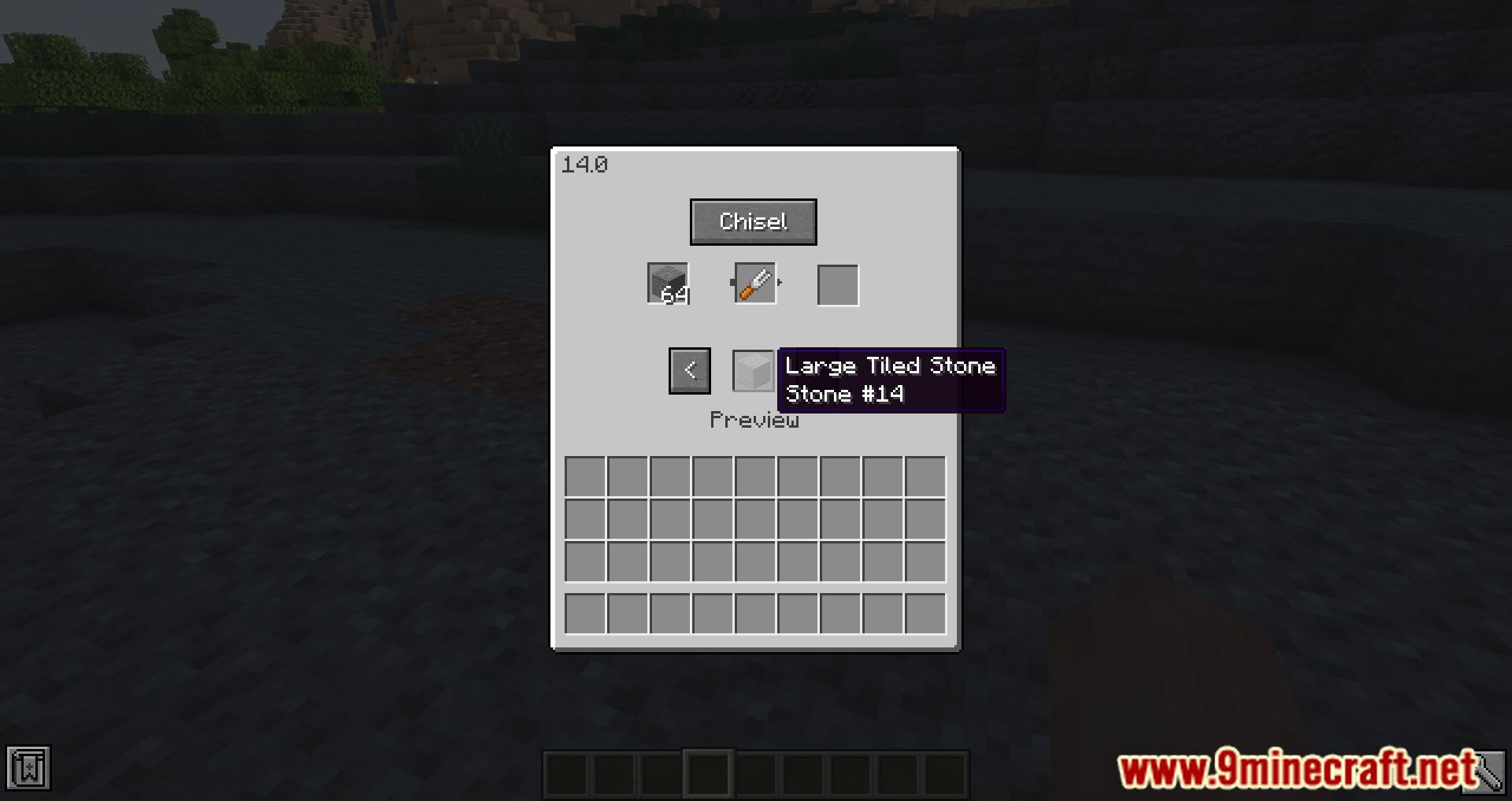
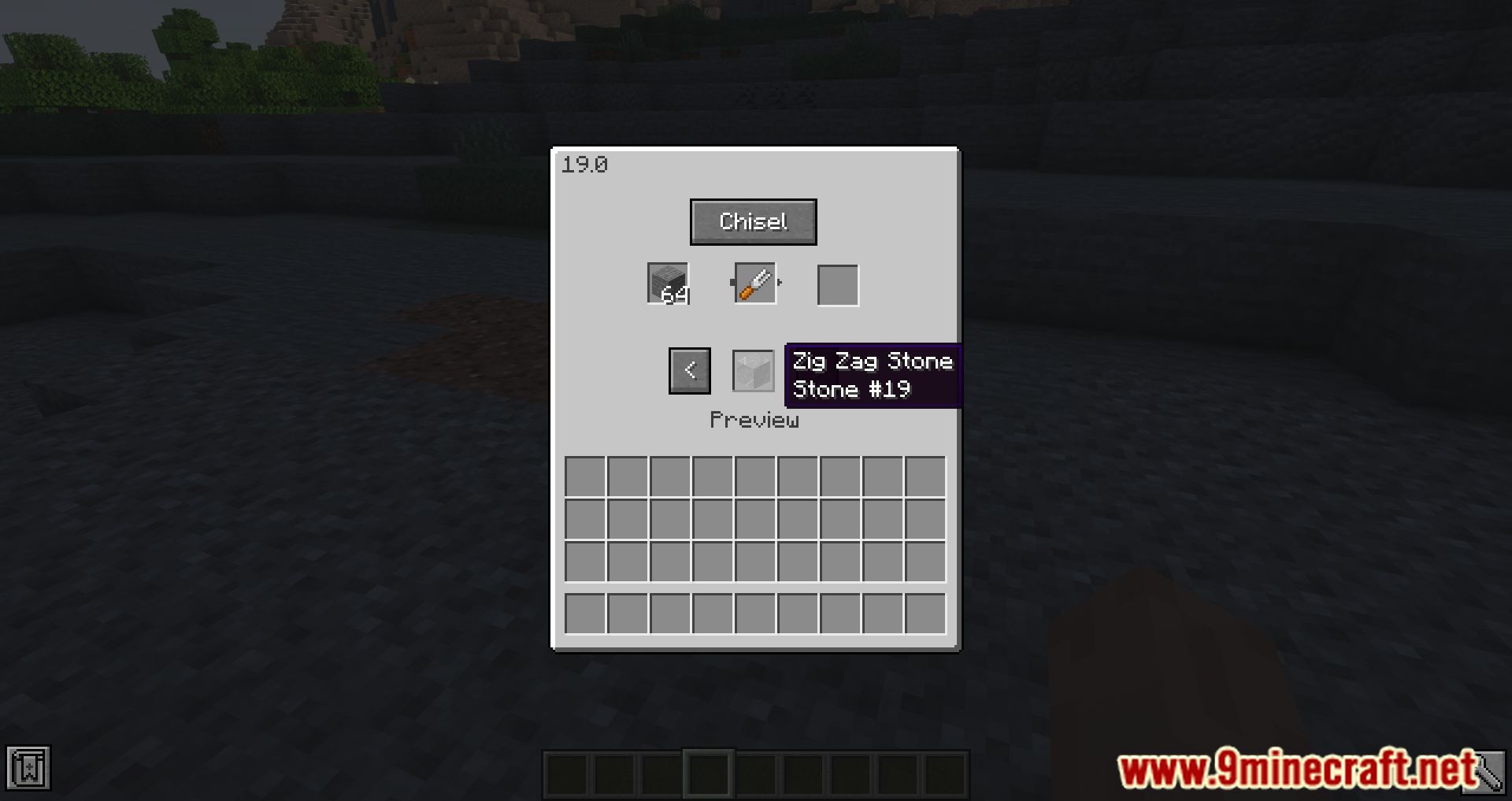
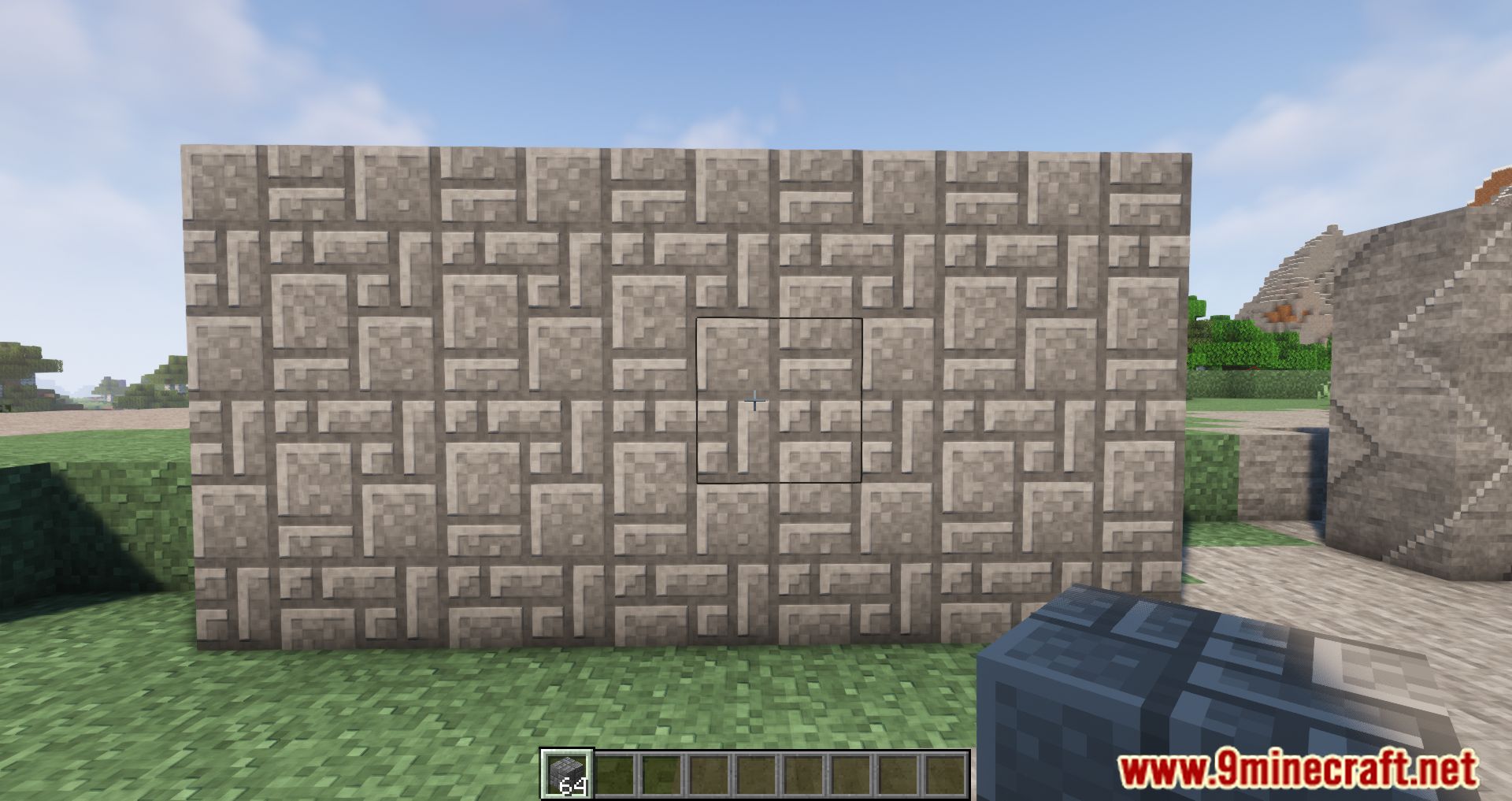
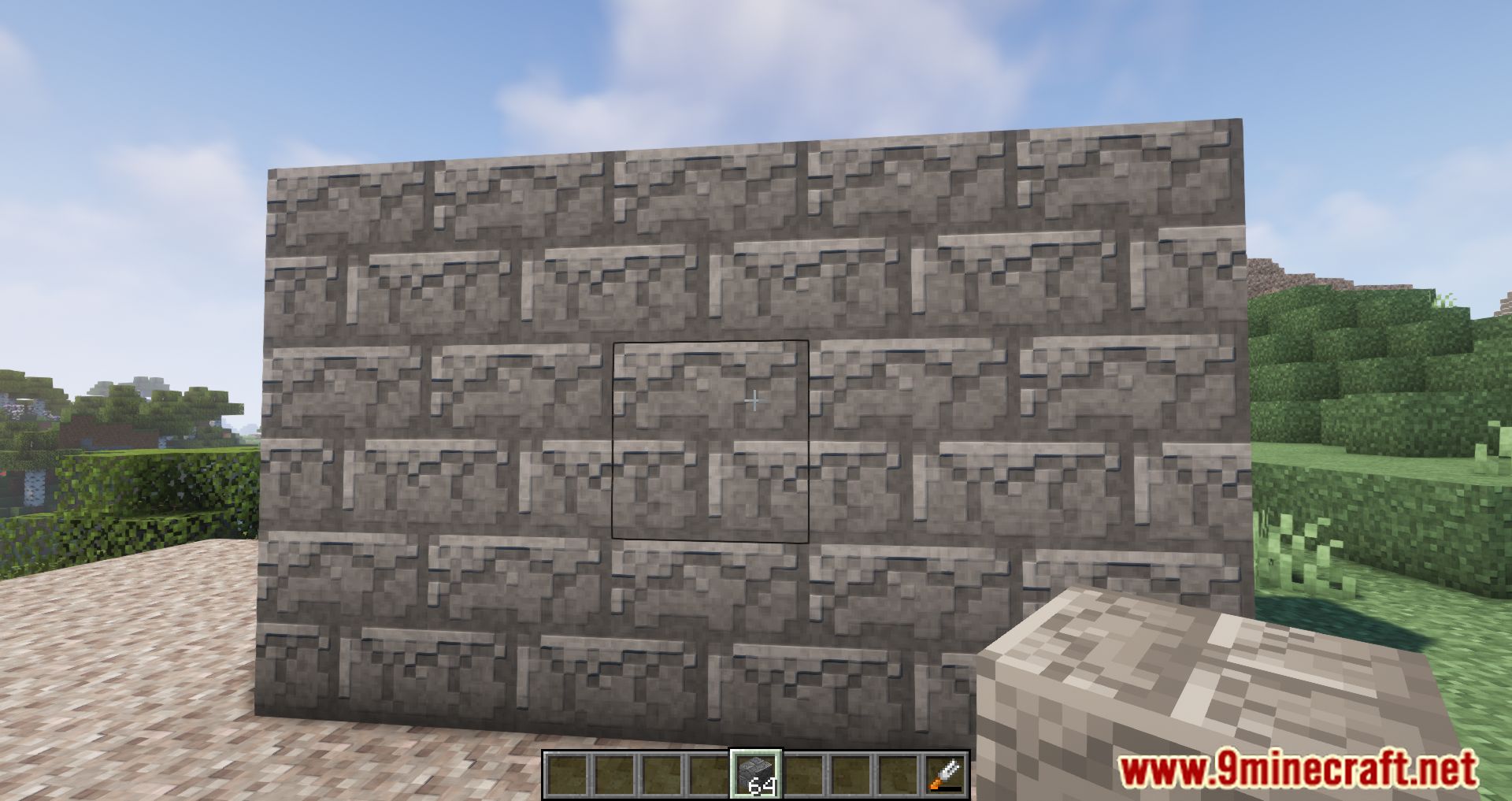
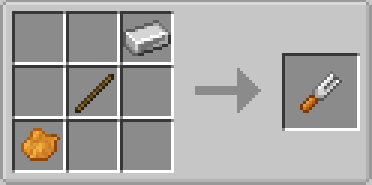
Crafting Recipes:
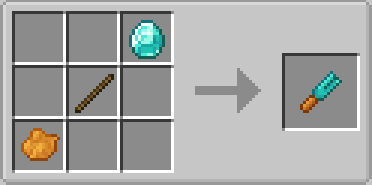
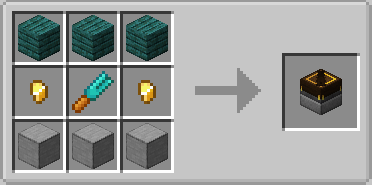
Requires:
Minecraft Forge
Chiseled Mod Download Links
For Minecraft 1.18.2
Forge version: Download from Server 1 – Download from Server 2
For Minecraft 1.16.5
Forge Version: Download from Server 1
- Edition: Minecraft Java
- File type: .jar
- Minecraft versions listed: 1.18.2, 1.16.5
- How to install: Install the matching mod loader (Forge, Fabric or NeoForge) for your Minecraft version. → Download the .jar. → Put it in the .minecraft/mods folder and launch that loader profile.
- Where to get it: In MC Java Mods, or directly above on this page.
Install steps are the general flow for this file type — How to install Minecraft Java mods & modpacks walks through it step by step.
- Downloads as 203484.mcaddon
- Download size: 145 KB
- Download link checked 30 Jul 2026 — working
- Mirrored on our own servers — the download does not depend on the original host
These come from our own check of the pack file, not from the source page.