
Jujutsu Vibes Mod (1.20.1, 1.19.4) – Jujutsu Kaisen, Real Power
Java mod listed for Minecraft 1.19–1.20. File opened and checked on 7 Oct 2026; downloads from the MC Java Mods app on Android.
⬇ DownloadYou are a fan of anime and would like to add such content to the Minecraft game world, aren’t you? Then you should consider using a mod called Jujutsu Kaisen, which may help you in this task. Jujutsu Vibes Mod will add several magic techniques to the game that will help you in some situations.
Features:
- Press O to open menu, there you can see your stats, there is also inner technique tab and basic technique tab, difference between these two is that inner technique is random and basic technique is always same.
- For techniques you need certain amount of control and curse energy.
- To gain control there is item with name Teddy Bear, right click gives control stat, maximum control stat is limited by maximum curse energy.
- You can get items and other things from shrines.
- Cores drop from curses.
- As human you gain curse energy by killing curses.
- As curse you gain curse energy by killing humans (that is new mob) they spawn mainly in village or you can gain curse energy by eating cores.
- Right now there is 15 different inner techniques.
Screenshots:
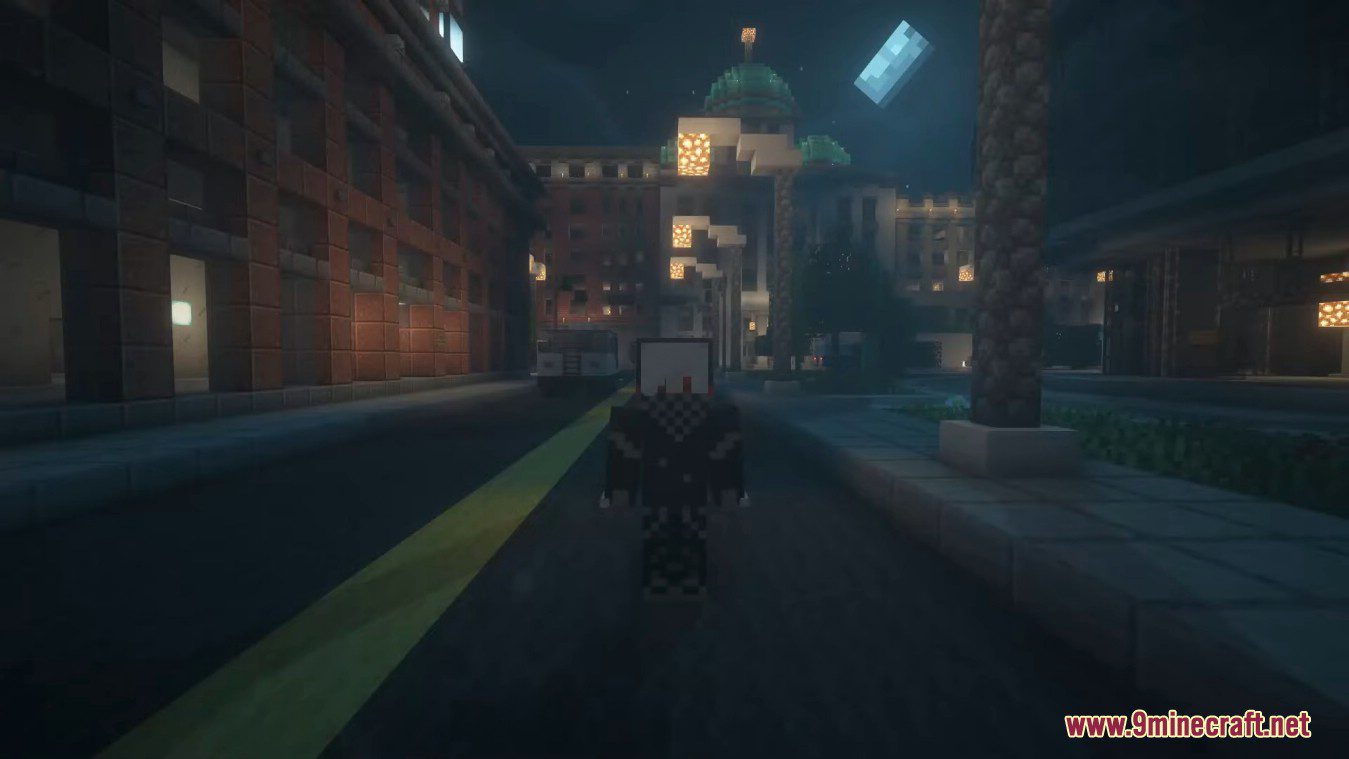



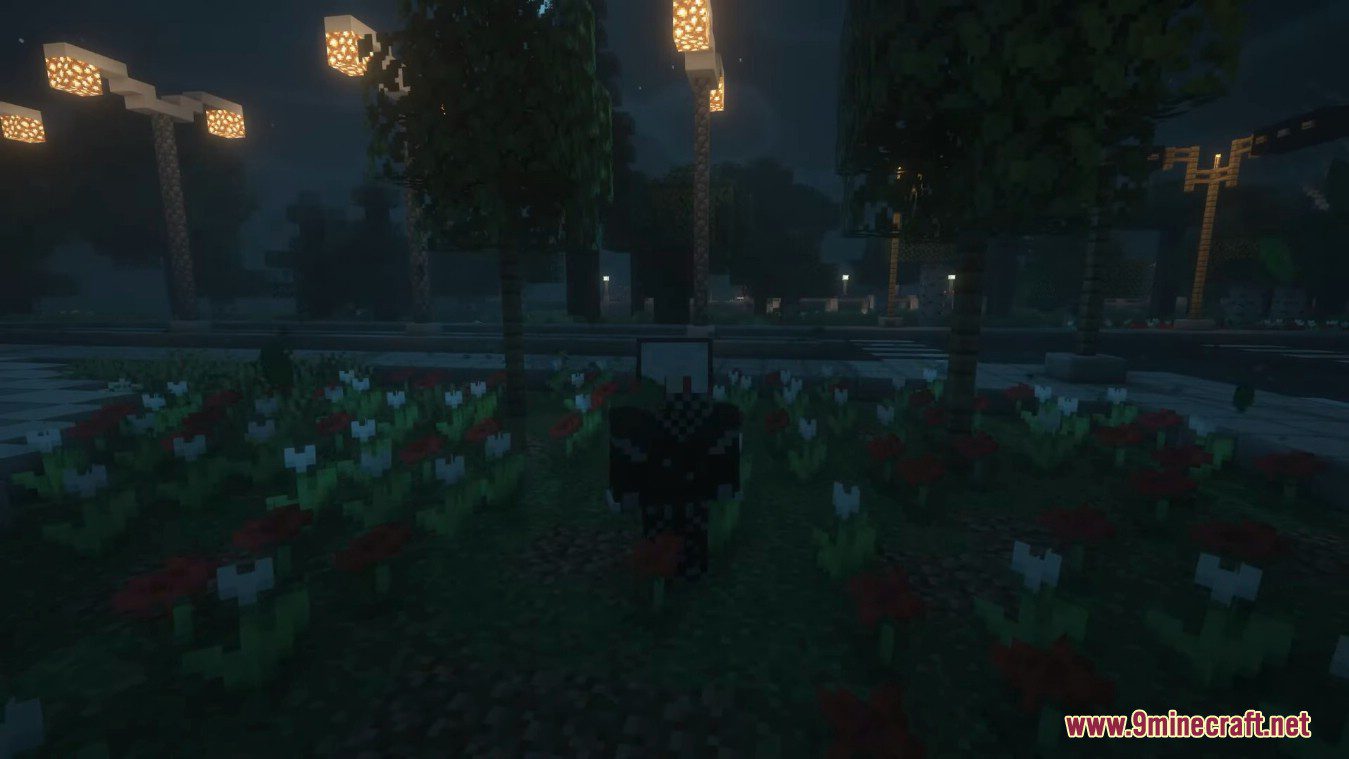
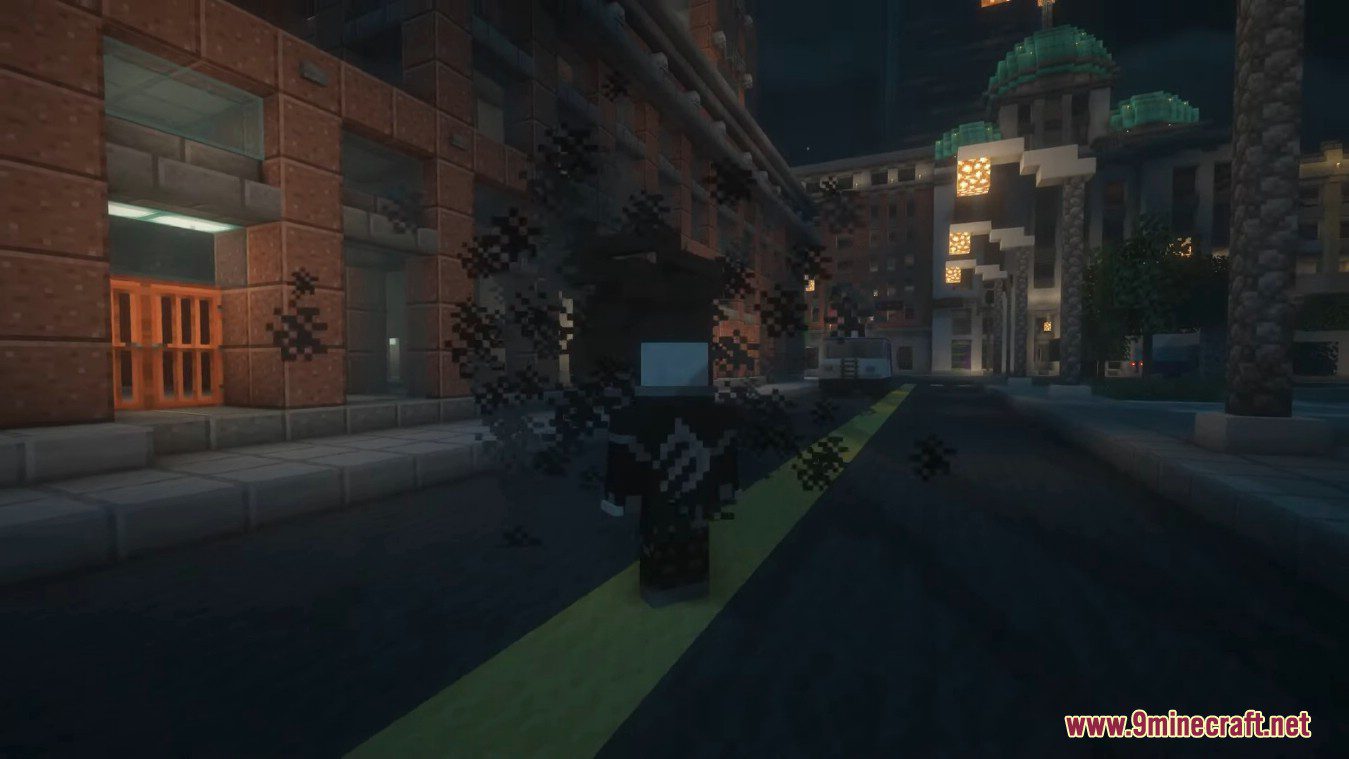
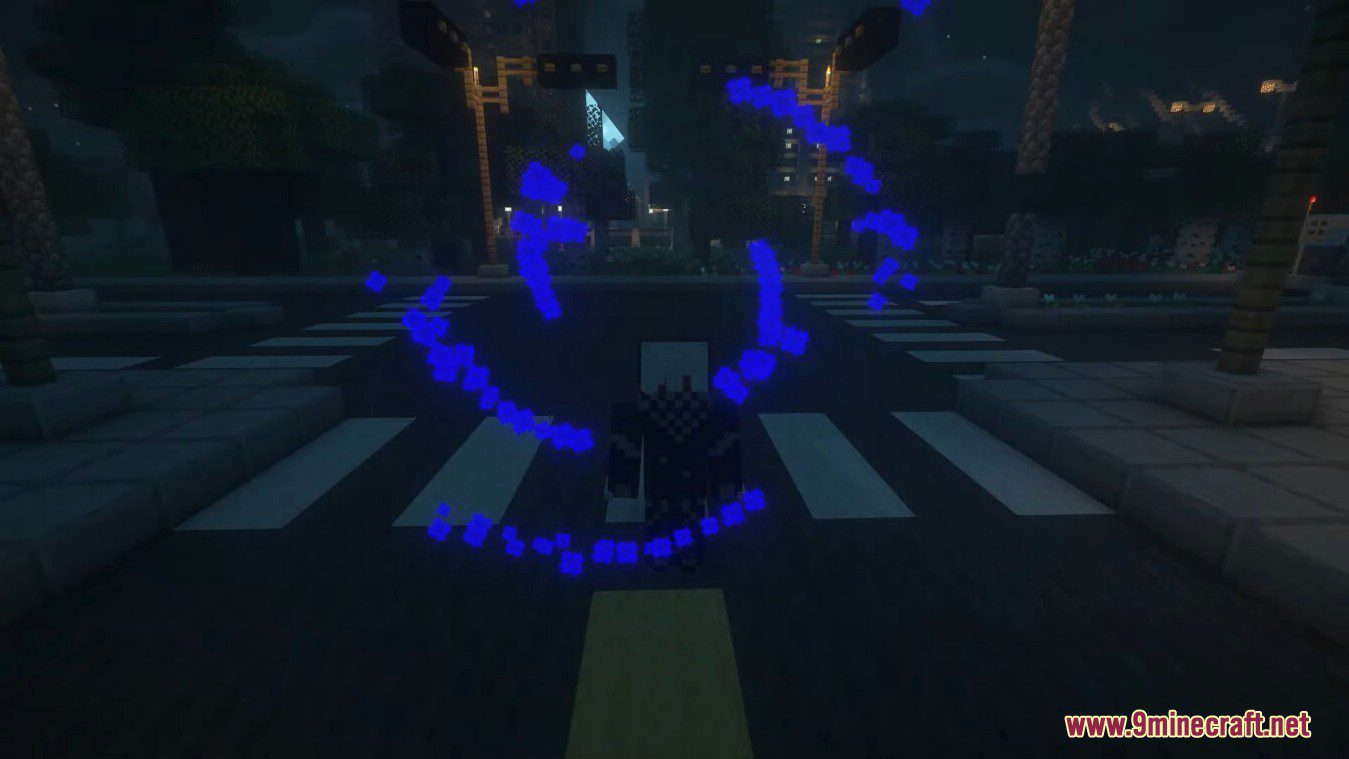


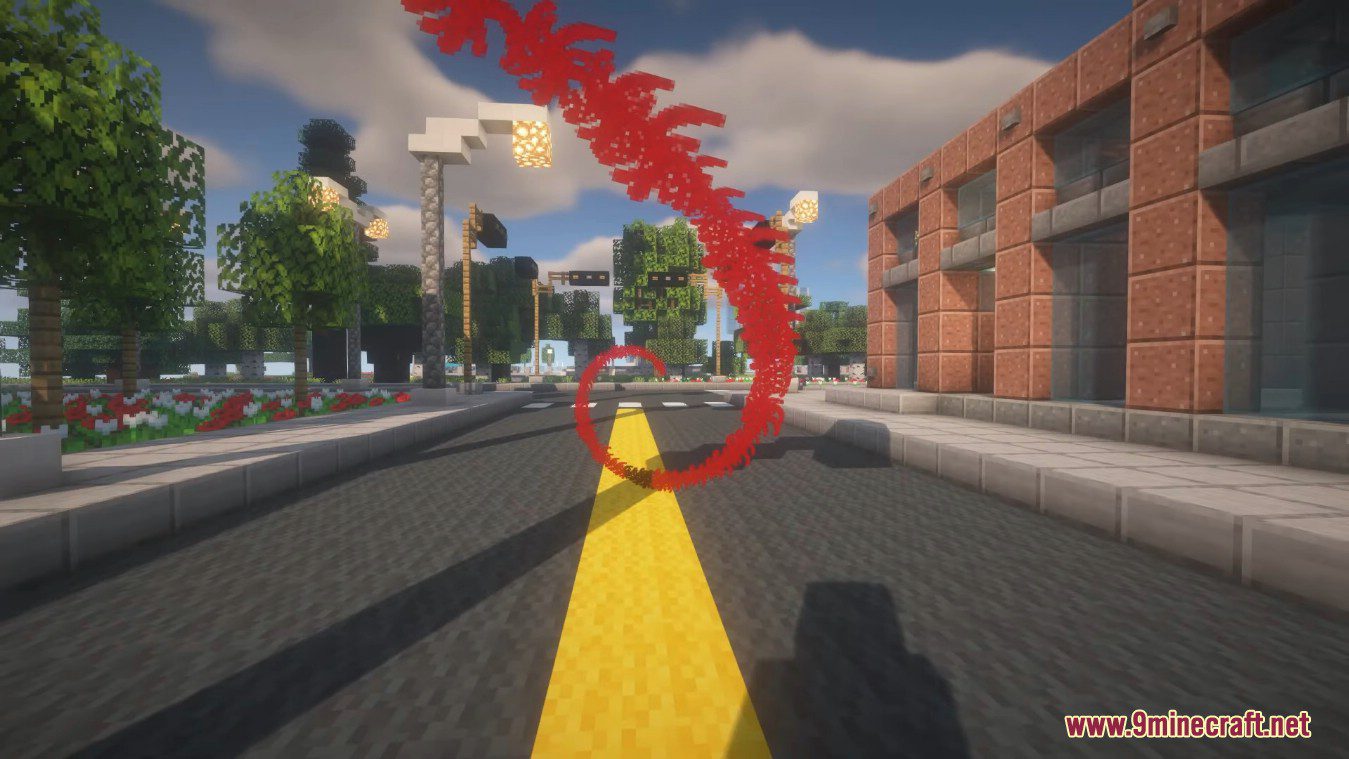
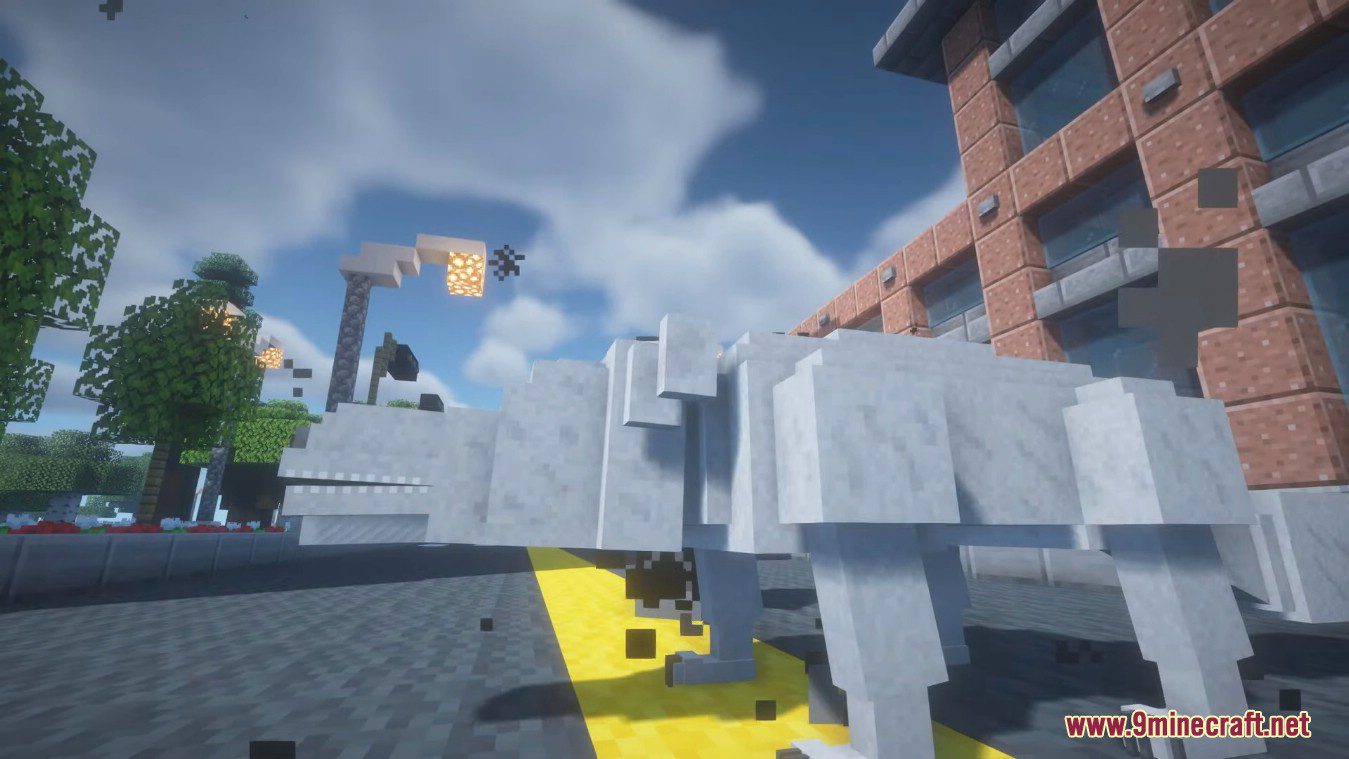

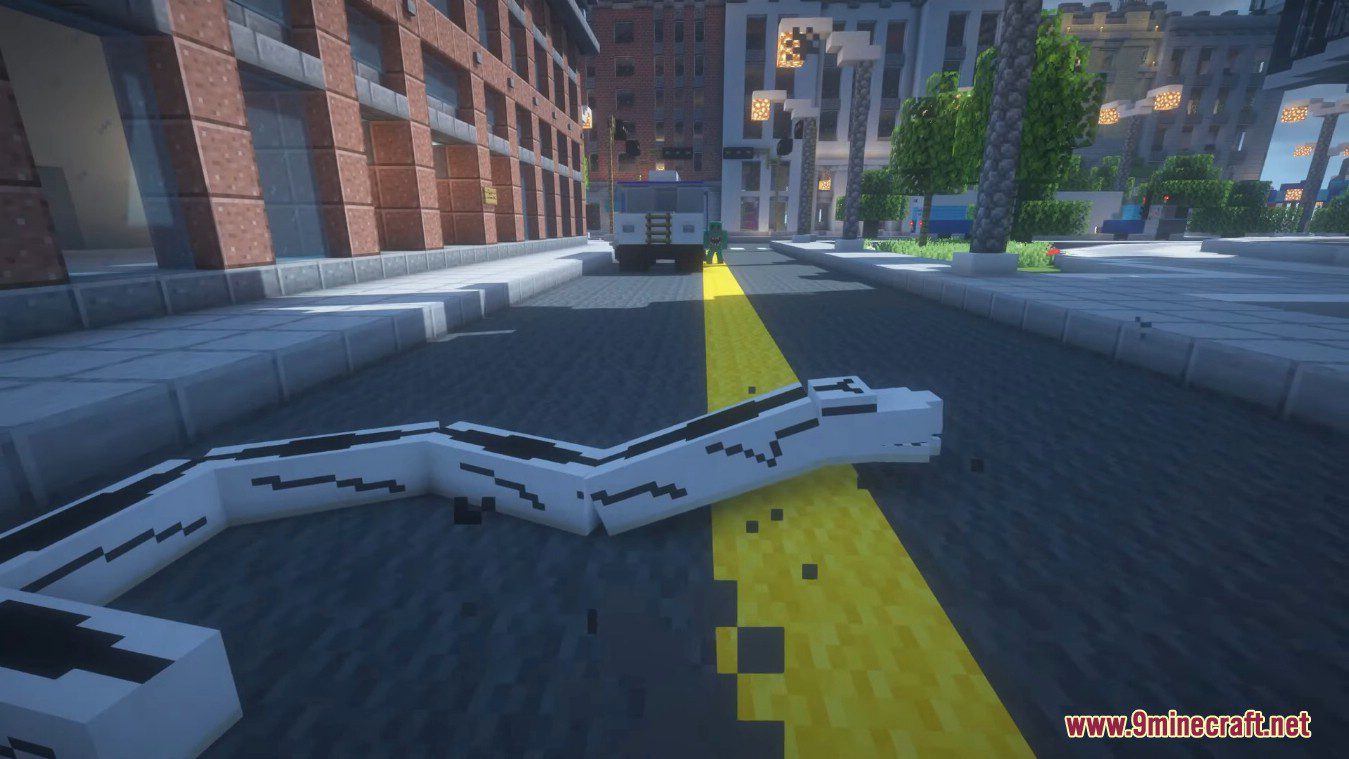
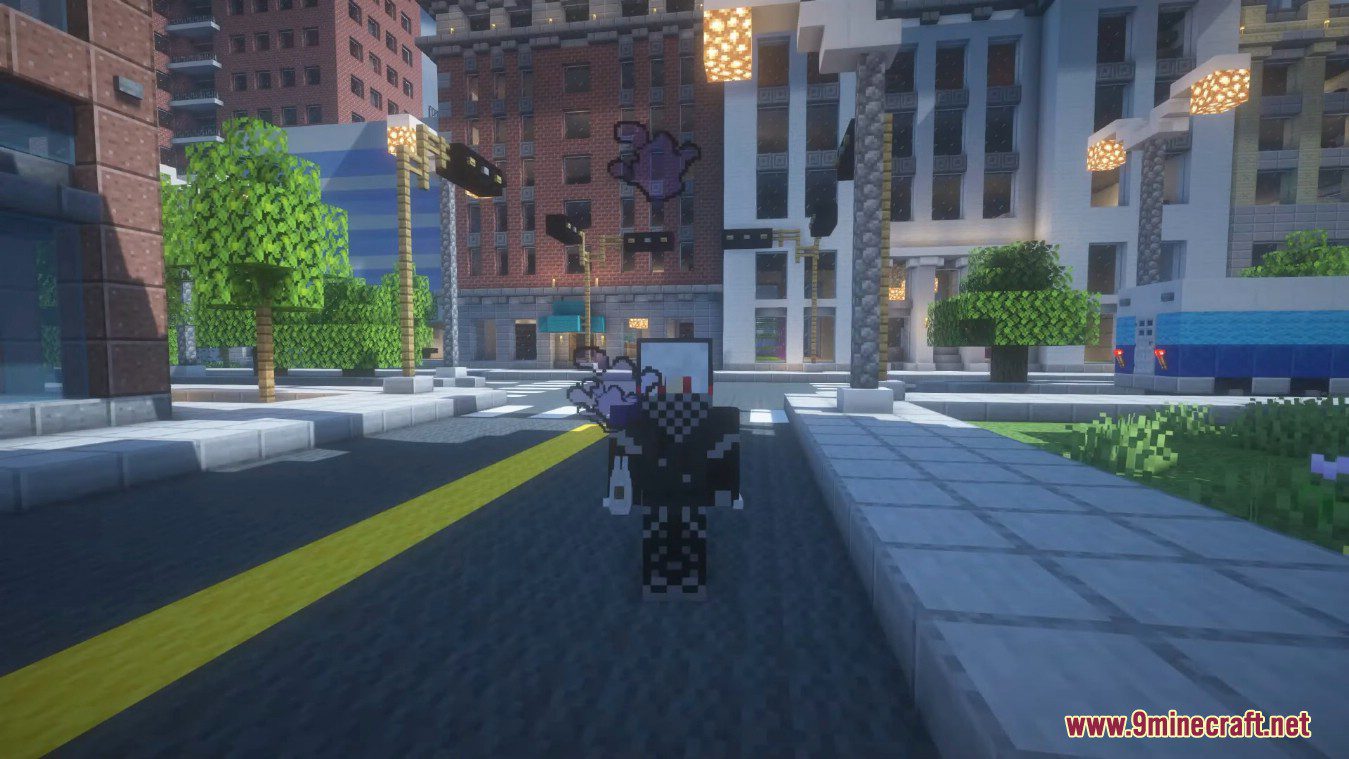

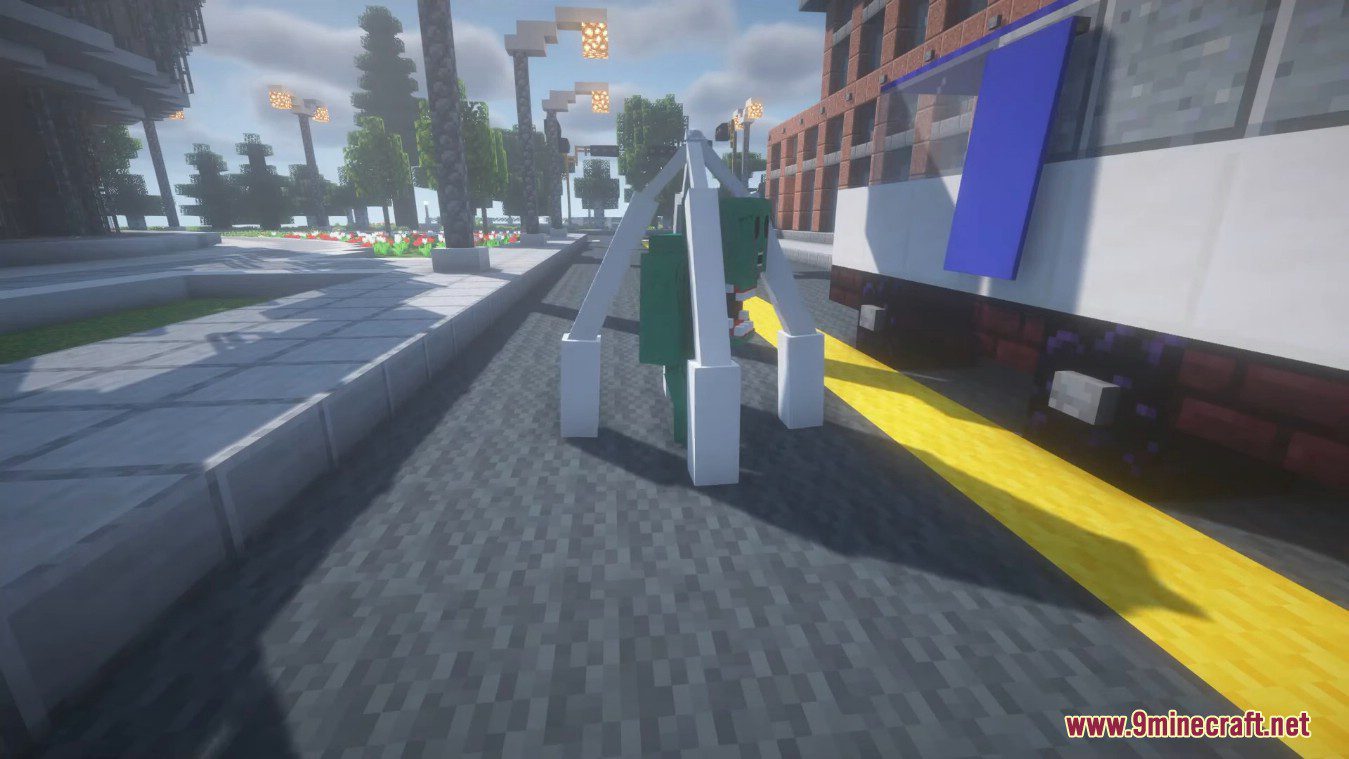
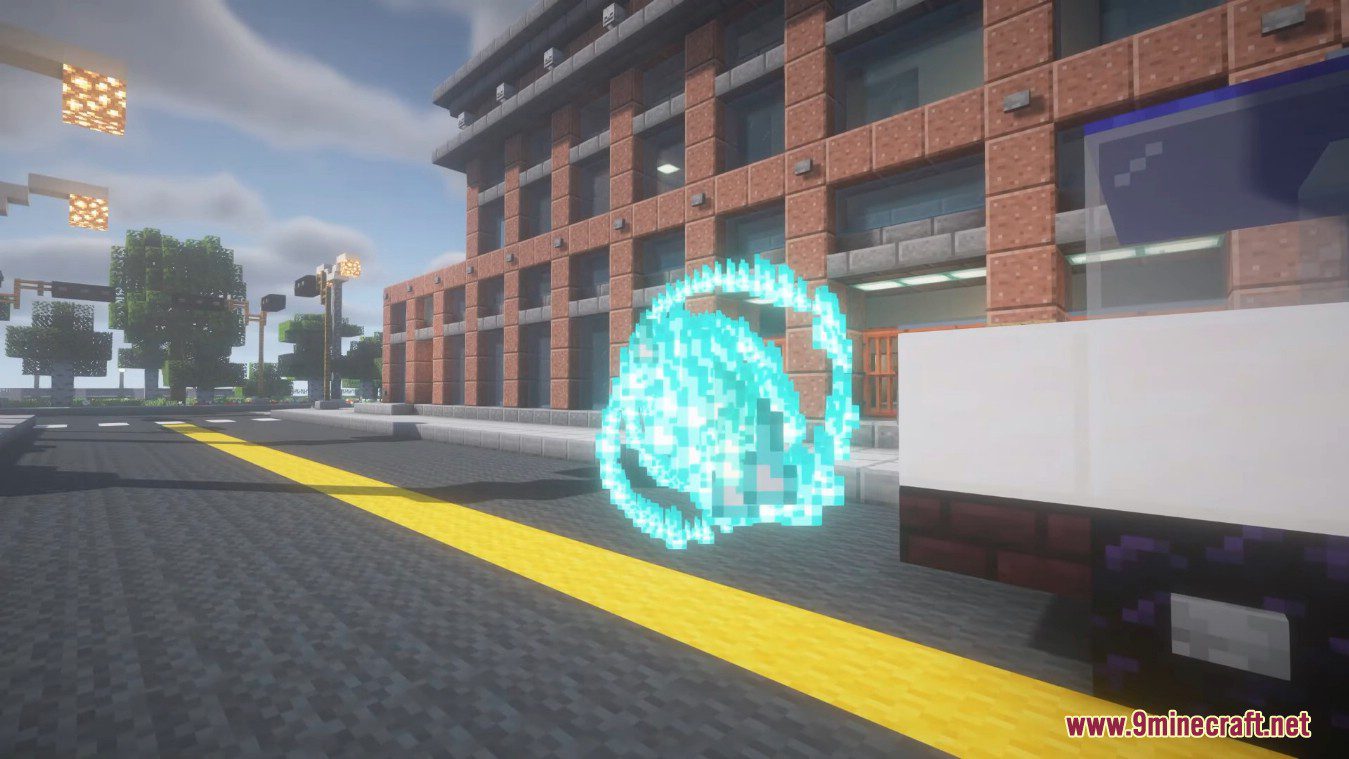
How to use:
You need to have soul item, to get one, you need to press O. After that you need book with technique, to get one trade with gojo or get one in creative. After that just use C and V to select between learned techniques. Just warning but look into control if it doesn’t work.
Sukuna
- To become Sukuna vesel, you need to eat fingers, to get finger, just kill finger berear yokai that spawns in the game. There is 30% chance to become vesel.
Techniques
- To get technique, trade with Gojo. Right click on him with yen in hand, to get yen, you need to kill Yokais.
Jujutsu Vibes Mod Download Links
For Minecraft 1.20.1, 1.20
Forge version: Download from Server 1 – Download from Server 2
For Minecraft 1.19.4
Forge version: Download from Server 1 – Download from Server 2
For Minecraft 1.19.2
Forge version: Download from Server 1 – Download from Server 2
- Edition: Minecraft Java
- File type: .jar
- Minecraft versions listed: 1.20.1, 1.19.4
- How to install: Install the matching mod loader (Forge, Fabric or NeoForge) for your Minecraft version. → Download the .jar. → Put it in the .minecraft/mods folder and launch that loader profile.
- Where to get it: In MC Java Mods, or directly above on this page.
Install steps are the general flow for this file type — How to install Minecraft Java mods & modpacks walks through it step by step.
- Downloads as 203514.mcaddon
- Download size: 5.0 MB
- Download link checked 30 Jul 2026 — working
- Mirrored on our own servers — the download does not depend on the original host
These come from our own check of the pack file, not from the source page.