Sort Mod emerges as a minimalistic yet invaluable mod designed to simplify and enhance the organization of containers in Minecraft. With a user-friendly approach, this mod introduces a convenient sorting feature accessible with a press of the R key. It stands out as a mod that addresses a fundamental aspect of Minecraft-inventory management. By providing a straightforward and intuitive solution for sorting items across different containers, the mod caters to players who value efficiency and organization in their gameplay.
Features:
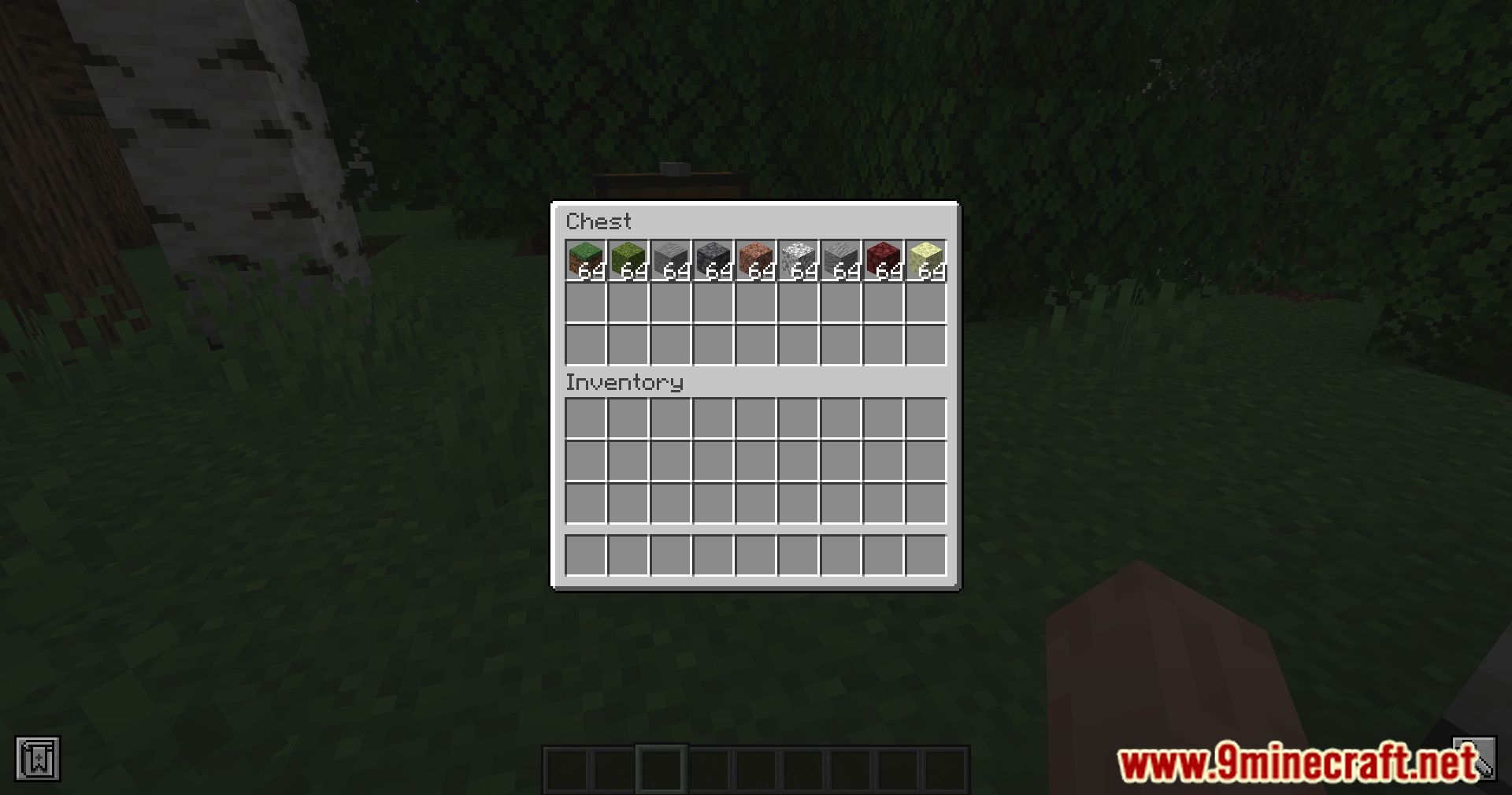
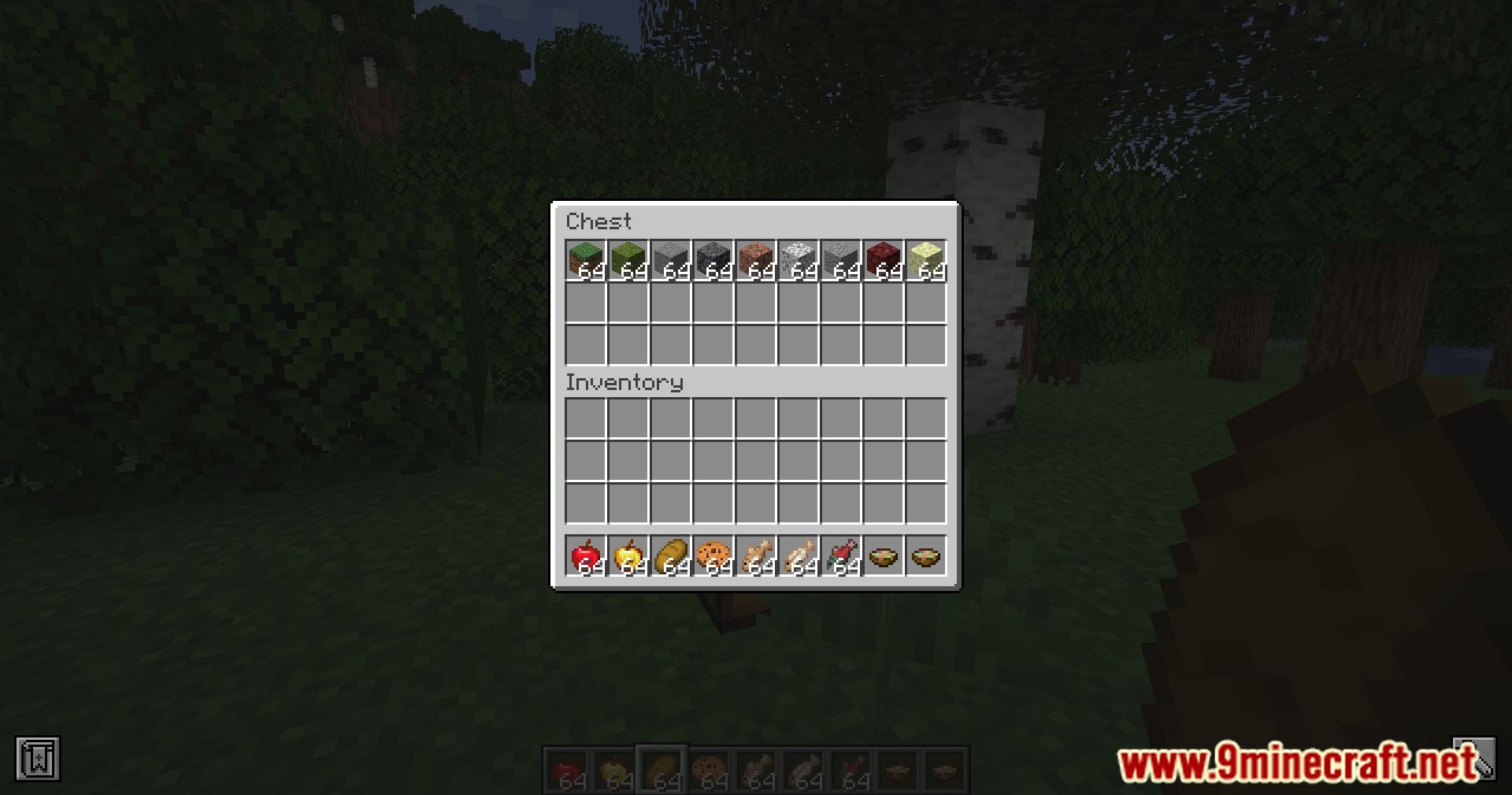
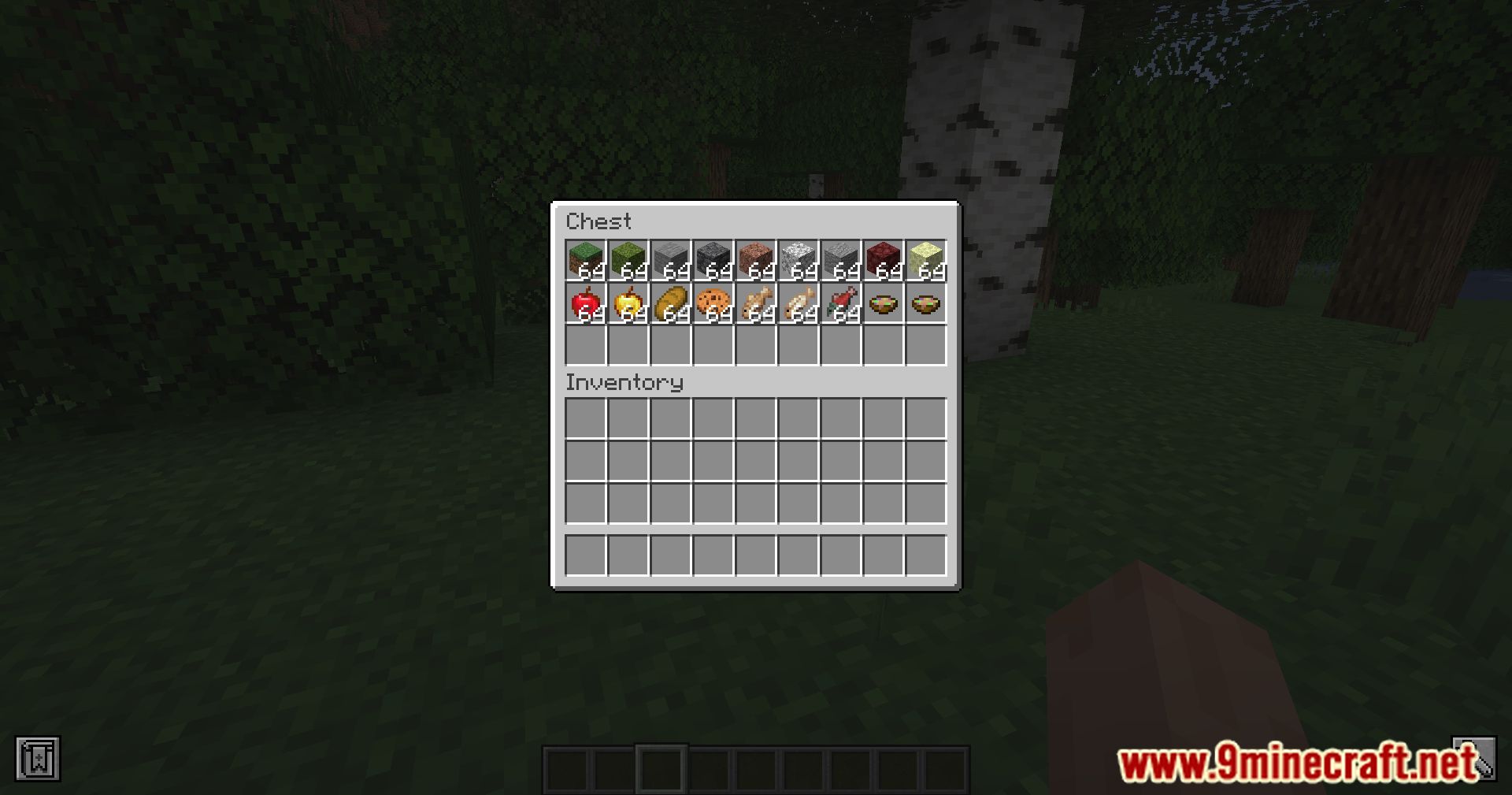
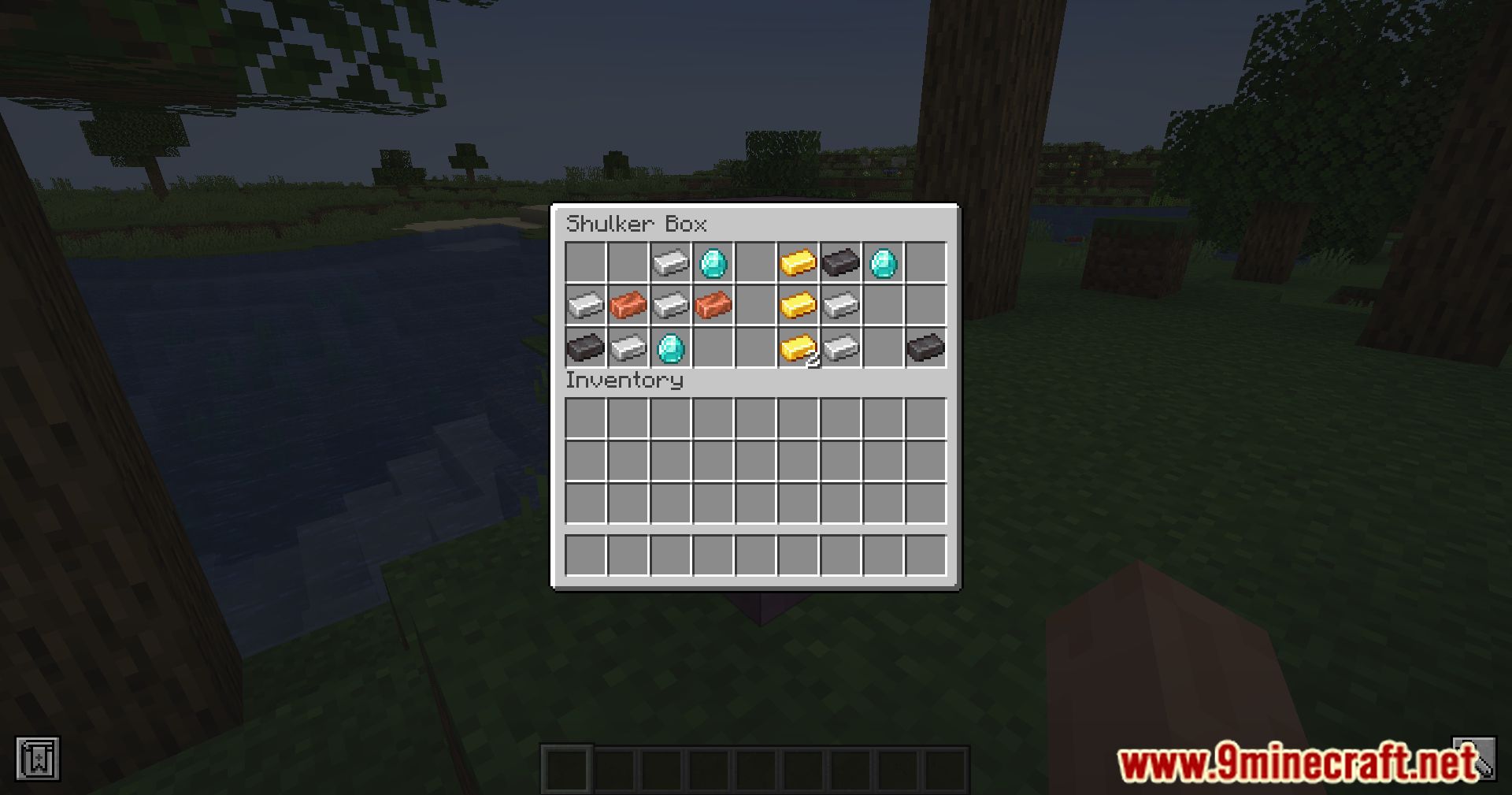
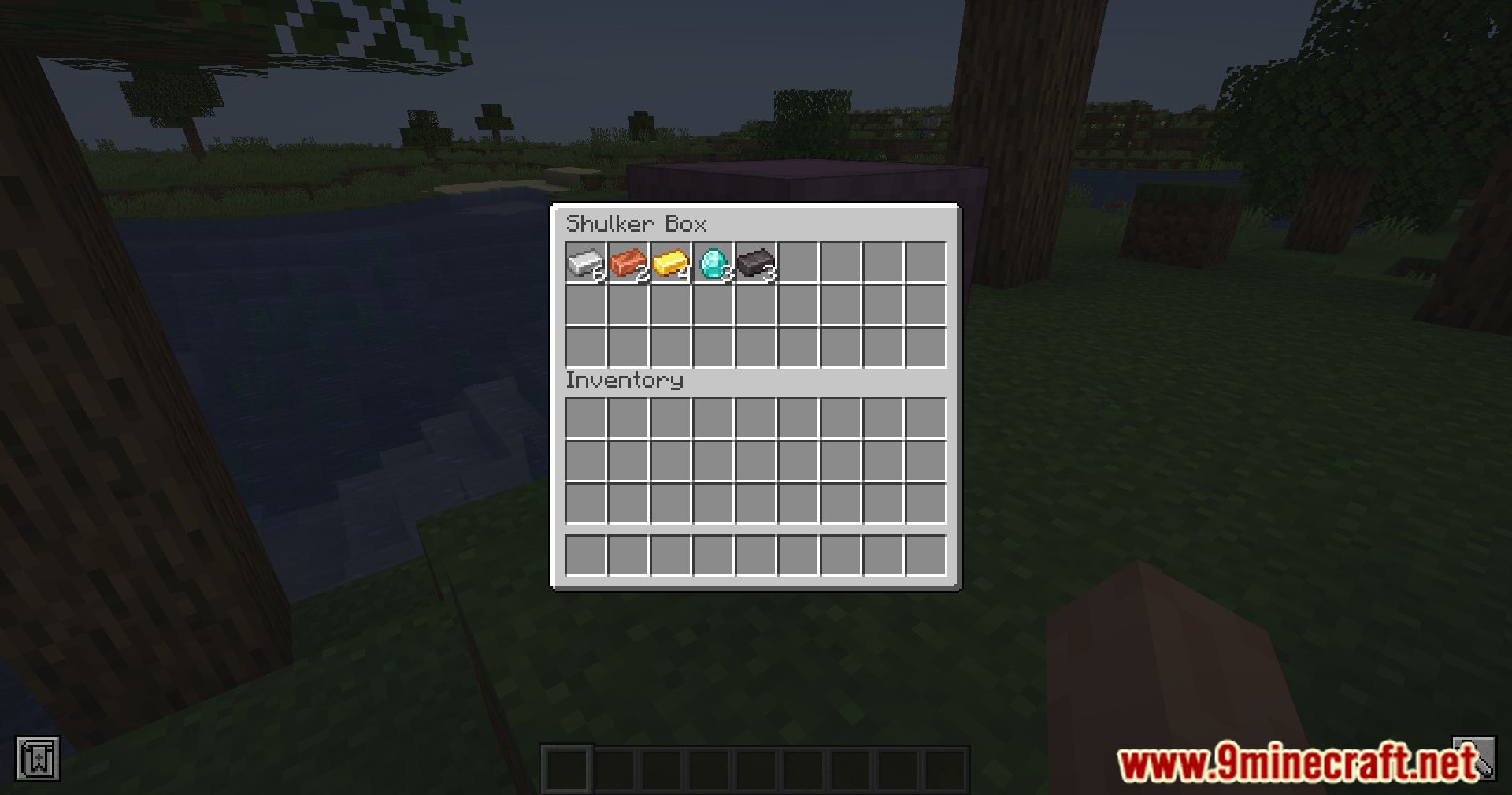
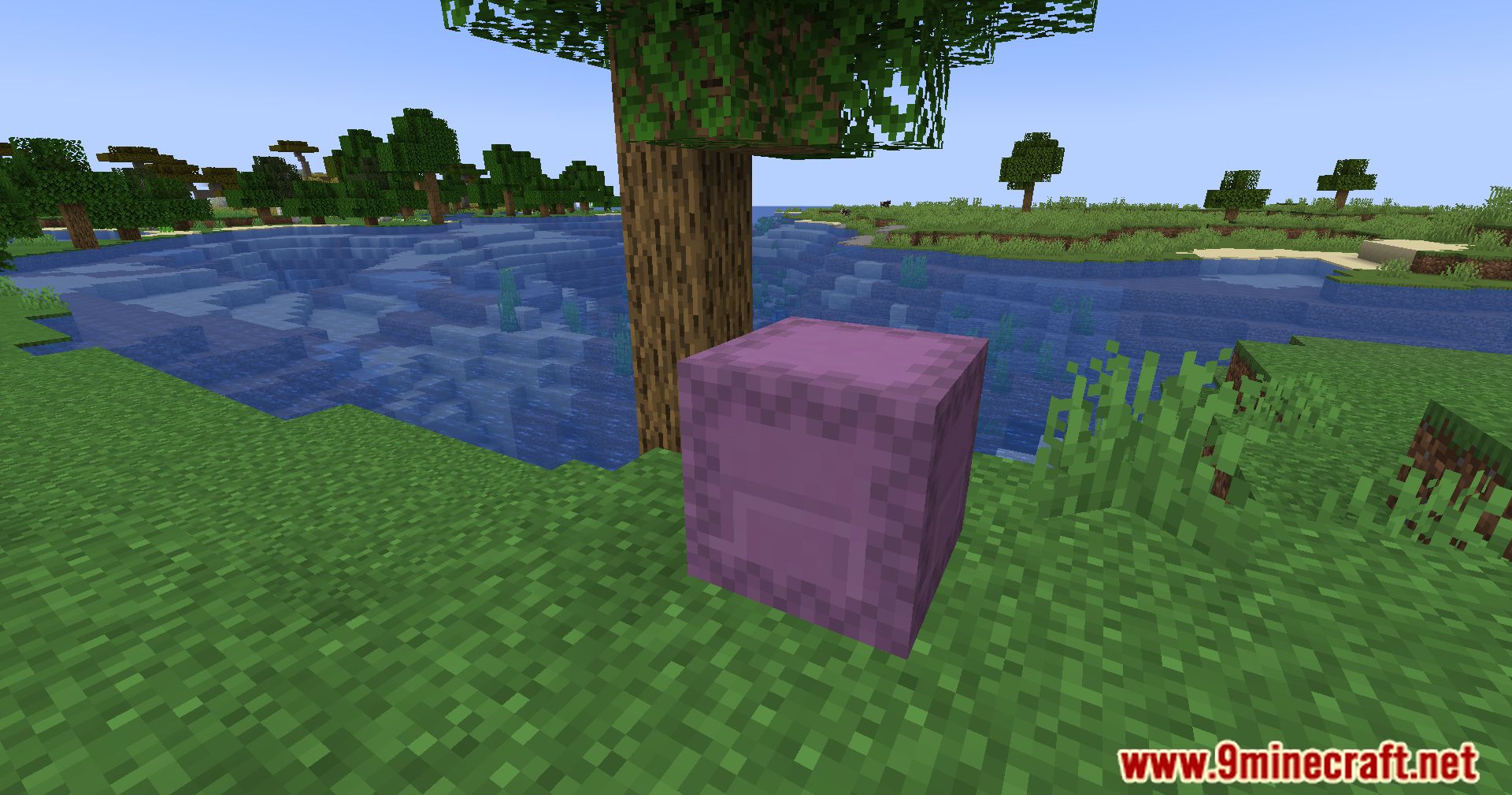
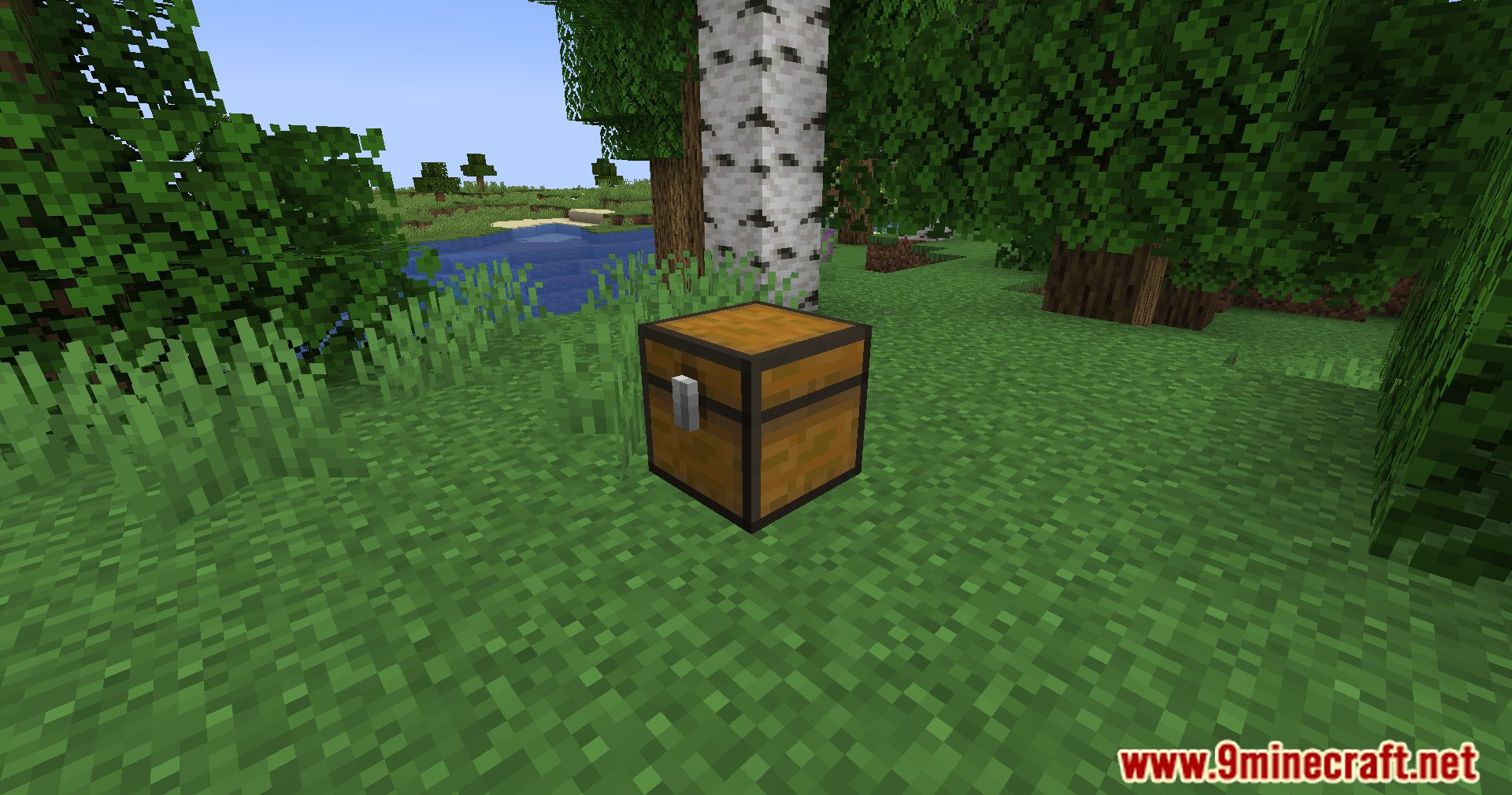
- Container Sorting: It focuses on optimizing container organization in Minecraft. Players can effortlessly sort items within chests, shulker boxes, hoppers, and dispensers/droppers by simply pressing the R key. This streamlined process eliminates the need for manual sorting and enhances overall inventory management.
- Intuitive User Interface: The mod prioritizes ease of use, allowing players to initiate the sorting process with a single key press. The intuitive user interface ensures that sorting items within various containers becomes a seamless and straightforward task.
- Versatility Across Containers: One of the strengths of this mod lies in its versatility. Whether it’s a chest, shulker box, hopper, or dispenser/dropper, the mod provides a consistent sorting experience. This uniformity contributes to a more cohesive and user-friendly gameplay experience.
- Efficient Hopper Sorting: The inclusion of hoppers in the sorting process enhances automation capabilities. Players can optimize item flow within hoppers, streamlining item processing in various contraptions and systems.
- Time-saving Dispenser/Dropper Sorting: It extends its functionality to dispensers and droppers, saving players time and effort when organizing items in these automated devices. This feature is particularly beneficial for redstone enthusiasts and automation-focused players.
Screenshots:
Sort Mod Download Links
For All Versions from Minecraft 1.19 to Minecraft 1.20.4
Fabric version: Download from Server 1 – Download from Server 2
For All Versions from Minecraft 1.19 to Minecraft 1.20.2
Fabric version: Download from Server 1 – Download from Server 2
For Minecraft 1.18.2, 1.18.1
Fabric version: Download from Server 1 – Download from Server 2
- Edition: Minecraft Java
- File type: .jar
- Minecraft versions listed: 1.20.4, 1.19.4
- How to install: Install the matching mod loader (Forge, Fabric or NeoForge) for your Minecraft version. → Download the .jar. → Put it in the .minecraft/mods folder and launch that loader profile.
- Where to get it: In MC Java Mods, or directly above on this page.
Install steps are the general flow for this file type — How to install Minecraft Java mods & modpacks walks through it step by step.
- Downloads as 203584.mcaddon
- Download size: 11 KB
- Download link checked 30 Jul 2026 — working
- Mirrored on our own servers — the download does not depend on the original host
These come from our own check of the pack file, not from the source page.