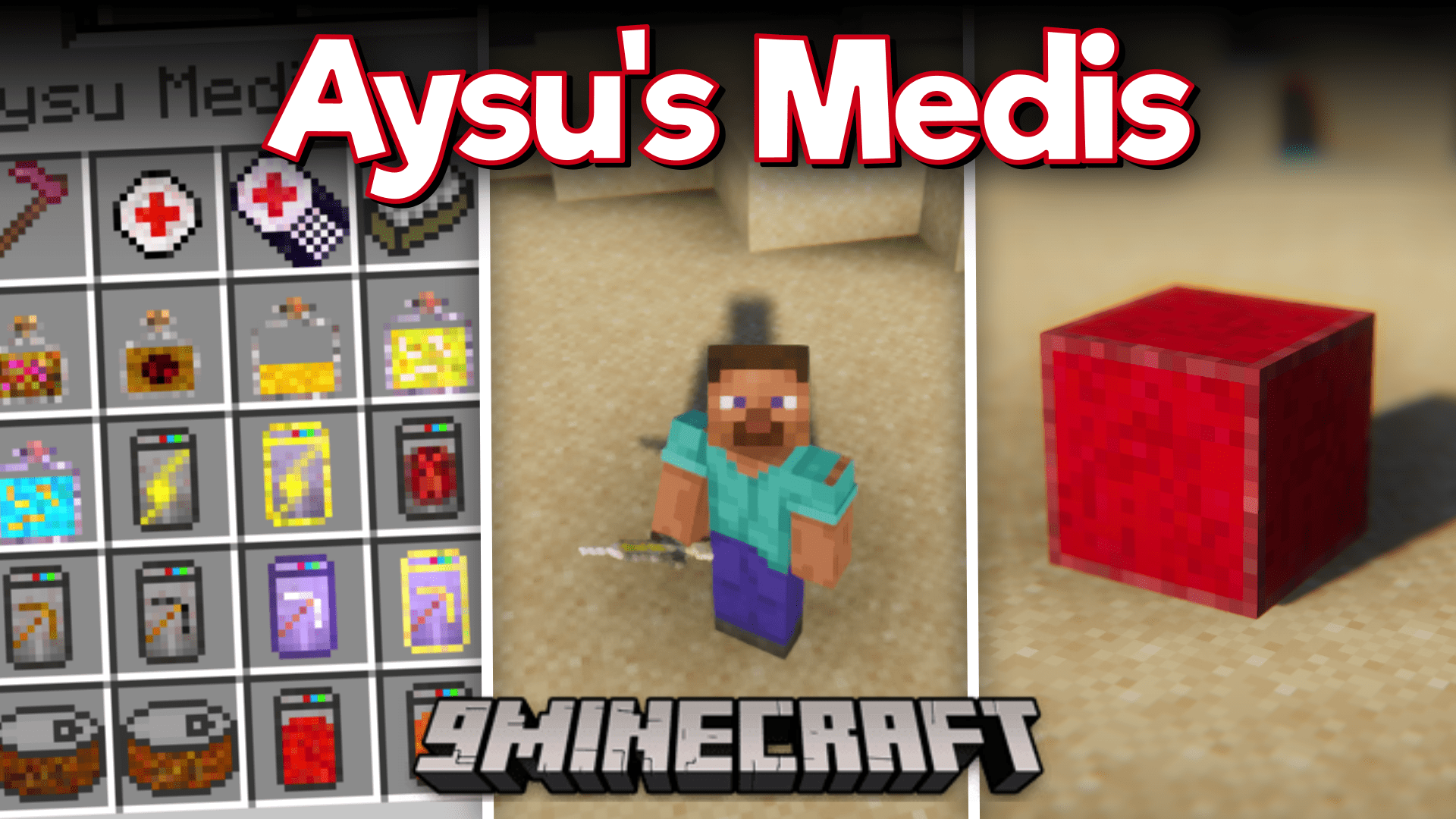
Aysu's Medis Mod (1.20.1, 1.19.4) – Medicinal Items, Redstone Gear & More!
Aysu's Medis Mod is a medicinal/drug themed mod that adds a variety of new items into the game. The mod adds about 70 new items and that includes several…
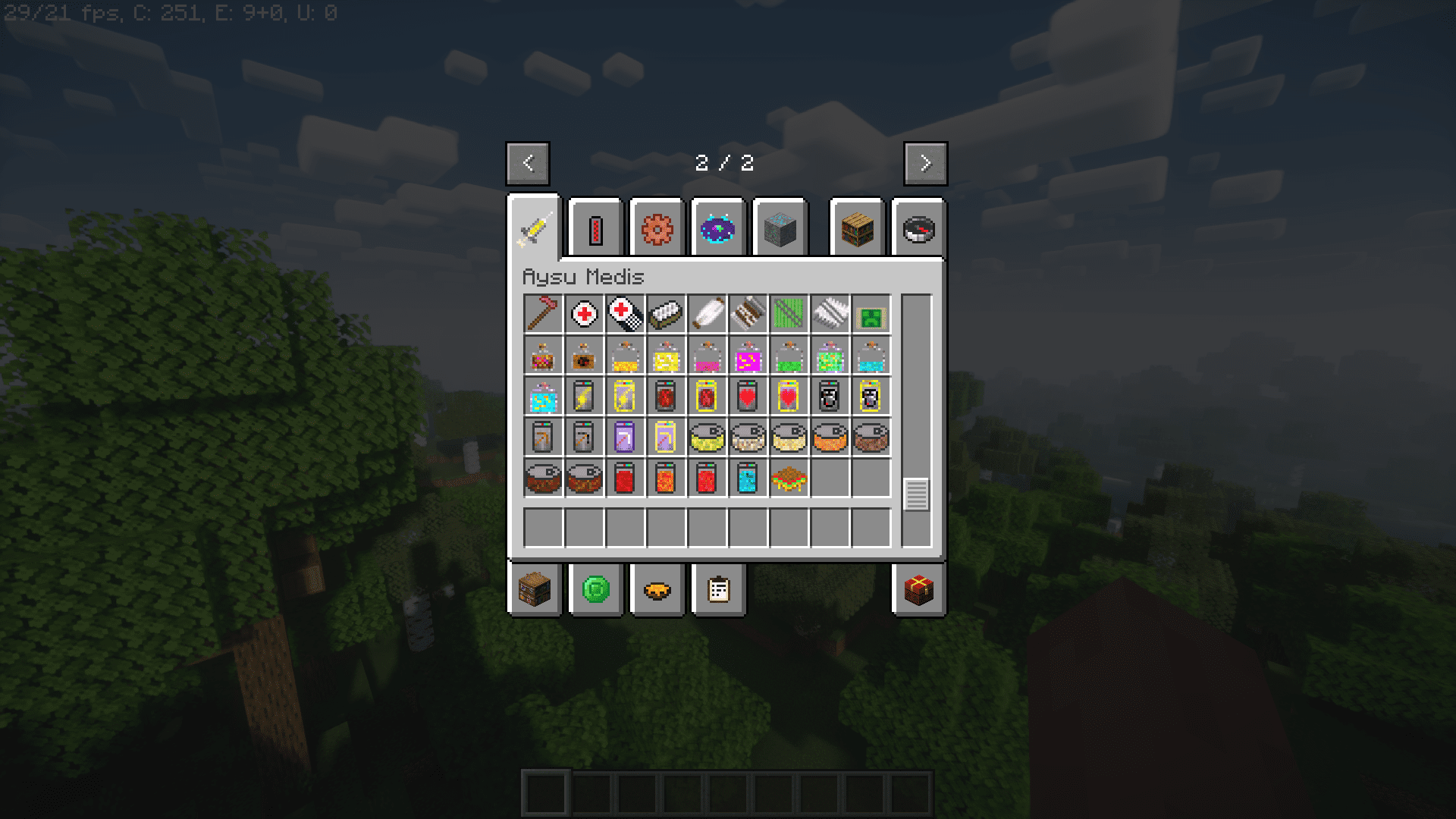
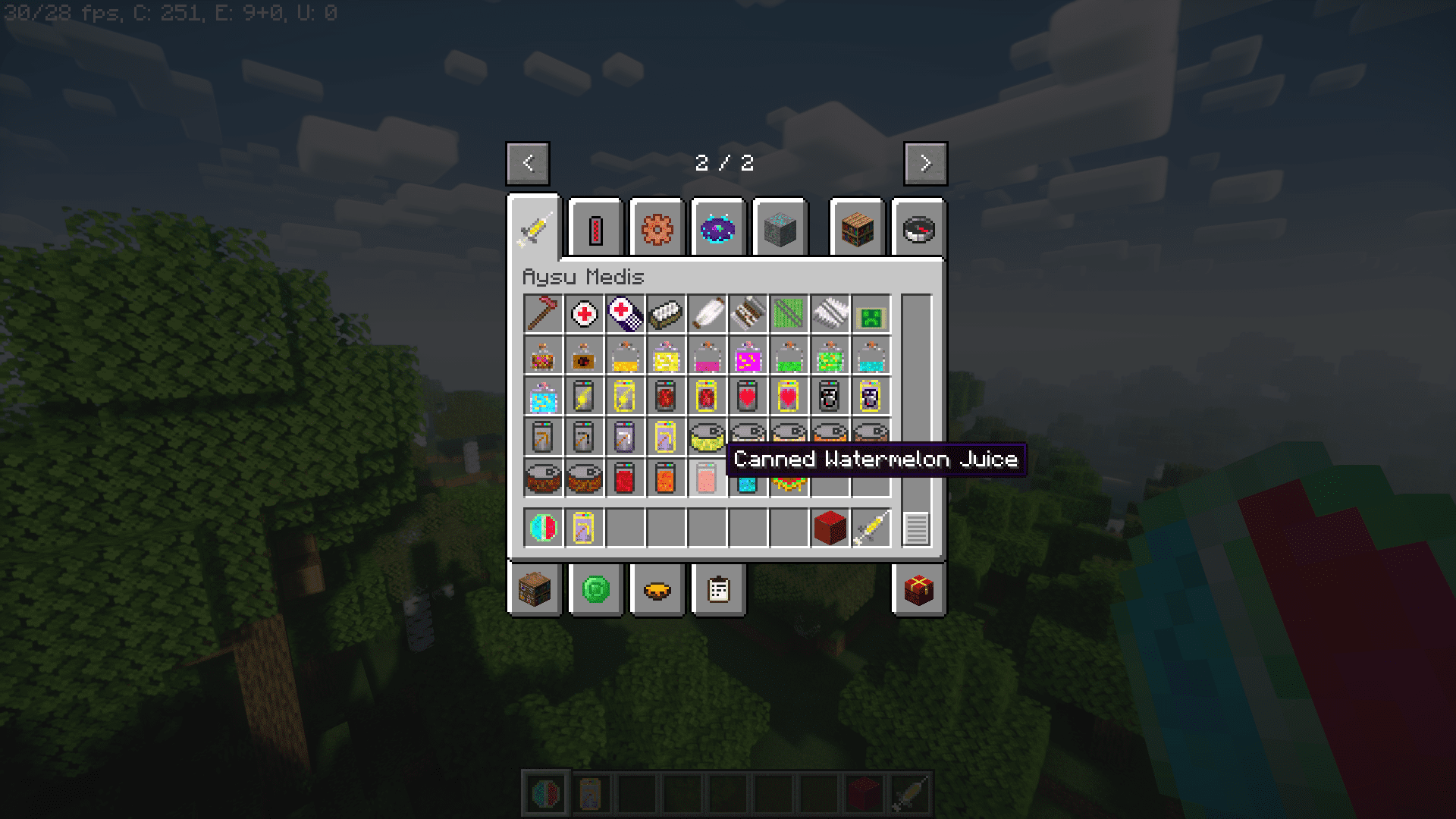
⬇ DownloadAysu’s Medis Mod is a medicinal/drug themed mod that adds a variety of new items into the game. The mod adds about 70 new items and that includes several medicinal items like syringes, adrenaline shots, bandages, first aid kits, etc. The mod also adds other useful items like a storage box with 45 item slots, canned food, and canned drinks. The most noticeable addition is the redstone gear. You can now craft armor, tools and weapons using redstone.
Features:
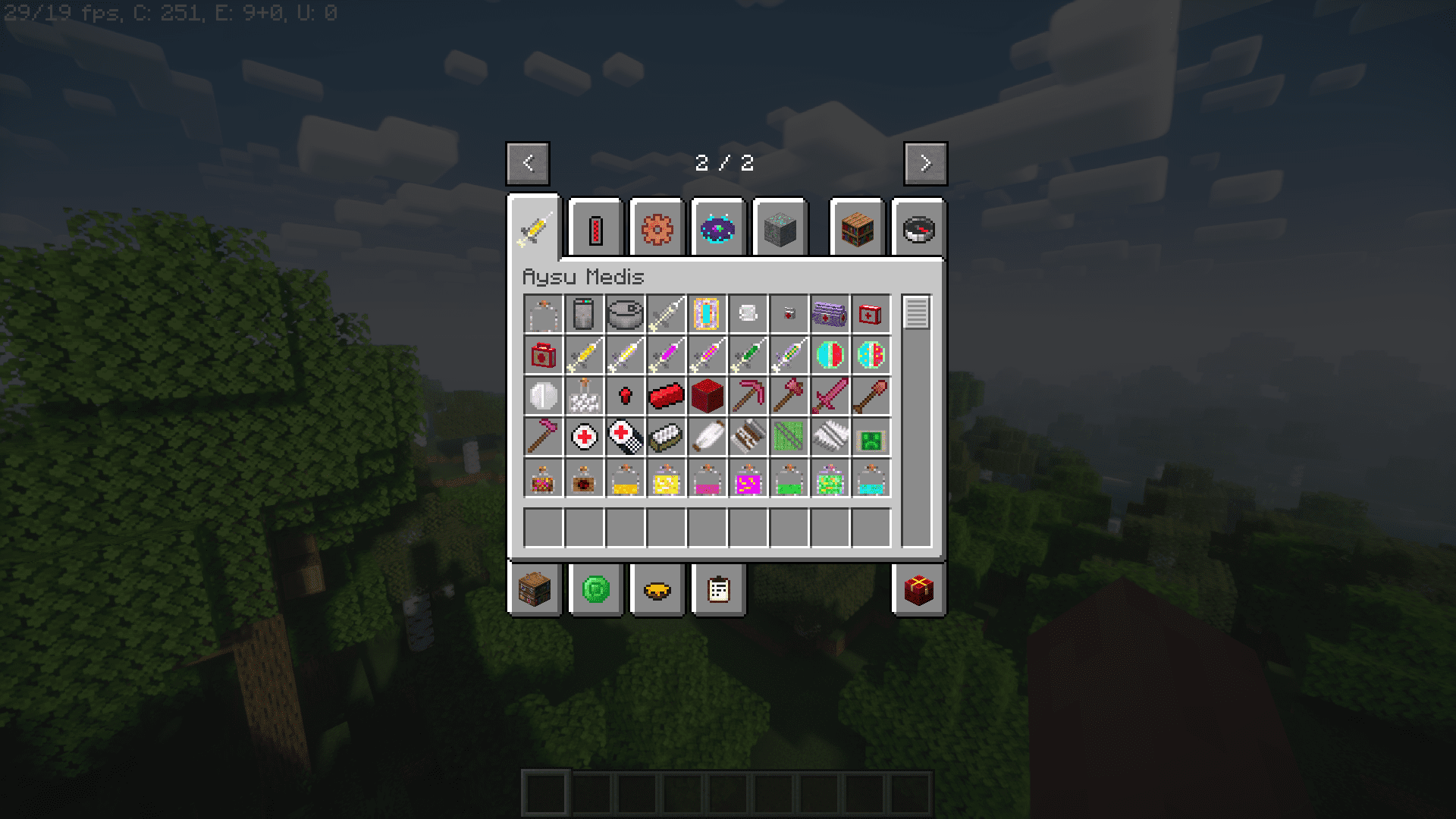
Given below is a list of items added by this amazing mod:
Useful Items
- Cloth (Recover 1HP)
- Bandage (Recover 2HP)
- Dress (Recover 4HP)
- First Aid Kit (Recover 6HP)
- Medkit (Recover 20HP)
- Painkiller (Recover 1HP)
- Painkillers 9x (Recover 10HP)
- Heal Ball (Heals friendly creatures. It harms harmful creatures.) (Recover 5HP For Players, 8HP For Animals, 12DMG For Harmful Creatures)
- Heal Balls 5x (Heals friendly creatures. It harms harmful creatures.) (Recover 5HP For Players, 8HP For Animals, 12DMG For Harmful Creatures)
- Redstone Nugget
- Redstone Ingot
- Redstone Tools (With Custom effect. Every tool has haste 3 effect when a block breaks with a tool. Every tool have different right Click Abilities)
For More Storage
- Craft Eggs 8x or Salvage (8 Eggs + 1 Paper)
- Craft Reeds 8x or Salvage (8 Reeds + 1 Paper)
- Craft Gunpowders 8x or Salvage (8 Gunpowders + 1 Paper)
- Craft Arrows 8x or Salvage (8 Arrows + 1 String)
- Craft Strings 8x or Salvage (8 Strings + 1 Stick)
- Craft Feathers 6x or Salvage (6 Feathers + 1 String)
Canned Foods
- Mushroom Soup
- Fish
- Pork
- Mutton
- Beef
- Rabbit
- Adrenaline, Morphine, Vaccine and Antibiotic
- Bottles
- Pills
- Syringes
- Mold
Canned Drinks
- Heal (I,II)
- Strength (I,II)
- Speed (I,II)
- Resistance (I.II)
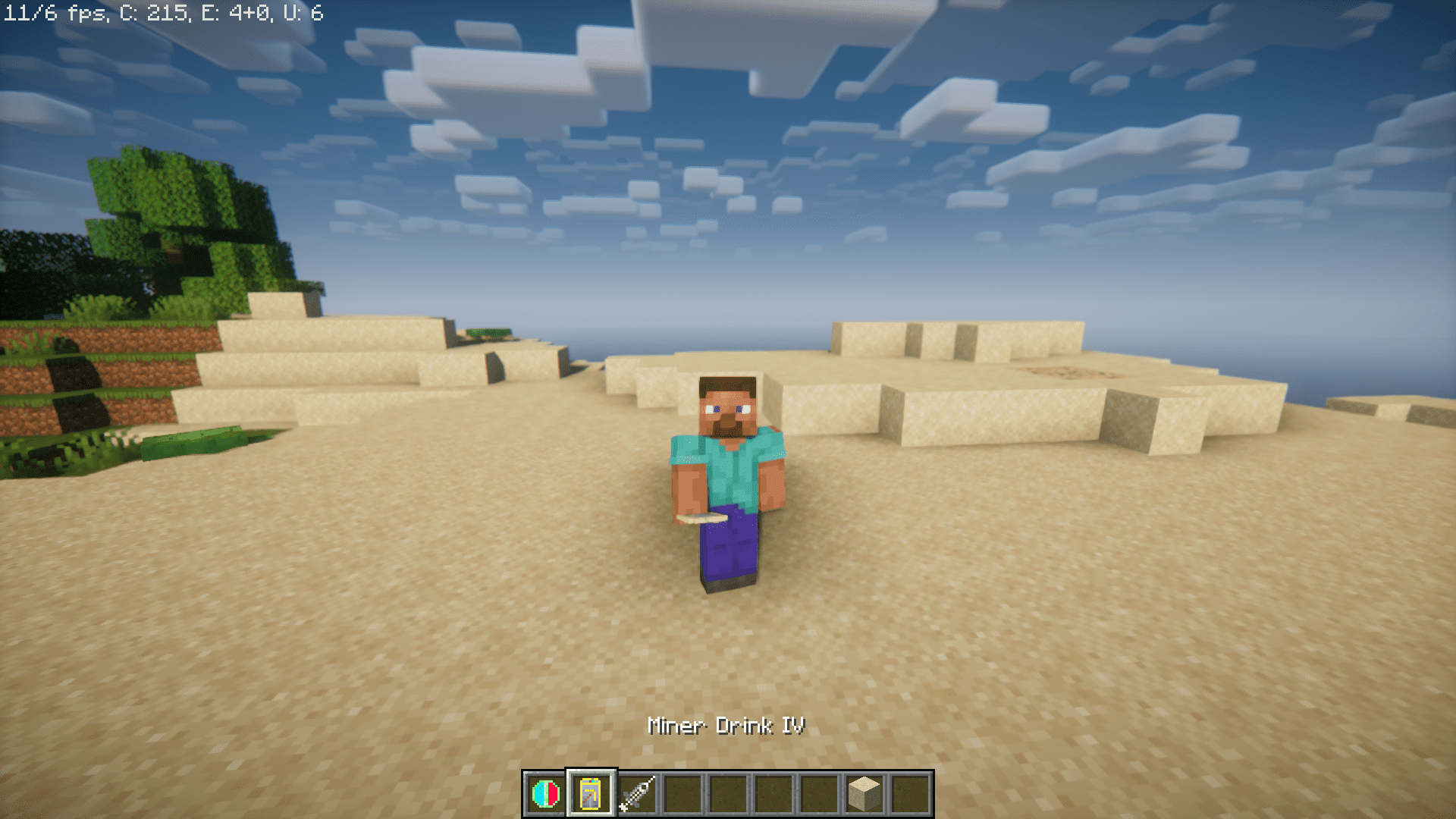
- Miner (I.II.III.IV)
- Apple Juice
- Watermelon Juice
- Carrot Juice
- Canned Water
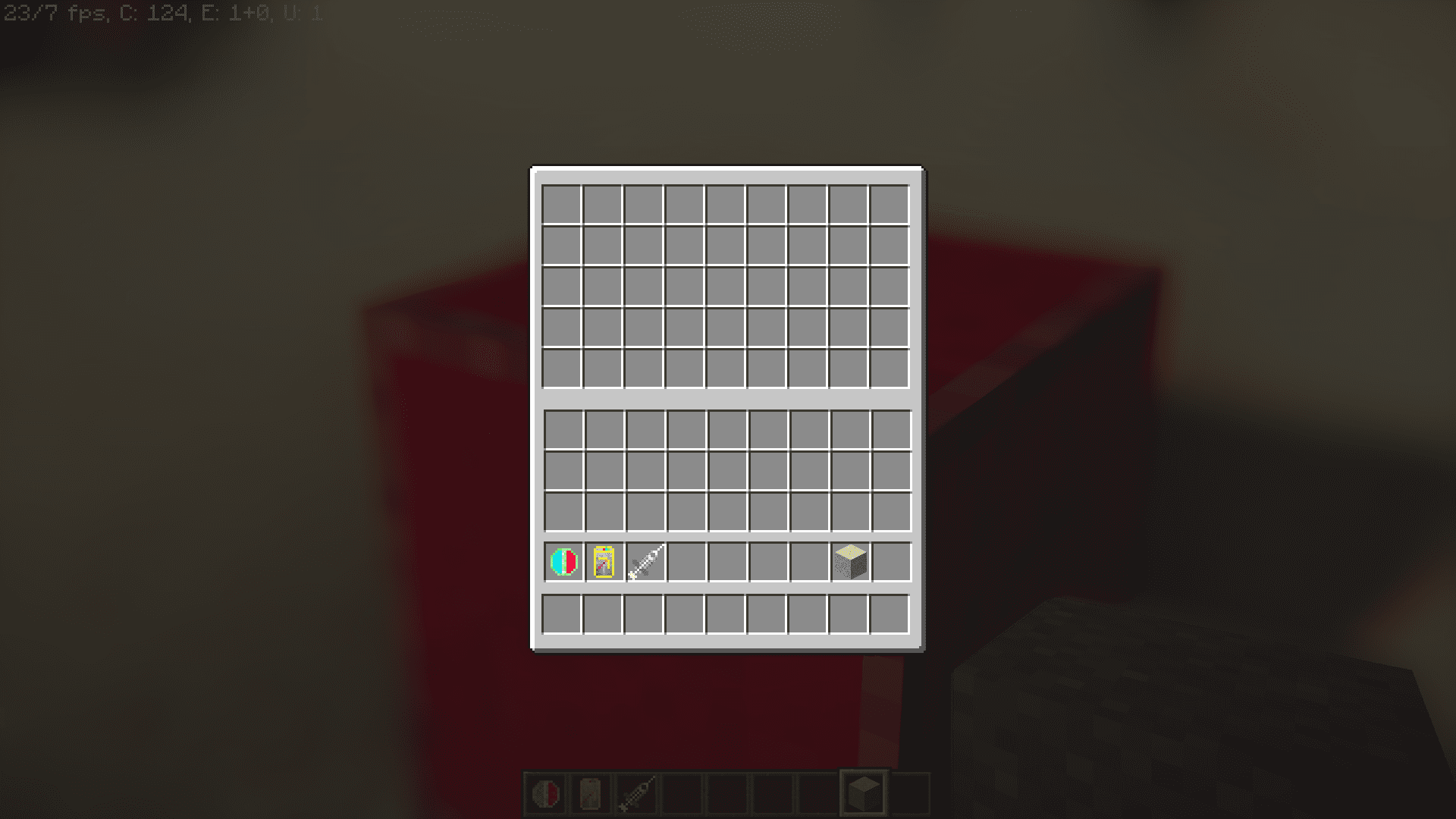
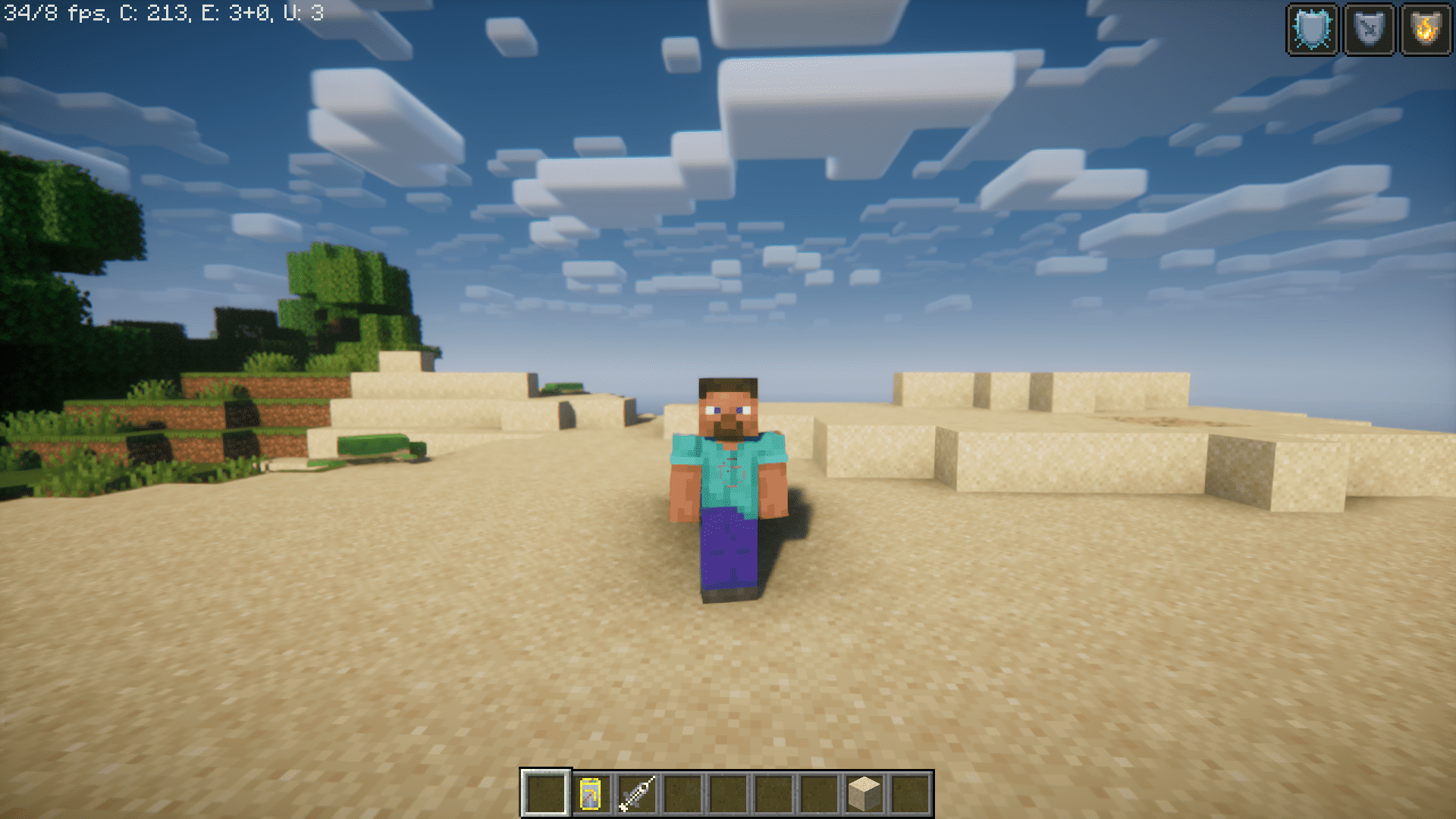
Screenshots:
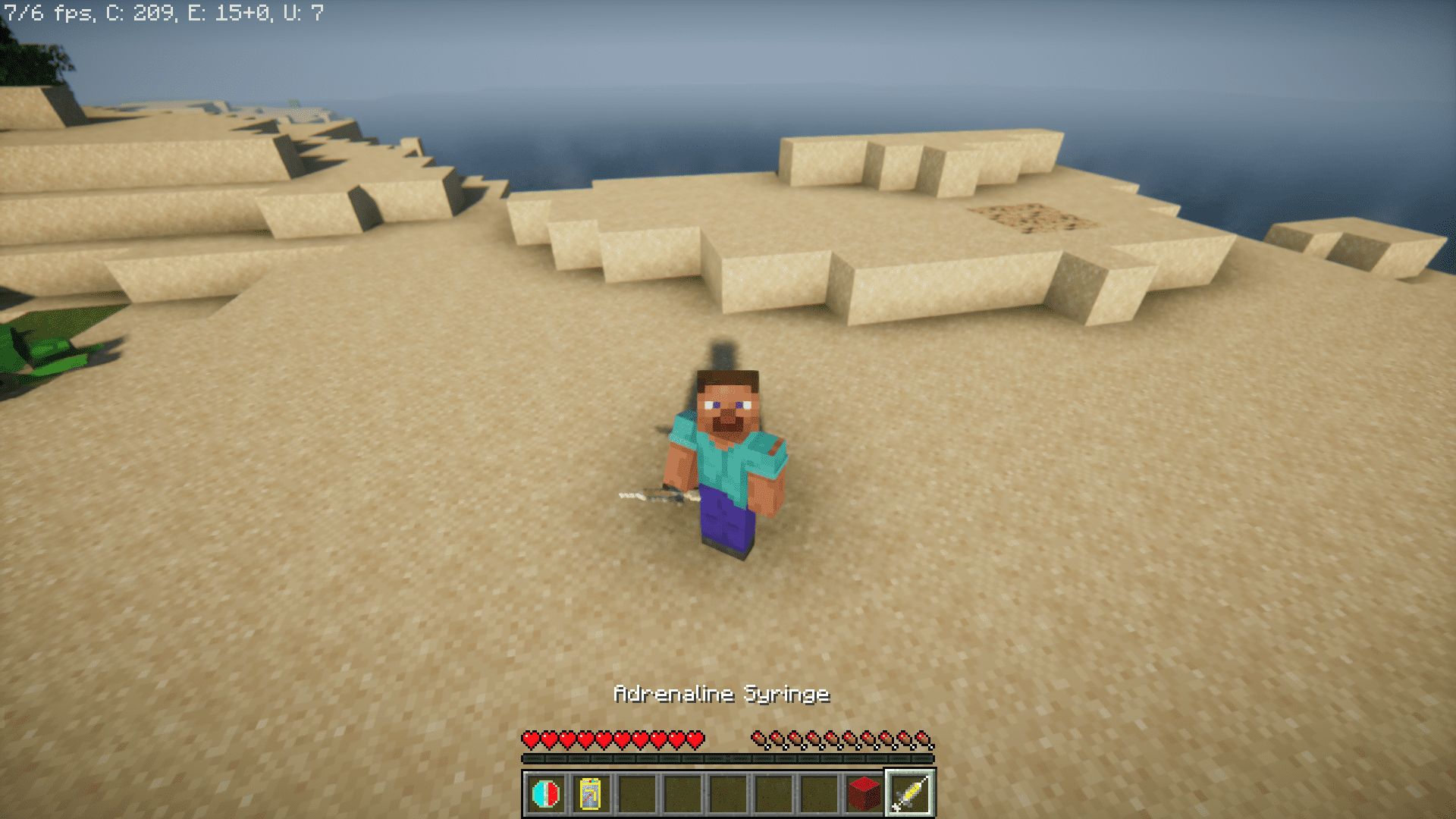
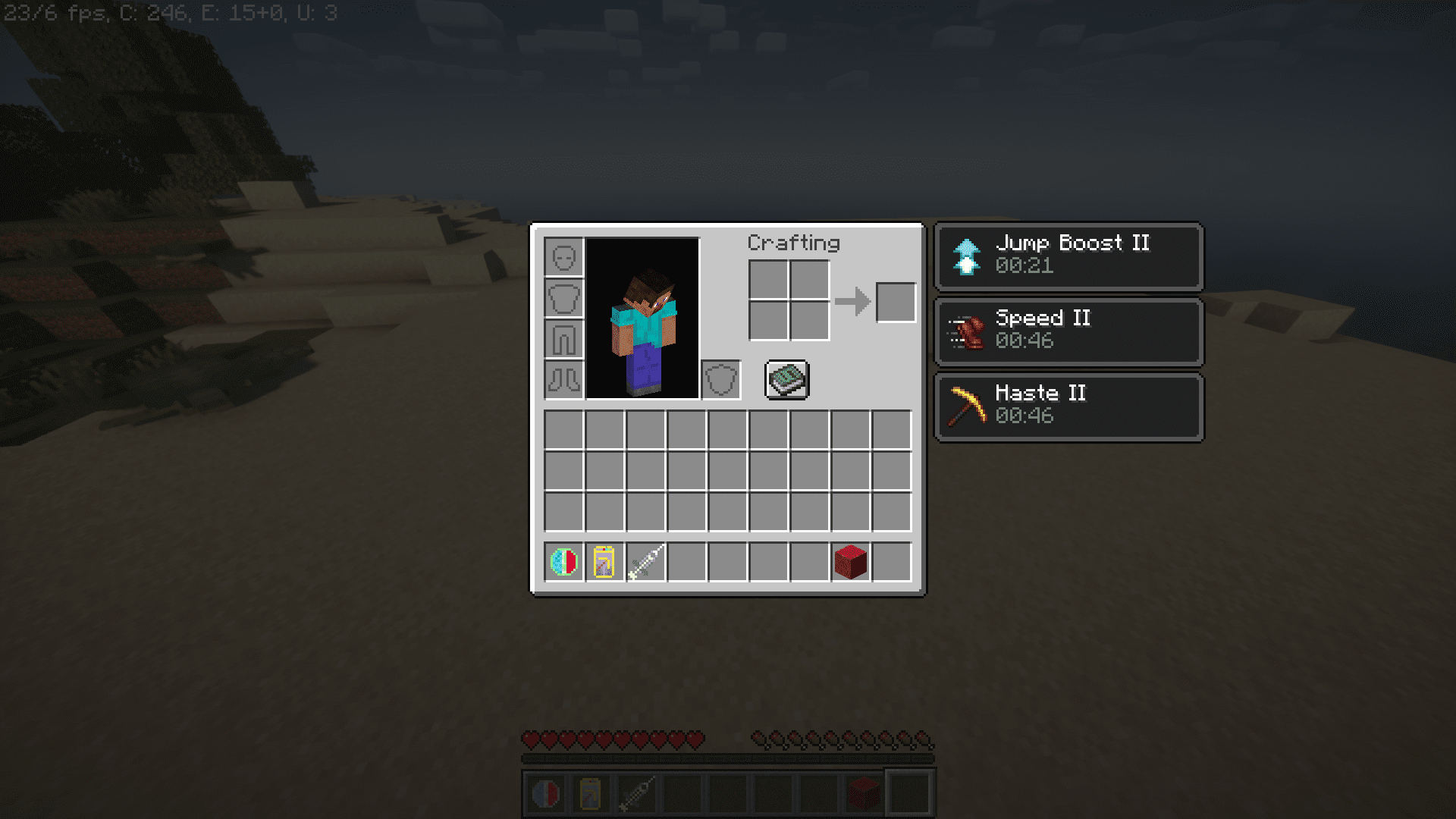
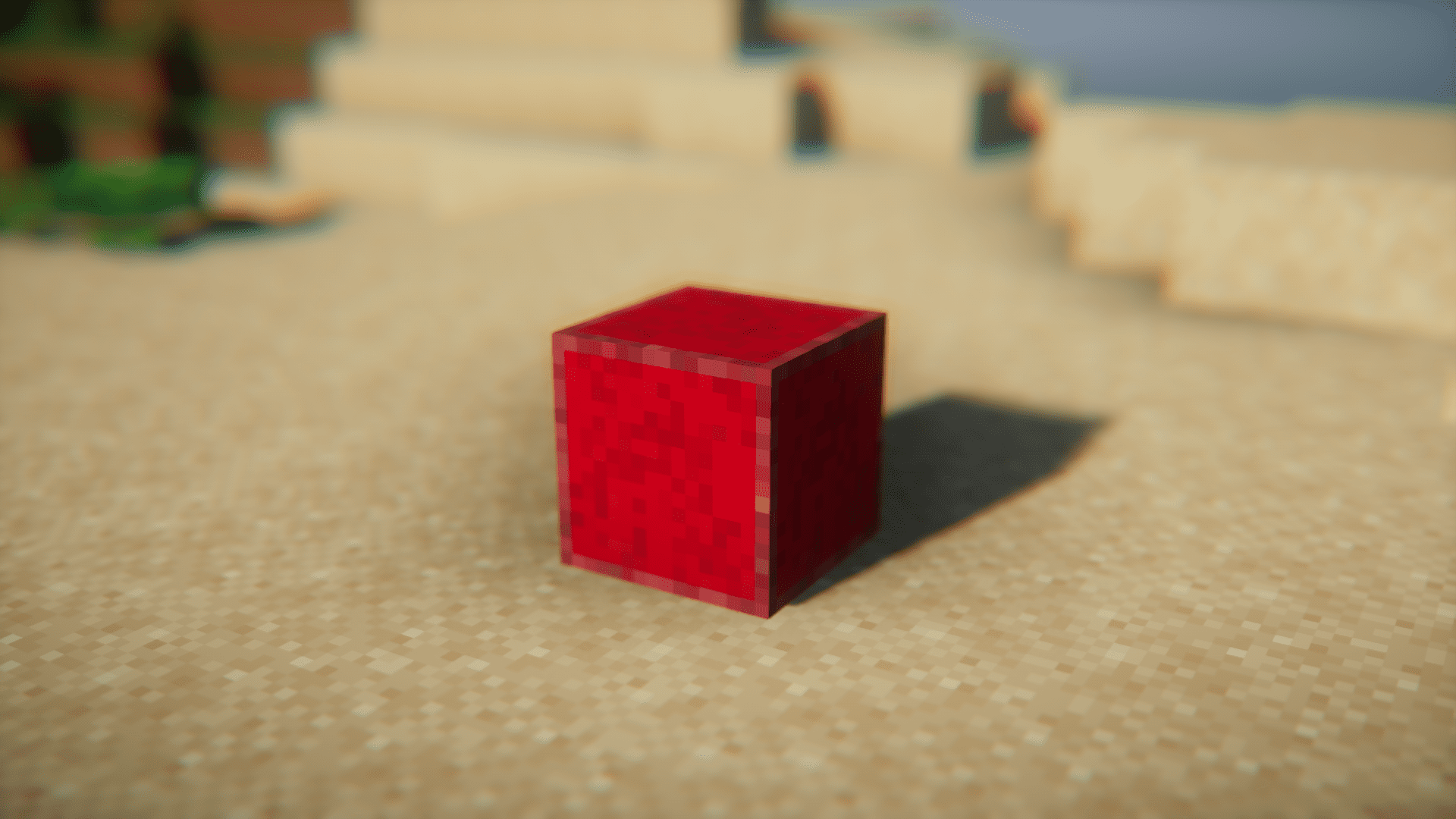
Aysu’s Medis Mod Download Links
For Minecraft 1.20.1
Forge version: Download from Server 1 – Download from Server 2
Fabric version: Download from Server 1 – Download from Server 2
For Minecraft 1.19.4
Forge version: Download from Server 1 – Download from Server 2
For Minecraft 1.19.2
Forge version: Download from Server 1 – Download from Server 2
For Minecraft 1.18.2
Forge version: Download from Server 1 – Download from Server 2
For Minecraft 1.17.1
Forge version: Download from Server 1 – Download from Server 2
For Minecraft 1.16.5
Forge version: Download from Server 1 – Download from Server 2
For Minecraft 1.15.2
Forge version: Download from Server 1 – Download from Server 2
For Minecraft 1.14.4
Forge version: Download from Server 1 – Download from Server 2
For Minecraft 1.12.2
- Edition: Minecraft Java
- File type: .jar
- Minecraft versions listed: 1.20.1, 1.19.4
- How to install: Install the matching mod loader (Forge, Fabric or NeoForge) for your Minecraft version. → Download the .jar. → Put it in the .minecraft/mods folder and launch that loader profile.
- Where to get it: In MC Java Mods, or directly above on this page.
Install steps are the general flow for this file type — How to install Minecraft Java mods & modpacks walks through it step by step.
- Downloads as 203593.mcaddon
- Download size: 630 KB
- Download link checked 30 Jul 2026 — working
- Mirrored on our own servers — the download does not depend on the original host
These come from our own check of the pack file, not from the source page.