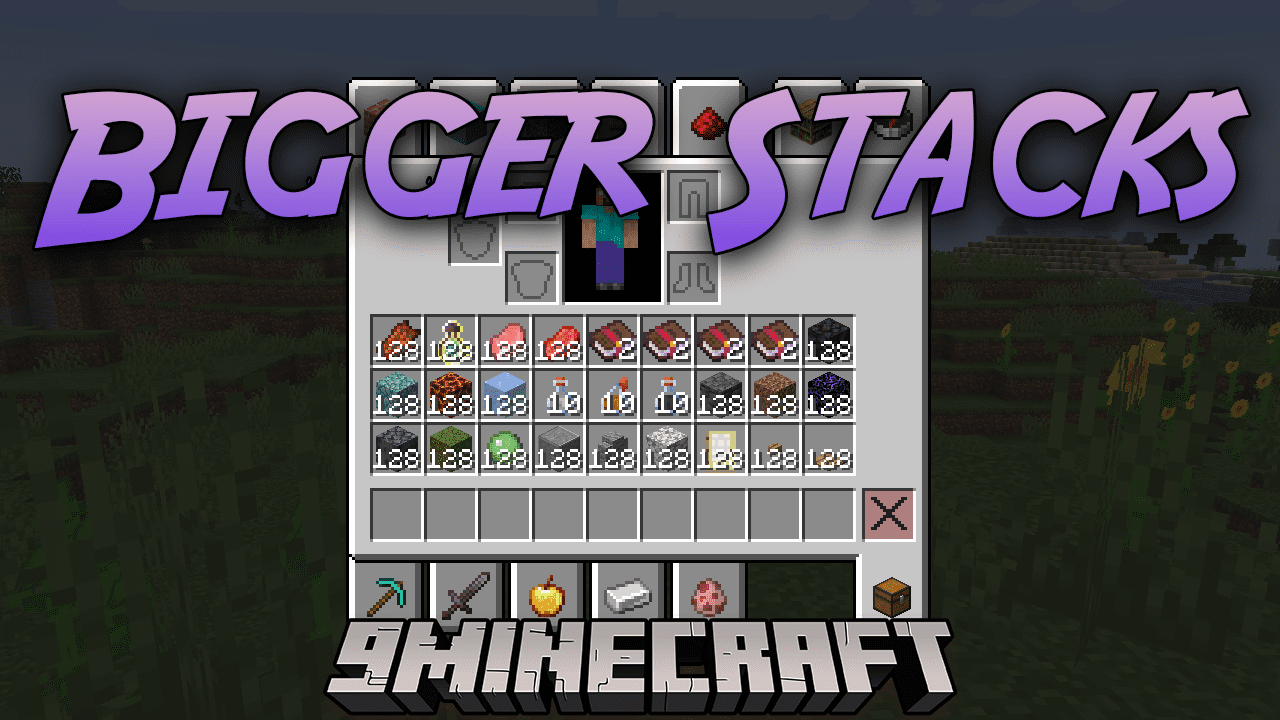
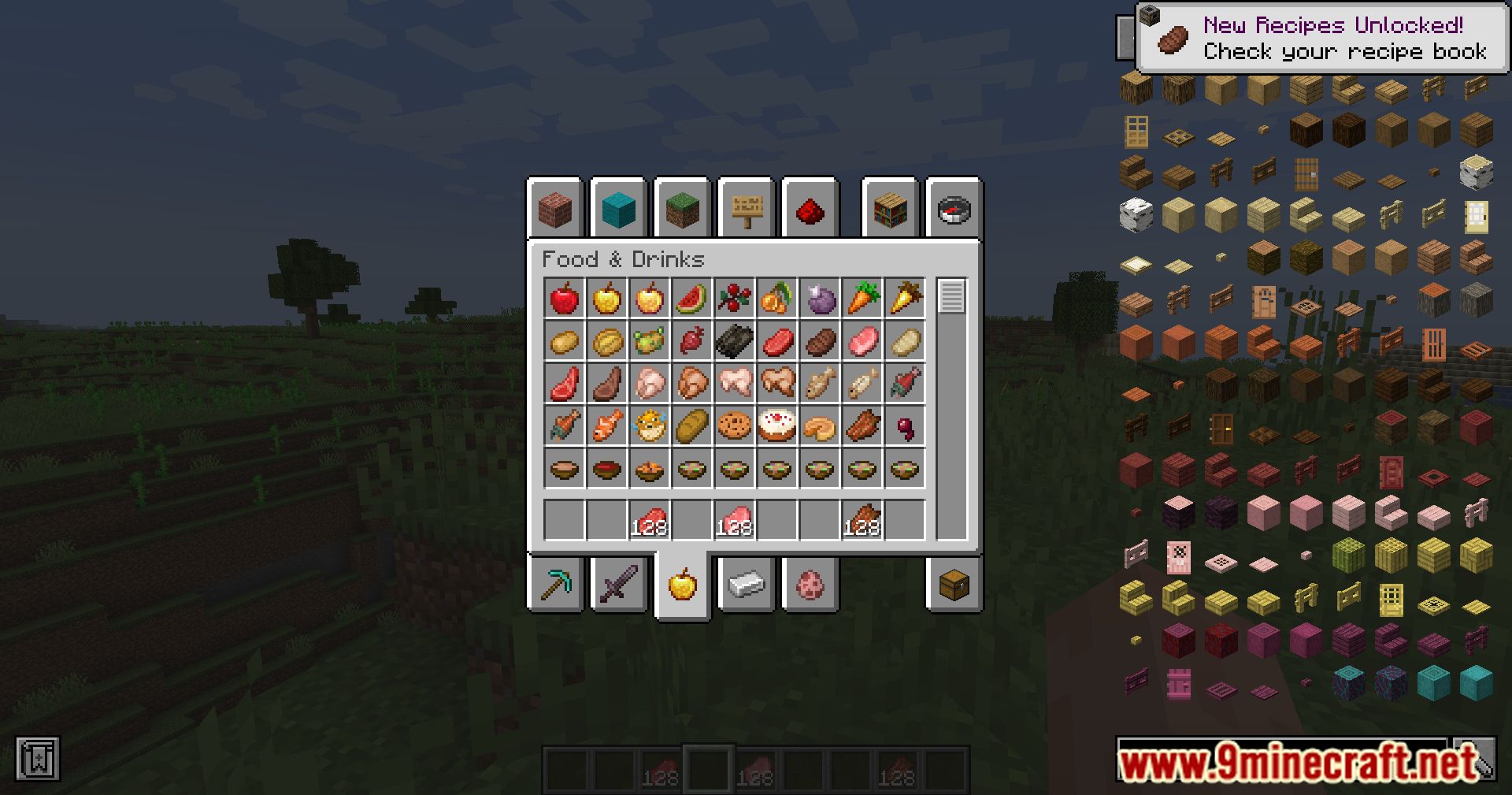
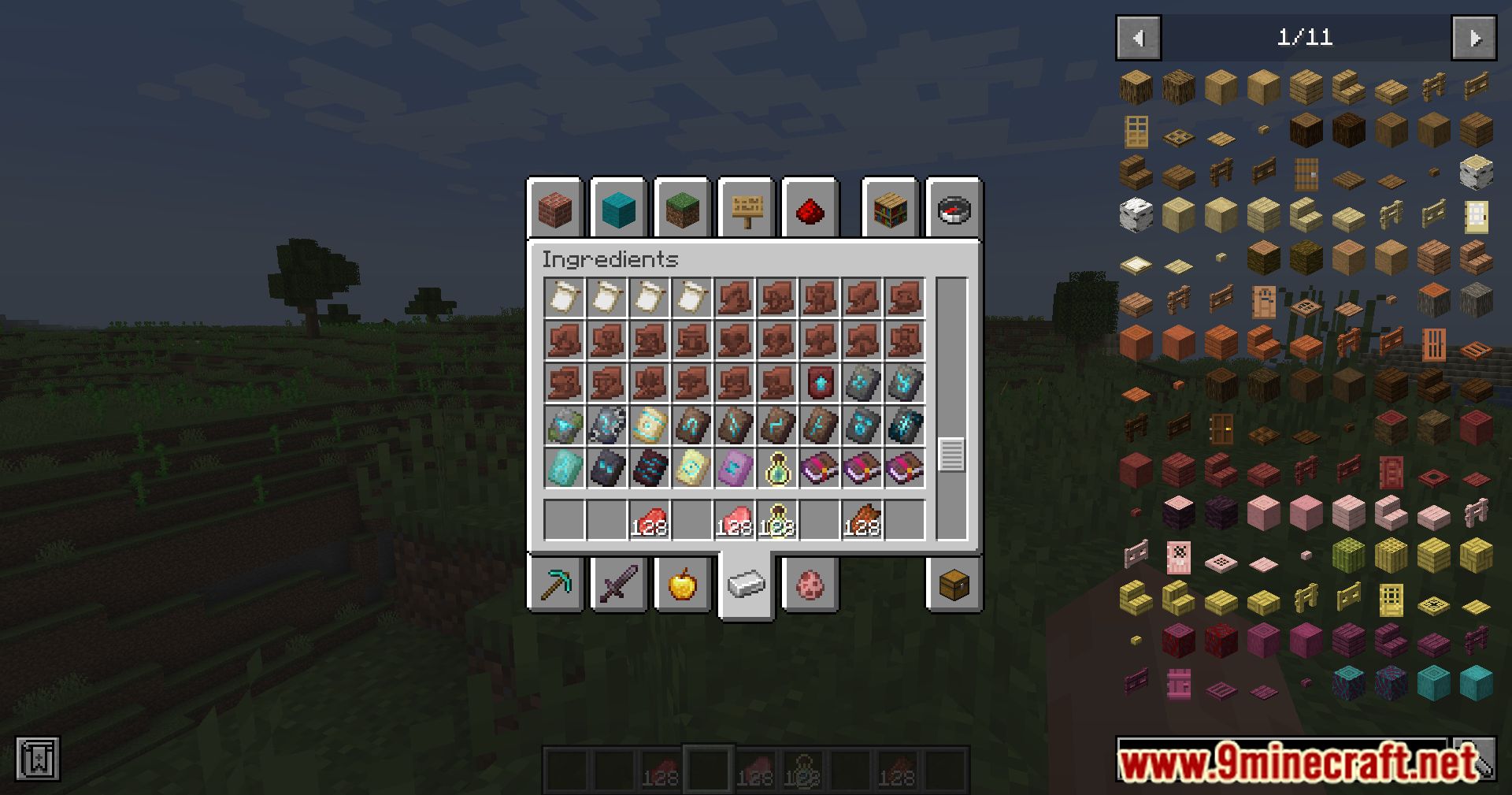
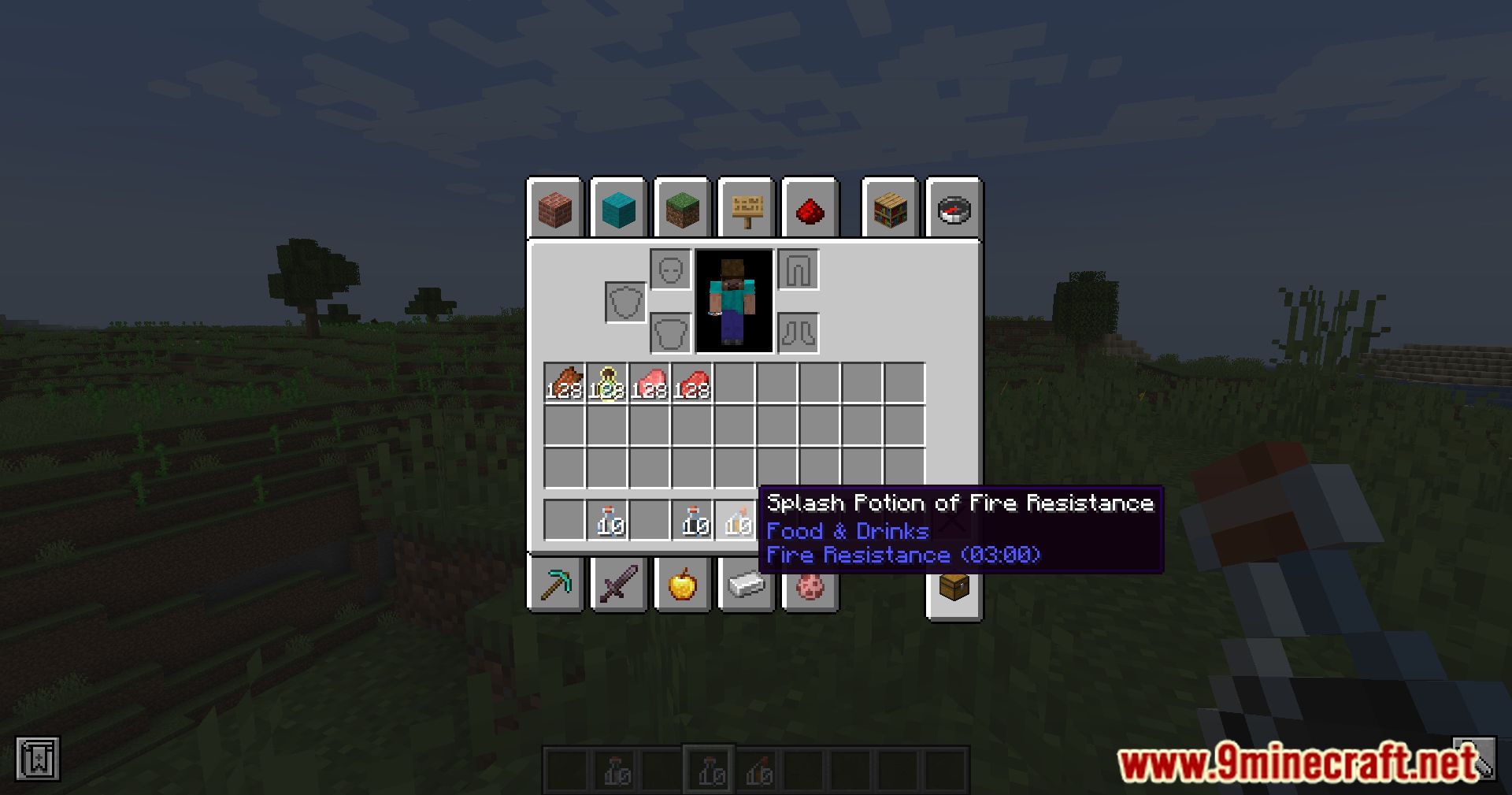
Bigger Stacks Mod is a game-changing mod that introduces a unique and flexible approach to item stacking in Minecraft. Breaking away from the traditional 64-stack limit, this mod empowers players to customize stack sizes, offering a new level of flexibility and convenience in inventory management. The standout feature of this mod is its ability to increase stack sizes beyond the standard 64, reaching up to an impressive ~1 billion.
Features:
- Increases stack sizes beyond the standard 64, up to ~1 billion.
- Rules system allows customization of stack sizes based on criteria like item tags and mod origins.
- Adds a new dimension to inventory management and resource handling.
- Empowers players with unprecedented freedom in organizing large quantities of items.
- Strikes a balance between convenience and potential gameplay challenges.
How to use:
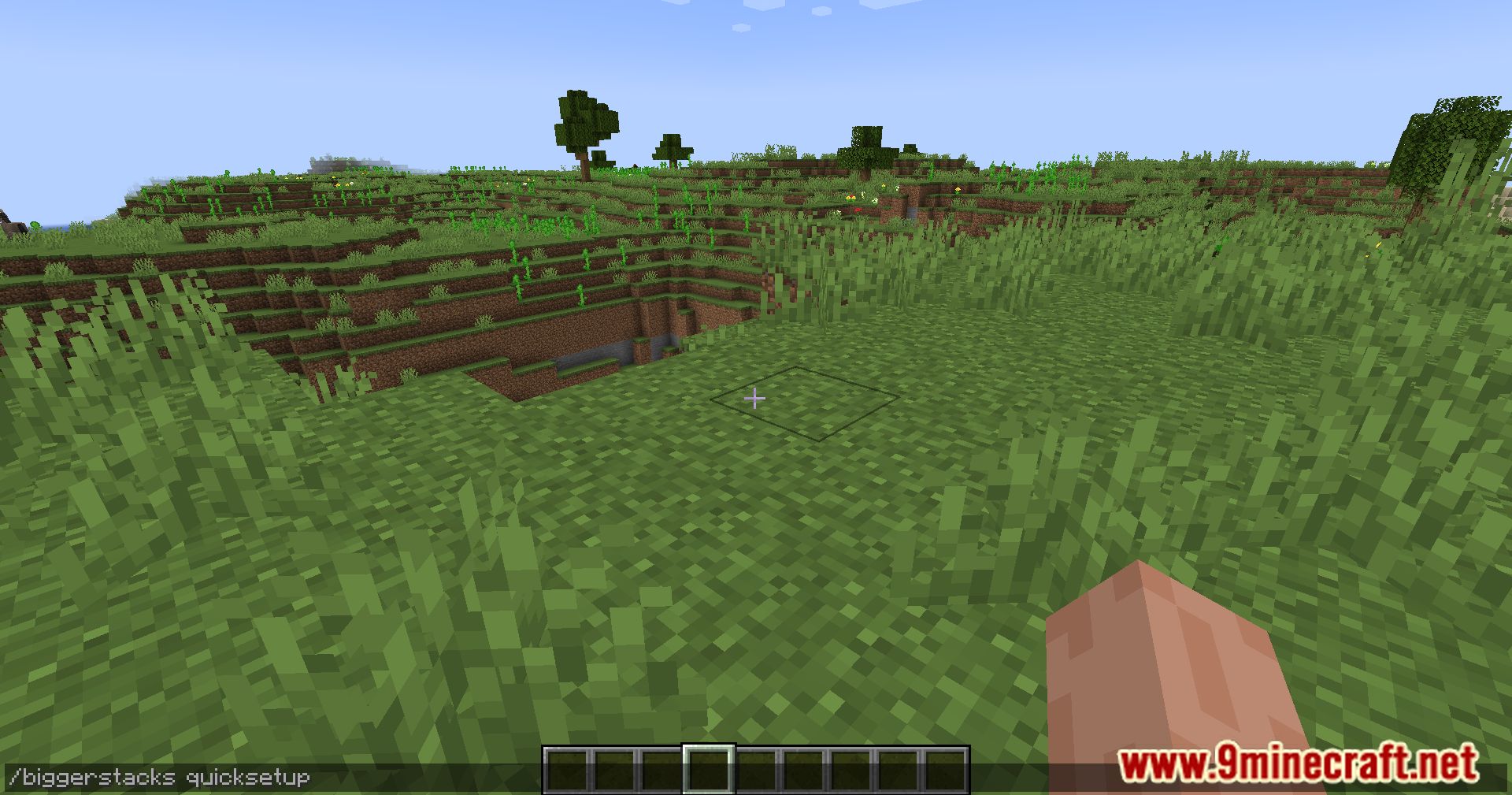
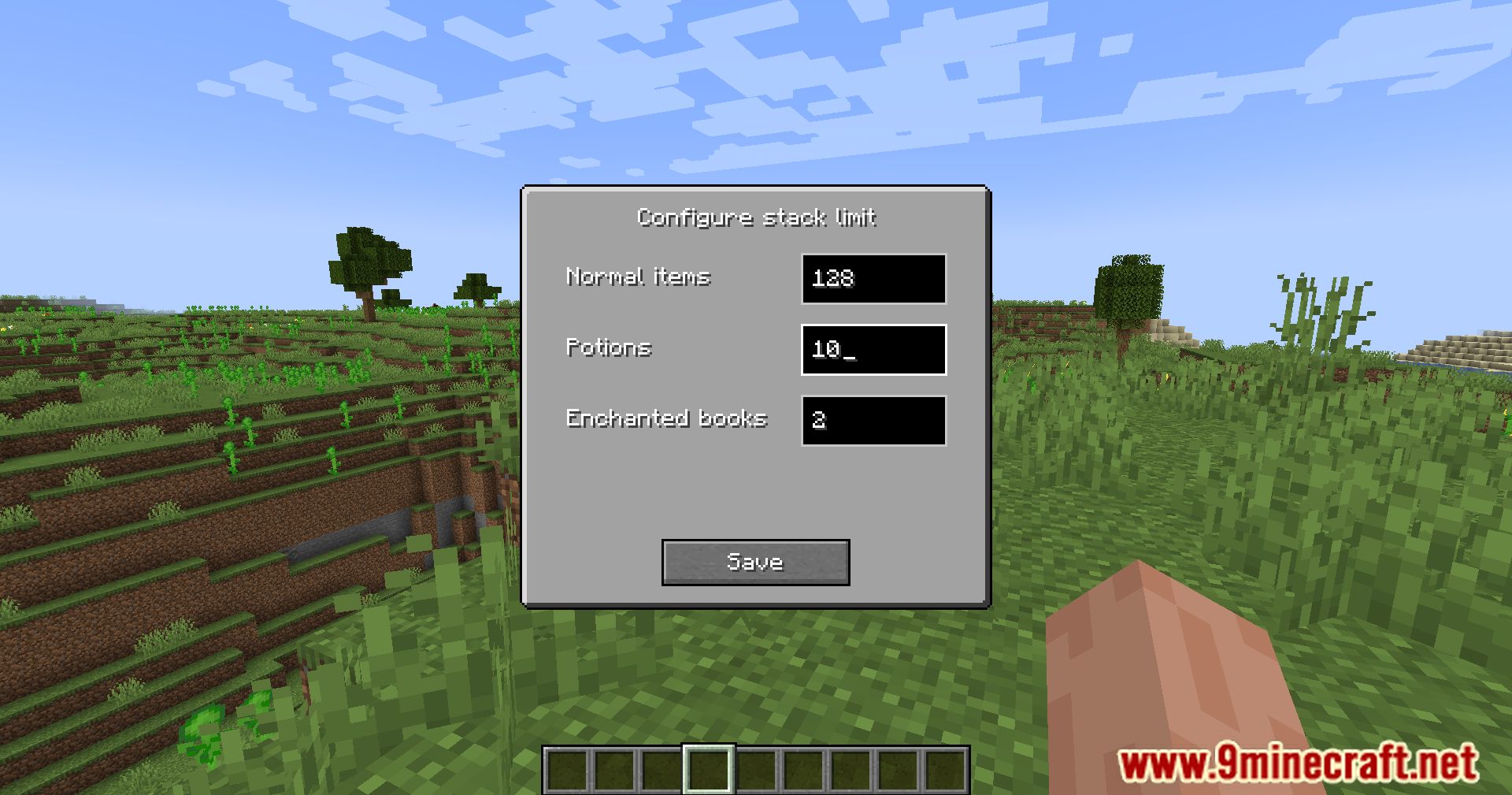
- When you load a world with Biggerstacks unconfigured, a chat message will appear.
- The message will suggest running
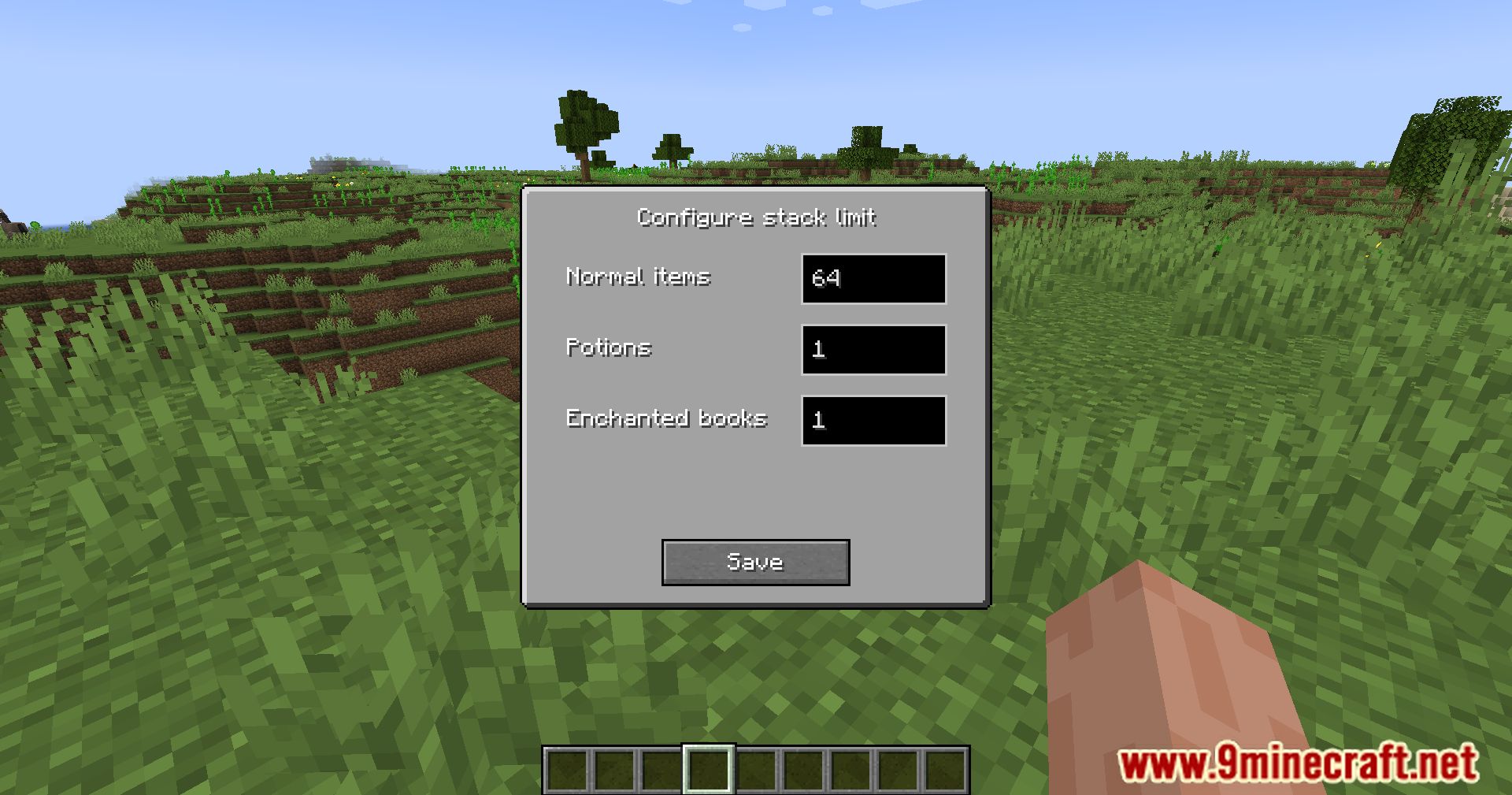
/biggerstacks quicksetup. - Running this command will open the configuration GUI.
- You can open this GUI at any time by typing
/biggerstacks quicksetupin chat. - Use the GUI to generate or customize stack rules easily.
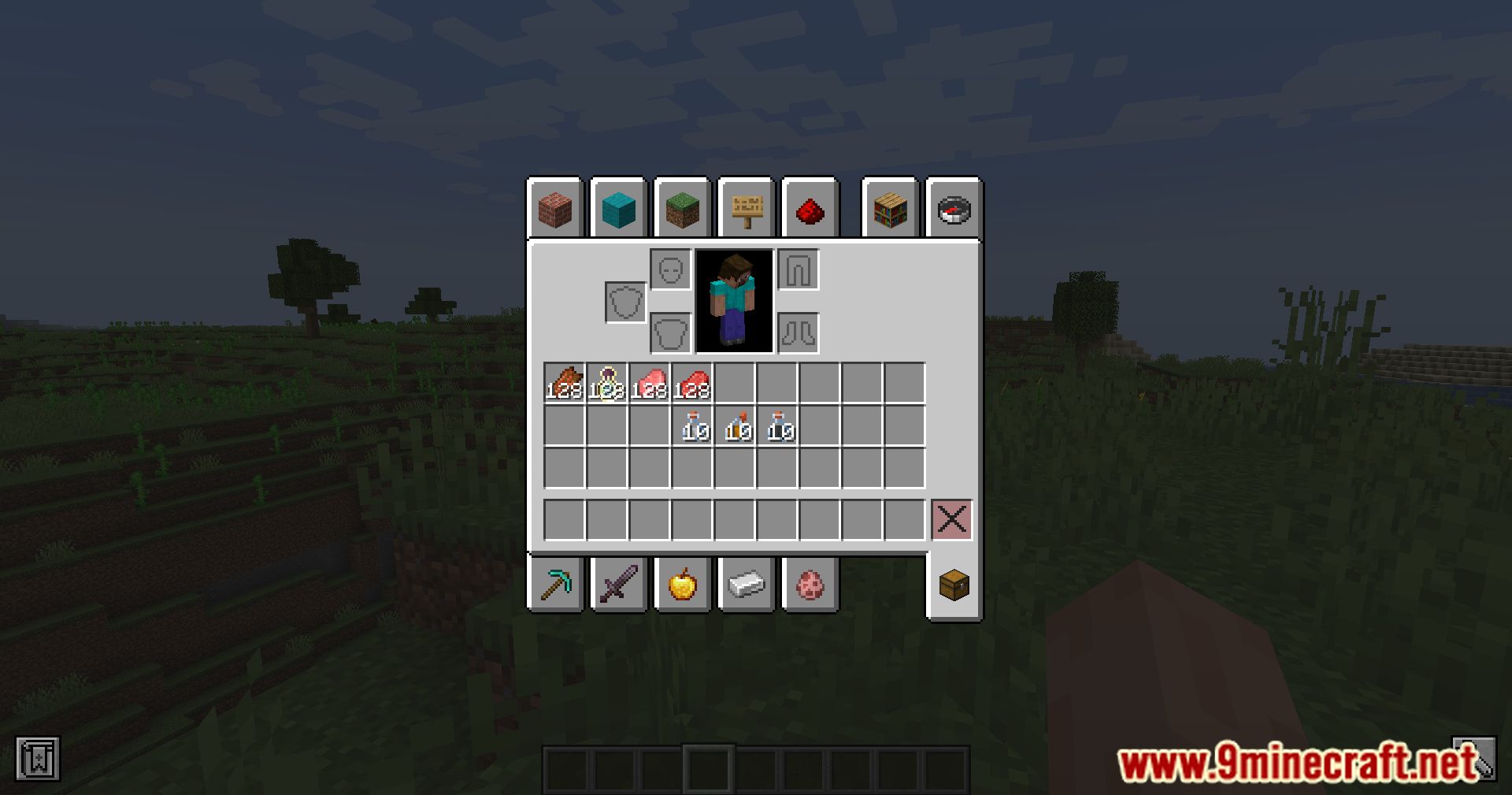
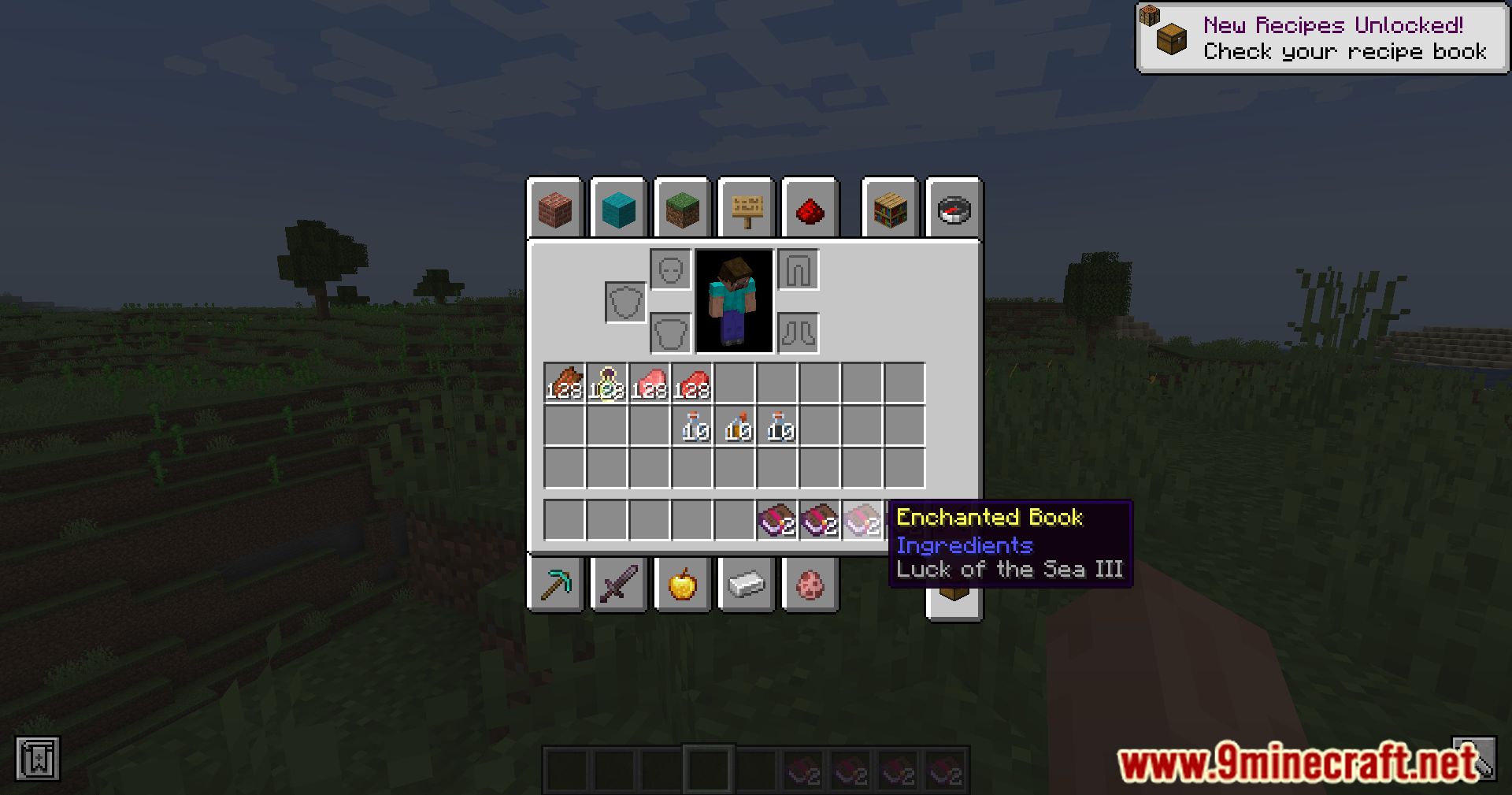
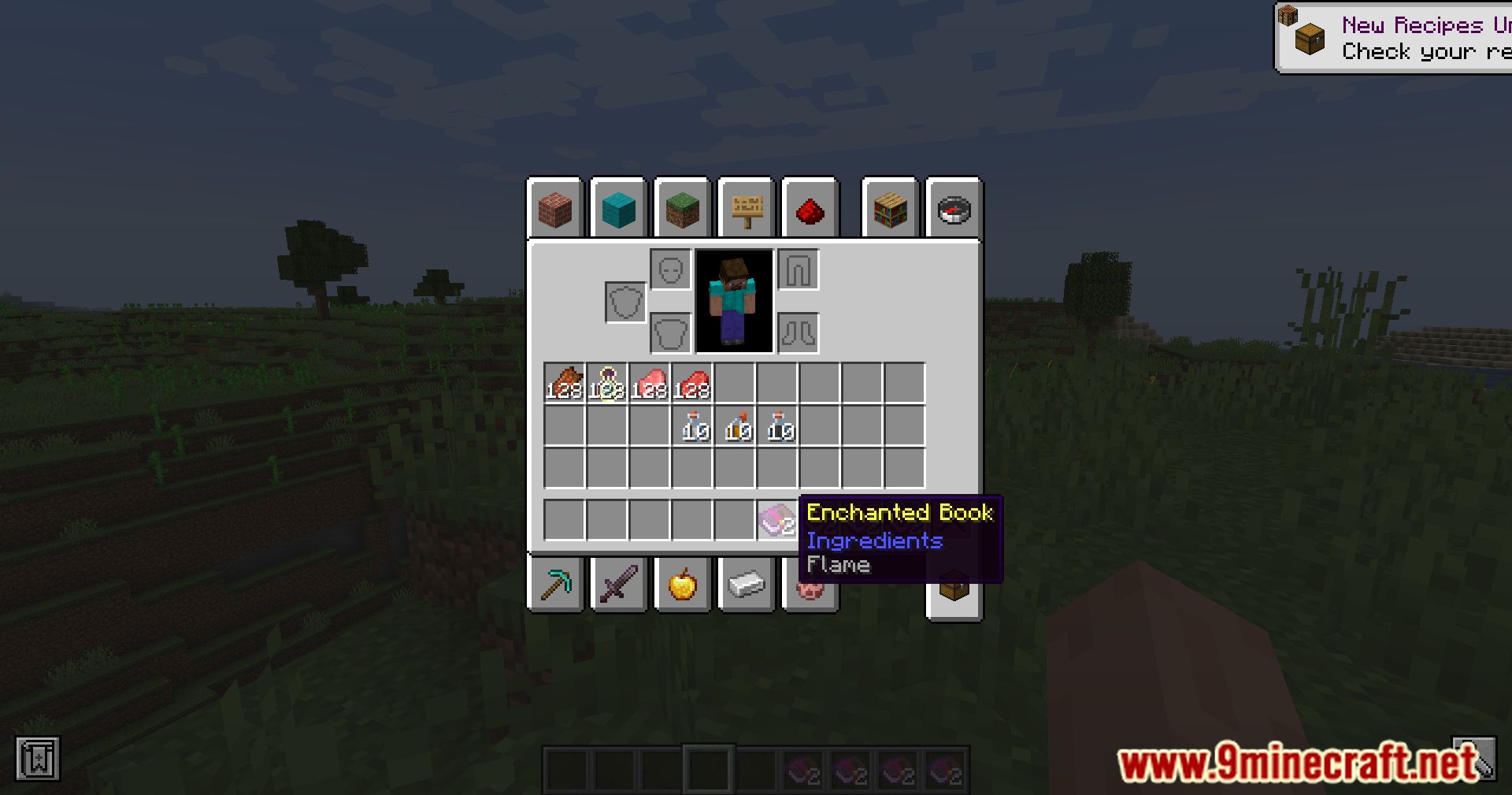
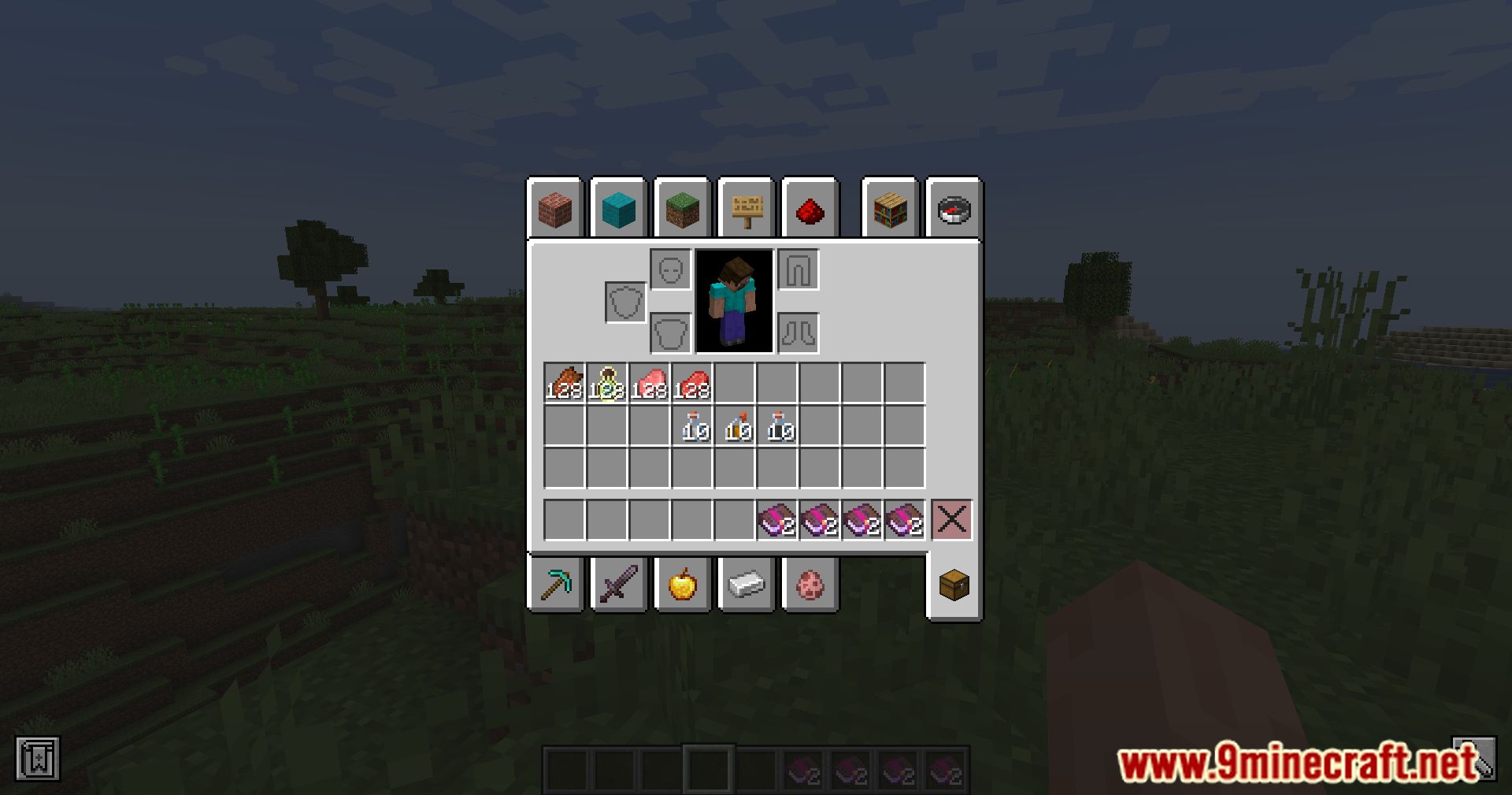
Screenshots:
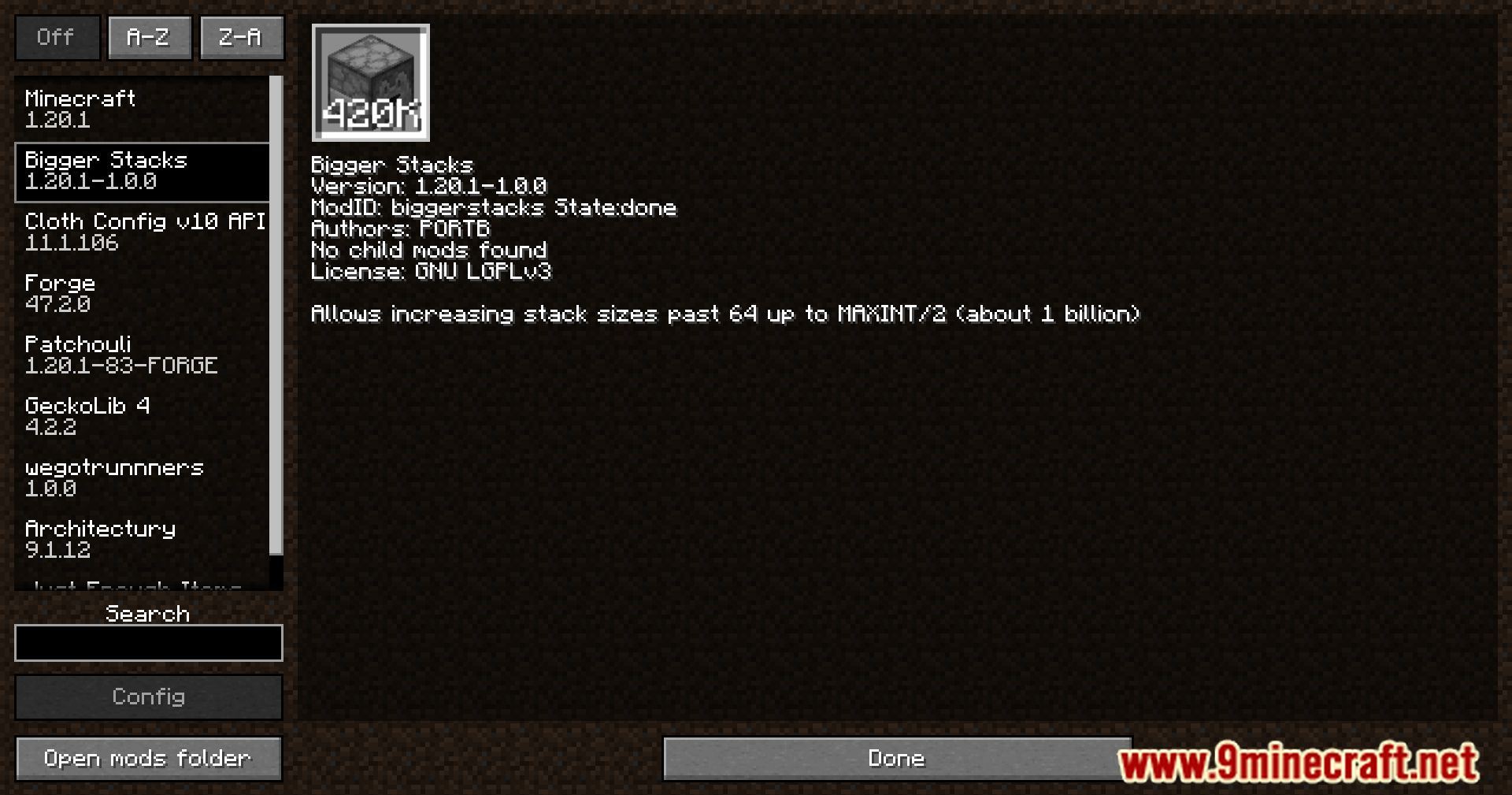
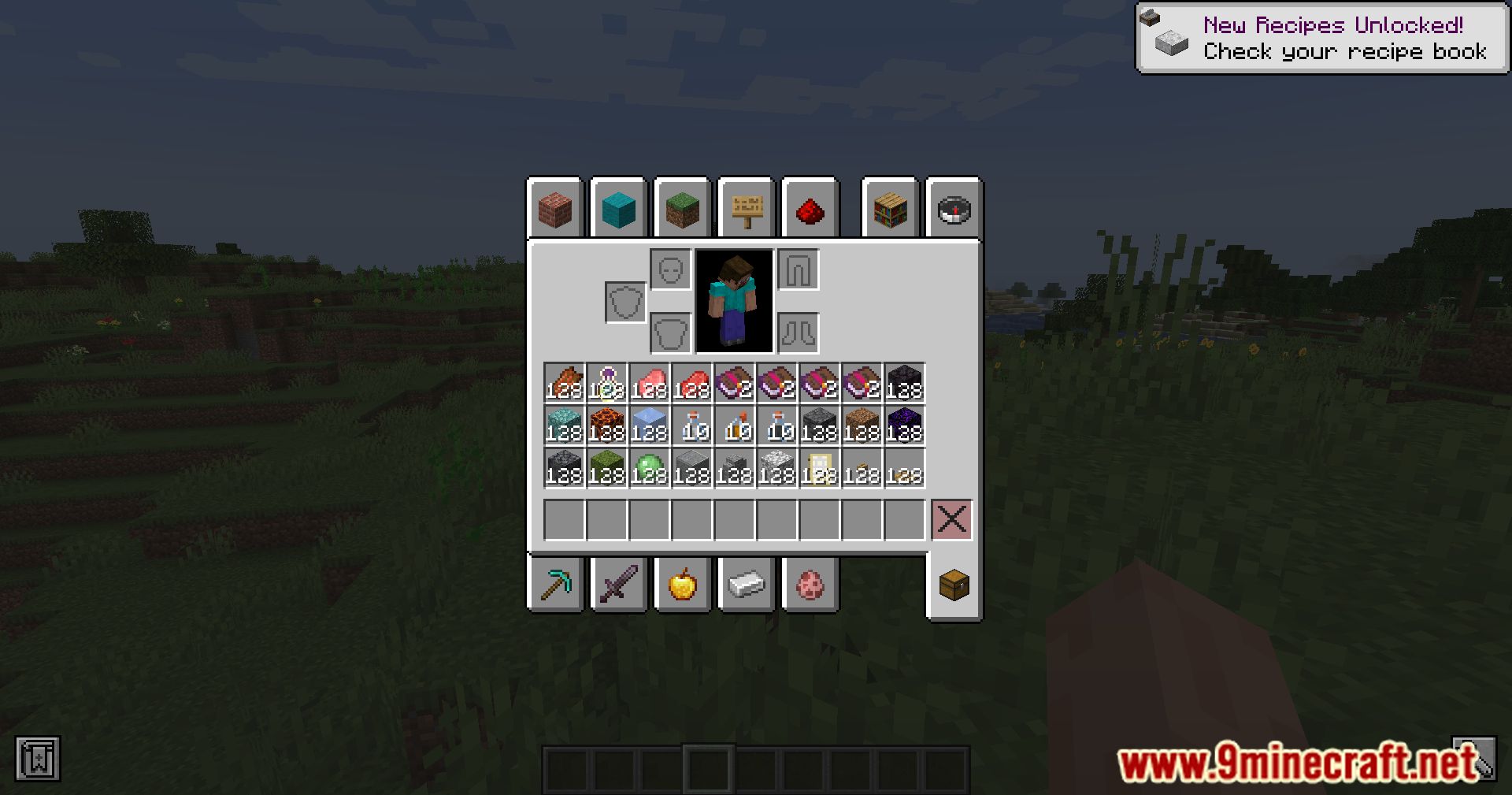
Bigger Stacks Mod Download Links
For Minecraft 1.20.1
Forge Version: Download from Server 1 – Download from Server 2
For Minecraft 1.19.4
Forge Version: Download from Server 1 – Download from Server 2
For Minecraft 1.19.3
Forge Version: Download from Server 1 – Download from Server 2
For Minecraft 1.19.2
Forge Version: Download from Server 1 – Download from Server 2
For Minecraft 1.18.2
Forge Version: Download from Server 1 – Download from Server 2
For Minecraft 1.18.1
Forge Version: Download from Server 1 – Download from Server 2
For Minecraft 1.16.5
Forge Version: Download from Server 1 – Download from Server 2
- Edition: Minecraft Java
- File type: .jar
- Minecraft versions listed: 1.20.1, 1.19.4
- How to install: Install the matching mod loader (Forge, Fabric or NeoForge) for your Minecraft version. → Download the .jar. → Put it in the .minecraft/mods folder and launch that loader profile.
- Where to get it: In MC Java Mods, or directly above on this page.
Install steps are the general flow for this file type — How to install Minecraft Java mods & modpacks walks through it step by step.
- Downloads as 203597.mcaddon
- Download size: 679 KB
- Download link checked 30 Jul 2026 — working
- Mirrored on our own servers — the download does not depend on the original host
These come from our own check of the pack file, not from the source page.