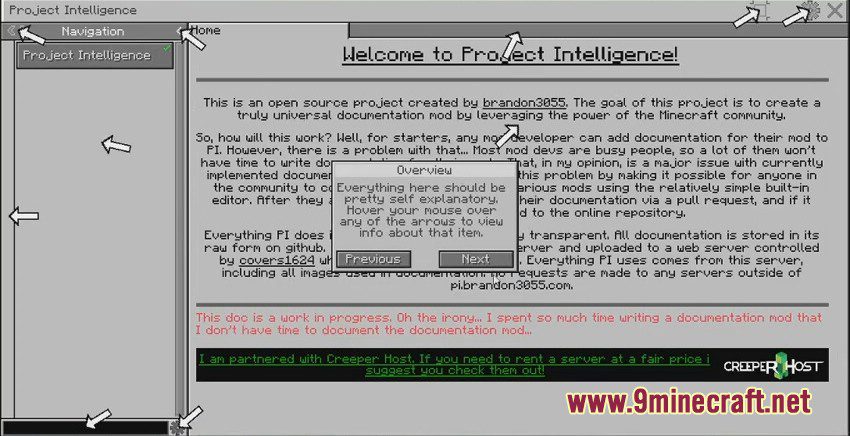
Project Intelligence Mod adds a universal documentation system for Minecraft mods. It allows anyone in the community to write and submit guides using a simple built-in editor. Instead of waiting for mod developers, players can help create documentation for everyone. Once approved, these guides become part of an online library accessible directly in the game.
Features:
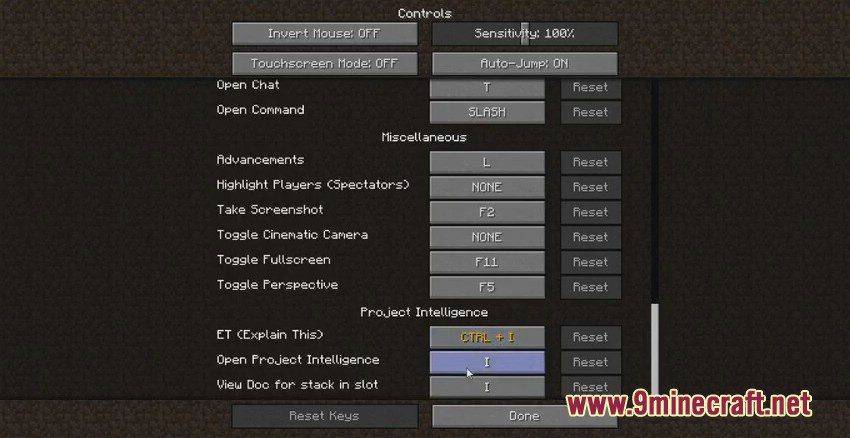
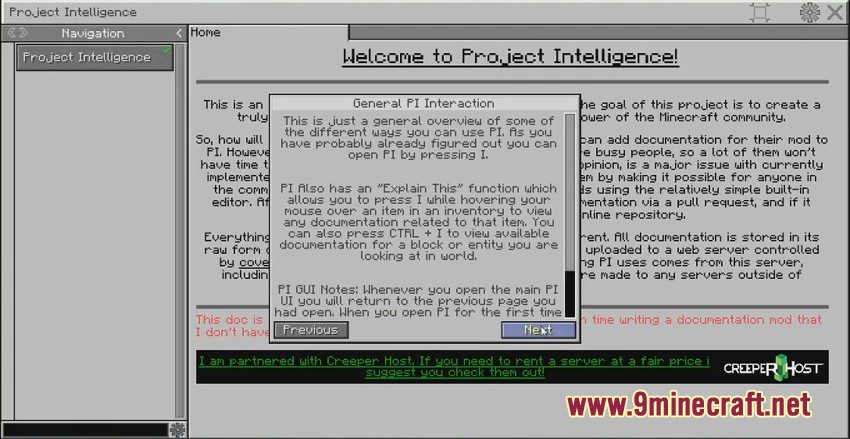
- Content Linking & “Explain This”: Lets you open documentation for an item, block, or mob by pressing a keybind while looking at it or hovering over it in an inventory.
- Pack Doc: Allows modpack makers to write their own documentation that is stored locally and included with the modpack.
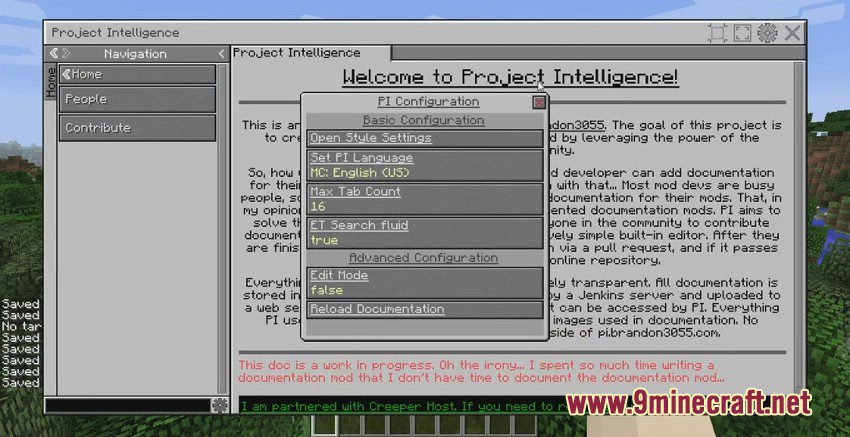
- Customize the entire user interface with different style presets and save your own layouts.
- Integrates with JEI, allowing any JEI-supported recipe to be displayed in the documentation.
- Adds an “info” button to the GUIs of supported mods, which opens a small window with relevant guides.
- Includes a built-in editor to write and manage documentation without leaving the game.
- Supports documentation for multiple versions of the same mod, so guides stay relevant even after updates.
- Offers language localization support.
How to Use:
- To get information about a block or mob, point your crosshair directly at it in the world.
- For items, open an inventory and hover your mouse over the item you want to learn about.
- Press the ‘Explain This’ keybind to instantly open the linked documentation page.
Screenshots:
Project Intelligence Mod Download Links
For Minecraft 1.16.5
Forge version: Download from Server 1 – Download from Server 2
For Minecraft 1.12.2
Forge version: Download from Server 1 – Download from Server 2
Quick facts
- Edition: Minecraft Java
- File type: .jar
- Minecraft version listed: 1.16.5
- How to install: Install the matching mod loader (Forge, Fabric or NeoForge) for your Minecraft version. → Download the .jar. → Put it in the .minecraft/mods folder and launch that loader profile.
- Where to get it: In MC Java Mods, or directly above on this page.
Install steps are the general flow for this file type — How to install Minecraft Java mods & modpacks walks through it step by step.
Verified by MCModsHub
- Downloads as 203608.mcaddon
- Download size: 484 KB
- Download link checked 30 Jul 2026 — working
- Mirrored on our own servers — the download does not depend on the original host
These come from our own check of the pack file, not from the source page.