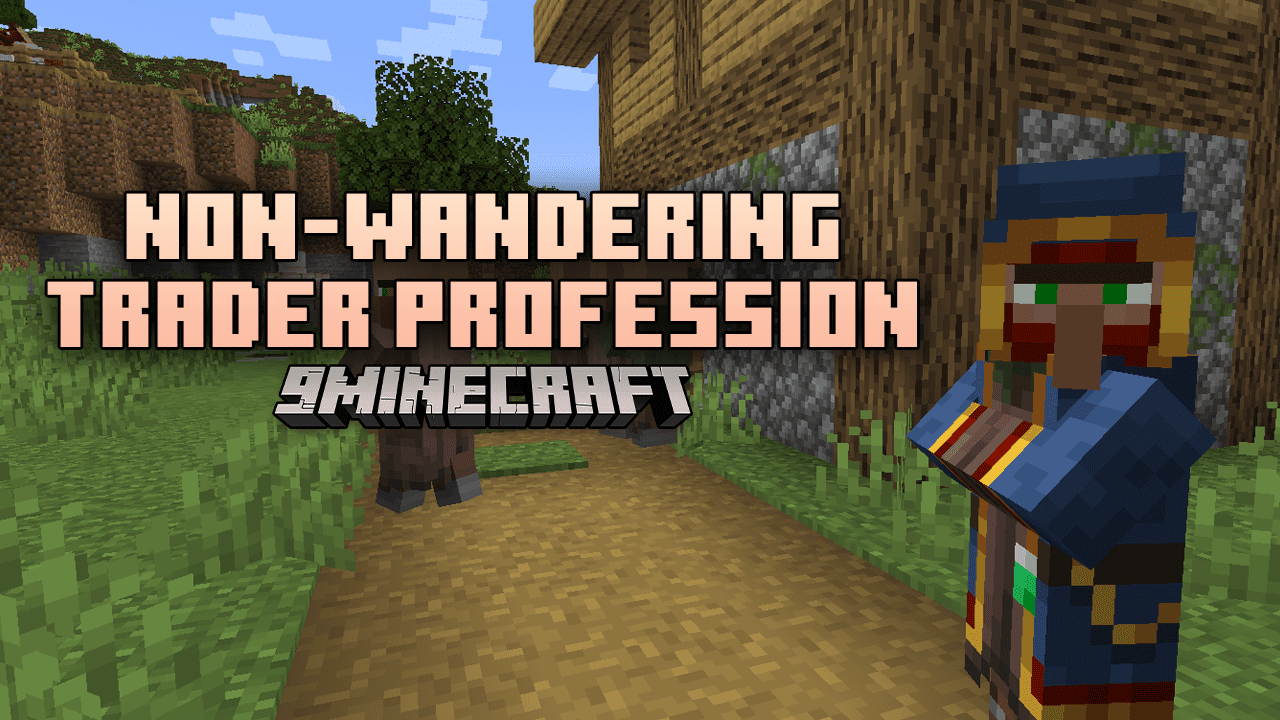
Non-Wandering Trader Profession Mod (1.20.1, 1.19.4) – The Wanderer's Unique Villager Trade
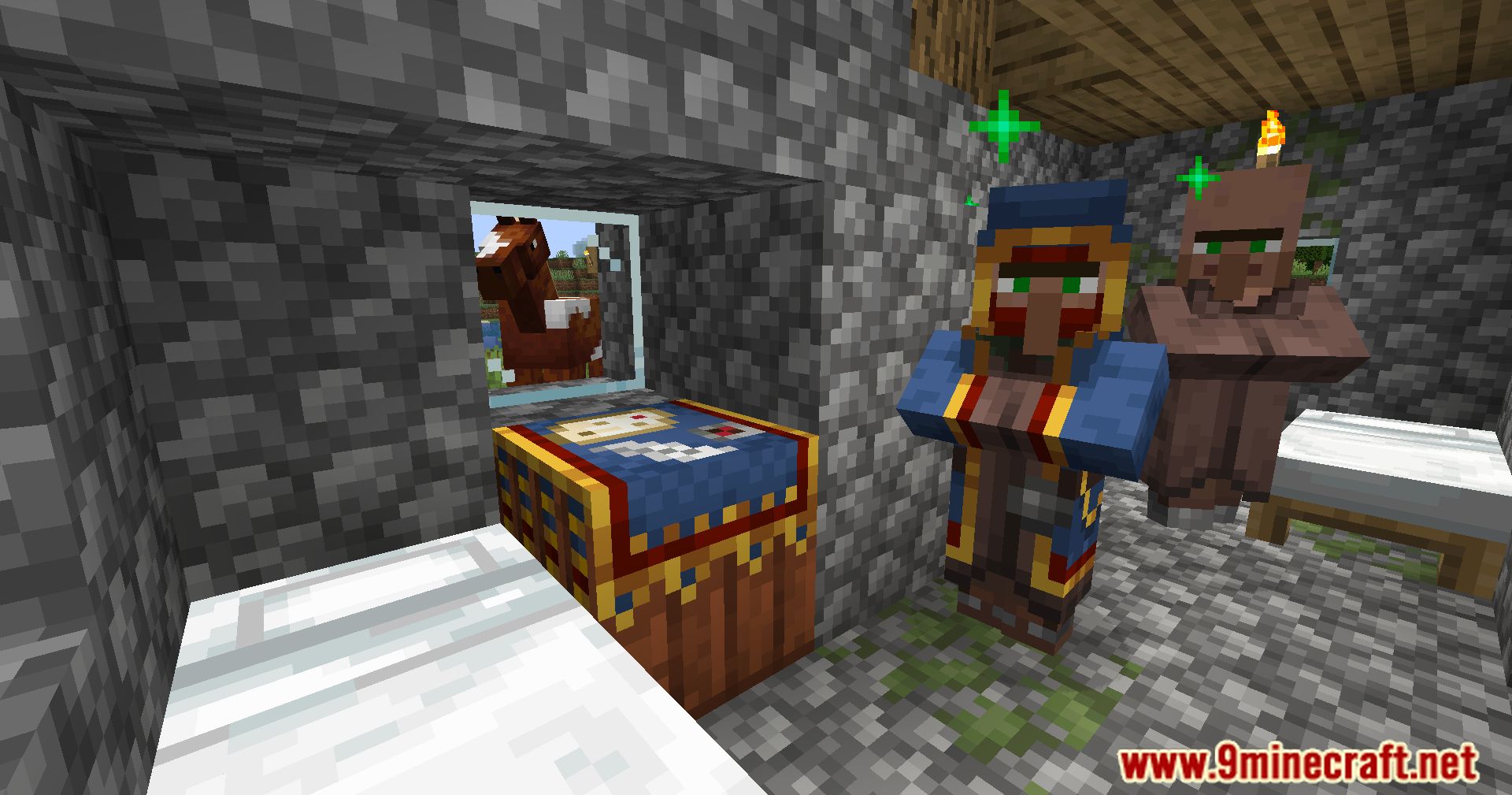
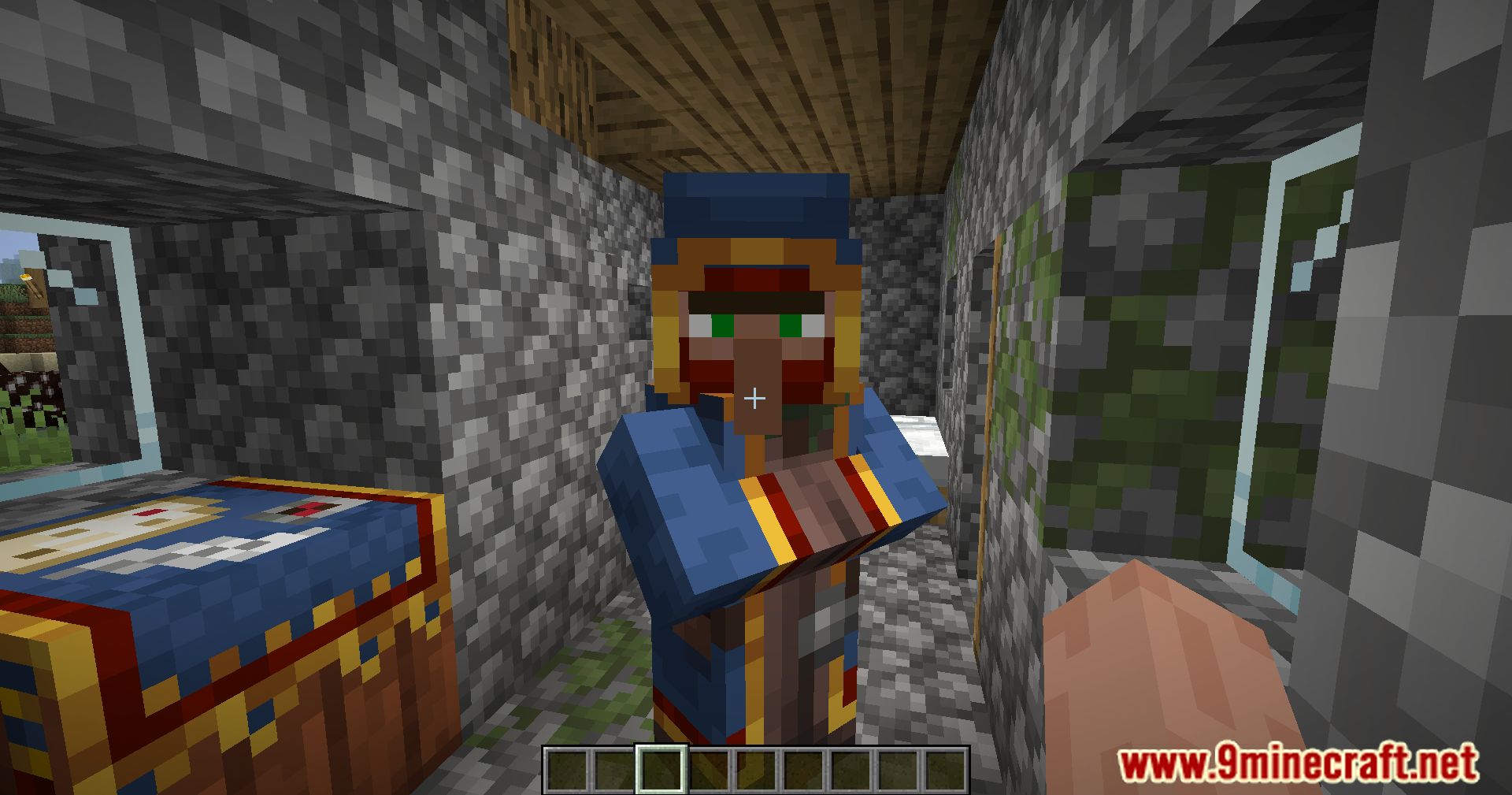
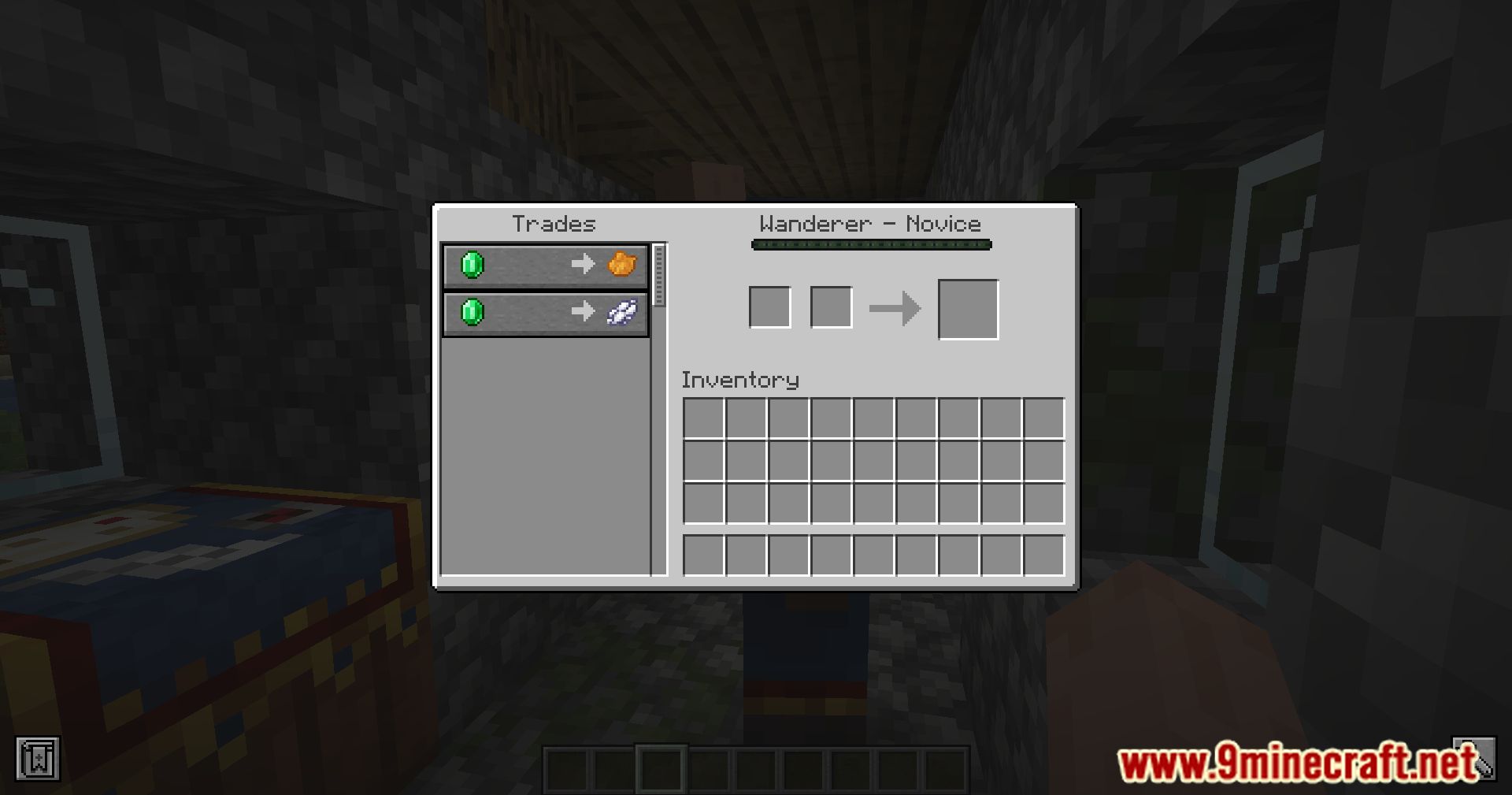
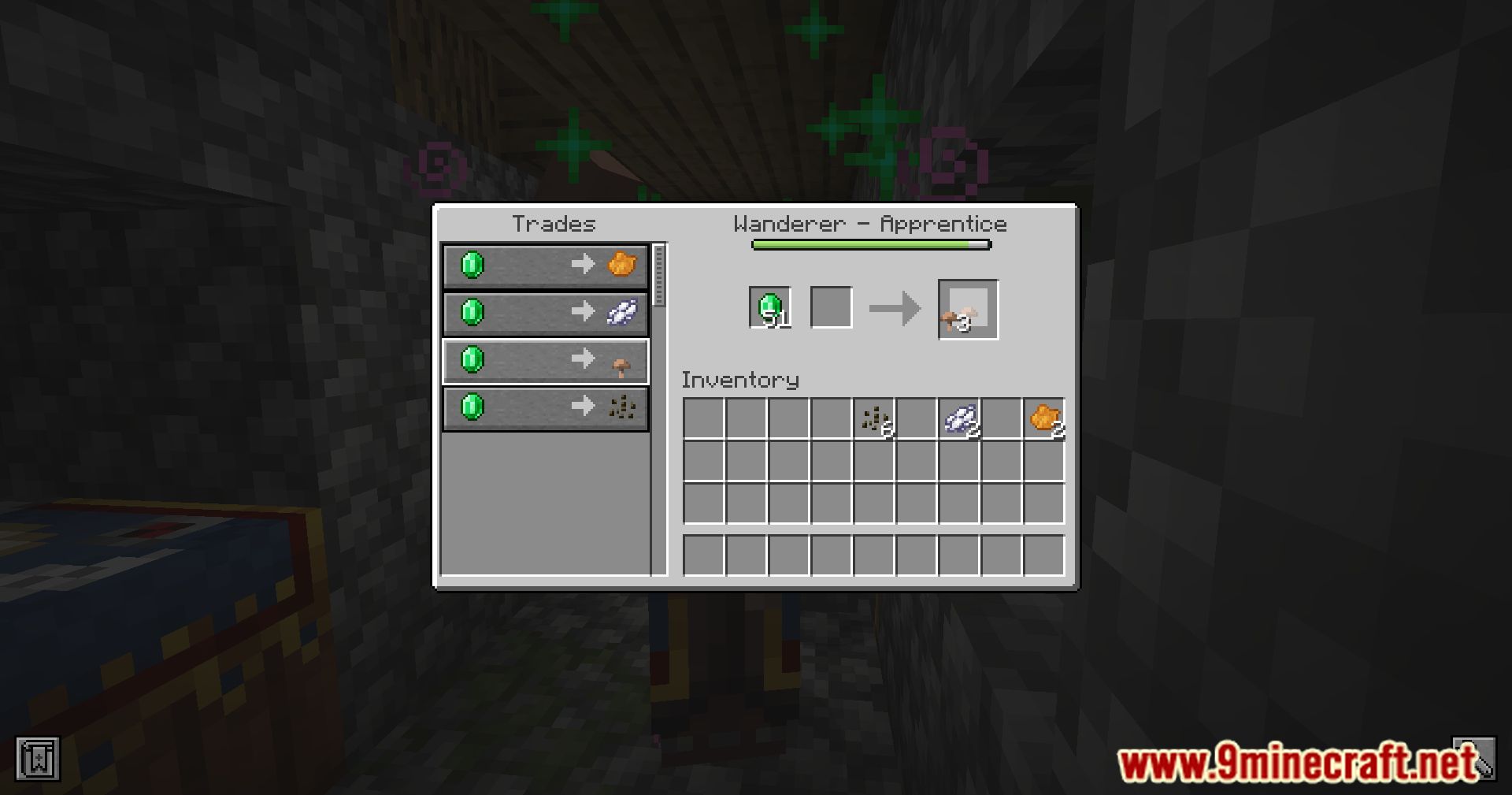
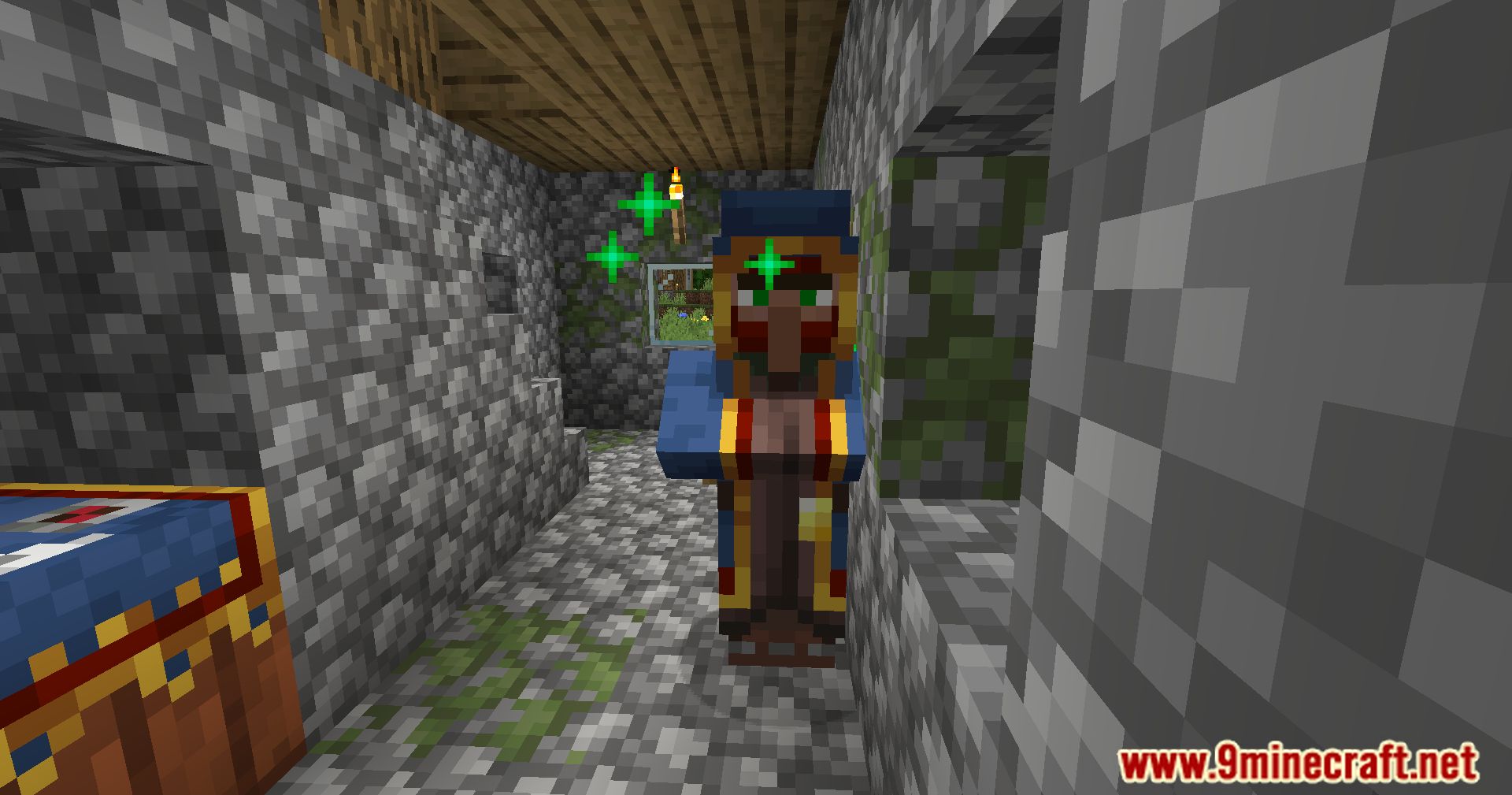
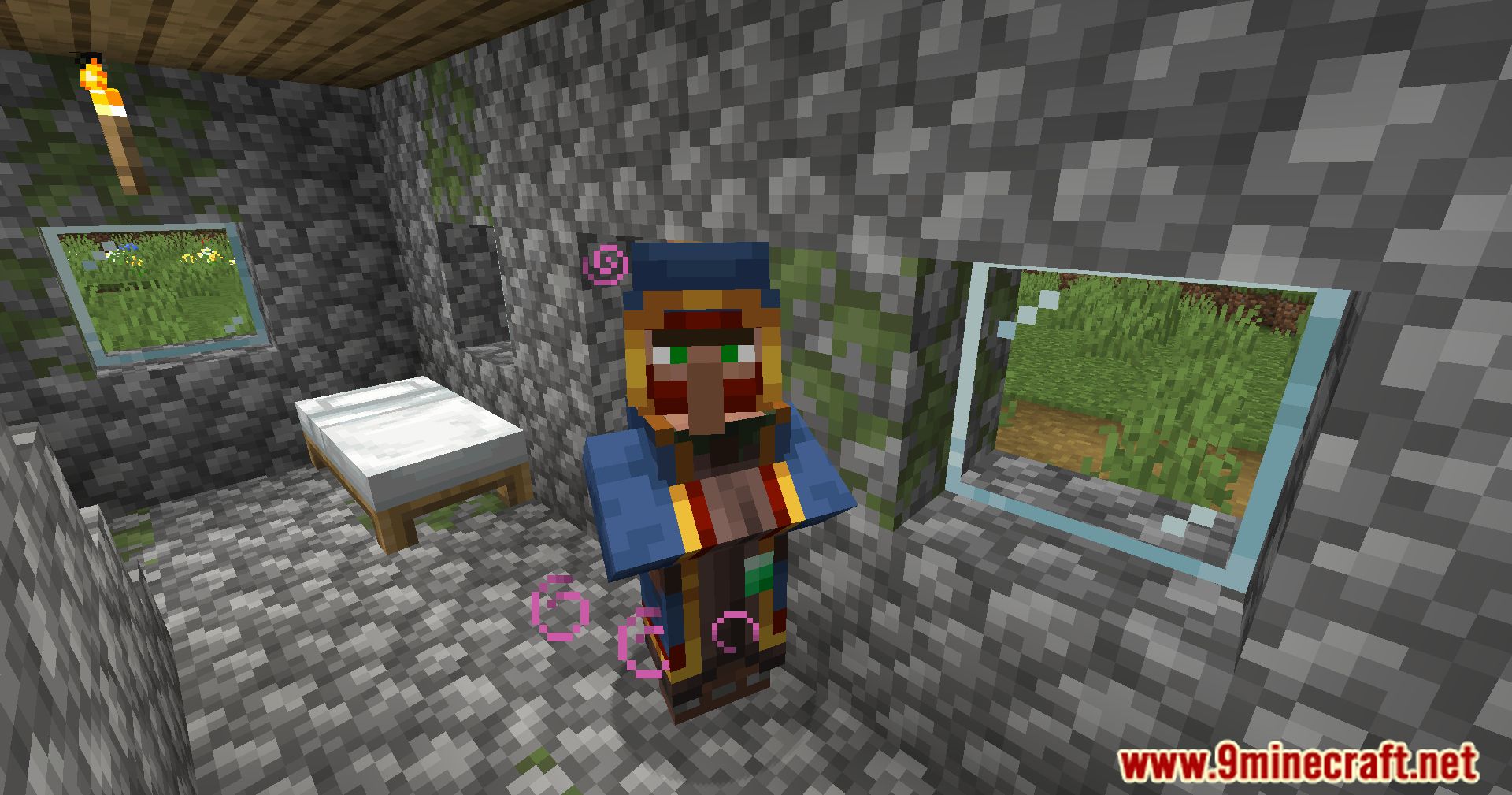
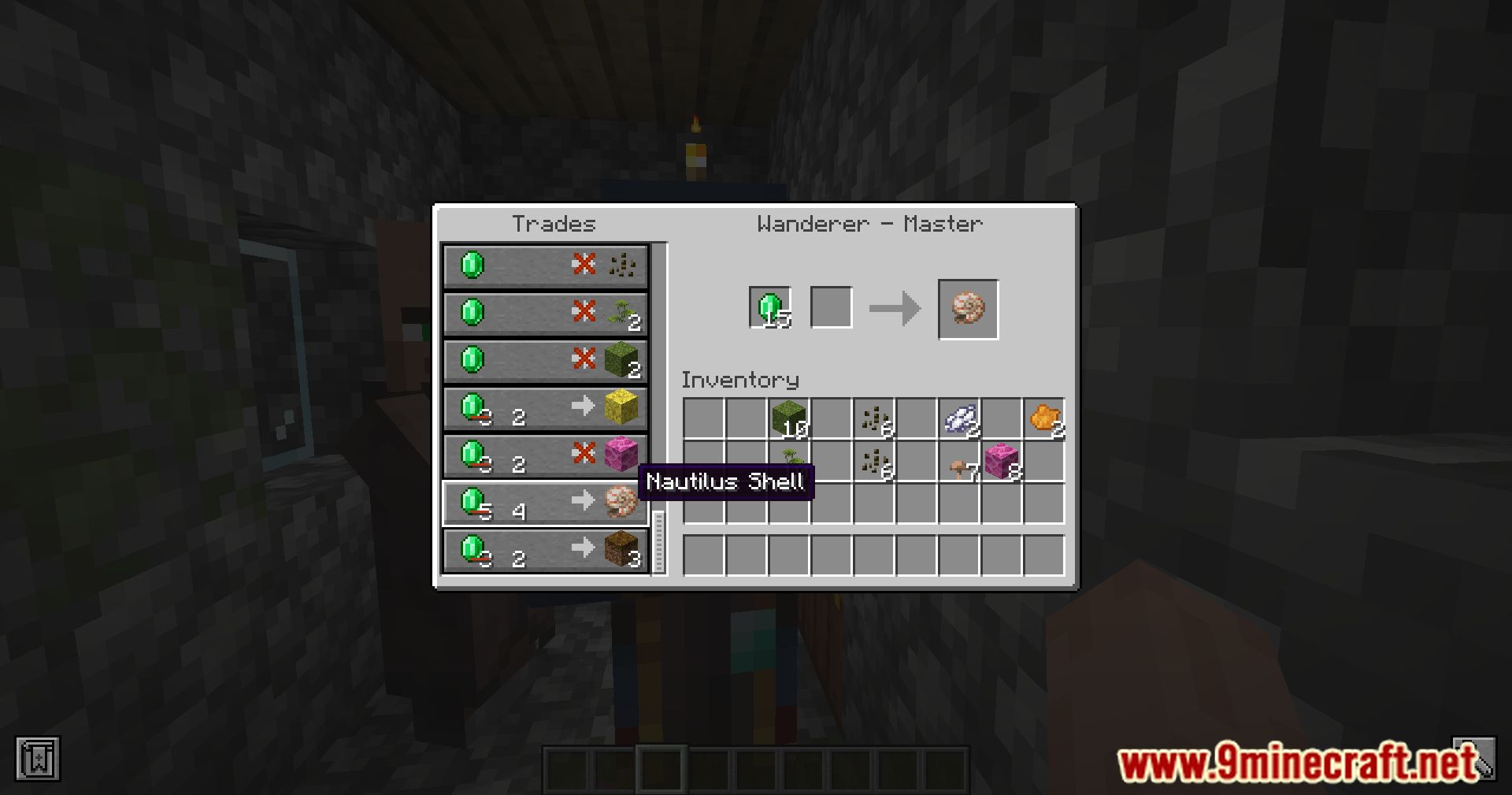
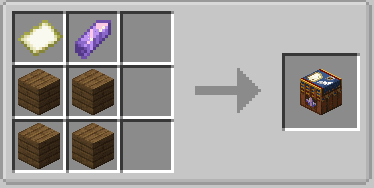
The Non-Wandering Trader Profession Mod introduces a fresh dynamic to Minecraft, including the Wanderer Table, a craftable workstation. This block serves as the foundation for the newly introduced villager profession the Wanderer. Unlike the often elusive and unpredictable Wandering Trader, the Wanderer is a more predictable and cooperative figure in the game. Crafted with planks, amethyst shards, and empty maps, the Wanderer Table becomes a key element in establishing this unique profession. The Wanderer villager offers a variety of rare goods, with his inventory structured across different trading levels. Players can access an array of items from novice to expert, with each tier revealing more valuable and sought-after commodities. This mod not only enriches the player’s trading experience but also adds an element of consistency to dealings with this distinctive villager. The decision to focus on vanilla items ensures compatibility and motivation for players to engage with the Wanderer, offering a refreshing take on in-game commerce.
Features:
- Introduction of the Wanderer Table as a craftable workstation.
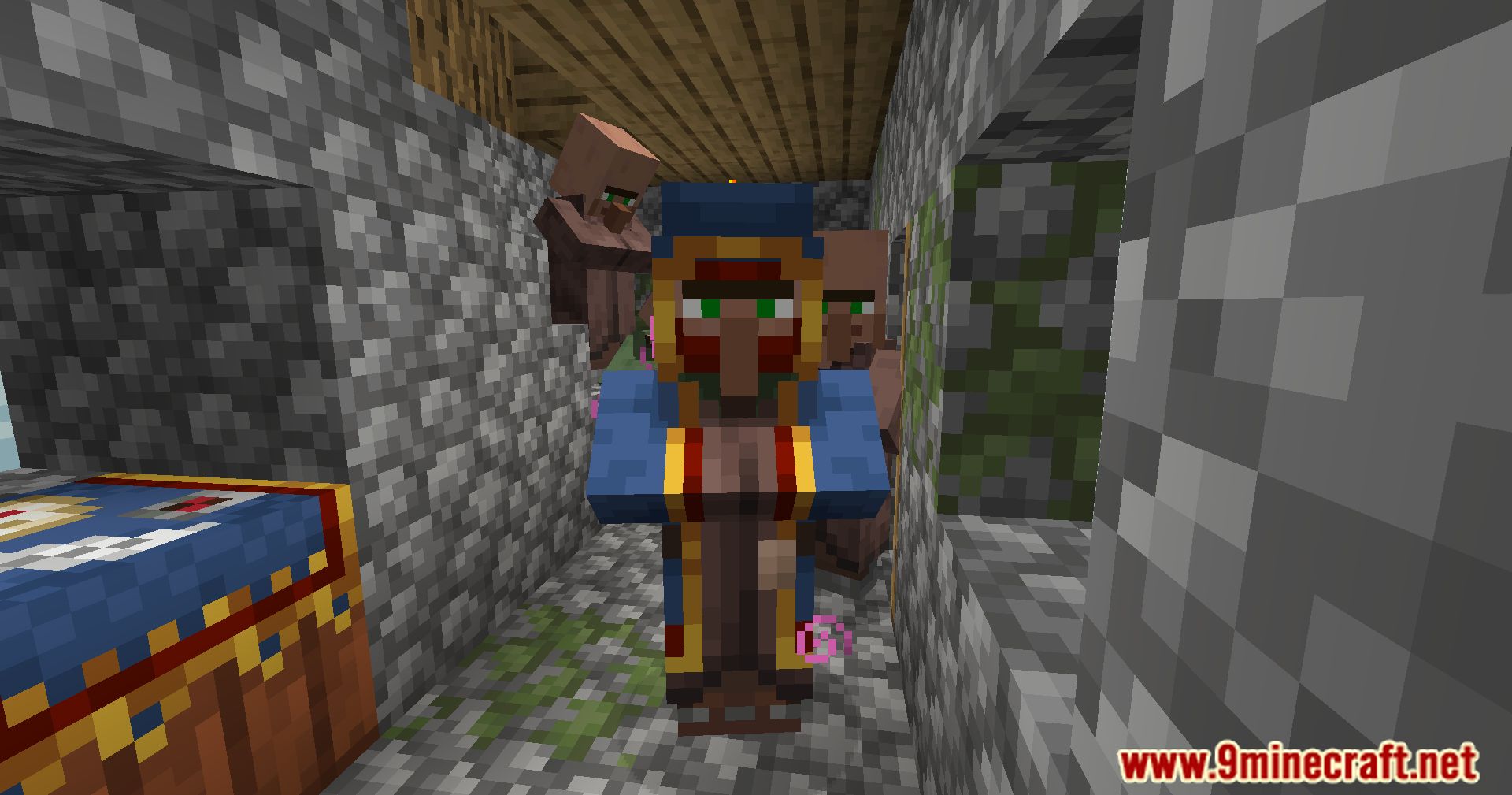
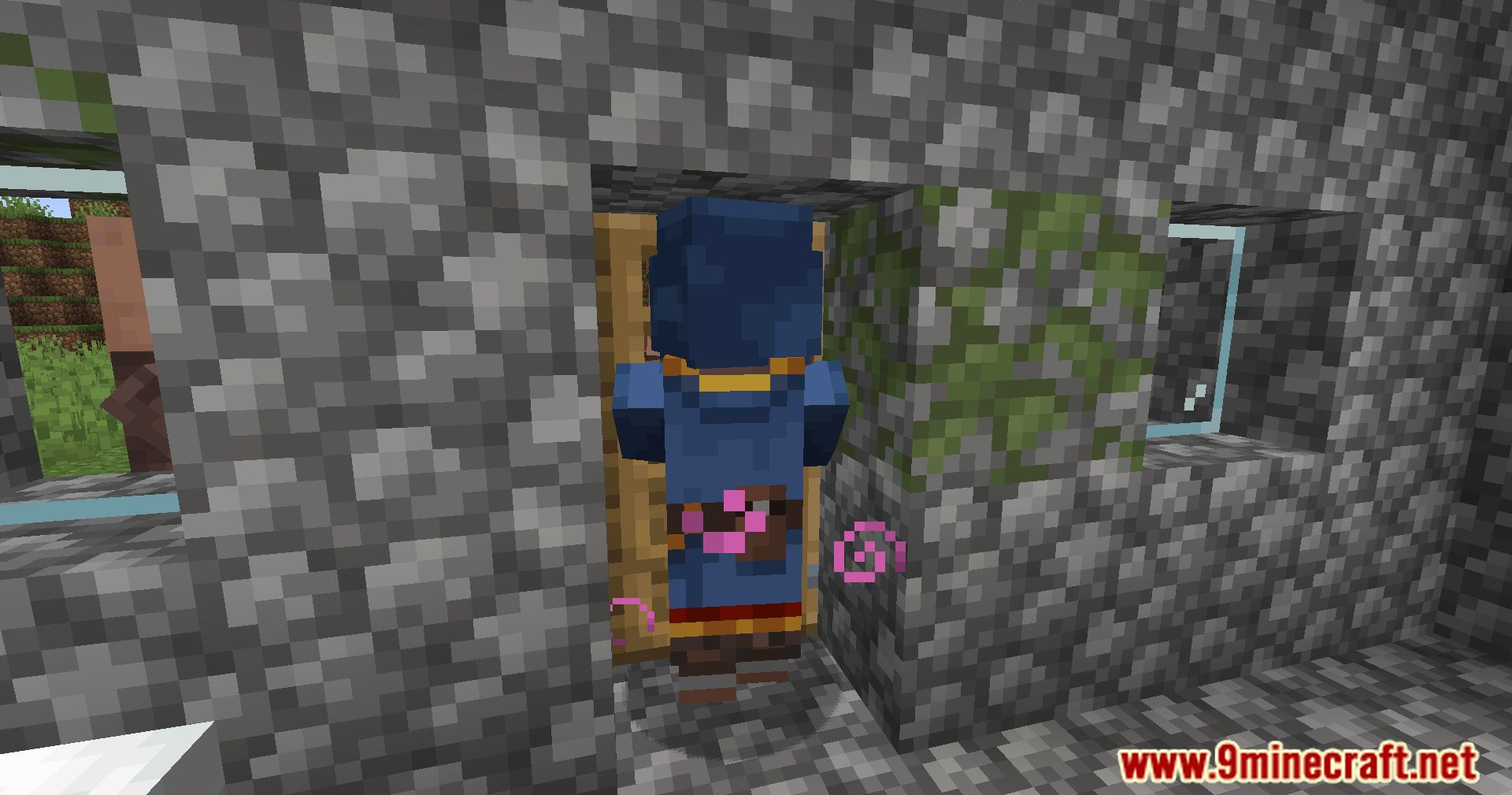
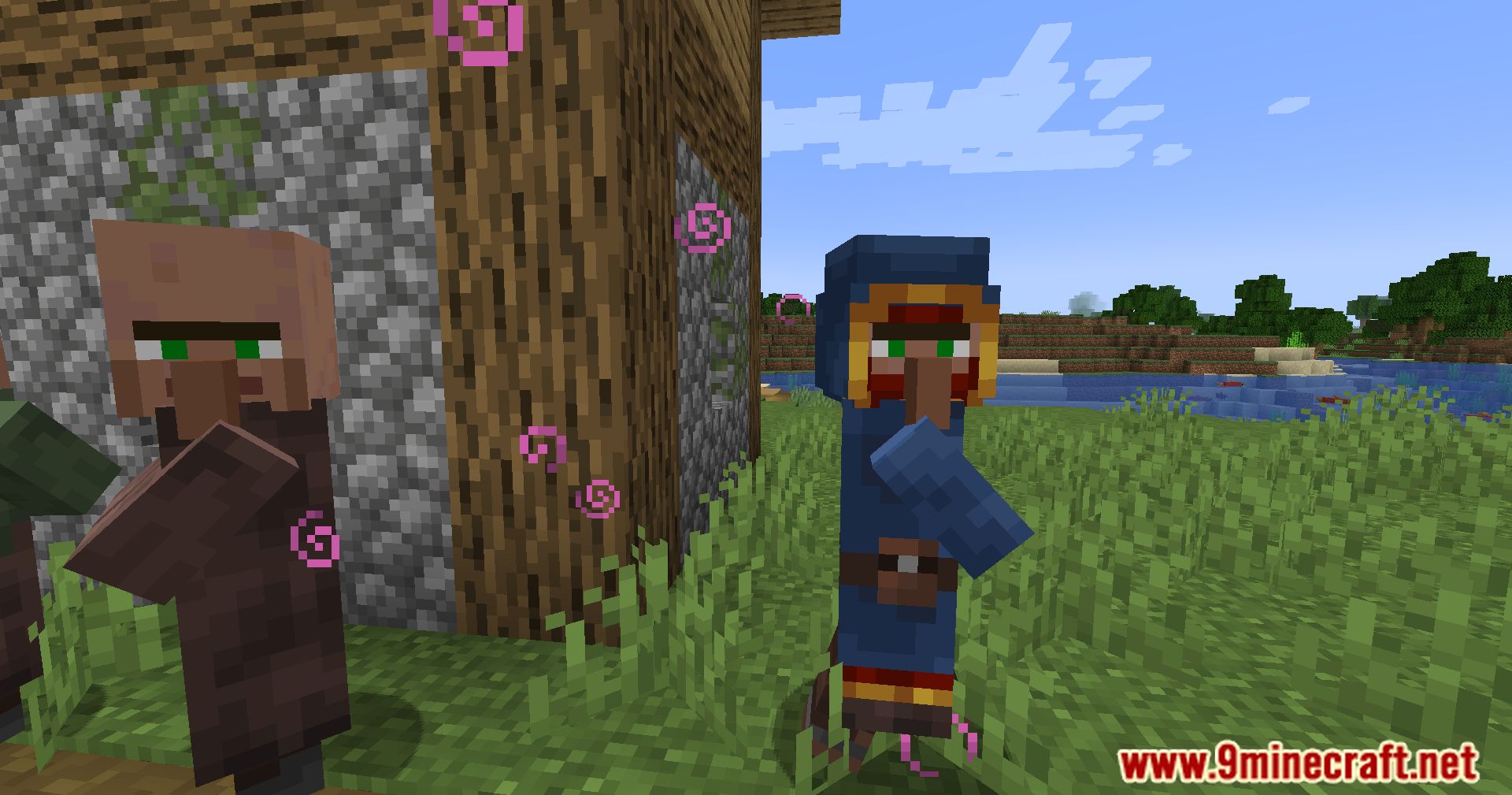
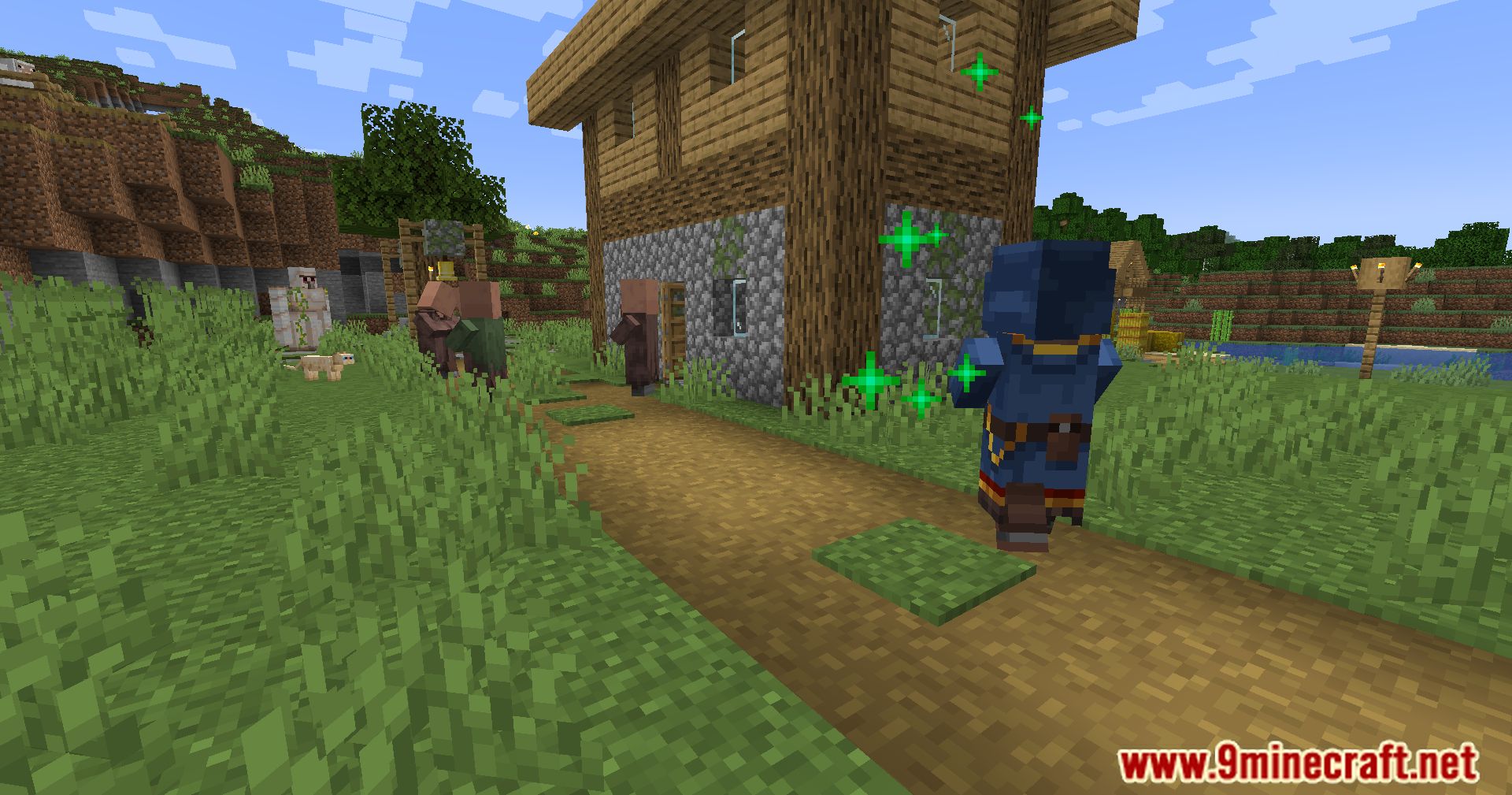
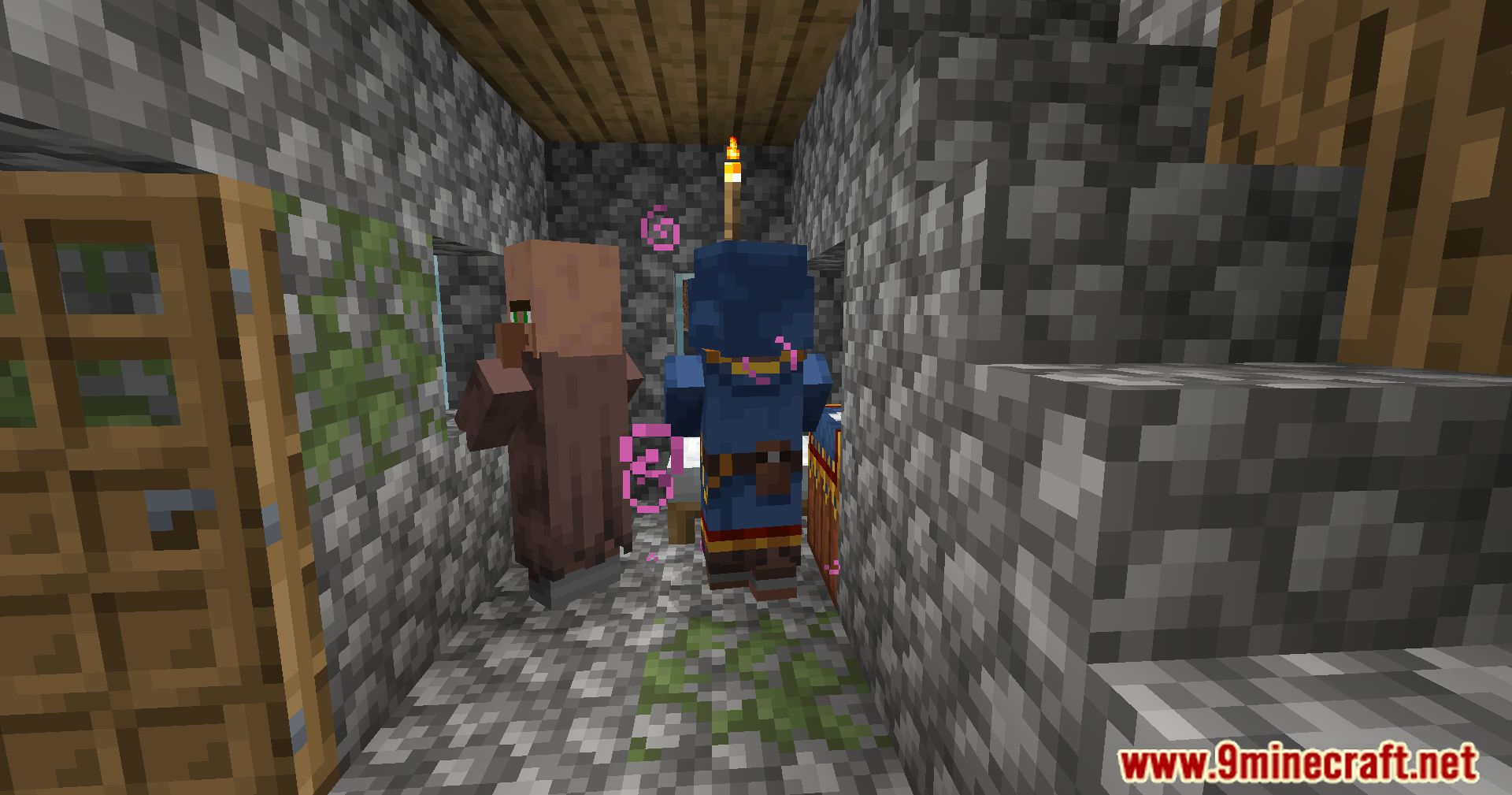
- The new villager profession is the Wanderer, with a distinct appearance based on biomes.
- Tiered trading levels, offering a variety of rare goods.
- Consistent and predictable interactions compared to the Wandering Trader.
- Exclusivity to vanilla items, maintaining compatibility with other mods.
Screenshots:
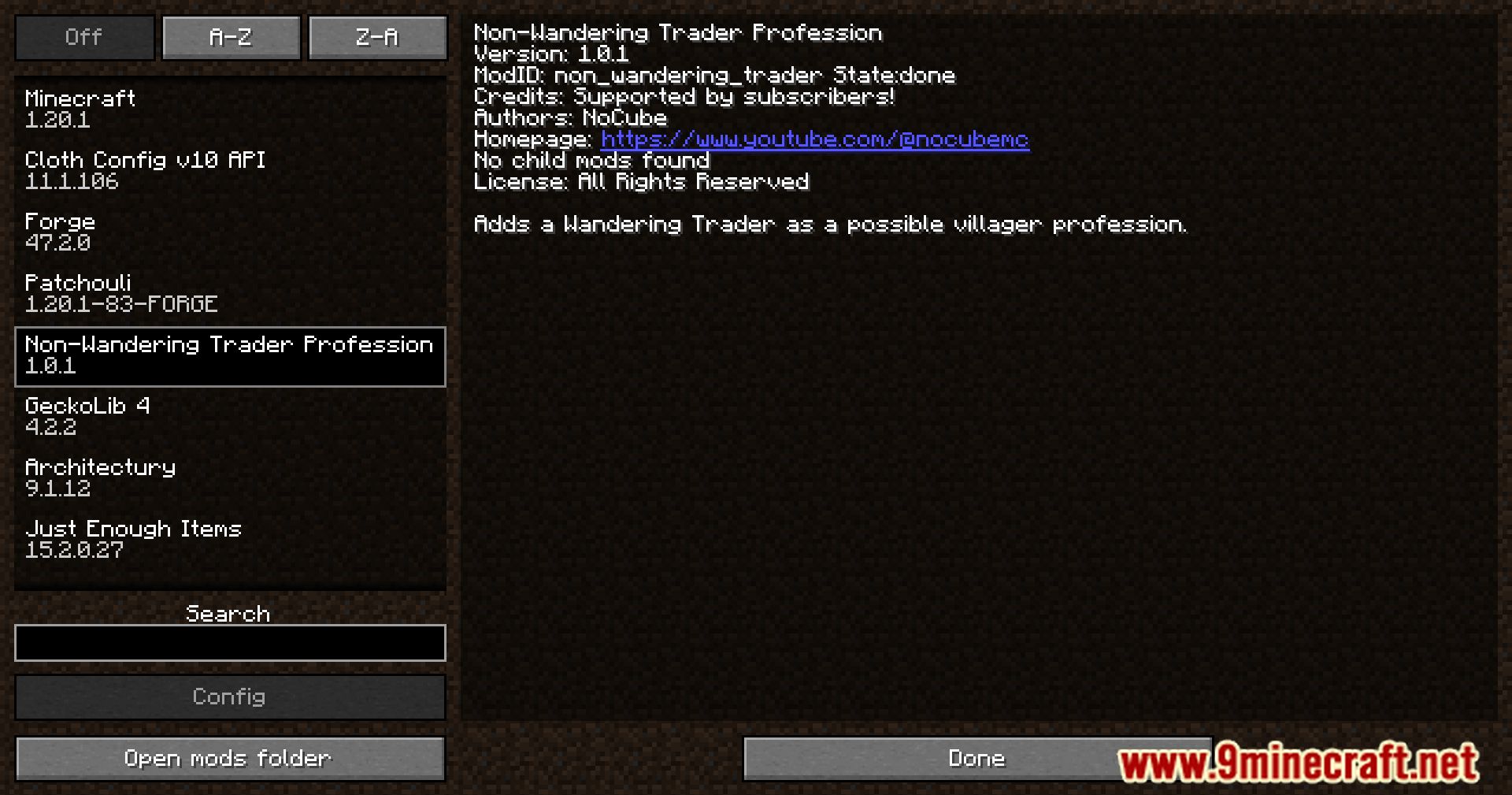
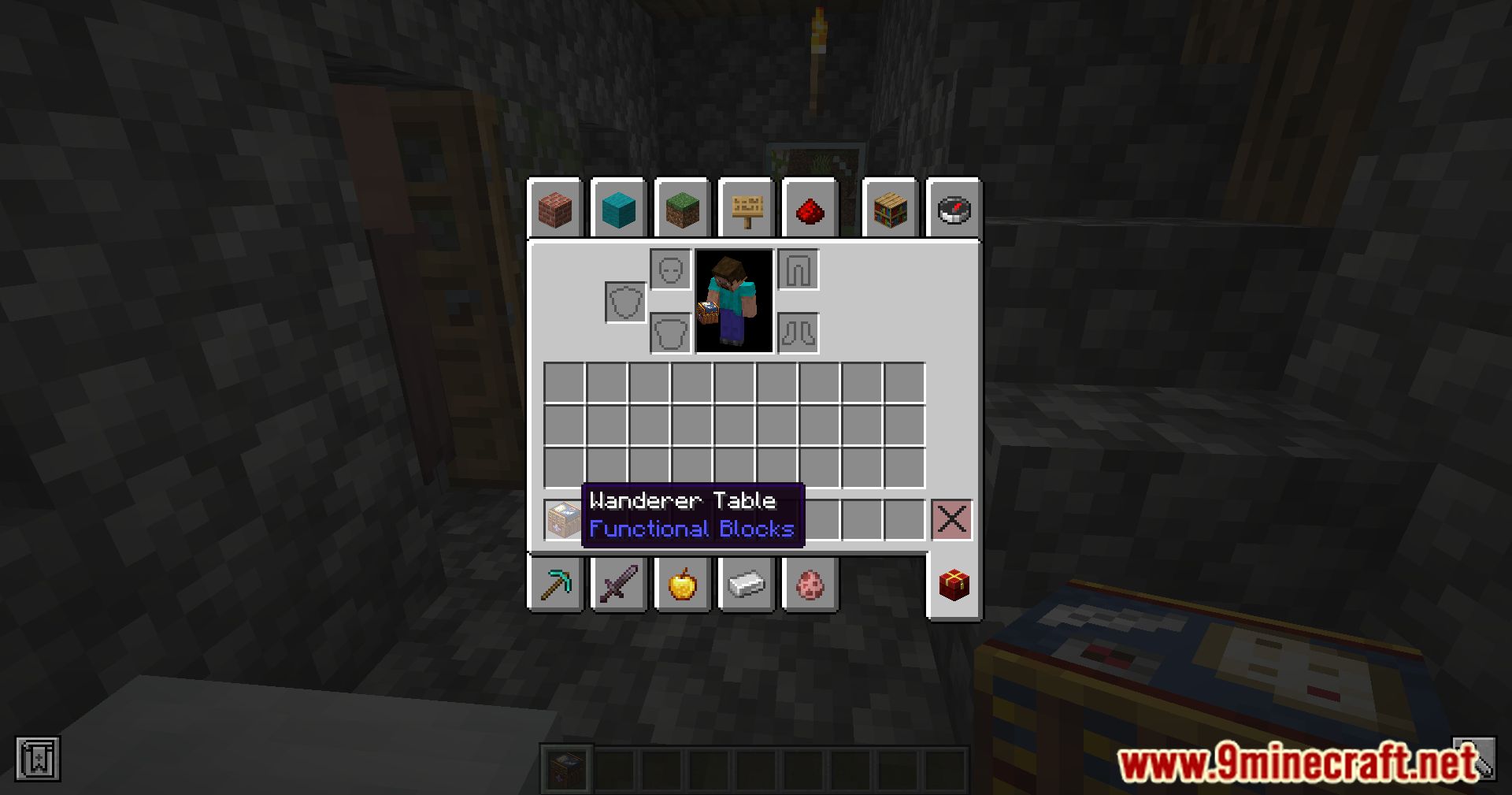
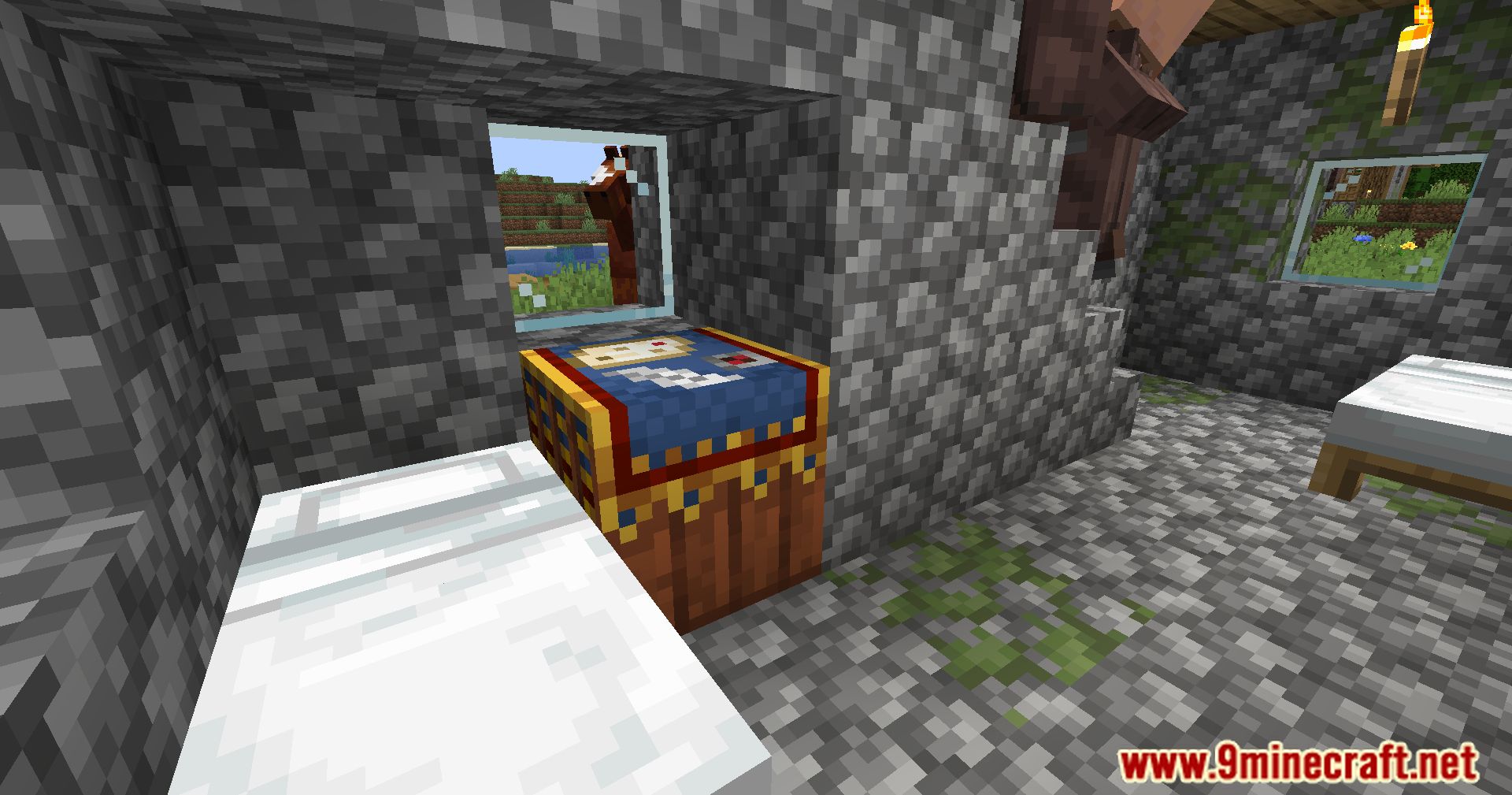
Crafting Recipes:
Non-Wandering Trader Profession Mod Download Links
For Minecraft 1.20.1
Forge Version: Download from Server 1 – Download from Server 2
For Minecraft 1.19.4
Forge Version: Download from Server 1 – Download from Server 2
For Minecraft 1.19.2
Forge Version: Download from Server 1 – Download from Server 2
- Edition: Minecraft Java
- File type: .jar
- Minecraft versions listed: 1.20.1, 1.19.4
- How to install: Install the matching mod loader (Forge, Fabric or NeoForge) for your Minecraft version. → Download the .jar. → Put it in the .minecraft/mods folder and launch that loader profile.
- Where to get it: In MC Java Mods, or directly above on this page.
Install steps are the general flow for this file type — How to install Minecraft Java mods & modpacks walks through it step by step.
- Downloads as 203625.mcaddon
- Download size: 29 KB
- Download link checked 30 Jul 2026 — working
- Mirrored on our own servers — the download does not depend on the original host
These come from our own check of the pack file, not from the source page.