Geologic Expansion Mod (1.20.1, 1.19.2) – Transforms the Overworld with Color and Dynamic Features
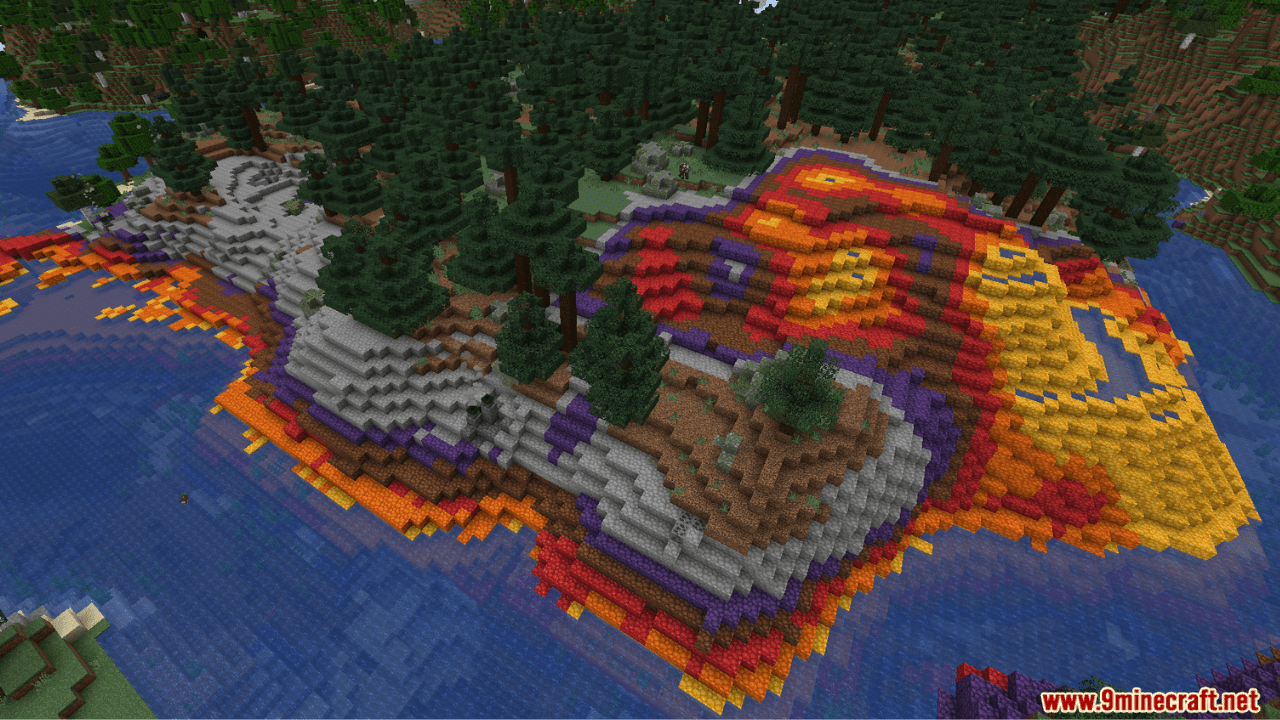
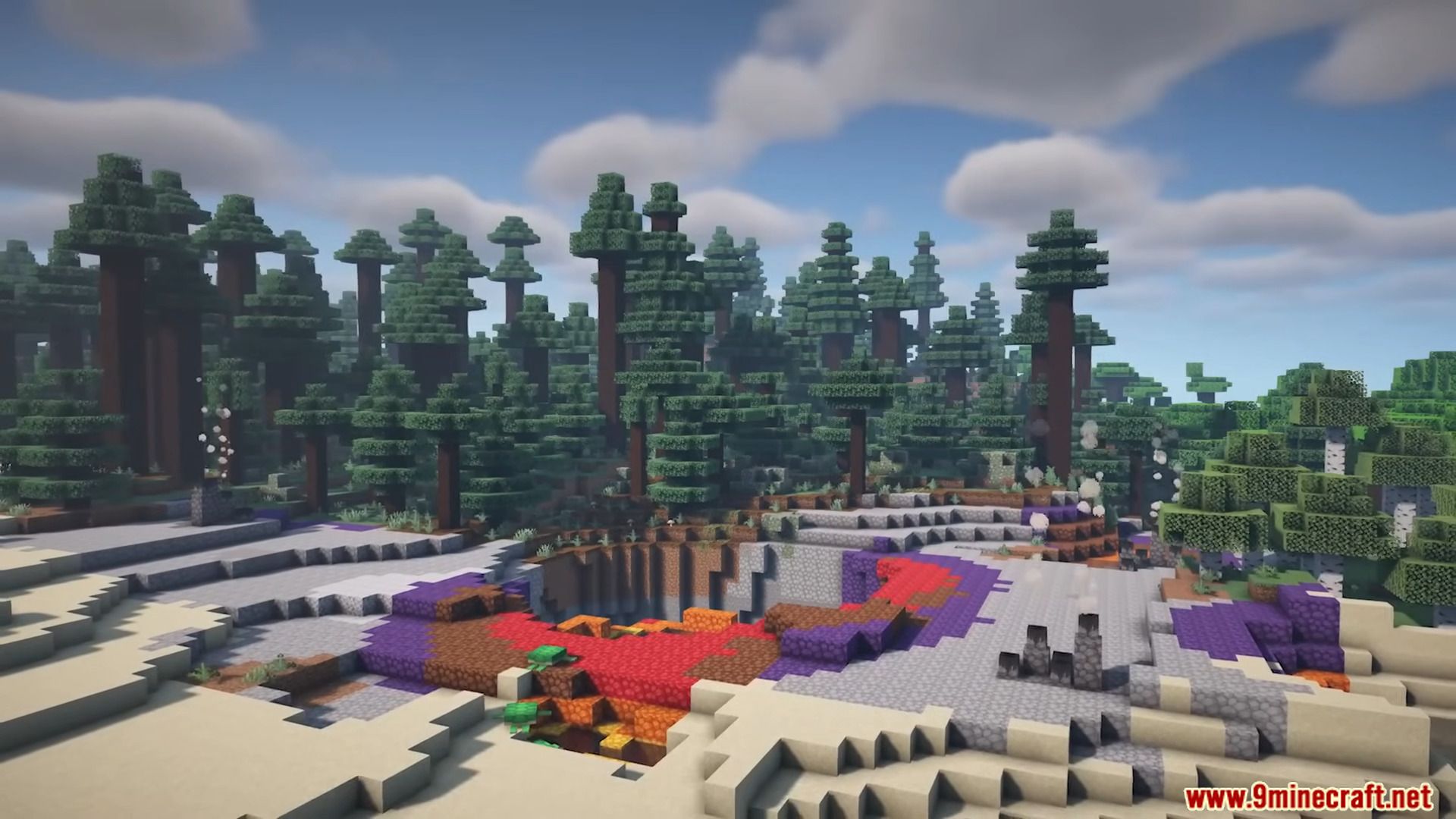
Step into the world of Geologic Expansion Mod, where the overworld’s geological wonders come to life! Explore the vibrant Prismatic Caldera biome, adorned with the dazzling Prismatic Stone that can be dyed and polished for colorful builds. Uncover Limestone underground and use Overgrowth to add age to structures in podzol-rich areas. Experience the dynamic Geysers, cycling through stages and erupting in spectacular displays. Meet Ducks, friendly creatures found in various biomes, trading their findings for seeds. Geologic Expansion transforms your Minecraft world with new stones, vegetation, and dynamic elements, promising an enriched and captivating gameplay experience.
Features:
- Prismatic Caldera: A new thermal biome inspired on the Yellowstone’s Caldera.
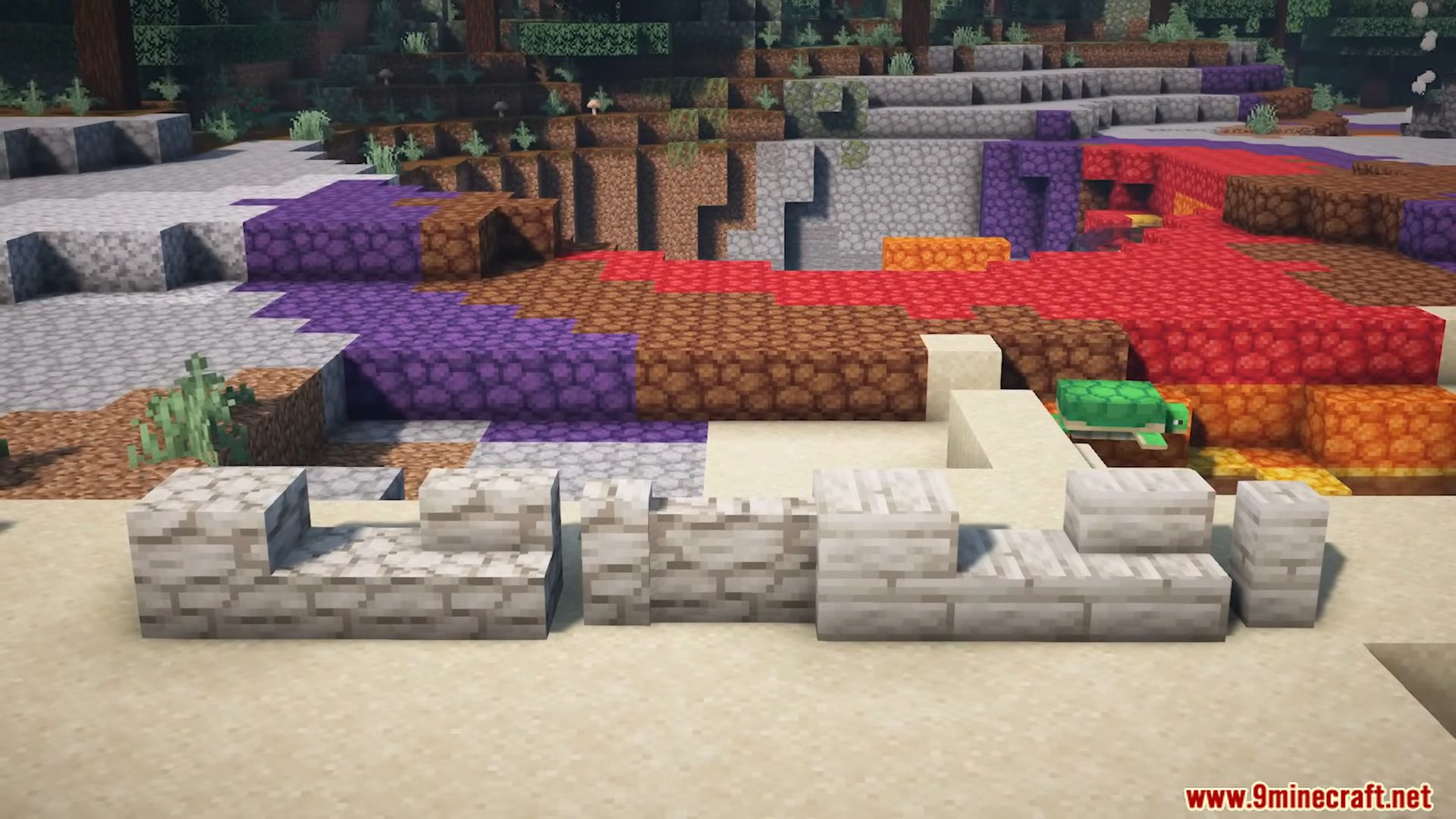
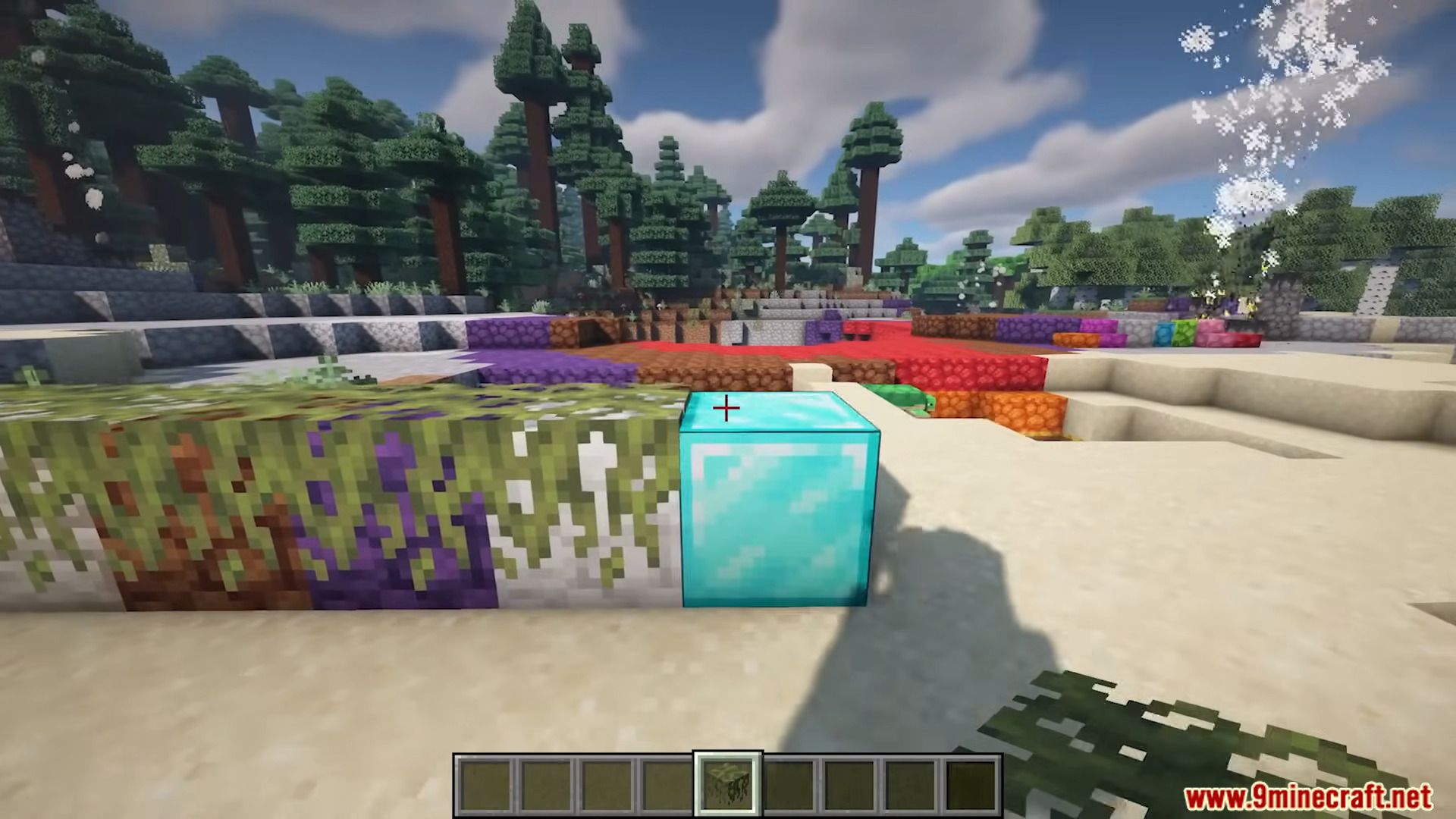
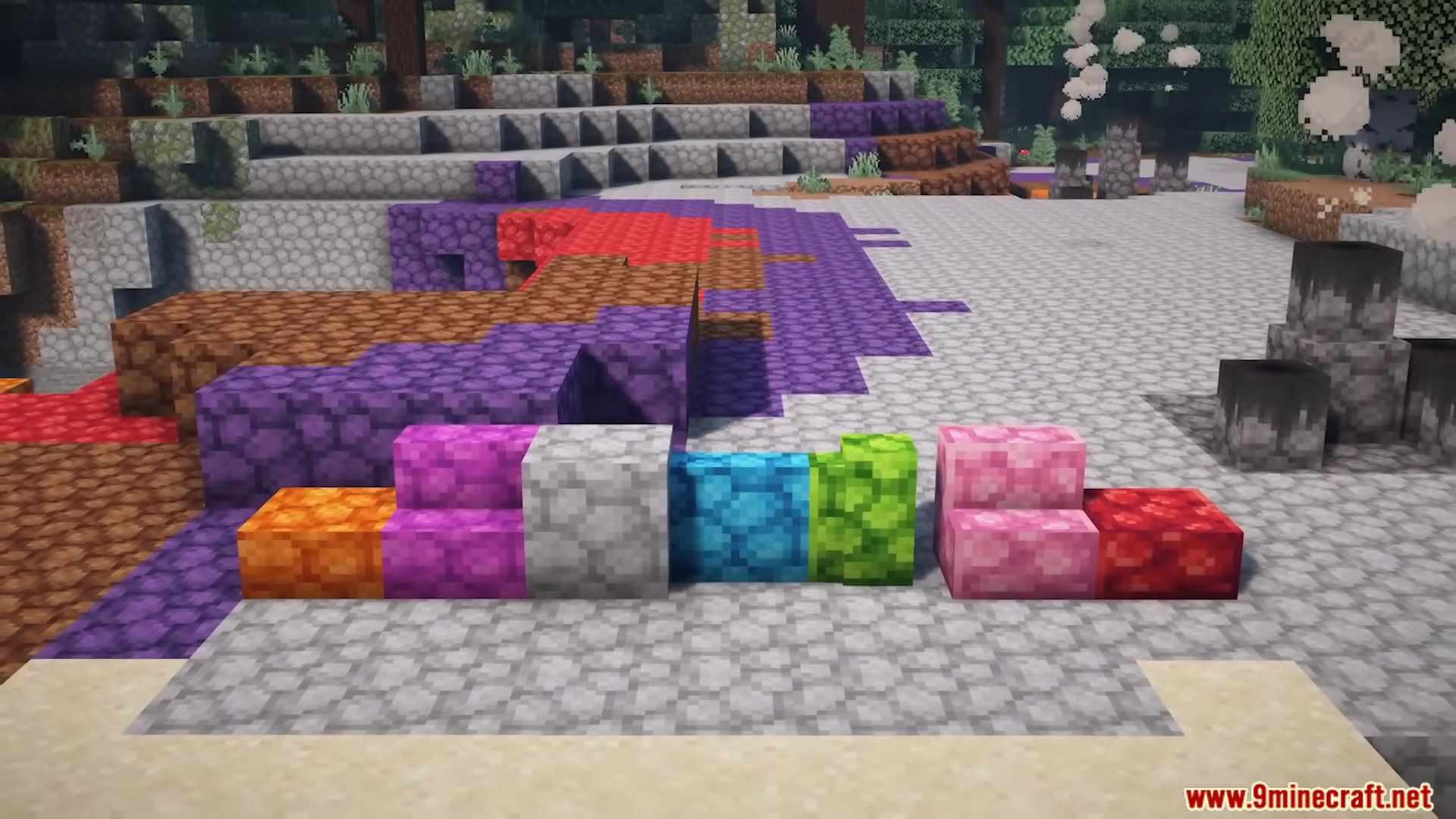
- Prismatic Stone: New stone type that can be dyed and polished! Enhance your builds with new colorful stairs, slabs and walls.
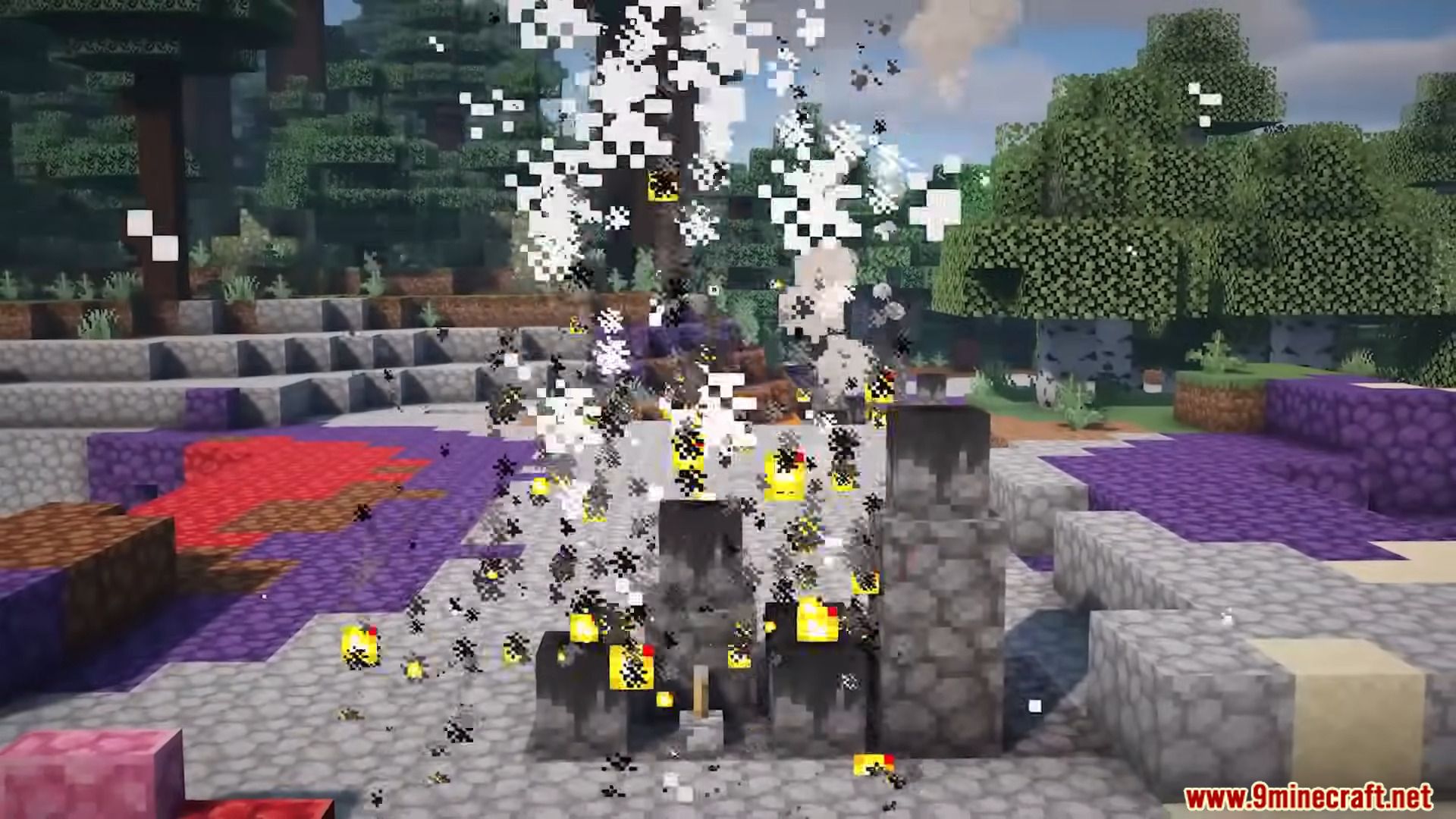
- Geysers: This new block cycles through different stages overtime, causing large eruptions to ocurr! can also be activated manually by powering it with redstone.
- Limestone: New stone type that can be found underground, commonly found above deepslate.
- Overgrowth: This new vegetation block can be used to add age into buildings, commonly found in areas with podzol and mossy cobblestone.
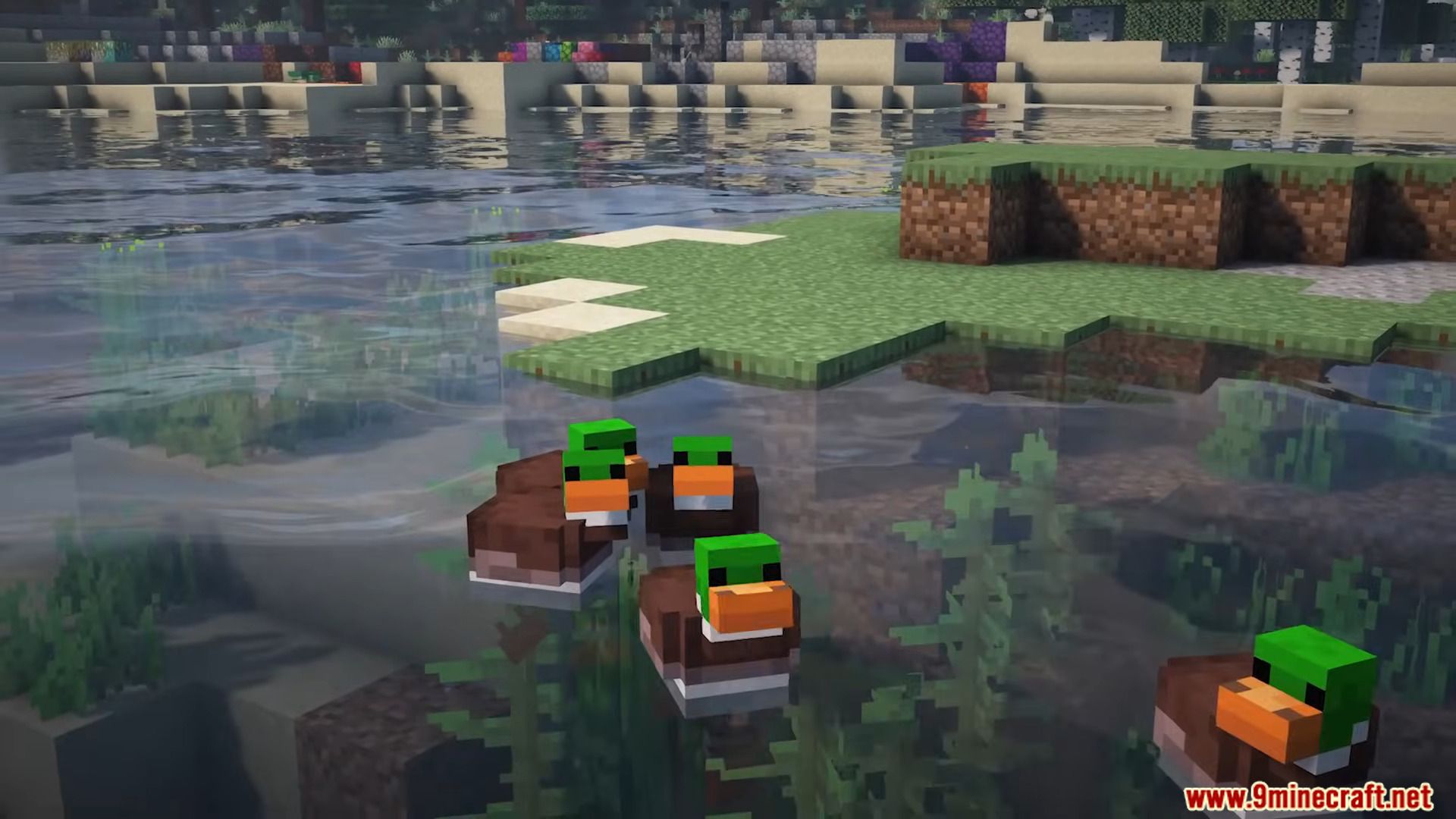
- Ducks: Friendly little creatures that love swimming and fishing! you can trade their findings with seeds, commonly found in swamps, meadows, rivers, taiga and prismatic caldera biomes.
Screenshots:
Geologic Expansion Mod Download Links
For Minecraft 1.20.1
Forge Version: Download from Server 1 – Download from Server 2
Fabric Version: Download from Server 1 – Download from Server 2
For Minecraft 1.19.2
Forge Version: Download from Server 1 – Download from Server 2
Fabric Version: Download from Server 1 – Download from Server 2
- Edition: Minecraft Java
- File type: .jar
- Minecraft versions listed: 1.20.1, 1.19.2
- How to install: Install the matching mod loader (Forge, Fabric or NeoForge) for your Minecraft version. → Download the .jar. → Put it in the .minecraft/mods folder and launch that loader profile.
- Where to get it: In MC Java Mods, or directly above on this page.
Install steps are the general flow for this file type — How to install Minecraft Java mods & modpacks walks through it step by step.
- Downloads as 203632.mcaddon
- Download size: 1.3 MB
- Download link checked 30 Jul 2026 — working
- Mirrored on our own servers — the download does not depend on the original host
These come from our own check of the pack file, not from the source page.