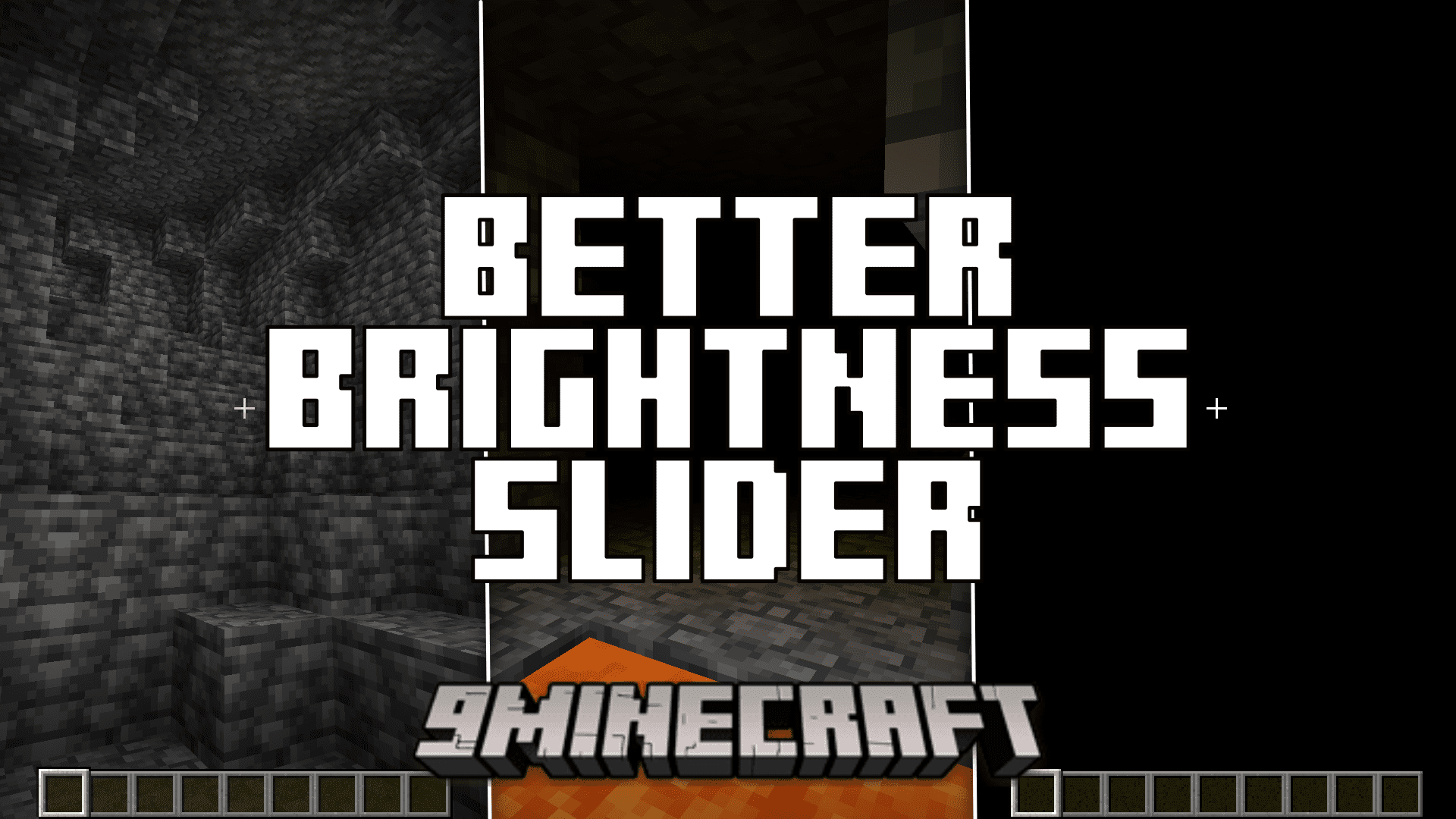
Better Brightness Slider Mod (1.20.4, 1.20.1) – Higher and Lower Values Than Default
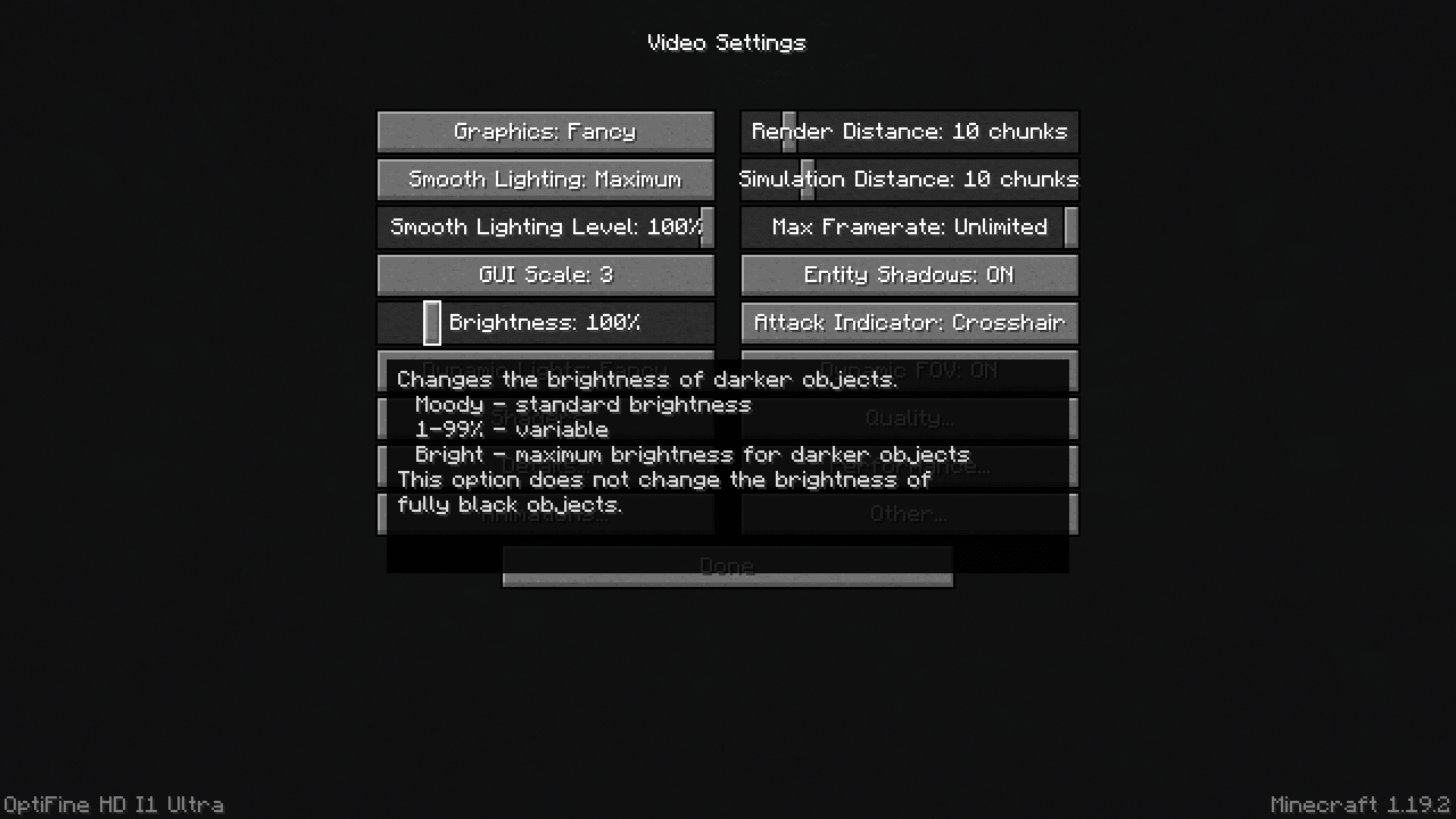
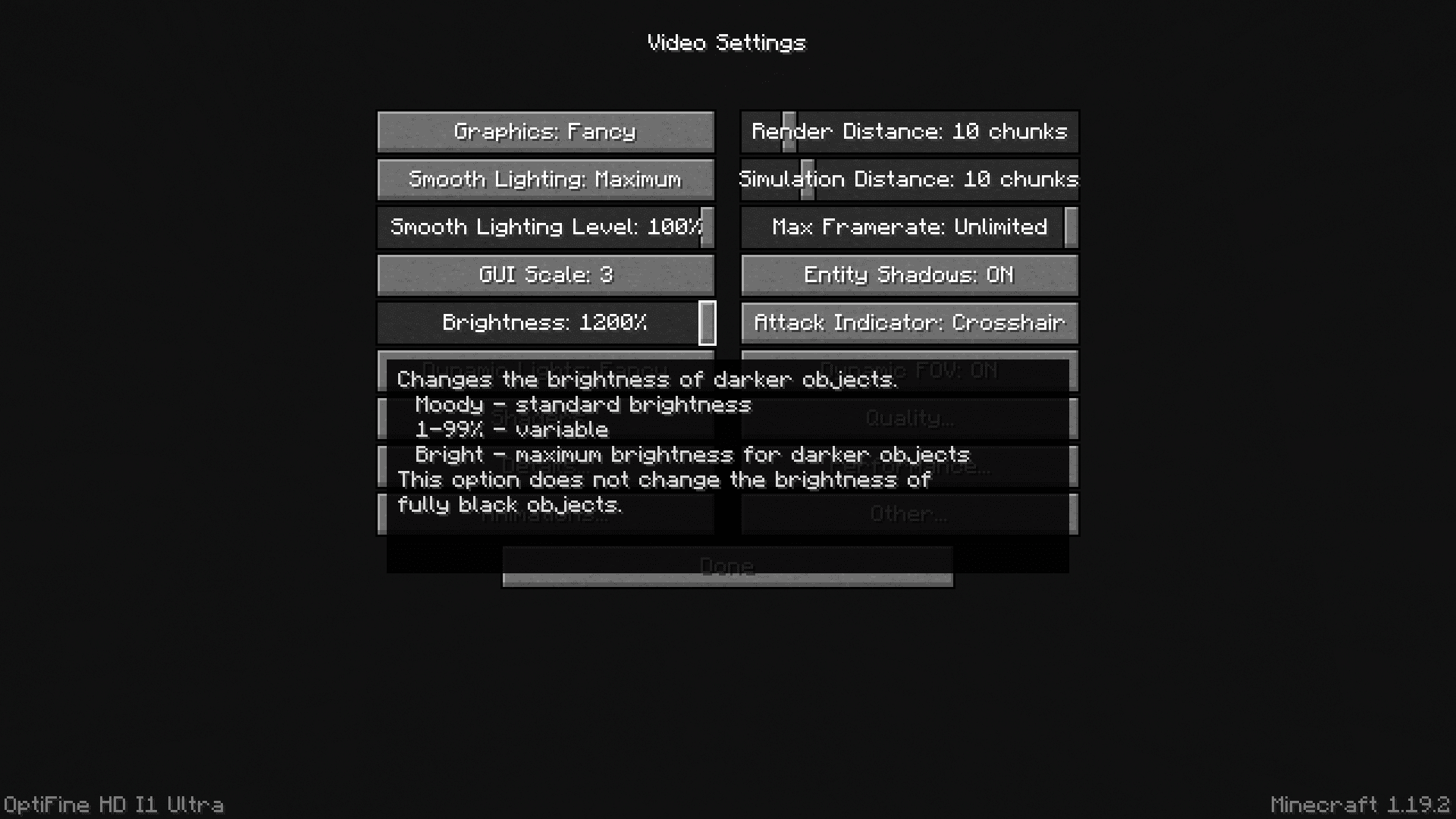
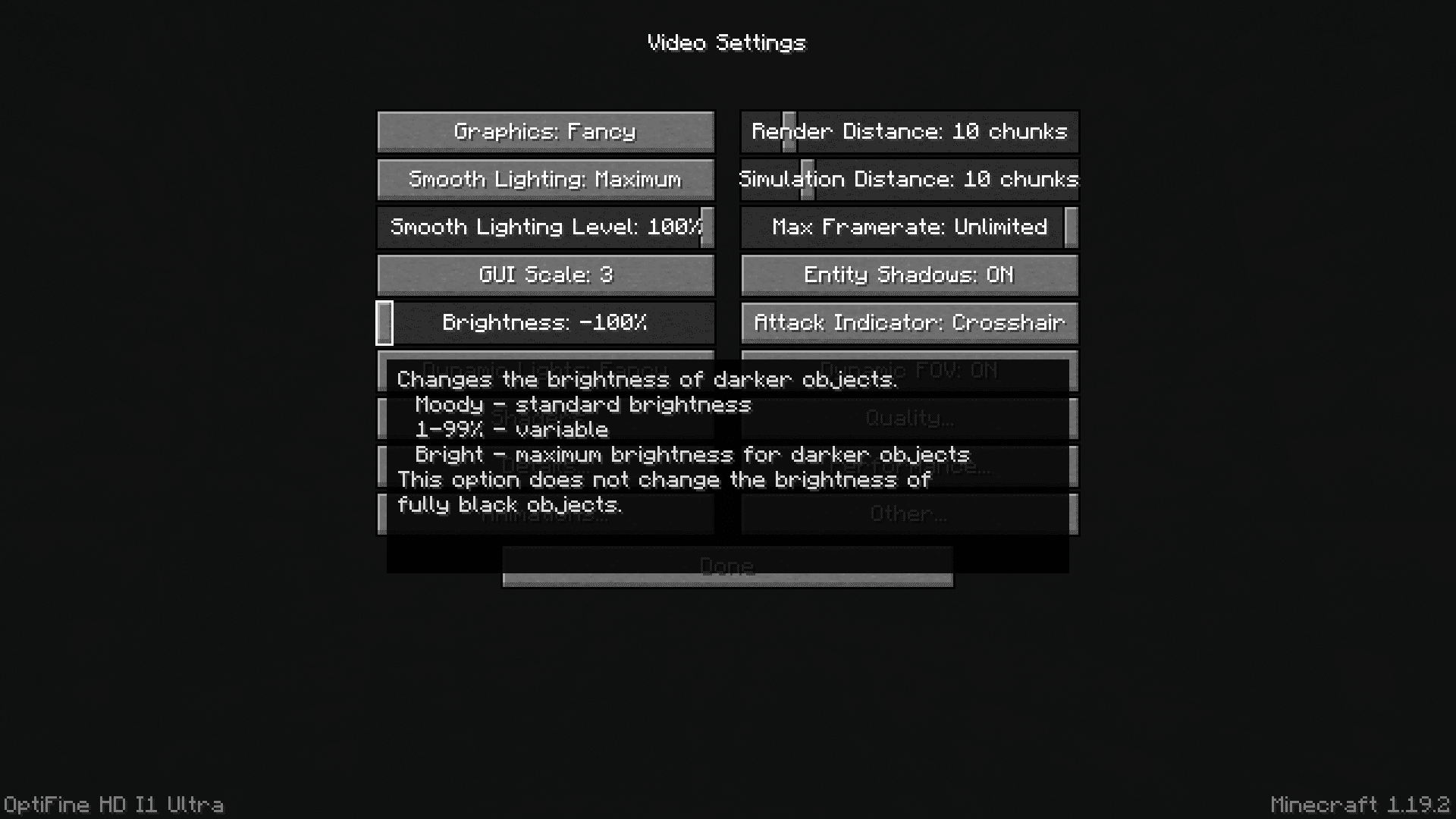
Vanilla Mineraft’s settings allow you to change the game brightness within the range of 1 to 100. While this is enough for most players, there are plenty of possibilities if this range is allowed further expansion. Better Brightness Slider Mod introduces this expansion to the game. With this mod installed, you will be able to drag the brightness slider from -100 to all the way up to 1200.
Features:
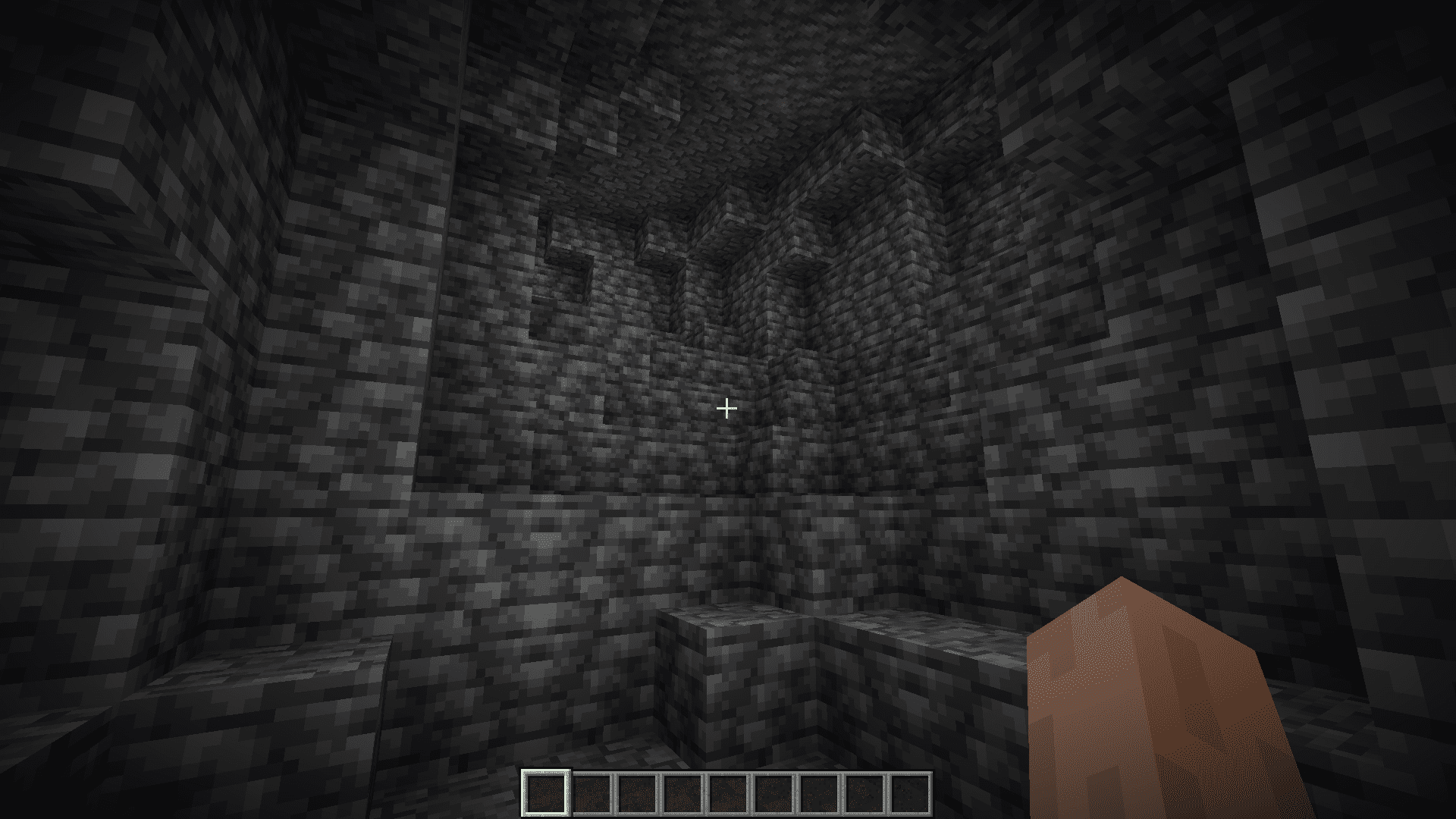
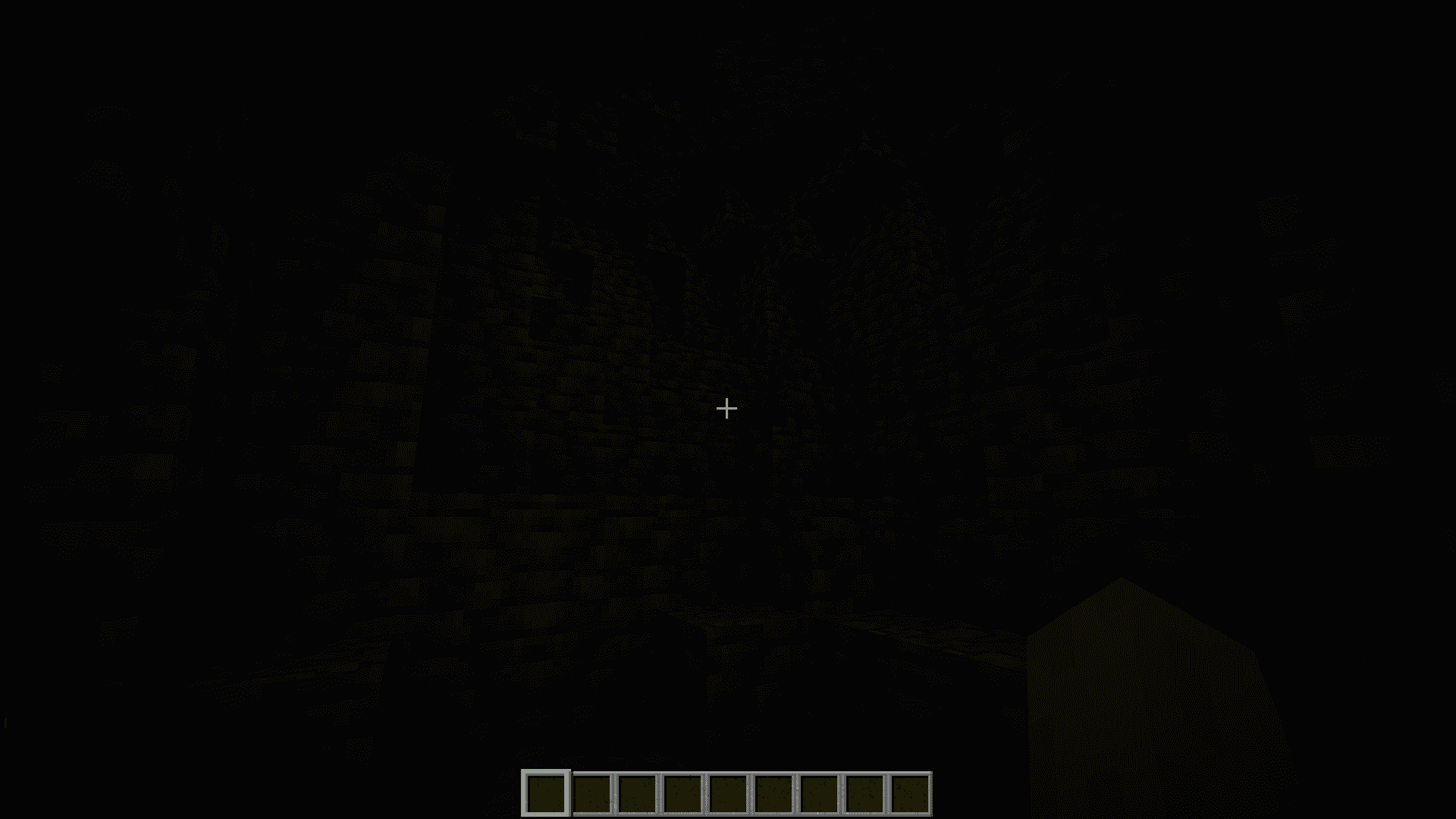
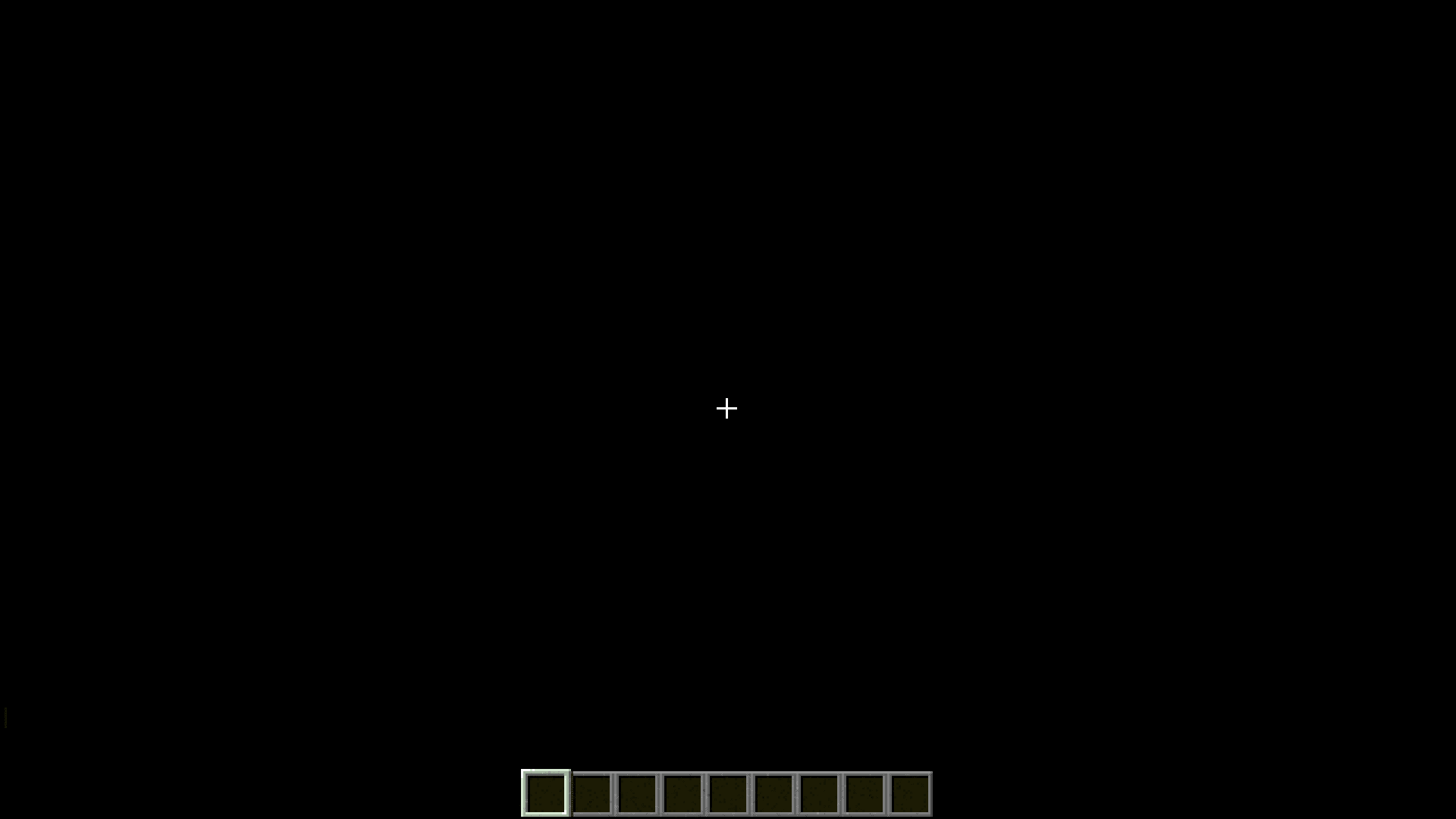
- Setting the brightness to -100 will make the game a lot darker, you will not be able to see anything farther away than 3-5 blocks, and that is if a light source is nearby. If there is no light source nearby, it’s going to be pitch black. Playing on this setting with Optifine’s dynamic lights feature turned ON will allow for a much more immersive experience where you can hold a light source (like a torch) in your hand and illuminate your way as you walk.
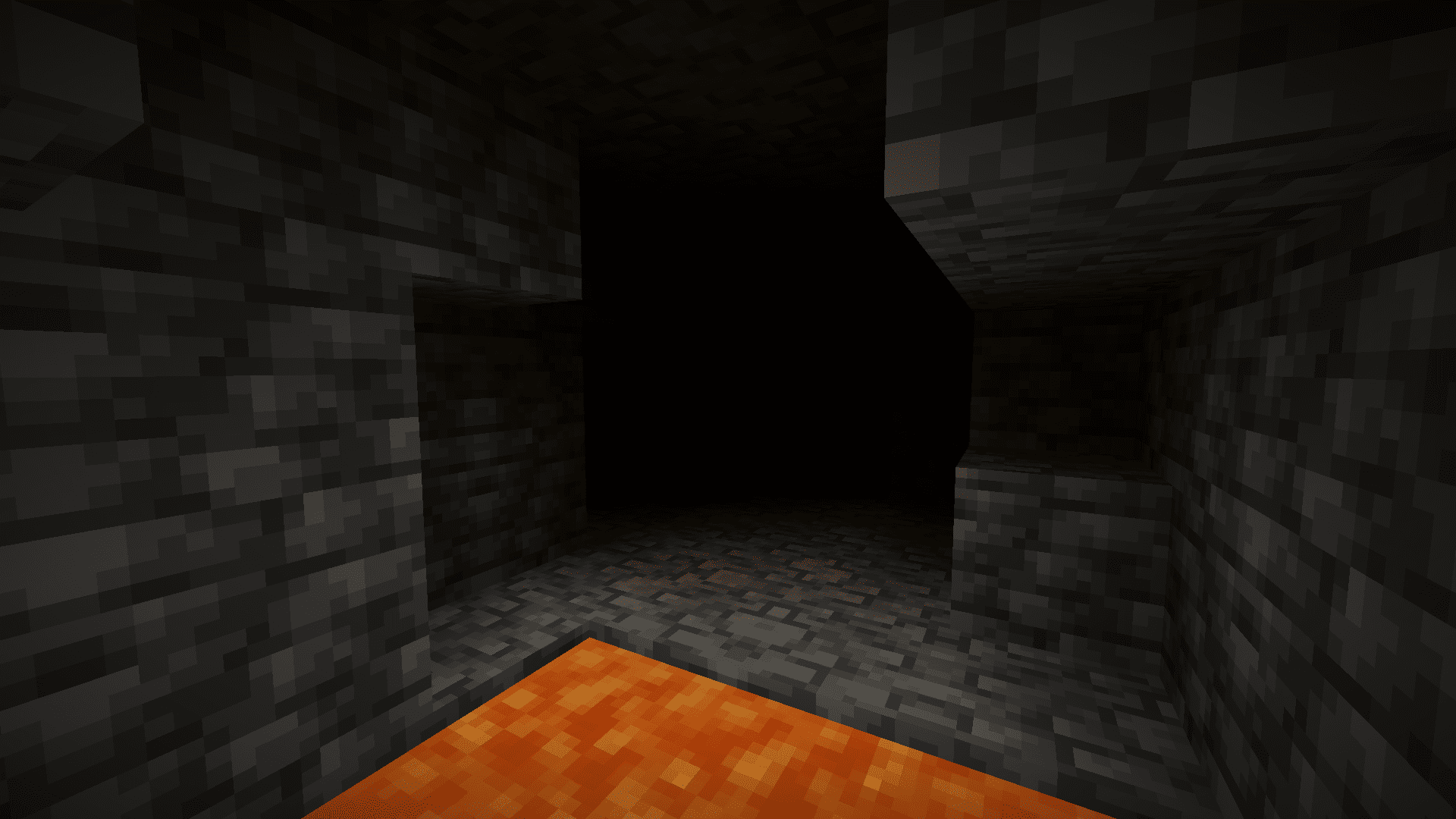
- Setting the brightness to 1200 will completely eliminate darkness from the game. You will no longer have to use torches to illuminate caves, as all blocks will now be illuminated at the maximum possible brightness.
Screenshots:
Requires:
Minecraft Forge
Neoforge Installer
Better Brightness Slider Mod Download Links
For Minecraft 1.20.4, 1.20.3
Forge/Neoforge version: Download from Server 1 – Download from Server 2
For Minecraft 1.20.2, 1.20.1, 1.20
Forge/Neoforge version: Download from Server 1 – Download from Server 2
For Minecraft 1.19.4
Forge/Neoforge version: Download from Server 1 – Download from Server 2
For Minecraft 1.18.2
Forge/Neoforge version: Download from Server 1 – Download from Server 2
For Minecraft 1.16.5
Forge/Neoforge version: Download from Server 1 – Download from Server 2
- Edition: Minecraft Java
- File type: .jar
- Minecraft versions listed: 1.20.4, 1.20.1
- How to install: Install the matching mod loader (Forge, Fabric or NeoForge) for your Minecraft version. → Download the .jar. → Put it in the .minecraft/mods folder and launch that loader profile.
- Where to get it: In MC Java Mods, or directly above on this page.
Install steps are the general flow for this file type — How to install Minecraft Java mods & modpacks walks through it step by step.
- Downloads as 203638.mcaddon
- Download size: 41 KB
- Download link checked 30 Jul 2026 — working
- Mirrored on our own servers — the download does not depend on the original host
These come from our own check of the pack file, not from the source page.