Hwyla Mod (1.16.5, 1.15.2) – Know What Every Block Is
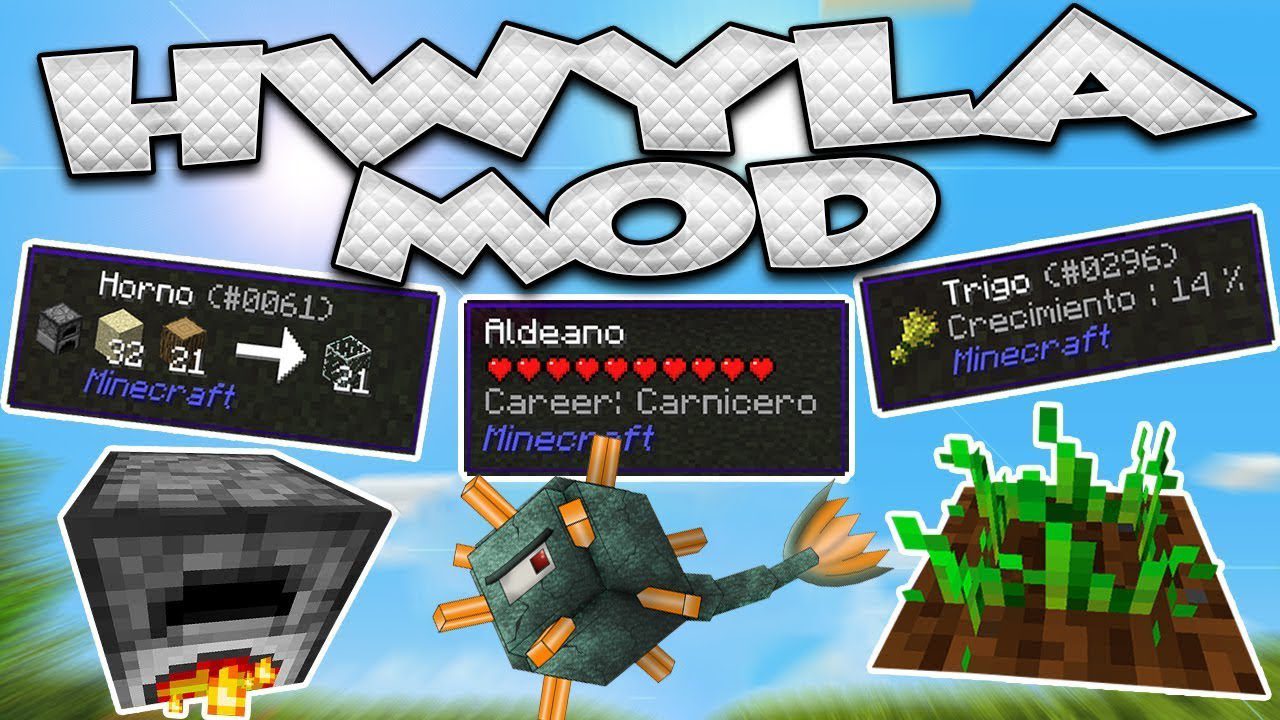
Hwyla Mod gives you information about the blocks and mobs you are looking at in Minecraft. When you point your cursor at something, a small tooltip…
⬇ DownloadOpen in MCModsHubGet it on Google Play →Hwyla Mod gives you information about the blocks and mobs you are looking at in Minecraft. When you point your cursor at something, a small tooltip appears on your screen showing helpful details. This mod is a continuation of the popular WAILA mod, and it is compatible with all addons made for it. It works for both Forge and Fabric.
Features:
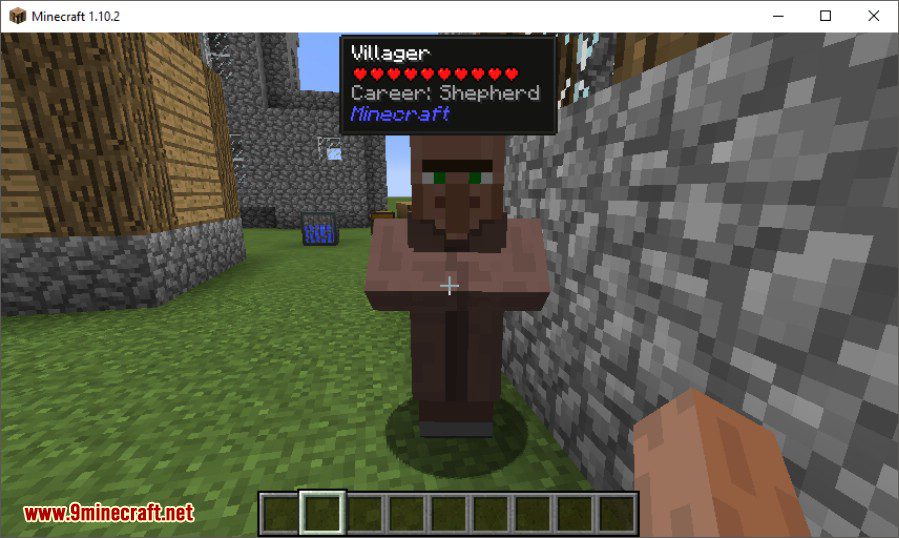
- See the name of any block or mob you are looking at.
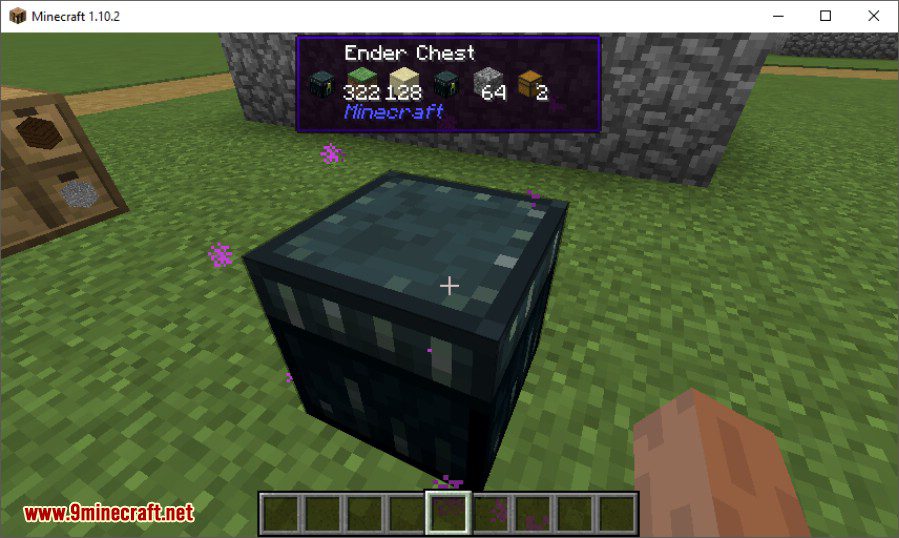
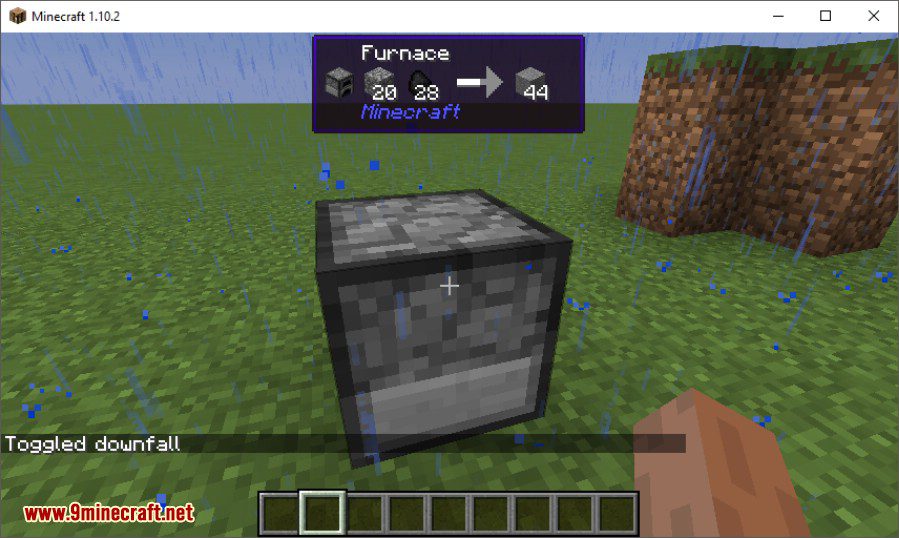
- View the contents of inventories like chests and furnaces without opening them.
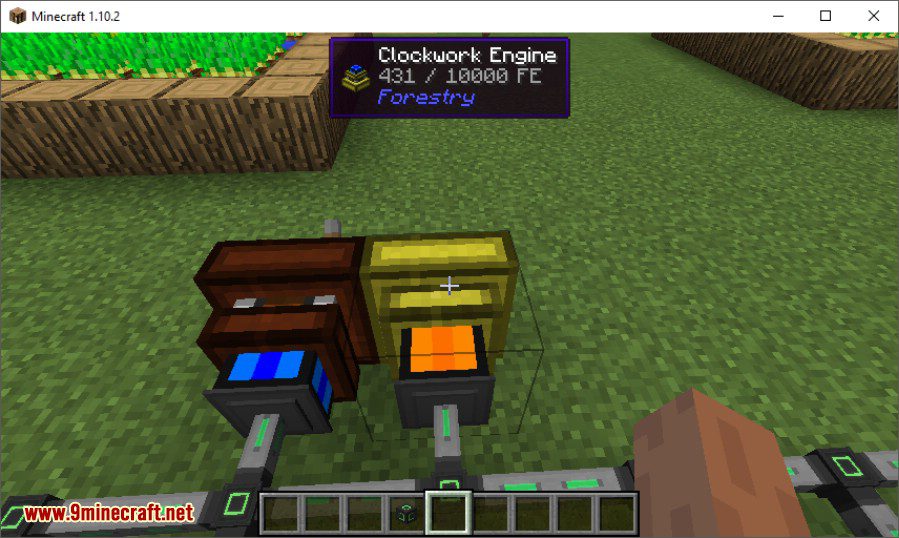
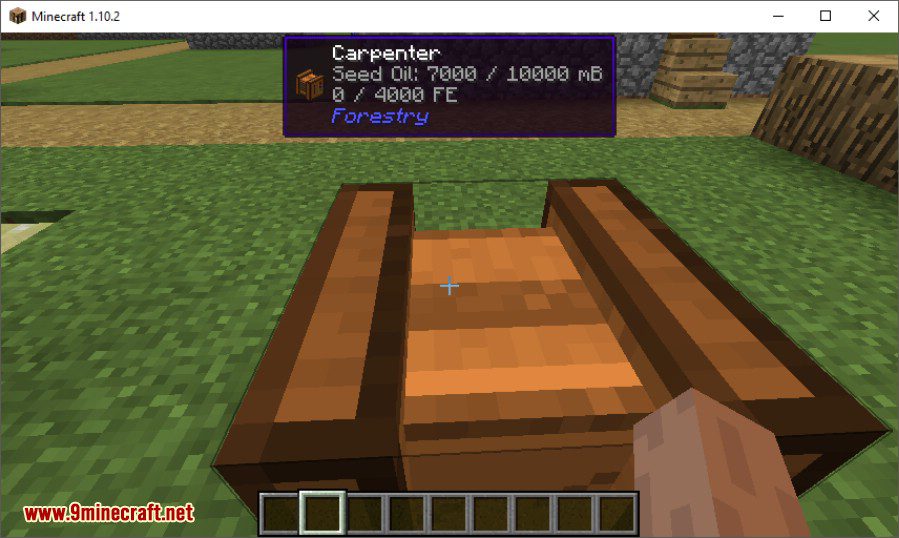
- Check the amount of energy or fluid stored inside tanks and machines.
- Look up recipes for blocks directly in the world by pressing a key (requires JEI).
- Change the colors, text style, and position of the tooltip in the in-game config menu.
- Turn on a narrator to have the tooltip information read out loud.
- You can disable the item icon in the tooltip if you find it unnecessary.
Commands:
/dumphandlers: Creates a text file that lists all registered tooltip handlers. This can help find and fix issues with other mods.
How to Use:
- To see information, simply point your crosshair at any block or mob. A tooltip will automatically appear.
- Press Numpad 3 or Numpad 4 by default to look up the recipe of the block you are looking at. This requires Just Enough Items (JEI) to work.
- To change how the tooltip looks, go to the mod’s configuration screen in the game. From there, you can adjust colors, formatting, and other options.
Screenshots:
Native Forge Energy support
Native inventory display support
Liquids try to display in a bucket
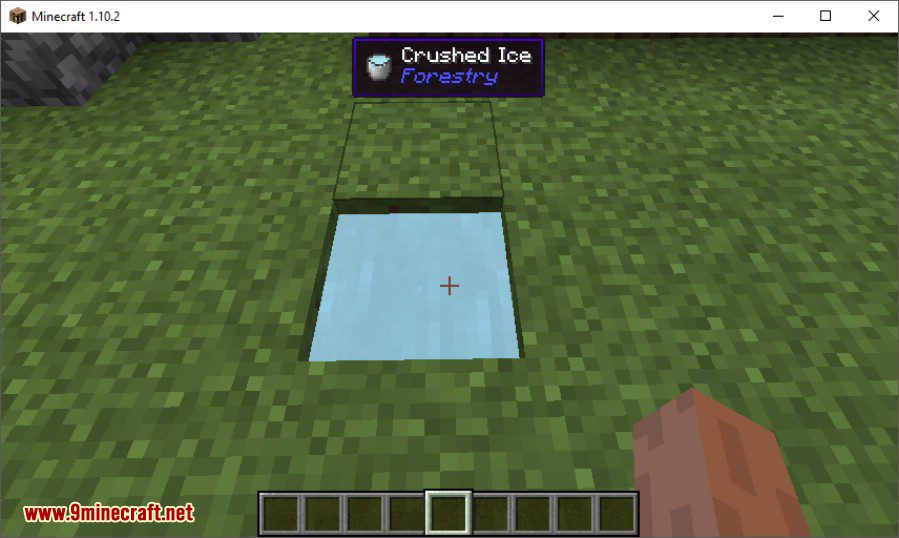
Native support for fluids
Furnace progress display
Custom color themes
Hwyla Mod Download Links
For Minecraft 1.10.2
For Minecraft 1.11.2, 1.11
For Minecraft 1.16.5
Forge version: Download from Server 1
Fabric version: Download from Server 1
For Minecraft 1.14.4
Forge version: Download from Server 1
Fabric version: Download from Server 1
For Minecraft 1.15.2, 1.15.1, 1.15
Forge version: Download from Server 1
Fabric version: Download from Server 1
For Minecraft 1.12.2
For Minecraft 1.13.2
Hwyla Mod (1.16.5, 1.15.2) – Know What Every Block Is is a free Minecraft Java mod. Compatible with Minecraft 1.16.5. Download it and open it directly in the game.