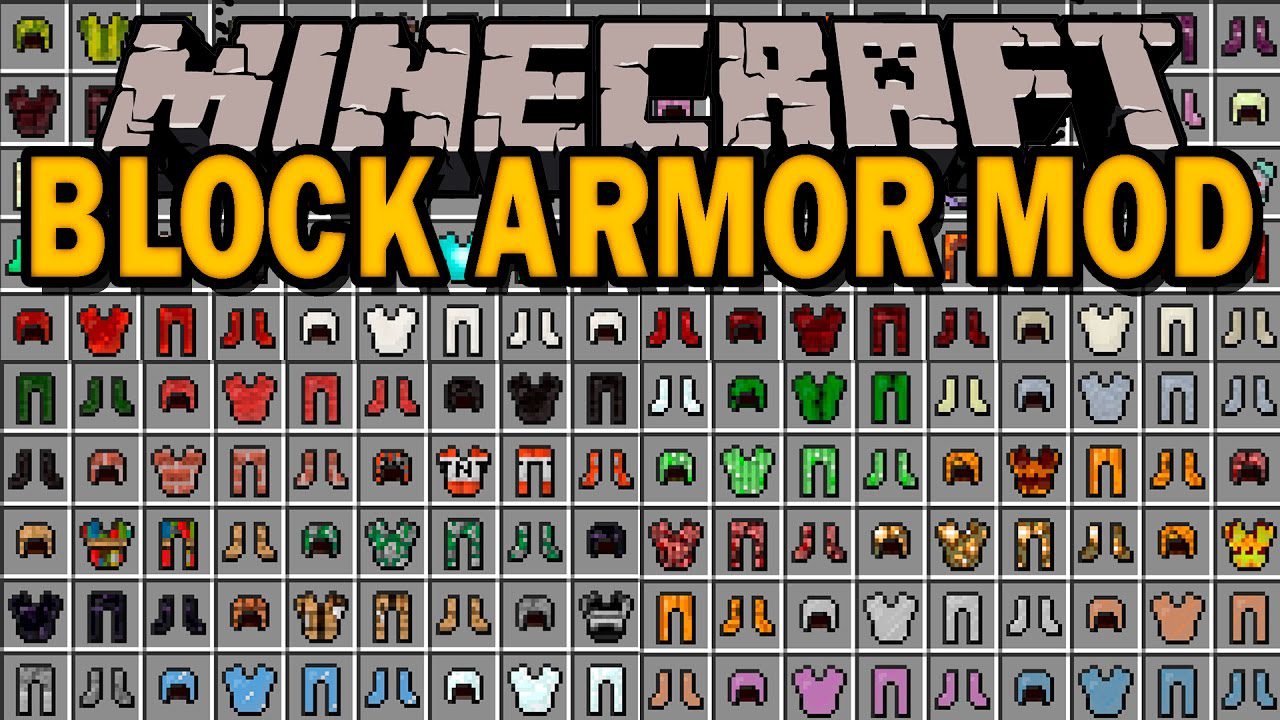
Block Armor Mod (1.18.1, 1.16.5) – Gain Special Powers From the Blocks You Wear
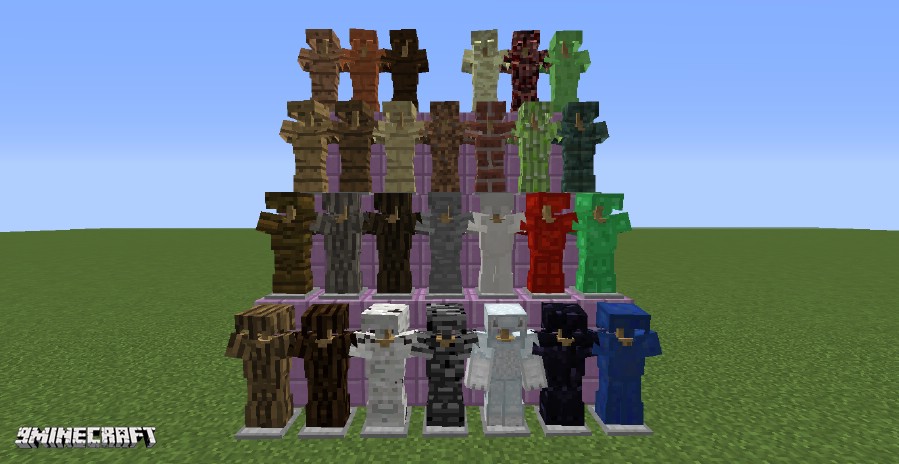
Block Armor Mod lets you craft armor from almost any block in the game. This includes blocks from many other mods you might have installed. Each armor set…
⬇ DownloadOpen in MCModsHubGet it on Google Play →Block Armor Mod lets you craft armor from almost any block in the game. This includes blocks from many other mods you might have installed. Each armor set has different stats based on the material it’s made from. Wearing a full set of certain armors can also give you special effects and bonuses. The mod even works with resource packs, so your new armor will match the look of your world.
Features:
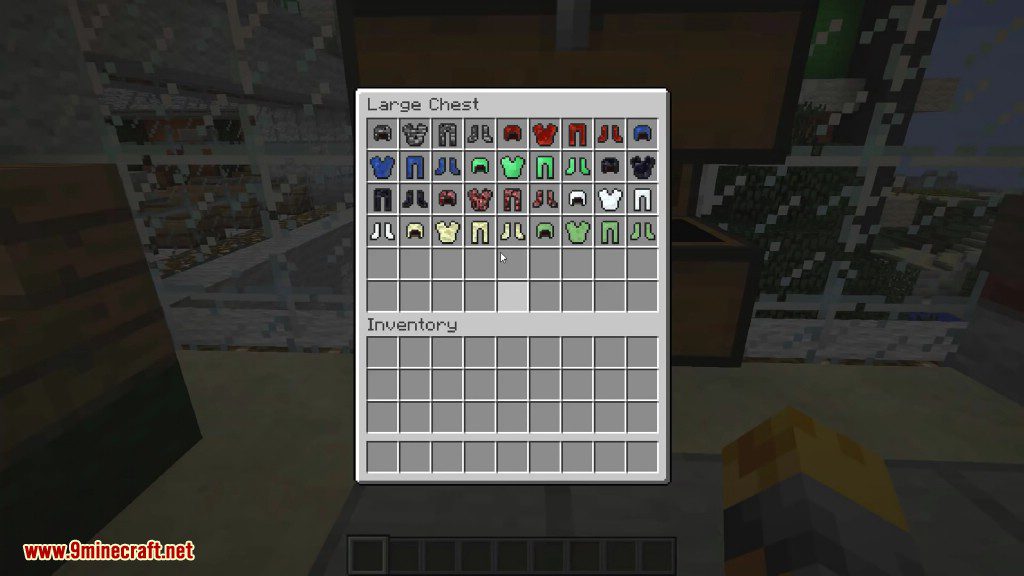
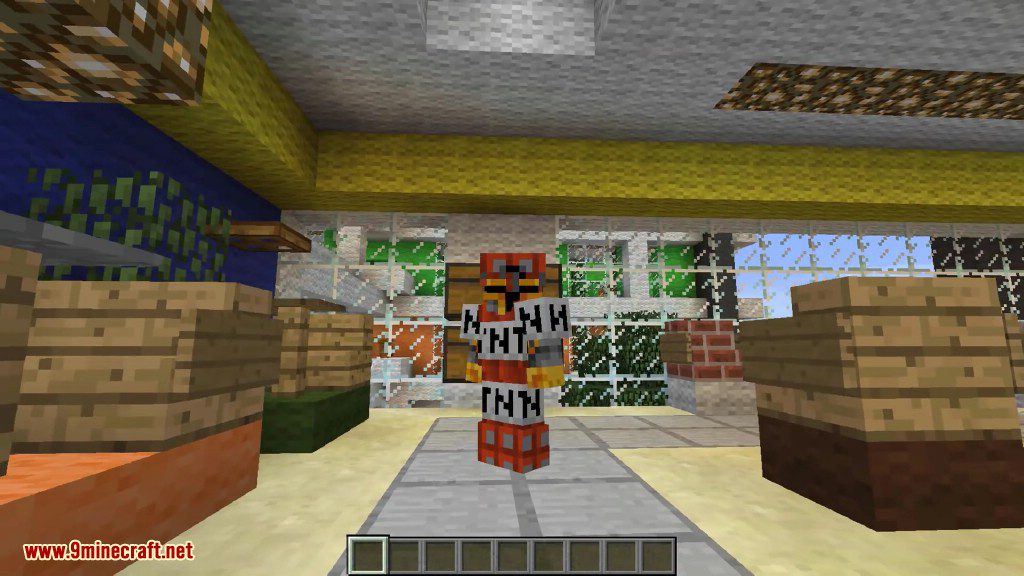
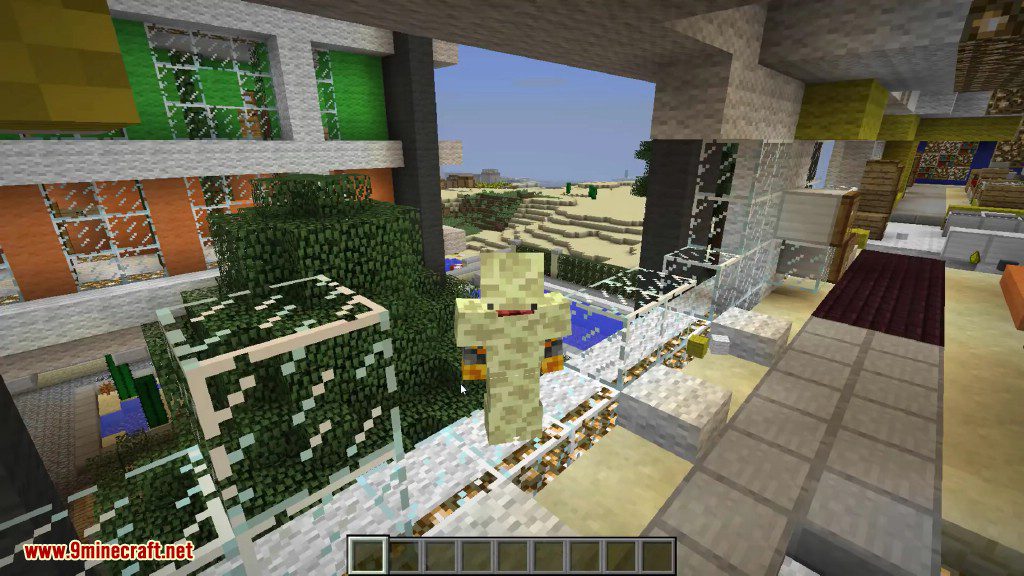
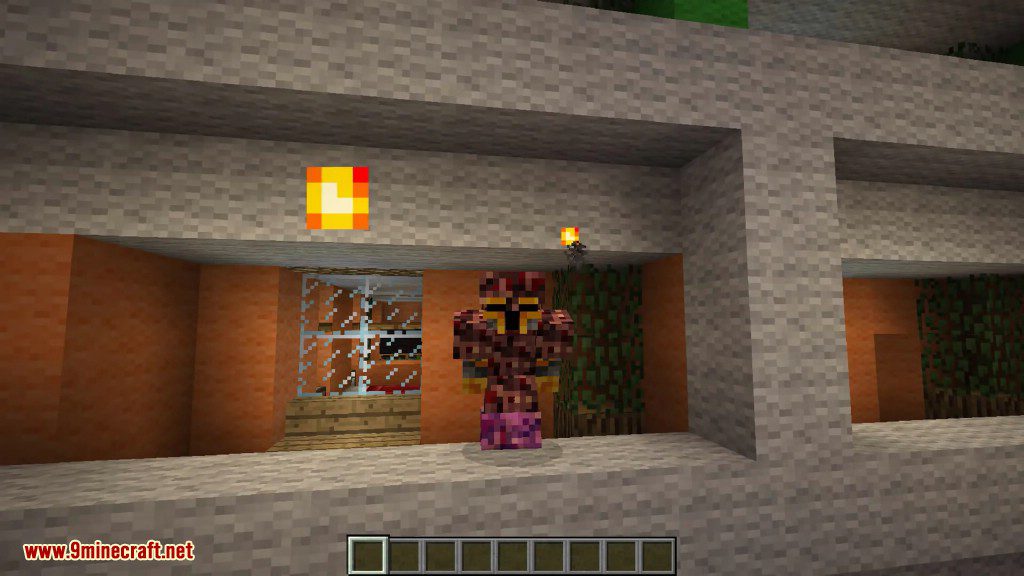
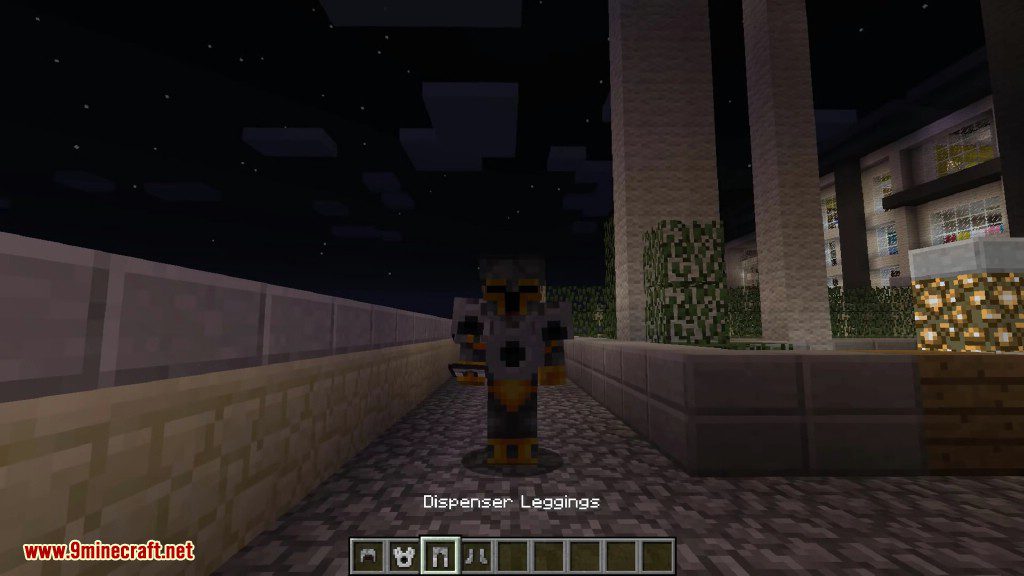
- Craft full armor sets, including helmets, chestplates, leggings, and boots, from a huge variety of blocks.
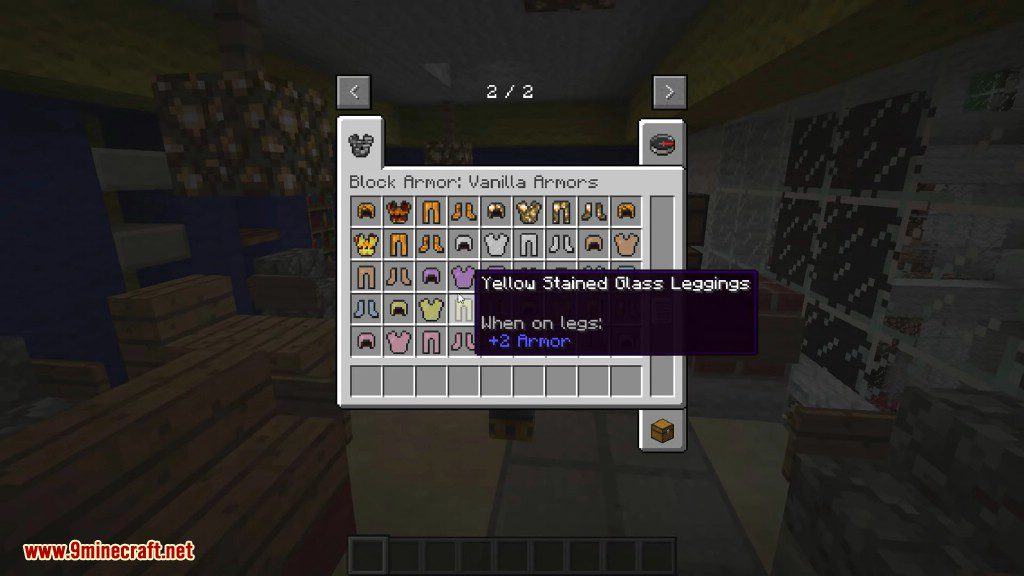
- Armor stats and durability depend on the block used to make it.
- Get special bonuses and abilities when you wear a full set of certain types of armor.
- The mod automatically adds armor for blocks from other installed mods.
- Armor made from blocks with animated textures, like prismarine, will also be animated.
- Supports resource packs, automatically changing the armor’s look to match your pack’s textures.
- You can repair block armor using the same block it was crafted from.
Configuration:
You can change how the mod works through its config file, located at world/serverconfig/blockarmor-server.toml. In the config, you can enable or disable any armor set or set effect. You can also adjust settings like how many armor pieces are needed to get a set bonus and whether using set effects consumes durability.
Crafting Recipes:
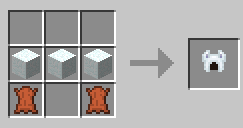
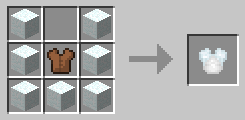
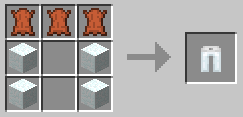
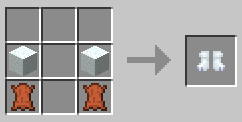
Screenshots:
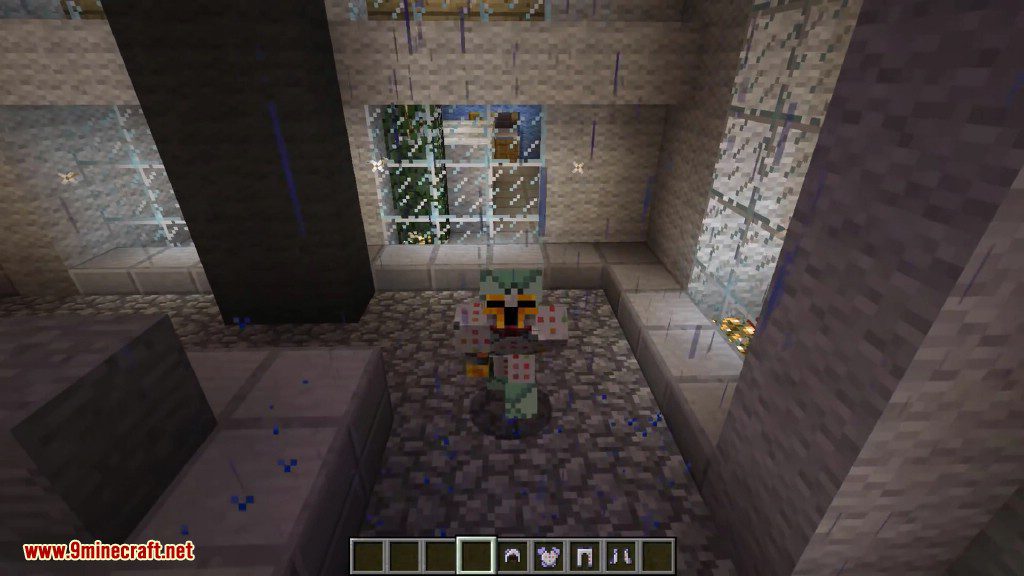
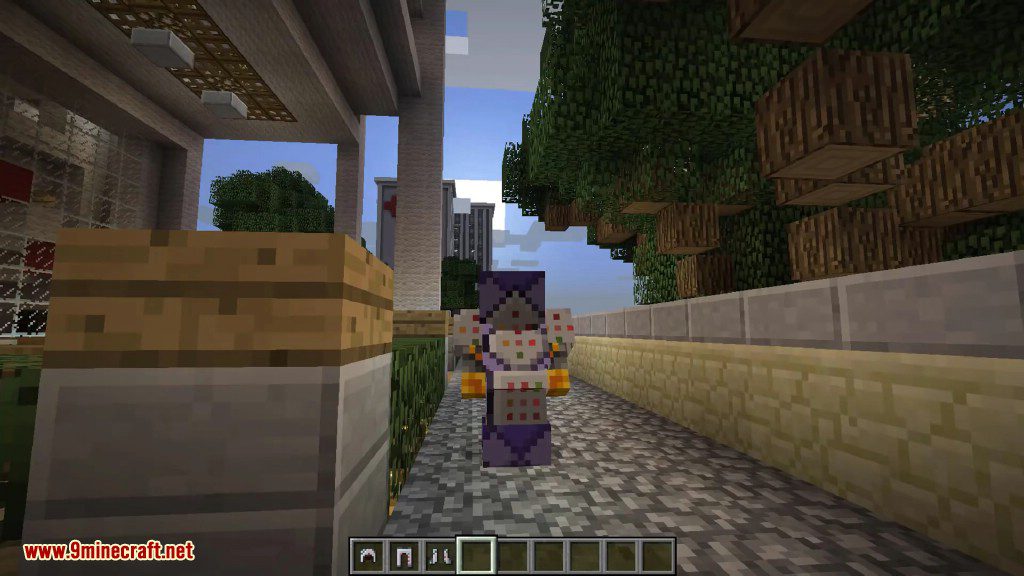
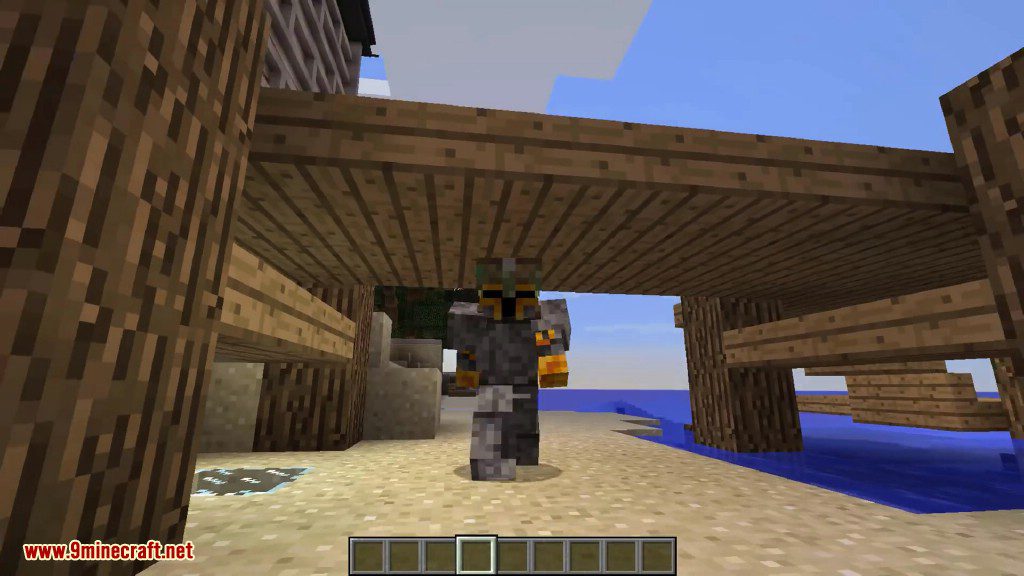
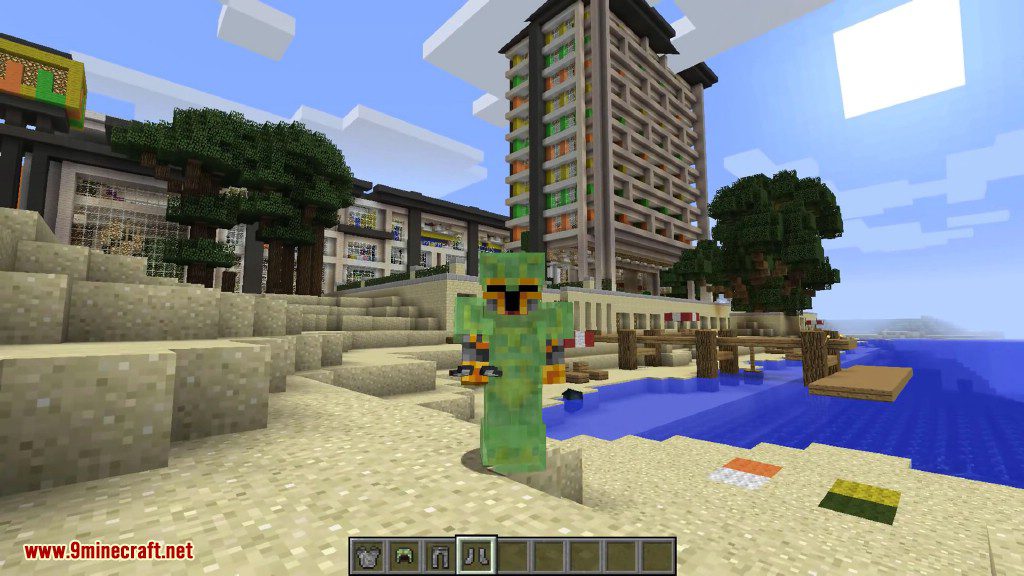
Block Armor Mod Download Links
For Minecraft 1.7.10
Forge version: Download from Server 1
For Minecraft 1.8.9
Forge version: Download from Server 1
For Minecraft 1.18.1
Forge version: Download from Server 1
For Minecraft 1.17.1
Forge version: Download from Server 1
For Minecraft 1.16.5
Forge version: Download from Server 1
For Minecraft 1.12.2, 1.12.1, 1.12
Forge version: Download from Server 1
- Download size: 233 KB
- Download link checked 22 Jul 2026 — working
- Mirrored on our own servers — the download does not depend on the original host
These come from our own check of the pack file, not from the source page.