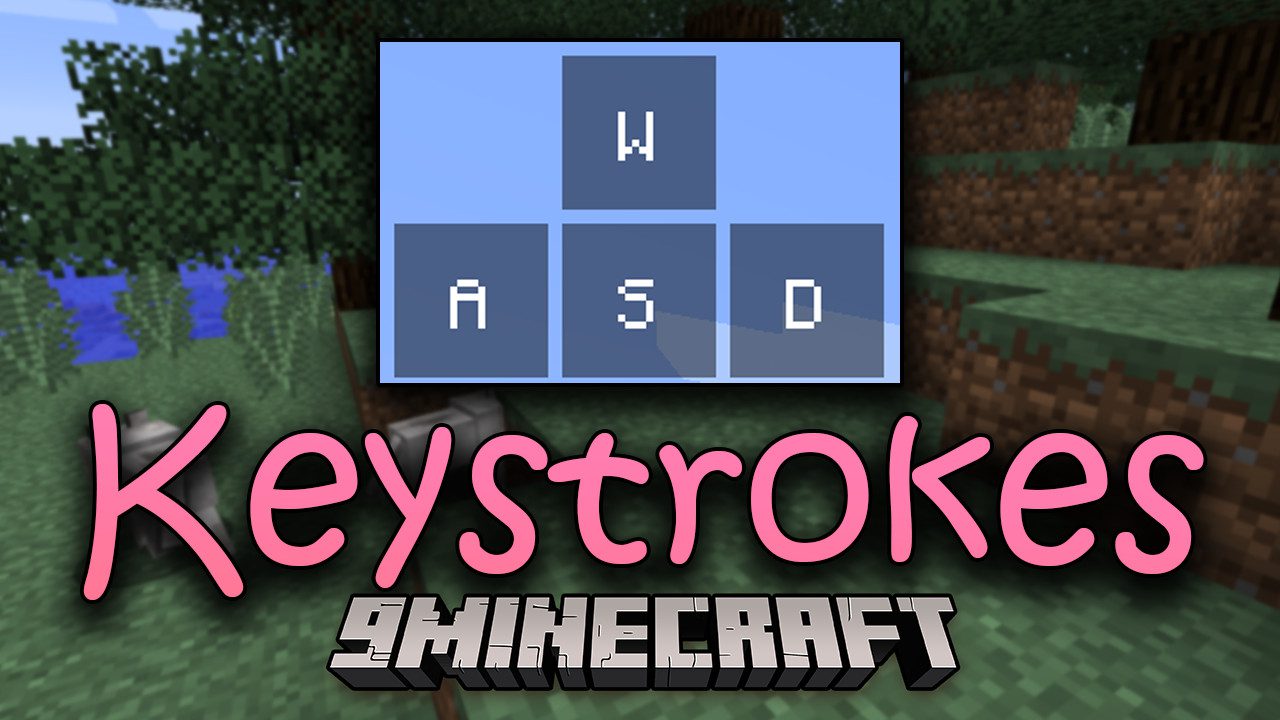
Keystrokes Mod (1.12.2, 1.8.9) – Showing Key Inputs On Screen
Minecraft Java mod. Downloads from the MC Java Mods app on Android.
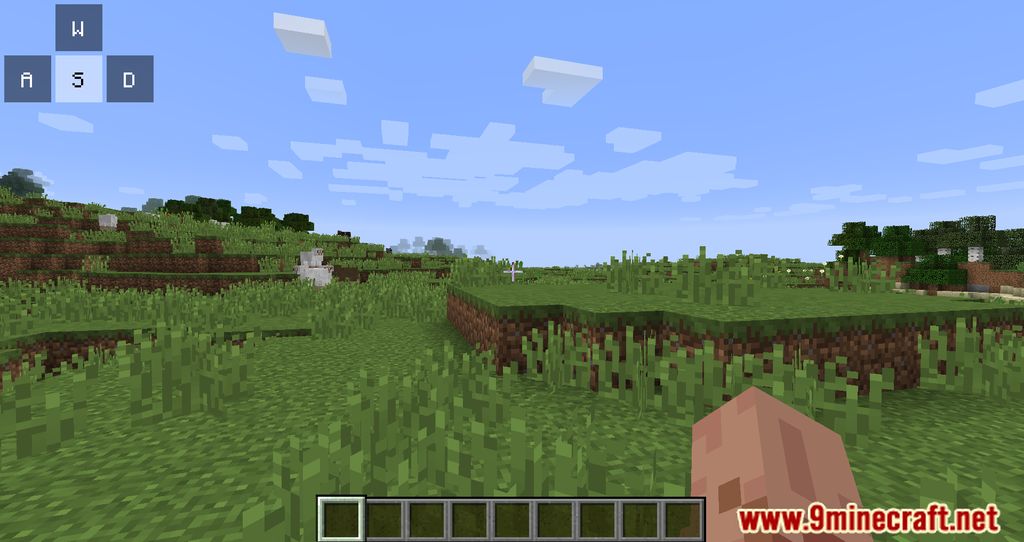
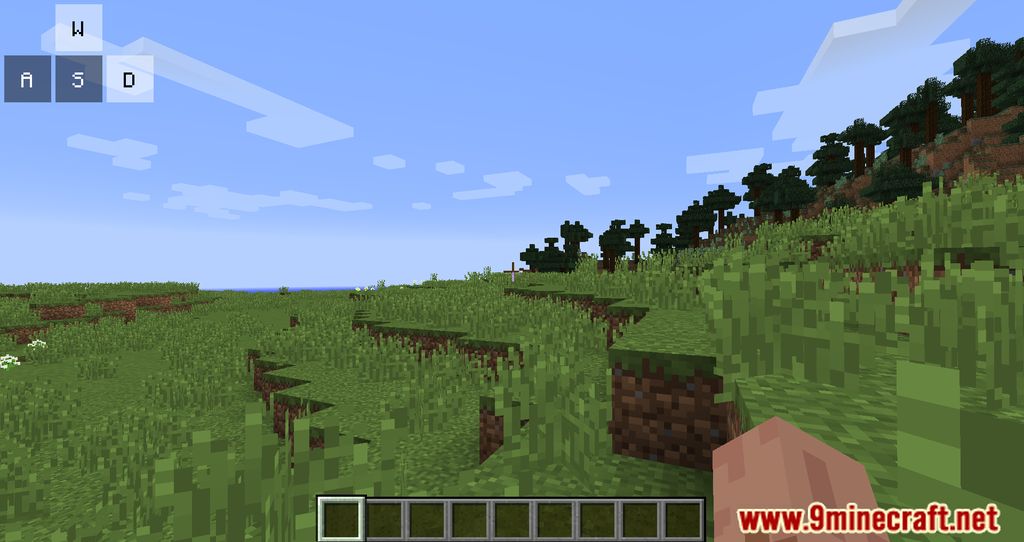
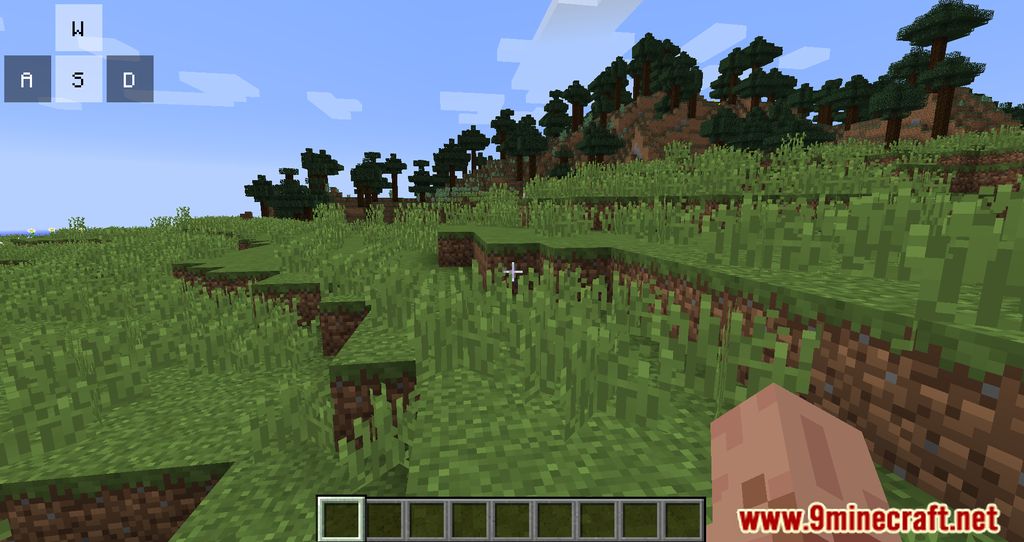
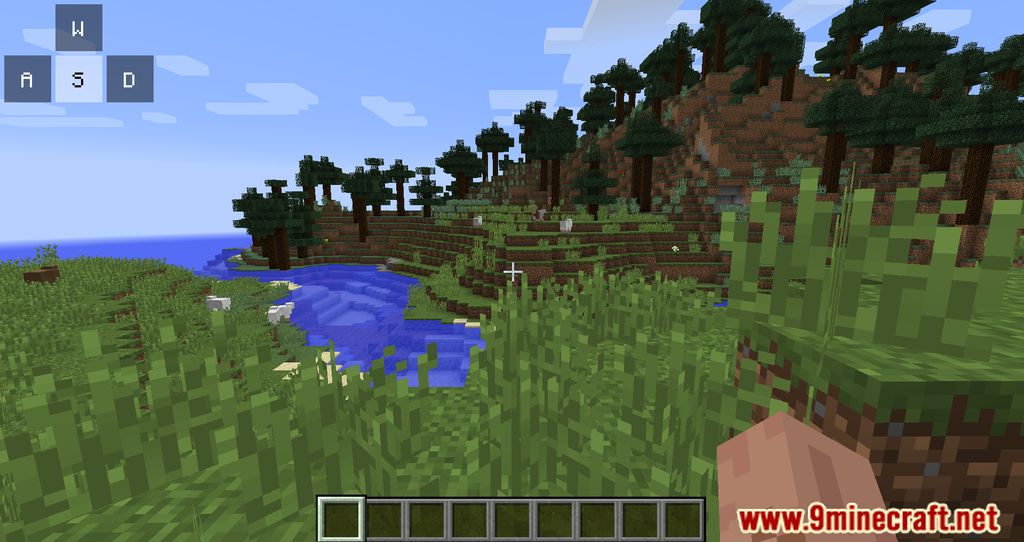
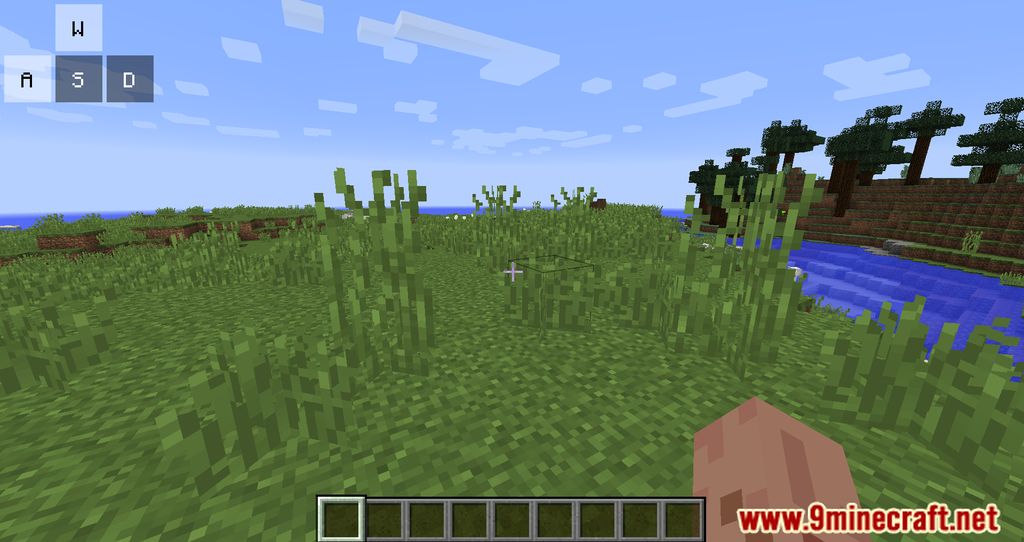
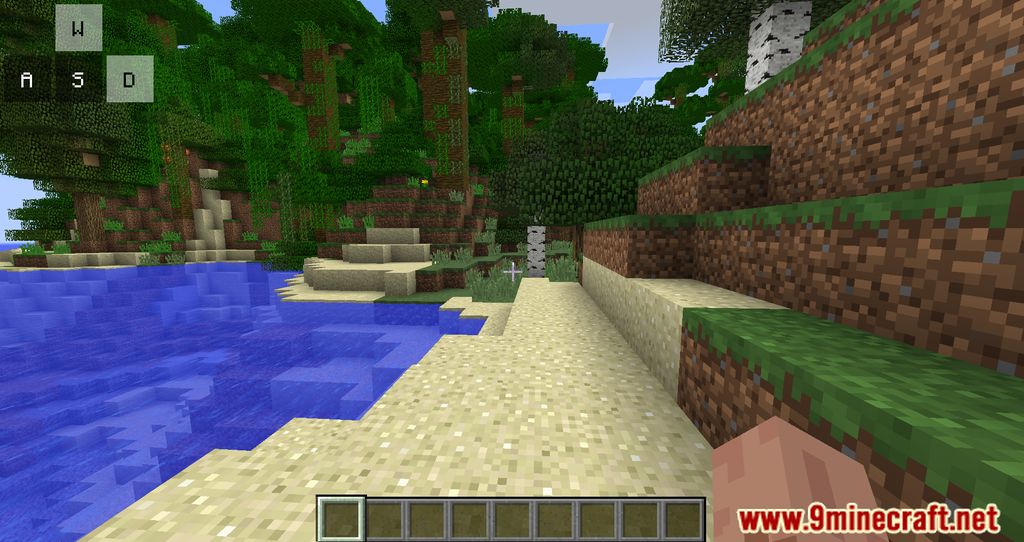
Keystrokes Mod enables the ability to show WASD, Left & Right clicks, and other miscellaneous items onscreen. Features: Allows the display of keyboard…
⬇ DownloadKeystrokes Mod enables the ability to show WASD, Left & Right clicks, and other miscellaneous items onscreen.
Features:
- Allows the display of keyboard inputs (such as WASD, left/right mouse clicks, spacebar, sneak key) and other information like CPS (clicks per second), FPS (frames per second), and ping directly on the game screen.
- Customize the opacity of the key background, key background color, display arrow keys instead of WASD, and add custom keys.
- Fix bugs related to click counting and integrate ModCore to add the ping display feature.
Screenshots:
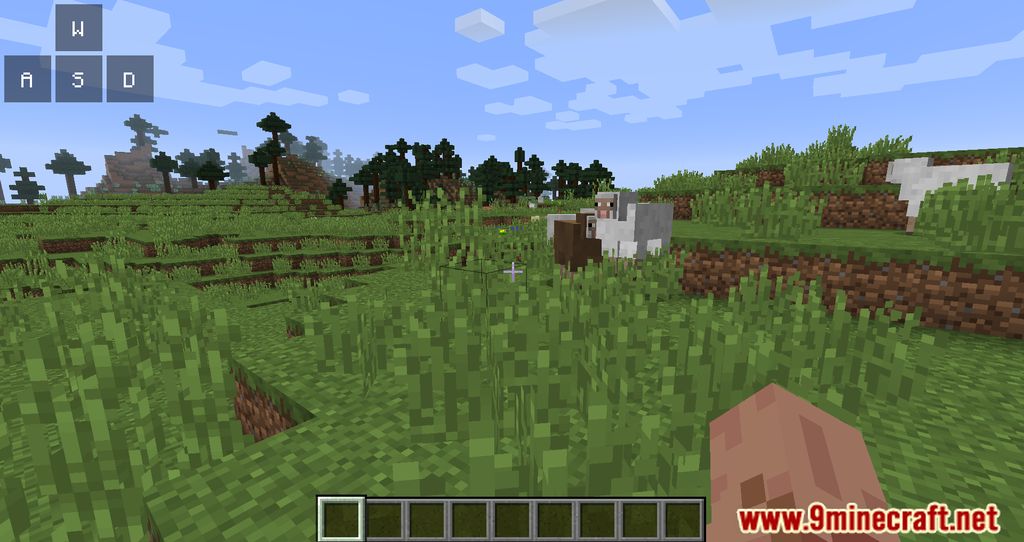
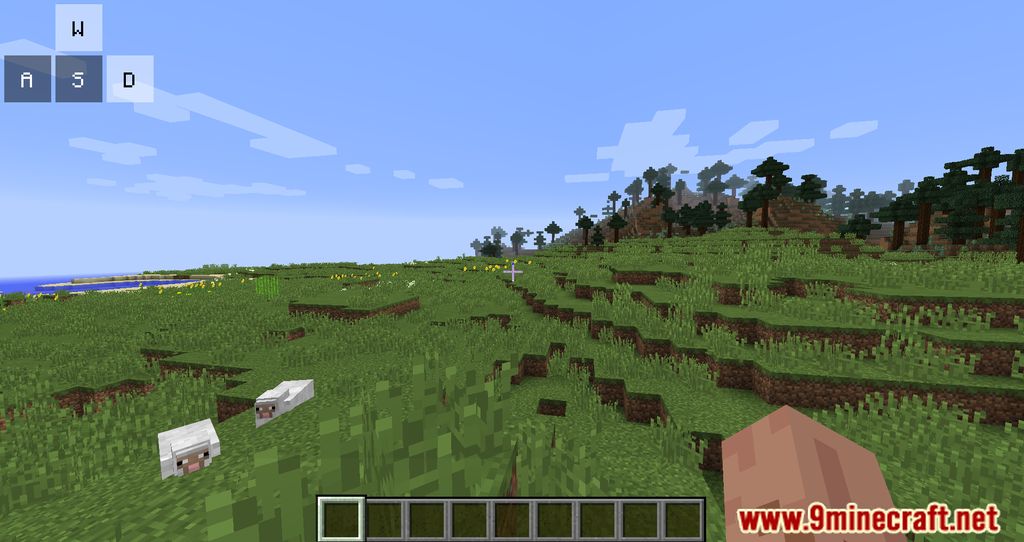
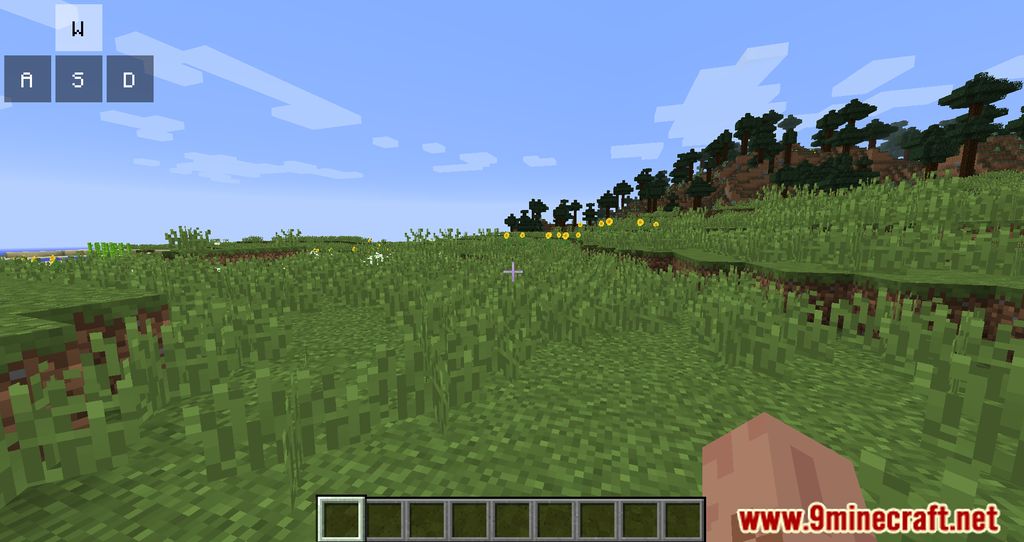
Keystrokes Mod Download Links
For Minecraft 1.12.2
Forge Version: Download from Server 1 – Download from Server 2
For Minecraft 1.11.2
Forge Version: Download from Server 1
For Minecraft 1.10.2
Forge Version: Download from Server 1
For Minecraft 1.9.4
Forge Version: Download from Server 1
For Minecraft 1.8.9
Forge Version: Download from Server 1 – Download from Server 2
For Minecraft 1.7.10
Forge Version: Download from Server 1
- Edition: Minecraft Java
- File type: .jar
- How to install: Install the matching mod loader (Forge, Fabric or NeoForge) for your Minecraft version. → Download the .jar. → Put it in the .minecraft/mods folder and launch that loader profile.
- Where to get it: In MC Java Mods, or directly above on this page.
Install steps are the general flow for this file type — How to install Minecraft Java mods & modpacks walks through it step by step.
- Downloads as 203717.mcaddon
- Download size: 81 KB
- Download link checked 30 Jul 2026 — working
- Mirrored on our own servers — the download does not depend on the original host
These come from our own check of the pack file, not from the source page.