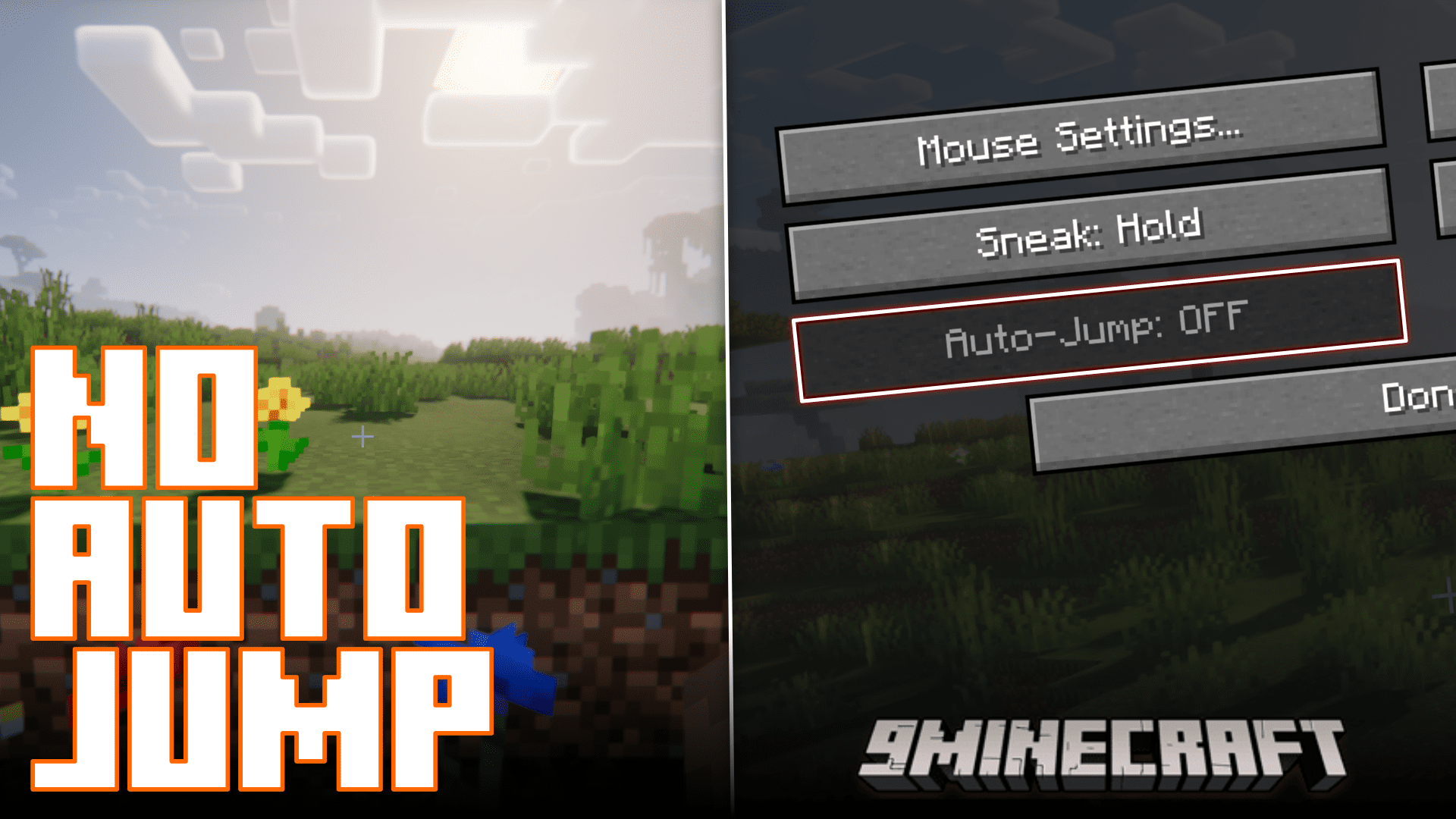
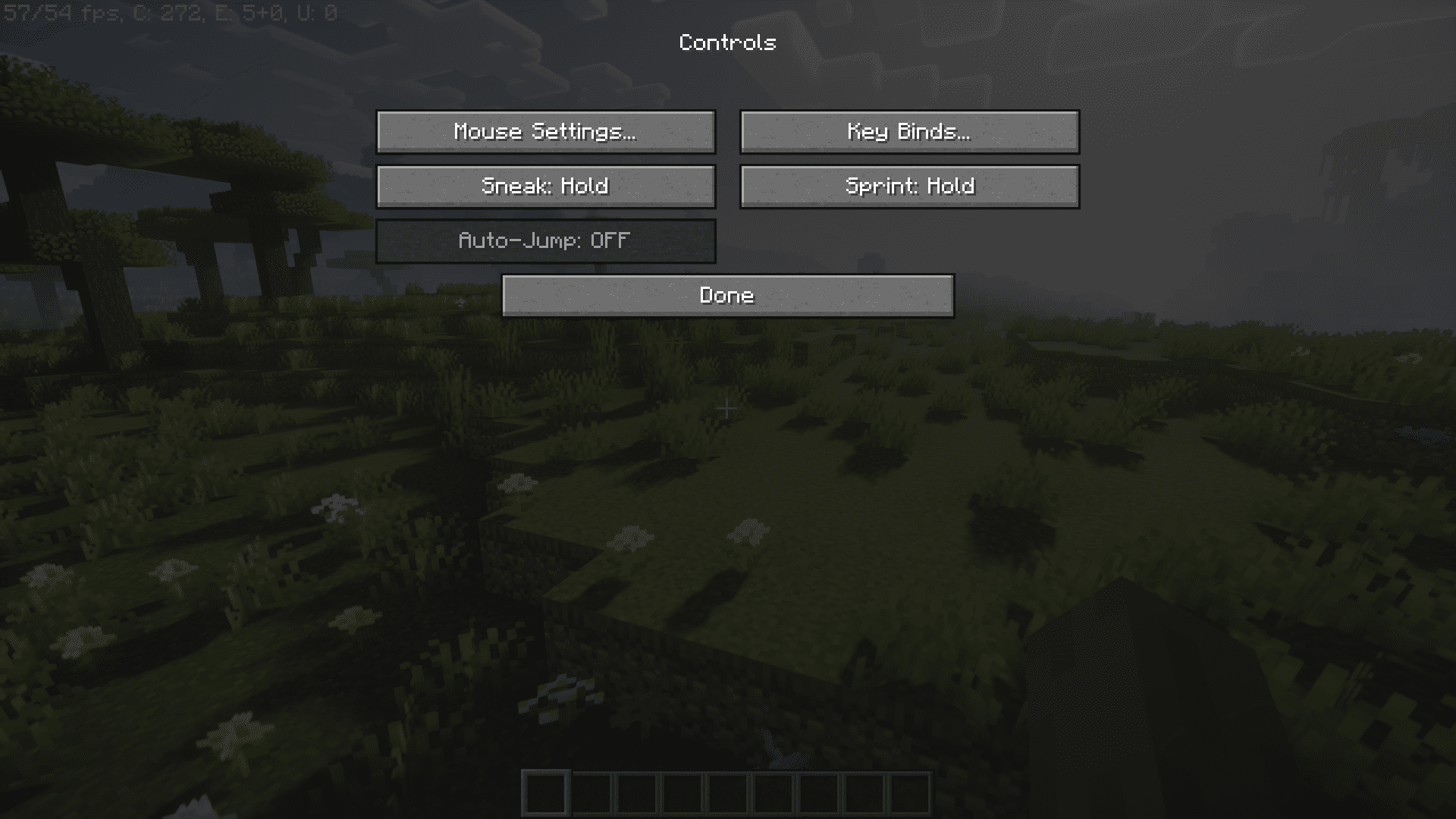
This is for those players who hate the auto jump feature with a burning passion. It’s annoying when you walk up to a one block high area and your camera just bobs up, essentially climbing that one block tall height. If you hate this feature, No Auto Jump Mod is for you. Not only does this mod turn off the auto jump feature in the settings, but it also grays out the toggle, making sure that you don’t turn on auto jump even on accident (humor intended).
Features:
- The No Auto Jump Minecraft mod ensures that the Vanilla Minecraft Auto-Jump feature is automatically disabled, sparing players from the inconvenience of accidental jumps.
- This mod is designed to work on the client-side only, meaning it doesn’t require server-side installation and doesn’t affect multiplayer experiences. It seamlessly eliminates Auto-Jump without changing core gameplay.
- With the introduction of a config file in version 1.2 for Minecraft 1.12, players can temporarily disable the mod when needed, providing flexibility to enable or disable Auto-Jump as per their preferences. In 1.16 and later versions, configuration changes are straightforward, allowing users to edit the settings directly in the config file, with Forge automatically syncing the changes.
Screenshots:
No Auto Jump Mod Download Links
For Minecraft 1.20.4, 1.20.3
Forge version: Download from Server 1 – Download from Server 2
For Minecraft 1.20.2, 1.20.1, 1.20
Forge version: Download from Server 1 – Download from Server 2
For Minecraft 1.19.4
Forge version: Download from Server 1 – Download from Server 2
For Minecraft 1.19.2
Forge version: Download from Server 1 – Download from Server 2
For Minecraft 1.18.2
Forge version: Download from Server 1 – Download from Server 2
For Minecraft 1.16.5
Forge version: Download from Server 1 – Download from Server 2
For Minecraft 1.13.2
Forge version: Download from Server 1 – Download from Server 2
For Minecraft 1.12.2
Forge version: Download from Server 1 – Download from Server 2
For Minecraft 1.11.2
Forge version: Download from Server 1 – Download from Server 2
For Minecraft 1.10.2
Forge version: Download from Server 1 – Download from Server 2
- Edition: Minecraft Java
- File type: .jar
- Minecraft versions listed: 1.20.4, 1.20.1
- How to install: Install the matching mod loader (Forge, Fabric or NeoForge) for your Minecraft version. → Download the .jar. → Put it in the .minecraft/mods folder and launch that loader profile.
- Where to get it: In MC Java Mods, or directly above on this page.
Install steps are the general flow for this file type — How to install Minecraft Java mods & modpacks walks through it step by step.
- Downloads as 203723.mcaddon
- Download size: 7 KB
- Download link checked 30 Jul 2026 — working
- Mirrored on our own servers — the download does not depend on the original host
These come from our own check of the pack file, not from the source page.