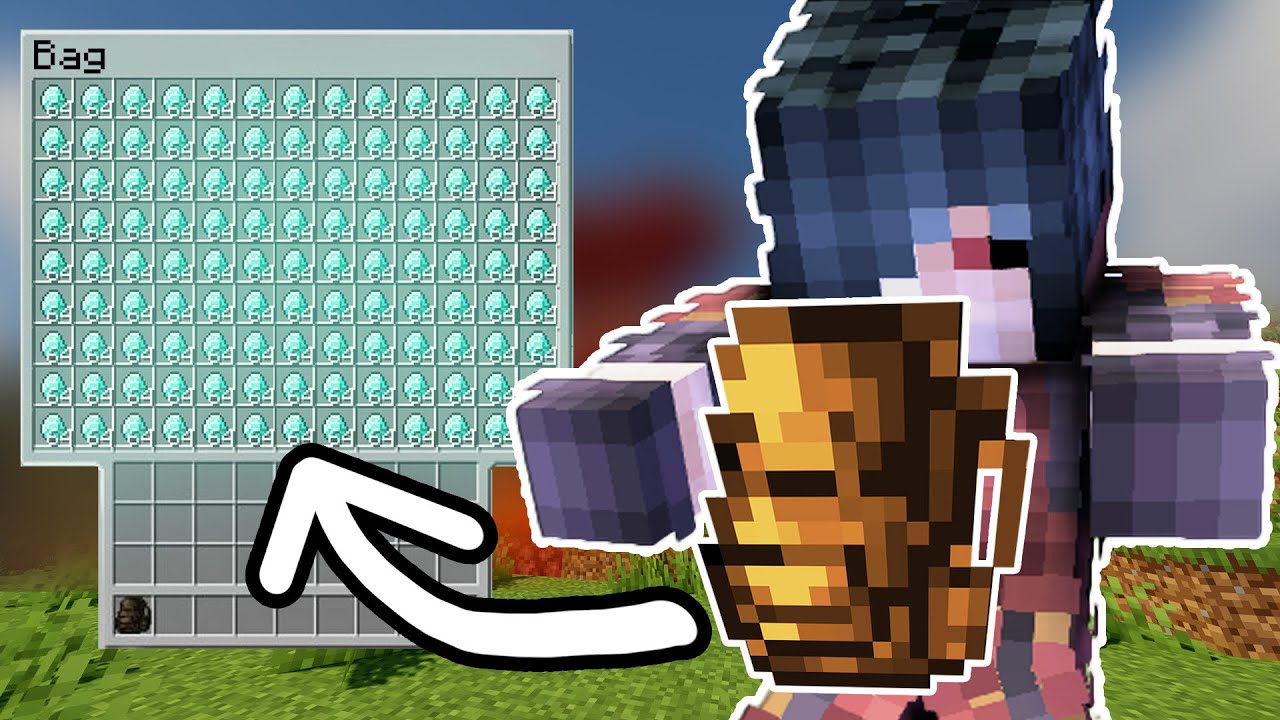
Backpacks Mod adds craftable backpacks into the game that really improve inventory management. Backbacks can either be stored in your inventory or worn by placing one in the chest armour slot. The backpack mod adds 16 backpacks to minecraft all different colors, the backpacks are used as portable inventory chests. Cary inventory inside the backpacks without having to go to chests.
Screenshots:
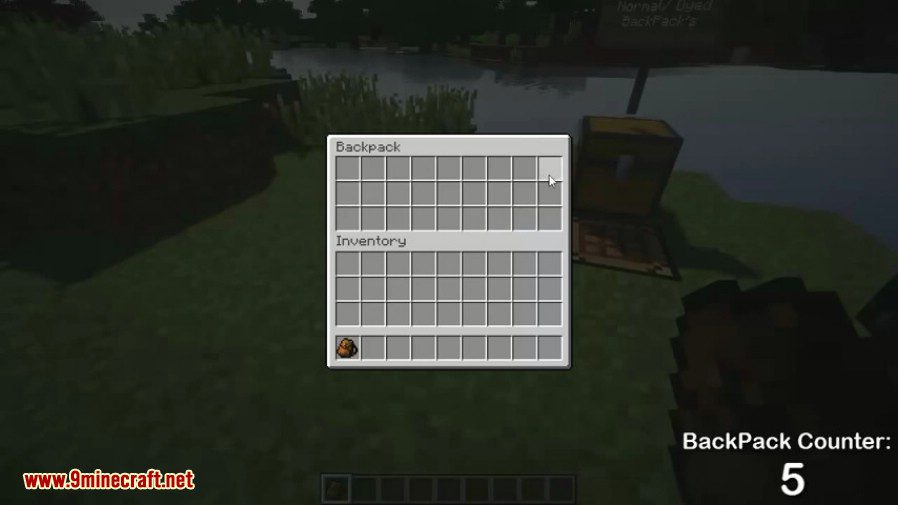
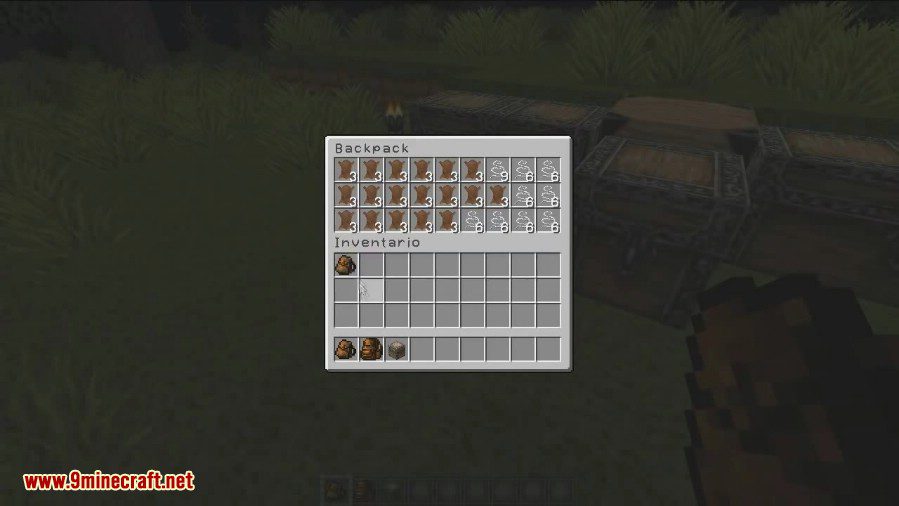
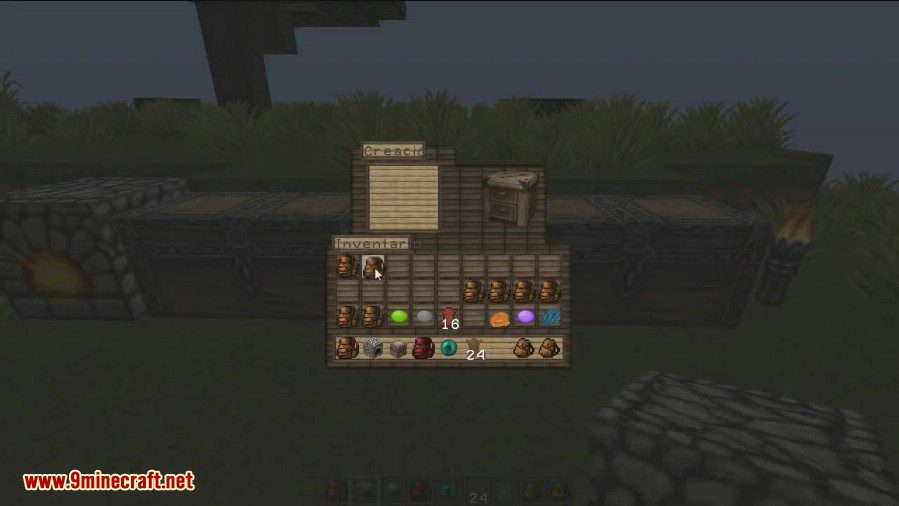
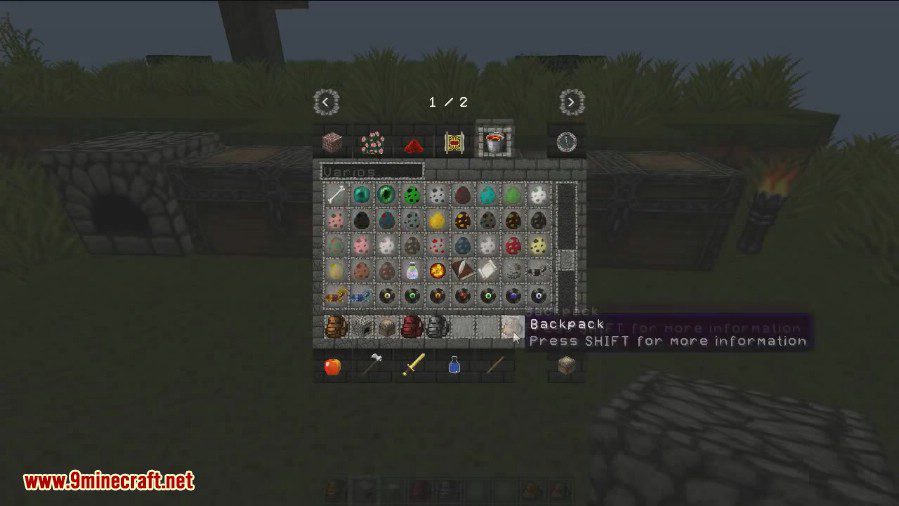
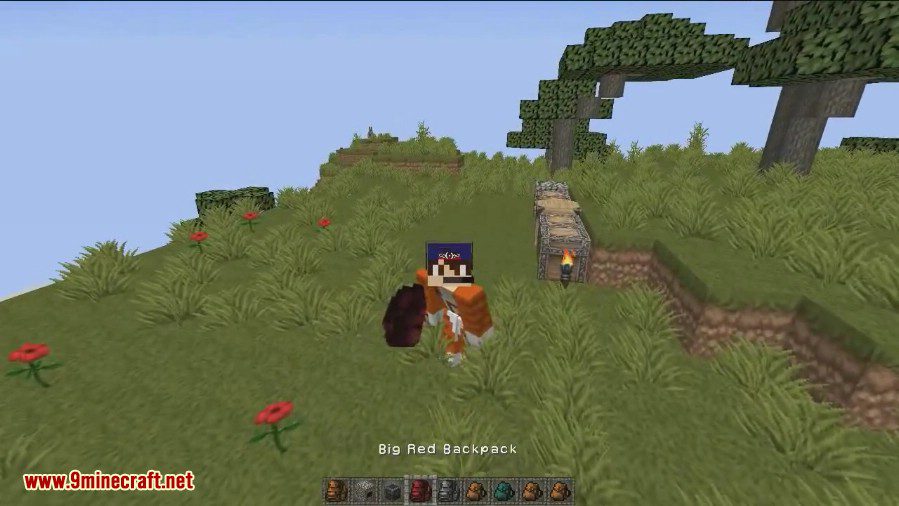
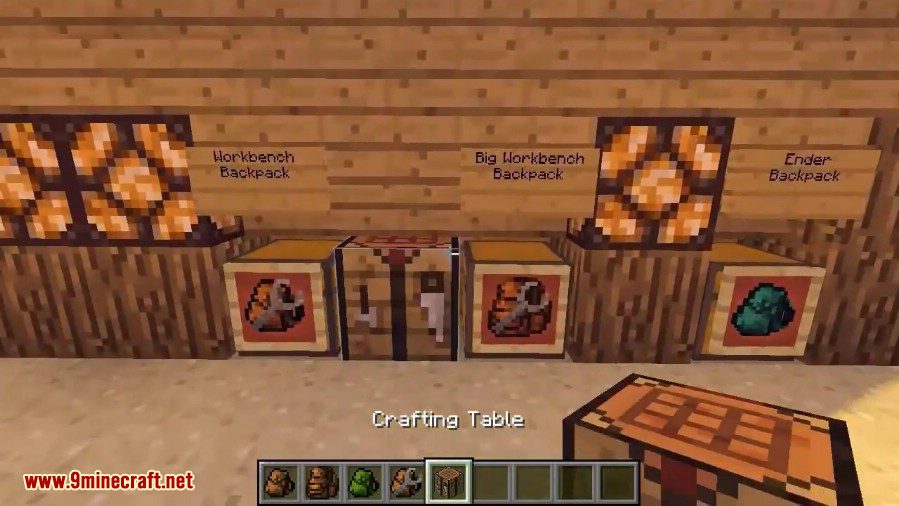
Crafting Recipes:
Normal backpacks:
You craft a backpack like a chest but with leather instead of wood. For a big backpack use tanned leather instead of normal leather.
Backpacks have 27 slots (chest size)
Big backpacks have 54 slots (double chest size)
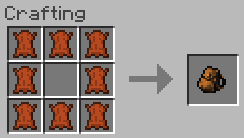
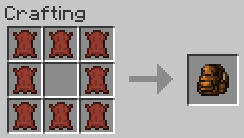
Colored backpacks:
You can also craft a colored backpack if you put any dye in the middle:
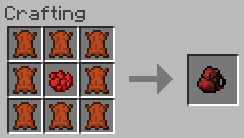
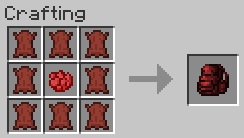
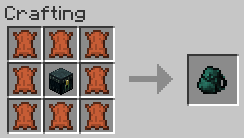
Ender backpack (was Magic backpack before):
Last but not least you can craft an ender backpack (like magic backpack before) which is a portable ender chest which shares its content with the ender chest. You craft it with an ender chest:
Recolor backpacks:
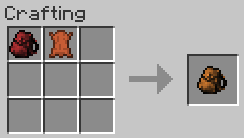
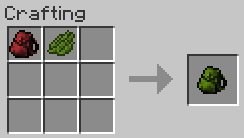
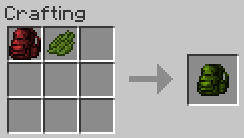
You can recolor backpacks by using a dye or the corresponding leather:
Upgrading backpacks:
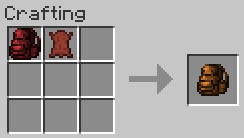
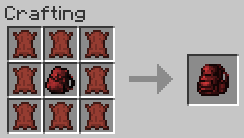
You can upgrade any backpack, except the ender backpack, to a big backpack by putting tanned leather around it:
Bound leather:
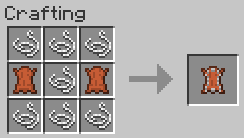
You can make bound leather with two leather in the middle outer slots and strings in all other slots:
Tanned leather:
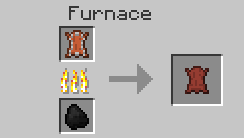
You can burn bound leather in a furnance to get tanned leather. One coal is enough for 8 tanned leather.
How to use:
- Simple hold a backpack in your hand an right click to open it.
- You can put any backpack in your personal backpack slot. Per default press sneak and B to open the GUI.
- A backpack equipped in your personal slot can be opened by pressing the ‘B’ key. You can change the key in your controls.
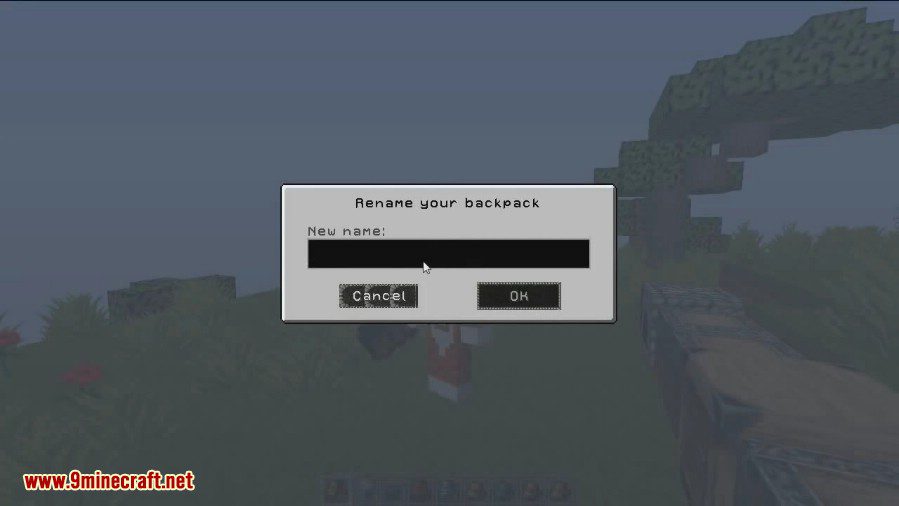
- If you want to rename it sneak and right click. You can enter a new name then.
Backpacks Mod Download Links
For Minecraft 1.7.10, 1.7.2
For Minecraft 1.8.0
For Minecraft 1.8.9
For Minecraft 1.9.4
For Minecraft 1.10.2
For Minecraft 1.12.2, 1.12.1, 1.12
- Edition: Minecraft Java
- File type: .jar
- How to install: Install the matching mod loader (Forge, Fabric or NeoForge) for your Minecraft version. → Download the .jar. → Put it in the .minecraft/mods folder and launch that loader profile.
- Where to get it: In MC Java Mods, or directly above on this page.
Install steps are the general flow for this file type — How to install Minecraft Java mods & modpacks walks through it step by step.
- Downloads as 203727.mcaddon
- Download size: 171 KB
- Download link checked 30 Jul 2026 — working
- Mirrored on our own servers — the download does not depend on the original host
These come from our own check of the pack file, not from the source page.