Simple Xray Mod (1.18.2, 1.16.5) – An Implementation of the Xray Mod
Java mod listed for Minecraft 1.16–1.18. Downloads from the MC Java Mods app on Android.
⬇ DownloadSimple Xray Mod includes a Xray, an entity tracer and an entity ESP. Bored by finding your diamonds legitimately? This mod is for you. This mod isn’t compatible with Optifine or Optifabric Mod.
Features:
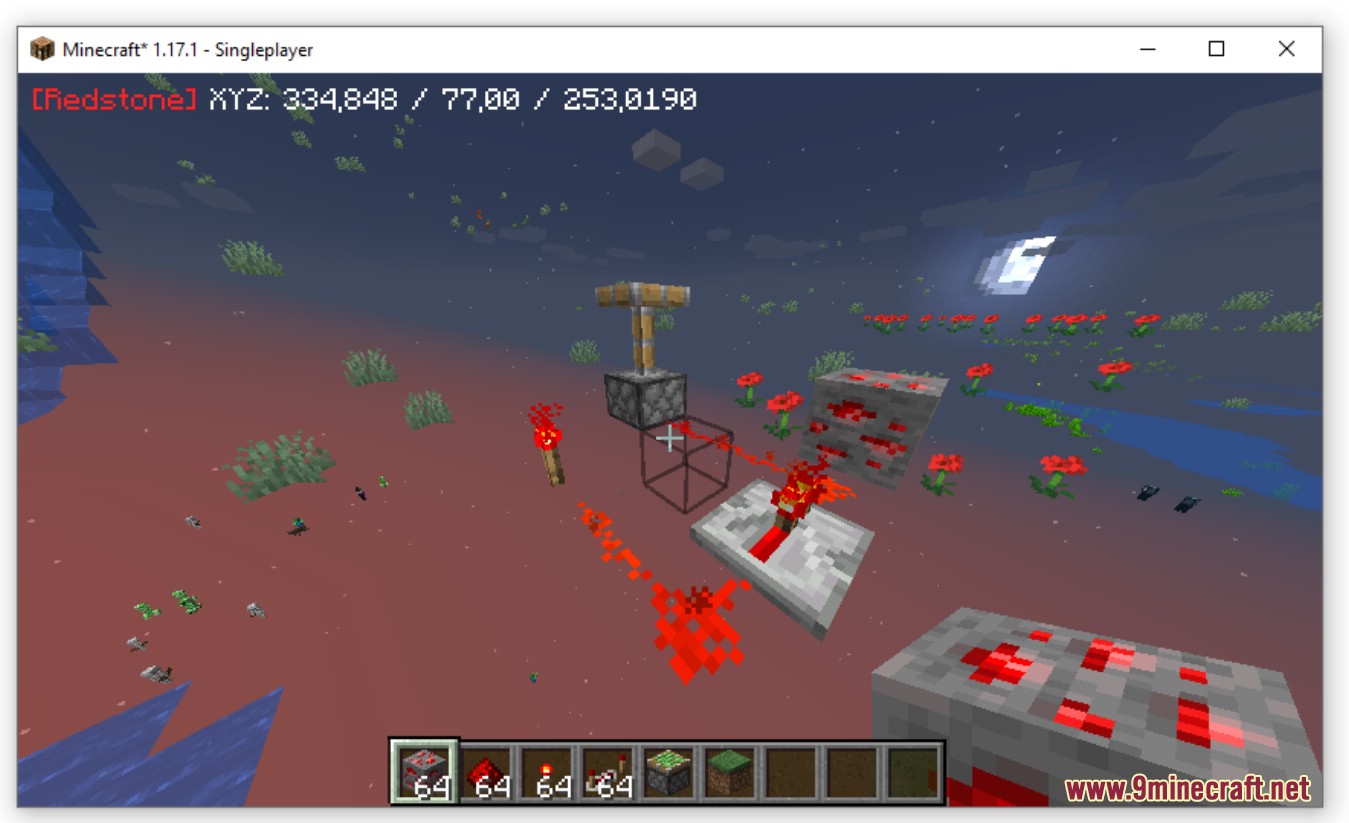
Here is the main menu, you can select configs.
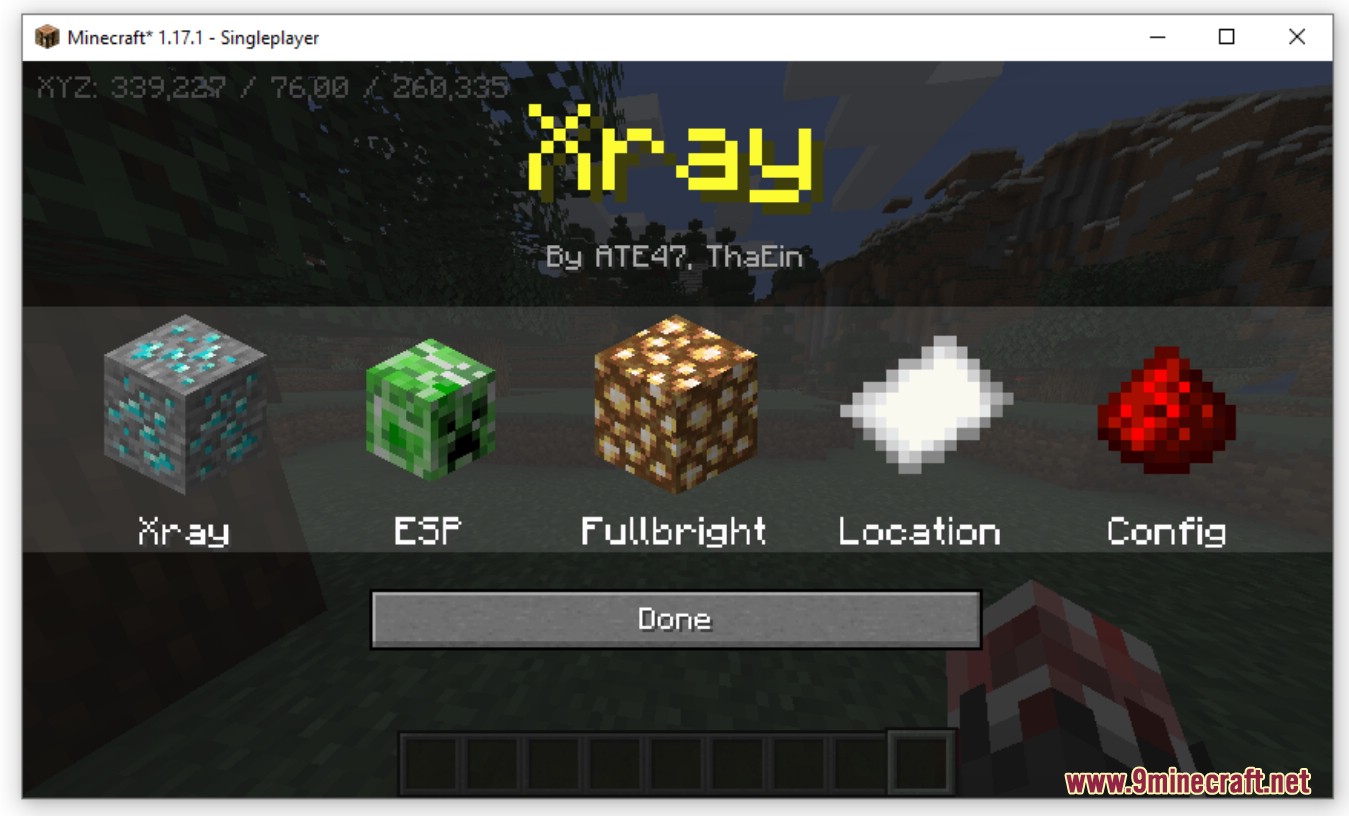
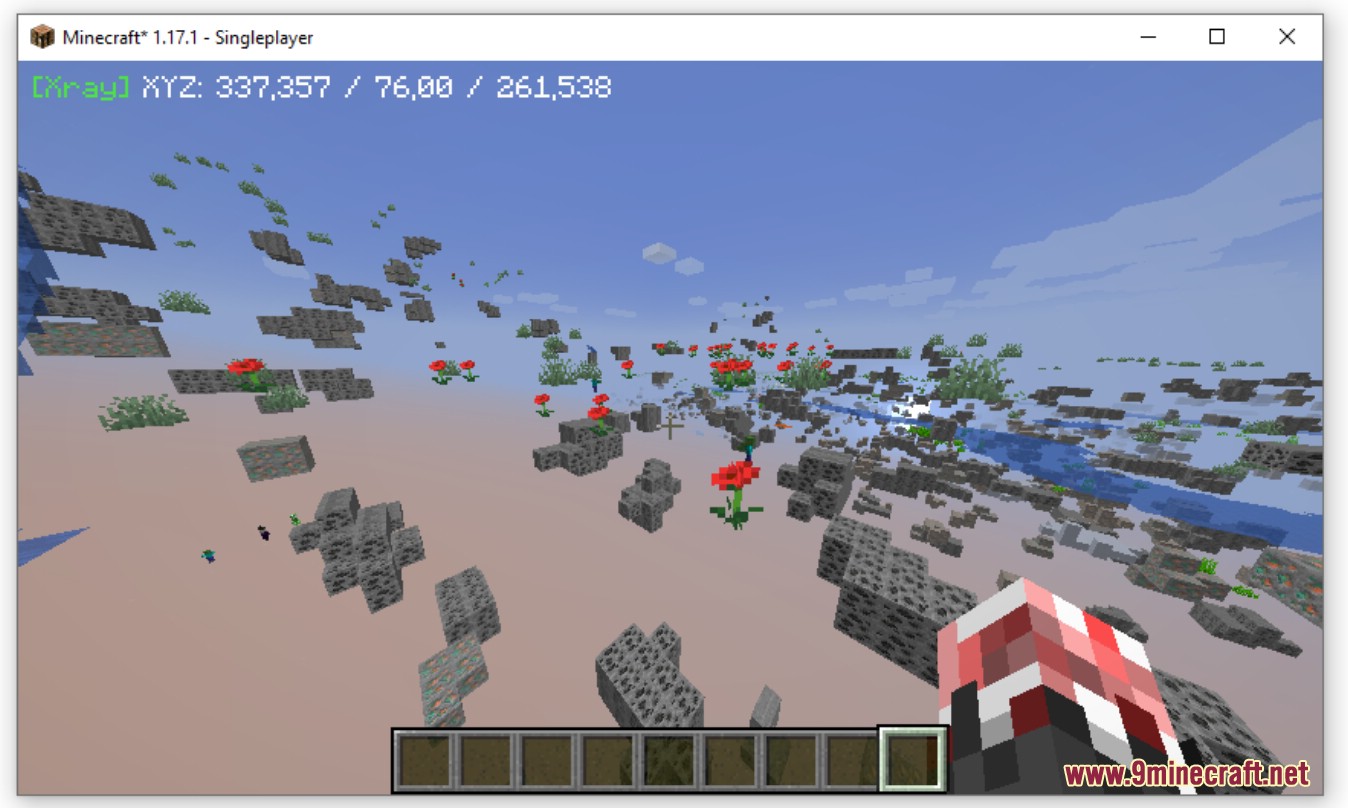
Xray
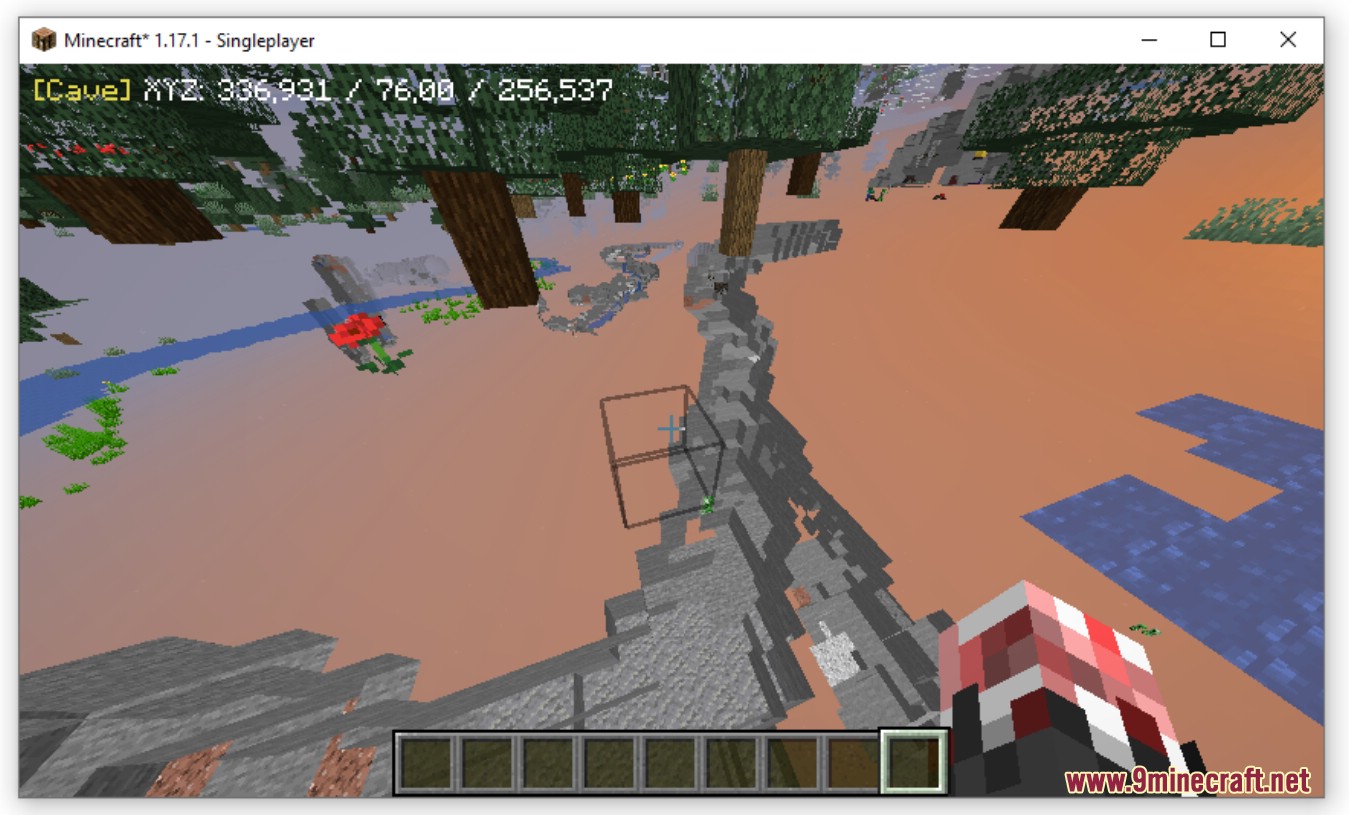
Cave
Redstone
In the Xray menu you can set you Xray modes.
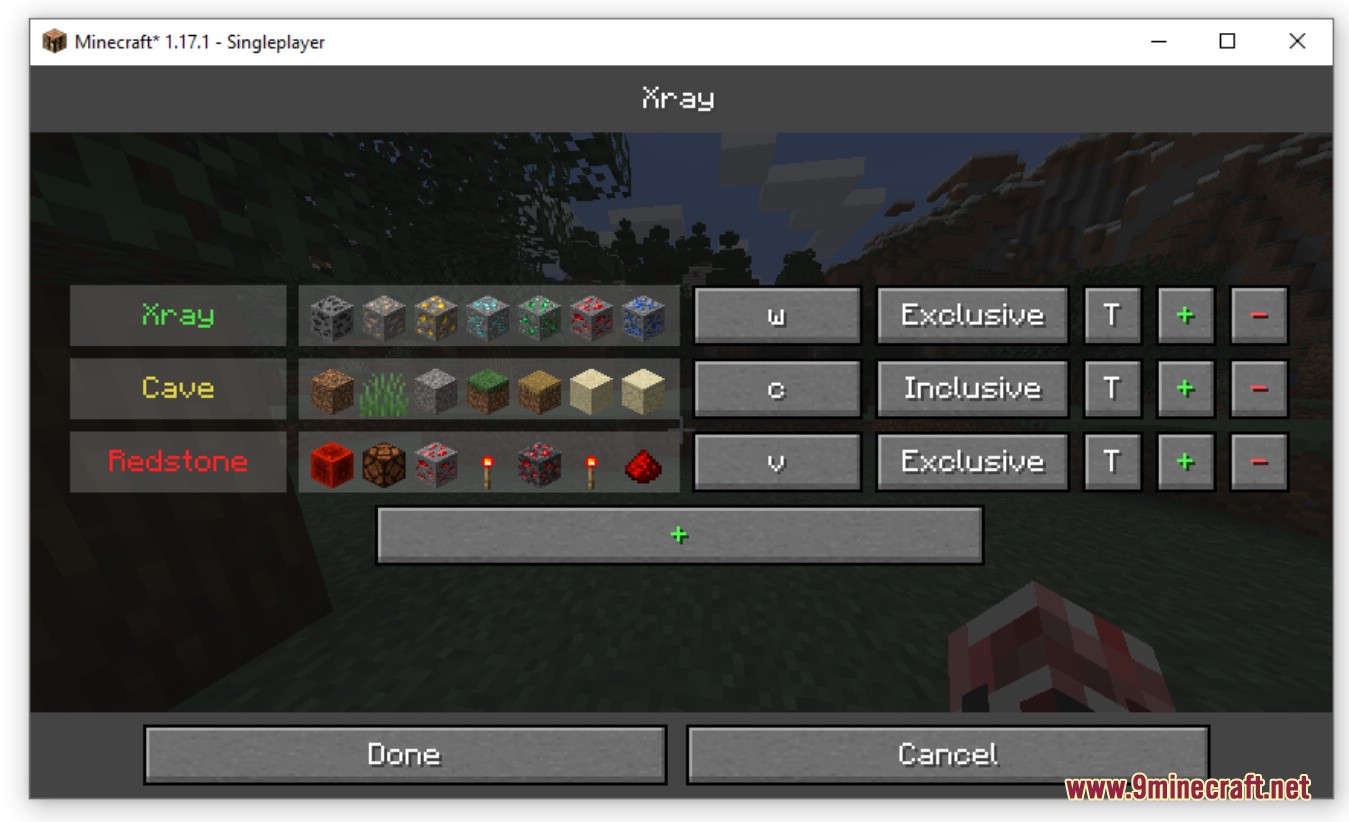
The Menu is composed of buttons:
- “name” – Update the color and the name of the mode
- blocks – Set the blocks of this mode
- “key” – Set the key of the mode
- Inclusive/Exclusive – Set how the mode should handle the blocks:
- Exclusive : Like with the Xray Mode
- Inclusive : Like with the Cave Mode
- T – Select a template
- + – New mode
- – – Delete this mode
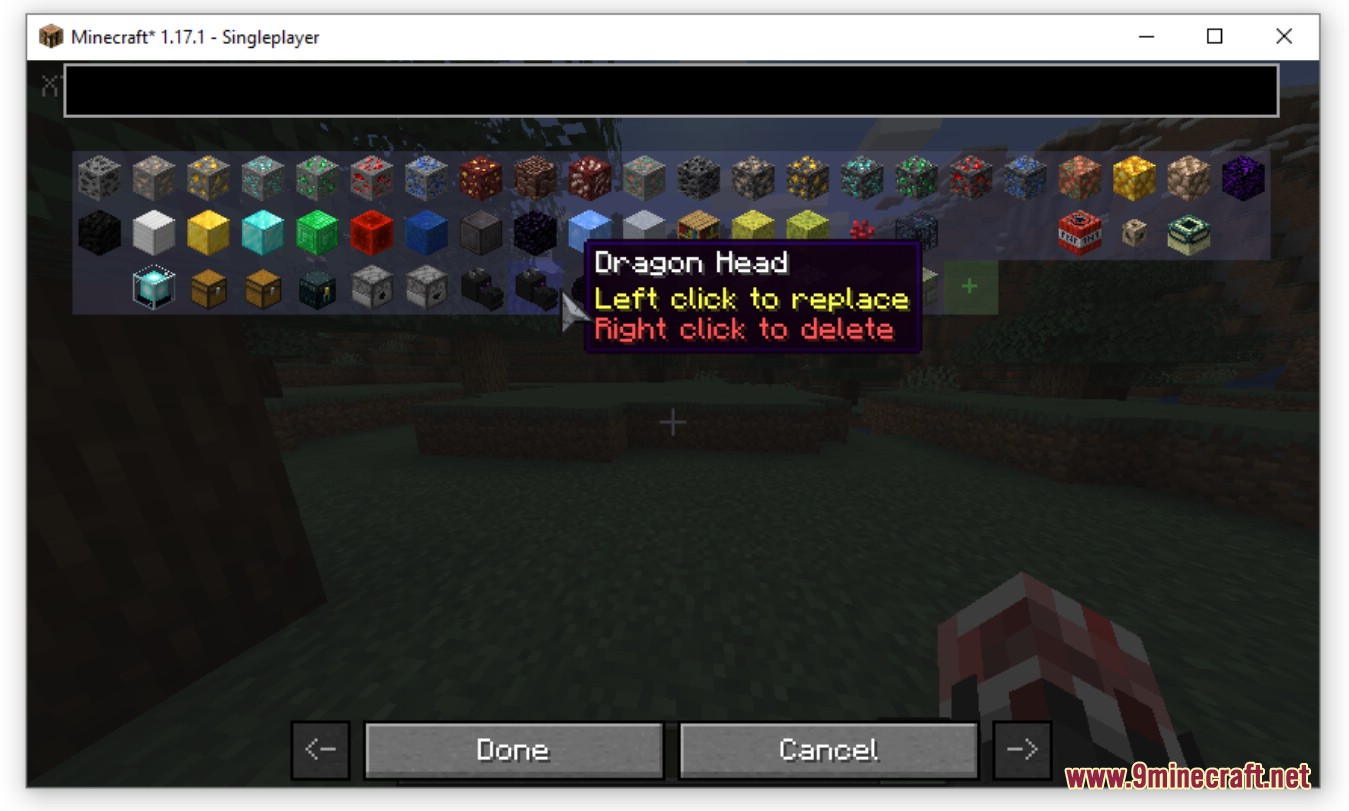
Block selection
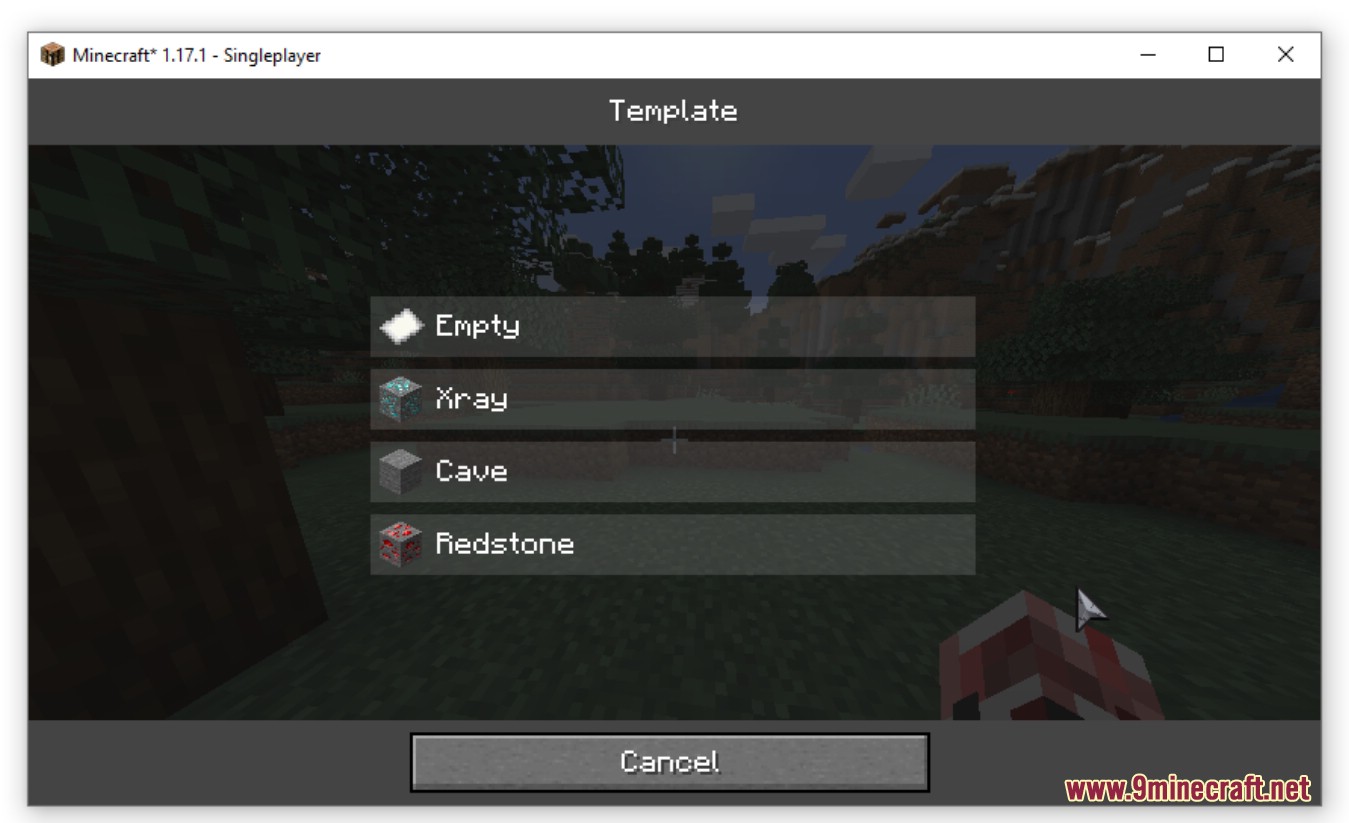
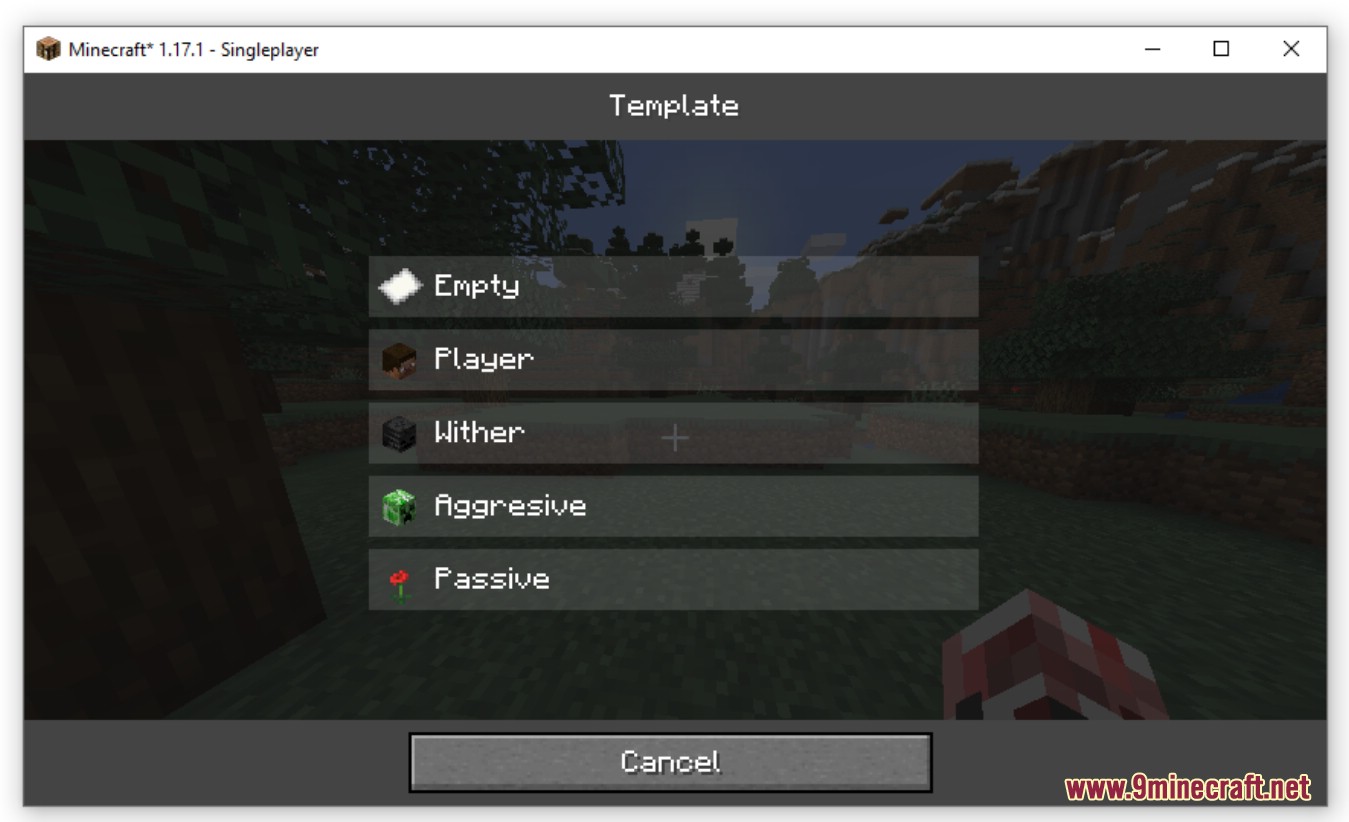
Templates
ESP
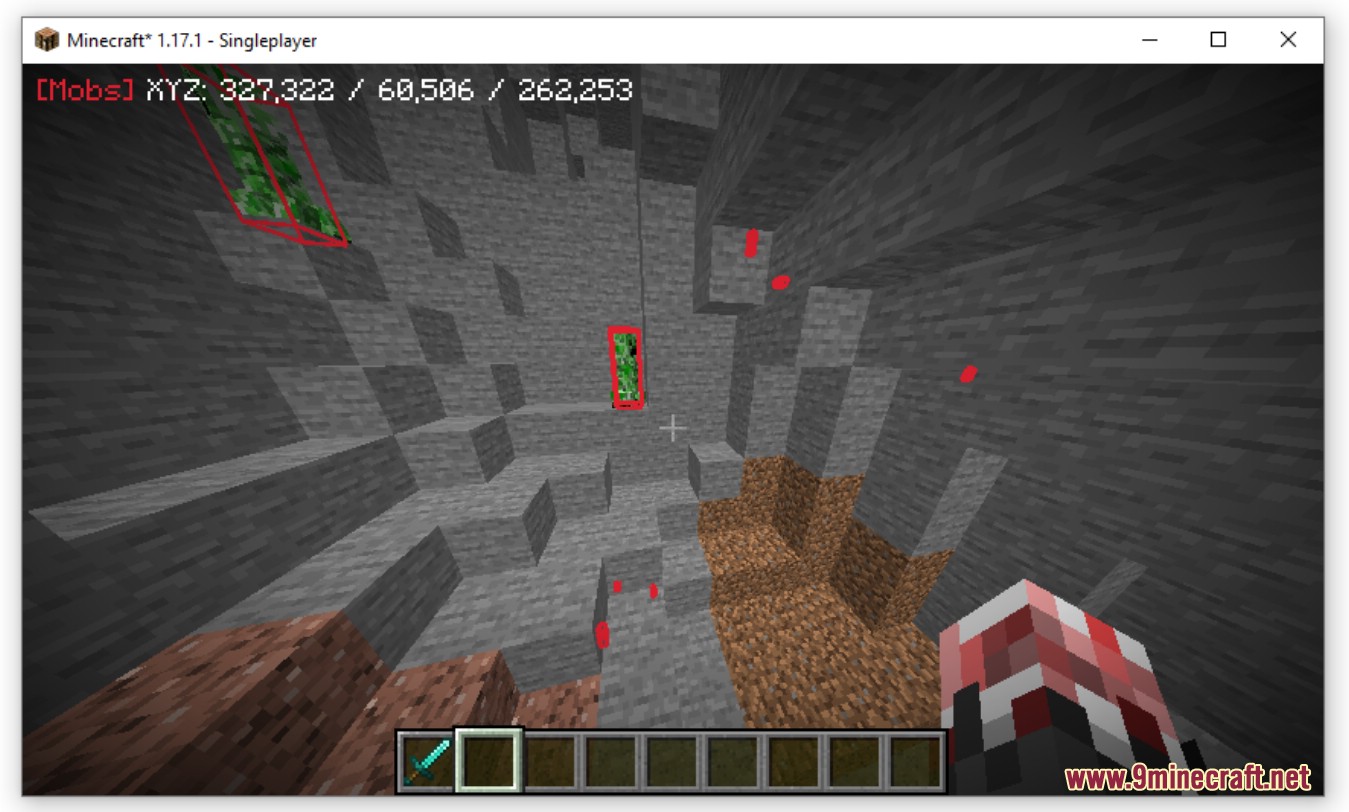
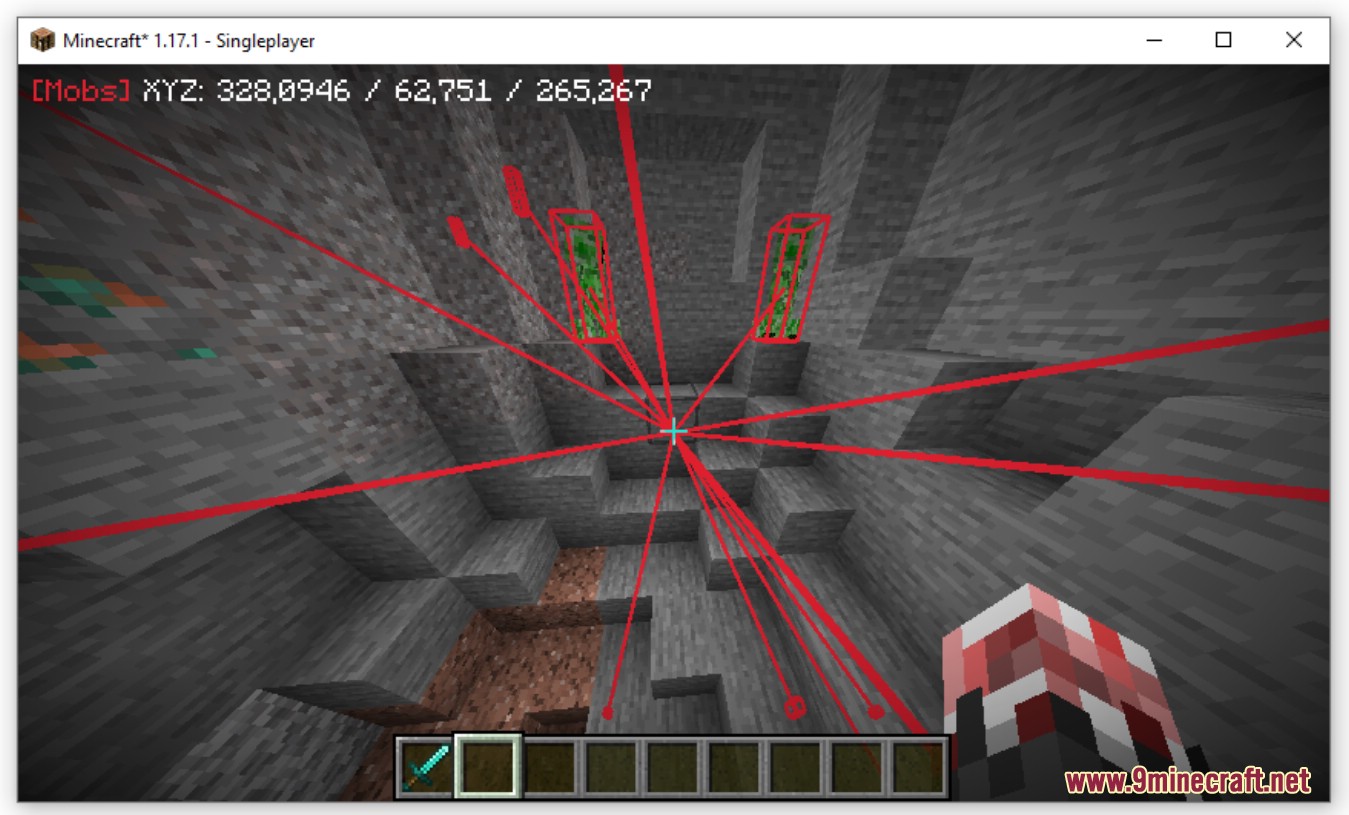
Tracers
In the ESP menu you can set you ESP modes.
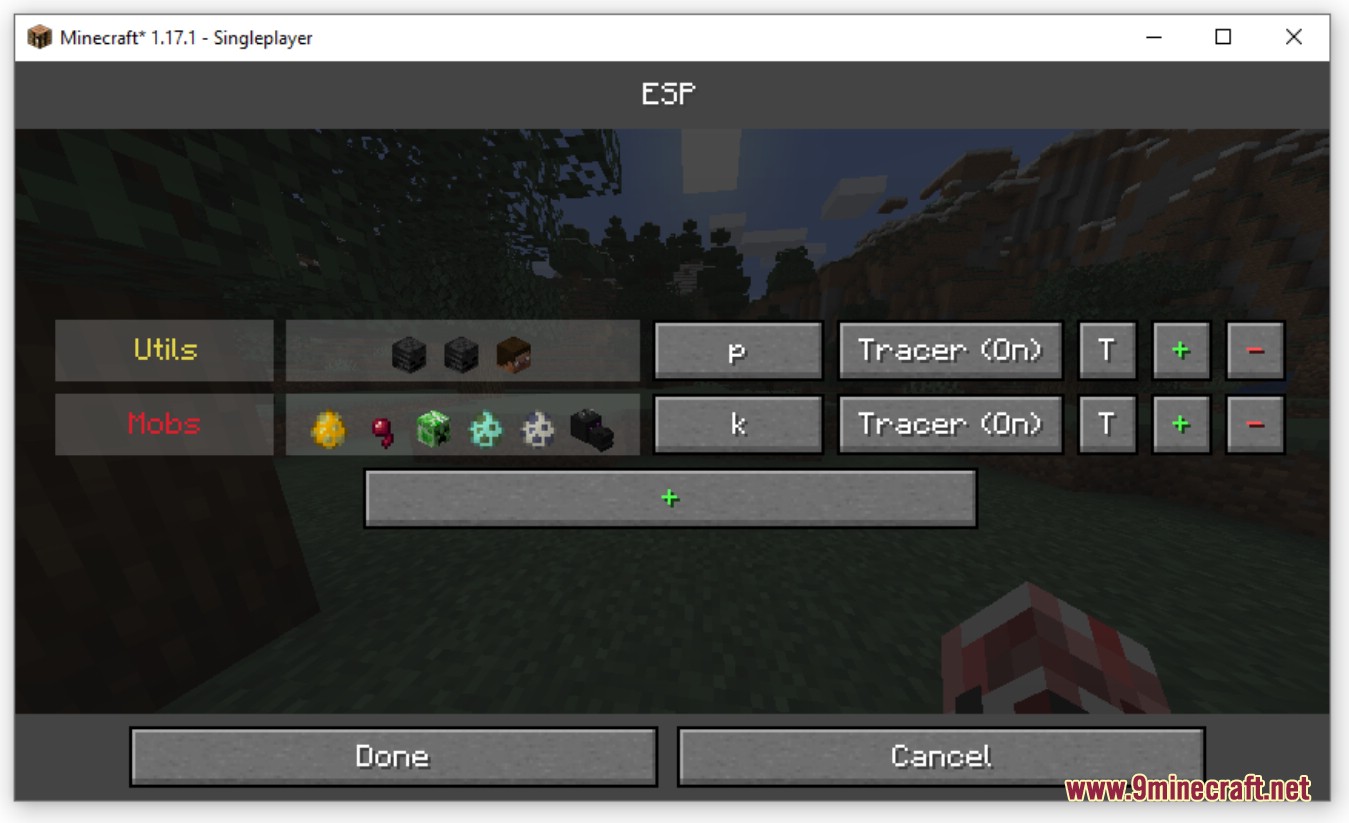
The Menu is composed of buttons:
- “name” – Update the color and the name of the mode
- entities – Set the entities of this mode
- “key” – Set the key of the mode
- Tracer (On/Off) – Toggle the tracers for this mode
- T – Select a template
- + – New mode
- – – Delete this mode
Entity selection
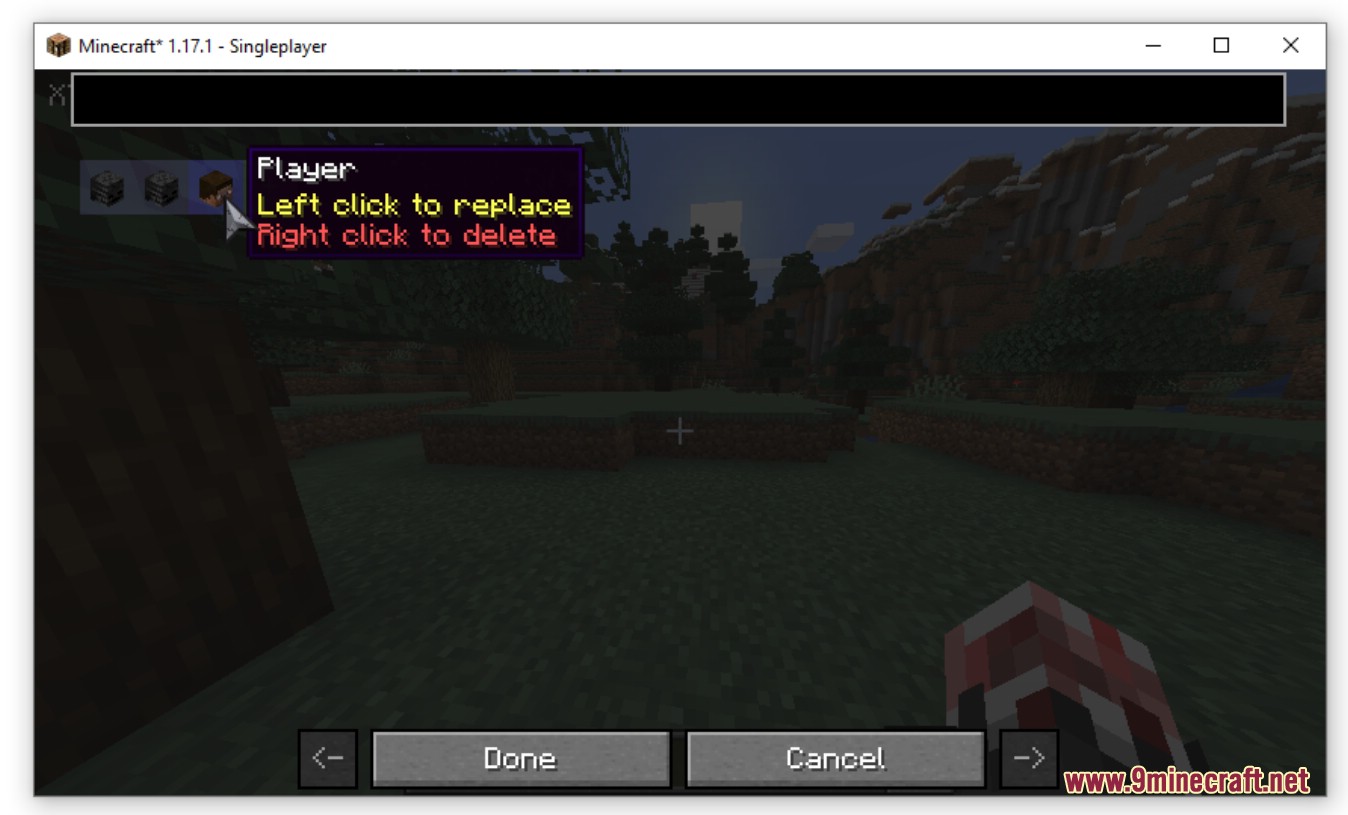
Templates
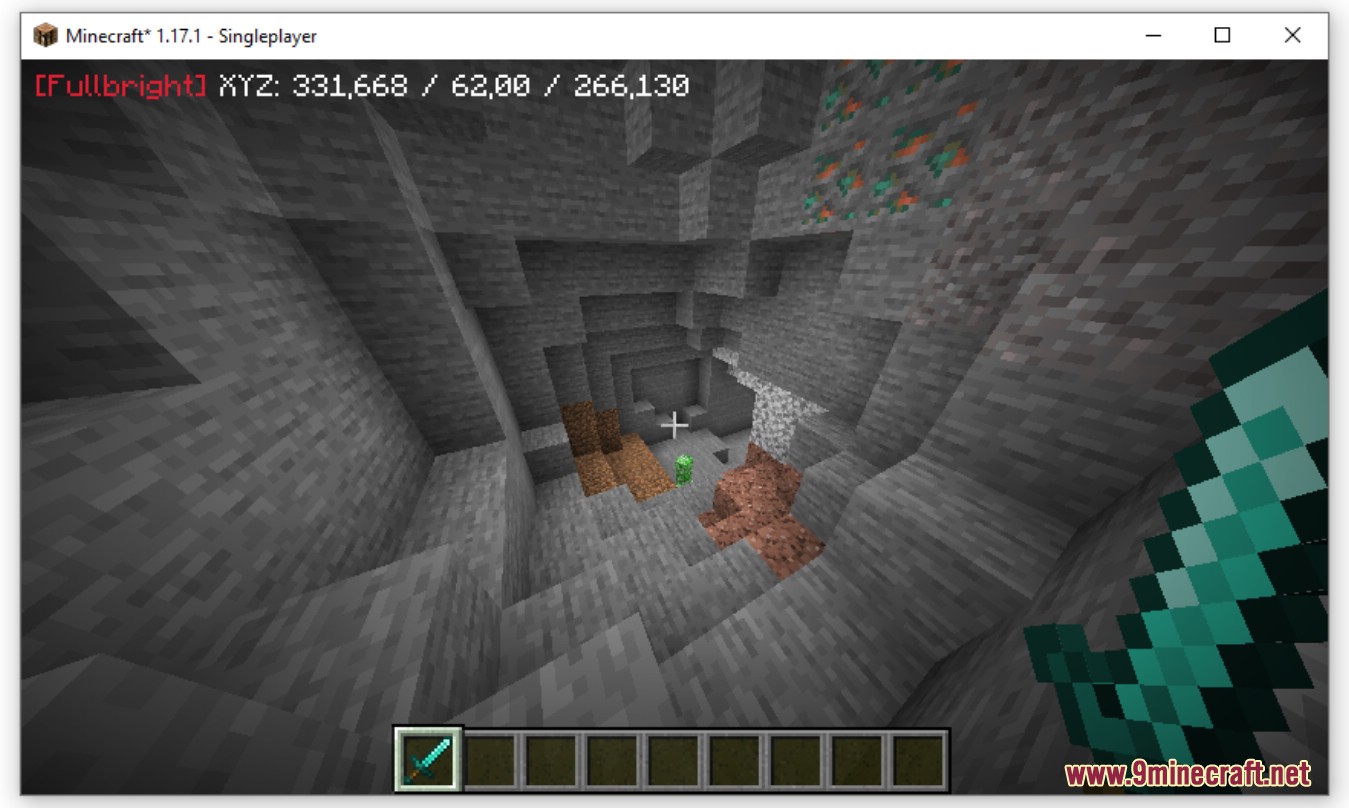
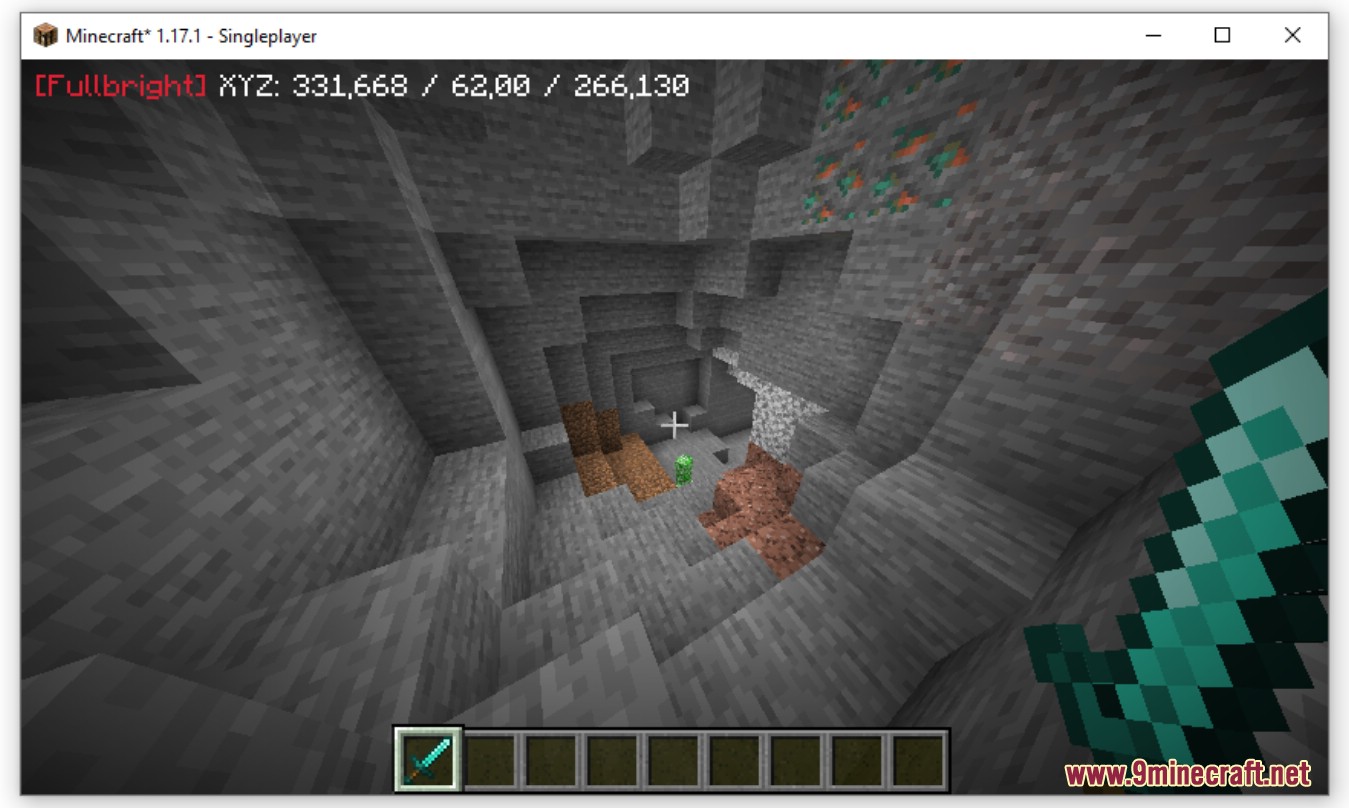
The fullbright remove the light in the game.
Location
Config
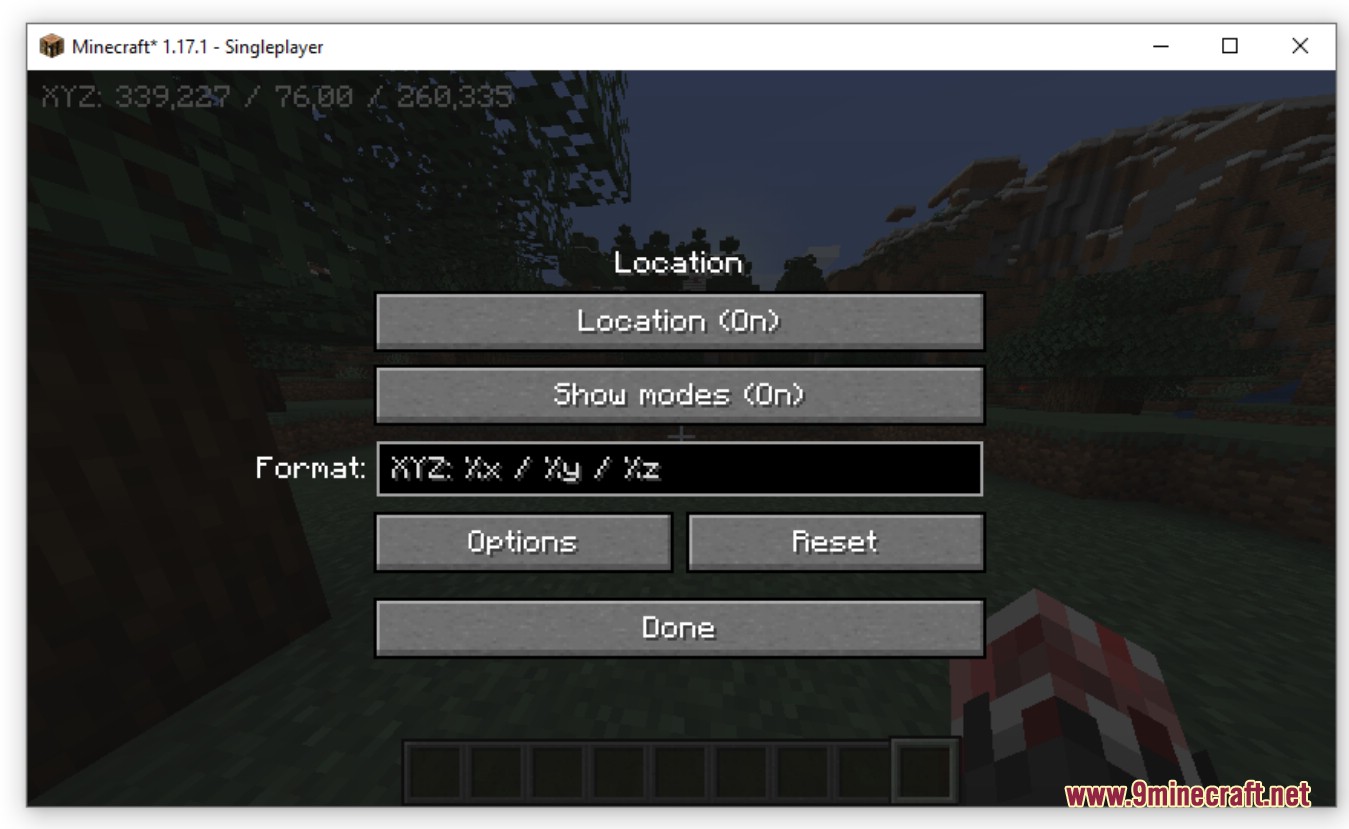
You can config:
- Location – Enable or not the location
- Show modes – Show or not the current modes (ESP+Xray+Fullbright)
- Format – Set the location format
- Options – Add custom options to the format
- Reset – Reset the format
Global config
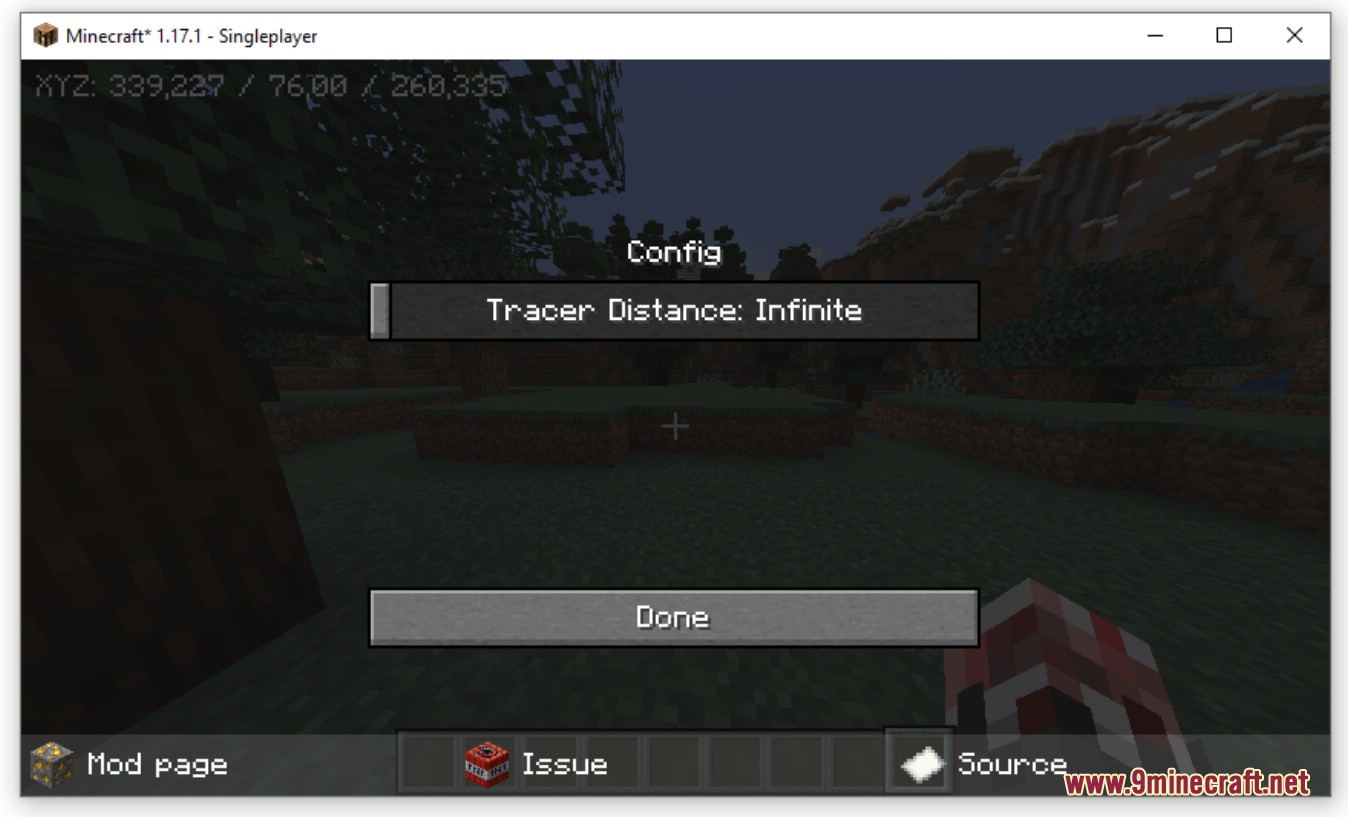
You can config:
- Tracer Distance – Set the maximum range of the tracer
Simple Xray Mod Download Links
For Minecraft 1.18.2, 1.18.1
Forge version: Download from Server 2
Fabric version: Download from Server 2
For Minecraft 1.17.1
Forge version: Download from Server 2
Fabric version: Download from Server 2
For Minecraft 1.16.5
Forge version: Download from Server 2
Fabric version: Download from Server 2
For Minecraft 1.15.2
Forge version: Download from Server 2
Fabric version: Download from Server 2
For Minecraft 1.14.4
Forge version: Download from Server 2
- Edition: Minecraft Java
- File type: .jar
- Minecraft versions listed: 1.18.2, 1.16.5
- How to install: Install the matching mod loader (Forge, Fabric or NeoForge) for your Minecraft version. → Download the .jar. → Put it in the .minecraft/mods folder and launch that loader profile.
- Where to get it: In MC Java Mods, or directly above on this page.
Install steps are the general flow for this file type — How to install Minecraft Java mods & modpacks walks through it step by step.
- Downloads as 203749.mcaddon
- Download size: 168 KB
- Download link checked 30 Jul 2026 — working
- Mirrored on our own servers — the download does not depend on the original host
These come from our own check of the pack file, not from the source page.