Rei's Minimap Mod 1.7.10 (Best Minimap Mod)
Minecraft Java mod. File opened and checked on 2 Oct 2026; downloads from the MC Java Mods app on Android.
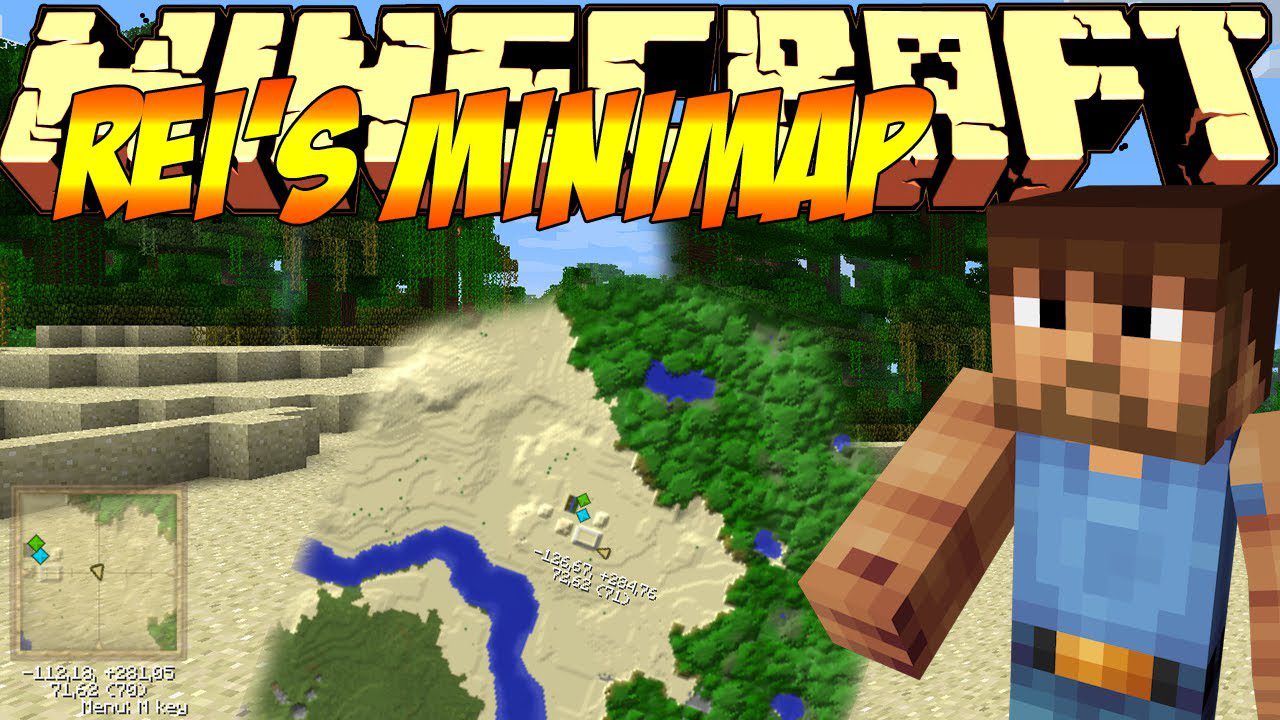
Rei's Minimap Mod 1.7.10 adds a minimap to minecraft! With this minimap you can easily find caves, mobs, and set way-points! Screenshots: Features: Fast…
⬇ DownloadRei’s Minimap Mod 1.7.10 adds a minimap to minecraft! With this minimap you can easily find caves, mobs, and set way-points!
Screenshots:
Features:
- Fast processing
- Beautiful map rendering:
- Expression of semitransparent blocks
- Bump-map expression of height
- Expression of dynamically changing lighting
- Automatically generate the block colors from your texturepack
- Biome color
- Entities radar
- Cave mapping
- Waypoints (Can not teleport)
- Ingame keyconfig
- ZanMinimap frame appearance
- Indication of slime spawning chunks (Does not work in multiplayer after minecraft 1.2)
Usage:
- You can also set waypoints and remember deathpoints. By pressing the (by default) “.” or “~” key, you can view a list of options. Macs may have issues. You can easily edit the keys from the config folder or in-game in the menu. To do this on a Mac, go to Mac HD > Users > Username > Library > Application Support > Minecraft > mods > rei_minimap > keyconfig.txt. You can find the menu hotkey and set it to whatever key you want.
Rei’s Minimap Mod 1.7.10 Download Links
Rei’s Minimap is no more updated, you should download VoxelMap instead.
For Minecraft 1.5.2
Download from Server 1 – Download from Server 3 – Download from Server 4 – Download from Server 5
For Minecraft 1.6.2
Download from Server 1 – Download from Server 2 – Download from Server 3 – Download from Server 4
For Minecraft 1.6.4
Download from Server 1 – Download from Server 2 – Download from Server 4
For Minecraft 1.7.2
Download from Server 1 – Download from Server 2 – Download from Server 3
For Minecraft 1.7.10
- Edition: Minecraft Java
- File type: .jar
- How to install: Install the matching mod loader (Forge, Fabric or NeoForge) for your Minecraft version. → Download the .jar. → Put it in the .minecraft/mods folder and launch that loader profile.
- Where to get it: In MC Java Mods, or directly above on this page.
Install steps are the general flow for this file type — How to install Minecraft Java mods & modpacks walks through it step by step.
- Downloads as 203752.mcaddon
- Download size: 247 KB
- Download link checked 22 Jul 2026 — working
- Mirrored on our own servers — the download does not depend on the original host
These come from our own check of the pack file, not from the source page.