
ModsJava
Block Overlay Mod 1.8.9 (Custom Block Outlines, Chroma & More)
Minecraft Java mod. Downloads from the MC Java Mods app on Android.
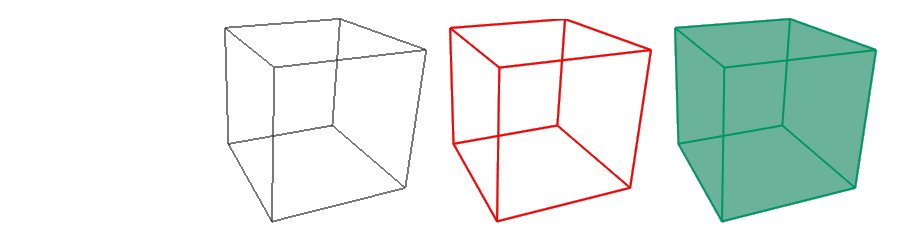
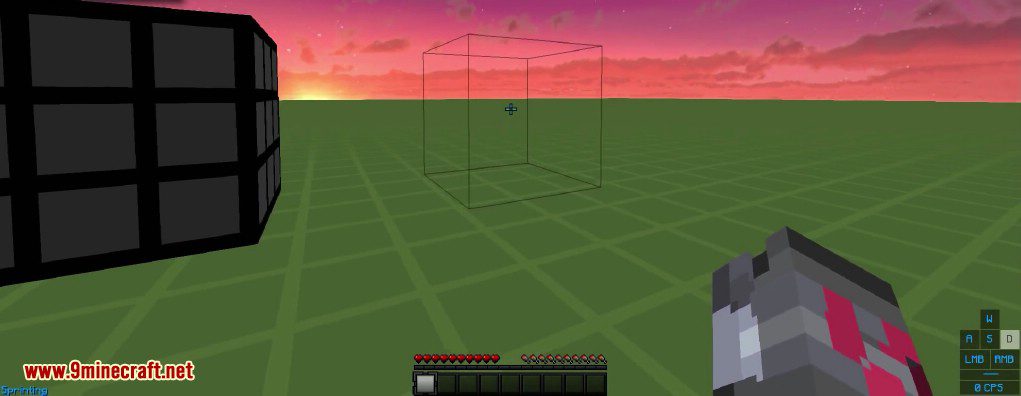
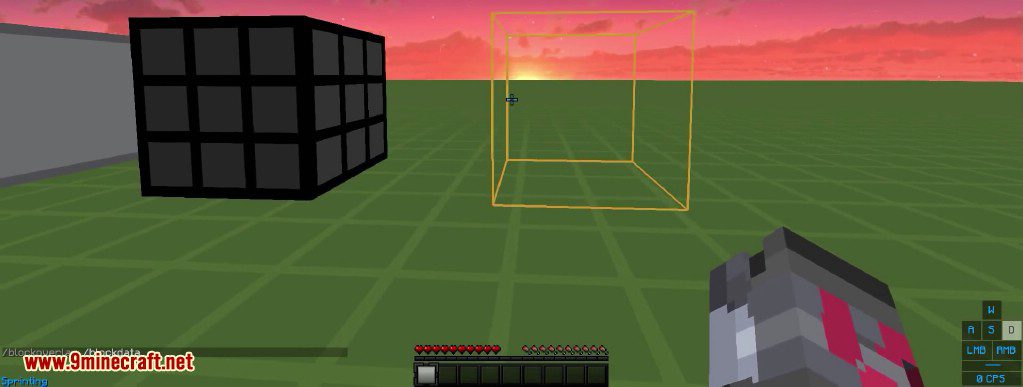
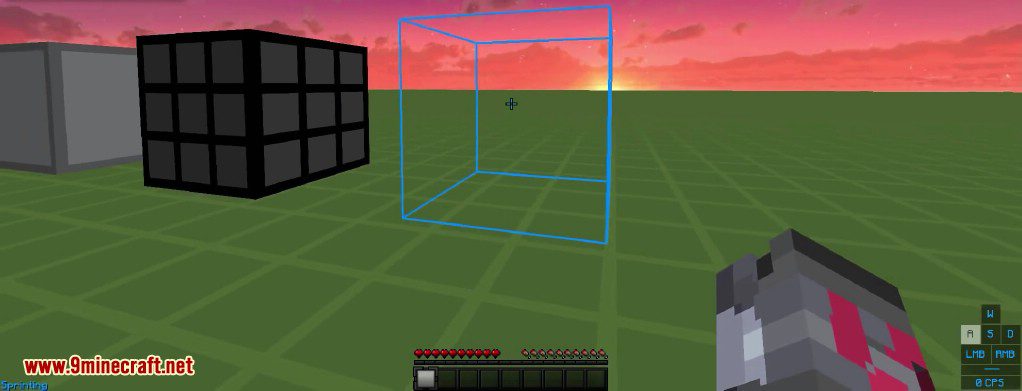
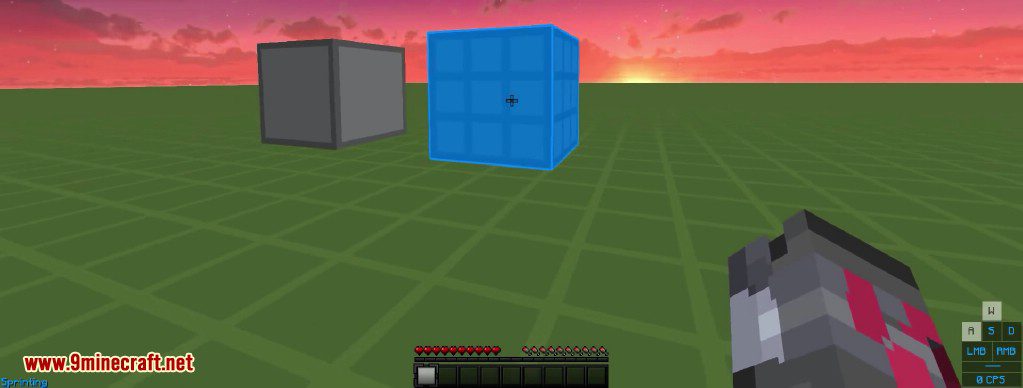
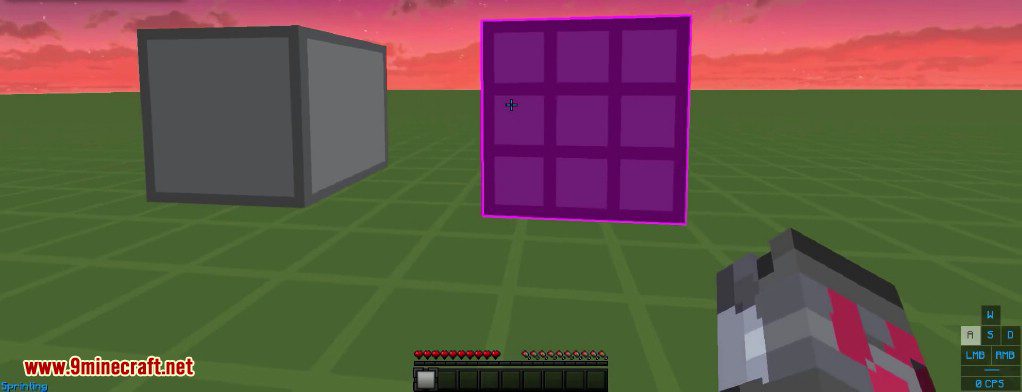
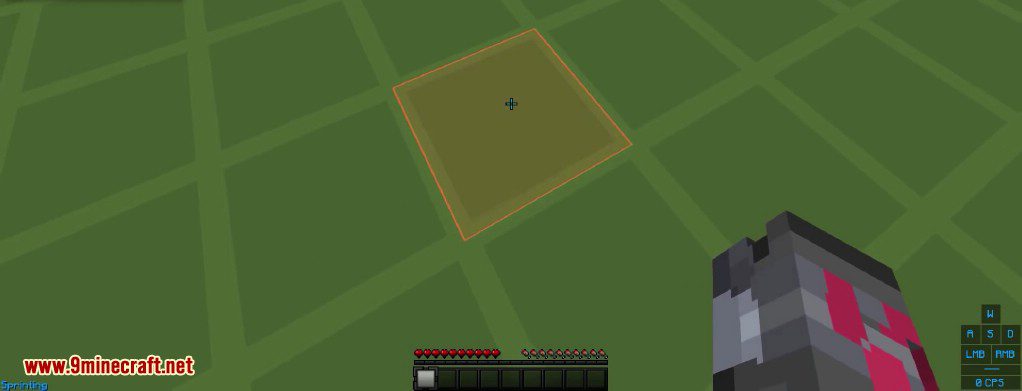
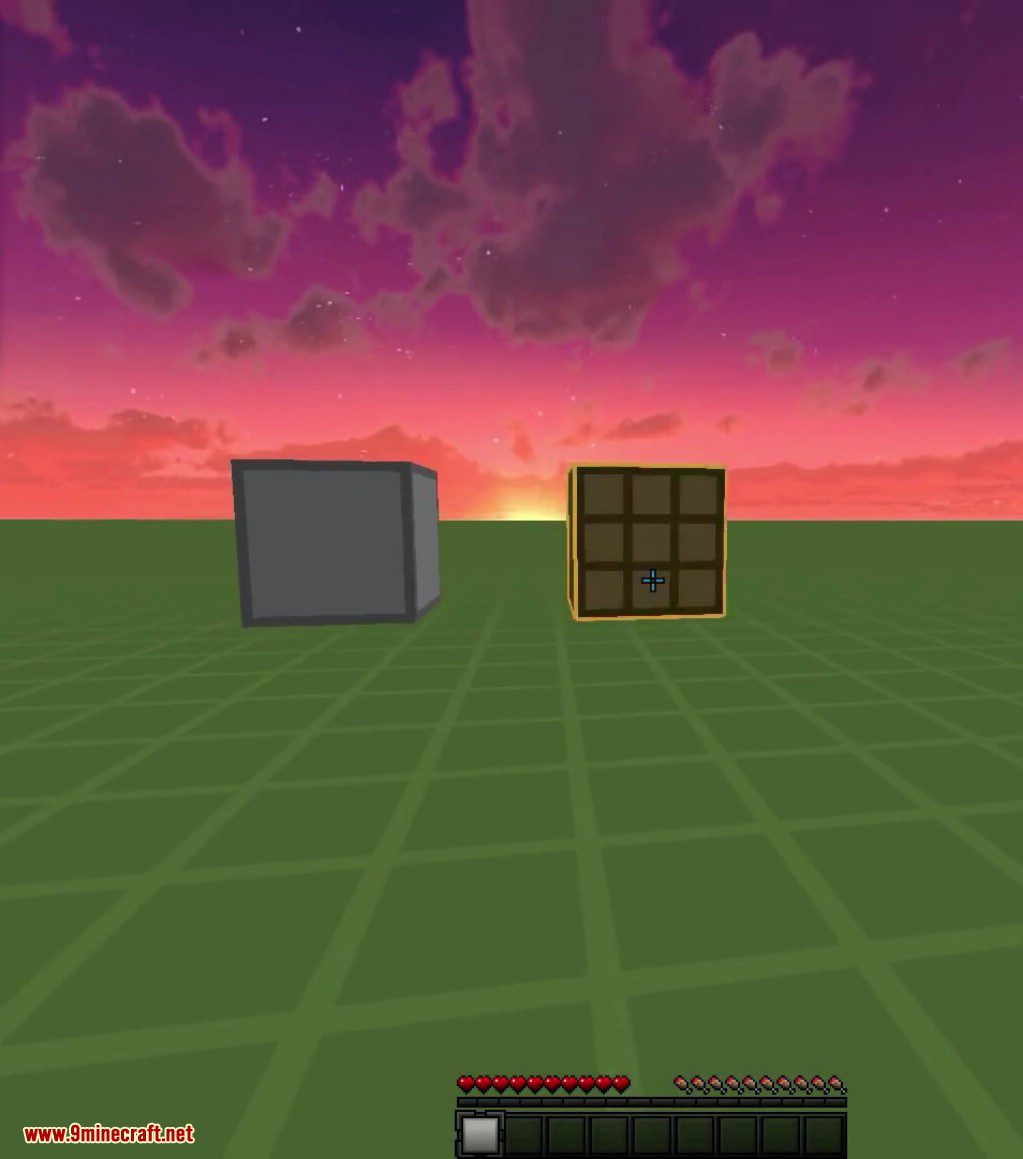
⬇ DownloadBlock Overlay Mod 1.8.9 simply changes that selection to 4 available overlays: none, default, outline, and full. In regular Minecraft, a thin black line shows which block your mouse is currently pointed at.
Features:
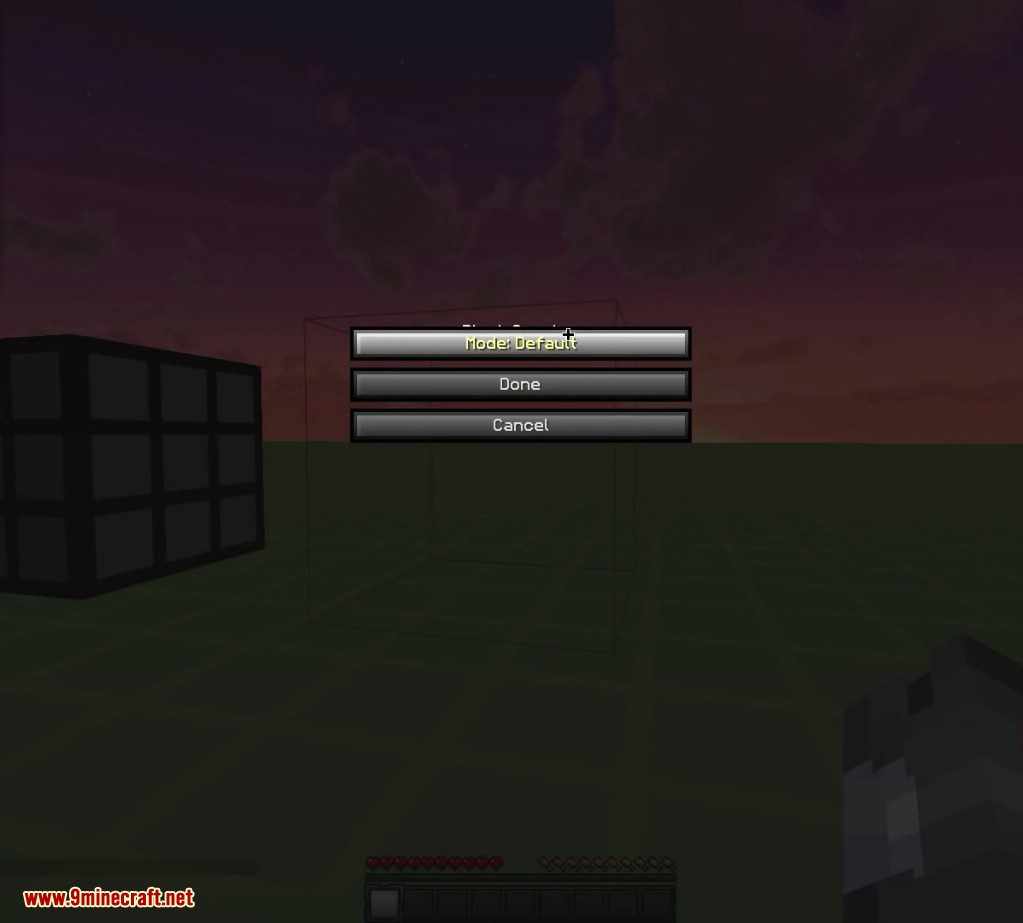
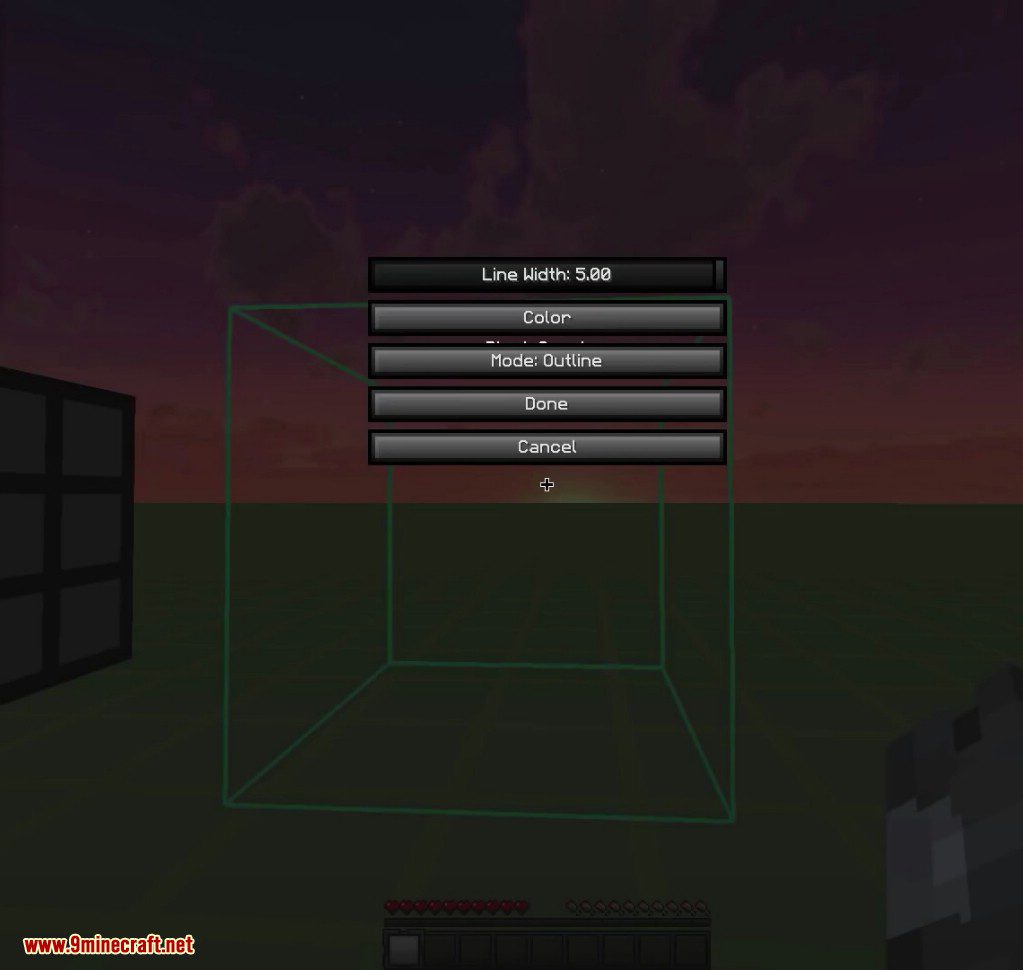
Use the interface to:
- Select the overlay mode.
- Change the color and opacity to your preference.
- Change the width of the overlay outline.
- Choose whether to always render the overlay or not (A new button which is labeled as ‘Always Render’ is added. Typically when you are in adventure or spectator mode, the block overlay is not rendered by default. activating this button will change that, and always render the overlay regardless of what your gamemode is).
Screenshots:
Commands:
- /blockoverlay
- /boverlay
Block Overlay Mod 1.8.9 Download Links
For Minecraft 1.8.9
Forge version: Download from Server 1 – Download from Server 2
Quick facts
- Edition: Minecraft Java
- File type: .jar
- How to install: Install the matching mod loader (Forge, Fabric or NeoForge) for your Minecraft version. → Download the .jar. → Put it in the .minecraft/mods folder and launch that loader profile.
- Where to get it: In MC Java Mods, or directly above on this page.
Install steps are the general flow for this file type — How to install Minecraft Java mods & modpacks walks through it step by step.
File checked by MCModsHub
- Downloads as 203765.mcaddon
- Download size: 60 KB
- Download link checked 30 Jul 2026 — working
- Mirrored on our own servers — the download does not depend on the original host
These come from our own check of the pack file, not from the source page.