In-game NBTEdit Reborn
Java mod listed for Minecraft 1.16–1.21. Downloads from the MC Java Mods app on Android.
⬇ Download on CurseForgeIn-Game NBTEdit / 游戏内NBT编辑器
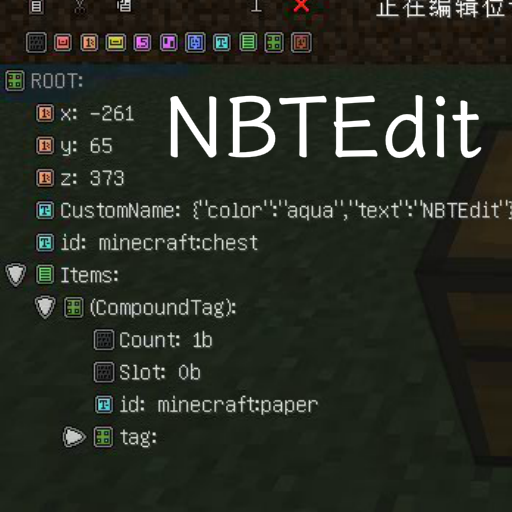
A Minecraft mod allows you to edit any NBT tags of the game content with a GUI while in-game. Such as TileEntities, Entities. It may help map creators to make custom items or help mod creators to debug.
本模组可以用于在游戏内编辑物品、实体或方块的 NBT ,可能会对地图制作者制作自定义物品或模组开发者 Debug 有所帮助。
Usage? Please visit GitHub page. CurseForge has a very poor editor.
关于使用方法,请到 GitHub页面 查看。CurseForge的编辑器很难用。
Forge, NeoForge, Fabric are supported!
Forge、NeoForge、Fabric 均已支持!
- Edition: Minecraft Java
- File type: .jar
- Minecraft versions listed: 1.21.9, 1.21.10, 1.21.11
- How to install: Install the matching mod loader (Forge, Fabric or NeoForge) for your Minecraft version. → Download the .jar. → Put it in the .minecraft/mods folder and launch that loader profile.
- Where to get it: Opens on CurseForge — not every file is mirrored on our own servers.
Install steps are the general flow for this file type — How to install Minecraft Java mods & modpacks walks through it step by step.
In-game NBTEdit Reborn is a free Minecraft Java mod. Compatible with Minecraft 1.21.9, 1.21.10, 1.21.11, 1.21.6 and newer. Downloaded 656,457 times (via CurseForge). Download it and open it directly in the game.