Giacomo's Bookshelf Mod (1.20.4, 1.20.1) – Bookshelves for Minecraft
Java mod listed for Minecraft 1.20. Downloads from the MC Java Mods app on Android.
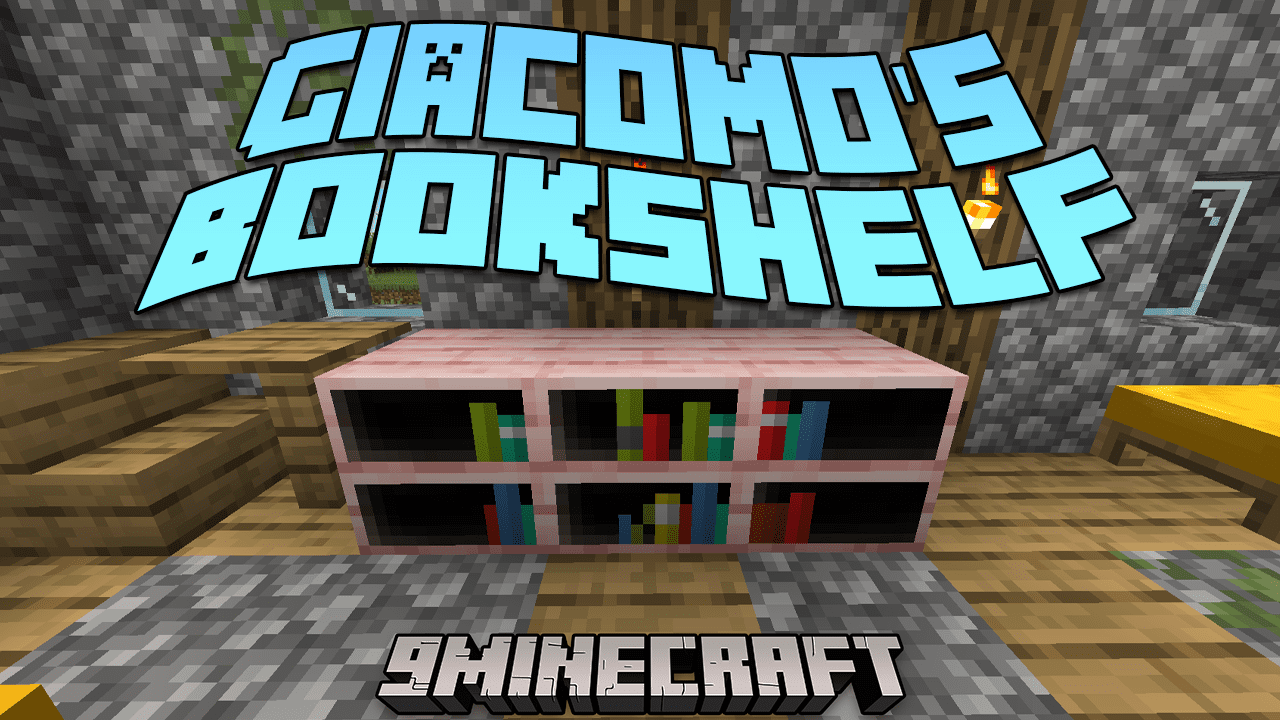
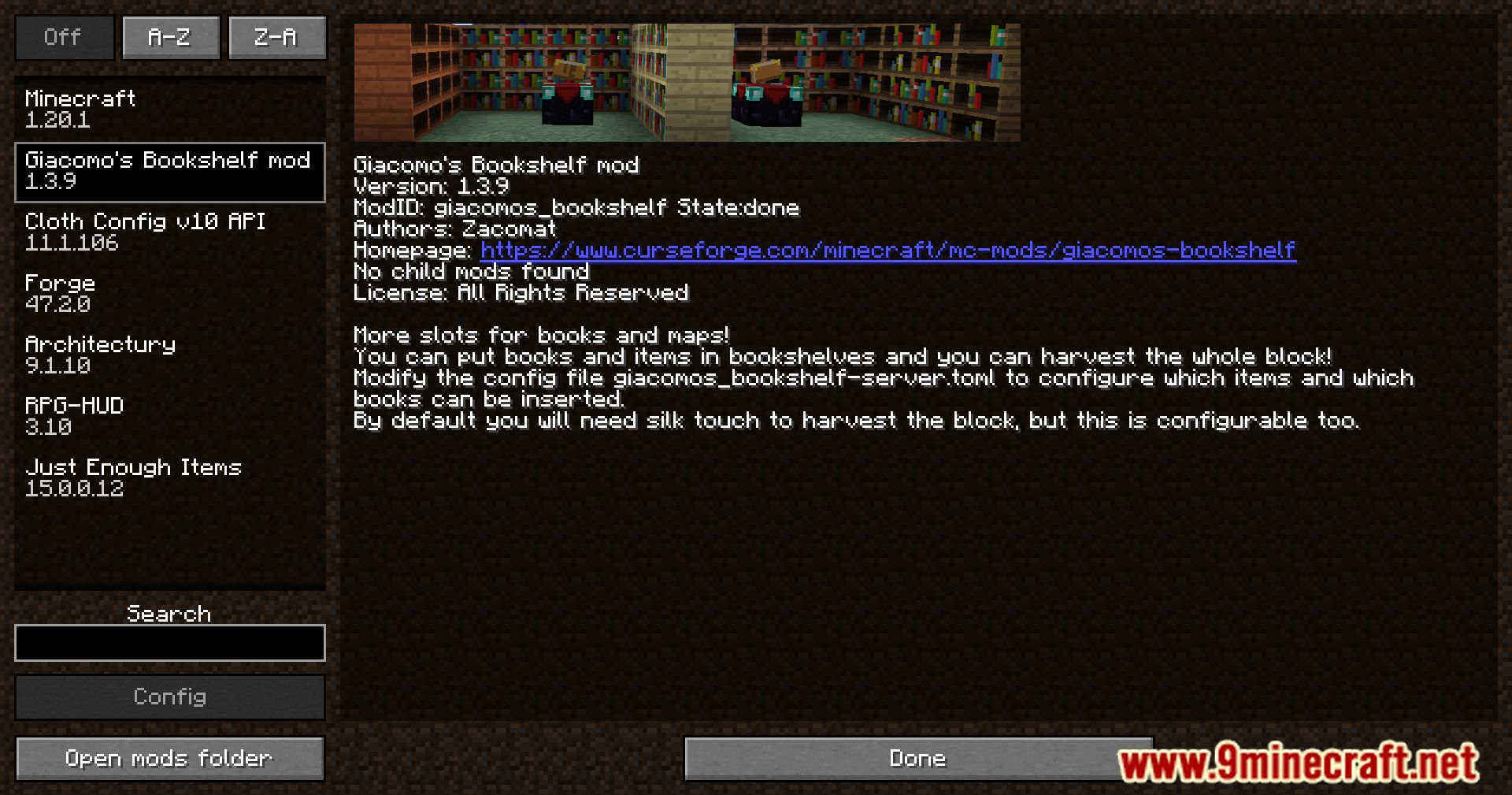
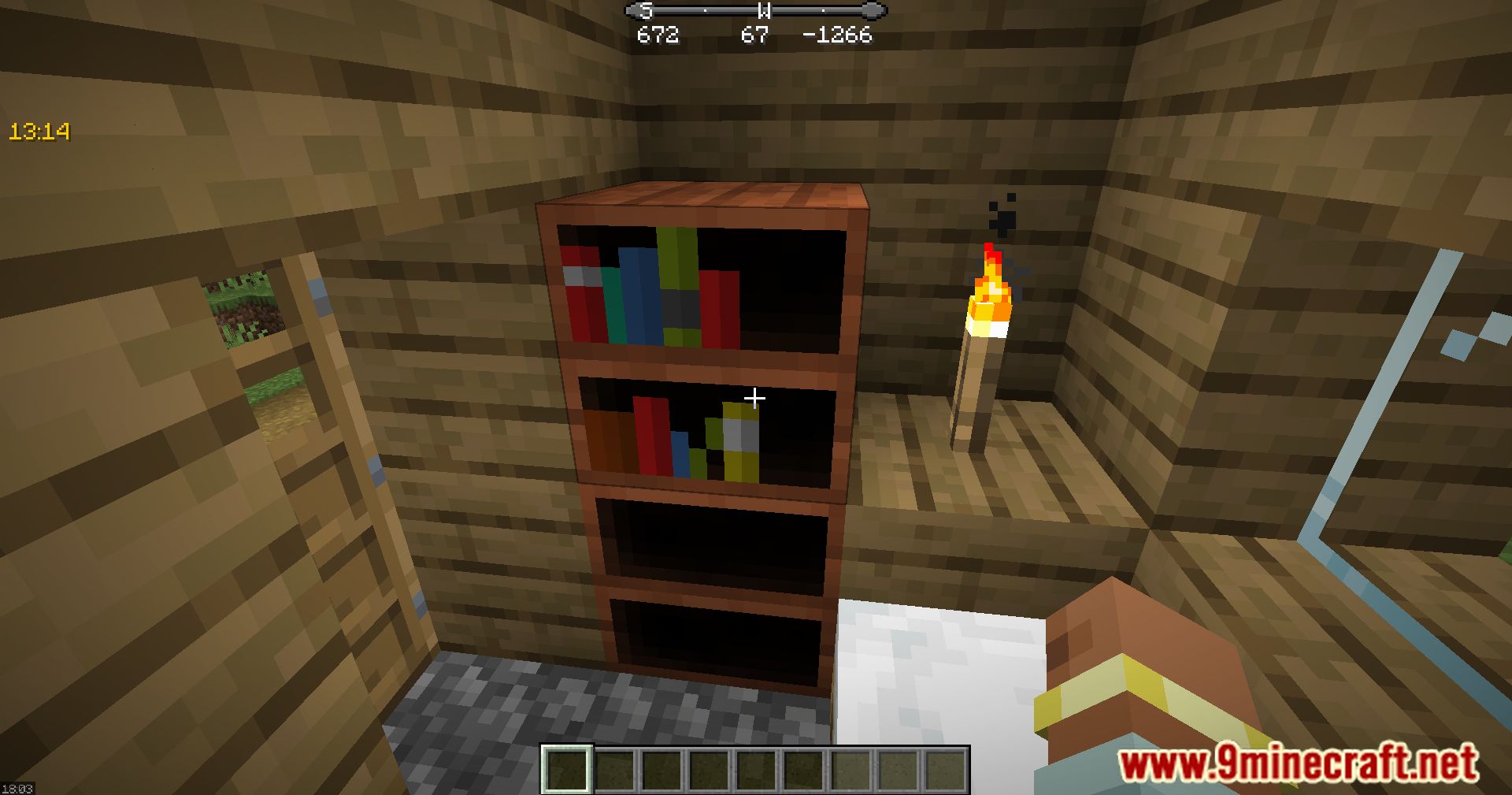
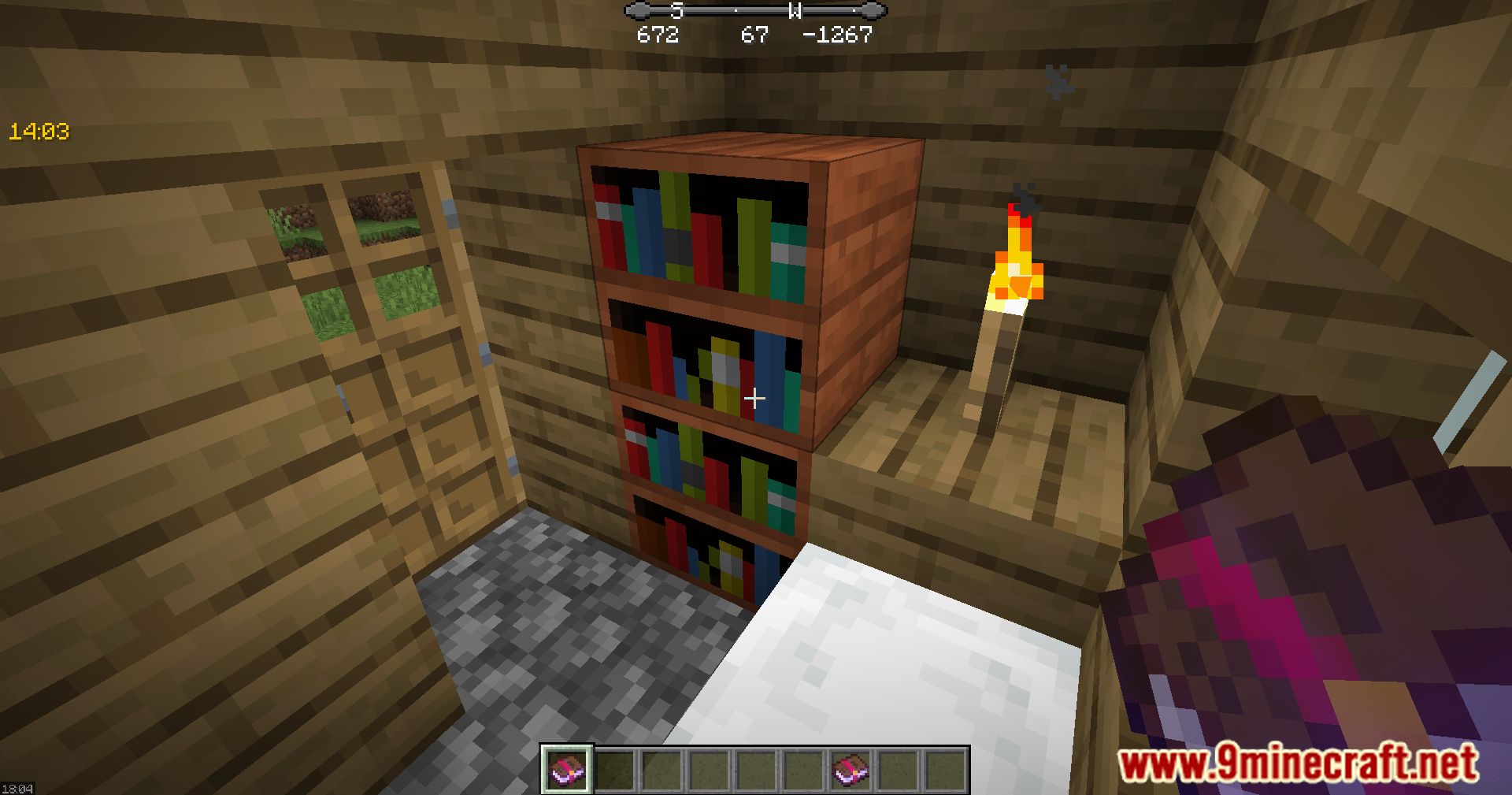
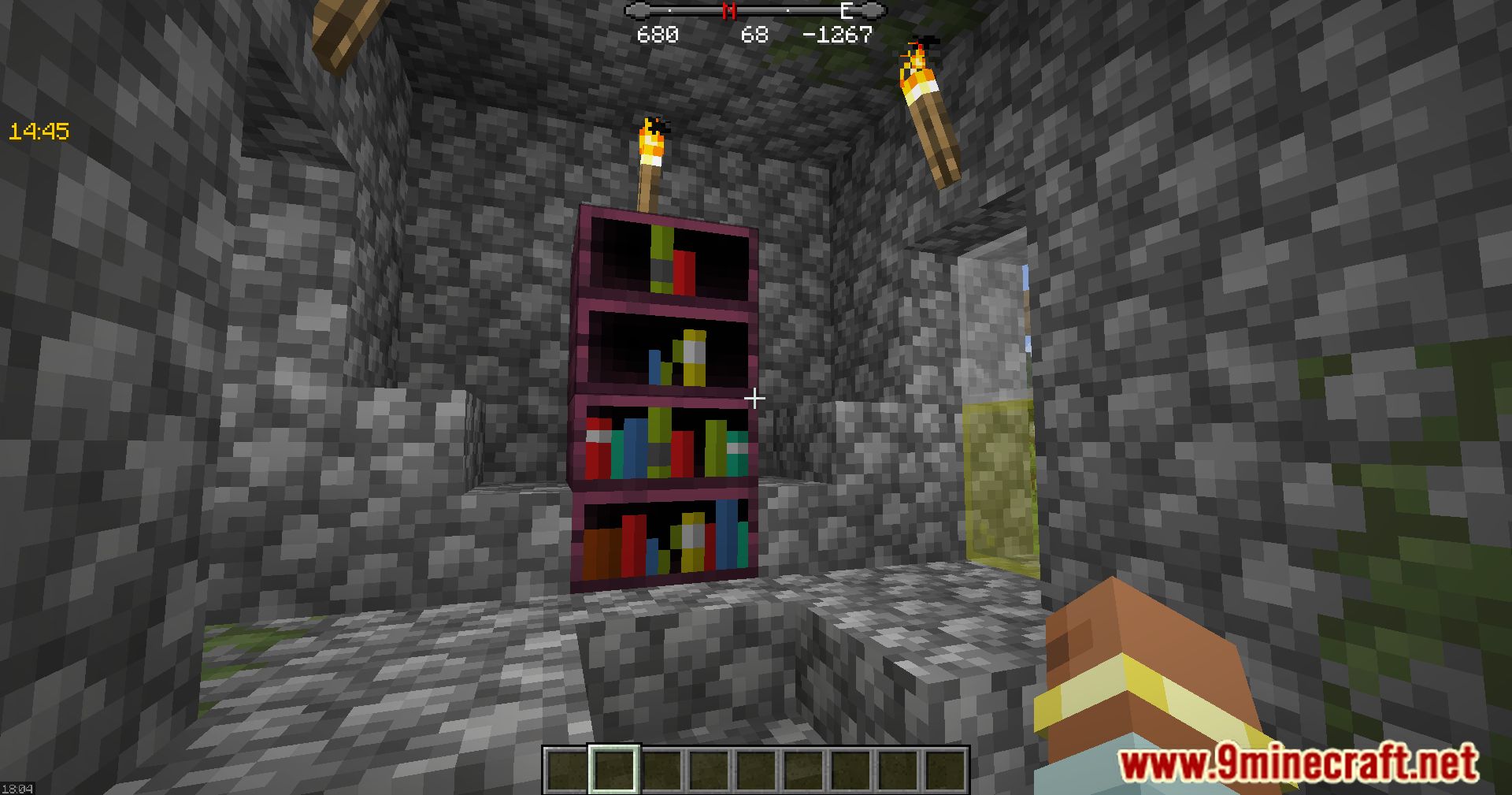
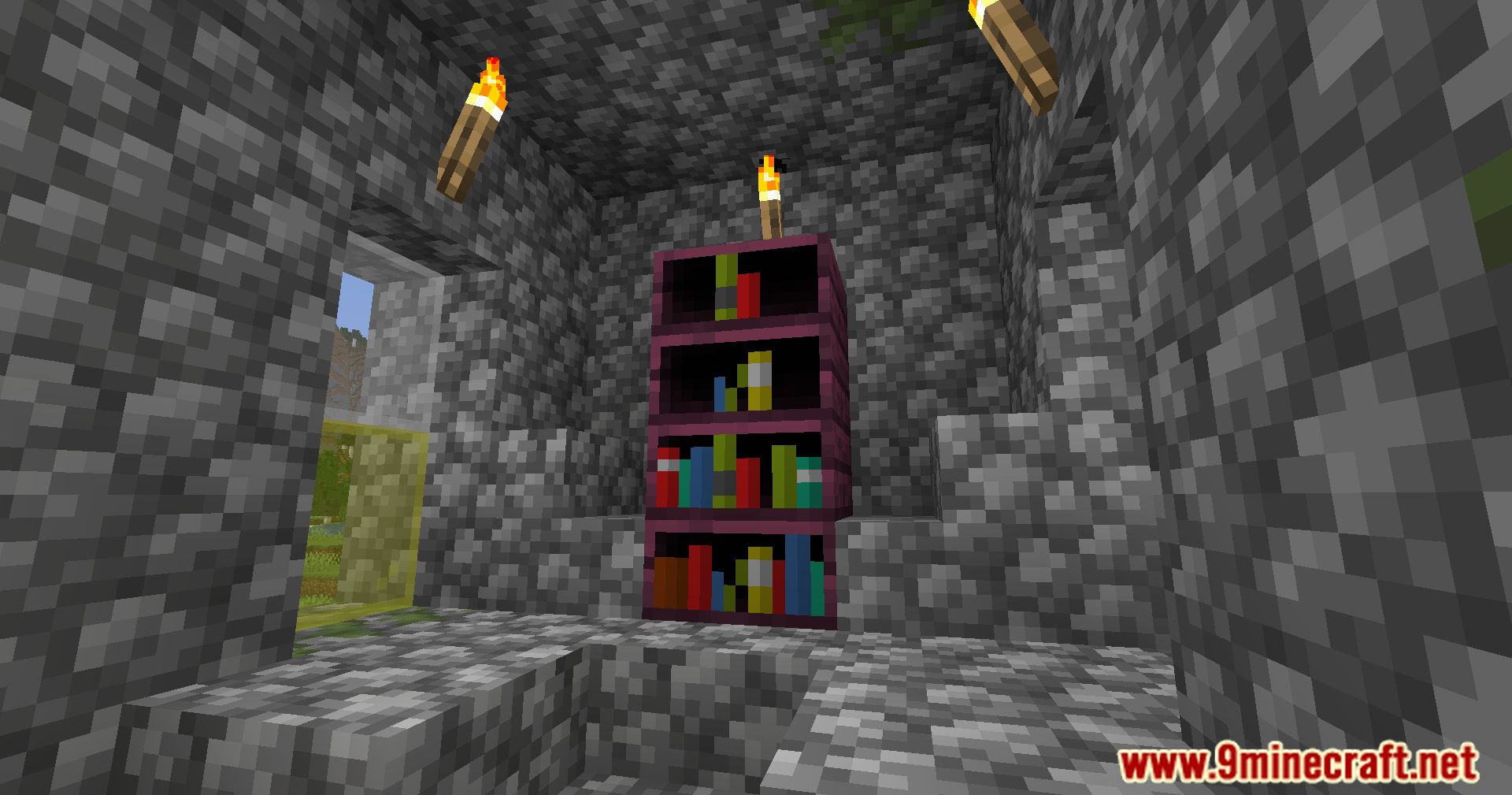
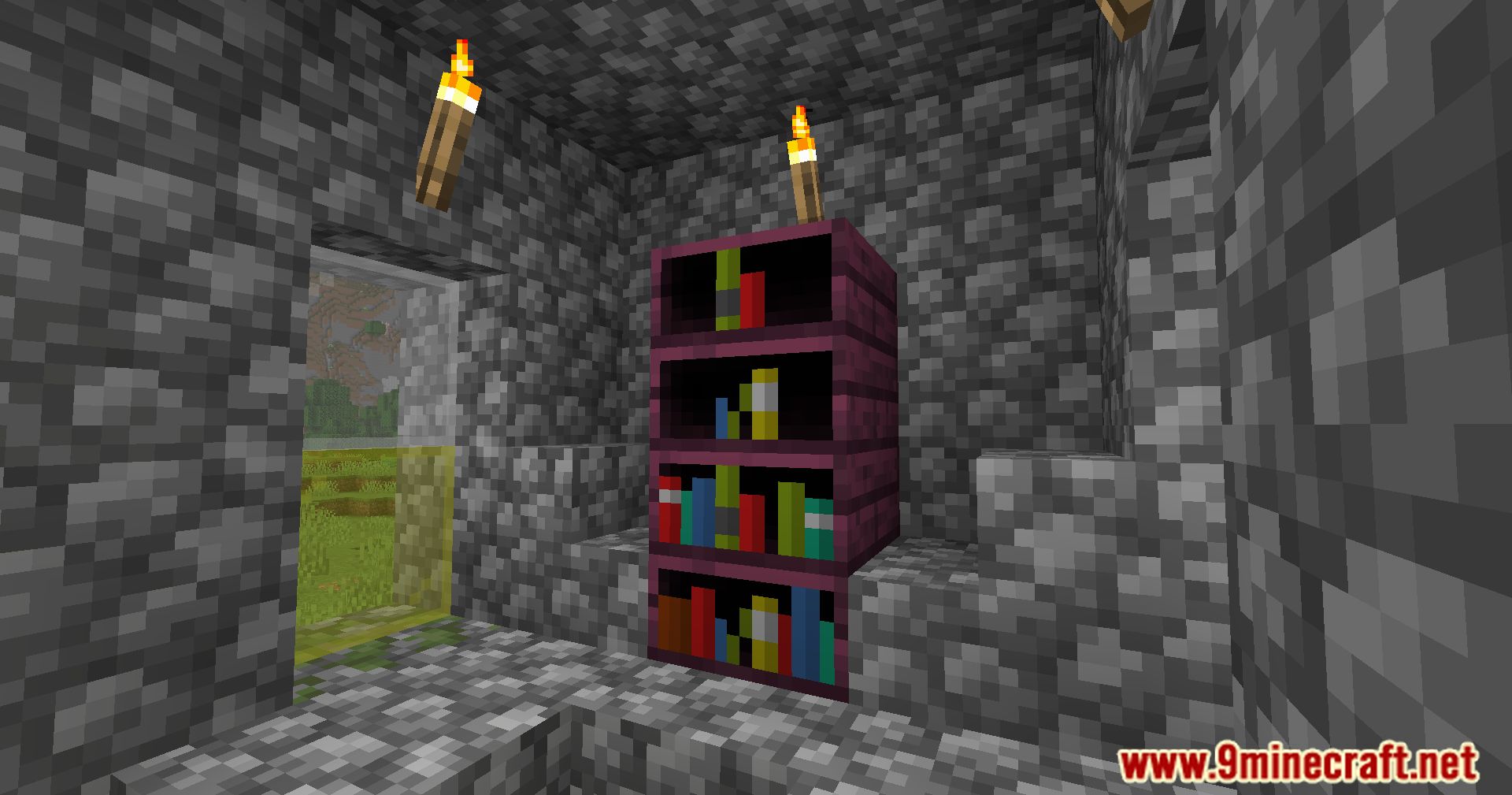
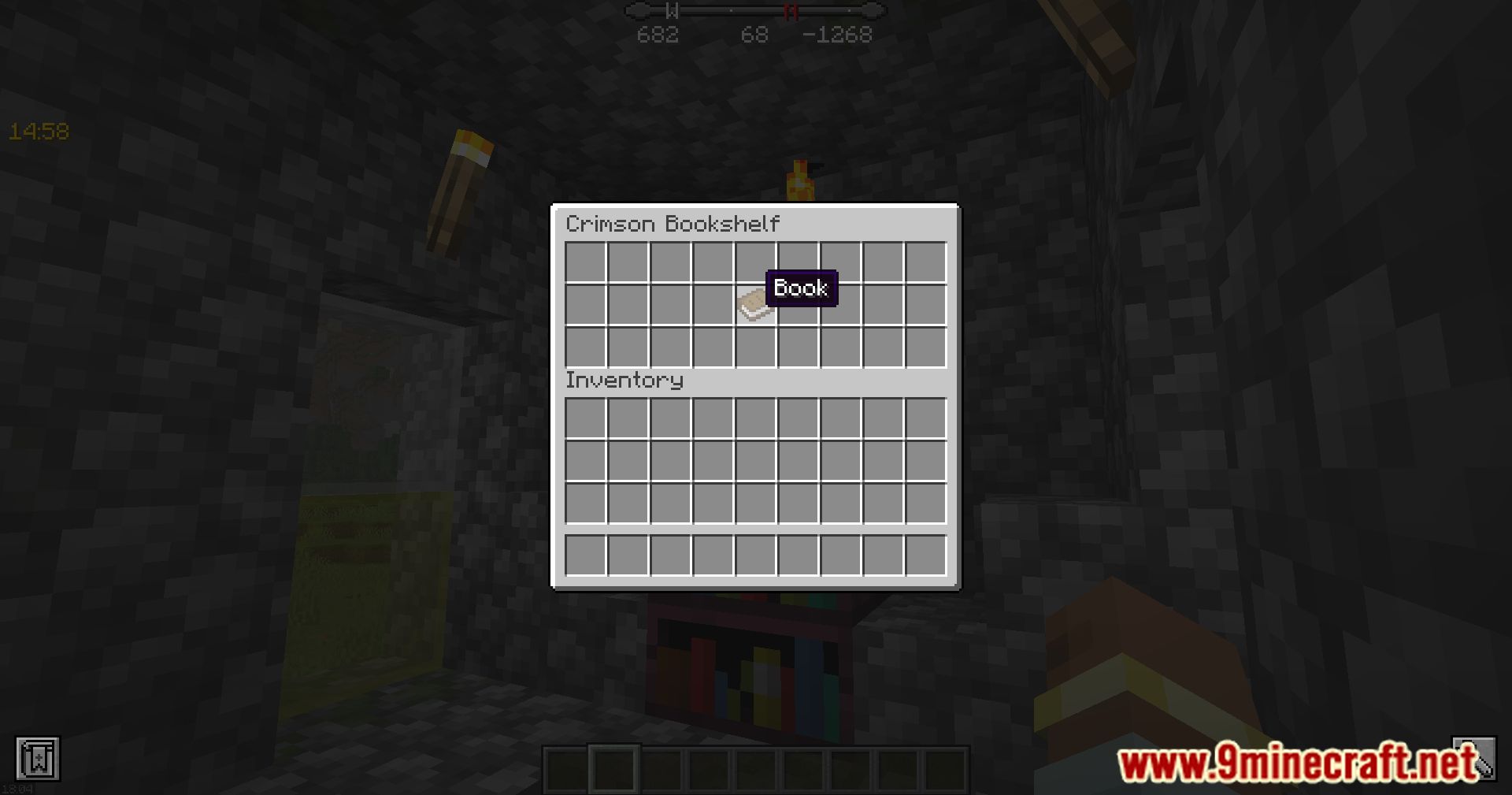
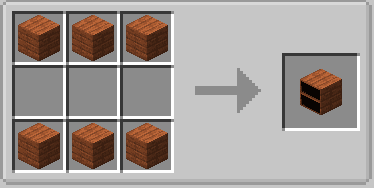
Giacomo's Bookshelf Mod adds a bookshelf cabinet to Minecraft, which you can interact with and use to store books. It's crafted quite easily, can be…
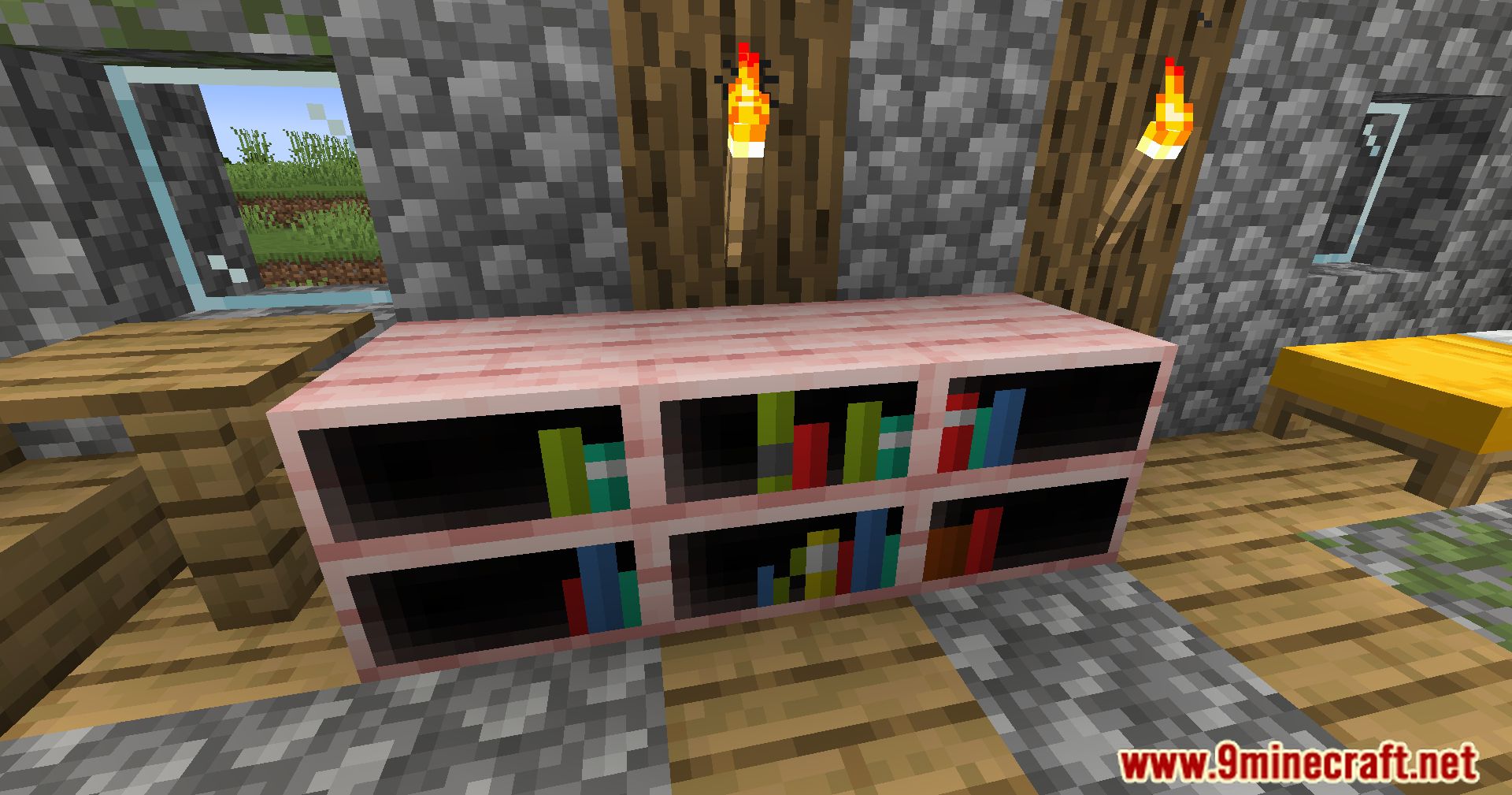
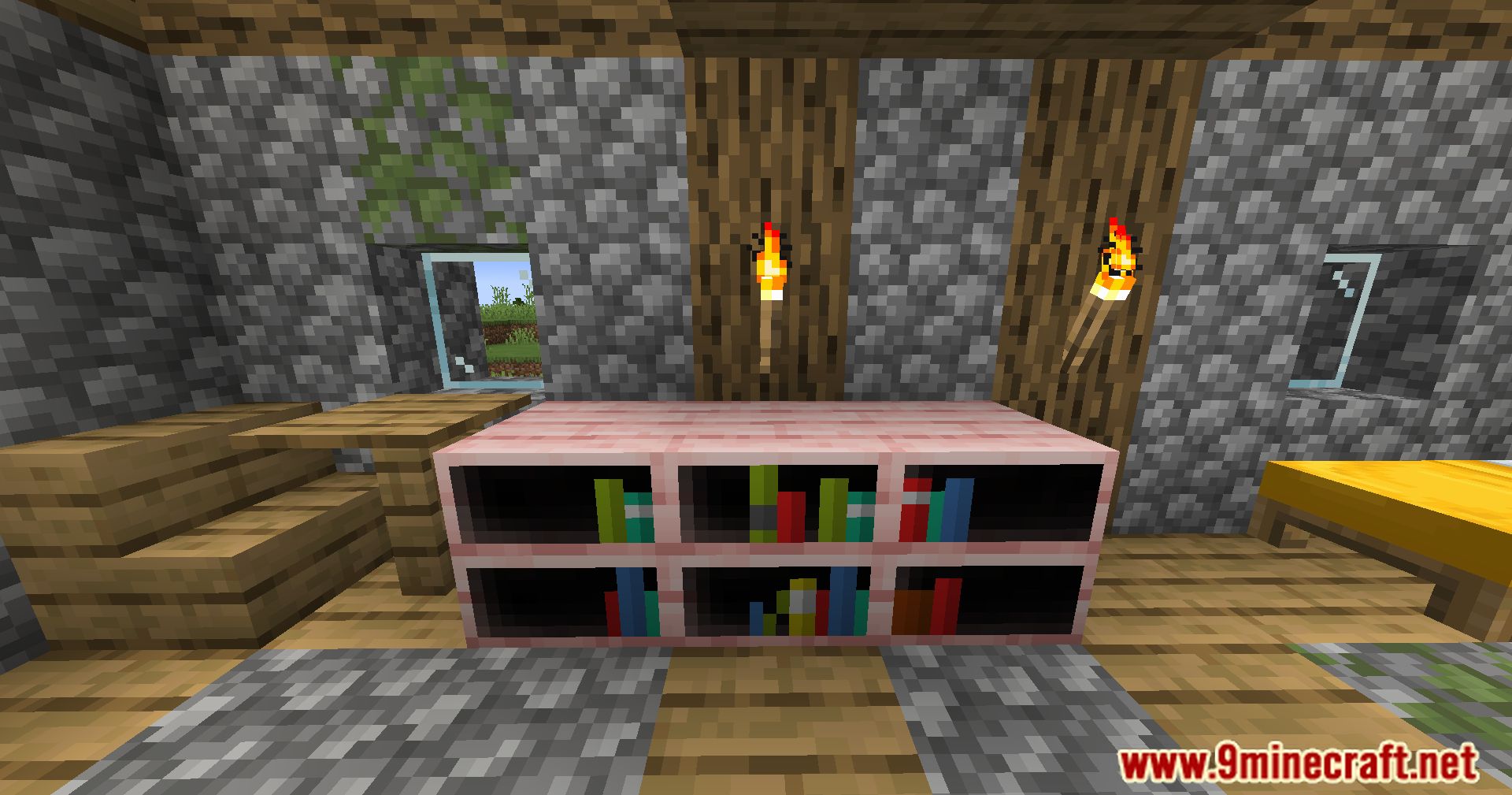
⬇ DownloadGiacomo’s Bookshelf Mod adds a bookshelf cabinet to Minecraft, which you can interact with and use to store books. It’s crafted quite easily, can be broken with a hand, and its appearance is randomized, making it perfect for decorating a home library. It can hold notes, handwritten books, potion books, and a few other book-like items.
Features:
- These bookshelves can store books, maps, and paper, making them functional and decorative.
- They act as a power source for the enchantment table. The number of books stored affects the power level.
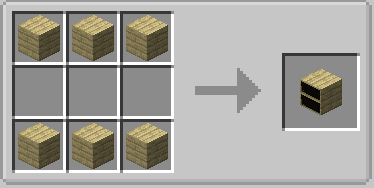
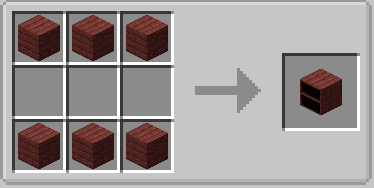
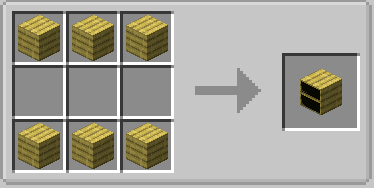
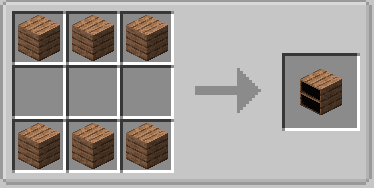
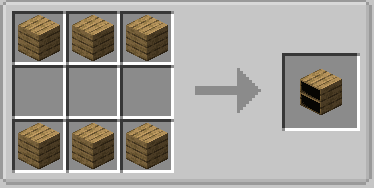
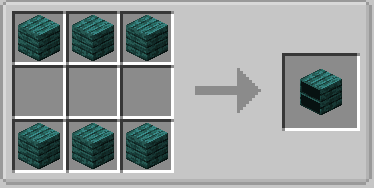
- There are 11 bookshelf designs, each corresponding to different wood types used in crafting.
- Bookshelves can be broken by hand or with an axe for faster results. Items stored inside are dropped when broken.
- If harvested with a Silk Touch-enchanted tool, the bookshelf retains its stored items.
Screenshots:
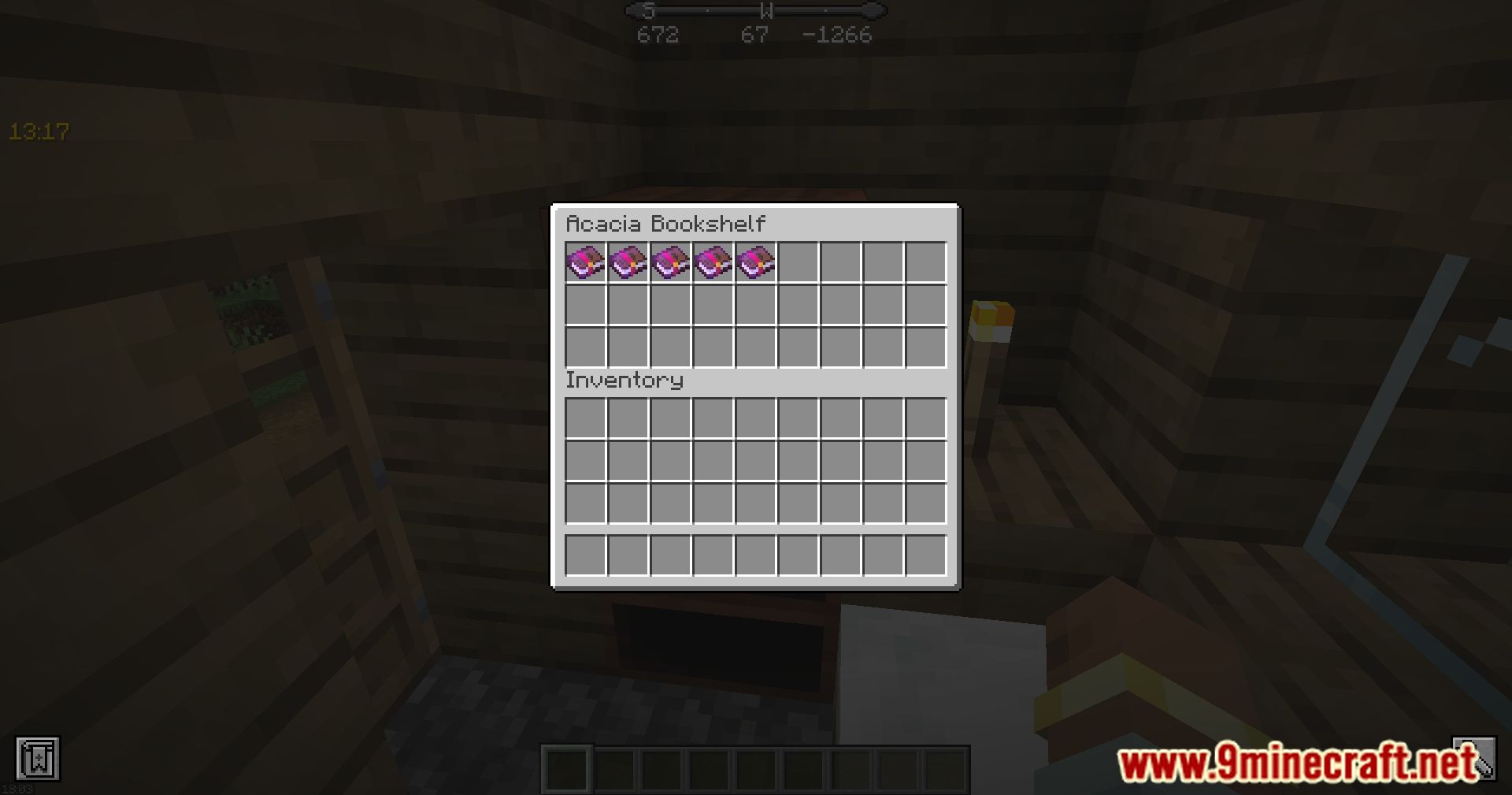
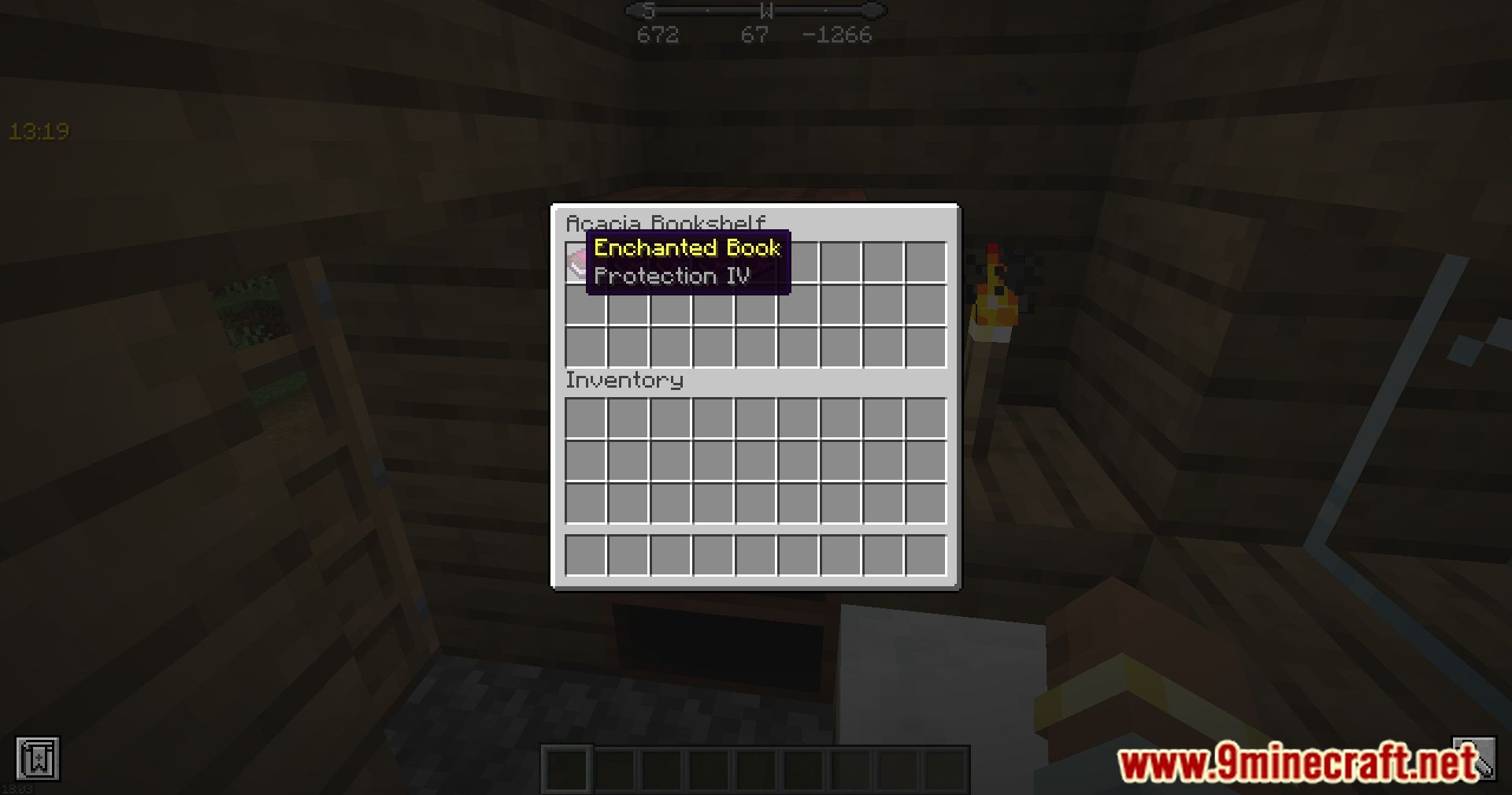
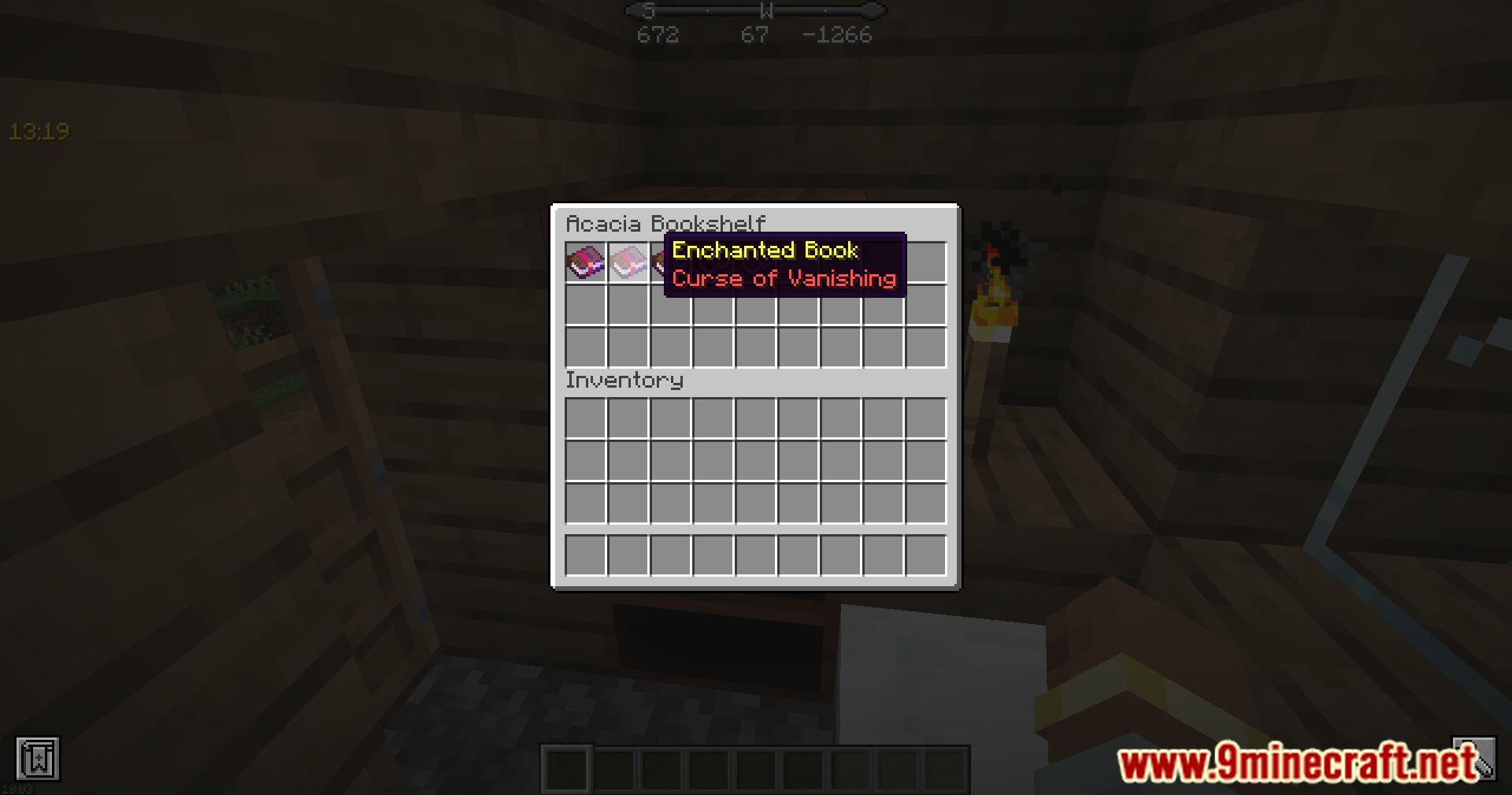
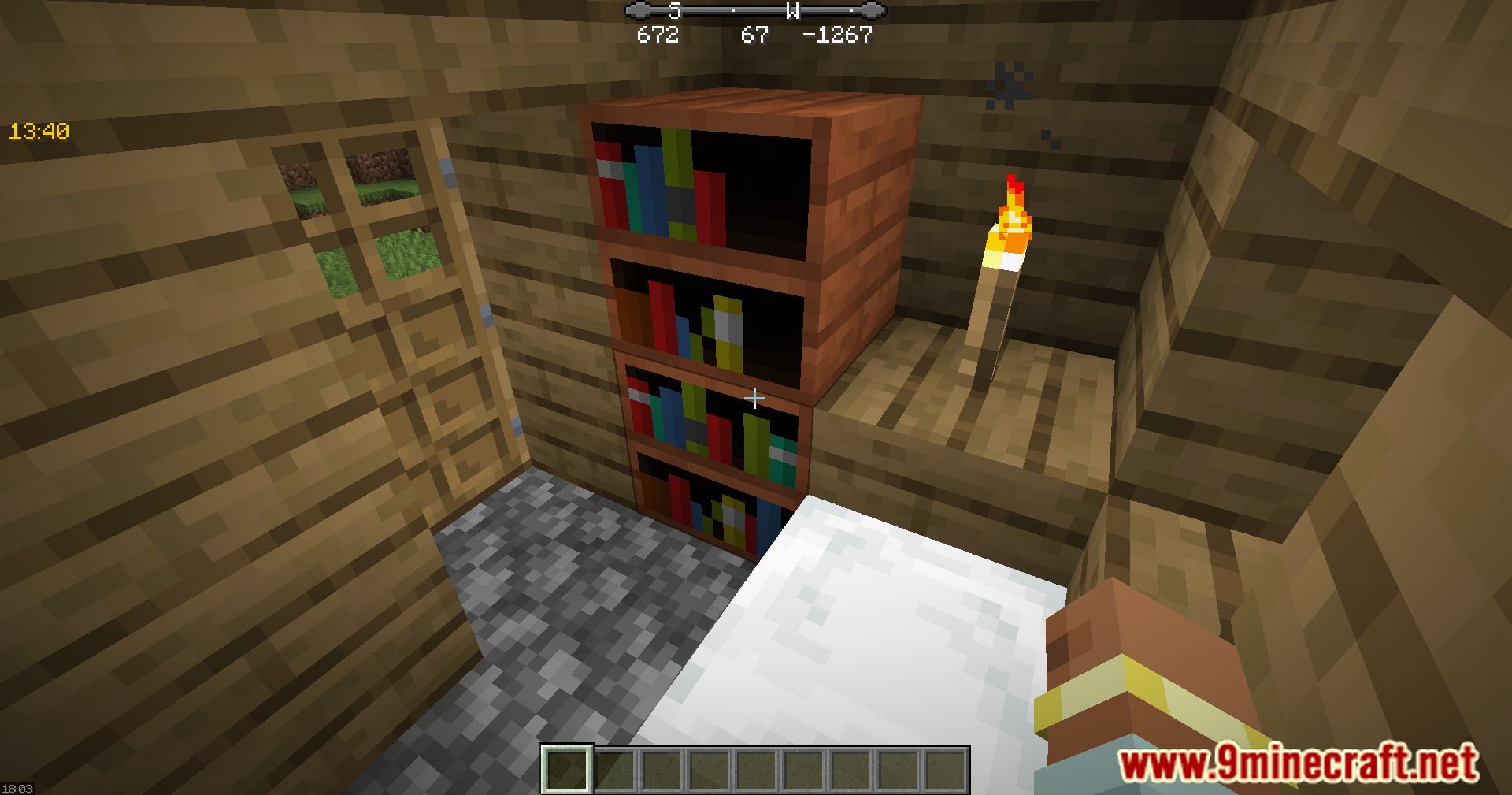
Crafting Recipes:
Requires:
Minecraft Forge
Giacomo’s Bookshelf Mod Download Links
For Minecraft 1.11.2
Forge Version: Download from Server 1 – Download from Server 2
For Minecraft 1.12.2
Forge Version: Download from Server 1 – Download from Server 2
For Minecraft 1.19
Forge Version: Download from Server 1 – Download from Server 2
For Minecraft 1.19.2
Forge Version: Download from Server 1 – Download from Server 2
For Minecraft 1.19.3
Forge Version: Download from Server 1 – Download from Server 2
For Minecraft 1.19.4
Forge Version: Download from Server 1 – Download from Server 2
For Minecraft 1.20.1, 1.20
Forge Version: Download from Server 1 – Download from Server 2
For Minecraft 1.20.2
Forge Version: Download from Server 1 – Download from Server 2
For Minecraft 1.20.4, 1.20.3
Forge Version: Download from Server 1 – Download from Server 2
- Edition: Minecraft Java
- File type: .jar
- Minecraft versions listed: 1.20.4, 1.20.1
- How to install: Install the matching mod loader (Forge, Fabric or NeoForge) for your Minecraft version. → Download the .jar. → Put it in the .minecraft/mods folder and launch that loader profile.
- Where to get it: In MC Java Mods, or directly above on this page.
Install steps are the general flow for this file type — How to install Minecraft Java mods & modpacks walks through it step by step.
- Downloads as 203812.mcaddon
- Download size: 175 KB
- Download link checked 30 Jul 2026 — working
- Mirrored on our own servers — the download does not depend on the original host
These come from our own check of the pack file, not from the source page.