Grid Mod (1.20.4, 1.19.2) – A Builder's Best Friend
As an avid Minecraft player, I've come across numerous mods that aim to enhance the gameplay experience. However, few have managed to impress me as much…
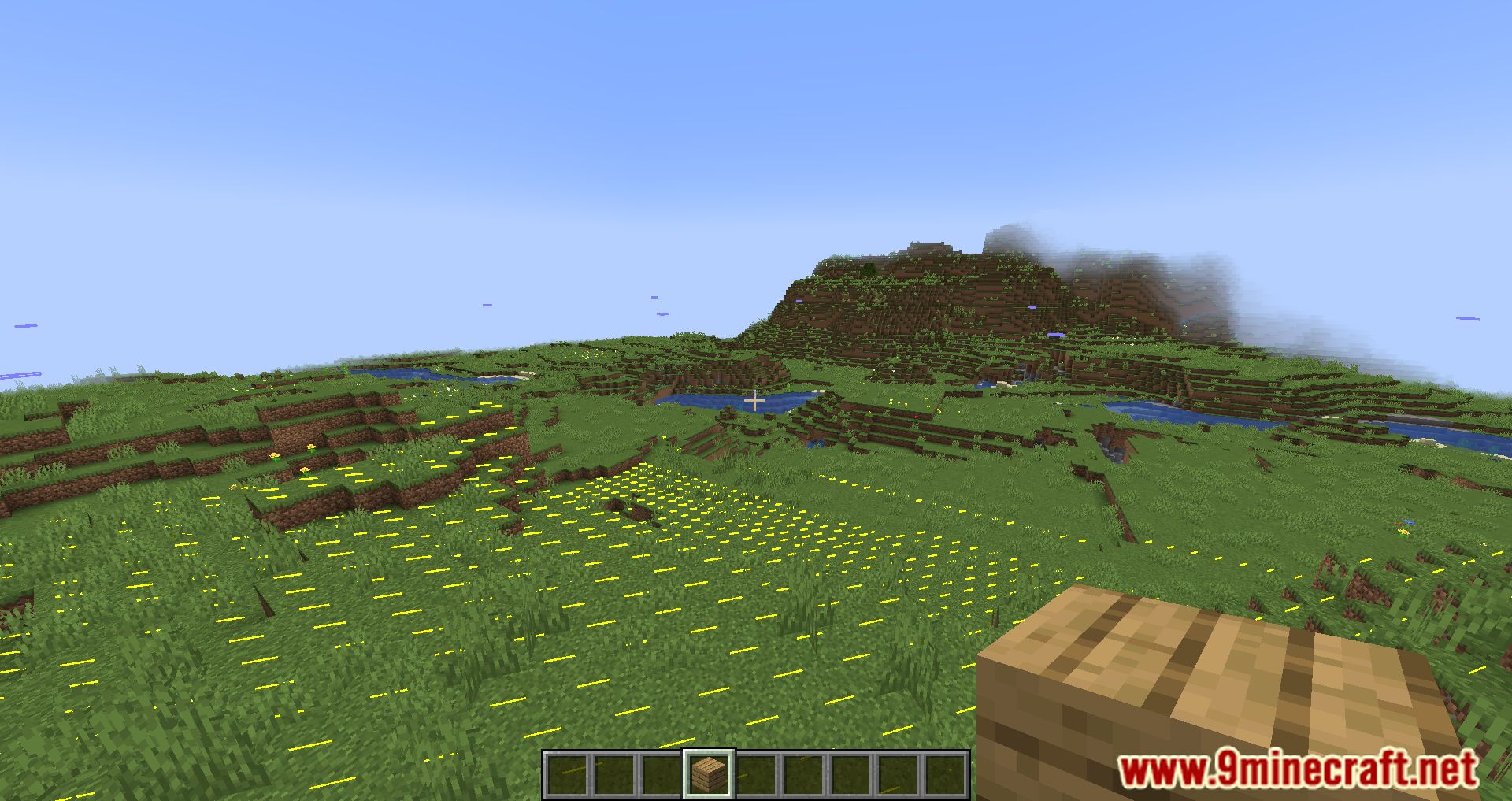
⬇ DownloadAs an avid Minecraft player, I’ve come across numerous mods that aim to enhance the gameplay experience. However, few have managed to impress me as much as the mod. Grid Mod is a game-changer for builders, offering a grid overlay that simplifies block counting and placement, making it an invaluable tool for large-scale construction projects. This mod is a simple yet powerful tool that overlays a grid on your Minecraft world. This grid can be configured to your liking, allowing you to highlight blocks based on your specific needs. Whether you’re laying a railroad track every 20th block or strategically placing torches to prevent mob spawns, the Grid mod has got you covered.
However, the Grid mod isn’t just about grids. It also offers a range of other features that can significantly enhance your gameplay experience. For instance, it can show possible mob spawn locations, draw markers on blocks in a certain biome, and even draw a hex grid.
Features:
- Grid overlay with configurable spacing
- Block mode for highlighting specific blocks
- Line mode for displaying borders
- Ability to set the grid’s origin to the player’s current location
- Shows possible mob spawn locations
- Can draw markers on blocks in a certain biome
- Offers a hex grid
- User-friendly commands and reconfigurable keys
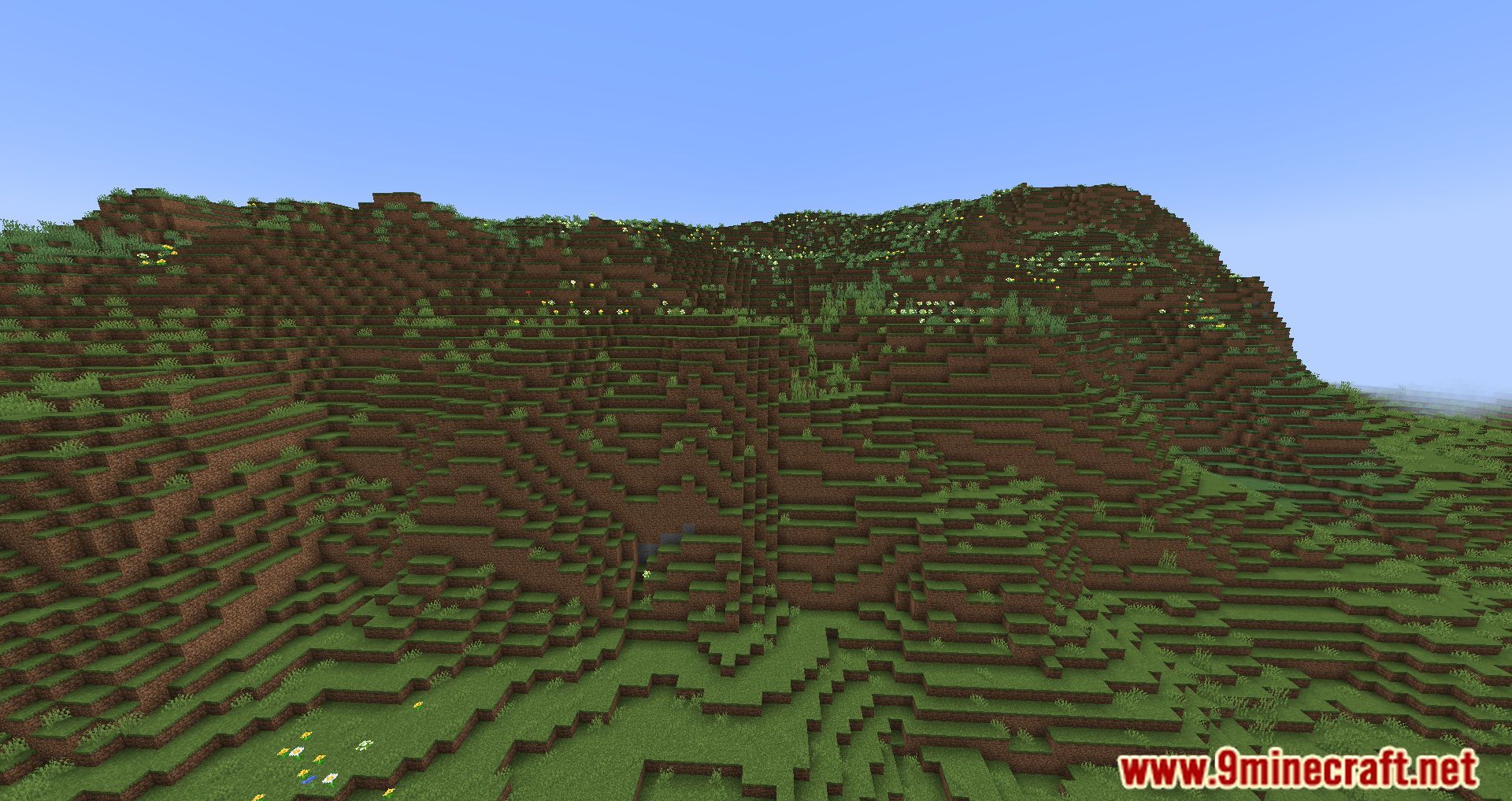
Screenshots:
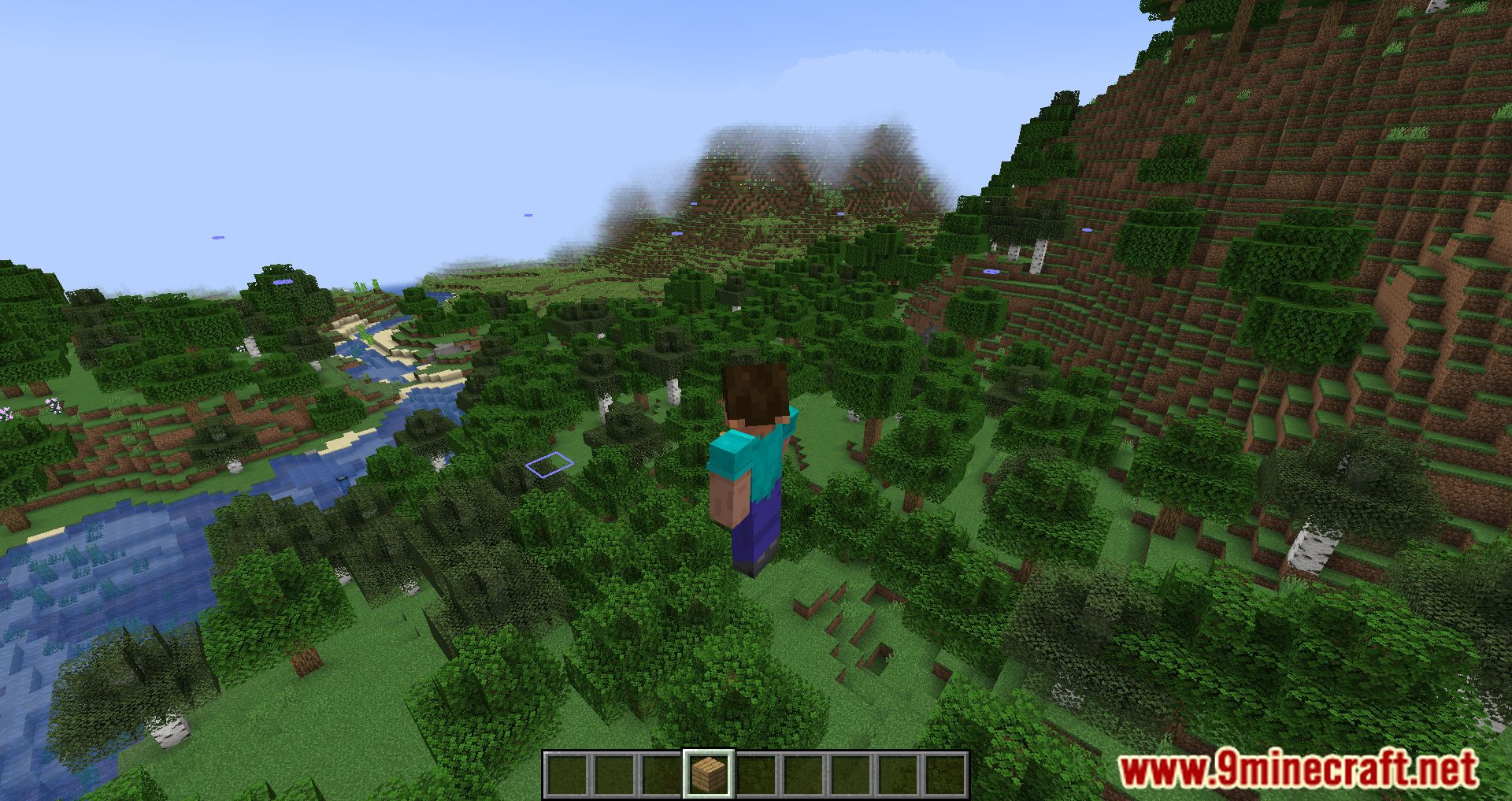
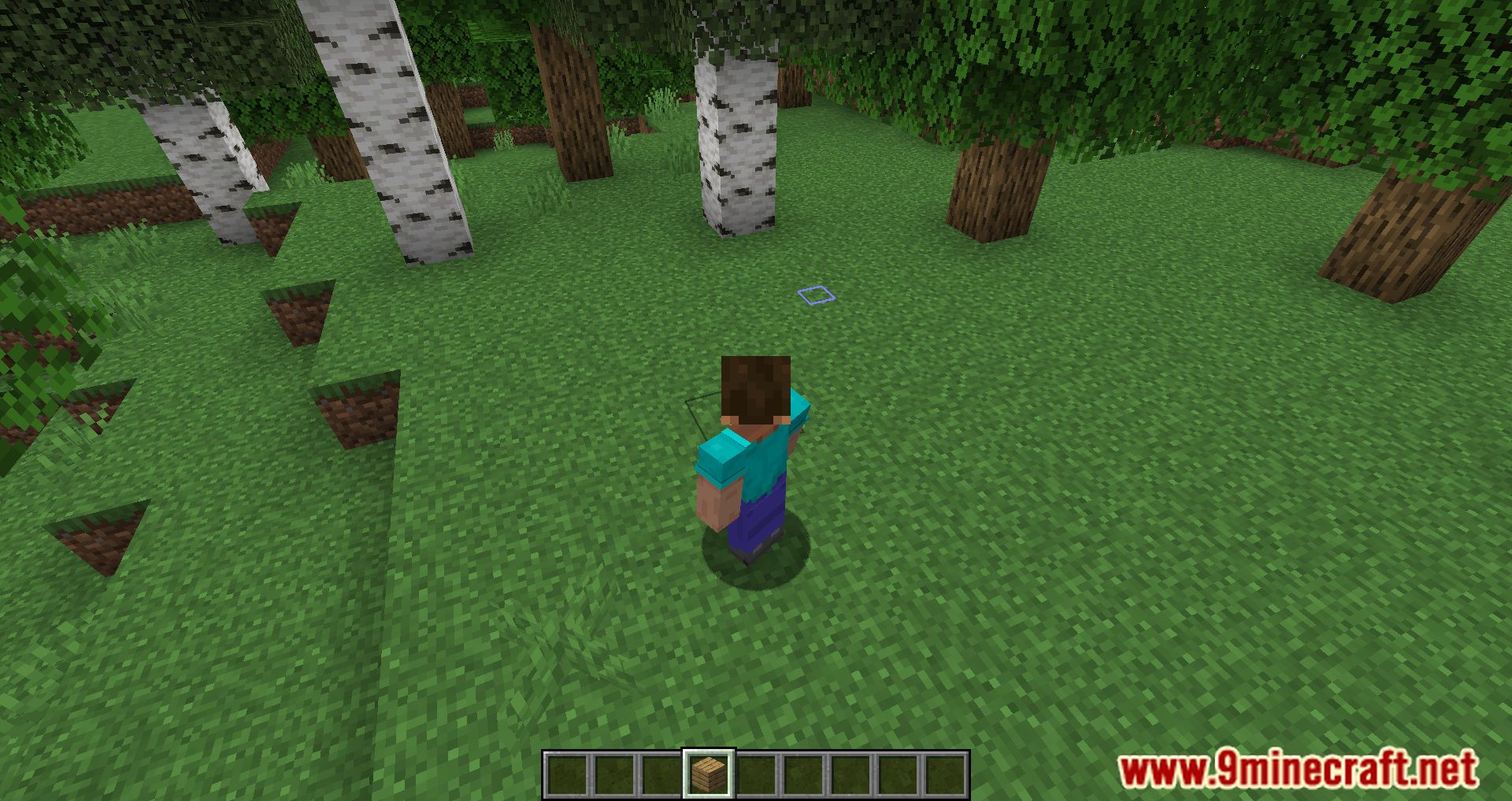
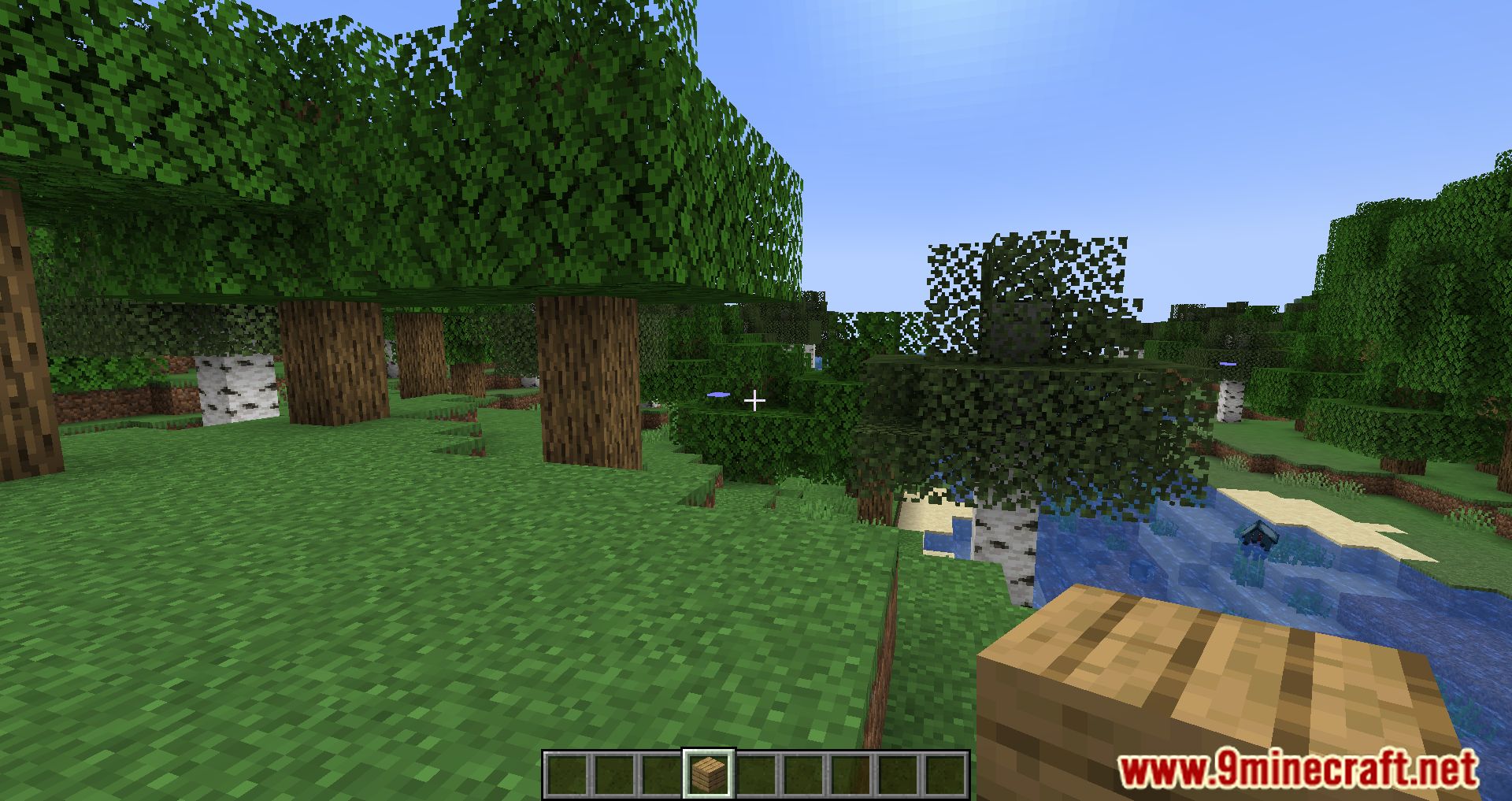
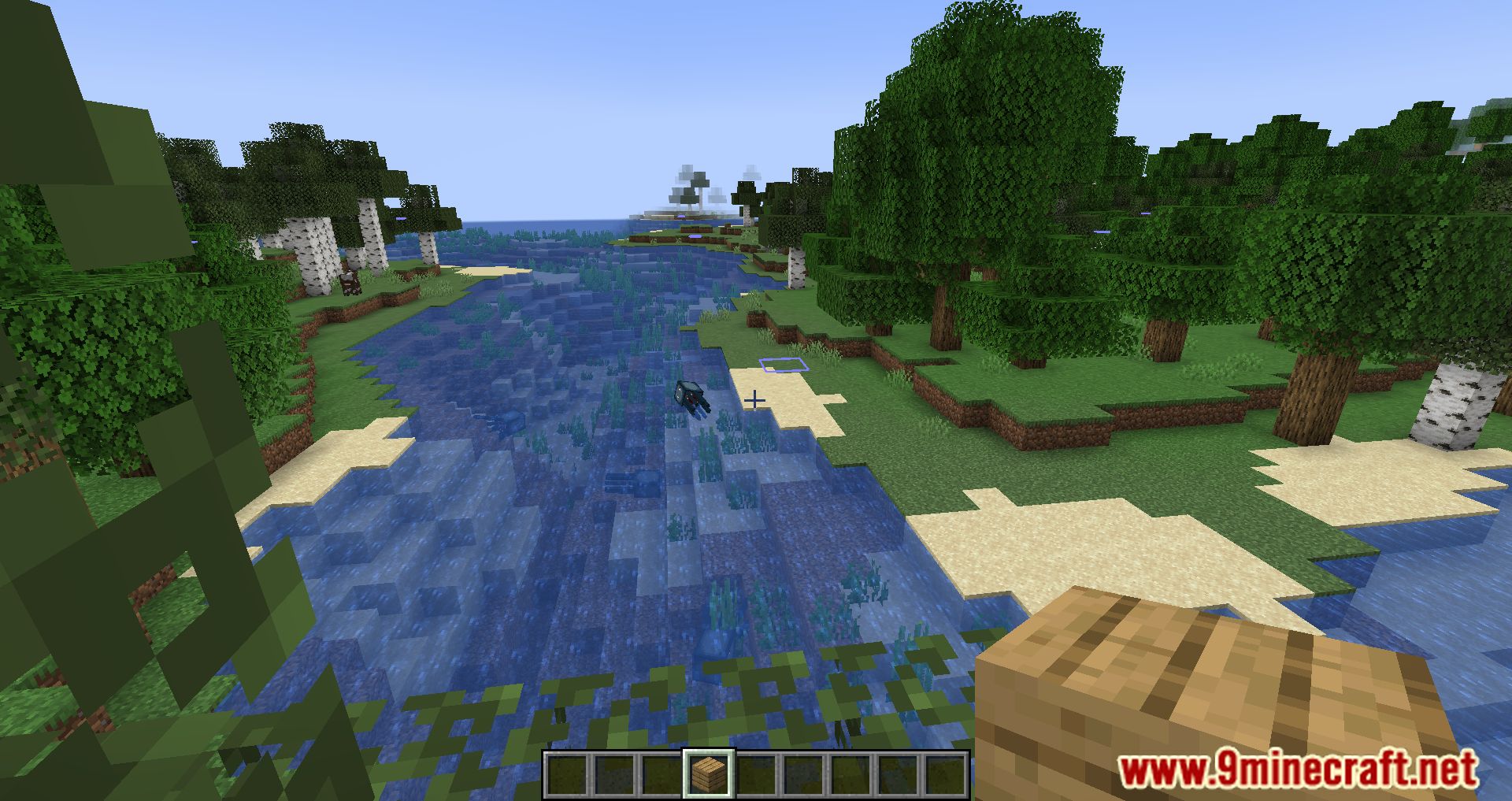
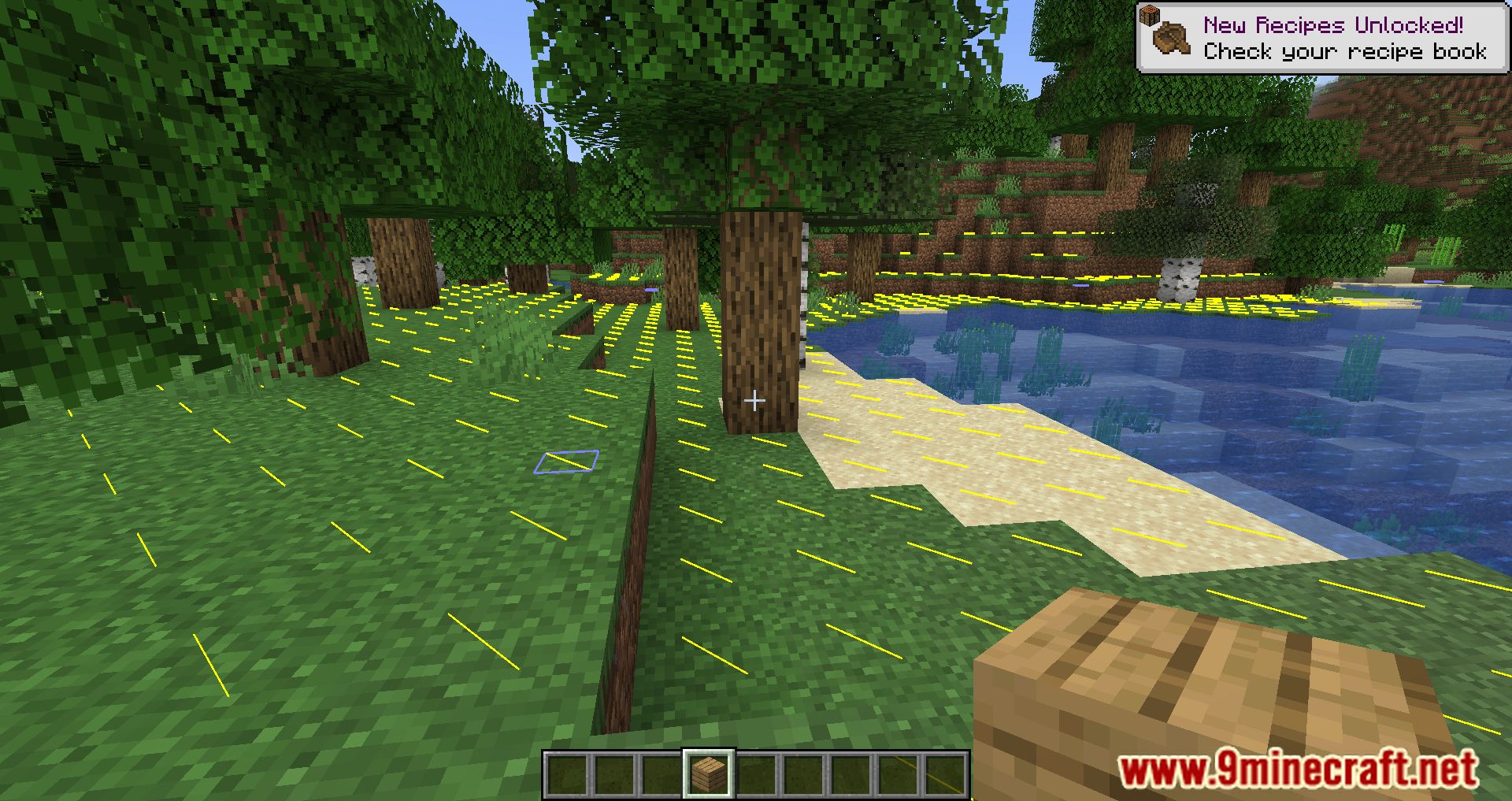
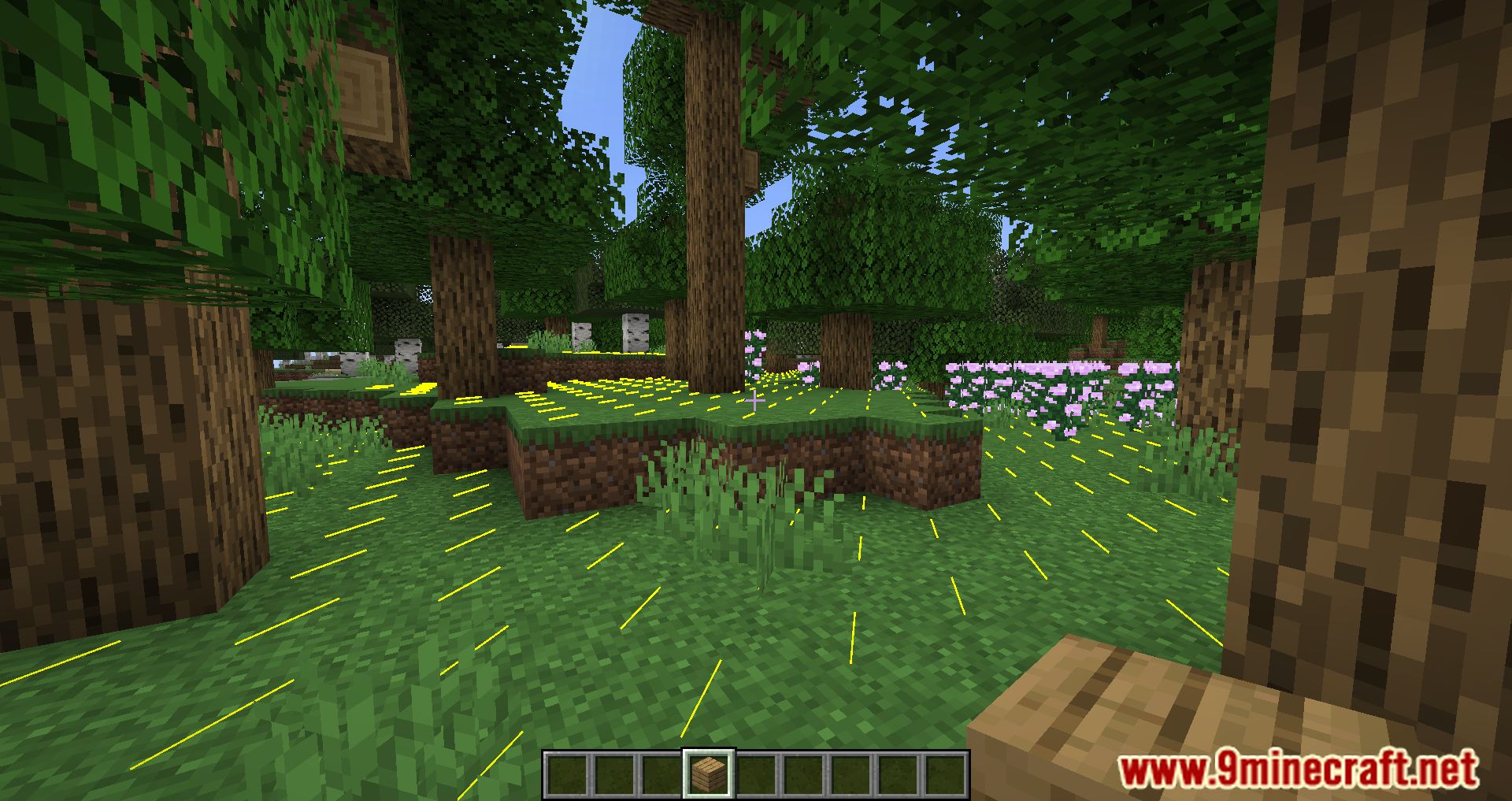
Grid Mod Download Links
For Minecraft 1.20.4, 1.20.3
Fabric version: Download from Server 1 – Download from Server 2
For Minecraft 1.20.1, 1.20
Fabric version: Download from Server 1 – Download from Server 2
For Minecraft 1.19.3
Fabric version: Download from Server 1 – Download from Server 2
For Minecraft 1.19.2, 1.19.1, 1.19
Fabric version: Download from Server 1 – Download from Server 2
For Minecraft 1.18.2
Fabric version: Download from Server 1 – Download from Server 2
For Minecraft 1.18.1
Fabric version: Download from Server 1 – Download from Server 2
For Minecraft 1.17.1
Fabric version: Download from Server 1 – Download from Server 2
For Minecraft 1.16.5
Fabric version: Download from Server 1 – Download from Server 2
For Minecraft 1.15.2
Fabric version: Download from Server 1 – Download from Server 2
For Minecraft 1.12.2
Forge version: Download from Server 1 – Download from Server 2
- Edition: Minecraft Java
- File type: .jar
- Minecraft versions listed: 1.20.4, 1.19.2
- How to install: Install the matching mod loader (Forge, Fabric or NeoForge) for your Minecraft version. → Download the .jar. → Put it in the .minecraft/mods folder and launch that loader profile.
- Where to get it: In MC Java Mods, or directly above on this page.
Install steps are the general flow for this file type — How to install Minecraft Java mods & modpacks walks through it step by step.
- Downloads as 203823.mcaddon
- Download size: 123 KB
- Download link checked 30 Jul 2026 — working
- Mirrored on our own servers — the download does not depend on the original host
These come from our own check of the pack file, not from the source page.