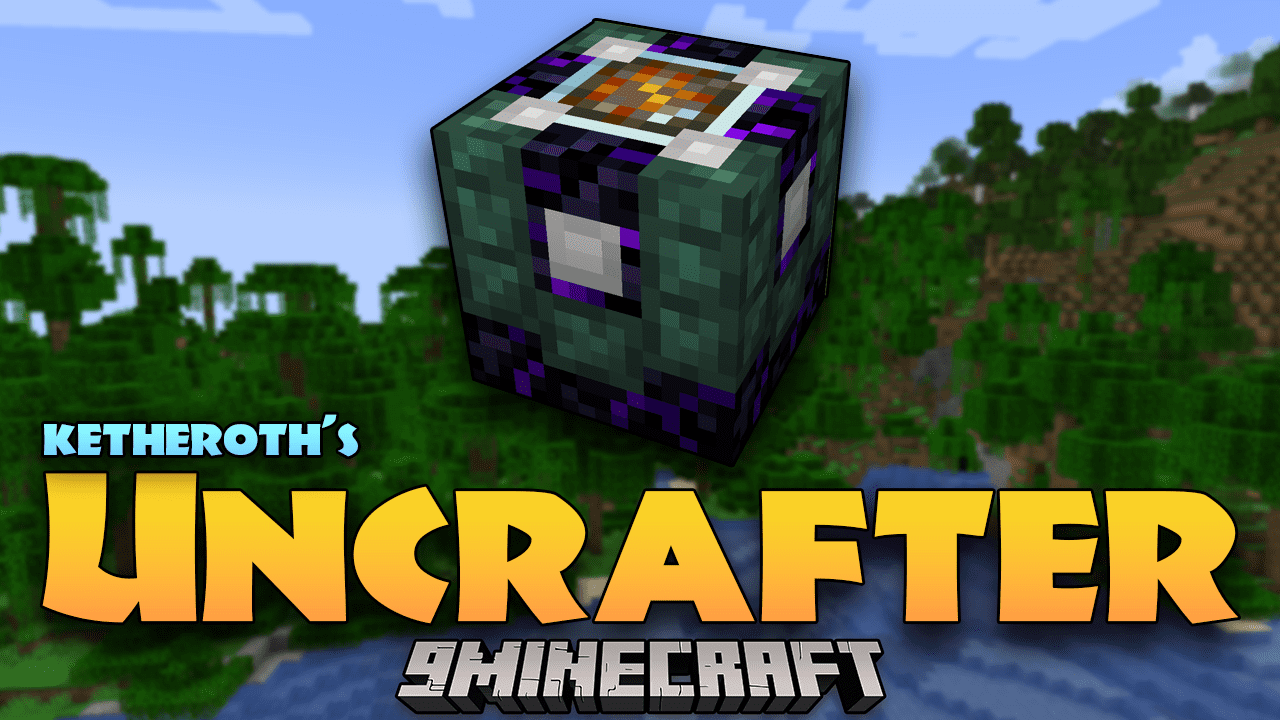
Ketheroth's Uncrafter Mod (1.20.1, 1.19.2) – Deconstruct With Precision And Reclaim Resources In Minecraft!
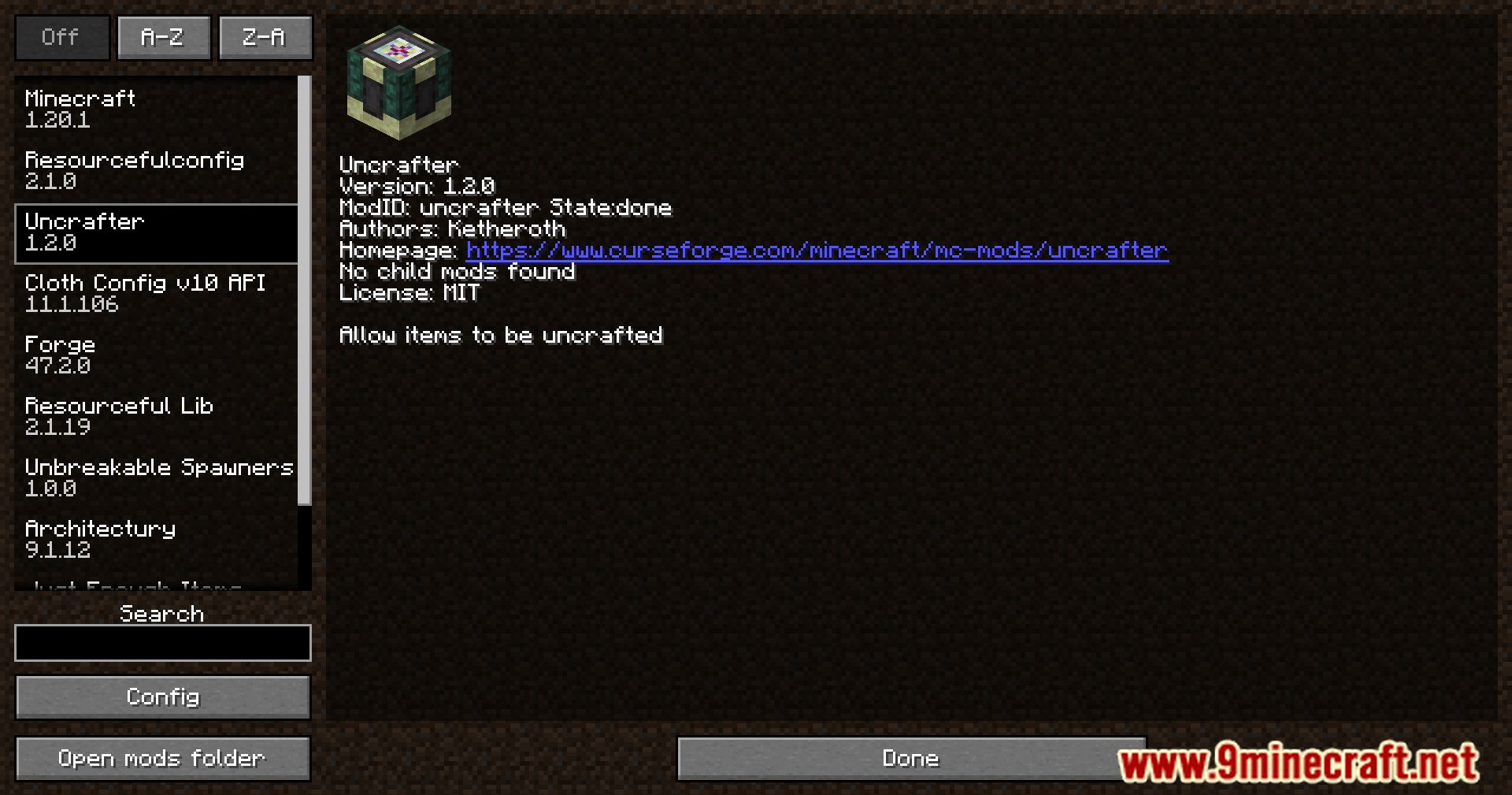
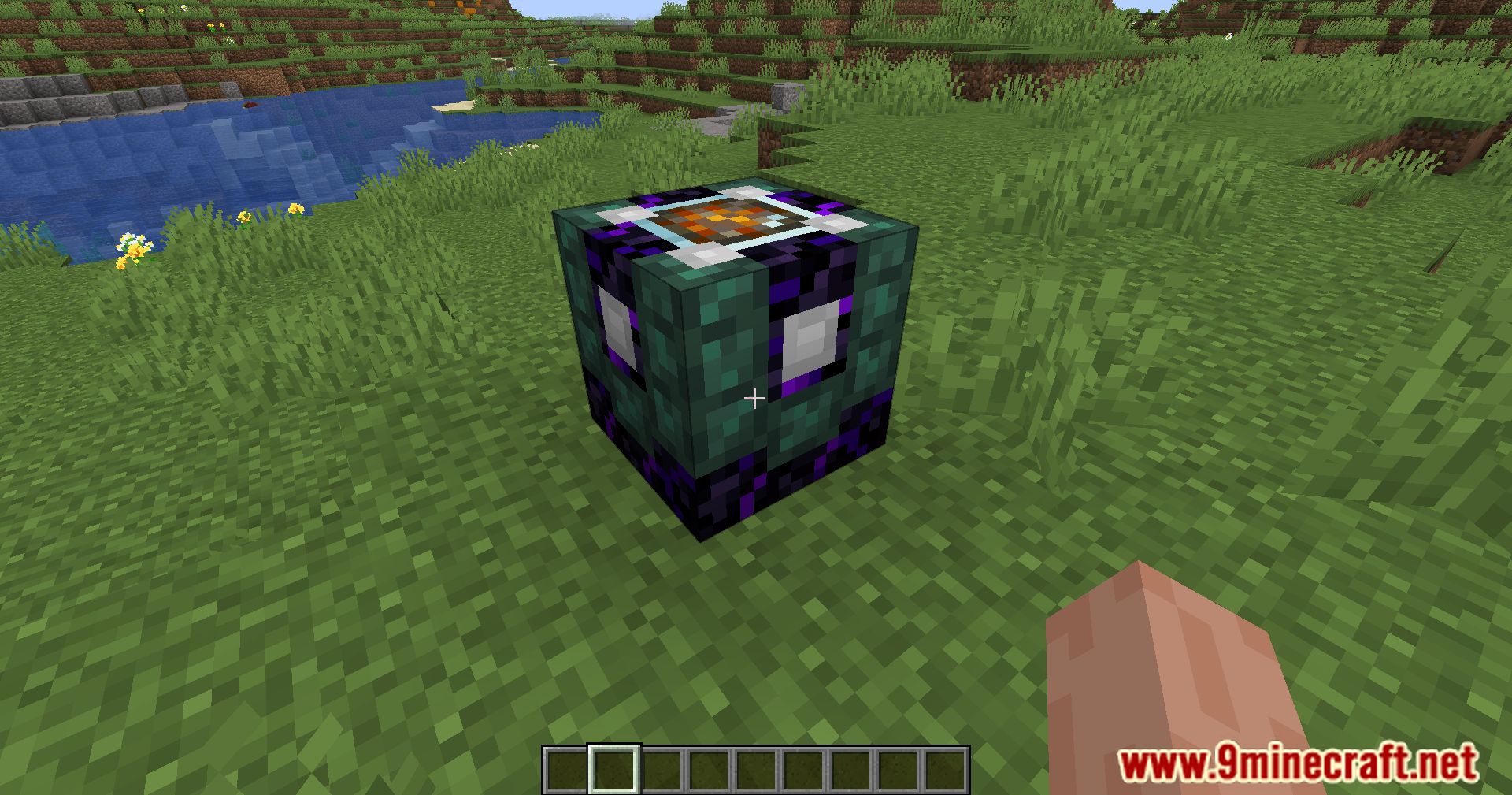
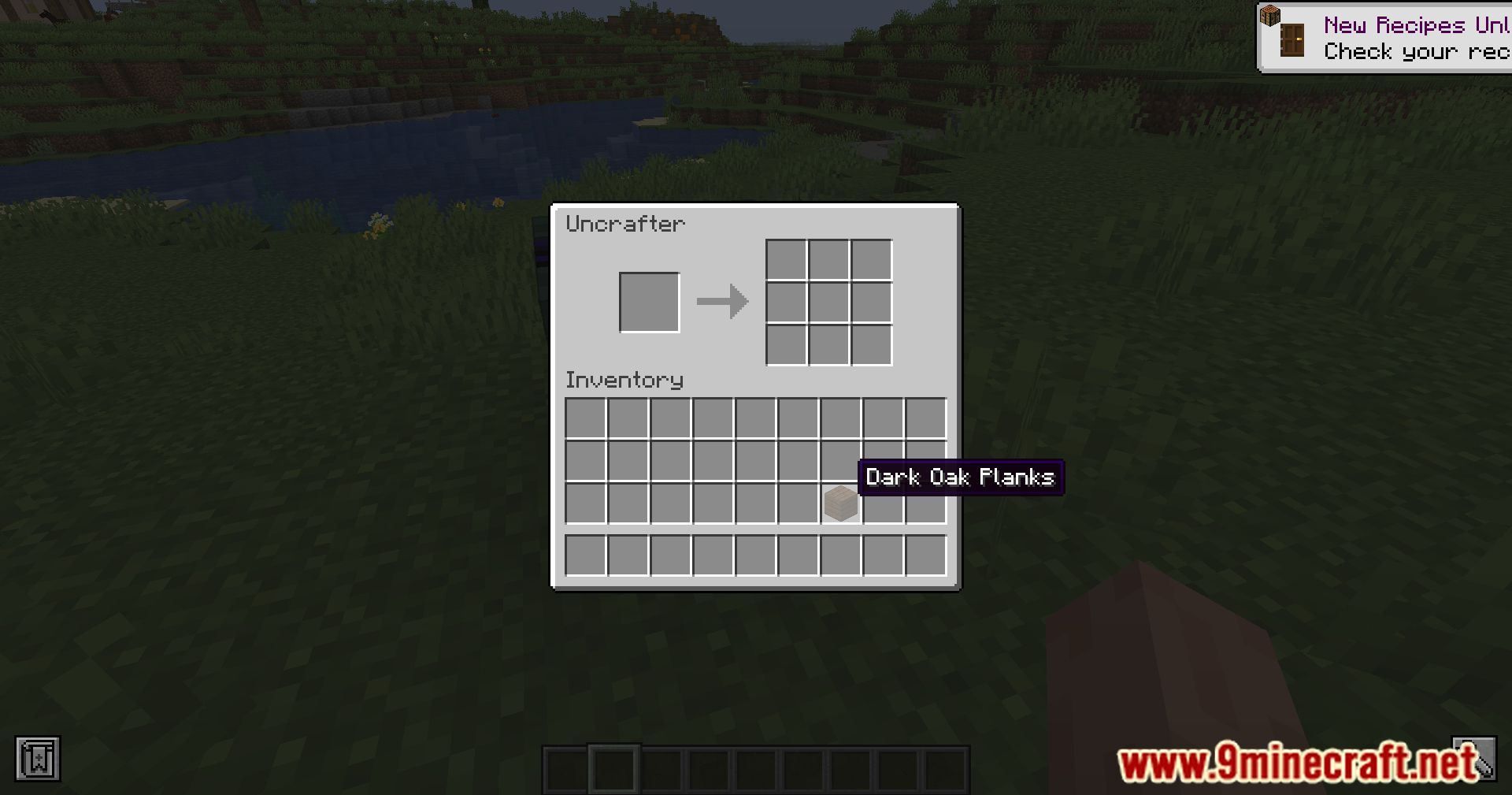
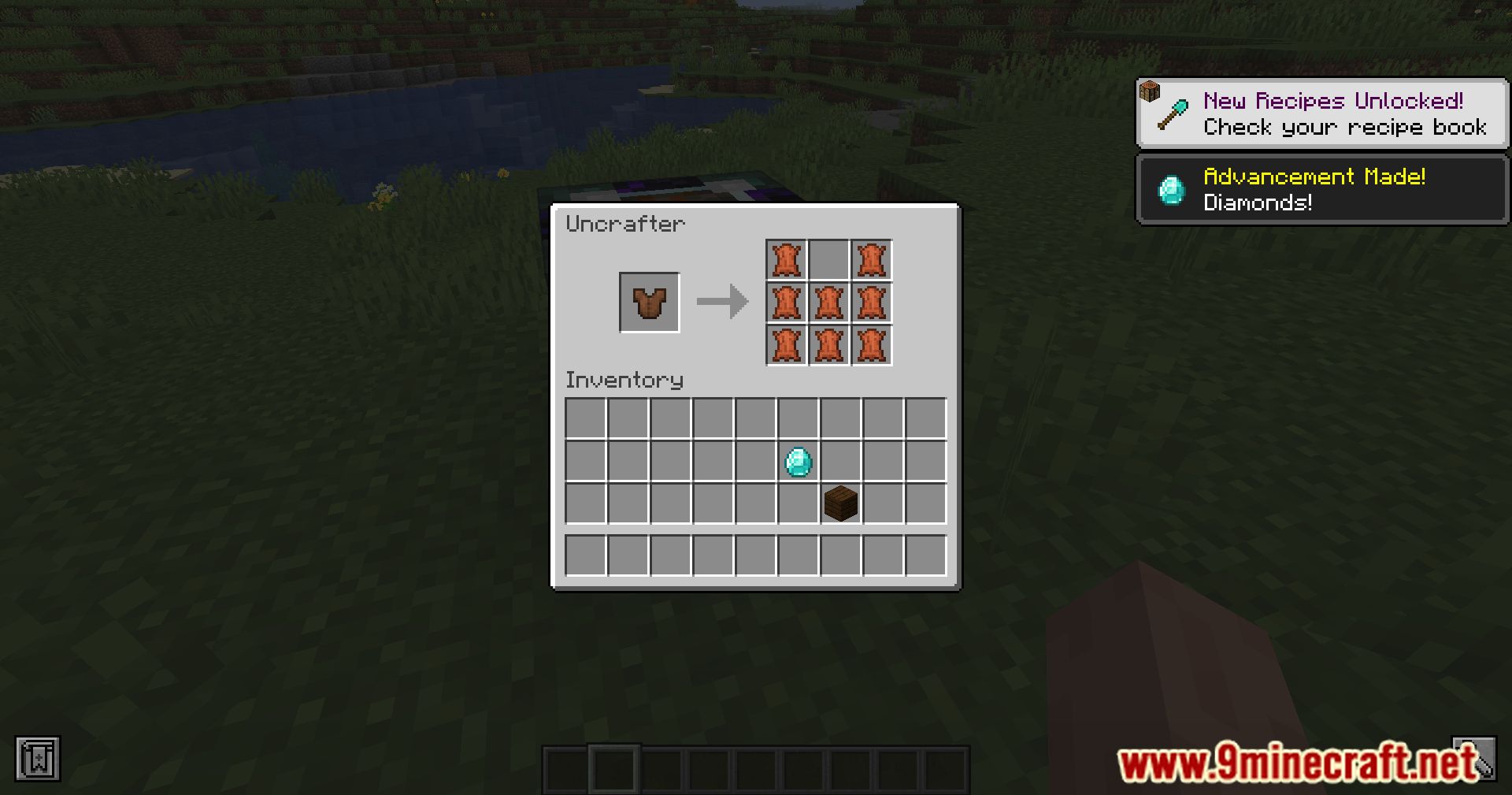
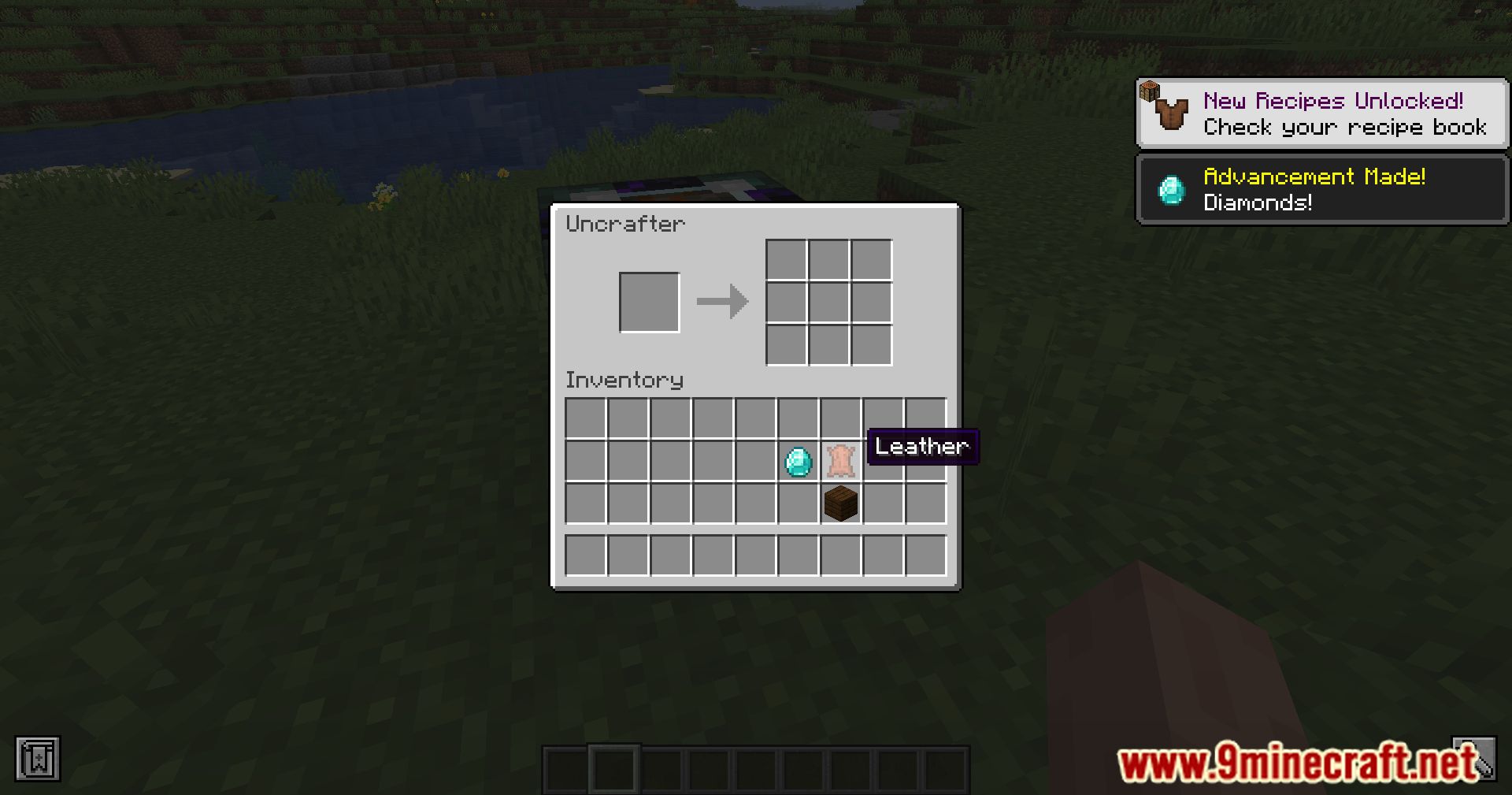
Unlock the power of deconstruction in Minecraft with the Ketheroth’s Uncrafter Mod. This mod introduces two essential blocks, the Uncrafter and the Advanced Uncrafter, designed to enhance your crafting experience by allowing the retrieval of ingredients and enchantments from crafted items. Both Uncrafter blocks empower you to reclaim valuable ingredients from crafted items, ensuring efficient resource management and reducing waste in your crafting endeavors. It adds a valuable layer of versatility to your crafting process, allowing you to deconstruct items and reclaim both ingredients and enchantments. Whether you’re looking to refine your crafting efficiency or salvage enchantments from unwanted gear, this mod provides the tools you need.
Features:
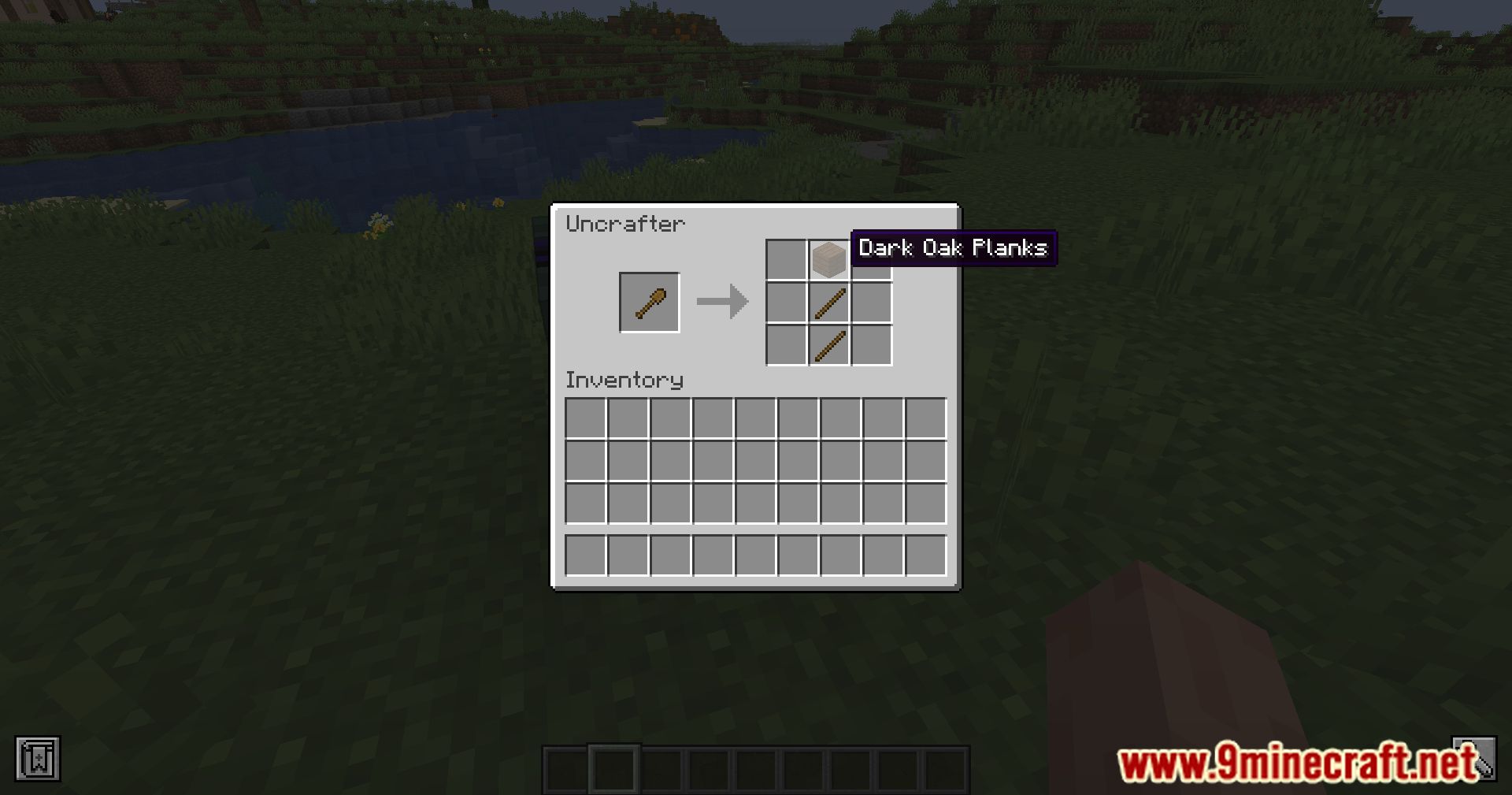
- The Uncrafter block enables you to retrieve a single ingredient from crafted items. Simplify your crafting process by reclaiming valuable resources from previously crafted items.
- Take your deconstruction capabilities to the next level with the Advanced Uncrafter.
- This block allows the retrieval of three ingredients and three enchantments (if the item is enchanted), providing a comprehensive deconstruction solution.
Screenshots:
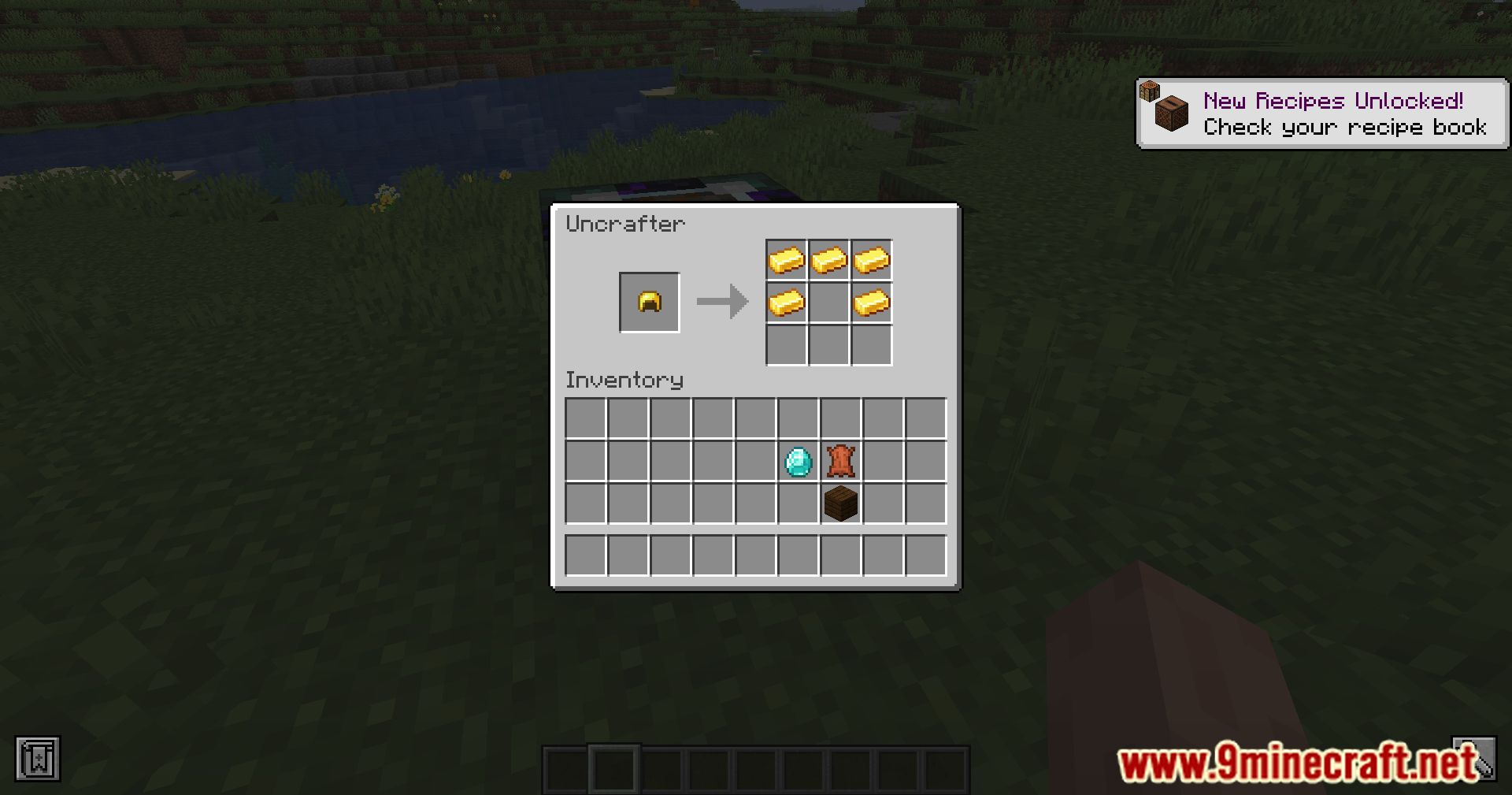
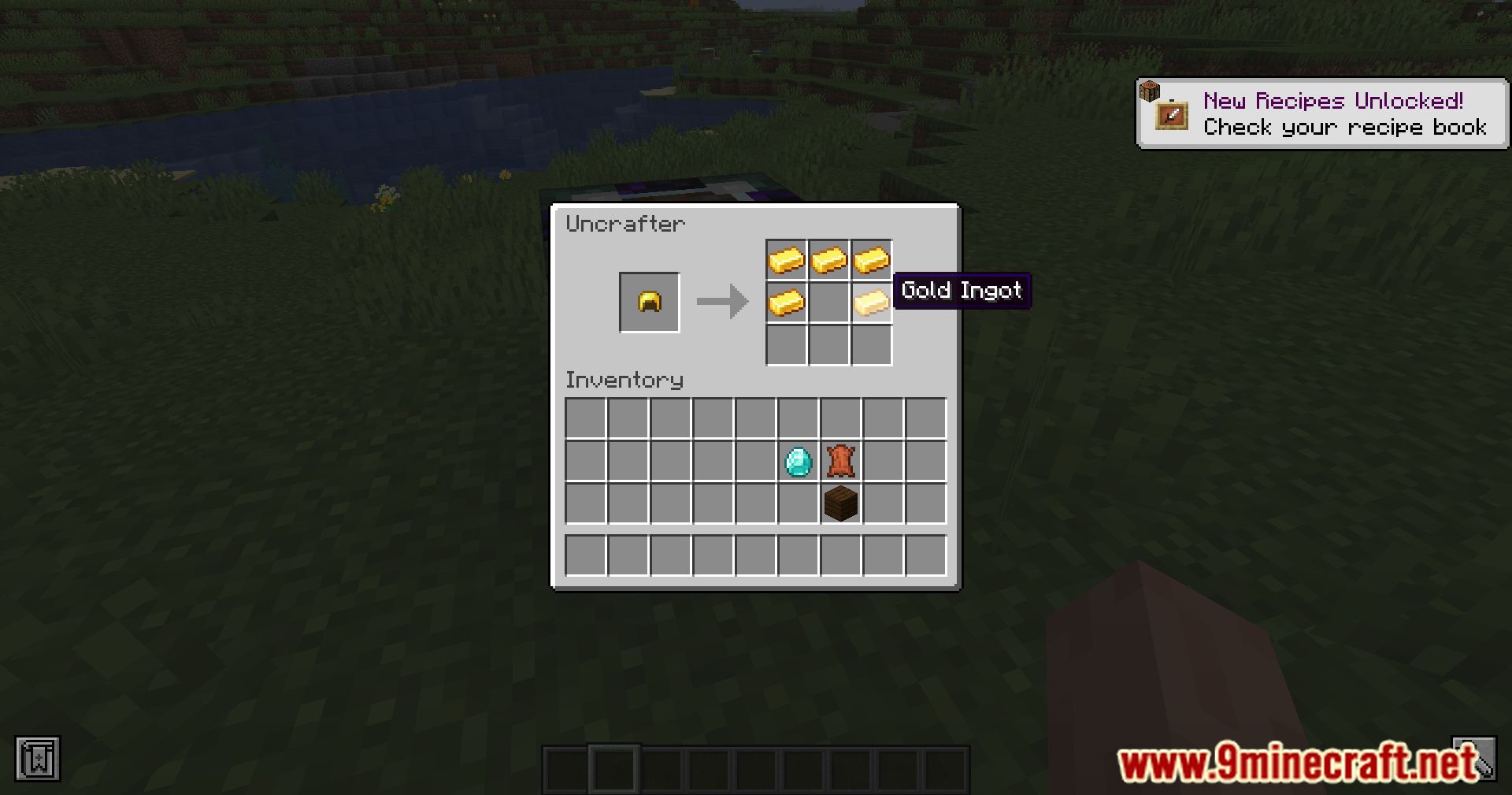
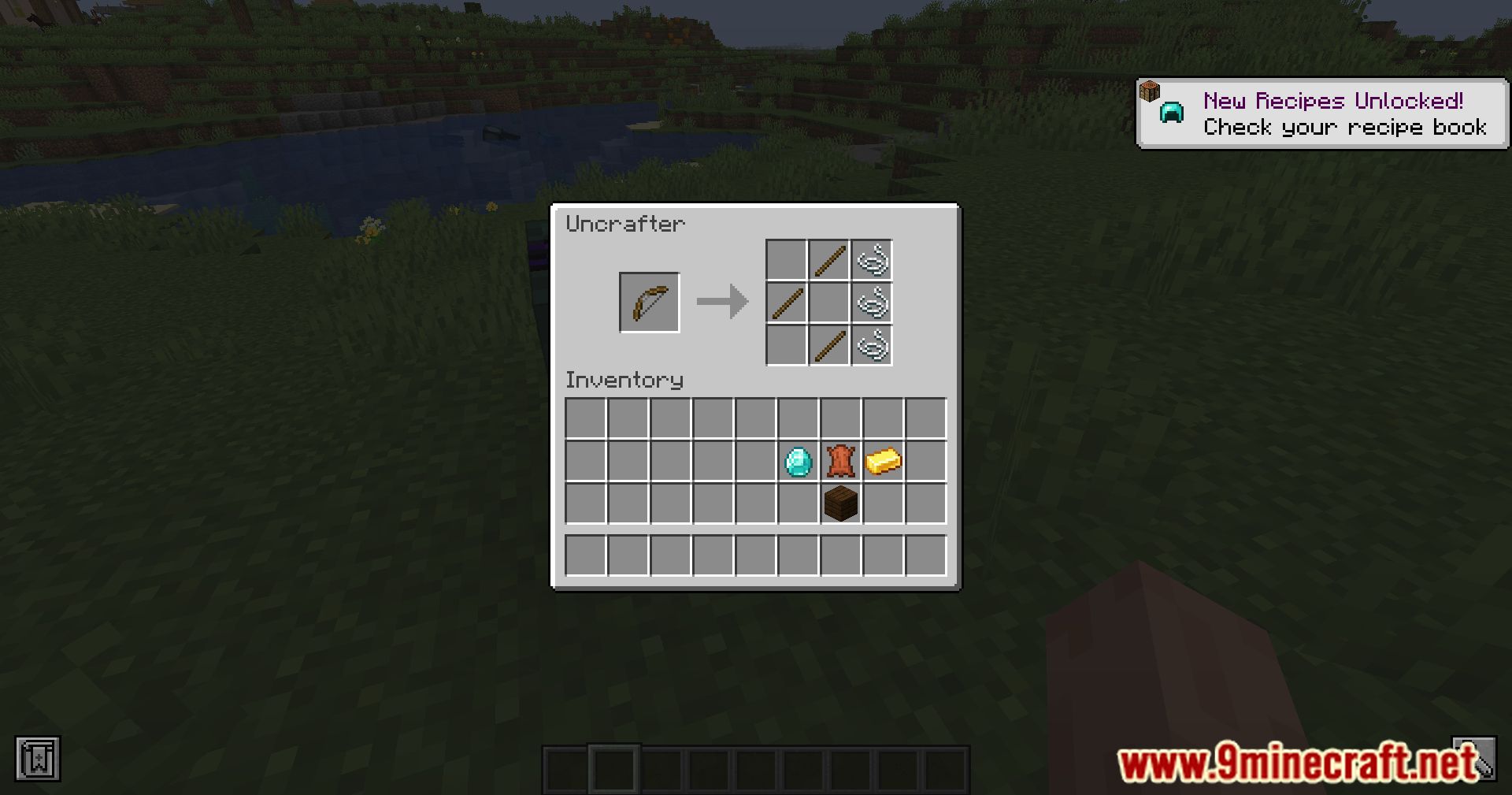
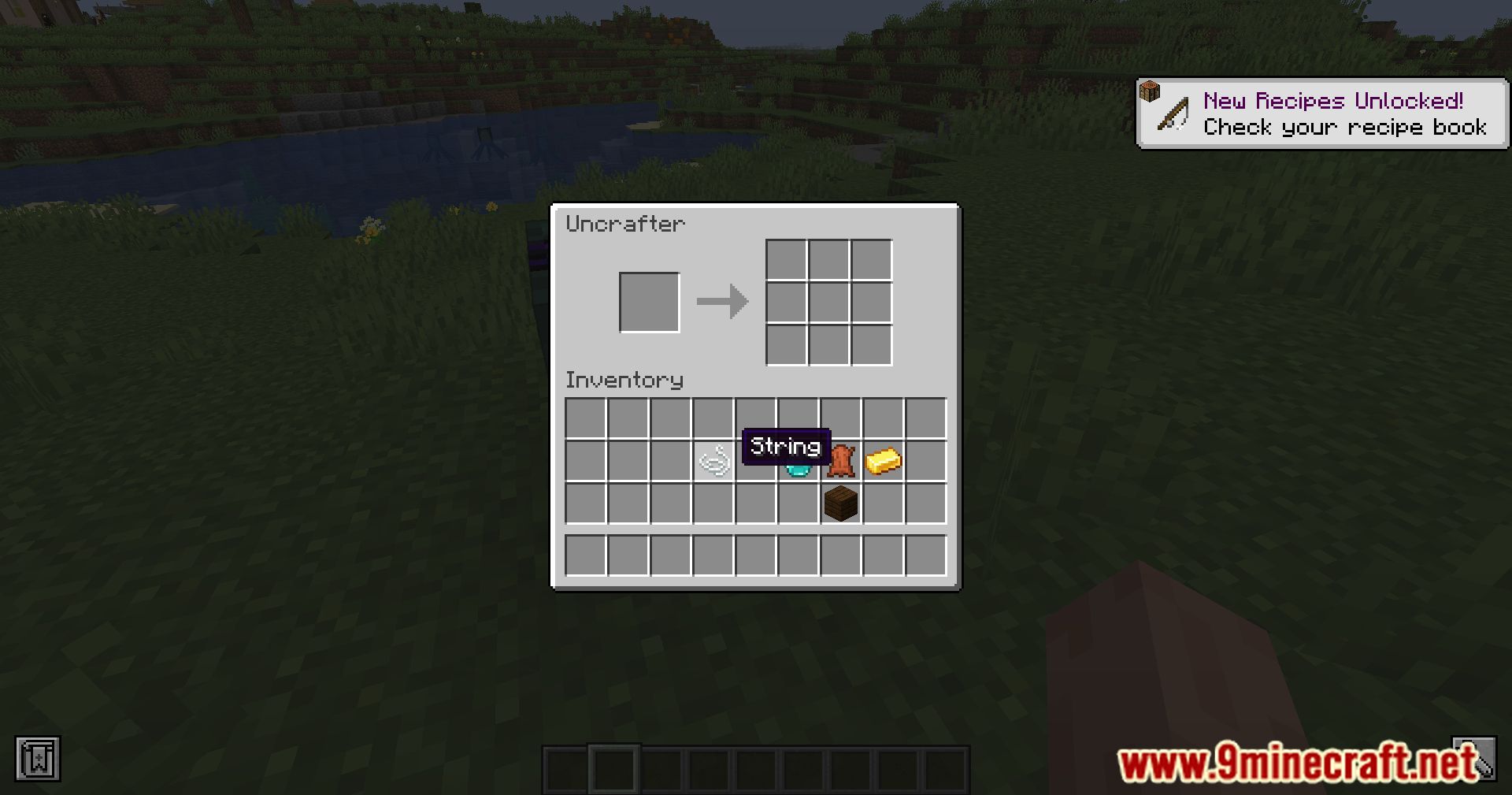
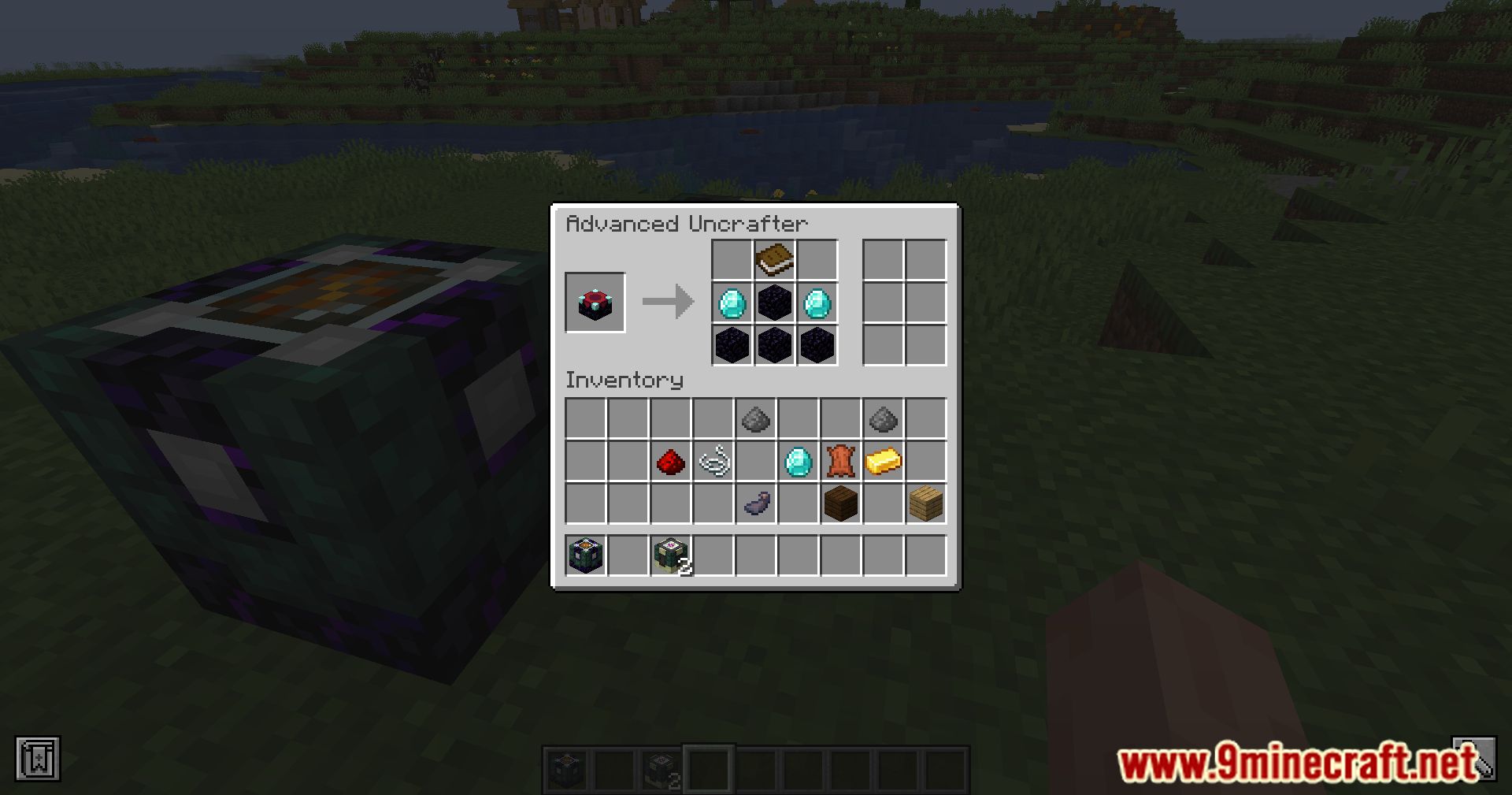
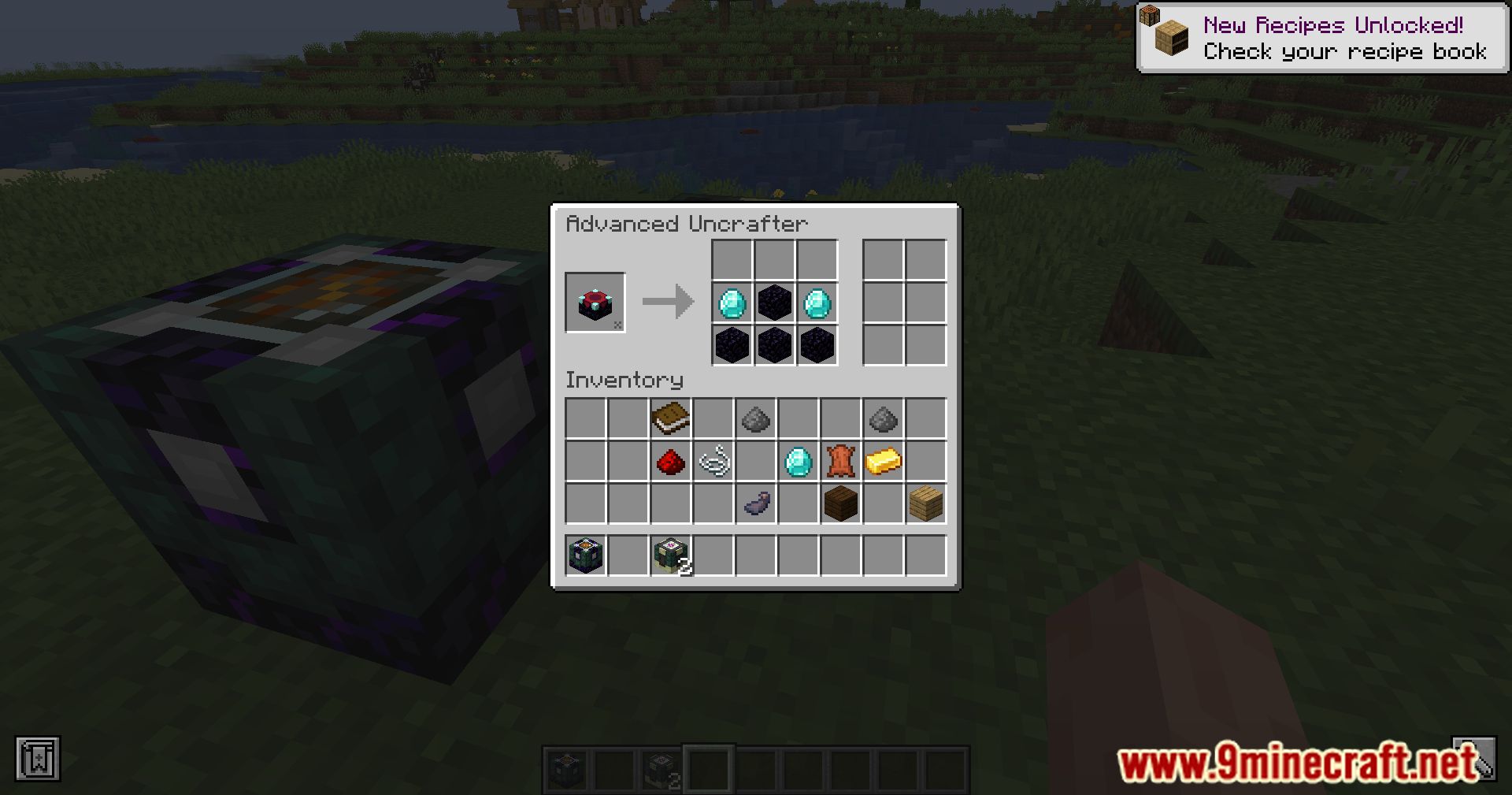
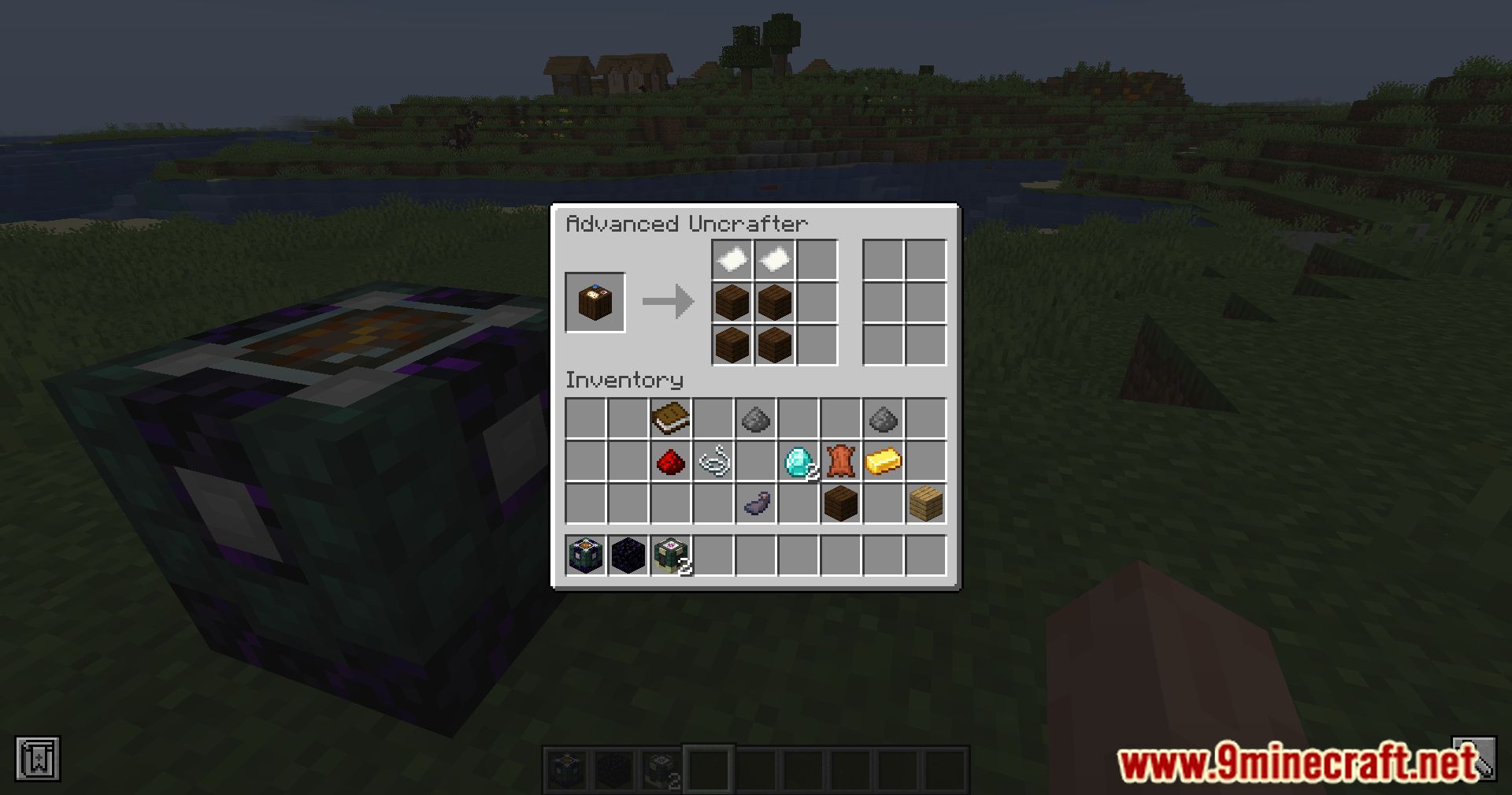
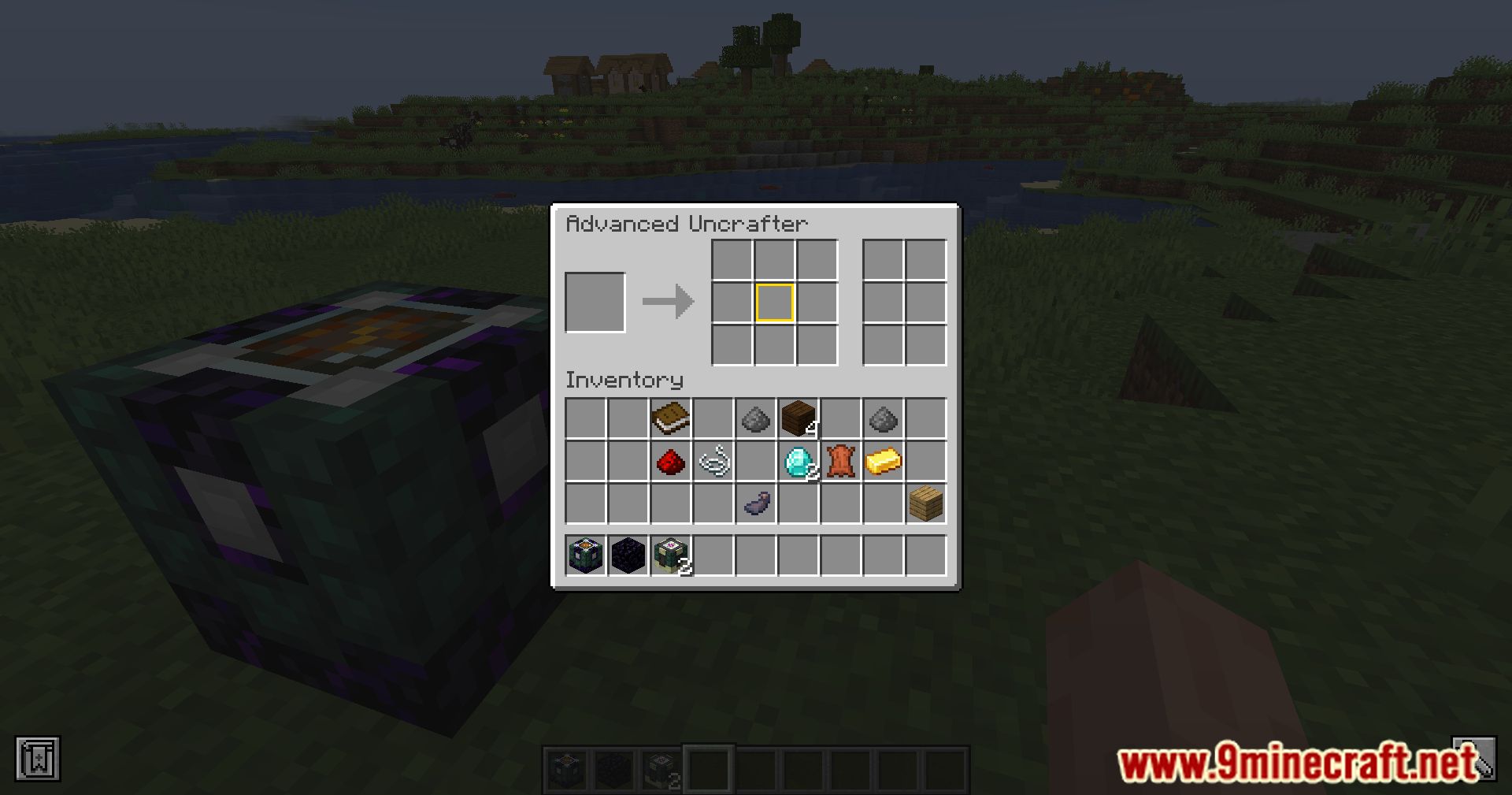
Crafting Recipes:
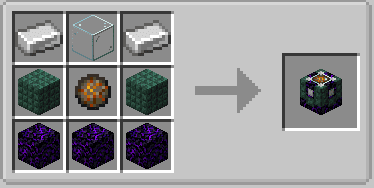
Requires:
Minecraft Forge or Fabric API
Resourceful Config Mod
Resourceful Lib Mod
Ketheroth’s Uncrafter Mod Download Links
For Minecraft 1.20.1
Forge Version: Download from Server 1 – Download from Server 2
Fabric Version: Download from Server 1 – Download from Server 2
For Minecraft 1.19.2
Forge Version: Download from Server 1 – Download from Server 2
For Minecraft 1.19
Forge Version: Download from Server 1 – Download from Server 2
For Minecraft 1.18.2, 1.18.1
Forge Version: Download from Server 1 – Download from Server 2
For Minecraft 1.17.1
Forge Version: Download from Server 1 – Download from Server 2
For Minecraft 1.16.5
Forge Version: Download from Server 1 – Download from Server 2
- Edition: Minecraft Java
- File type: .jar
- Minecraft versions listed: 1.20.1, 1.19.2
- How to install: Install the matching mod loader (Forge, Fabric or NeoForge) for your Minecraft version. → Download the .jar. → Put it in the .minecraft/mods folder and launch that loader profile.
- Where to get it: In MC Java Mods, or directly above on this page.
Install steps are the general flow for this file type — How to install Minecraft Java mods & modpacks walks through it step by step.
- Downloads as 203856.mcaddon
- Download size: 95 KB
- Download link checked 22 Jul 2026 — working
- Mirrored on our own servers — the download does not depend on the original host
These come from our own check of the pack file, not from the source page.